

Crea immagini e video.
I migliori modelli per immagini e video, in un unico studio.
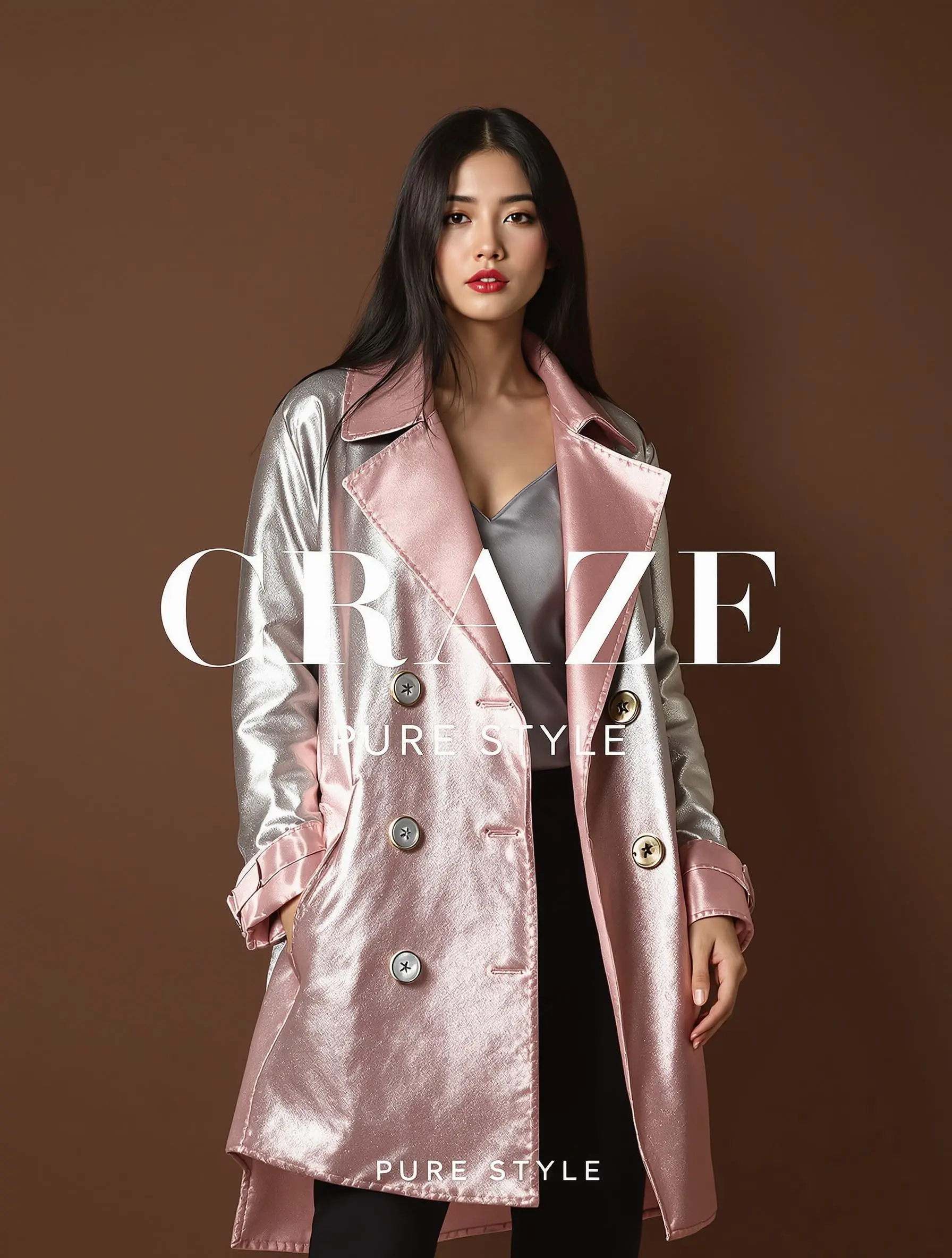
Upload a full-body photo, pick a stock model or tag a saved character, then add up to four pieces: top, bottom, outerwear and shoes or an accessory. Zemith dresses them in one generation and keeps the face and pose.
Top: white boxy tee. Bottom: pleated olive chinos. Outerwear: oatmeal linen blazer. Shoes: brown leather loafers.
Add one photo per piece into four slots: Top (shirt or sweater), Bottom (pants or skirt), Outerwear (jacket or dress) and Shoes or an accessory. Flat-lay photos and photos of the garment being worn both work, so you can style a complete outfit in a single pass.
Dress my saved character Mia in the new autumn knit and wide-leg trousers, standing against a plain studio wall.
Use a standing full-body photo of yourself or a model who agreed to it, pick a stock model, or tag a saved character made in AI Influencer. The same brand face can wear every new drop, season after season.
Finest detail: show the herringbone texture on the wool coat clearly, keep the pose and lighting unchanged.
Choose Fast to test colorways and combinations quickly, or Finest detail when you need fabric texture, prints and stitching to hold up on a product page. Both keep the person's face and pose, and every result is saved to History where a follow-up edit can change it further.
Animate this look into a slow runway walk toward the camera with a gentle turn at the end, soft studio light.
Animate a finished look into a short clip with image to video on Kling V3.0, Veo 3.1, Seedance 2.5 or Wan, cast the character in a Director film, or upload the look as the presenter photo in Ad Maker for a 9:16 presenter ad with captions.
I migliori modelli per immagini e video, in un unico studio.
GPT, Claude, Gemini, Grok, DeepSeek e altri in un'unica chat. Cambia quando vuoi.
Collega modelli e strumenti su una tela visiva, da un prompt a un video promozionale finito.
Chiedi una volta e ricevi documenti, presentazioni, fogli di calcolo e PDF pronti da inviare.
I progetti tengono insieme file, chat e istruzioni, così ogni risposta parte già dal contesto giusto.
Risparmia e smetti di passare da un'app all'altra.
Usa i modelli più recenti di OpenAI, Anthropic, Google e xAI, oltre a modelli aperti di punta come DeepSeek, Qwen e Kimi.
Cambia quando vuoi, anche a metà chat.
Chat, ricerca, voce e file, più workflow, attività programmate, strumenti di studio e strumenti per voce e immagini. Un solo abbonamento.
I migliori modelli, più strumenti per immagini, video e voce, in un solo piano.
Senza Zemith
 ChatGPT PlusUS$20.00
 Claude ProUS$20.00
 Google AI ProUS$19.99
 Grok PremiumUS$30.00
 Perplexity ProUS$20.00
 MidjourneyUS$10.00
 ElevenLabsUS$6.00
 Le Chat ProUS$14.99
 RunwayUS$15.00
 Kling StandardUS$8.80
 Gamma PlusUS$12.00
 Otter ProUS$16.99
 QuillBot PremiumUS$19.95
 Photoroom ProUS$12.99
 Quizlet PlusUS$7.99
Totale pagando separatamenteUS$234.70/mese
"I love the way multiple tools they integrated in one platform. Going in the right direction."
— simplyzubair
"The quality of data and sheer speed of responses is outstanding. I use this app every day."
— barefootmedicine
"The credit system is fair, models are perfect, and the discord is very responsive. Quite awesome."
— MarianZ
"Just works. Simple to use and great for working with documents. Money well spent."
— yerch82
"The organization of features is better than all the other sites — even better than ChatGPT."
— sumore
"It lives up to the all-in-one claim. All the necessary functions with a well-designed, easy UI."
— AlphaLeaf
"The team clearly puts their heart and soul into this platform. Really solid extra functionality."
— SlothMachine
"Updates made almost daily, feedback is incredibly fast. Just look at the changelogs — consistency."
— reu0691
Open Virtual Try-On in Creative Studio, choose the person (your photo, a stock model or a saved character), add one photo per garment in up to four slots, pick Fast or Finest detail and press Try it on. Zemith generates the person wearing those pieces while keeping their face and pose. A standing, full-body photo on a plain background works best.
Yes. Each generation takes up to four pieces: a top, a bottom, outerwear (a jacket or dress) and shoes or an accessory. You only need one garment to start.
No. You can use stock models or design your own consistent model in AI Influencer, which draws a character sheet from the front, side and up close and saves it as a reusable character. If you use a photo of a real person, make sure you have their permission.
Yes. Send the result to image to video and animate it with Kling V3.0, Google Veo 3.1, Seedance 2.5 or Wan, or upload it as the presenter photo in Ad Maker to make a vertical UGC ad with word-by-word captions.
Virtual Try-On is part of Creative Studio on Zemith Plus ($15.99/month, 1.5M credits) and Professional ($29.99/month, 3M credits). The exact credit cost shows before you generate, and top-ups start at $10 for 800,000 credits that never expire. The same plan also covers Product Studio, Ad Maker, video generation and AI chat.
Inizia gratis sul web, su iOS o Android.
Inizia Gratuitamente →Nessuna carta di credito richiesta