


トップモデルを、ツール内蔵で。
GPT、Claude、Gemini、Grok などで、ウェブ検索、ディープリサーチ、ファイルの読み込み、画像生成、コード実行ができます。
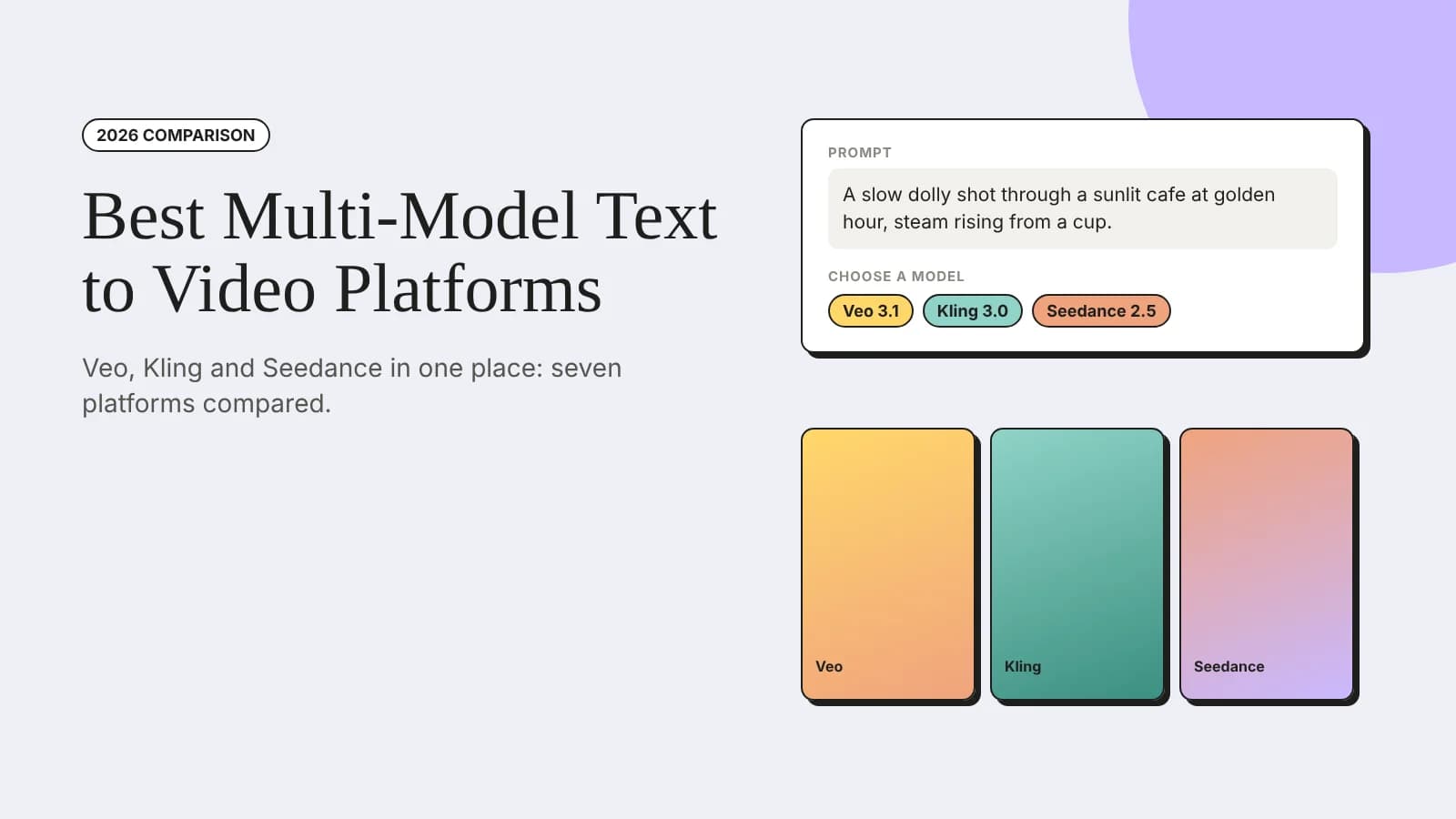
Seven text to video platforms that put Veo, Kling and Seedance in one place, compared on models, editing after generation and pricing.
A multi-model text to video platform is a single app that gives you access to several AI video models, such as Google's Veo, Kuaishou's Kling and ByteDance's Seedance, so you can type a prompt, compare results from different models and keep every clip in one place. Instead of paying for separate subscriptions and learning a different interface for each model, you choose the best model for each shot from one account.
This matters because AI video is now part of everyday production. Wyzowl's 2026 video marketing research found that 63% of video marketers have used AI tools to help create or edit marketing videos, up from 51% the year before, while 91% of businesses use video as a marketing tool. Each model has its own strengths, whether that is realistic motion, native audio or multi-shot scenes, so having several in one place makes it easier to get the shot you need.
Below, we compare seven platforms that bring Veo, Kling and Seedance together: invideo, Zemith, Magnific (formerly Freepik), Higgsfield, Krea, OpenArt and VEED. We look at how each one handles generating clips, editing them afterwards and turning them into a finished video.
| Platform | Veo, Kling and Seedance | Turning clips into a video | Best for |
|---|---|---|---|
| Invideo | Offers all three, plus Gemini Omni Flash and MiniMax | Builds scenes, voiceover and music from a prompt, then lets you refine everything on a multitrack timeline | Finished, editable videos from a single prompt |
| Zemith | Offers all three, plus Wan and Grok Imagine | Chains image and video steps in a workflow builder; video generation draws from the monthly credit allowance | One subscription for chat, images and video |
| Magnific (Freepik) | Offers all three across several versions, plus Wan, Hailuo and Runway | Video Project Editor and Clip Editor; credit cost depends on model, length and resolution | Designers who also need stock and images |
| Higgsfield | Offers all three, plus Wan, Grok Imagine and MiniMax | 250+ camera and VFX presets, video editing and lipsync; each generation uses credits | Stylised social clips with camera effects |
| Krea | Offers all three, plus Sora 2, Wan and Runway | Reference images, video, audio and a node editor; no timeline for assembling a full video | Experimenting across many models |
| OpenArt | Offers all three, plus Wan, Hailuo and LTX | Start and end frames, Director Mode and character tools; focused on clips rather than full edits | Consistent characters and story shots |
| VEED | Offers Veo and Kling, plus Sora 2 and Hailuo; Seedance is not shown in its model list | Browser video editor for captions, trimming and subtitles | Teams that already edit in VEED |
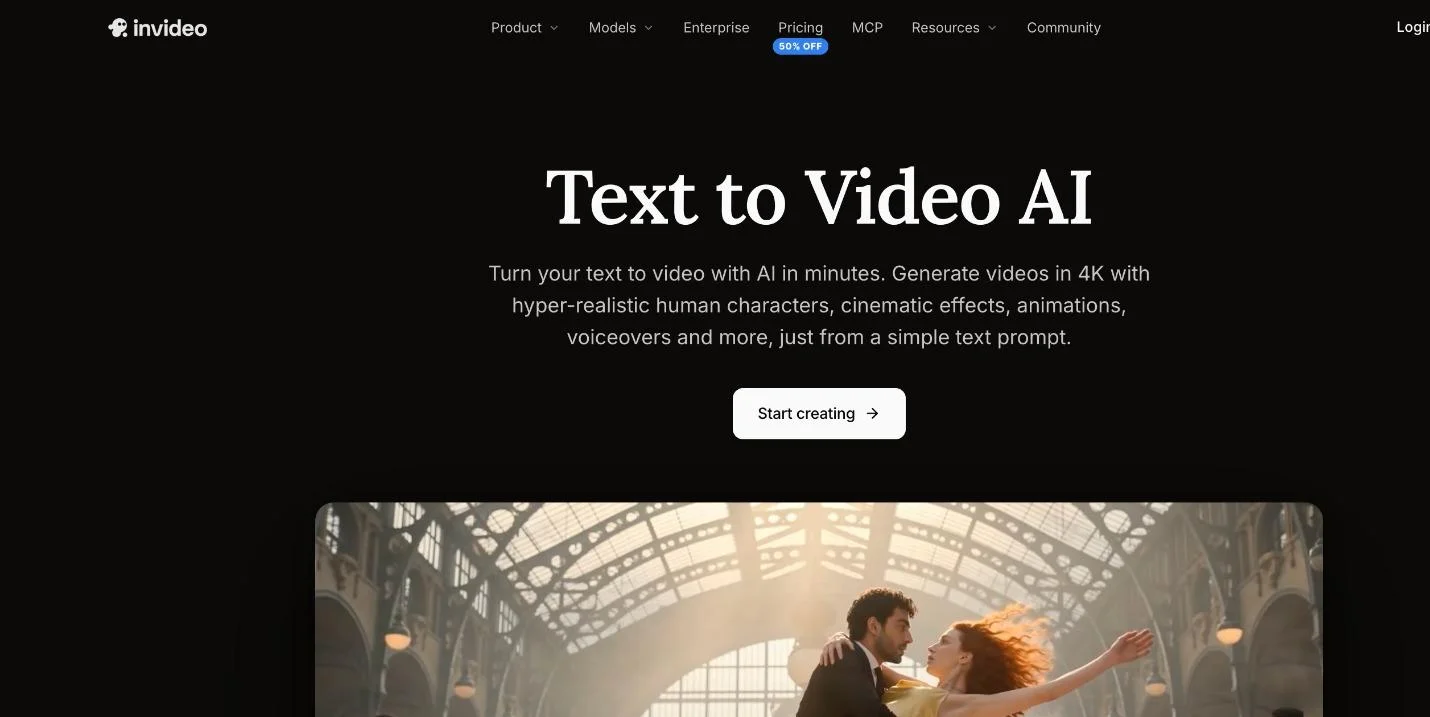
Invideo's text to video page
Invideo combines access to leading video models with a complete editor, which makes it the strongest choice when you need a finished video rather than a folder of clips. Its text to video AI turns a single prompt into scenes, visuals, voiceovers, music and edits, and gives you access to models such as Seedance 2.5, Veo 3.1, Kling, Gemini Omni Flash and MiniMax. For individual shots, the clip generator creates 8-second shots in 1K, 2K and 4K quality.
The difference shows up after generation. Every scene lands in invideo editor, where you can adjust scenes, refine details and continue on a real multitrack timeline instead of exporting clips to another app. You can describe a change in plain language or make it by hand, which is useful when one shot needs a different model or a tighter cut. Invideo also offers its editor as an MCP server, so you can direct edits from Claude or ChatGPT if you prefer working in an assistant.
On access, manual editing in invideo editor is free, while generating new AI video, images and audio uses credits, and the cost depends on the model you choose. According to invideo, videos generated on its free and paid plans are licensed for commercial use, including client work.
Invideo earns the top spot because it is the only platform here that takes you from a prompt to a complete, editable video with Veo, Kling and Seedance in the same workflow, without needing a separate editing tool.
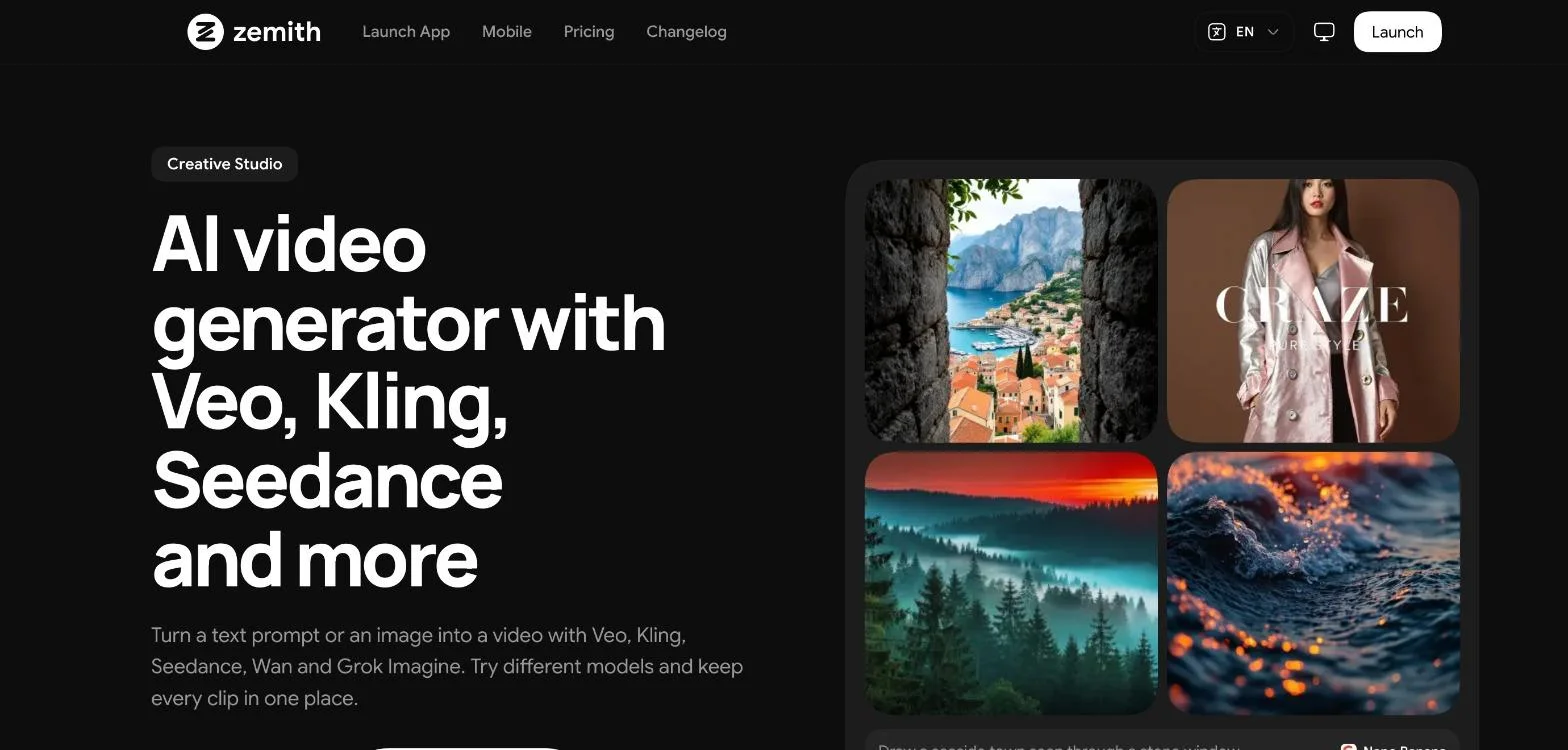
Zemith's AI video generator
Zemith is a multi-model AI app that puts chat models, image generation and video generation in one subscription. Its AI video generator lets you turn a text prompt or an image into a video with Veo, Kling, Seedance, Wan and Grok Imagine, try different models and keep every clip in one place. A workflow builder lets you chain image generation, editing and video steps so one prompt produces a finished clip.
The main advantage is breadth. The same account gives you chat with models from OpenAI, Anthropic, Google and others, plus image generation, research and document tools, which is useful if video is one part of a wider content workflow.
On pricing, Zemith Plus is listed at US$15.99 a month with 1.5 million credits, and video generation draws from that monthly allowance, with the cost of each generation shown in the app. The video page focuses on generating and chaining clips rather than on a multitrack editing timeline, so longer edits may still need a separate editor.
Zemith is a strong fit for creators and teams who want one subscription for most of their AI work, with video generation included alongside chat and images.
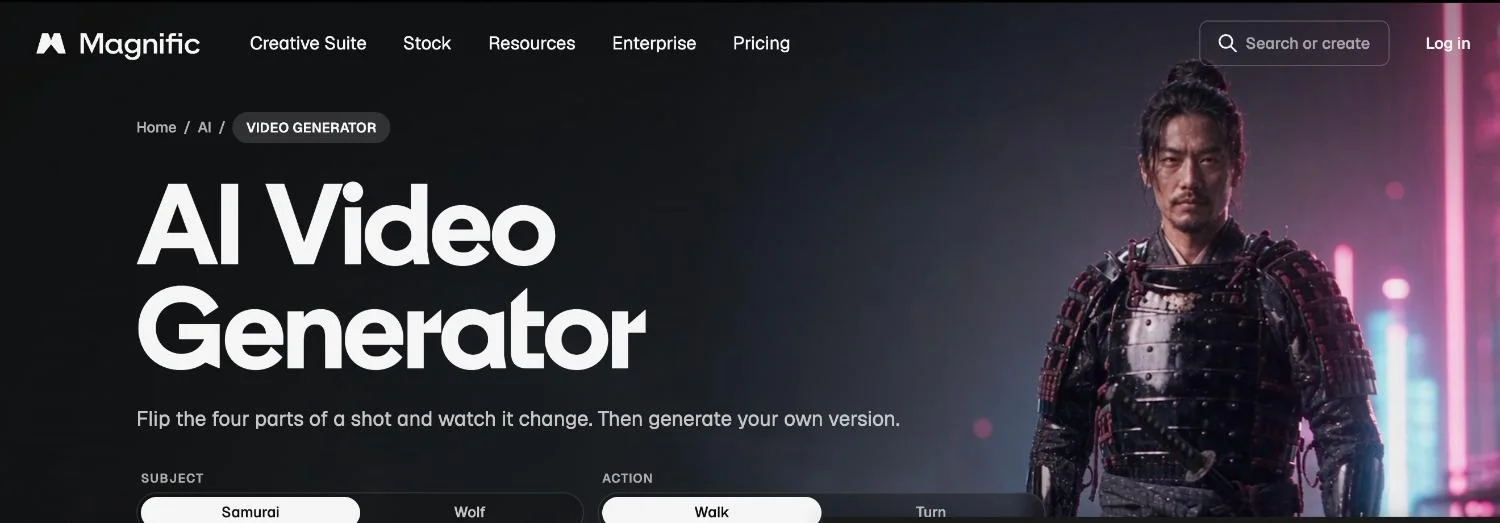
Magnific's AI video generator
Freepik's AI suite now operates under the Magnific name, and its video generator has one of the widest model lists in this roundup: Veo 3.1 and Veo 3.1 Fast, several Kling 3.0 and 2.x variants, Seedance 2.5, 2.0 and 1.5 Pro, Wan 2.6, Gemini Omni, MiniMax Hailuo 2.3 and models from Runway, PixVerse and Grok Imagine. It supports text and image to video, and after generation you can upscale, extend a clip past its last frame, add a voice or score and use a Video Project Editor or Clip Editor.
Pricing is credit based. Magnific says the cost depends on the model, the length and the resolution, and that every plan draws from the same credit balance. That flexibility is useful, but repeated generations on premium models can use credits quickly.
Magnific suits designers and marketers who already rely on Freepik-style stock and image tools and want video generation in the same place.
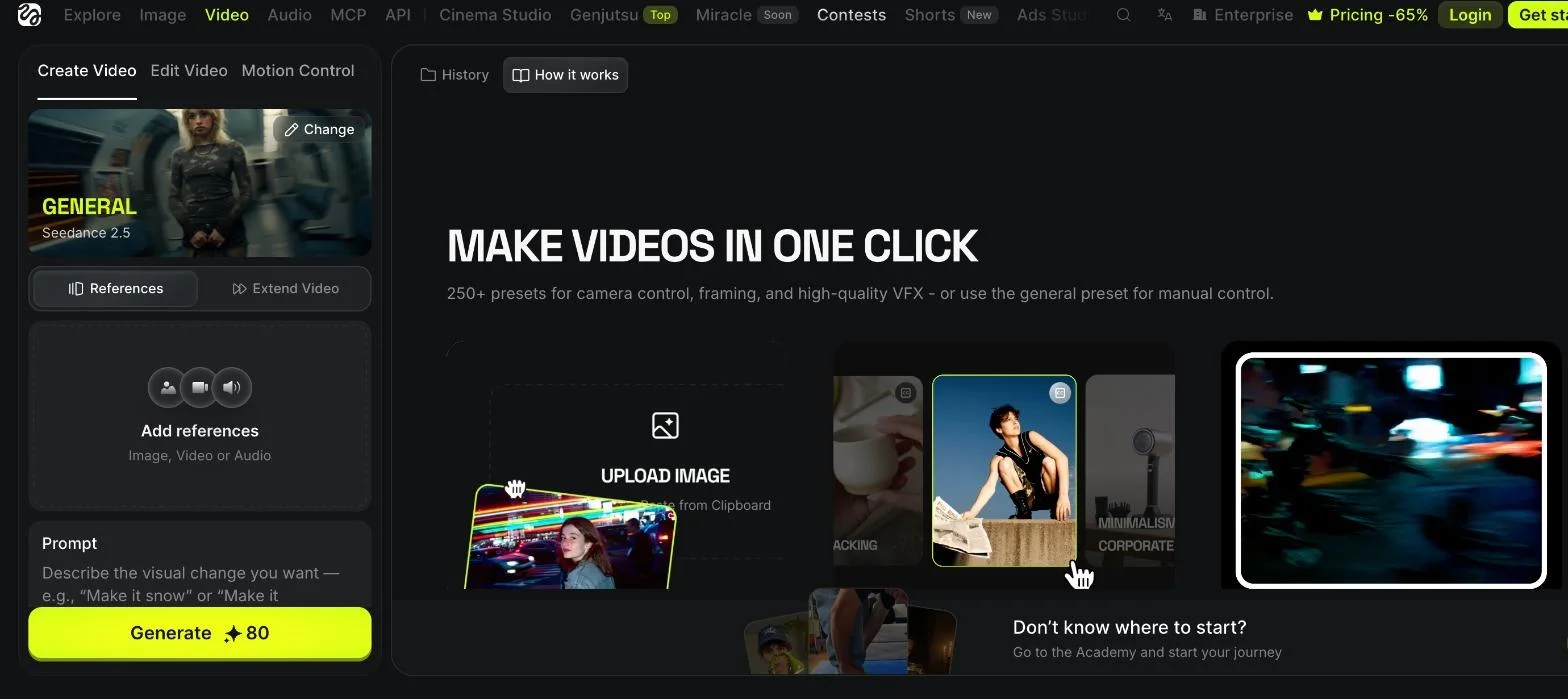
Higgsfield's video creation workspace
Higgsfield focuses on short, eye-catching video. Its model list includes Seedance 2.5 and 2.0, Kling 3.0 and 4.0, Veo 3.1, Wan 2.6, Grok Imagine 1.5, Gemini Omni Flash and MiniMax H3. The standout feature is a library of more than 250 presets for camera control, framing and VFX, alongside tools for editing video, motion control and lipsync.
Each generation uses credits, with the cost shown on the generate button, and the platform does not provide a multitrack timeline for assembling a longer video. That makes it better for individual social clips than for full edits.
Higgsfield is a good pick for creators who want dramatic camera moves and effects for Reels, Shorts and TikTok without building them by hand.
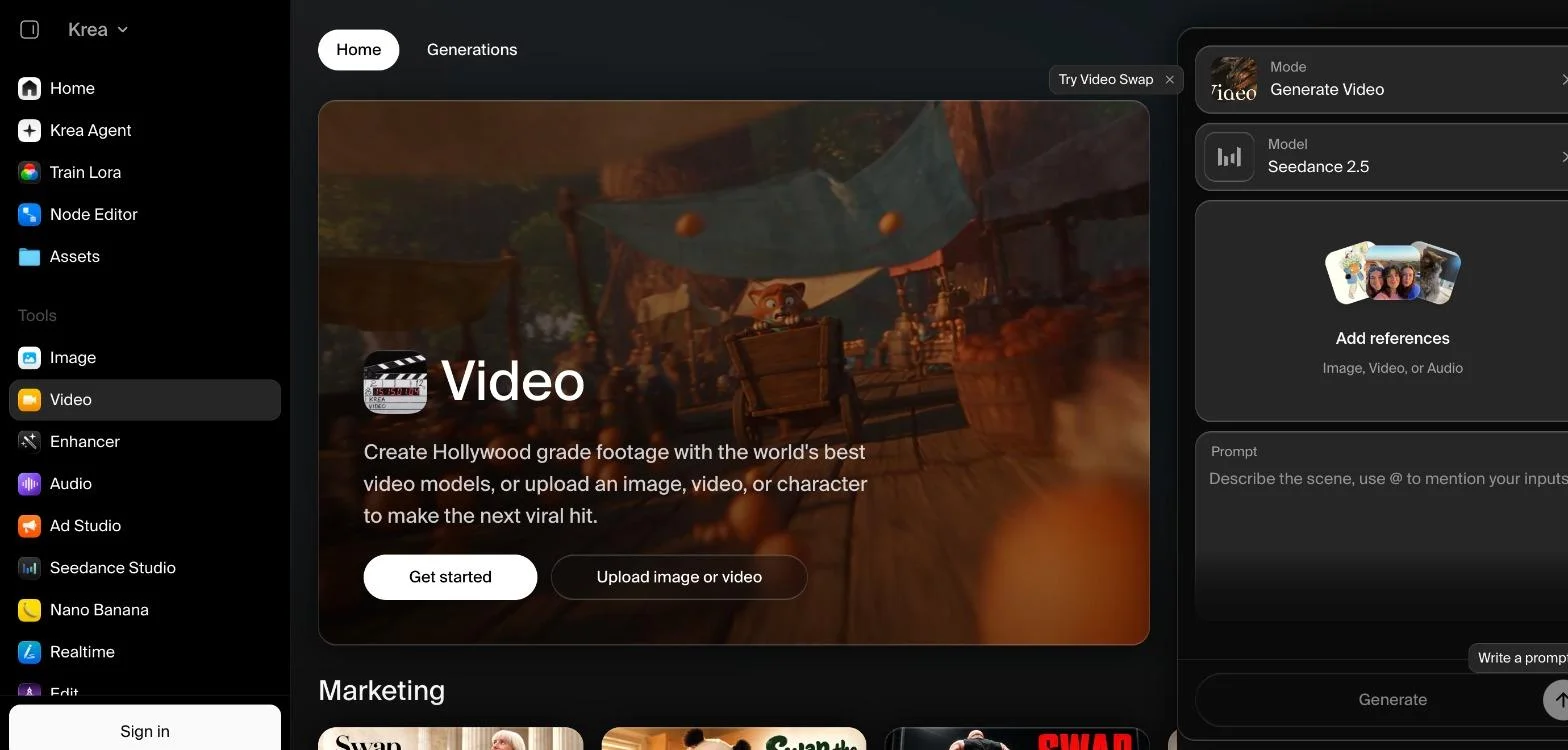
Krea's video workspace
Krea offers a broad set of video models, including Seedance 2.5, Veo 3.1, Sora 2, Kling, Wan and Runway, in a clean workspace where you can add image, video or audio references and describe the scene. Beyond video, it includes image generation, an enhancer, LoRA training, a node editor and an agent, which makes it attractive for creative experimentation.
Krea is built around generating and refining individual clips. It does not offer a timeline for arranging clips into a finished video with voiceover and music, so you would export the clips to an editor for the final cut.
Krea suits designers and artists who want to compare many models side by side and push visual style before moving to an editor.
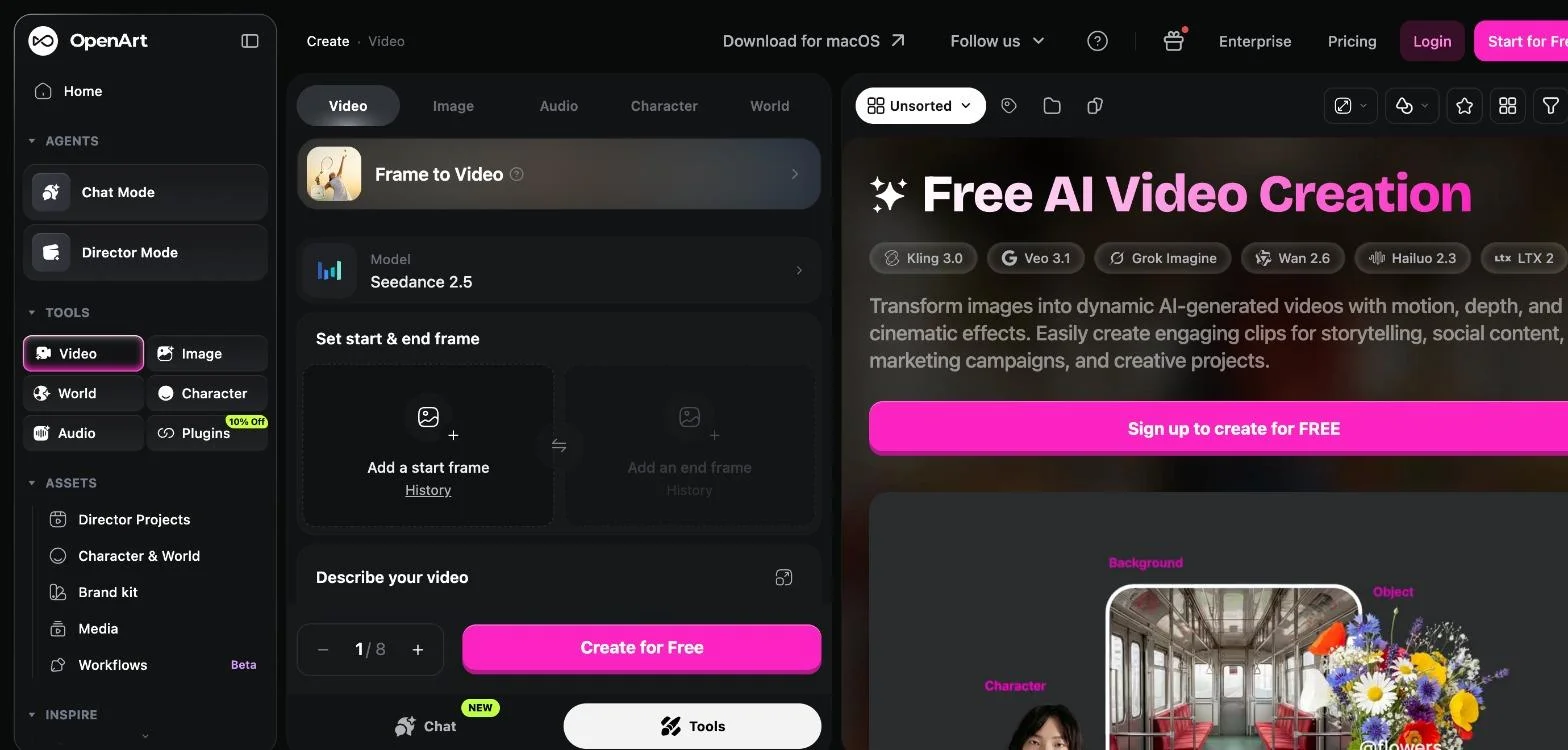
OpenArt's video tools
OpenArt's video tools include Kling 3.0, Veo 3.1, Seedance 2.5, Grok Imagine, Wan 2.6, Hailuo 2.3 and LTX 2. Its Frame to Video mode lets you set a start and end frame, and features such as Director Mode, Character and World, a brand kit and workflows help you keep characters and settings consistent across shots.
The platform invites new users to sign up for free credits, while ongoing generation runs on paid credits. Like Krea and Higgsfield, it focuses on creating shots rather than editing them into a complete video.
OpenArt is a strong choice for storytellers who need the same character to appear across many AI-generated scenes.
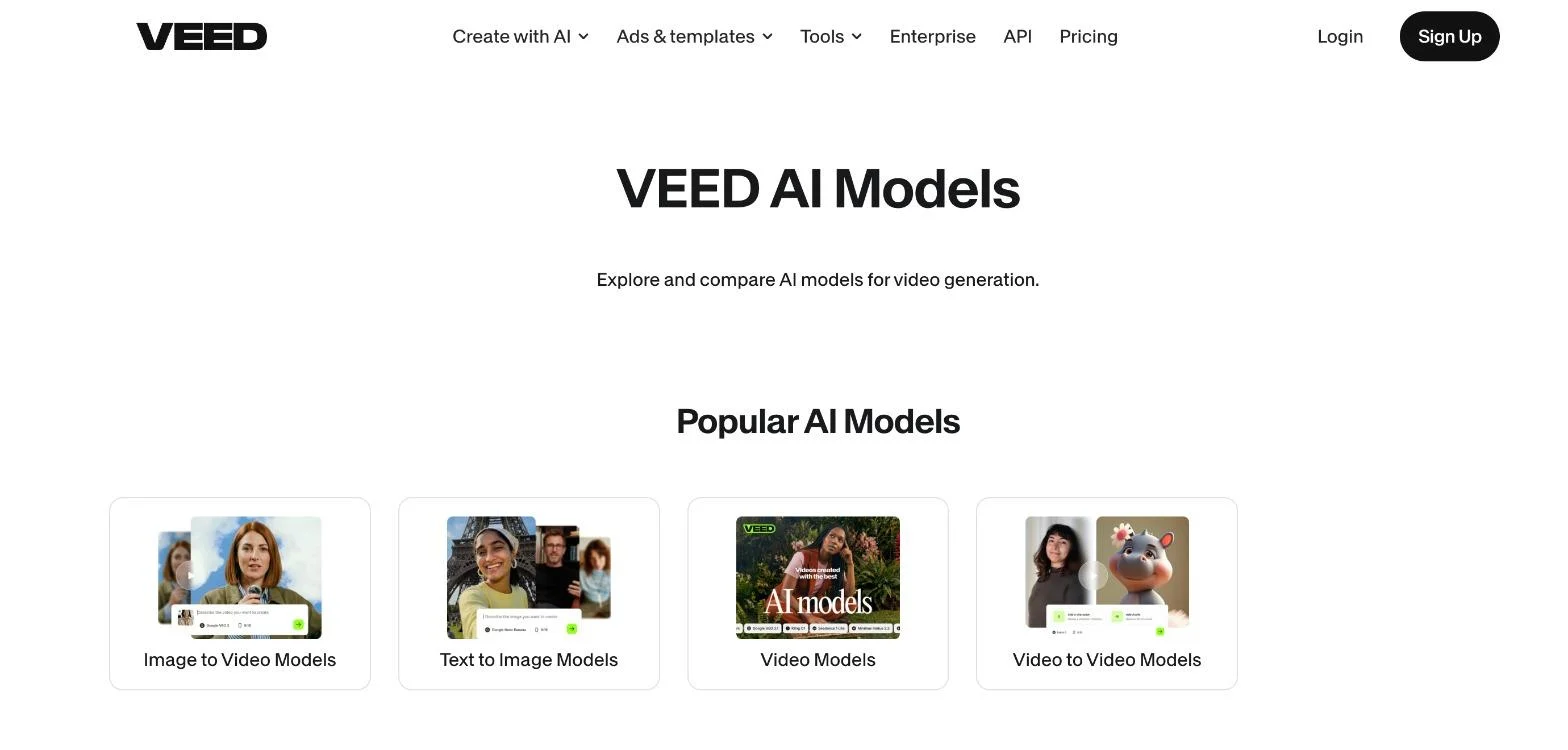
VEED's AI model library
VEED is best known as a browser video editor for captions, subtitles, trimming and transcription, and it has added a large library of AI models. Its model page lists Veo 3, Veo 3.1 and Veo 4, Kling 2.6 and 3.0, Sora 2 and Sora 2 Pro, MiniMax Hailuo, Wan, PixVerse and LTX Video, alongside its own Fabric and Motion models.
Seedance is mentioned in the page description but is not shown in the visible model list, so check availability before you rely on it for a project. The advantage is that generated clips sit next to VEED's familiar editing and caption tools.
VEED fits teams that already use it for captions and quick edits and want AI generation in the same tool.
Having several models in one place only helps if you know when to switch. As a starting point, try Google DeepMind's Veo 3.1 when you want native audio such as dialogue, ambient sound and effects, and ByteDance's Seedance for multi-shot scenes from text or images.
Kling is a popular choice for realistic human motion. Generate the same prompt on two or three models, keep the best take and assemble the winners in your editor. If you often start from still images, this guide on how to create animation from photos covers that side of the workflow.
It is an app that gives you access to several AI video models, such as Veo, Kling and Seedance, through one account. You can compare models on the same prompt and keep all your clips together.
Invideo is the strongest choice in this list for finished videos, because it builds scenes, voiceover and music from a prompt and lets you refine everything on a multitrack timeline in the same app.
Each model has different strengths. One may handle realistic motion better, another may generate native audio and another may be better at multi-shot scenes. Trying the same prompt on several models helps you get the best result for each shot.
Most platforms charge credits for each generation. The cost usually depends on the model, the clip length and the resolution, so premium models and longer clips use more credits. Check each platform's pricing page before starting a large project.
It depends on the platform's terms. Invideo states that videos generated on its free and paid plans are licensed for commercial use. Always check the current terms of the platform you choose.
With clip-focused platforms such as Krea, Higgsfield and OpenArt, you will usually need an editor to assemble a full video. Platforms with a built-in timeline, such as invideo, let you finish the video in the same place. For ideas on turning one video into many posts, see these content repurposing strategies.
The best multi-model text to video platform depends on what you need at the end. If you want a complete, editable video from a single prompt, invideo leads this list. If you want one subscription for most of your AI work, Zemith is a strong option, and Magnific, Higgsfield, Krea, OpenArt and VEED each serve a specific creative need. Try the same prompt on a few models, keep the best shots and finish them in the right editor. Which model would you test first for your next video?
AI サブスク 1 つ分より安く、GPT、Claude、Gemini などに加えて 50 以上の AI ツールが使えます。


信頼される企業チーム





トップモデルに加え、画像・動画・音声ツールもひとつのプランで。
Zemithなし
ChatGPT PlusUS$20.00Claude ProUS$20.00Google AI ProUS$19.99Grok PremiumUS$30.00Perplexity ProUS$20.00 MidjourneyUS$10.00
 ElevenLabsUS$6.00Le Chat ProUS$14.99
 RunwayUS$15.00Kling StandardUS$8.80
 Gamma PlusUS$12.00
 Otter ProUS$16.99
 QuillBot PremiumUS$19.95
 Photoroom ProUS$12.99
 Quizlet PlusUS$7.99
個別に支払った場合の合計US$234.70/月
"I love the way multiple tools they integrated in one platform. Going in the right direction."
— simplyzubair
"The quality of data and sheer speed of responses is outstanding. I use this app every day."
— barefootmedicine
"The credit system is fair, models are perfect, and the discord is very responsive. Quite awesome."
— MarianZ
"Just works. Simple to use and great for working with documents. Money well spent."
— yerch82
"The organization of features is better than all the other sites — even better than ChatGPT."
— sumore
"It lives up to the all-in-one claim. All the necessary functions with a well-designed, easy UI."
— AlphaLeaf
"The team clearly puts their heart and soul into this platform. Really solid extra functionality."
— SlothMachine
"Updates made almost daily, feedback is incredibly fast. Just look at the changelogs — consistency."
— reu0691
リサーチ、執筆、デザイン、フォローアップを任せられます。Zemith が必要なツールを選び、完成した成果物を届けます。
GPT、Claude、Gemini、Grok などで、ウェブ検索、ディープリサーチ、ファイルの読み込み、画像生成、コード実行ができます。
Zemith はクラウドで作業を続け、完了したらお知らせします。
Notion、Linear、Canva、Airtable など。作成や変更の前には必ず確認します。
ドキュメント、スライド、シート、PDF をすぐ送れる形で。
ビジュアルキャンバス上でモデルとツールをつなげ、ひとつのプロンプトから完成したプロモ動画まで仕上げます。
ブリーフィング、レポート、リマインダーをスケジュール実行。必要なときには準備ができています。
カメラや画面を見ながら、リアルタイムで音声会話。
最高の画像・動画モデルを、ひとつのスタジオに。
PDF、リンク、YouTube 動画を、ポッドキャスト、クイズ、フラッシュカード、マインドマップに変換できます。












 ポッドキャスト
 クイズ
 フラッシュカード
 マインドマップ
 インフォグラフィック