AI VideoCamera Moves
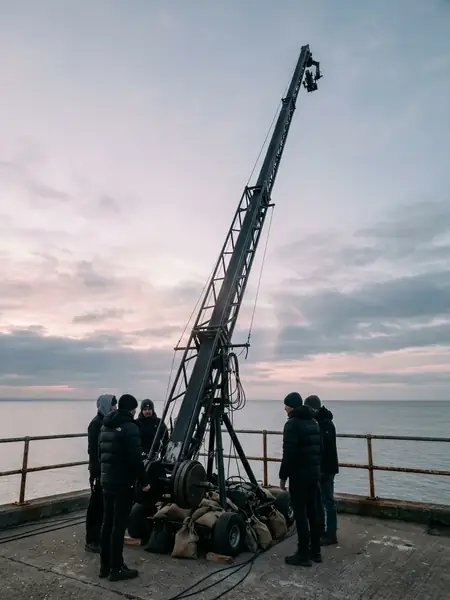
クレーンアップ
Uses your product or portrait photo
Full Production Prompt
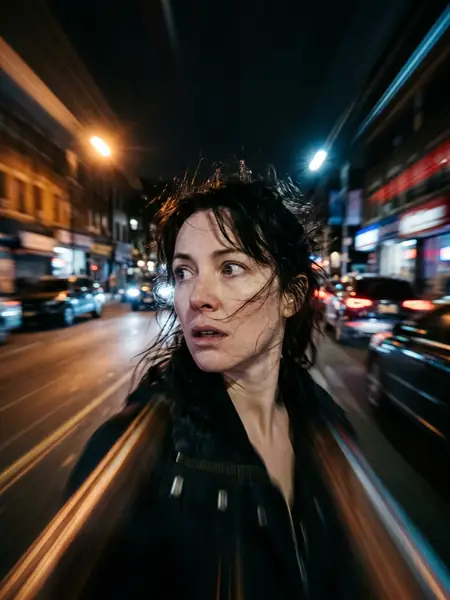
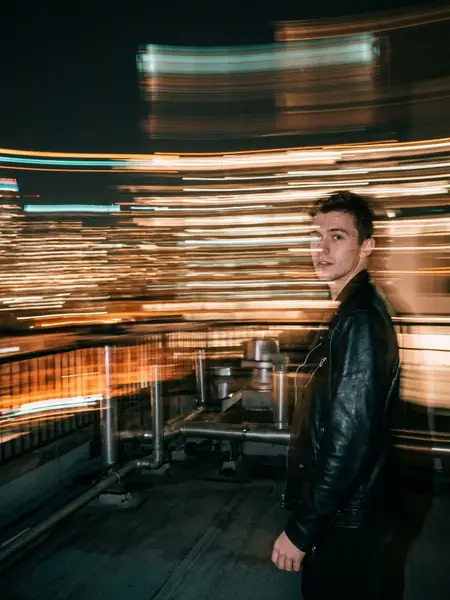
Camera move: a graceful crane-up. The camera starts at the subject's level in this photo and rises smoothly and steadily upward and slightly back, the subject sinking lower in the frame as the wider scene opens out around and beyond them. Keep faces, objects and colours exactly as in the photo, with the subject only breathing and blinking softly. One continuous film-crane shot, no cuts, 28mm lens look, gentle and epic.
How to Remix This Template in Zemith
- 1Click 'Remix in Studio' to open Zemith Creative Studio with this exact prompt and aspect ratio pre-filled.
- 2Swap the subject details (or drop in your own product/portrait photo for photo-guided templates).
- 3Generate across Nano Banana Pro, Flux 2, Google Veo 3.1, or Kling V3.0 from a single workspace.
Run every flagship image & video model in one $15.99/mo workspace
Stop paying separate subscriptions for image generation, upscaling, and AI video. Zemith Plus ($15.99/mo, 1.5M credits) unlocks Nano Banana Pro, Flux 2, Recraft, Google Veo 3.1, and Kling V3.0 side by side.