12 Best AI Tools for Content Creation in 2025 (Our Top Pick)
Discover the 12 best AI tools for content creation in 2025. Boost your workflow with our in-depth reviews on writing, video, and design platforms.
The demand for high-quality content is exploding, but so are the challenges of producing it at scale. Juggling multiple subscriptions for writing, image generation, video editing, and research is both inefficient and costly. The AI Content Revolution is truly here, enabling you to effectively automate content creation with AI and break free from this fragmented workflow.
This article dives straight into the top AI tools for content creation that solve this very problem. We provide in-depth, actionable reviews, not just generic feature lists, to help you identify the platforms that can genuinely transform your creative process. Our analysis focuses on practical use cases, honest limitations, and clear guidance for choosing the right tools.
You will learn how to consolidate your creative stack, save money, and reclaim your time. For each tool, we include detailed overviews, screenshots, and direct links to help you make an informed decision. We’ll explore powerful platforms like Zemith for unified content workflows, Jasper for long-form writing, and Synthesia for video generation. This guide is your definitive resource for finding the best AI tools to streamline your entire content lifecycle from ideation to final publication.
1. Zemith
Zemith establishes itself as a premier all-in-one platform, a standout choice among AI tools for content creation for its remarkable consolidation of diverse AI capabilities. It effectively eliminates the need for multiple subscriptions by unifying access to industry-leading models like Gemini-2.5 Pro, Claude 4 Sonnet, and GPT o3-mini within a single, streamlined workspace. This approach provides a powerful and cost-effective solution for creators who require flexibility and top-tier performance.
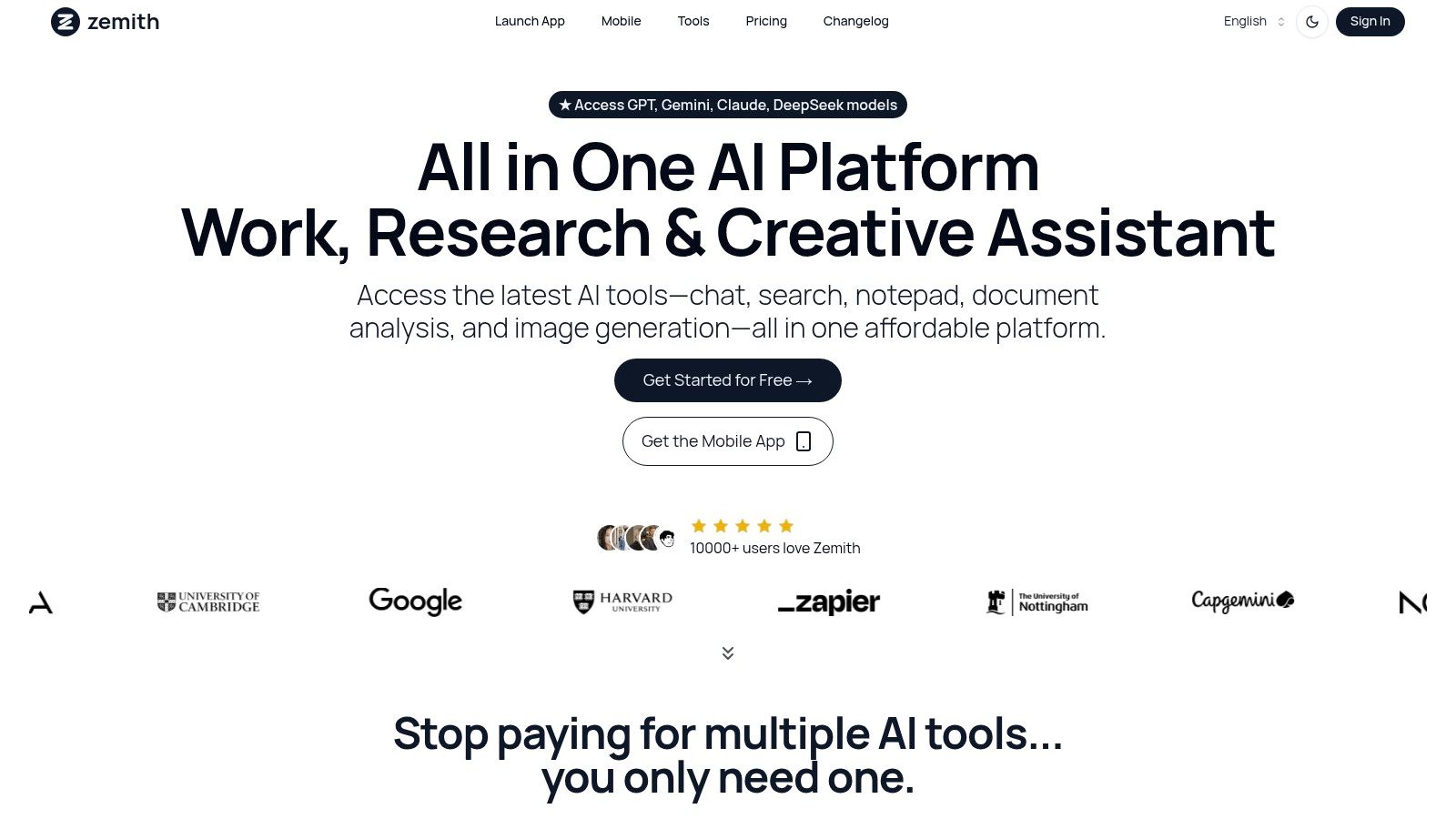
The platform is engineered to support the entire content lifecycle, from initial research to final polished output. Its integrated suite is not just a collection of tools but a cohesive ecosystem designed for maximum efficiency. For content strategists and writers, this means leveraging real-time web search for up-to-date information, analyzing source documents with the Document Assistant, and then seamlessly transitioning to the Smart Notepad to draft, rephrase, and perfect copy with AI-powered suggestions.
Key Strengths & Use Cases
- Multi-Model Content Generation: Instead of being locked into one AI's style, you can switch between models like Gemini for creative brainstorming and Claude for detailed, nuanced long-form content. An actionable insight is to use Gemini for generating a list of blog titles and then switch to Claude to write the full article for one of those titles, all within the same platform.
- Intelligent Content Repurposing: A standout practical application is Zemith's document analysis. Upload a whitepaper or research report, and the platform can automatically generate a summary, a blog post, a series of social media updates, or even convert the key points into an audio podcast. This allows you to multiply your content output from a single source document.
- Integrated Creative Suite: Marketers and designers can generate unique visuals with the image creation tools and then immediately use the writing assistant to craft accompanying ad copy or social media captions, all without leaving the platform. This unified workflow saves significant time and ensures brand consistency.
Practical Considerations
While the extensive feature set is a major advantage, new users should plan for a brief learning period to fully grasp the multi-model environment. The free plan offers an excellent entry point, but for serious content creation workflows, a paid subscription is necessary to unlock the most advanced models and higher credit allowances.
Website: https://www.zemith.com
Pricing: Starts with a robust free forever plan. Paid subscriptions range from $6.99 to $24.99 per month (billed annually), offering access to more advanced models and features.
2. Writesonic
Writesonic positions itself as a comprehensive AI writing assistant, excelling at rapidly generating diverse forms of content. What sets it apart is its vast library of over 50 specialized templates, making it one of the most versatile ai tools for content creation for teams with varied needs. Whether you're drafting ad copy, structuring a blog post, or creating product descriptions, there's a pre-built tool designed to streamline the process.
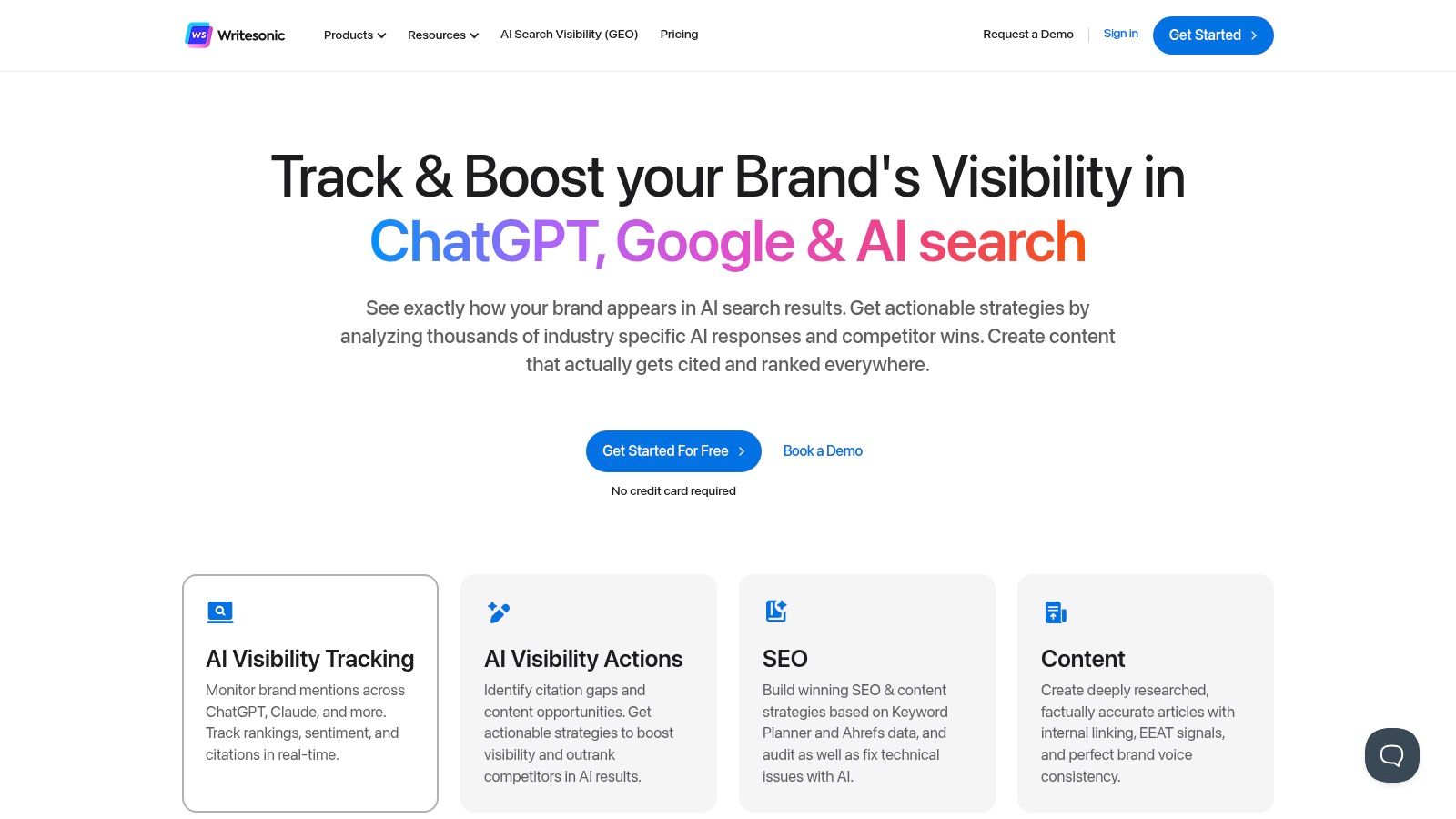
The platform is particularly strong for marketing professionals and bloggers who need to produce high-volume, quality content efficiently. Its user-friendly interface simplifies the generation process, allowing even novices to get started quickly. An actionable insight is to use a tool like Writesonic for high-volume, template-driven tasks, but then use a platform like Zemith to analyze the performance of that content and generate deeper, research-backed follow-up pieces. For more initial ideas, you can learn more about generating blog post ideas on Zemith.com.
Key Details & Pricing
- Best For: Marketing teams, bloggers, and e-commerce businesses needing diverse content types.
- Key Feature: Its "Sonic Editor" (a Google Docs-like editor) allows for real-time AI assistance and editing, a standout feature for long-form content.
- Pricing: Offers a free trial with a word limit. Paid plans start around $13/month (billed annually) for individuals and scale up for teams and businesses, with pricing based on word count and user seats.
- Pros: Excellent template variety, intuitive interface, and strong SEO integration.
- Cons: Generated content occasionally requires significant editing for tone and accuracy; credit-based pricing on some plans can be confusing.
3. Jasper AI
Jasper AI is a market leader often praised for its ability to produce high-quality, human-like copy across a wide range of formats. It excels at crafting everything from long-form blog posts to persuasive marketing copy, making it one of the most powerful ai tools for content creation available. Its key distinction lies in its sophisticated "Brand Voice" feature, which allows users to upload documents or scan a URL to teach the AI their specific tone, style, and terminology for truly on-brand content.
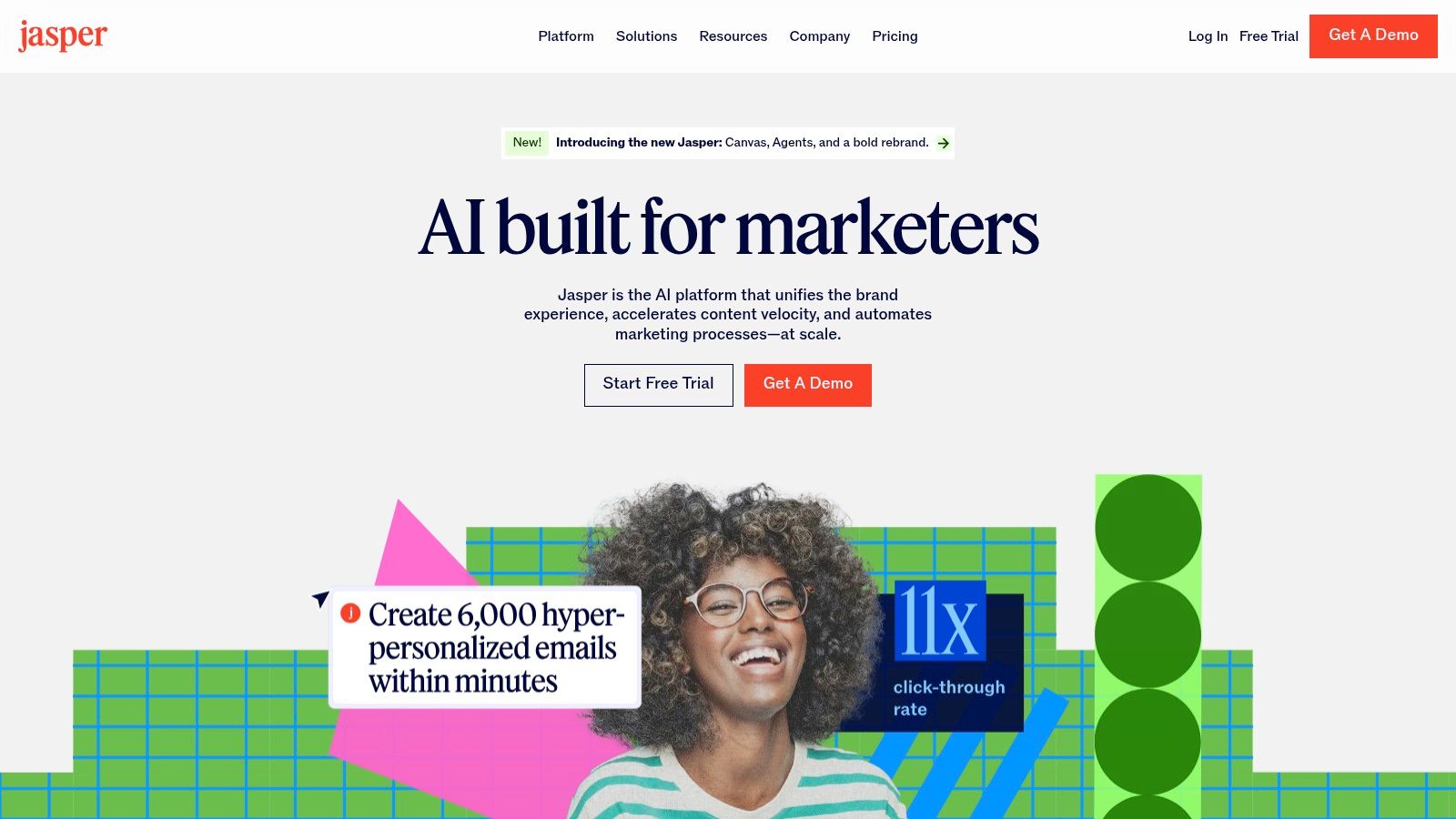
This platform is ideal for content teams and businesses aiming for brand consistency and advanced content workflows. An actionable insight for teams using Jasper is to centralize the outputs within a more comprehensive platform. For instance, after generating a blog post in Jasper, you could import it into Zemith's Document Assistant to instantly create a podcast script or a presentation, maximizing the value of your initial investment. For those evaluating different platforms, you can explore detailed comparisons of the best AI content generators on Zemith.com to see how Jasper stacks up.
Key Details & Pricing
- Best For: Marketing agencies, enterprise teams, and creators focused on brand consistency and high-quality output.
- Key Feature: The "Brand Voice" and "Campaigns" features allow for cohesive, multi-asset content generation that maintains a consistent tone.
- Pricing: Plans are premium, starting at $39/month (billed annually) for the Creator plan, with custom pricing for Teams and Business tiers based on user seats and features.
- Pros: Excellent for creating on-brand content, strong collaboration tools, and supports over 30 languages.
- Cons: Higher price point than many alternatives; the sheer number of features can be overwhelming for new users.
4. Copy.ai
Copy.ai streamlines the creative process by focusing on speed and simplicity, making it an excellent choice for generating short-form marketing copy and brainstorming initial ideas. Its standout quality is the user-friendly interface combined with over 90 specialized templates, which guide users directly to the type of content they need, from ad headlines to social media posts. This makes it one of the most accessible ai tools for content creation for individuals or small teams just starting with AI.
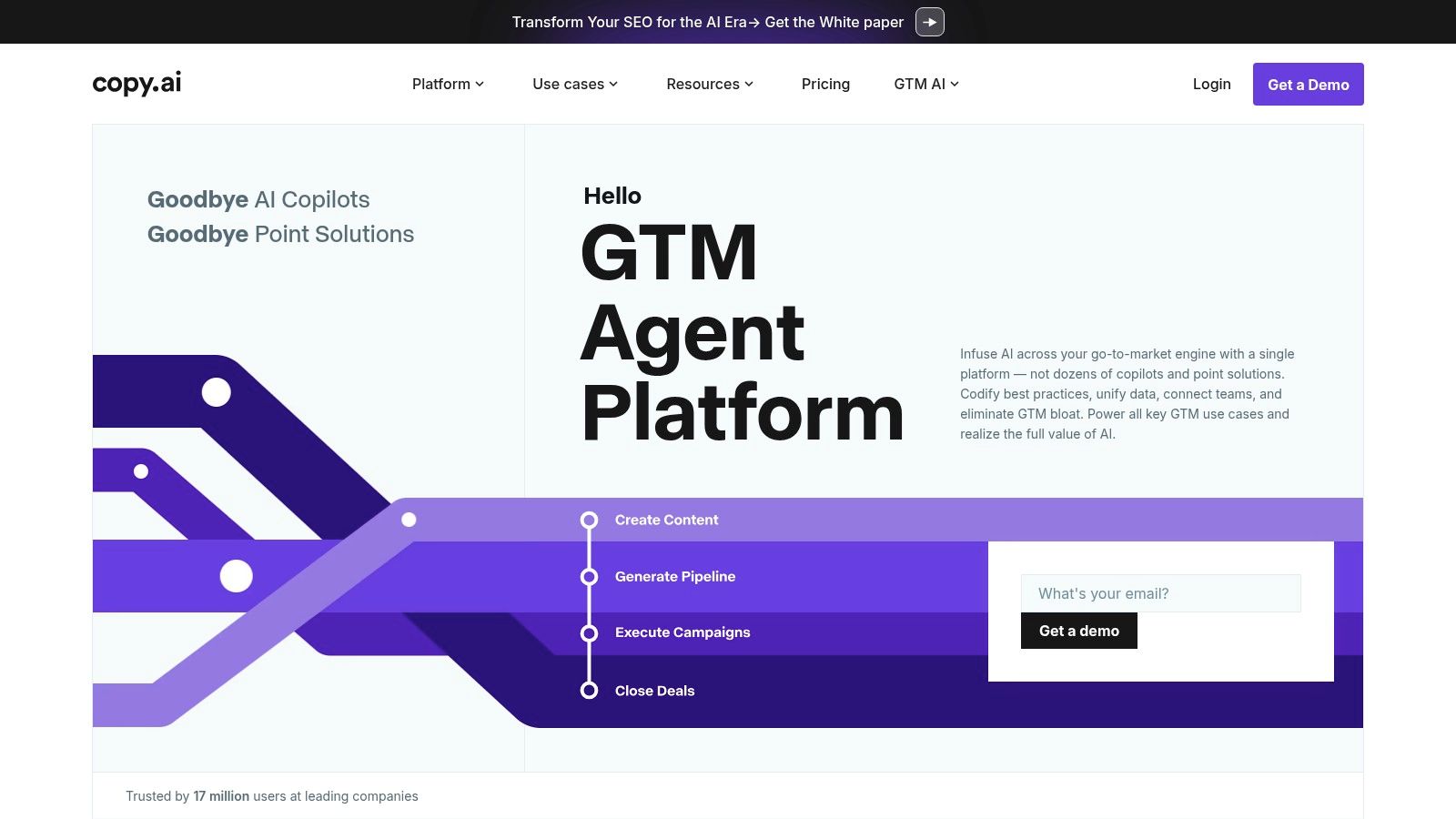
The platform truly shines when you need to overcome writer's block or produce multiple creative variations quickly. While it generates the initial spark, combining its output with a strategic content plan is key. An actionable insight is to use Copy.ai for high-volume brainstorming of social media hooks, and then use a more robust tool like Zemith to develop the most promising ideas into data-driven, long-form articles. You can also learn how to create high-ranking blog content on Zemith.com to develop those ideas into full-fledged, SEO-optimized articles.
Key Details & Pricing
- Best For: Social media managers, email marketers, and entrepreneurs needing quick, creative copy.
- Key Feature: The "Infobase" feature allows you to save key information about your brand and products, ensuring the AI generates more consistent and on-brand content over time.
- Pricing: Offers a generous free plan with a 2,000-word limit per month. Paid plans start at $36/month (billed annually) for unlimited words and more advanced features.
- Pros: Very intuitive interface, excellent for brainstorming creative angles, and a strong free plan.
- Cons: Long-form content can lack depth and requires more editing; the free plan has a limited word count.
5. Rytr
Rytr stands out in the crowded market of ai tools for content creation by focusing on simplicity, speed, and exceptional value. It's designed for users who need to produce quality short-form content quickly without a steep learning curve or a hefty price tag. Its streamlined interface allows anyone to select a use case, input some context, choose a tone, and generate text in seconds.
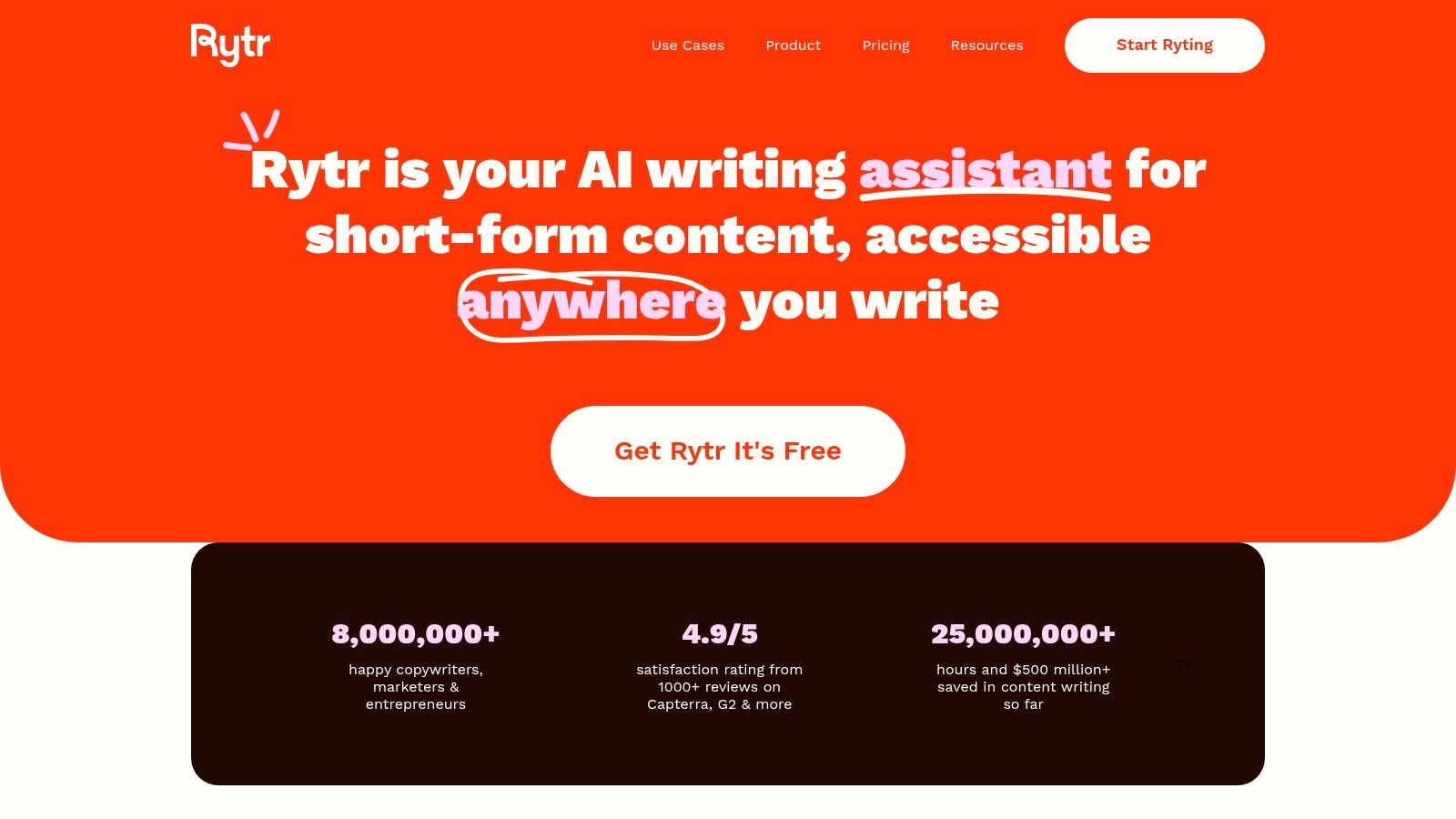
The platform is particularly effective for social media managers, email marketers, and entrepreneurs who need reliable copy for daily tasks like ad variations, post captions, or product descriptions. Its support for over 30 languages and 20 tones makes it a versatile tool for global teams. An actionable insight is to use Rytr for quick first drafts and then bring that text into Zemith’s Smart Notepad, which uses more advanced models like GPT-4o and Claude 3, to refine and elevate the content to a professional standard. To ensure the content aligns with your goals, you can discover how to build a content calendar on Zemith.com.
Key Details & Pricing
- Best For: Beginners, freelancers, and small businesses looking for an affordable and easy-to-use writing assistant.
- Key Feature: A built-in plagiarism checker provides an extra layer of confidence, ensuring the generated content is original before publishing.
- Pricing: Offers a generous free plan with a monthly character limit. Paid plans are highly affordable, starting around $9/month for unlimited character generation.
- Pros: Very intuitive interface suitable for novices, excellent value with its free and low-cost plans, and strong multi-language support.
- Cons: Lacks the advanced long-form features of premium competitors; output quality can be inconsistent for complex topics.
6. Descript
Descript revolutionizes audio and video production by treating it like a word document. It's an AI-powered editor where you can cut, paste, and correct audio or video by simply editing the auto-generated transcript. This text-based approach removes the steep learning curve associated with traditional timeline editors, making it one of the most accessible ai tools for content creation for podcasters, YouTubers, and marketing teams. The platform's standout "Overdub" feature even lets you clone your voice to correct mistakes without re-recording.
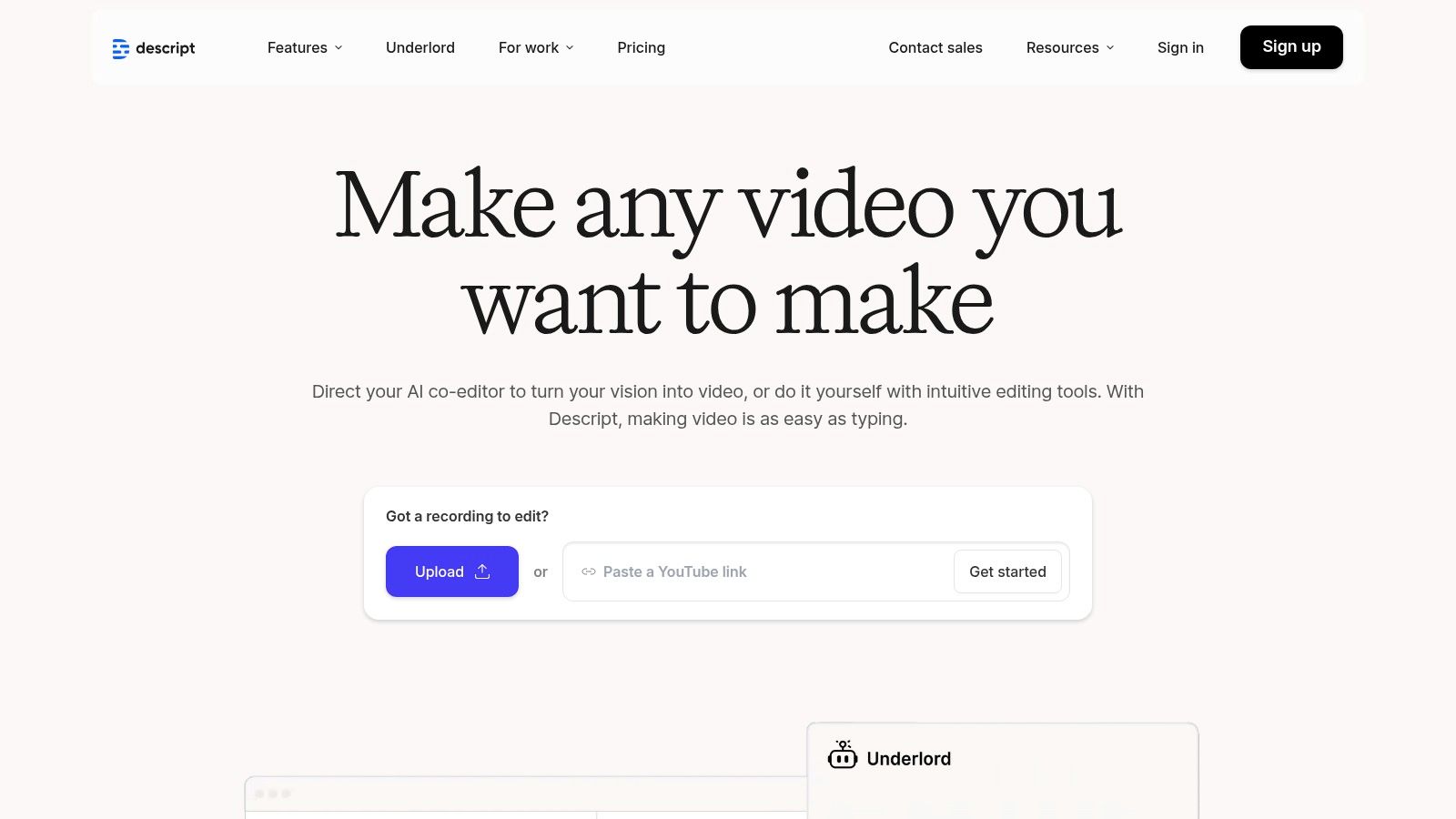
The workflow is incredibly intuitive: record directly in Descript or upload a file, and the AI transcribes it almost instantly. From there, deleting a word in the text removes the corresponding audio or video clip. This makes editing as simple as proofreading. For an even more powerful workflow, an actionable insight is to first generate a podcast script using Zemith’s Document Assistant by summarizing a long report, then record it and use Descript for editing. This creates a seamless content repurposing chain. You can find robust screen recording software at Zemith.com to capture initial footage.
Key Details & Pricing
- Best For: Podcasters, video creators, and educators who need a fast, intuitive way to edit spoken-word content.
- Key Feature: Text-based video and audio editing. Modifying the transcript directly alters the media file, which dramatically speeds up the editing process.
- Pricing: A free plan is available with limited transcription hours. Paid plans start at $12/editor/month (billed annually) and unlock more features like Overdub and unlimited transcription.
- Pros: Highly intuitive text-based editing, accurate transcription with speaker labels, and powerful AI voice cloning.
- Cons: The Overdub feature requires a premium subscription, and the free plan has a very limited amount of transcription minutes.
7. Synthesia
Synthesia has revolutionized video production by transforming text into professional-quality videos in minutes. Its core strength lies in its ability to generate realistic AI avatars that speak your script, eliminating the need for cameras, microphones, or actors. This makes it one of the most transformative ai tools for content creation for corporate training, marketing, and internal communications, allowing teams to produce scalable video content with unprecedented speed and efficiency. The platform supports over 120 languages, making global content localization incredibly simple.
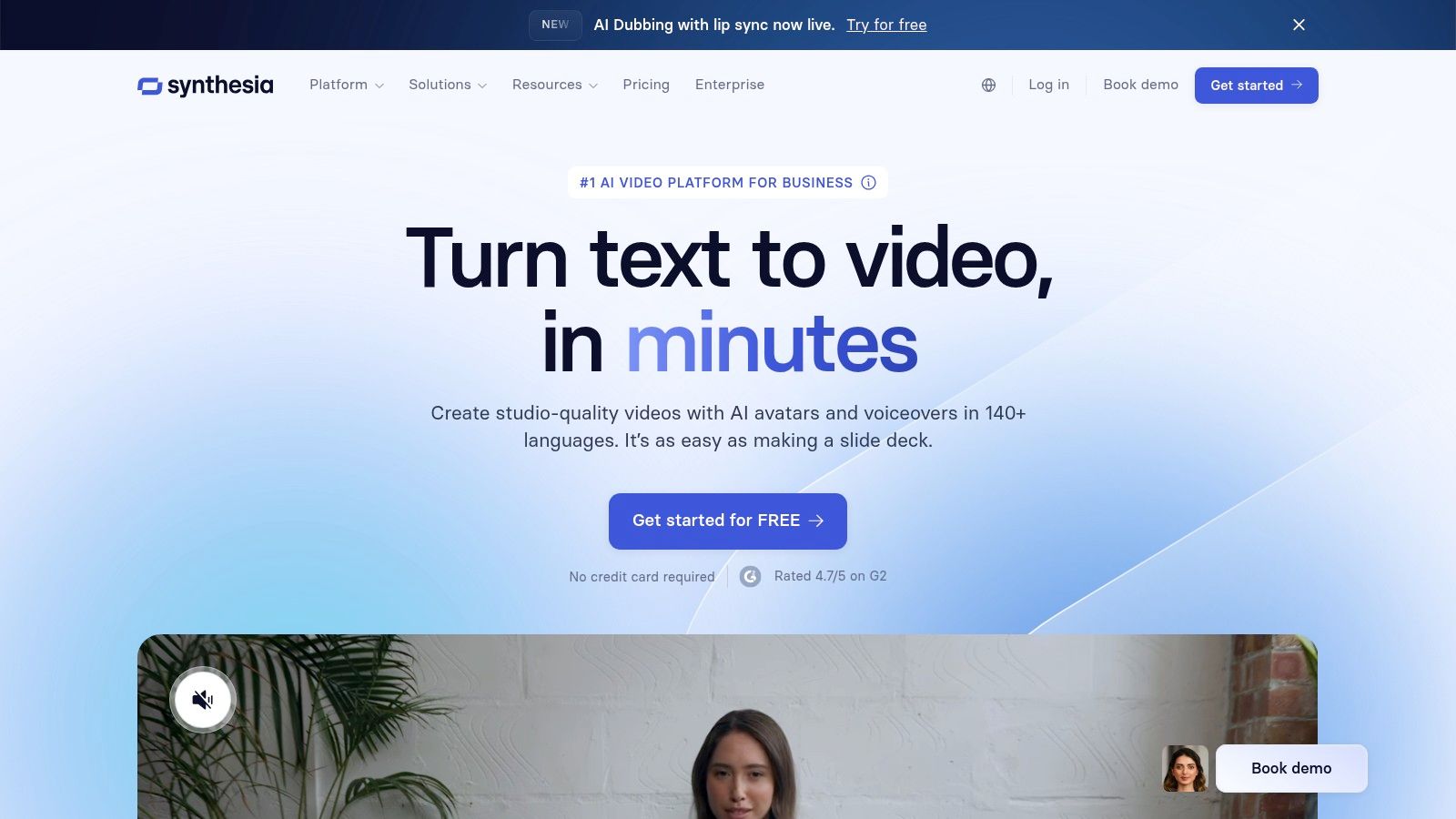
The user experience is exceptionally intuitive; you simply choose an avatar, type or paste your script, and generate your video. An actionable insight is to enhance script quality by first using Zemith's AI models to write a detailed, engaging script based on a simple prompt, then paste that superior script into Synthesia for video generation. This ensures the foundation of your video is as strong as its visual presentation. For more tips, explore how to write a compelling video script outline on Zemith.com.
Key Details & Pricing
- Best For: Corporate trainers, marketing teams, and businesses creating instructional or informational video content at scale.
- Key Feature: The ability to create a custom AI avatar of yourself, which provides a unique and personalized touch to brand communications.
- Pricing: Does not offer a free plan, but you can create a free demo video. Paid plans start at $22/month (billed annually) for the "Creator" plan, with custom pricing for enterprise-level needs.
- Pros: Dramatically reduces video production time and cost, highly user-friendly interface, and offers extensive language and avatar options.
- Cons: Avatars can sometimes lack the nuanced emotional expression of a human presenter; the platform is script-dependent and requires well-written input for best results.
8. Murf AI
Murf AI excels in the text-to-speech domain, offering a powerful platform for generating studio-quality voiceovers for videos, podcasts, and presentations. It stands out with a vast library of over 200 realistic voices across numerous languages and accents, making it one of the most versatile ai tools for content creation for multimedia projects. The platform allows for deep customization of voice output, giving creators granular control over the final audio.

This tool is invaluable for video creators, educators, and marketers who need professional narration without the expense of hiring voice actors. The intuitive interface enables users to sync voiceovers with video. An actionable insight is to use Zemith's AI writer to generate a script with specific tonal instructions (e.g., "upbeat and informative"), and then use Murf AI to find a voice that matches that tone perfectly, creating a more cohesive end product. To ensure your video content is compelling from the start, you can explore video content marketing strategies on Zemith.com.
Key Details & Pricing
- Best For: Video creators, podcasters, educators, and corporate trainers needing high-quality voiceovers.
- Key Feature: Its "Voice Cloning" feature allows users to create a unique and replicable AI voice, ensuring brand consistency across all audio content.
- Pricing: A free plan is available to test voices. Paid plans start at around $19/month (billed annually) for individuals and scale up for teams with more features and generation time.
- Pros: Large selection of natural-sounding voices, excellent for video and e-learning, and unique voice cloning capability.
- Cons: Some voices can still have a slight robotic feel; premium plans can be more expensive than simpler text-to-speech tools.
9. Canva
Canva has revolutionized graphic design by making it accessible to everyone, and its integration of AI features further solidifies its position as a go-to platform. It excels at empowering users without design experience to create professional-grade visuals. Its AI-driven "Magic" features suggest layout improvements, generate entire presentations, and even write copy, making it one of the most practical ai tools for content creation for social media managers, marketers, and small business owners who handle their own branding.
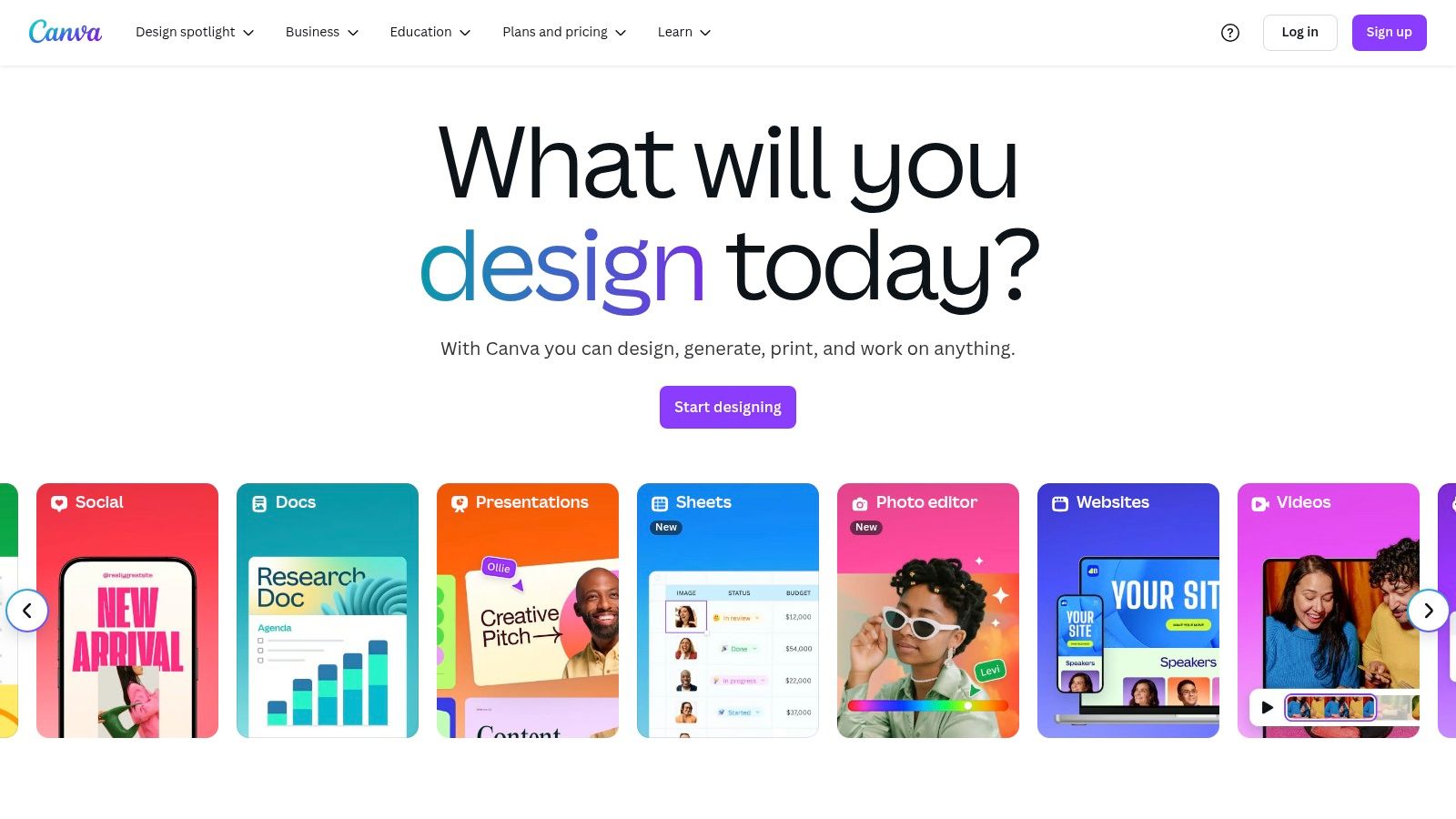
The platform is ideal for those who need to quickly produce a high volume of visual content. An actionable insight is to pair Canva's design speed with the deep content capabilities of another platform. For example, use Zemith to generate the data points and key text for an infographic, then jump into Canva to quickly visualize that information using a template. This combines robust data with fast design. To ensure your beautiful designs drive meaningful results, discover how to structure your content marketing funnel on Zemith.com.
Key Details & Pricing
- Best For: Social media managers, marketers, and entrepreneurs needing quick, high-quality visuals.
- Key Feature: The "Magic Studio" suite, which includes AI-powered design suggestions, one-click background removal, and "Magic Resize" for adapting designs across multiple formats instantly.
- Pricing: A generous free plan is available. Canva Pro, which unlocks premium templates and advanced AI features, starts at around $14.99/month per person, with custom pricing for teams.
- Pros: Extremely user-friendly with no design skills needed, massive library of templates and stock assets, and time-saving AI features.
- Cons: The free plan limits access to the best AI tools; not suitable for highly complex or advanced graphic design work.
10. Surfer SEO
Surfer SEO bridges the gap between content creation and search engine optimization, integrating directly into the writing workflow. Its unique strength lies in providing real-time, data-driven feedback on your content's on-page SEO factors. As you write, Surfer analyzes your text against top-ranking competitors for your target keyword, offering a live "Content Score" that grades your work based on keyword density, structure, word count, and NLP-driven term usage.
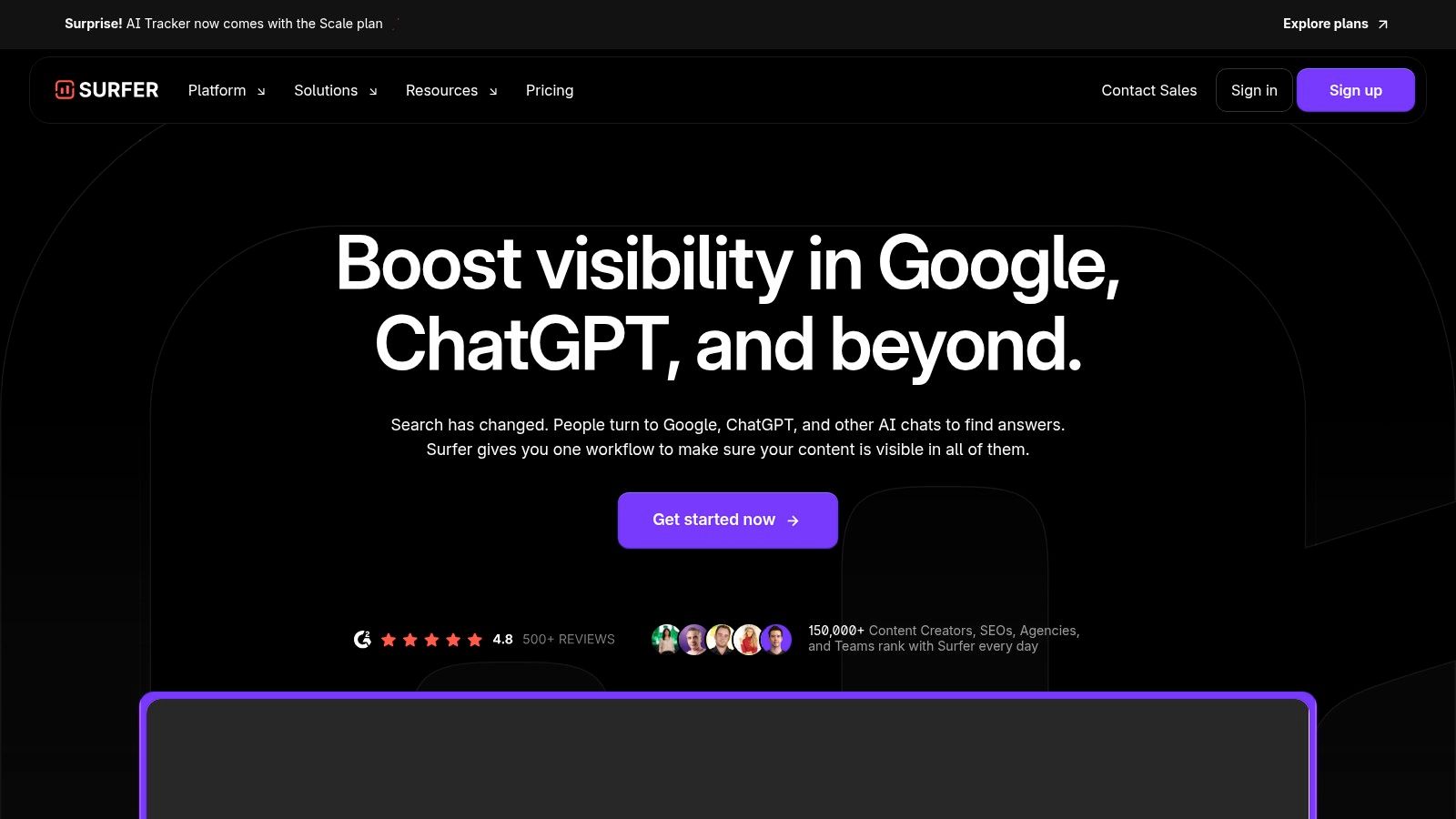
This platform is a game-changer for content teams focused on organic traffic. An actionable insight is to use Surfer SEO to create the initial content brief, then import that brief into a powerful writing environment like Zemith's Smart Notepad. This allows you to leverage Surfer's SEO data while benefiting from Zemith's advanced AI models for faster, higher-quality drafting to meet the SEO targets. Once content ranks, explore effective content repurposing strategies with Zemith.com to maximize its value.
Key Details & Pricing
- Best For: SEO specialists, content marketers, and freelance writers aiming for first-page Google rankings.
- Key Feature: The real-time Content Editor provides an interactive checklist and scoring system that gamifies and simplifies technical on-page optimization.
- Pricing: Plans are primarily subscription-based, starting around $69/month (billed annually), with tiers based on the number of articles and user seats.
- Pros: Simplifies technical SEO, helps content compete effectively from day one, and offers multilingual support.
- Cons: The price point can be high for individuals or small businesses, and its competition analysis is heavily focused on on-page factors.
11. Pictory
Pictory specializes in transforming long-form text content, like blog posts and articles, into engaging short-form videos. Its core strength lies in its simplicity, making video creation accessible without requiring complex editing software or on-camera talent. This makes it one of the most efficient ai tools for content creation for repurposing existing assets into a video format, a key strategy for expanding audience reach on platforms like TikTok and Instagram Reels.
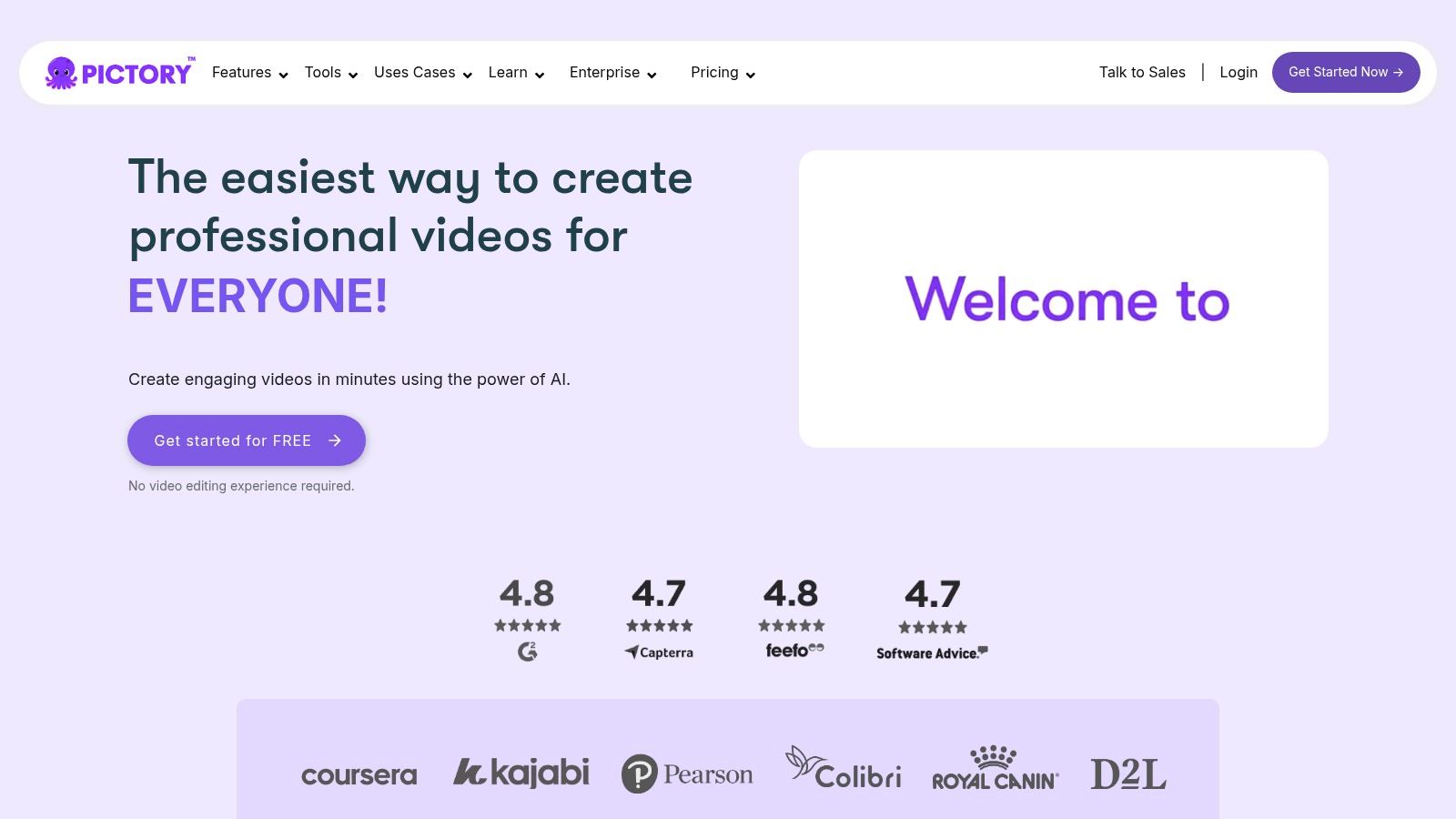
The platform is ideal for content marketers and creators looking to quickly scale their video production. An actionable insight is to use a tool like Zemith to first write a comprehensive, well-researched blog post. Then, feed that blog post's URL directly into Pictory to instantly generate a video, effectively doubling your content output with minimal extra effort. You can also use a resource like the blog post structure guide on Zemith.com to ensure your source material translates seamlessly into a compelling video.
Key Details & Pricing
- Best For: Marketers, bloggers, and course creators aiming to repurpose written content into video.
- Key Feature: The "Article to Video" function that uses AI to analyze text, find relevant stock visuals, and create a video storyboard automatically.
- Pricing: Offers a free trial to create up to three 10-minute videos. Paid plans start at $19/month (billed annually) and scale based on video length and features.
- Pros: Extremely beginner-friendly interface, auto-captioning saves significant time, and flexible for creating various video styles.
- Cons: AI-generated voiceovers can still sound synthetic and may require a third-party tool for a more natural tone; final videos often need manual tweaks for a polished result.
12. Freepik
Freepik expands beyond a traditional stock asset library by integrating powerful AI-powered design tools directly into its platform. It serves as a comprehensive hub where creators can not only find high-quality stock images, videos, and templates but also generate unique visuals using advanced AI. This makes it one of the most versatile ai tools for content creation for those who need a constant flow of both stock and original visual assets for their projects.
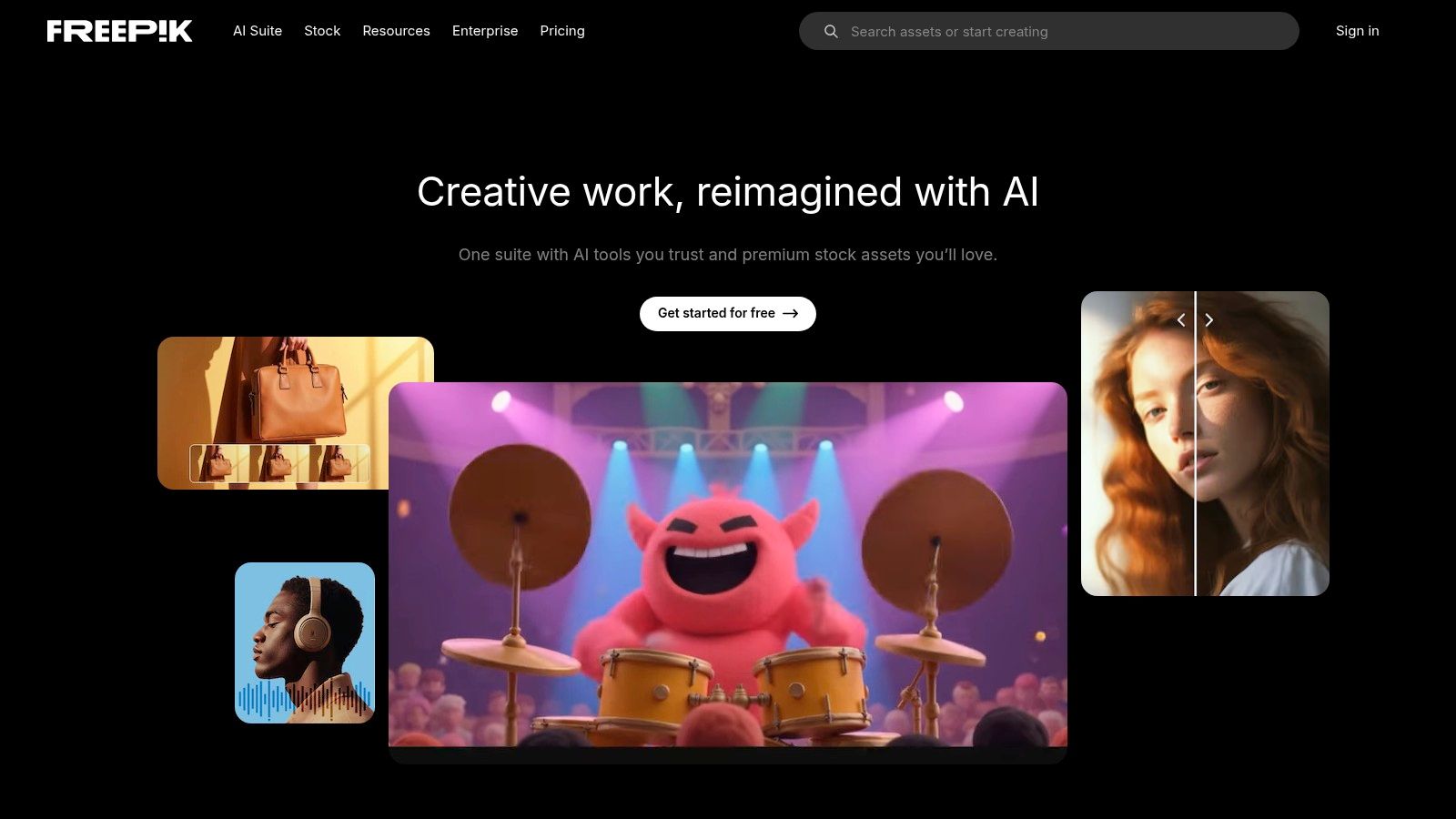
The platform is ideal for designers, social media managers, and content marketers who need to produce visually appealing content quickly. An actionable insight is to use Freepik's AI image generator for specific visual needs, but leverage an all-in-one platform like Zemith, which also includes an AI image generator alongside its writing and research tools, to avoid switching platforms and keep your entire creative process in one place. For visual strategy tips, check out Zemith.com's guide to creating engaging visuals.
Key Details & Pricing
- Best For: Graphic designers, marketers, and creators needing a one-stop-shop for stock assets and AI image generation.
- Key Feature: The seamless integration of a massive stock library with an AI image generator, allowing users to find, create, and edit visuals all in one place.
- Pricing: Offers a generous free plan with daily limits and attribution requirements. The Premium plan, starting around $12/month (billed annually), provides unlimited downloads, full license access, and no attribution.
- Pros: An all-in-one resource for nearly any visual need, constantly updated library, and a very intuitive user interface.
- Cons: The free plan has usage and license limitations, and the AI-generated images can sometimes lack the nuance of professionally shot photos.
AI Content Creation Tools Comparison
Choosing Your AI Ally: Consolidate for Maximum Impact
The landscape of AI tools for content creation is vast and continues to expand at a dizzying pace. As we've explored, specialized platforms like Descript for audio, Synthesia for video, and Surfer SEO for optimization offer powerful, targeted solutions. Each excels in its niche, promising to streamline specific parts of the content lifecycle. From generating initial blog post drafts with Jasper to creating quick social media visuals with Canva, the potential to enhance productivity is undeniable.
However, navigating this fragmented ecosystem presents a significant challenge. Juggling a dozen different subscriptions, logins, and user interfaces creates friction, not flow. The time spent exporting from one tool, reformatting, and importing into another is time stolen from creative and strategic work. This "tool sprawl" can lead to workflow inefficiencies, inconsistent branding, and escalating costs that quietly drain your budget. The true evolution in leveraging AI isn't just about adopting individual tools; it's about building a cohesive, integrated system.
From Specialized Tools to a Unified Workspace
The most forward-thinking approach is to move from a collection of single-purpose apps to a centralized content creation hub. The goal is to find a platform that can handle the majority of your core tasks, minimizing the need to switch contexts. This strategy isn't about finding one tool that does everything perfectly, but rather one that does 80% of your most frequent tasks exceptionally well, like Zemith does for research, writing, and repurposing.
Consider your primary workflow. Do you spend most of your time researching, analyzing documents, and then drafting long-form content? Or is your focus on quickly generating social media assets and short-form video scripts? An actionable insight is to map out your most frequent content workflow. If it involves moving between research, writing, and summarizing, an integrated platform like Zemith will offer more value than stitching together three separate tools.
Making the Right Choice for Your Team
When evaluating which AI tools for content creation to consolidate around, consider these critical factors:
- Integration and Workflow: How well does the tool integrate the different stages of creation? A platform like Zemith, which combines deep research, document analysis, and powerful writing capabilities in one interface, eliminates the jarring transitions between researching, outlining, and drafting.
- Cost-Effectiveness: Calculate the total cost of your current individual subscriptions. Often, an all-in-one solution like Zemith provides a more predictable and lower overall cost than maintaining multiple specialized tools for writing, research, and image creation.
- Core Functionality: Does the platform excel at your most critical tasks? If your primary need is high-quality written content grounded in solid research, a tool like Zemith with advanced document interaction and long-form writing features should be your priority.
- Scalability: Choose a solution that can grow with your needs. A flexible platform allows you to start with core writing and research functions and expand your usage as your content strategy evolves.
Ultimately, the goal is to choose an AI ally that simplifies your process, not complicates it. By strategically consolidating your toolkit, you empower yourself and your team to focus on what truly matters: creating impactful, high-quality content that connects with your audience. The future of content creation is not just about using AI; it's about creating a streamlined, intelligent workflow that amplifies human creativity.
Ready to stop juggling tabs and start creating in a unified, intelligent workspace? Zemith consolidates advanced research, document analysis, and powerful content generation into a single platform designed to streamline your entire workflow. Experience the future of content creation by exploring Zemith today.
Explore Zemith Features
Every top AI. One subscription.
ChatGPT, Claude, Gemini, DeepSeek, Grok & 25+ more








Always on, real-time AI.
Voice + screen share · instant answers
What's the best way to learn a new language?
Immersion and spaced repetition work best. Try consuming media in your target language daily.
Voice + screen share · AI answers in real time
Image Generation
Flux, Nano Banana, Ideogram, Recraft + more

Write at the speed of thought.
AI autocomplete, rewrite & expand on command
Any document. Any format.
PDF, URL, or YouTube → chat, quiz, podcast & more
Video Creation
Veo, Kling, Grok Imagine and more

Text to Speech
Natural AI voices, 30+ languages
Code Generation
Write, debug & explain code
Chat with Documents
Upload PDFs, analyze content
Your AI, in your pocket.
Full access on iOS & Android · synced everywhere
Your infinite AI canvas.
Chat, image, video & motion tools — side by side

Save hours of work and research
Transparent, High-Value Pricing
Trusted by teams at






Free
No credit card required
- 100 credits daily
- 3 AI models to try
- Basic AI chat
Plus
- 1,000,000 credits/month
- 25+ AI models — GPT, Claude, Gemini, Grok & more
- Agent Mode with web search, computer tools and more
- Creative Studio: image generation and video generation
- Project Library: chat with document, website and youtube, podcast generation, flashcards, reports and more
- Workflow Studio and FocusOS
Professional
- Everything in Plus, and:
- 2,100,000 credits/month
- Pro-exclusive models (Claude Opus, Grok 4, Sonar Pro)
- Motion Tools & Max Mode
- First access to latest features
- Access to additional offers
What Our Users Say
Great Tool after 2 months usage
"I love the way multiple tools they integrated in one platform. Going in the right direction."
— simplyzubair
Best in Kind!
"The quality of data and sheer speed of responses is outstanding. I use this app every day."
— barefootmedicine
Simply awesome
"The credit system is fair, models are perfect, and the discord is very responsive. Quite awesome."
— MarianZ
Great for Document Analysis
"Just works. Simple to use and great for working with documents. Money well spent."
— yerch82
Great AI site with accessible LLMs
"The organization of features is better than all the other sites — even better than ChatGPT."
— sumore
Excellent Tool
"It lives up to the all-in-one claim. All the necessary functions with a well-designed, easy UI."
— AlphaLeaf
Well-rounded platform with solid LLMs
"The team clearly puts their heart and soul into this platform. Really solid extra functionality."
— SlothMachine
Best AI tool I've ever used
"Updates made almost daily, feedback is incredibly fast. Just look at the changelogs — consistency."
— reu0691