The 12 Best AI Tools for Content Creation That Actually Work (2024 Edition)

Tired of juggling apps? Discover the 12 best AI tools for content creation and see how an all-in-one platform can save you time and money in 2026.

best ai tools for content creationai content creationai writing toolsgenerative aicontent marketing tools

Let's be real: your browser probably looks like mine did a few months ago. It was a chaotic mess of 37 tabs, each with a different AI tool promising to revolutionize my workflow. One for writing blog posts, another for generating images, one for transcribing audio, and three more I completely forgot I signed up for. The great promise of AI was to save us time, not turn us into professional subscription jugglers, right?

This guide is your way out of that mess. We're cutting through the marketing hype to give you a no-nonsense breakdown of the best AI tools for content creation that genuinely move the needle. You're not just getting a list; you're getting a practical field guide. We'll dive into what actually works, what doesn’t, and how you can stitch these tools together without losing your mind or your budget. As you begin your journey, a comprehensive guide like this on the 12 Best Tools for Content Creators can serve as an invaluable map, covering everything from AI transcription to video editors.

In this article, we'll explore everything from standalone giants like ChatGPT and Claude to specialized creative suites from Adobe and Canva. We will also look at a powerful all-in-one approach with platforms like Zemith, which might just let you close all those other tabs for good. For each tool, you'll find direct links and honest assessments of their strengths, weaknesses, and ideal use cases. Ready to streamline your workflow and actually get back to creating? Let’s get to it.

1. Zemith

Zemith secures the top spot not by being just another tool, but by being a comprehensive command center for all things AI. It’s an all-in-one platform designed to eliminate the notorious "subscription fatigue" and tab-switching chaos that content creators know all too well. Instead of paying for and juggling separate tools for writing, image generation, and research, Zemith consolidates the industry’s top-tier models like GPT-4o, Gemini 1.5 Pro, and Claude 3.5 Sonnet into a single, cohesive workspace. This makes it one of the absolute best AI tools for content creation for professionals who value efficiency and power.
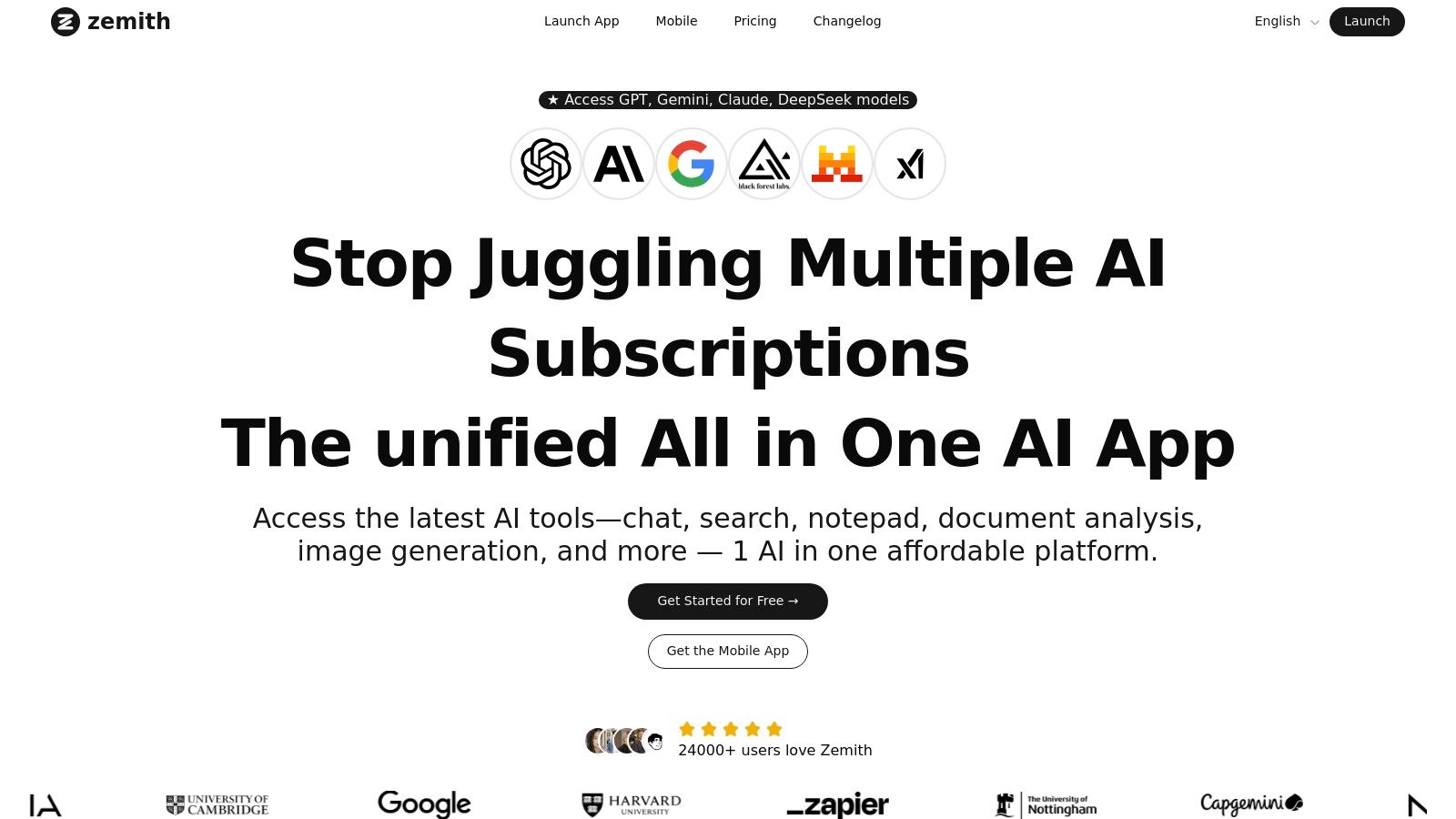
Zemith

Why Zemith Stands Out

What makes Zemith a game-changer is its unified workflow. You can start by researching a topic using its real-time web search, then chat with your source documents (PDFs, Word docs) to pull out key insights. From there, you can pivot to the AI-powered notepad to draft an article, jump over to the image generator to create custom visuals with models like DALL-E 3 or Imagen 2, and even convert your final text into a podcast episode, all without leaving the platform. This seamless integration is where the magic happens, turning a messy process into a smooth one.

Actionable Insights for Content Creators

  • Multi-Model Access: Imagine writing a blog post. You can use Claude's nuanced prose for the introduction, switch to GPT-4o for a technical breakdown, and then use Gemini for data analysis—all in the same document. This is how you create truly superior content.
  • Deep Document Workflow: Stop just summarizing. Upload a 200-page report on market trends, and instead of a simple summary, ask Zemith to "Create a 10-post Twitter thread from this report, focusing on actionable advice for small business owners." That's a workflow, not just a feature.
  • Integrated Creative Suite: The platform includes advanced image generation and editing, a collaborative whiteboard for brainstorming, and even a coding assistant with live previews for technical content.
  • Focus & Collaboration: Features like "Focus OS" provide a distraction-free environment, while "Live Mode" and mobile apps support real-time collaboration with your team from anywhere.

Pros & Cons

StrengthsWeaknesses
Consolidates top AI models and tools, drastically reducing costs and workflow complexity.The credit-based system, while flexible, requires monitoring your usage to avoid unexpected costs.
Actionable workflows from research and document analysis to writing, coding, and image generation.Its sheer number of features can introduce a slight learning curve for new users.
Excellent for collaboration with its mobile apps, live mode, and shared project libraries.

Pricing

Zemith offers a free tier to get started, with paid plans operating on a credit system. This allows you to pay for what you use across its premium models and features. You'll need to check their website for the most current pricing details.

Website: https://www.zemith.com

2. OpenAI — ChatGPT

No list of the best AI tools for content creation would be complete without the one that started it all, ChatGPT. While it's become a household name, OpenAI keeps it at the top of its game with a constant stream of powerful updates that go way beyond simple text generation. It's a powerhouse for drafting, in-depth research, and collaborative ideation, making it a staple for almost any content professional.
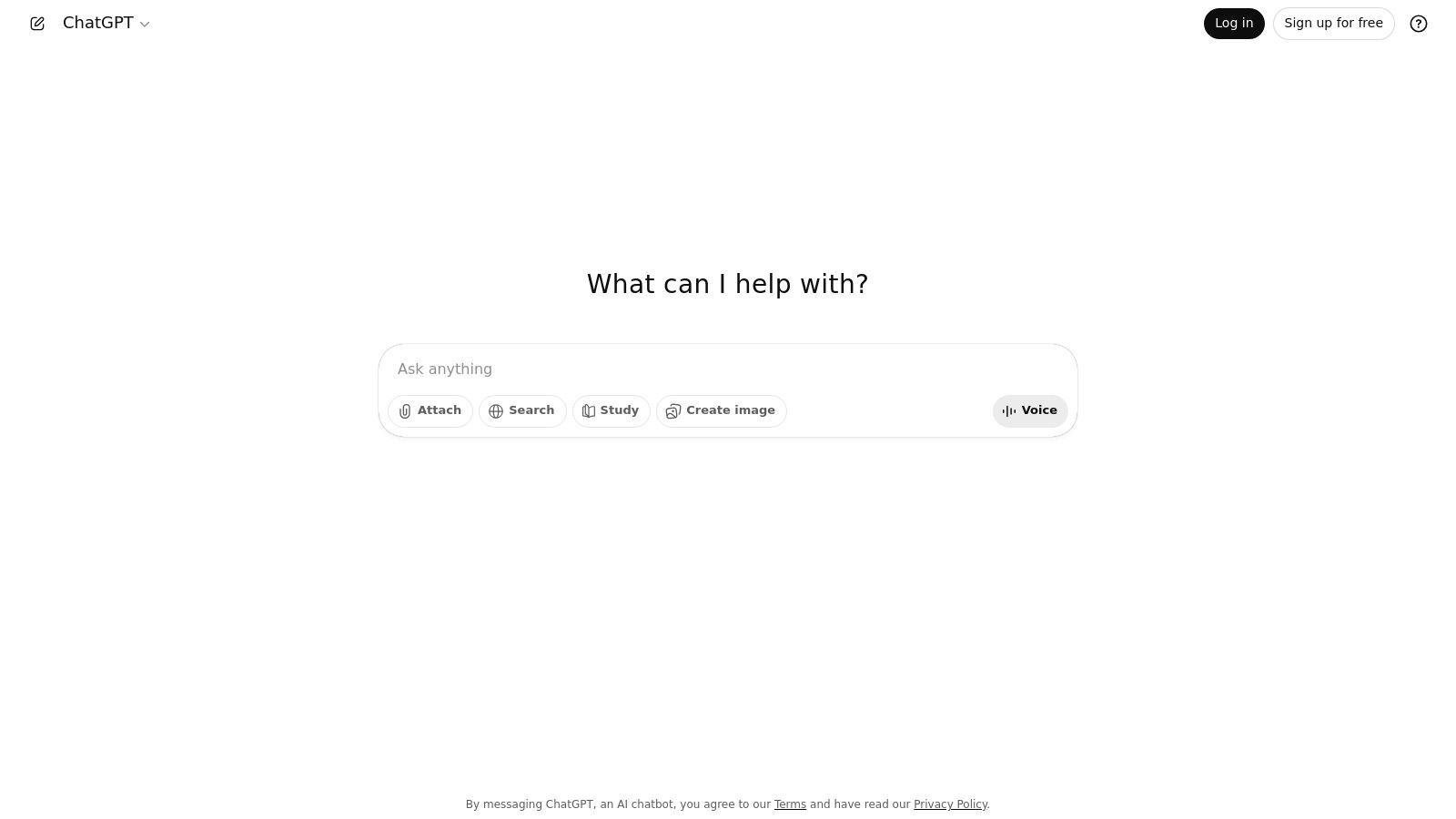
OpenAI — ChatGPT

What really sets ChatGPT apart is its push into a multimodal, interactive experience. The newer models are fantastic for tackling research-heavy, long-form content, and the ability to build custom GPTs allows you to create reusable workflows tailored to your specific needs, like a dedicated "Blog Post Outline Bot." The Voice Mode with screen sharing is also a surprisingly useful feature for live brainstorming or co-writing sessions.

Key Features and Use Cases

  • Deep Research & Long-Form Writing: Use the advanced models (GPT-4o, GPT-4) to analyze complex documents, summarize research papers, and generate detailed drafts for articles or whitepapers.
  • Custom GPTs: Build specialized chatbots for recurring tasks without any code. For example, create a GPT trained on your brand's voice and style guide to ensure consistent copy.
  • Voice Mode & Screen Sharing: Perfect for walking through edits live with a team member or simply talking through an idea and having the AI transcribe and structure it. This is a great example of advanced conversational AI, which you can learn more about here.

Pricing: Starts with a robust free plan. Paid tiers (Plus, Pro, etc.) unlock access to the latest models, higher usage caps, and advanced features like DALL-E 3 image generation.

Best For: Writers, researchers, and marketers who need a versatile, powerful tool for text-heavy content creation and complex research tasks.

ProsCons
Frequently updated with cutting-edge featuresHigher usage limits and best models are behind paywalls
Excellent for nuanced, long-form content generationCan be overkill (and pricey) for simple, short-form tasks
Custom GPTs allow for highly personalized workflowsUsage caps can be a bottleneck for power users

You can check it out at OpenAI's website.

3. Anthropic — Claude

If ChatGPT is the all-around utility player, think of Anthropic's Claude as the specialist writer with a PhD in literature. Claude has carved out a reputation for its sophisticated, nuanced, and often more "human-sounding" writing style. This makes it an exceptional tool for creators focused on high-quality, long-form content like thought leadership articles, detailed reports, or even creative writing projects where tone and flow are paramount.

What really makes Claude shine is its massive context window. You can drop an entire book or a dense research paper into the chat and ask for a detailed summary, analysis, or thematic exploration. This capability is a game-changer for anyone doing deep-dive research or needing to synthesize large volumes of information into a cohesive narrative. It's less about quick answers and more about thoughtful, structured composition, which many writers find invaluable for their workflow.

Key Features and Use Cases

  • Long-Context Drafting: Analyze massive documents (like PDFs or codebases) and generate summaries or new content based on them. Perfect for drafting a whitepaper from multiple source reports.
  • Premium Writing Quality: Use it for final drafts or content where a sophisticated and reliable tone is crucial. It’s particularly strong at adopting a specific voice or style.
  • Structured Edits & Analysis: Feed it a lengthy article and ask for specific structural edits, thematic strengthening, or a chapter-by-chapter breakdown. To see how it stacks up against competitors, you can explore our deep dive on Claude 3.5 Sonnet vs GPT-4o.

Pricing: Offers a free tier with daily message limits. Paid plans (Pro, Max) provide significantly higher usage, priority access to the latest models, and larger context windows.

Best For: Long-form writers, editors, researchers, and content strategists who prioritize writing quality and need to work with extensive source material.

ProsCons
Exceptional at producing nuanced, high-quality proseBest capacity/latency is reserved for higher-priced tiers or API
Massive context window is ideal for deep researchFree version has more noticeable daily usage limits
Strong safety features result in reliable outputsFewer multimodal features compared to some competitors

You can check it out at Claude's website.

4. Google — Gemini

For teams already living and breathing in Google Workspace, Gemini feels less like a new tool and more like a natural evolution of the apps you use every day. Instead of toggling between tabs, Google has embedded its powerful AI directly into Docs, Gmail, Sheets, and Slides. This integration makes it one of the best AI tools for content creation for teams using Google docs and sheets if your workflow is heavily centered on collaboration within that ecosystem.
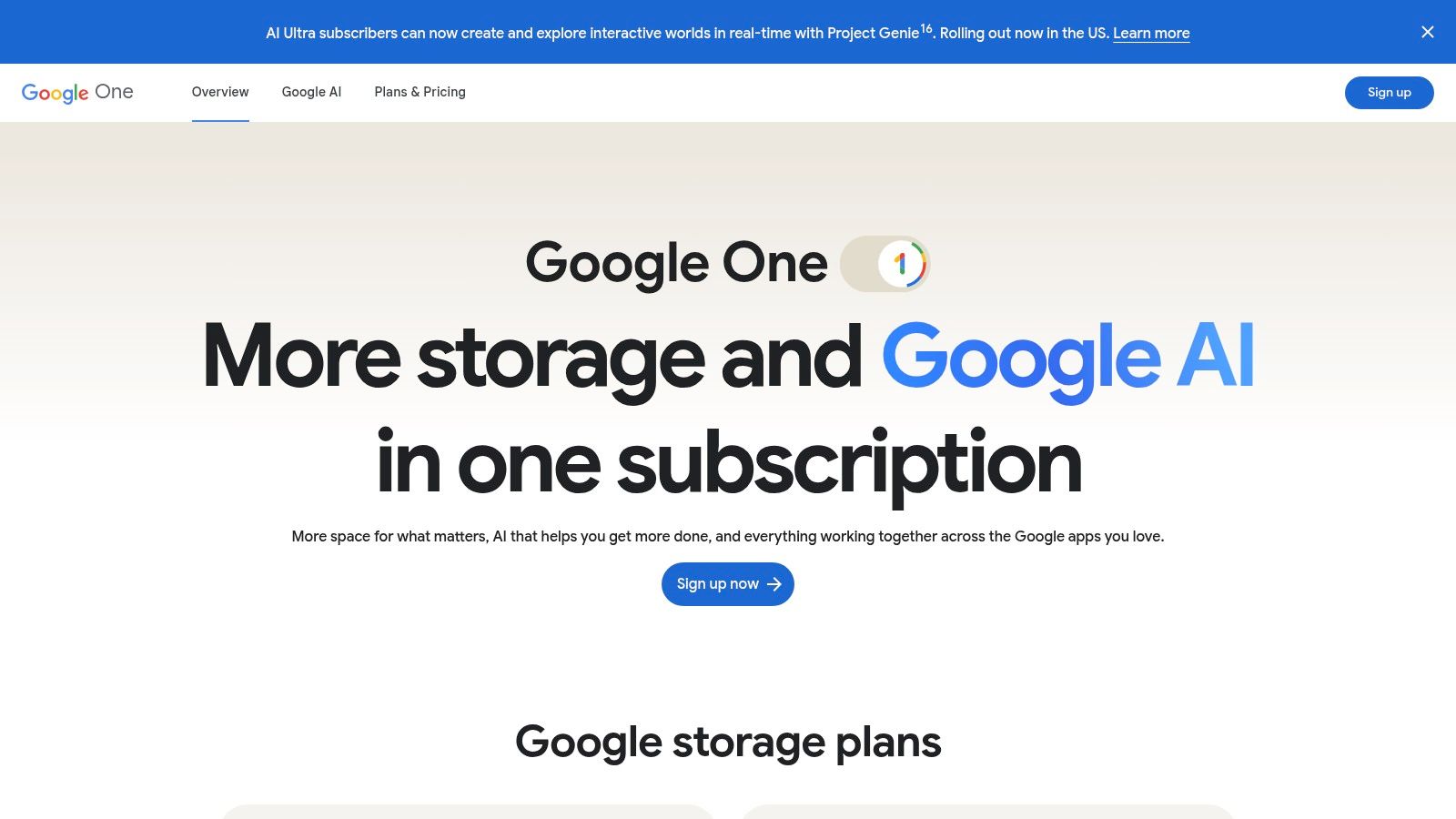
Google — Gemini

What makes Gemini a compelling choice is its focus on streamlining existing processes. You can draft an email in Gmail, brainstorm a blog post outline directly in Docs, or even generate entire presentations in Slides from a simple prompt. The addition of tools like NotebookLM for research synthesis and the upcoming Google Vids for AI video creation shows a commitment to building a comprehensive, interconnected content suite. The only question is, are you prepared to live entirely inside Google's world?

Key Features and Use Cases

  • Deep Workspace Integration: Use Gemini to summarize long email threads, draft proposals in Docs, or create custom images for your Slides presentation without ever leaving the application.
  • NotebookLM for Research: A standout feature for content researchers. You can upload source documents (like PDFs or articles) and use Gemini to ask questions, generate summaries, and find key insights from your specific materials.
  • AI-Powered Video & Asset Creation: With access to Google Vids, teams can quickly generate short-form promotional or informational videos, expanding content formats beyond just text and images.

Pricing: Gemini features are available through various plans, including Google One AI Premium for individuals and specific Gemini for Google Workspace plans for businesses, which include admin and compliance controls.

Best For: Content teams, marketers, and businesses deeply integrated with Google Workspace who want to enhance their existing workflows with AI without adding new, separate platforms.

ProsCons
Natively embedded in the Google apps your team already usesPlan names and included features change frequently
Includes innovative tools like NotebookLM and Google VidsCapabilities and feature limits can vary by region
Seamless collaborative experience for content teamsCan feel less powerful than specialized, standalone tools

You can check it out at Google's website.

5. Microsoft — Copilot

For teams already living inside the Microsoft 365 ecosystem, Copilot is less of a new tool and more of a superpower upgrade to the apps you use every day. Instead of toggling between windows, Copilot brings AI content creation directly into Word, PowerPoint, and Outlook. It's designed to streamline corporate workflows, from drafting documents to summarizing massive email threads, making it a powerful contender among the best AI tools for content creation for businesses using Office 365.
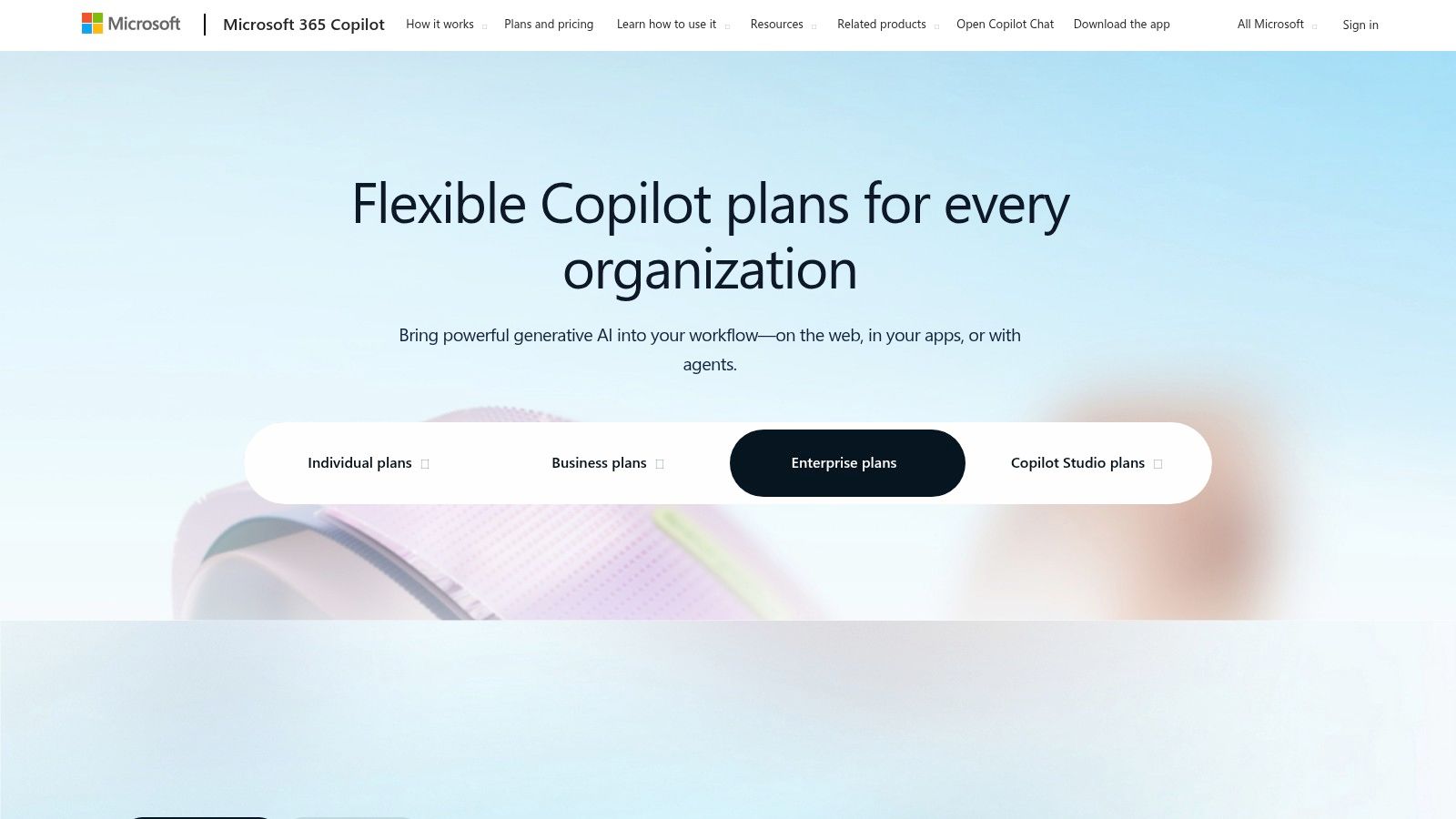
Microsoft — Copilot

What makes Copilot a game-changer is its deep integration and work-grounded context. It doesn't just generate text; it can pull information from your team's documents, meetings, and emails to create relevant content. Imagine turning a Word document into a full PowerPoint presentation with one click or having Outlook draft campaign emails based on a project brief. This level of built-in convenience is hard to beat, though it highlights the value of all-in-one platforms like Zemith that centralize your work without locking you into a single software family.

Key Features and Use Cases

  • Integrated Content Drafting: Create first drafts of articles in Word, build slide decks in PowerPoint from a simple prompt, and summarize long email chains in Outlook to quickly get up to speed.
  • Meeting Summaries & Action Items: Use Copilot in Microsoft Teams to get real-time summaries of who said what and generate a list of action items, so no one ever asks "So, what's the plan?" again.
  • Enterprise-Grade Security: A major selling point for businesses, Copilot is built with Microsoft's security, compliance, and data-protection controls, ensuring your company's data stays safe.

Pricing: Requires an eligible Microsoft 365 business license. Copilot Pro for individuals is available as an add-on, with business and enterprise pricing structured as a per-user, per-month fee.

Best For: Corporate content teams, marketing departments, and businesses deeply embedded in the Microsoft 365 suite who prioritize security and workflow integration.

ProsCons
Seamless integration into familiar Office apps (Word, etc.)Requires an existing (and eligible) Microsoft 365 subscription
Excellent for internal and corporate content workflowsCan feel restrictive if your team uses non-Microsoft tools
Strong enterprise security and data governance controlsThe best features are locked behind significant paywalls

You can check it out at Microsoft's website.

6. Adobe — Firefly and Creative Cloud

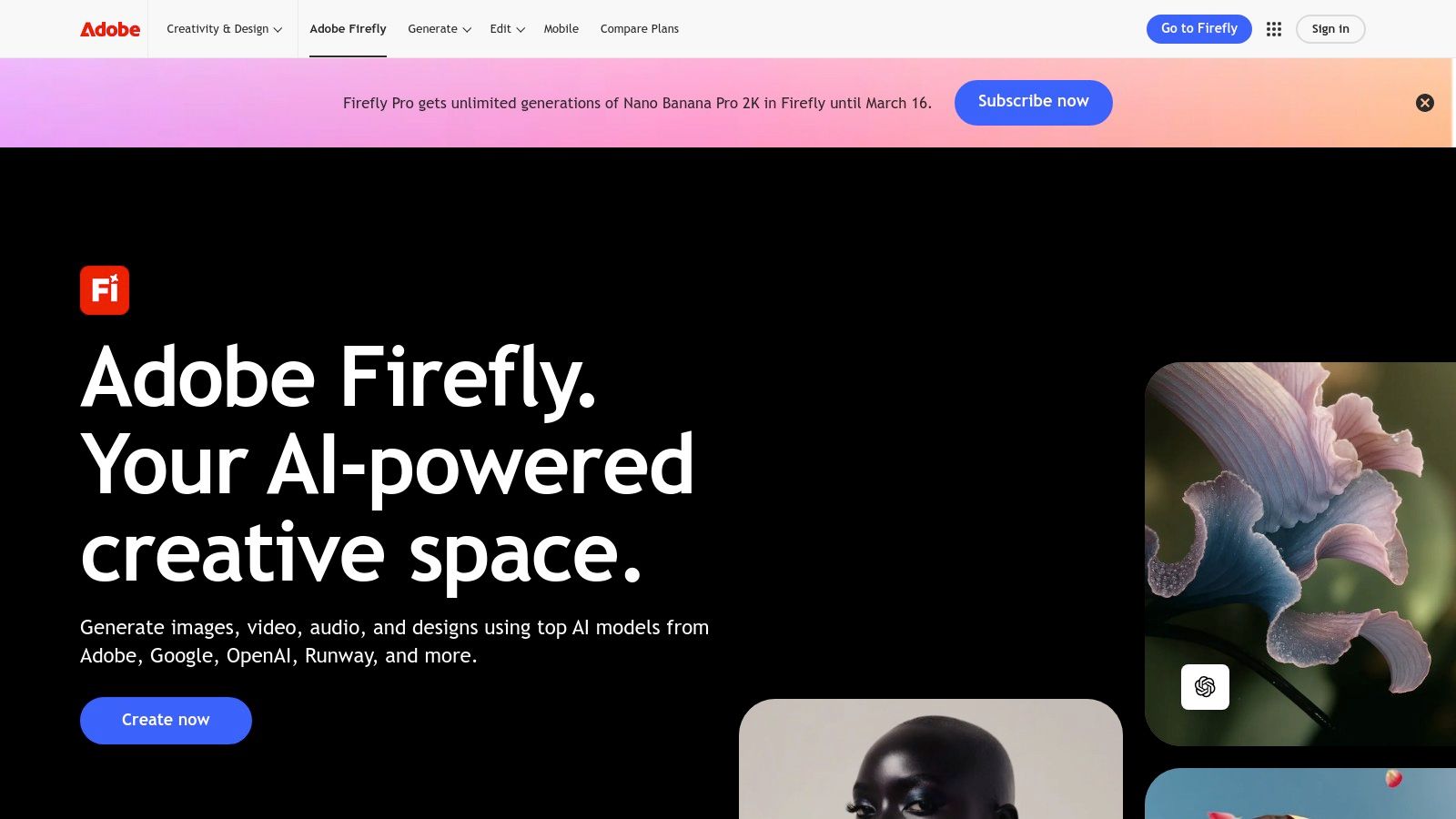
For creative professionals already embedded in the Adobe ecosystem, Firefly isn't just another tool; it's a supercharger for your existing workflow. By integrating its generative AI directly into flagship apps like Photoshop, Illustrator, and Premiere Pro, Adobe has made AI an intuitive part of the creative process, rather than a separate step. It's designed from the ground up to be commercially safe, trained on licensed content to avoid copyright headaches.
Adobe — Firefly and Creative Cloud

What makes Firefly a game-changer is its seamless integration. The "Generative Fill" feature in Photoshop alone can save hours of tedious editing, letting you expand images or remove objects with a simple text prompt. This deep integration means you can generate assets, edit them with professional-grade tools, and maintain a high-quality, non-destructive workflow without ever leaving the Creative Cloud.

Key Features and Use Cases

  • Generative Fill & Expand: Extend the background of a photo, add or remove objects, or change a subject's clothing directly within Photoshop. This is one of the most practical applications of the best AI tools for content creation available today.
  • Text to Vector Graphic: Create fully editable vector graphics in Illustrator from a text description, perfect for logos, icons, and illustrations that need to scale.
  • Text to Template: Generate fully customizable templates in Adobe Express for social media posts, flyers, and other marketing materials. For inspiration, check out these AI image prompt examples to get your creative juices flowing.

Pricing: Included with most Creative Cloud plans, which operate on a system of monthly "generative credits." Free plans are available with limited credits, while paid plans offer a higher monthly allowance.

Best For: Designers, video editors, and creative teams who already use Adobe's suite and want a powerful, commercially-safe AI assistant built directly into their professional pipeline.

ProsCons
Seamlessly integrated into professional-grade toolsCredit-based system can be costly for heavy users
Generates commercially safe, ethically sourced contentSteeper learning curve if you're new to Adobe's suite
Excellent for maintaining high-quality, editable workflowsSome advanced features are locked behind higher tiers

You can check it out at Adobe's website.

7. Canva

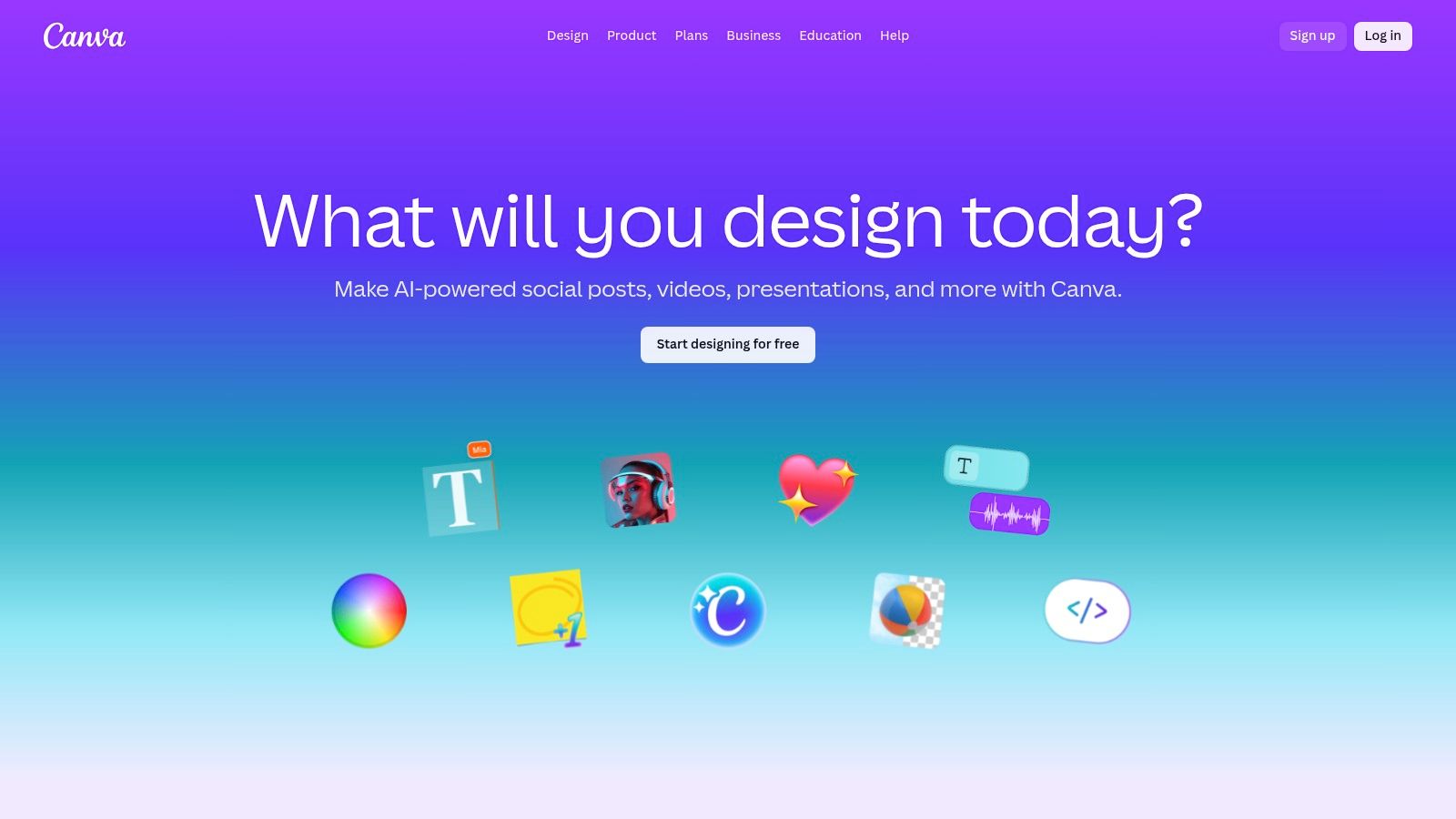
Canva has evolved from a simple design tool into an AI-powered creative suite, solidifying its place as one of the best AI tools for social media content creation. It’s the go-to platform for quickly turning an idea into a polished social media post, presentation, or ad creative, all without needing a degree in graphic design. Its strength lies in making professional-looking design accessible to everyone.
Canva

What makes Canva a true content creation engine is its integration of over 25 "Magic" AI tools directly into the design workflow. You can generate text with Magic Write, instantly remove backgrounds, or use Magic Expand to intelligently resize your image. This template-first approach, supercharged with AI, means you can create a full suite of branded assets for a campaign in minutes, not hours.

Key Features and Use Cases

  • Template-Based AI Design: Start with a professional template for anything from an Instagram story to a business proposal, then use AI tools to customize text, images, and layouts.
  • Magic Studio Tools: Leverage features like Magic Write for copy generation, Magic Expand for outpainting images, and Background Remover for clean product shots, all within one interface.
  • Brand Kits & Team Collaboration: Set up your brand's colors, fonts, and logos to ensure consistency across all assets. Invite team members to collaborate on designs in real-time.

Pricing: Offers a strong free version with some AI limitations. Paid plans (Pro & Teams) unlock the full Magic Studio suite, the extensive premium stock library, and advanced brand control features.

Best For: Marketers, social media managers, and entrepreneurs who need to create a high volume of quality visual content quickly without a steep learning curve.

ProsCons
Extremely user-friendly with a template-first approachAdvanced brand controls and best AI tools are paid features
All-in-one platform for design, text, and basic videoPricing plans and feature names can change frequently
Excellent for team collaboration and brand consistencyLess powerful for highly custom or complex graphic design

You can check it out at Canva's website.

8. Jasper

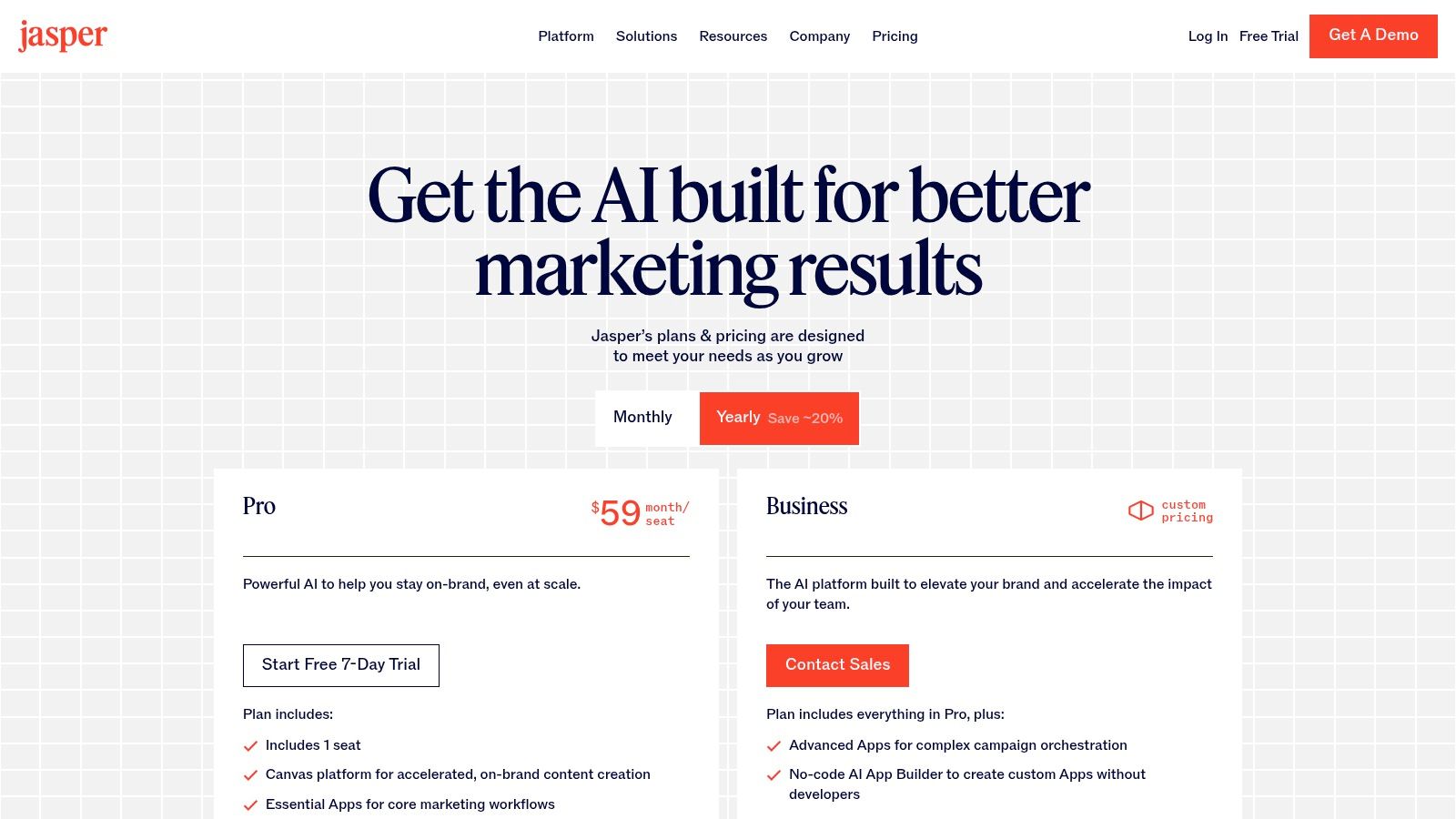
If you're looking for an AI tool built from the ground up for marketing teams, Jasper is a name that consistently comes up. It positions itself not just as a writer, but as a complete AI content platform designed to orchestrate entire campaigns. This is one of the best AI tools for content marketing creation if your primary goal is producing on-brand marketing copy at scale, from initial brief to final asset.
Jasper

What makes Jasper a heavyweight contender is its focus on enterprise-level needs. Features like Brand Voice and Knowledge allow you to train the AI on your specific style guides, product catalogs, and audience personas, ensuring consistent messaging across all outputs. The Canvas workspace is a standout, offering a free-form environment where you can map out and generate multiple assets for a single campaign in one place. It requires a bit more upfront learning than a simple chatbot, but the payoff is a highly tuned marketing engine.

Key Features and Use Cases

  • Brand Voice & Knowledge: Upload your style guides, brand information, and product details so the AI generates content that is consistently on-brand and factually accurate.
  • Canvas Workspace: A dynamic space to brainstorm, outline, and create interconnected pieces of content for a full marketing campaign, like social posts, ad copy, and a blog article, all in one flow. Mastering this requires some skill, similar to what you'd find in prompt engineering guides.
  • Marketing Workflows & Apps: Utilize pre-built templates and a no-code AI App Builder to create custom tools for recurring marketing tasks, speeding up your entire content lifecycle.

Pricing: Offers tiered plans for Creators, Pro, and Business. Pricing is generally per-seat, with advanced governance features reserved for the higher-cost Business tier.

Best For: Marketing teams and businesses that need to produce a high volume of on-brand content and want a single platform to manage multi-asset campaigns.

ProsCons
Designed specifically for marketing workflowsPer-seat pricing can get expensive for larger teams
Excellent for maintaining brand consistency across assetsHeavier learning curve than simple chat tools
Enterprise-grade features like SSO and API are availableAdvanced governance is often locked in the Business tier

You can check it out at Jasper's website.

9. Descript

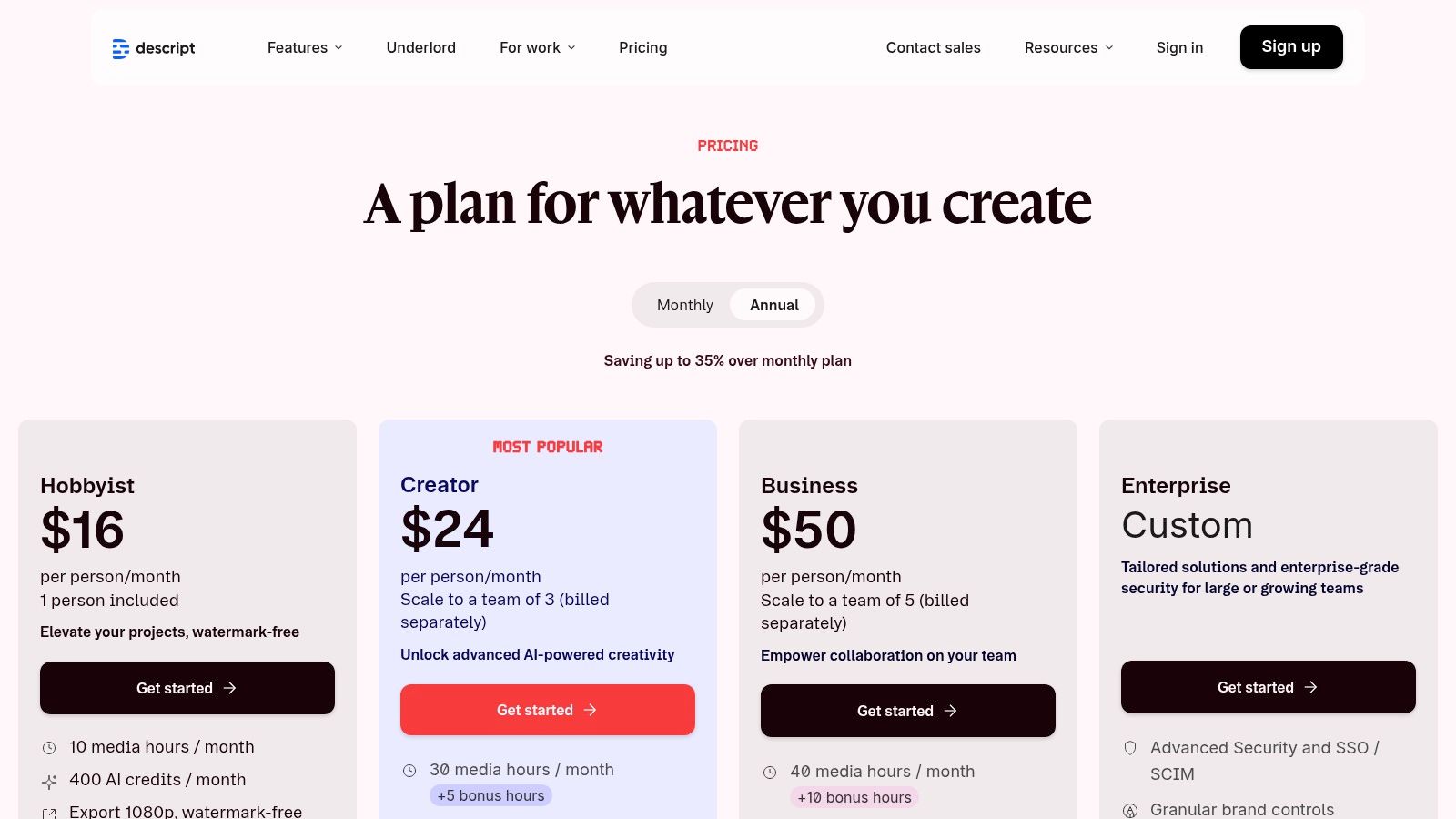
If you've ever dreaded the thought of editing audio or video, Descript is about to become your new best friend. It flips the entire editing process on its head by letting you edit media as if you were editing a text document. By working directly with the transcript, you can cut, paste, and delete spoken words to automatically edit the corresponding video or audio track, making it one of the most intuitive and best AI tools for podcast and video content creation.
Descript

What makes Descript so powerful are its AI-driven features that automate the most tedious parts of production. Need to fix a misspoken word? Its Overdub feature lets you clone your voice to type-to-speak corrections. Annoying "ums" and "ahs" cluttering your recording? A single click removes them all. This text-first approach drastically lowers the barrier to entry for creating professional-sounding podcasts and videos.

Key Features and Use Cases

  • Transcript-Based Editing: Edit your video and audio files by simply editing the text transcript. This is a revolutionary way to handle the conversion of AI audio to text and back again.
  • AI Voice Cloning (Overdub): Create an ultra-realistic clone of your voice to easily correct errors or add new words post-recording without having to re-record entire sections.
  • Studio Sound & Filler Word Removal: Instantly remove background noise, enhance vocal quality, and eliminate filler words like "um" and "uh" with one click.
  • AI Co-Editor (Underlord): Use AI to find the best clips in long recordings, generate summaries, and even suggest edits, acting as a virtual production assistant.

Pricing: Offers a free plan with basic transcription. Paid plans (Creator, Pro) unlock more transcription hours, advanced AI features like Overdub, and filler word removal.

Best For: Podcasters, YouTubers, and video creators who want to streamline their editing workflow and focus on content rather than technical editing skills.

ProsCons
Incredibly intuitive text-based editing workflowCredit/hour model can be tricky for heavy productions
Powerful AI features automate tedious tasksLegacy plan transitions have caused user confusion
Competitive pricing for individual creators and teamsBest features are locked behind higher-tier plans

You can check it out at Descript's website.

10. Runway

When it comes to the best AI tools for content creation in video, Runway is a name that consistently leads the conversation. It has rapidly evolved from a niche creative tool into a full-fledged, web-based AI video generation and editing suite. For anyone looking to produce high-quality short-form video content like ads, social clips, or concept explainers without a film crew, Runway is the place to start.
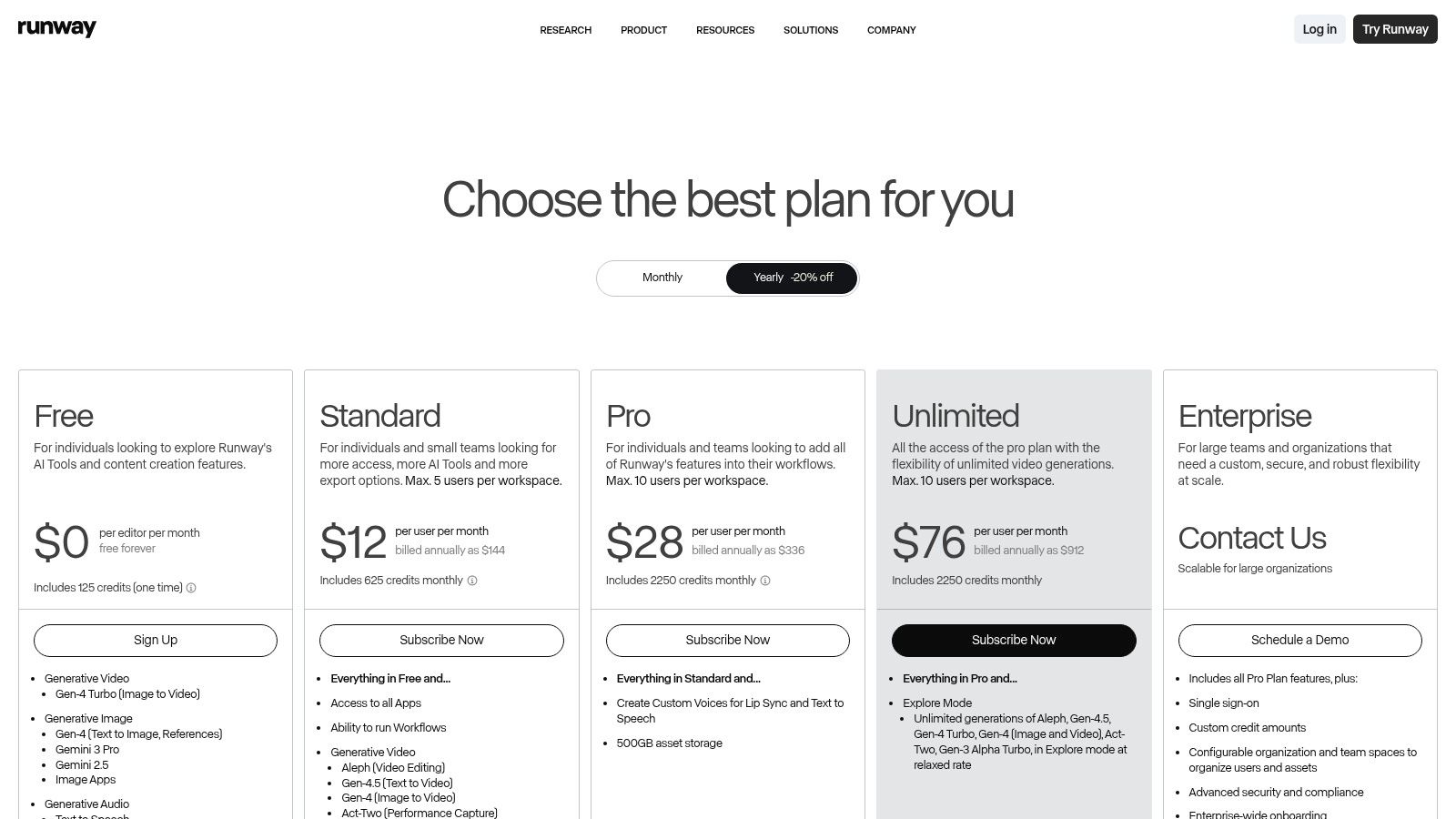
Runway

What makes Runway so compelling is its collection of cutting-edge models and integrated tools all in one place. You can generate video from a simple text prompt using models like Gen-3 Alpha, bring a still image to life with image-to-video, or use its powerful editing features to refine your creation. This consolidation is a huge workflow win, preventing the need to jump between multiple applications for generation, editing, and effects.

Key Features and Use Cases

  • Text-to-Video & Image-to-Video: Use the Gen-3 Alpha model to create cinematic clips from text descriptions or animate existing images for dynamic social media posts or ad creatives.
  • Integrated Video Editor: Go beyond simple generation. Trim clips, add text overlays, apply effects, and use AI-powered tools like motion tracking directly within the platform.
  • AI Magic Tools: Leverage specialized features like infinite image, frame interpolation (for smooth slow-motion), and background removal to add a professional polish to your videos.

Pricing: Offers a free plan with limited credits. Paid tiers scale up credits, unlock better models, remove watermarks, and offer higher-resolution exports and team features.

Best For: Marketers, social media managers, and creative professionals who need to produce high-quality, short-form video content quickly and efficiently.

ProsCons
One of the most capable browser-based AI video toolsetsGeneration consumes credits quickly, making costs scale with length
Clear model and credit breakdowns with tiered plansBest features and unlimited modes are in higher-priced tiers
Combines generation and editing in a single workflowThe learning curve can be steep for advanced editing features

You can check it out at Runway's website.

11. AppSumo

Okay, this one isn't a single tool, but rather a treasure trove for finding them. AppSumo is a marketplace that offers incredible, often lifetime, deals on up-and-coming software, including a huge variety of the best AI tools for content creation. If you love experimenting with new tech but your budget screams "no," this is your secret weapon for building a powerful, cost-effective content stack.
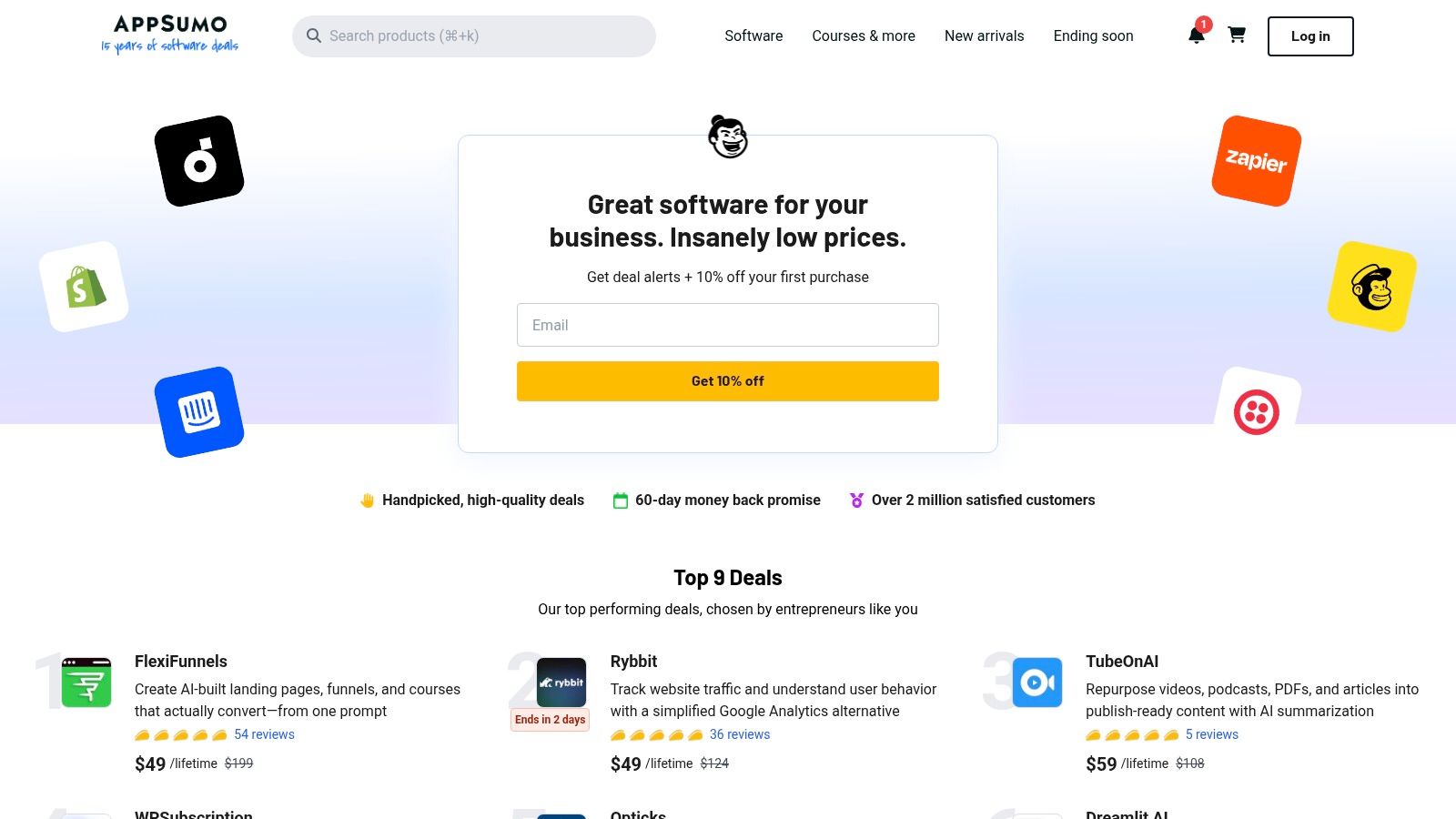
AppSumo

What makes AppSumo a must-visit is its role as a launchpad for innovative indie tools you won't find elsewhere. You can snag AI writers, video editors, and SEO optimizers for a fraction of their future subscription cost. It's a fantastic way to test drive different solutions without committing to hefty monthly fees, especially since most deals come with a 60-day money-back guarantee. Just be mindful that you're often betting on a tool's future potential.

Key Features and Use Cases

  • Discover New AI Tools: Find unique AI-powered solutions for writing, image generation, voiceovers, and more before they hit the mainstream market. It's a great way to find a niche tool that perfectly fits your workflow.
  • Cost-Effective Tool Stacking: Build a diverse toolkit by purchasing lifetime deals (LTDs) on several specialized AI applications for less than the annual cost of a single premium platform.
  • Risk-Free Experimentation: Use the typical 60-day refund window to thoroughly test a tool's capabilities. If it doesn’t integrate well with your process, you can get your money back.

Pricing: Varies per deal. Deals are typically one-time payments for lifetime or annual access, ranging from $39 to several hundred dollars depending on the software.

Best For: Entrepreneurs, freelancers, and small marketing teams who want to experiment with a wide range of AI tools affordably and are willing to invest in emerging software.

ProsCons
Extremely low-cost way to trial and own multiple AI toolsLifetime deals can be risky if vendors go out of business
Money-back guarantee reduces the risk of trying new appsDeal availability is limited; once it's gone, it's often gone
Great for discovering innovative, under-the-radar toolsMany tools are not enterprise-ready or lack robust support

You can check it out at AppSumo's website.

12. G2 — Category Pages

Sometimes the best AI tool for content creation isn't a tool at all, but a map to find the right one. That’s where G2 comes in. Before you sink your budget into a new subscription, G2’s category pages for AI tools offer a crucial sanity check, compiling user reviews, feature comparisons, and quarterly "Grid" reports that show you who the real market leaders are versus the niche players. It’s an essential research stop to validate your choices.

What makes G2 so valuable is its focus on recent, verified user feedback. You can filter reviews by company size and role, giving you a clear picture of how a tool performs for a business like yours, not just a massive enterprise. This helps cut through the marketing hype and see how these platforms actually function in the wild. When you're trying to decide between three different AI writers or image generators, G2 is where you go to see the unfiltered pros and cons from people who’ve already put them to the test.

Key Features and Use Cases

  • Comparative Research: Use the Grid reports to quickly see how top tools stack up in terms of user satisfaction and market presence before starting your free trials.
  • Review Filtering: Drill down into reviews from users in your specific industry or company size to find the most relevant feedback for your needs.
  • Shortlisting Tools: Build a confident shortlist of potential tools based on real-world data, helping you avoid buyer's remorse and the pain of platform migration.

Pricing: Free to browse reviews and category pages. Some in-depth reports and data may require a free account sign-up.

Best For: Marketing managers, team leads, and solo entrepreneurs who need to make informed purchasing decisions and compare the ever-growing list of AI content tools.

ProsCons
Based on a large volume of verified, recent user reviewsSome in-depth reports and data are gated behind an account wall
Grid reports offer a clear visual market comparisonSponsored placements can appear, so always check the methodology
Excellent for validating a purchase before committingCan be overwhelming with the sheer number of tools listed

You can check it out at G2's AI Writing Assistant category page.

Top 12 AI Content Creation Tools Comparison

ProductCore features & USP ✨UX / Quality ★Value & Pricing 💰Target audience 👥
Zemith 🏆Multi-model access (Gemini, Claude, GPT, Imagen); Docs chat, Smart Notepad, Coding, Image tools, Live Mode, Libraries/Projects ✨Comprehensive workspace; fast updates; research-grade outputs ★★★★☆Free tier + credit-based usage; consolidates multiple subscriptions 💰Researchers, creators, developers, teams 👥
OpenAI — ChatGPTMultimodal chat, Deep Research, custom GPTs & Tasks, voice + screen share ✨Polished UI; strong reasoning & frequent feature rollouts ★★★★★Tiered plans (Free → Enterprise); advanced features behind paid tiers 💰Writers, researchers, businesses 👥
Anthropic — ClaudeLong‑context drafting, strong summarization, API for production ✨Reliable, safety-focused outputs; excellent long-form quality ★★★★☆Consumer + API tiers; higher capacity on premium/Max plans 💰Long-form authors, enterprises, API users 👥
Google — GeminiEmbedded in Gmail/Docs/Meet/Slides; NotebookLM & AI video (Vids) ✨Seamless Workspace integration; familiar Google UI ★★★★Google AI Pro/Ultra with credits; Workspace licensing varies by edition 💰Content teams using Google Workspace 👥
Microsoft — CopilotCopilot across Word/Excel/PowerPoint/Teams; Copilot Studio & governance ✨Native Office workflows; enterprise security & governance ★★★★Requires eligible M365 + Copilot paid plans; enterprise pricing 💰Enterprises, Office-centric teams 👥
Adobe — Firefly & Creative CloudFirefly generative models in Photoshop/Creative Cloud; Generative Fill ✨Professional-grade design/video tools; brand-safe workflows ★★★★☆Tiered plans with monthly generative credits; pro pricing for heavy use 💰Design/video teams, brands, agencies 👥
Canva25+ AI tools (Magic Write/Expand), templates, stock library & Brand Kits ✨Template-first, very accessible for non-designers ★★★★Free + paid plans; premium for advanced brand controls 💰Marketers, social creators, small teams 👥
JasperCanvas workspace, Brand Voice, Knowledge & no-code AI Apps ✨Marketing-focused UX; designed for campaign workflows ★★★Per-seat pricing; Business tier for governance & scale 💰Marketing teams, agencies, content ops 👥
DescriptTranscript-driven audio/video editor; voice cloning & studio sound ✨Fast transcript→publish workflow; creator-friendly ★★★★Creator pricing + credit/media-hour model for heavy use 💰Podcasters, video creators, educators 👥
RunwayState-of-the-art text→video models, image→video, upscaling, lip-sync ✨Powerful browser-based video suite; iterative editor ★★★★Credit-based plans; costs scale with video seconds 💰Video creators, advertisers, studios 👥
AppSumoRotating SaaS deals & bundles; refund windows for trials ✨Good for discovery and bargains; deal quality varies ★★★Time-limited low-cost deals; typical refund window (e.g., 60 days) 💰SMBs, founders, experimenters 👥
G2 — Category PagesCategory rankings, user reviews, Grid reports for vendor comparison ✨Data-driven shortlisting; many recent user reviews ★★★★Free access; some reports or features may require sign-in 💰Buyers, procurement teams, evaluators 👥

Your Mission, Should You Choose to Accept It: Consolidate and Conquer

Whew, what a ride! We've navigated the digital jungle of AI, from the text-generating titans like ChatGPT and Claude to the visual wizards at Adobe and Canva. We’ve seen specialized tools that can edit your podcast with Descript or generate otherworldly videos with Runway. It's clear the AI revolution isn't just coming; it’s here, and it’s armed with a whole lot of freemium plans.

But let’s be real. After exploring this buffet of options, you might be feeling a bit of "tool fatigue." The initial excitement of signing up for a dozen new platforms can quickly morph into the headache of managing a dozen different subscriptions, logins, and user interfaces. That’s the great paradox of modern content creation: the tools designed to save us time can end up costing us precious focus as we constantly switch contexts.

The Real Choice: Collector or Consolidator?

This brings us to the core question you need to ask yourself. Are you building a disjointed collection of shiny AI objects, or are you crafting a streamlined, consolidated workflow? It's the difference between having a garage full of specialized, single-use tools you rarely touch and having one high-powered, versatile multi-tool that handles 90% of the job.

Think about your daily grind. You might start by researching topics with Gemini, outlining the article in ChatGPT, creating a blog graphic in Canva, and then finally putting it all together. Each step involves opening a new tab, potentially losing your train of thought, and paying another monthly bill. This fragmented process is a hidden tax on your creativity and your wallet.

Your Actionable Next Steps to AI Mastery

So, where do you go from here? The goal isn't just to pick from the list of the best AI tools for content creation; it's to define and refine your personal content engine.

  1. Audit Your Current Workflow: For one week, track every tool you use. How many tabs do you have open? How much time do you spend copying and pasting between apps? The results might shock you.
  2. Identify Your Core Needs: Are you primarily a writer who occasionally needs an image? Or are you a video creator who needs to generate scripts and voiceovers? Don't pay for features you don't use. For a broader comparison of market-leading platforms, you might find another valuable resource on the best AI tools for content creation which can help clarify where your needs fit in the larger landscape.
  3. Prioritize Integration: Look for platforms that can do more than one thing well. The magic happens when your research, document analysis, writing, and image creation all live in the same smart workspace. This is where an all-in-one solution like Zemith shines, allowing you to access the power of different AI models without ever leaving your project.

The ultimate goal is to spend less time managing tools and more time creating amazing content. The future of productivity isn't about having more apps; it’s about having the right app that centralizes your efforts. It’s about building a command center, not a chaotic collection. By choosing consolidation, you’re not just simplifying your workflow; you're reclaiming your focus and amplifying your creative output.

Now go on, accept your mission. It’s time to conquer your content chaos.


Ready to stop juggling tabs and start creating in a unified workspace? Discover how Zemith consolidates your entire content creation process, from research to final draft. Sign up for Zemith’s free plan and build your streamlined AI command center today.

Explore Zemith Features

Introducing Zemith

The best tools in one place, so you can quickly leverage the best tools for your needs.

Zemith showcase

All in One AI Platform

Go beyond AI Chat, with Search, Notes, Image Generation, and more.

Cost Savings

Access latest AI models and tools at a fraction of the cost.

Get Sh*t Done

Speed up your work with productivity, work and creative assistants.

Constant Updates

Receive constant updates with new features and improvements to enhance your experience.

Features

Selection of Leading AI Models

Access multiple advanced AI models in one place - featuring Gemini-2.5 Pro, Claude 4.5 Sonnet, GPT 5, and more to tackle any tasks

Multiple models in one platform
Set your preferred AI model as default
Selection of Leading AI Models

Speed run your documents

Upload documents to your Zemith library and transform them with AI-powered chat, podcast generation, summaries, and more

Chat with your documents using intelligent AI assistance
Convert documents into engaging podcast content
Support for multiple formats including websites and YouTube videos
Speed run your documents

Transform Your Writing Process

Elevate your notes and documents with AI-powered assistance that helps you write faster, better, and with less effort

Smart autocomplete that anticipates your thoughts
Custom paragraph generation from simple prompts
Transform Your Writing Process

Unleash Your Visual Creativity

Transform ideas into stunning visuals with powerful AI image generation and editing tools that bring your creative vision to life

Generate images with different models for speed or realism
Remove or replace objects with intelligent editing
Remove or replace backgrounds for perfect product shots
Unleash Your Visual Creativity

Accelerate Your Development Workflow

Boost productivity with an AI coding companion that helps you write, debug, and optimize code across multiple programming languages

Generate efficient code snippets in seconds
Debug issues with intelligent error analysis
Get explanations and learn as you code
Accelerate Your Development Workflow

Powerful Tools for Everyday Excellence

Streamline your workflow with our collection of specialized AI tools designed to solve common challenges and boost your productivity

Focus OS - Eliminate distractions and optimize your work sessions
Document to Quiz - Transform any content into interactive learning materials
Document to Podcast - Convert written content into engaging audio experiences
Image to Prompt - Reverse-engineer AI prompts from any image
Powerful Tools for Everyday Excellence

Live Mode for Real Time Conversations

Speak naturally, share your screen and chat in realtime with AI

Bring live conversations to life
Share your screen and chat in realtime
Live Mode for Real Time Conversations

AI in your pocket

Experience the full power of Zemith AI platform wherever you go. Chat with AI, generate content, and boost your productivity from your mobile device.

AI in your pocket

Deeply Integrated with Top AI Models

Beyond basic AI chat - deeply integrated tools and productivity-focused OS for maximum efficiency

Deep integration with top AI models
Figma
Claude
OpenAI
Perplexity
Google Gemini

Straightforward, affordable pricing

Save hours of work and research
Affordable plan for power users

openai
sonnet
gemini
black-forest-labs
mistral
xai
Limited Time Offer for Plus and Pro Yearly Plan
Best Value

Plus

1412.99
per month
Billed yearly
~2 months Free with Yearly Plan
  • 10000 Credits Monthly
  • Access to plus features
  • Access to Plus Models
  • Access to tools such as web search, canvas usage, deep research tool
  • Access to Creative Features
  • Access to Documents Library Features
  • Upload up to 50 sources per library folder
  • Access to Custom System Prompt
  • Access to FocusOS up to 15 tabs
  • Unlimited model usage for Gemini 2.5 Flash Lite
  • Set Default Model
  • Access to Max Mode
  • Access to Document to Podcast
  • Access to Document to Quiz Generator
  • Access to on demand credits
  • Access to latest features

Professional

2521.68
per month
Billed yearly
~4 months Free with Yearly Plan
  • Everything in Plus, and:
  • 21000 Credits Monthly
  • Access to Pro Models
  • Access to Pro Features
  • Access to Video Generation
  • Unlimited model usage for GPT 5 Mini
  • Access to code interpreter agent
  • Access to auto tools
Features
Plus
Professional
10000 Credits Monthly
21000 Credits Monthly
Access to Plus Models
Access to Pro Models
Access to FocusOS up to 15 tabs
Set Default Model
Set Default Model
Access to Max Mode
Access to Max Mode
Access to code interpreter agent
Access to auto tools
Access to Live Mode
Access to Live Mode
Access to Custom Bots
Tool usage i.e Web Search
Deep Research Tool
Deep Research Tool
Creative Feature Access
Video Generation
Video Generation
Document Library Feature Access
50 Sources per Library Folder
Prompt Gallery
Prompt Gallery
Set Default Model
Set Default Model
Auto Notes Sync
Auto Notes Sync
Auto Whiteboard Sync
Unlimited Document to Quiz
Access to Document to Podcast
Custom System Prompt
Access to Unlimited Prompt Improver
Access to On-Demand Credits
Access to latest features

What Our Users Say

Great Tool after 2 months usage

simplyzubair

I love the way multiple tools they integrated in one platform. So far it is going in right dorection adding more tools.

Best in Kind!

barefootmedicine

This is another game-change. have used software that kind of offers similar features, but the quality of the data I'm getting back and the sheer speed of the responses is outstanding. I use this app ...

simply awesome

MarianZ

I just tried it - didnt wanna stay with it, because there is so much like that out there. But it convinced me, because: - the discord-channel is very response and fast - the number of models are quite...

A Surprisingly Comprehensive and Engaging Experience

bruno.battocletti

Zemith is not just another app; it's a surprisingly comprehensive platform that feels like a toolbox filled with unexpected delights. From the moment you launch it, you're greeted with a clean and int...

Great for Document Analysis

yerch82

Just works. Simple to use and great for working with documents and make summaries. Money well spend in my opinion.

Great AI site with lots of features and accessible llm's

sumore

what I find most useful in this site is the organization of the features. it's better that all the other site I have so far and even better than chatgpt themselves.

Excellent Tool

AlphaLeaf

Zemith claims to be an all-in-one platform, and after using it, I can confirm that it lives up to that claim. It not only has all the necessary functions, but the UI is also well-designed and very eas...

A well-rounded platform with solid LLMs, extra functionality

SlothMachine

Hey team Zemith! First off: I don't often write these reviews. I should do better, especially with tools that really put their heart and soul into their platform.

This is the best tool I've ever used. Updates are made almost daily, and the feedback process is very fast.

reu0691

This is the best AI tool I've used so far. Updates are made almost daily, and the feedback process is incredibly fast. Just looking at the changelogs, you can see how consistently the developers have ...

Available Models
Plus
Professional
Google
Google: Gemini 2.5 Flash Lite
Google: Gemini 3 Flash
Google: Gemini 2.5 Pro
OpenAI
Openai: Gpt 5 Nano
Openai: Gpt 5 Nano
Openai: Gpt 5 Mini
Openai: Gpt 5 Mini
Openai: Gpt 5
Openai: Gpt 5
Openai: Gpt 5.1
Openai: Gpt 5.1
Openai: Gpt Oss 120b
Openai: Gpt 4o Mini
Openai: Gpt 4o Mini
Openai: Gpt 4o
Openai: Gpt 4o
Anthropic
Anthropic: Claude 4.5 Haiku
Anthropic: Claude 4 5 Sonnet
Anthropic: Claude 4.1 Opus
DeepSeek
Deepseek: V3.1
Deepseek: V3.1
Deepseek: R1
Deepseek: R1
Perplexity
Perplexity: Sonar
Perplexity: Sonar
Perplexity: Sonar Reasoning
Perplexity: Sonar Pro
Mistral
Mistral: Small 3.1
Mistral: Small 3.1
Mistral: Medium
Mistral: Medium
xAI
Xai: Grok 4 Fast
Xai: Grok 4 Fast
Xai: Grok 4
Xai: Grok 4
zAI
Zai: Glm 4.5V
Zai: Glm 4.5V
Zai: Glm 4.6
Zai: Glm 4.6

















