
10 Best AI Video Editors 2024 (Free & Paid)
AI video editing is revolutionizing content creation in 2024. Here's what you need to know:
- AI makes editing faster and easier
- Tools range from free apps to pro-level software
- Options for beginners, content creators, businesses, and pros
Top 10 AI video editors:
- Adobe Premiere Pro
- DaVinci Resolve
- CapCut
- Runway
- Invideo
- Descript
- Wondershare Filmora
- Synthesia
- Lumen5
- YouCam Video
Quick Comparison:
| Editor | Best For | Starting Price | Key AI Features |
|---|---|---|---|
| Adobe Premiere Pro | Pros | $20.99/month | Generative Extend, Smart Selection |
| DaVinci Resolve | All levels | Free (Pro $295) | IntelliTrack, UltraNR |
| CapCut | Social media | Free | Auto Captions, Smart Templates |
| Runway | Creative projects | Free trial | Text-to-video, Motion Brush |
| Invideo | Marketing | Plus $35/month | Text-to-video, Auto voice-overs |
| Descript | Podcasters, educators | Free (Pro $30/month) | Overdub, Studio Sound |
| Wondershare Filmora | Beginners to pros | $49.99/year | AI Portrait, Smart Cutout |
| Synthesia | Businesses | $29/month | AI avatars, Voice cloning |
| Lumen5 | Content marketers | Free (Pro $59/month) | Text-to-video conversion |
| YouCam Video | Selfie videos | Free (in-app purchases) | AI Video Enhancer, Face reshaping |
These tools are changing video editing by automating tasks, improving quality, and making pro-level editing accessible to everyone.
Related video from YouTube
sbb-itb-4f108ae
Adobe Premiere Pro
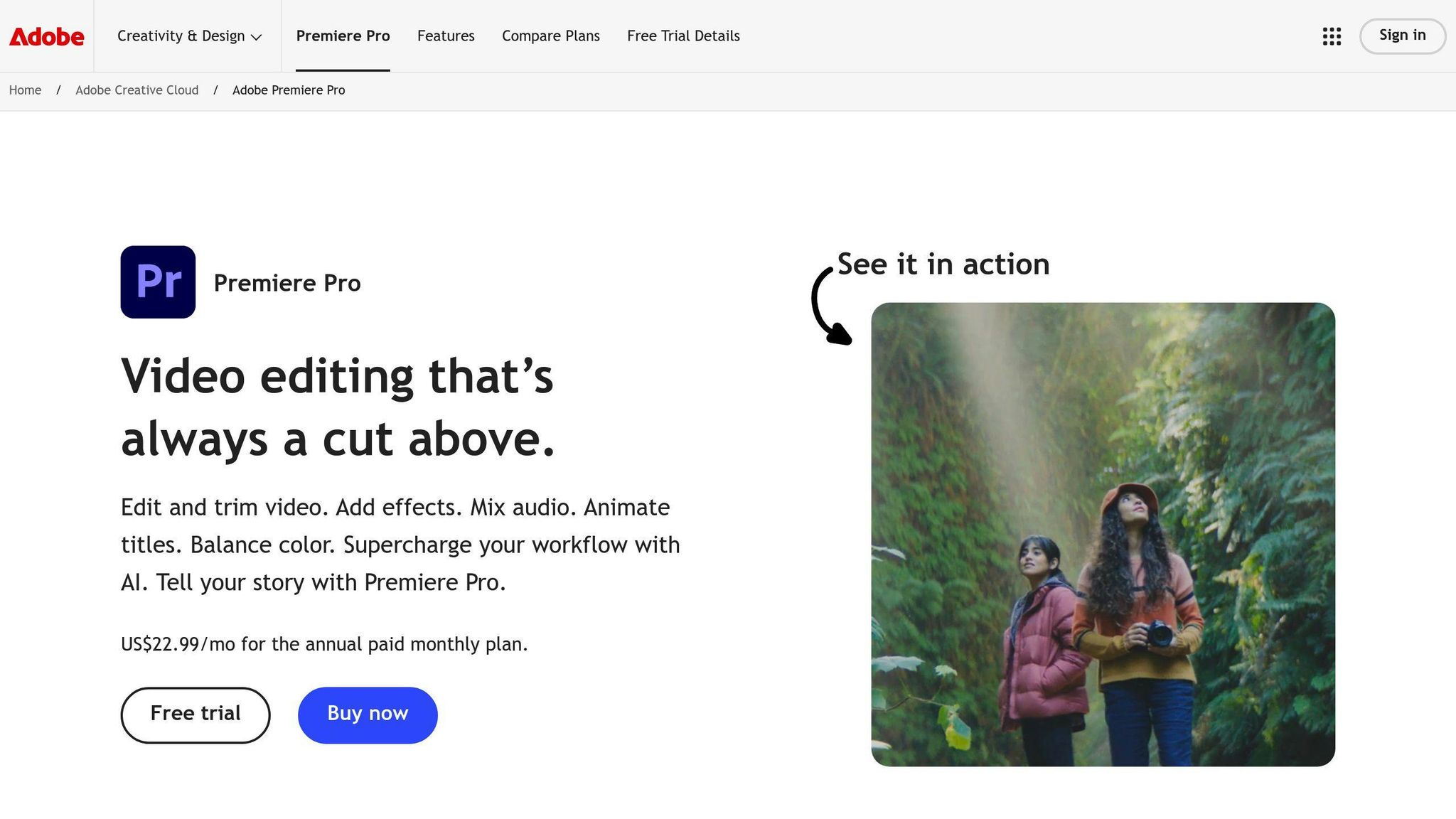
Adobe Premiere Pro is stepping up its game in 2024 with new AI features. It's already a go-to for pro video editors, and now it's getting even better.
Here's what's new:
- Generative Extend: Makes clips longer without reshooting
- Smart Selection and Tracking: Adds or removes objects in videos
- Text-to-Video: Creates footage from text or images
These AI tools are all about saving time and boosting creativity. Imagine extending a clip without having to reshoot - that's what Generative Extend does.
Premiere Pro shines in detailed work like face blurring. But for some tasks, like slow-motion effects, other tools might have an edge.
Pricing:
| Plan | Monthly Cost |
|---|---|
| Single App | $20.99 |
| All Apps | $52.99 |
| Business | $79.99 |
You'll need to sign up for a membership to use Premiere Pro. It includes all updates, and you just need to go online every 99 days to keep it active.
Here's what one user said:
"In-house video editing has been a blessing. Before we were outsourcing everything and it was costing a ton. The value of the software is incredibly high when considering how much we were spending on outsourcing."
For companies wanting to bring video production in-house, Premiere Pro is a solid choice. It works well with other Adobe products too, which is great if you're already using Creative Cloud.
There's no free trial, but the monthly subscription lets you access pro-level editing without a big upfront cost. It's a good fit for solo creators and big teams alike.
2. DaVinci Resolve
DaVinci Resolve is a powerhouse in AI video editing. It's got a free version and a paid Studio edition, making it perfect for everyone from YouTube creators to Hollywood pros.
AI Magic
DaVinci Resolve 19 packs some serious AI punch:
- IntelliTrack: Tracks objects and stabilizes footage automatically
- UltraNR: Zaps digital noise without ruining your image
- Speech to Text: Turns talking into text, even with multiple speakers
- Color Slice: Tweaks colors with AI precision
- Film Look Creator: 60 options to make your video look like a blockbuster
Got an NVIDIA RTX GPU? These AI features run up to 3x faster.
Free vs. Paid: What's the Deal?
| Feature | Free | Studio |
|---|---|---|
| Resolution | Up to 4K UHD | Up to 32K |
| Frame Rate | 60 fps | 120 fps |
| GPU Support | Single GPU | Multiple GPUs |
| Neural Engine | Nope | Yep |
| Price | $0 | $295 (one-time) |
The free version? It's no slouch. You get tons of tools without annoying watermarks or paywalls. Perfect for vloggers and YouTubers.
Want more? The Studio version is $295. You get the DaVinci Neural Engine with facial recognition, image upscaling, and smart masks for isolating objects.
Using DaVinci Resolve
DaVinci Resolve lets you edit your timeline using text. It's like magic for interview footage or dialogue-heavy videos.
"The free version of DaVinci Resolve 17 is amazing. It's crazy that a fully functioning post-production suite can be available for free." - Johan Kok, Video Production Business Owner
What Your Computer Needs
To run DaVinci Resolve smoothly, you'll need:
- 8GB RAM (macOS)
- 16GB RAM (Windows)
- 32GB RAM (Linux)
It works on Windows, macOS, and Linux. No excuses not to try it!
DaVinci Resolve's mix of AI tools, flexible pricing, and compatibility across platforms makes it a top pick for AI video editing in 2024.
3. CapCut

CapCut is a free video editing app that's exploded in popularity. Launched in 2020 by ByteDance (TikTok's parent company), it's become the go-to for short-form videos.
Key Features
- AI-powered tools
- Beginner-friendly interface
- High-quality exports (up to 4K)
Free vs Pro
| Feature | Free | Pro ($7.99/month) |
|---|---|---|
| Video Length | 15 min max | Unlimited |
| Cloud Storage | 1GB | 100GB |
| AI Features | Basic | Advanced |
| Export Quality | Up to 4K | Up to 4K |
| Watermark | No | No |
AI Magic
CapCut's AI tools are a game-changer:
"Smart Templates sync your videos with audio in seconds. Auto Captions generate and edit captions automatically. And Smart Ads create promotional videos just by entering product info."
Who It's For
- TikTok and Instagram creators
- Small businesses boosting social media presence
- Anyone wanting quick, pro-looking videos
Tips for Getting Started
- Use auto captions to save time
- Explore trendy templates for quick edits
- Try Smart Ads for easy product promos
CapCut's free features and AI tools make it a top pick for creators in 2024. It's got everything you need to bring your video ideas to life, whether you're just starting out or you're a pro.
4. Runway
Runway is an AI platform with 30+ tools for video, image, and audio creation. It's built for creators who want AI power without coding.
Key Features
- Text-to-video generation
- AI video editing (motion tracking, inpainting, green screen)
- Image manipulation and generation
- Voiceover creation
Pricing Plans
| Plan | Monthly Cost | Credits | Storage | Key Features |
|---|---|---|---|---|
| Basic | Free | 125 one-time | 5GB | 3 video projects, 720p exports |
| Standard | $15 | 625/month | 100GB | Unlimited projects, 4K exports |
| Pro | $35 | 2,250/month | 500GB | All AI tools, 10 editors |
| Unlimited | $95 | Unlimited | 500GB | Unlimited video generation |
AI Magic in Action
With Runway, you can:
- Make videos from text
- Change video colors with text prompts
- Animate parts of an image
- Generate content fast
Take the Motion Brush tool. It lets you animate specific image areas, turning a static picture into a 4-second clip.
Who It's For
Runway works for TikTokers, YouTubers, filmmakers, artists, and businesses making marketing content. It's for anyone wanting to speed up video production.
Getting Started
- Try the free account
- Use text-to-video to visualize ideas
- Play with AI styles
- Plan videos to maximize free credits
Runway's AI power and easy interface make it a top pick for creators in 2024, from beginners to pros looking to work faster.
5. Invideo
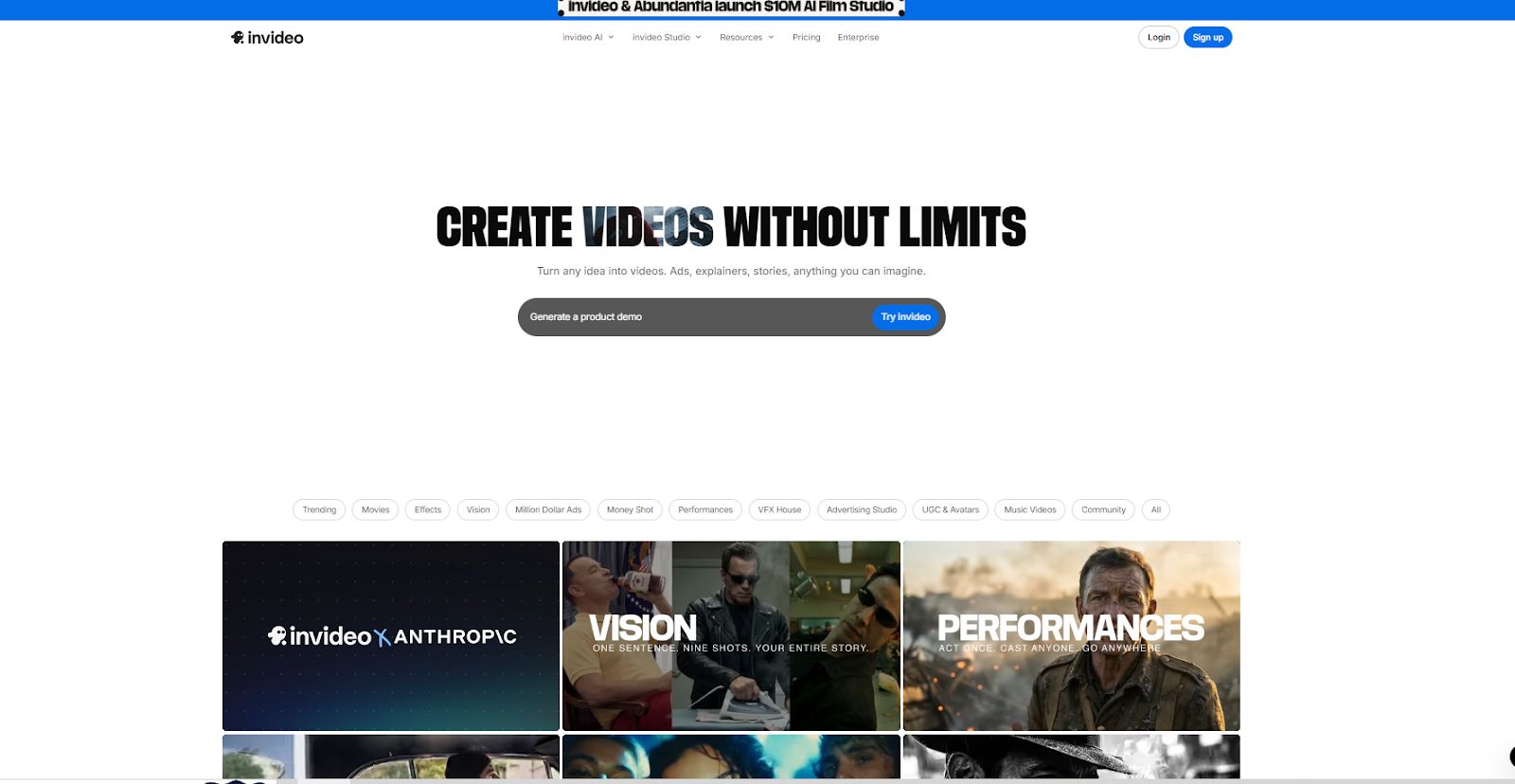
Invideo is an AI video editor that's easy to use, whether you're new to video or a pro. It's packed with features to make video creation a breeze.
Key Features
- Edit videos using simple natural language text commands with AI.
- Use the Magic Box to delete scenes, change voiceovers, mute audio or apply effects.
- Create and edit videos in over 50 different styles with guided workflows.
- Access and edit with 16 million+ stock photos and video clips.
- Apply human‑sounding AI voiceovers to bring videos to life.
- Easily edit visuals, music and text translations within the video.
Pricing Plans
| Plan | Price per Month | Price per Credit | Credits | Video Mins | iStock Assets | Generative Video | Storage |
| Plus | $35 / month | $3.5 / credit | 10 Credits | 50 mins | 95 iStock | 30 secs of generative video | 100GB |
| Max | $60 / month | $1.5 / credit | 40 Credits | 200 mins | 320 iStock | 120 secs of generative video | 400GB |
| Generative | $120 / month | $1.2 / credit | 100 Credits | 200 mins | 320 iStock | 300 secs of generative video | 400GB |
| Team | $999 / month | $1 / credit | 1000 Credits | 2000 mins | 3200 iStock | 50 mins of generative videos | 4TB |
6. Descript
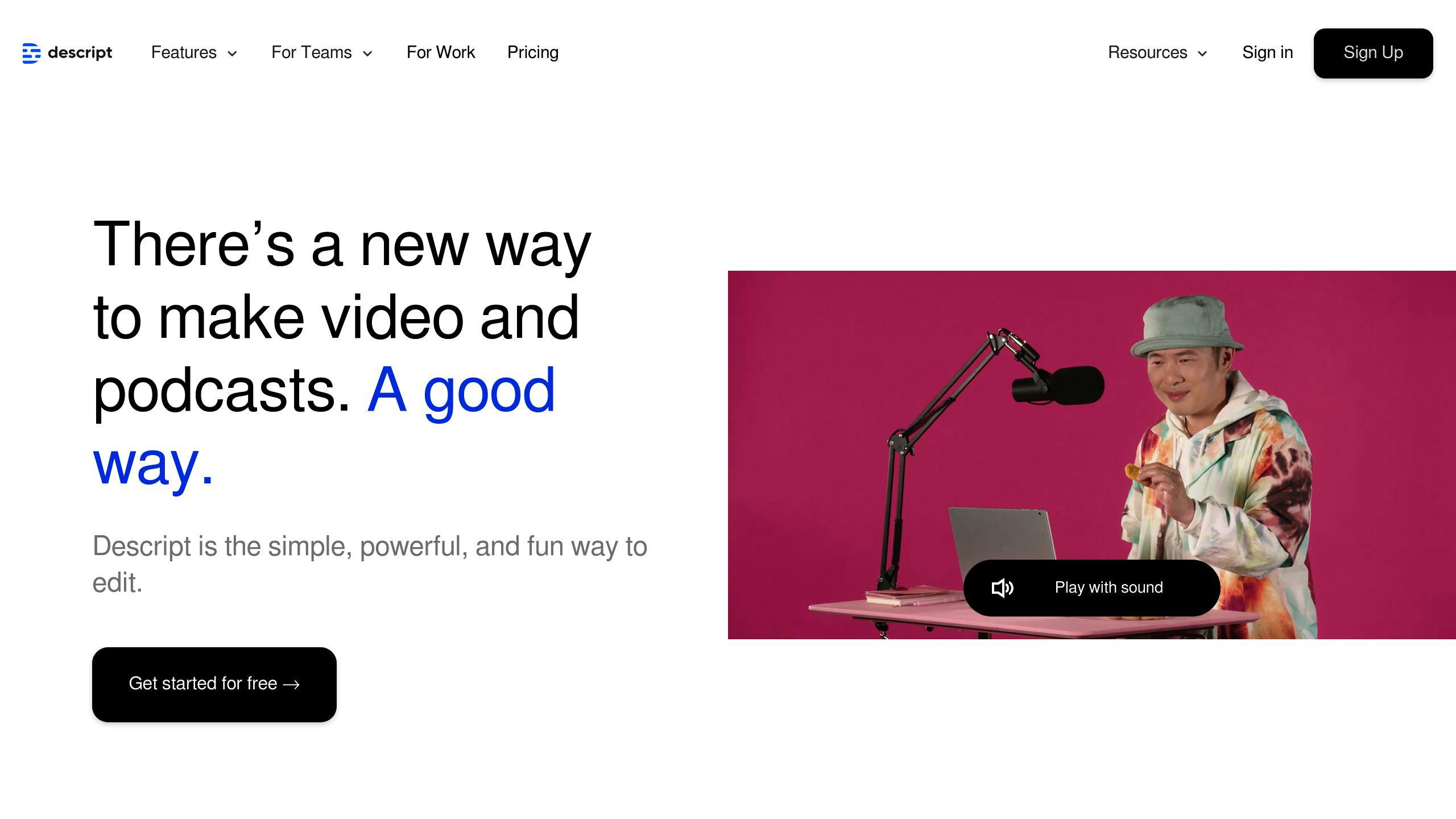
Descript isn't just another video editor. It's a complete rethink of how we edit video and audio.
Key Features
- Edit video by editing text
- AI transcription
- Overdub: Create a synthetic version of your voice
- One-click filler word removal
- AI-enhanced audio quality
Pricing Plans
| Plan | Monthly Cost | Transcription Hours | Key Features |
|---|---|---|---|
| Free | $0 | 1 hour | 720p export, watermarked |
| Creator | $15 | 10 hours | 4K export, no watermark |
| Pro | $30 | 30 hours | Advanced AI effects, unlimited use |
| Enterprise | Custom | Custom | Dedicated support, SSO |
Who's It For?
Descript works for:
- Podcasters
- Video creators
- Marketers
- Educators
Real-World Impact
"Descript's Overdub feature has saved me from countless re-recording sessions. I can fix mistakes or add new content without bringing the host back into the studio." - Podcast producer
Pros and Cons
Pros:
- Easy to use
- Text-based editing saves time
- AI features like Overdub and Studio Sound
Cons:
- Takes time to learn advanced features
- Not as good for deep audio editing as specialized tools
Getting Started
1. Pick a plan
2. Upload your file
3. Edit using the transcript
4. Use AI features
5. Export your content
Descript's text-based editing is a game-changer. It's perfect for creators who want to work faster without losing quality.
7. Wondershare Filmora
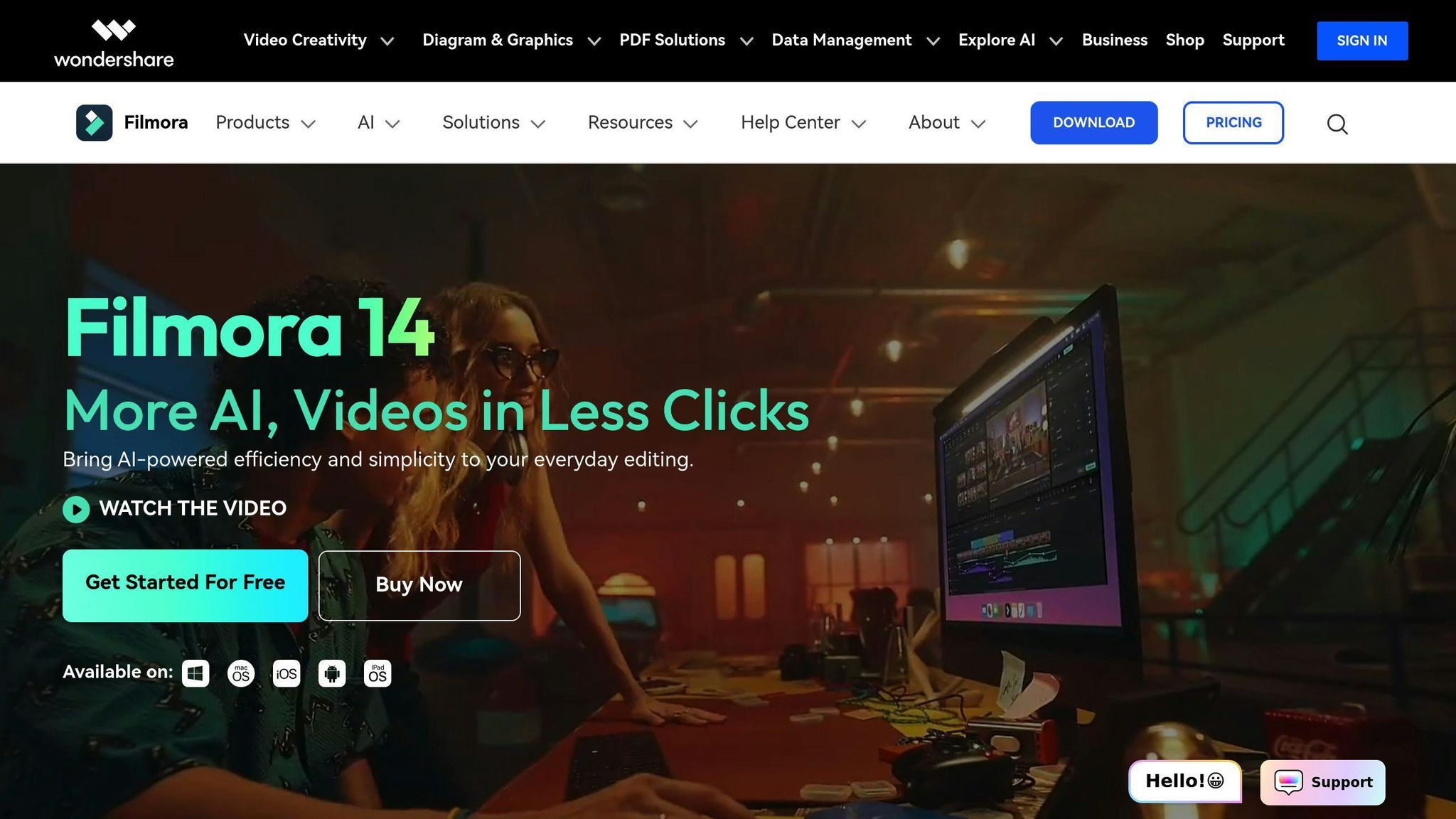
Wondershare Filmora is a user-friendly AI video editor that's great for beginners and pros alike. It's packed with AI features that make editing a breeze.
Key AI Features
- AI Portrait: Zaps backgrounds and sharpens subjects
- Smart Cutout: Moves objects between videos with tracking
- AI Image Generator: Turns text into images
- AI Copywriting: Sparks video script ideas
- AI Sticker Generator: Creates stickers from text
- Voice Cloning: Mimics speech in 16 languages
Pricing
| Plan | Cost | What You Get |
|---|---|---|
| Subscription | $49.99/year | Basic stuff, yearly updates |
| Cross-Platform | $69.99/year | Use on multiple devices |
| Perpetual | $79.99 (one-time) | Lifetime access |
Who's It For?
Filmora's perfect for content creators, YouTubers, small businesses, freelancers, marketers, and newbies to video editing.
The Good and The Bad
Pros:
- Easy to use
- Fast rendering
- 4K support
- Tons of creative assets
Cons:
- Some lag issues
- Can be overwhelming at first
Quick Start
- Pick a plan (7-day free trial available)
- Download and install
- Import your videos
- Choose AI tools from settings
- Follow the prompts to use features like AI Portrait
Filmora's mix of AI tools and user-friendliness makes it a solid pick for anyone looking to step up their video editing game without a headache.
8. Synthesia
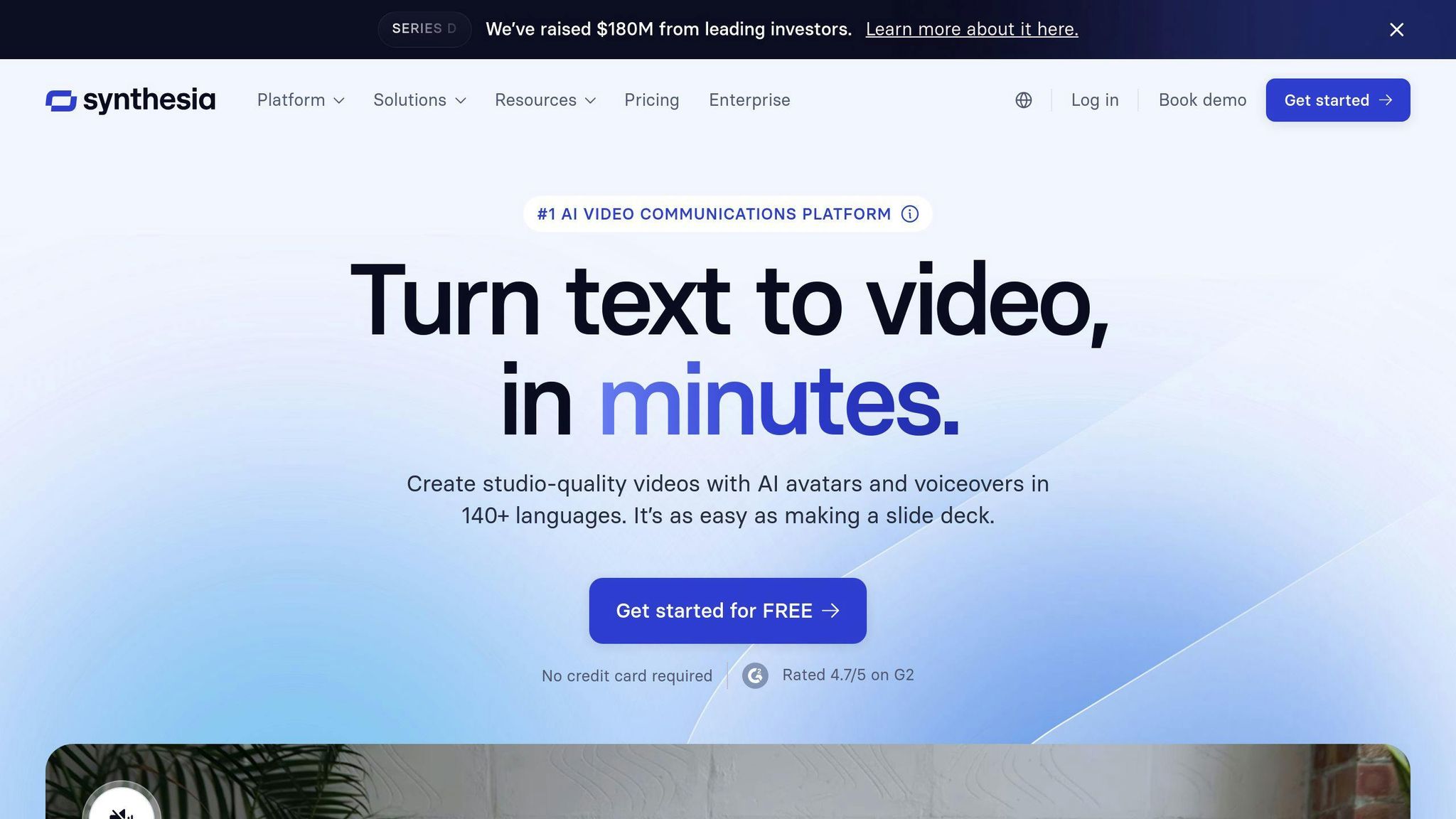
Synthesia is a web-based AI video editor that turns text into professional-looking videos with AI avatars. It's perfect for businesses and content creators who need to crank out high-quality videos fast.
Key Features
- 230+ AI avatars
- 140+ languages
- AI voice cloning
- 1-click translations
- 300+ templates
- Huge media library
Pricing
| Plan | Cost | Video Minutes | What You Get |
|---|---|---|---|
| Free | $0 | 3/month | 6 AI avatars, 130+ languages |
| Starter | $29/month | 10/month | 70+ AI avatars, Avatar Builder |
| Creator | $89/month | 30/month | 90+ AI avatars, Custom Fonts |
| Enterprise | Custom | Unlimited | 140+ AI avatars, Team Collaboration |
Who's It For?
Synthesia is great for:
- Businesses making training videos
- Marketing teams creating promo content
- Customer support teams building tutorials
- Educators developing learning materials
Pros and Cons
Pros:
- Fast video creation (10-30 minutes per video)
- Tons of language options
- Easy to use
Cons:
- AI avatars can feel a bit robotic
- Need pricier plans for the cool stuff
Real-World Results
"We booked 35% more meetings at trade shows thanks to Synthesia's role-specific product explainer videos." - Tolgar A., VP of Marketing at Infinite Peripherals
This shows how Synthesia can supercharge your marketing and lead gen efforts.
Synthesia shines with its AI-powered features and user-friendly interface. It's a solid pick for businesses wanting to pump out more video content without needing a tech genius or a massive budget.
9. Lumen5

Lumen5 turns text into videos. It's a web-based AI video editor that's perfect for marketers, educators, and content creators who want to make videos without being video editing pros.
Key Features
- AI turns text into video
- Easy drag-and-drop interface
- Tons of stock photos, videos, and music
- Optimized for social media
- Brand your videos
Pricing
| Plan | Monthly Cost | Video Quality | Stock Stuff |
|---|---|---|---|
| Community | Free | 720p | Some |
| Basic | $19 | 720p | Some |
| Starter | $59 | 1080p | 50M+ |
| Professional | $149 | 1080p | 500M+ |
| Enterprise | Ask for quote | 1080p | 500M+ |
Yearly plans are cheaper. Monthly plans cost more.
Who's It For?
- Marketing teams making social media content
- Businesses turning blog posts into videos
- Teachers creating learning materials
- Content creators who need lots of videos
Good and Bad
Good:
- Quick videos from text
- Tons of stock stuff to use
- Easy for beginners
Bad:
- Free videos have Lumen5 logo
- Need to pay more for cool features
Real Impact
Over 400,000 businesses use Lumen5 to make videos that people love. Marketing teams use it to turn blogs into social media ads and email videos. It's a big time-saver.
"It's super easy to use. I love having music, video clips, and images all in one place." - Someone who uses Lumen5
Lumen5's AI makes it stand out for turning text into cool videos fast. It's great if you want to make your writing into something people can watch.
10. YouCam Video
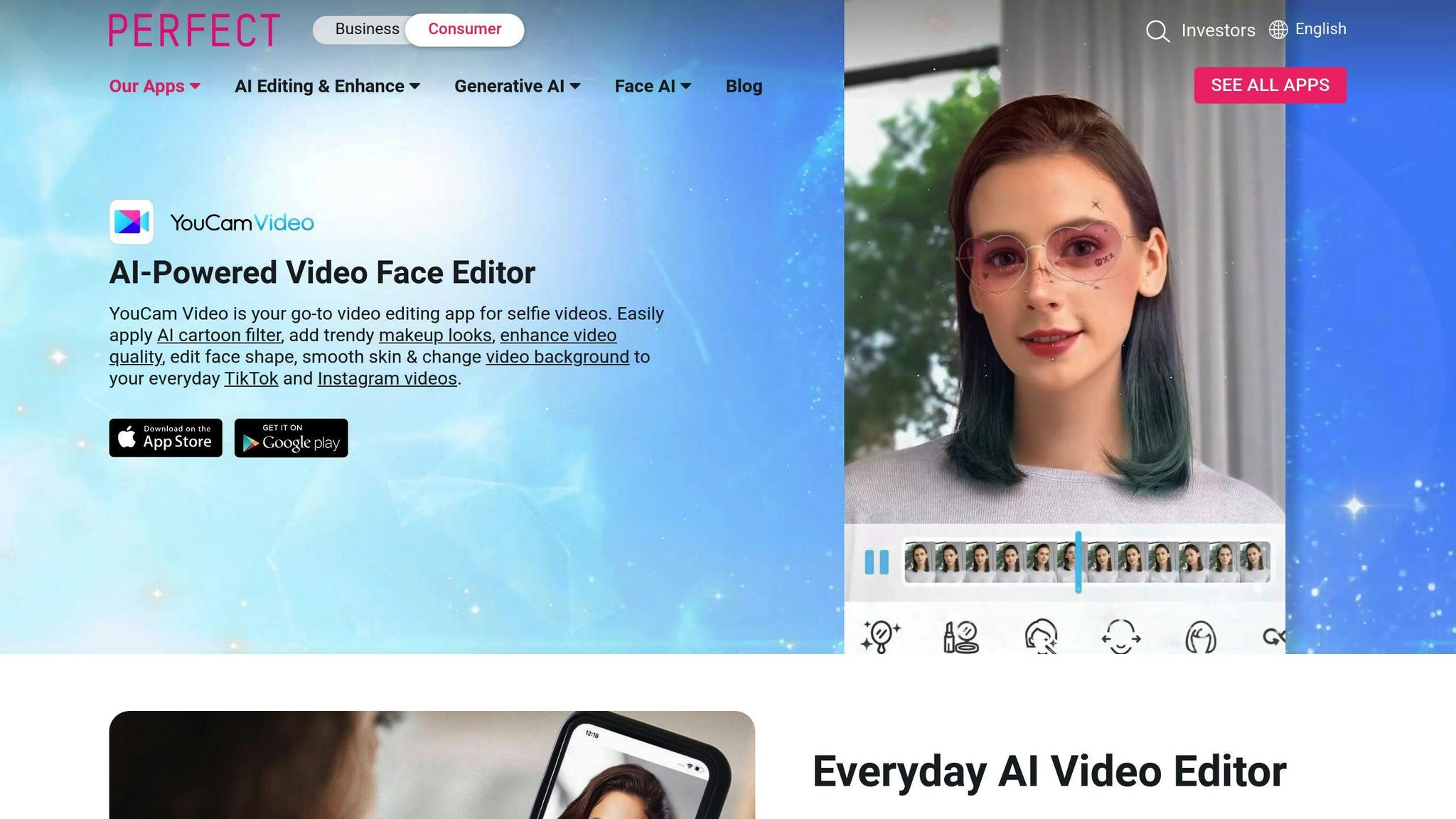
YouCam Video is an AI-powered app for quick selfie and portrait video edits. It's perfect for content creators and social media users who want pro-looking videos without the hassle.
Key Features
- AI Video Enhancer for better quality
- 200+ effects, filters, and face touch-ups
- Real-time makeup and hair color changes
- Face reshaping tools
- AI background removal and color correction
Pricing
| Plan | Cost | Features |
|---|---|---|
| Free | $0 | Basic editing, ads |
| Premium | In-app purchases | No ads, advanced features |
Who It's For
- Social media creators
- Beauty and fashion fans
- Quick selfie video enhancers
Pros and Cons
Pros:
- User-friendly
- Smart face recognition
- Tons of beauty and creative tools
Cons:
- Ads in free version
- Some cool features cost extra
Real-World Impact
YouCam Video's AI tech is shaking up content creation. It can spot faces even in full-body shots, beating out other video editors.
"YouCam Video lets people show off their style with cool digital effects for perfect videos. As eye-catching videos become a must-have, YouCam Video gives everyone pro-level editing tools at their fingertips." - Alice Chang, Founder and CEO
The AI Video Enhancer is a game-changer. It boosts video quality way beyond regular sharpening tools. This helps regular folks create content that looks almost as good as the pros on TikTok and Snapchat.
Don't want to download an app? No problem. YouCam's online editor with AI video enhancement works right in your web browser.
Free vs Paid AI Video Editors
AI video editors come in free and paid flavors. Let's break it down:
Free AI Video Editors
Free options are great for beginners or budget-conscious users. They offer basic editing but often have limits:
- CapCut: Free with a TikTok account
- Runway: Free trial with 125 one-time credits
- Kapwing: Free plan with basic features
Expect restrictions like short video lengths, watermarks, or fewer AI features.
Paid AI Video Editors
Paid versions pack more punch:
| Editor | Starting Price | Key Features |
|---|---|---|
| Adobe Premiere Pro | $22.99/month | Advanced editing, AI tools |
| DaVinci Resolve | $295 (one-time) | Pro color grading, Fusion VFX |
| Synthesia | $22/month | AI avatars, 120+ languages |
You'll get faster processing, no watermarks, and beefier AI capabilities.
Free vs Paid: The Showdown
| Aspect | Free | Paid |
|---|---|---|
| Features | Basic tools | Advanced AI |
| Quality | Casual use | Pro-grade |
| Support | Limited | Dedicated |
| Ease of Use | Simpler | Can be complex |
| Limits | Yes | Fewer |
Take Synthesia: The free plan gives you 36 minutes of video per year. The paid Starter Plan? 10 minutes monthly, plus extra goodies.
"Free plans work for personal stuff, but serious creators often need paid versions", says a NogenTech study.
Choosing between free and paid? Think about your needs, project size, and future goals. Free tools are a good start, but as you level up, you might need to shell out for pro results.
How AI Changes Video Editing
AI is shaking up video editing. It's making the process quicker and easier for everyone. Here's the scoop:
Automation saves time: AI tackles the boring stuff. Color correction? Audio tweaks? It's got you covered. Adobe Premiere Pro's AI can even reframe shots and match colors. Editors are loving the extra time.
Smart content analysis: AI spots objects, faces, and scenes in your footage. Need a specific clip? It'll find it fast. Editors can breeze through their workflow.
Better audio, less work: AI cleans up sound like a pro. It cuts noise and balances levels. You get crisp, clear audio without the headache.
Newbie-friendly: Tools like CapCut use AI to make editing a breeze. Drag, drop, done. You don't need to be a tech whiz to create slick videos anymore.
AI-powered video creation: Magisto's AI picks the best bits of your footage, adds themes and music. Boom - you've got a finished video with minimal effort.
Consistent look: AI keeps your color grading on point across all clips. DaVinci Resolve's AI tools make this process lightning-fast.
Here's a quick look at how AI is changing the game:
| Task | Old School | AI-Powered |
|---|---|---|
| Color Grading | Manual tweaks | Auto-matching |
| Audio Clean-up | Manual fixes | AI enhancement |
| Clip Selection | Watch everything | AI analysis |
| Video Assembly | Manual editing | AI creation (e.g., Magisto) |
The AI video editing market is booming. It's set to hit $1,032.0 million by 2032, growing 6.3% yearly from 2023.
An industry report puts it bluntly: "AI beats traditional, manual footage manipulation." It's clear - editing is getting a major upgrade.
Picking the Right AI Video Editor
Choosing an AI video editor? Here's what to consider:
Beginners: Try Descript. It's like editing a text document. Free plan available.
Content creators: Check out Wondershare Filmora. Easy to use, lots of features. $49.99/year.
Businesses: Look at Synthesia. Quick, polished videos with AI avatars. Creator plan: $59/month.
Pros: Adobe Premiere Pro is still top-notch. Advanced AI features included. $22.99/month.
Key factors to consider:
| Factor | Why It Matters |
|---|---|
| Output Quality | Makes videos look pro |
| AI Features | Speeds up editing |
| Ease of Use | Affects workflow |
| Pricing | Must fit your budget |
| Compatibility | Works with your tools |
Try before you buy. Most offer free trials or plans.
"The best AI video editor fits your needs and boosts creativity", says Akshay Kothari, CPO at Notion.
Keep an eye out for new tools. The AI video editing market is growing fast - expected to hit $1.03 billion by 2032.
What's Next for AI Video Editing
AI's about to shake up video editing. Here's the scoop:
Smarter Automation
AI's taking on the heavy lifting:
- Suggesting the best cuts
- Whipping up rough cuts based on your goals
- Organizing content so you can find clips faster
Visual Effects on Steroids
Adding cool effects? It's getting easier:
- Swap backgrounds like a pro
- Create animations with barely any effort
- Match colors across clips without breaking a sweat
Voice and Text Magic
AI's bridging the gap between what you hear and what you see:
- Turn speech into text for quick captions
- Edit videos using text (yeah, really)
- Get AI to voice your video in different languages
Mobile Editing Power-Up
Your phone's becoming a video editing beast:
- Desktop-level AI features in your pocket
- Team up with others in real-time, any device
- Render high-quality videos right on your phone
Everyone's Invited to the Party
AI's making video editing a breeze for all:
- Simpler interfaces for newbies
- Auto-generated alt text and descriptions
- Translate and localize like a boss
Going Green
The industry's thinking about the planet:
- Hardware and cloud processing that sips energy
- AI-powered rendering that's easy on the power bill
- Tools to keep your production eco-friendly
Bottom line? AI and human creativity are teaming up. Editors who roll with these changes? They'll be the ones to watch.
Conclusion
AI video editing tools are changing the game. They're not replacing human editors, but they're making the process faster and easier for everyone.
Here's what's happening:
- AI handles basic cuts and color fixes
- Editors focus on creative parts
- New tools make pro-level editing accessible to beginners
The numbers are clear. NogenTech reports 91% of marketers are using video content in 2023. AI helps meet this demand.
These tools are opening doors:
- Sales teams create quick pitches
- Marketers produce personalized content at scale
- Small businesses compete with big-budget productions
You've got options. From free tools to pro-level software, there's something for every budget and skill level.
Nigel Powell sums it up:
"AI video editing offers businesses huge benefits. Sales and marketing teams can quickly communicate new ideas, pitches, and even create digital avatars, without the need for additional tools and personnel."
The future of video editing? A team effort between AI and human creativity. Use the tech, but bring your unique vision too.
Related posts
Explora las Funcionalidades de Zemith
Todo lo que necesitas. Nada que no.
Una suscripción reemplaza cinco. Cada modelo de IA top, cada herramienta creativa y cada función de productividad, en un espacio de trabajo enfocado.
Toda la IA top. Una suscripción.
ChatGPT, Claude, Gemini, DeepSeek, Grok y 25+ más








Siempre activa, IA en tiempo real.
Voz + pantalla compartida · respuestas instantáneas
¿Cuál es la mejor manera de aprender un nuevo idioma?
La inmersión y la repetición espaciada funcionan mejor. Intenta consumir medios en tu idioma objetivo diariamente.
Voz + pantalla compartida · La IA responde en tiempo real
Generación de imágenes
Flux, Nano Banana, Ideogram, Recraft + más

Escribe a la velocidad del pensamiento.
Autocompletado IA, reescritura y expansión por comando
Cualquier documento. Cualquier formato.
PDF, URL o YouTube → chat, quiz, podcast y más
Creación de video
Veo, Kling, MiniMax, Sora + más

Texto a voz
Voces IA naturales, 30+ idiomas
Generación de código
Escribir, depurar y explicar código
Chat con documentos
Sube PDFs, analiza contenido
Tu IA en tu bolsillo.
Acceso completo en iOS y Android · sincronizado en todas partes
Tu lienzo infinito de IA.
Chat, imagen, video y herramientas de movimiento — lado a lado

Ahorra horas de trabajo e investigación
Precios sencillos y asequibles
Empresas que confían en nosotros






Gratis
No se requiere tarjeta de crédito
- 100 créditos diarios
- 3 modelos de IA para probar
- Chat de IA básico
Plus
- 1,000,000 créditos/mes
- Más de 25 modelos de IA — GPT, Claude, Gemini, Grok y más
- Agent Mode con búsqueda web, herramientas informáticas y más
- Creative Studio: generación de imágenes y generación de video
- Project Library: chatea con documentos, sitios web y YouTube, generación de podcasts, tarjetas de estudio, informes y más
- Workflow Studio y FocusOS
Professional
- Todo en Plus, y:
- 2,100,000 créditos/mes
- Modelos exclusivos Pro (Claude Opus, Grok 4, Sonar Pro)
- Motion Tools y Max Mode
- Primer acceso a las últimas funciones
- Acceso a ofertas adicionales
Lo Que Dicen Nuestros Usuarios
Great Tool after 2 months usage
simplyzubair
I love the way multiple tools they integrated in one platform. So far it is going in right dorection adding more tools.
Best in Kind!
barefootmedicine
This is another game-change. have used software that kind of offers similar features, but the quality of the data I'm getting back and the sheer speed of the responses is outstanding. I use this app ...
simply awesome
MarianZ
I just tried it - didnt wanna stay with it, because there is so much like that out there. But it convinced me, because: - the discord-channel is very response and fast - the number of models are quite...
A Surprisingly Comprehensive and Engaging Experience
bruno.battocletti
Zemith is not just another app; it's a surprisingly comprehensive platform that feels like a toolbox filled with unexpected delights. From the moment you launch it, you're greeted with a clean and int...
Great for Document Analysis
yerch82
Just works. Simple to use and great for working with documents and make summaries. Money well spend in my opinion.
Great AI site with lots of features and accessible llm's
sumore
what I find most useful in this site is the organization of the features. it's better that all the other site I have so far and even better than chatgpt themselves.
Excellent Tool
AlphaLeaf
Zemith claims to be an all-in-one platform, and after using it, I can confirm that it lives up to that claim. It not only has all the necessary functions, but the UI is also well-designed and very eas...
A well-rounded platform with solid LLMs, extra functionality
SlothMachine
Hey team Zemith! First off: I don't often write these reviews. I should do better, especially with tools that really put their heart and soul into their platform.
This is the best tool I've ever used. Updates are made almost daily, and the feedback process is very fast.
reu0691
This is the best AI tool I've used so far. Updates are made almost daily, and the feedback process is incredibly fast. Just looking at the changelogs, you can see how consistently the developers have ...