
10 Best AI Task Managers for Productivity 2024
AI task managers are revolutionizing how we work. Here's what you need to know:
- AI task managers use algorithms to help people and teams manage their to-do lists more effectively
- They can automate repetitive tasks, identify time-wasters, and optimize schedules
- Key features include smart scheduling, auto-prioritization, and predictive analysis
Top 10 AI task managers for 2024:
Quick Comparison:
| Tool | AI Scheduling | Task Prioritization | Voice Input | Project Predictions |
|---|---|---|---|---|
| Zemith | ✓ | ✓ | ✓ | ✓ |
| Motion | ✓ | ✓ | - | ✓ |
| ClickUp | ✓ | ✓ | ✓ | - |
| Taskade | ✓ | ✓ | - | - |
| Trevor AI | ✓ | ✓ | - | - |
When choosing an AI task manager, consider:
- Your specific needs (individual, small team, large company)
- Key features you require
- Budget constraints
- Integration with existing tools
AI task managers can boost productivity by automating routine tasks and providing data-driven insights. As AI technology advances, expect these tools to become even more powerful and user-friendly.
Related video from YouTube
What are AI task managers?
AI task managers are smart tools that use AI to handle your to-do list. Think of them as a tireless personal assistant that learns and improves over time.
These tools do more than just list tasks. They use machine learning to understand your work style, priorities, and how to best organize your day.
Main features
AI task managers come with features to boost your productivity:
- Smart scheduling
- Automatic prioritization
- Natural language processing
- Predictive analysis
- Intelligent reminders
The AI analyzes your calendar, learns what's important, and finds the best time for each task. You can add tasks by speaking or typing naturally, and it figures out the details. It can even forecast project timelines and send reminders based on your work patterns.
How they help workers
AI task managers are changing the game for professionals:
"Support agents using AI tools handle 13.8% more customer inquiries per hour."
They save time by letting workers focus on doing rather than organizing. By automating routine tasks, these tools free up brain space for high-value work.
"Business professionals write 59% more documents per hour with AI assistance."
AI managers analyze work patterns and provide insights to help you make smarter choices about your time. They also reduce stress by keeping track of deadlines and priorities.
Many AI task managers include team coordination features, making collaboration smoother.
These tools aren't just fancy to-do lists. They're powerful allies against busy work and missed deadlines. By taking over task management, they free up your brain for what really matters: getting things done.
How we chose the best tools
We picked AI task managers that actually help you get stuff done and meet deadlines. Here's what mattered:
Key features to consider
We looked for these must-haves:
- AI that learns your work style and tweaks your schedule
- Smart sorting of tasks (what's important vs. urgent)
- Add tasks by talking like a normal person
- Predicting project timelines and spotting bottlenecks
- Reminders that know when you REALLY need them
Plus:
- Plays nice with your other tools
- Easy to use on any device
- Shows you how productive you've been
- Fits different ways of working
Meeting deadlines
Let's face it: deadlines are a big deal. The best AI task managers:
- Do the boring stuff so you don't have to
- Give you insights to make quick calls
- Use your past data to guess how long things take
- Juggle your schedule based on project size and other factors
"AI can spot patterns in your data. This means fewer surprises and better use of your time." - Microsoft 365 Team
We also thought about stress. Did you know 41% of workers feel stressed because of heavy workloads? Good AI task managers can take some of that pressure off.
Here's how the tools stack up:
| Feature | Tool A | Tool B | Tool C |
|---|---|---|---|
| Smart scheduling | ✓ | ✓ | ✓ |
| Auto-prioritization | ✓ | ✓ | - |
| NLP input | ✓ | - | ✓ |
| Predictive analysis | ✓ | - | - |
| Intelligent reminders | ✓ | ✓ | ✓ |
| Integration capabilities | High | Medium | Low |
Money matters too. ClickUp, for example, has a free plan with lots of features. Their paid plans? Good bang for your buck.
Top 10 AI task managers for 2024
Here's our list of the best AI task managers to boost your productivity:
1. Zemith
Zemith learns your work style and tweaks your schedule. It ranks tasks and lets you add new ones by voice.
2. Motion
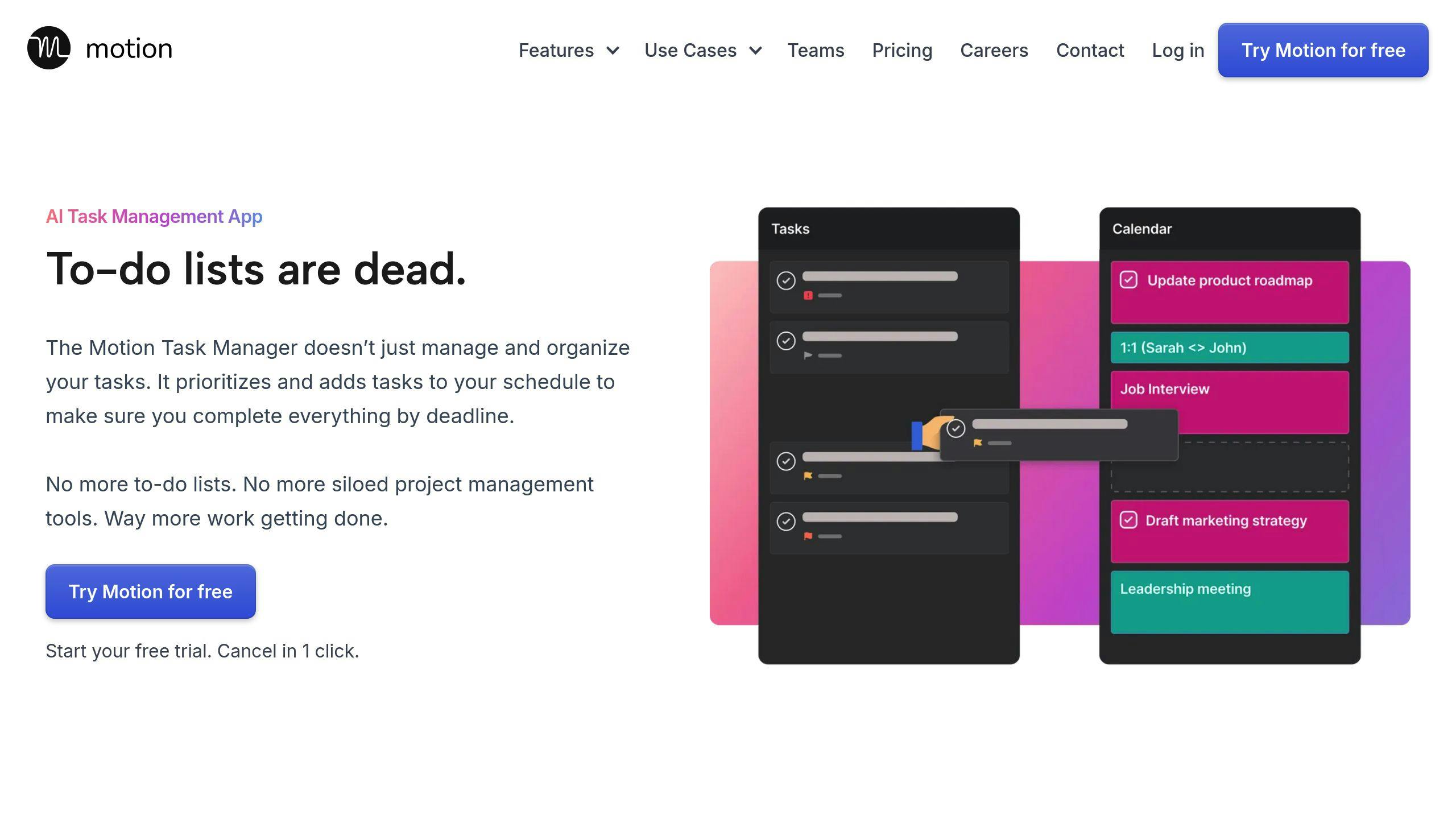
Motion's AI schedules and sorts tasks. It predicts timelines and spots potential issues early.
3. ClickUp
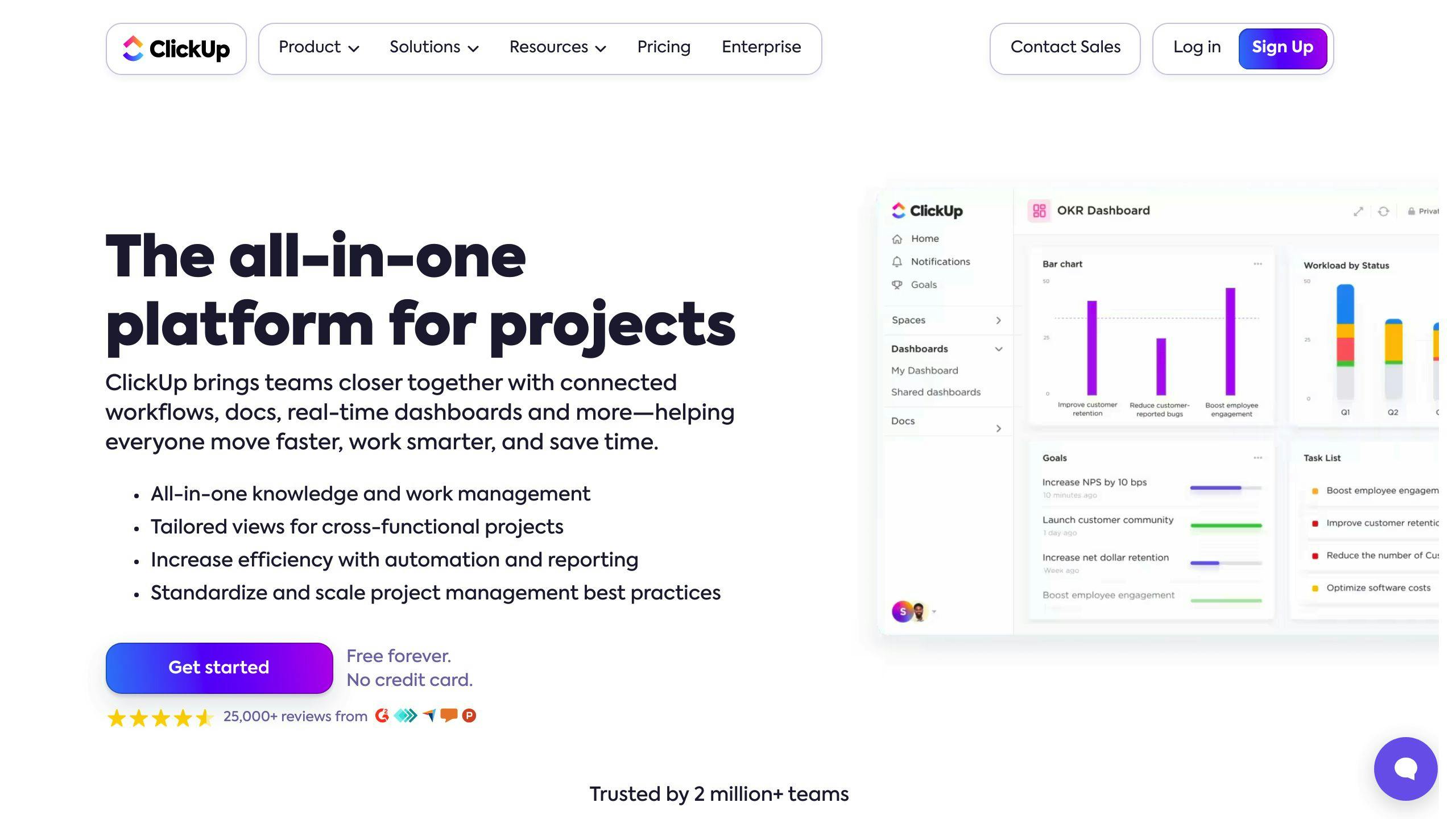
ClickUp mixes project management with AI help. Its free plan packs a punch.
4. Taskade
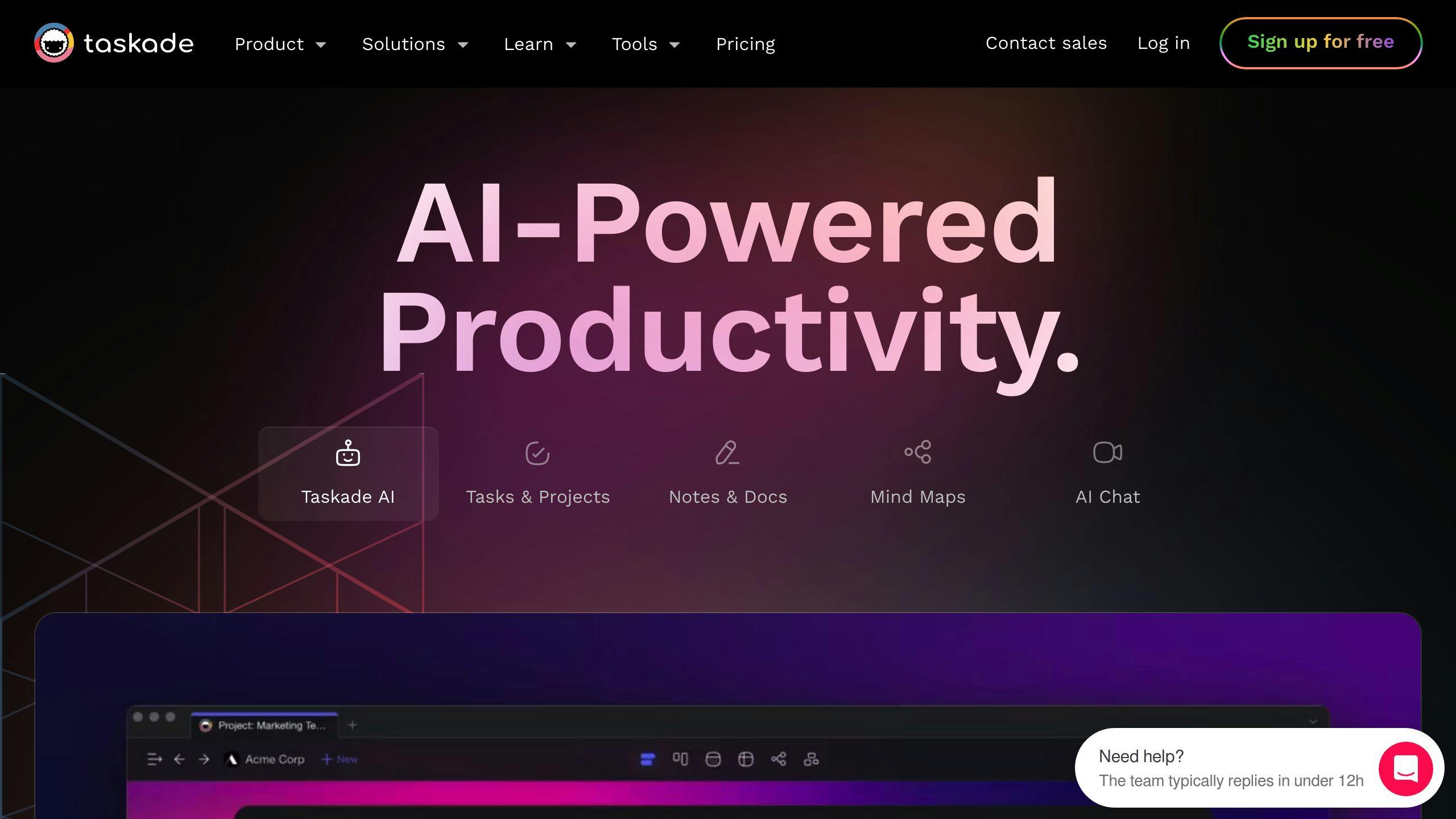
Taskade excels in AI task organization and team sync. It updates automatically for smooth teamwork.
"Taskade's clean interface makes finding stuff easy. The AI features really help with prioritizing tasks and finding info." - G2 User
5. Trevor AI
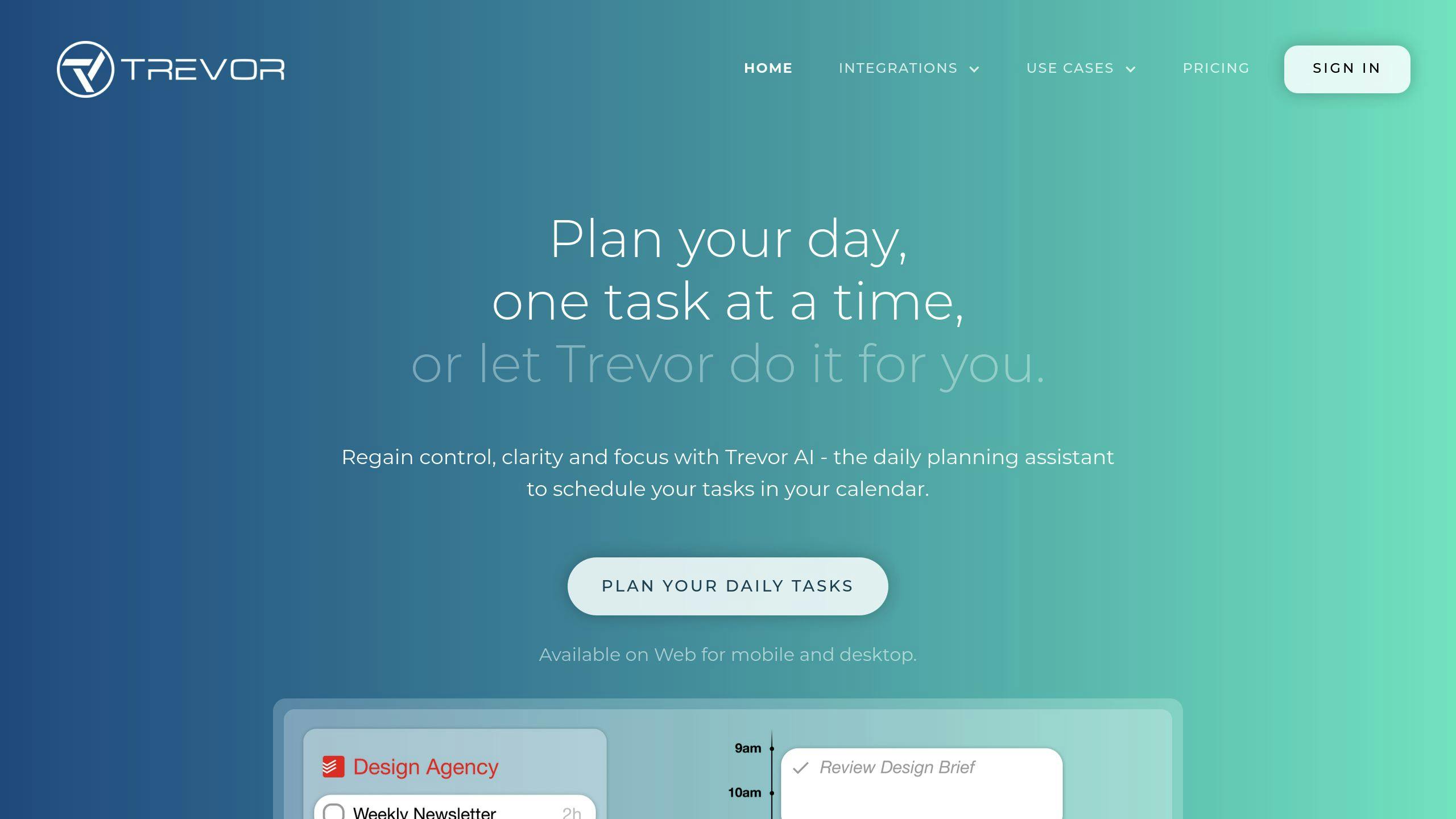
Trevor AI focuses on smart scheduling and time blocking. It helps you make the most of your workday.
6. TimeHero
TimeHero plans tasks around your availability and predicts project timelines.
7. Todoist

Todoist offers smart scheduling and sorting. Great for managing personal and work tasks together.
8. Asana

Asana brings AI to project management and automation. Perfect for streamlining team workflows.
9. Notion

Notion shines in task breakdown and customization. Its AI helps with writing, summarizing, and improving your style.
10. Wrike
Wrike offers business-level management and analysis. Suited for larger companies needing detailed project insights.
Quick feature comparison:
| Tool | AI Scheduling | Task Prioritization | Voice Input | Project Predictions |
|---|---|---|---|---|
| Zemith | ✓ | ✓ | ✓ | ✓ |
| Motion | ✓ | ✓ | - | ✓ |
| ClickUp | ✓ | ✓ | ✓ | - |
| Taskade | ✓ | ✓ | - | - |
| Trevor AI | ✓ | ✓ | - | - |
When choosing an AI task manager, consider your needs. Need help with scheduling, writing, or project planning? How big is your team? What's your budget? Answer these to find your best fit.
sbb-itb-4f108ae
Comparing the tools
Let's see how these AI task managers stack up:
Feature comparison
| Tool | AI Scheduling | Task Prioritization | Voice Input | Project Predictions | Collaboration |
|---|---|---|---|---|---|
| Zemith | ✓ | ✓ | ✓ | ✓ | - |
| Motion | ✓ | ✓ | - | ✓ | ✓ |
| ClickUp | ✓ | ✓ | ✓ | - | ✓ |
| Taskade | ✓ | ✓ | - | - | ✓ |
| Trevor AI | ✓ | ✓ | - | - | - |
| TimeHero | ✓ | ✓ | - | ✓ | ✓ |
| Todoist | ✓ | ✓ | ✓ | - | ✓ |
| Asana | ✓ | ✓ | - | ✓ | ✓ |
| Notion | ✓ | ✓ | - | - | ✓ |
| Wrike | ✓ | ✓ | - | ✓ | ✓ |
Price comparison
| Tool | Free Plan | Basic Plan | Premium Plan | Enterprise Plan |
|---|---|---|---|---|
| Zemith | - | - | - | - |
| Motion | - | $34/month | $20/user/month (Team) | - |
| ClickUp | ✓ | $7/user/month | $12/user/month | Custom |
| Taskade | ✓ | $5/month (3 users) | - | - |
| Trevor AI | ✓ | $3.99/month | - | - |
| TimeHero | - | $4.60/user/month | - | - |
| Todoist | ✓ | $4/month | $6/user/month (Business) | - |
| Asana | ✓ | $13.49/user/month | $30.49/user/month | Custom |
| Notion | ✓ | $10/month | $18/user/month (Business) | Custom |
| Wrike | ✓ | - | - | Custom |
ClickUp's got a bunch of plans and an AI add-on. Here's what one user said:
"ClickUp's clean interface makes finding stuff easy. The AI features really help with prioritizing tasks and finding info."
Motion's pricier, but it's got some solid AI scheduling. Taskade? Free plan with AI credits. Not bad for small teams.
Notion and Asana? They're all about those big teams. TimeHero and Trevor AI? Easier on the wallet for solo users or small groups wanting AI scheduling.
Picking a tool? Think about your team size, budget, and what you REALLY need. Need voice input? Look at Zemith, ClickUp, or Todoist. Want project predictions? Motion, TimeHero, or Asana might be your jam.
Best tools for different needs
AI task managers come in all shapes and sizes. Let's break down the top picks for various users:
For individual users
Need a personal task buddy? Check these out:
| Tool | Standout Feature | Price |
|---|---|---|
| Todoist | AI Assistant | Free; Pro $4/month |
| Motion | AI scheduling | $34/month |
| Trevor AI | Simple interface | Free; $3.99/month |
Todoist's AI Assistant is like having a mini-me. It takes your jumbled thoughts and turns them into clear, actionable steps.
Motion claims a 137% productivity boost with its auto-scheduling. Sounds impressive, but your mileage may vary.
For small and medium teams
Team players, listen up:
| Tool | Cool Stuff | Price |
|---|---|---|
| ClickUp | Customization king | Free; AI from $7/user/month |
| Notion | Info hub + AI summaries | Free; AI $10/workspace/month |
| TimeHero | Auto-scheduling for teams | From $4.60/user/month |
ClickUp is like a Swiss Army knife for teams. Its AI breaks down big tasks into bite-sized chunks.
Notion? It's your team's brain. Its AI can turn meeting rambles into actionable to-dos in a snap.
For large companies
Big fish need big tools:
| Tool | Power Move | Price |
|---|---|---|
| Asana | AI insights | Free; Premium $10.99/user/month |
| Wrike | Fort Knox security | Custom pricing |
| Fellow | AI meeting magic | From $7/user/month |
Asana's AI is like having a crystal ball for your workflows. It spots bottlenecks before they happen.
Wrike? It's a fortress for your data. Perfect for companies with secrets to keep.
Fellow's new AI tool is turning heads. Rebecca Oloo from RAO Designs calls it a "total game changer."
Remember: The best tool is the one that fits YOUR needs. Take those free trials for a spin before you commit.
What's next for AI task managers
AI task managers are changing the game. Here's what's coming:
Current trends
AI is making task management smarter:
| Trend | Impact |
|---|---|
| Automation | 40% less manual work |
| AI analytics | 30% better decisions |
| Chat integration | Tasks in Slack, Teams |
| Custom strategies | Plans based on team data |
Companies are jumping in. 60% plan to use AI for tasks next year, up from 37%.
Big firms lead: 76% will use AI soon, up from 55%. Small businesses follow: 44% plan AI tasks next year.
Machine learning progress
Machine learning is the key. For task management, it means:
- Better predictions
- Adaptive workflows
- Data-driven insights
John Graham, Duke finance professor, says:
"CFOs are using AI to automate supplier payments, invoicing, procurement, reporting, and facilities use."
It's not just speed. It's smarter work.
McKinsey: AI could boost productivity 2% yearly for a decade. That's big.
But there's a catch: good data is crucial. Expect a push for quality data soon.
The takeaway? AI task managers will change how we work. Brace for a more efficient, data-driven future.
Conclusion
AI task managers are reshaping work. They cut manual tasks and boost decision-making. Here's the impact:
| Benefit | Impact |
|---|---|
| Time saved | Up to 45% tasks automated |
| Efficiency boost | 13.8% more customer inquiries/hour |
| Improved output | 59% more documents/hour |
These tools aren't just about speed. They're about smarter work. Mem AI, for instance, helps teams spot issues early and plan better.
Picking the Right Tool
Choosing an AI task manager? Here's what to consider:
1. Match your needs
What does your team struggle with? Task assignment? Time tracking? Pick a tool that solves your problems.
2. Check the features
Make sure it has what you need:
- Smart task sorting
- Team chat
- Time estimates
3. Think about growth
Can it handle more users and bigger projects as you expand?
4. Keep it safe
Tasks might include sensitive info. Choose a tool with strong security.
5. Try before you buy
Use free trials to see if it fits your workflow.
The goal? Make work easier, not more complex. Pick a tool your team will actually use.
As AI evolves, these tools will get even better. Stay open to new features. They could be your key to boosting output.
FAQs
Is there an AI task manager?
Yes, AI task managers exist. They use AI to help you organize tasks, set priorities, and boost productivity. Here are some top picks:
| Tool | Key Feature |
|---|---|
| Motion | Smart task sorting |
| ClickUp | AI workflow automation |
| Todoist | Natural language task creation |
| Asana | Workload management |
| Wrike | Predictive scheduling |
These tools can automate routine tasks, provide insights, help with delegation, and predict project timelines.
ClickUp claims to automate up to 45% of tasks. Asana's AI balances team assignments to reduce burnout.
Accenture reports: "AI in the workplace can increase productivity by 40% or more."
When picking an AI task manager, think about your needs, team size, and budget. Many offer free trials, so give them a test run.
Related posts
Explorer les fonctionnalités de Zemith
Tout ce dont vous avez besoin. Rien de superflu.
Un abonnement en remplace cinq. Chaque modèle IA de pointe, chaque outil créatif et chaque fonctionnalité de productivité, dans un espace de travail unifié.
Toute l'IA top. Un abonnement.
ChatGPT, Claude, Gemini, DeepSeek, Grok et 25+ modèles








Toujours active, IA en temps réel.
Voix + partage d'écran · réponses instantanées
Quelle est la meilleure façon d'apprendre une nouvelle langue ?
L'immersion et la répétition espacée fonctionnent le mieux. Essayez de consommer des médias dans votre langue cible quotidiennement.
Voix + partage d'écran · L'IA répond en temps réel
Génération d'images
Flux, Nano Banana, Ideogram, Recraft + plus

Écrivez à la vitesse de la pensée.
Auto-complétion IA, réécriture et expansion sur commande
Tout document. Tout format.
PDF, URL ou YouTube → chat, quiz, podcast et plus
Création vidéo
Veo, Kling, MiniMax, Sora + plus

Synthèse vocale
Voix IA naturelles, 30+ langues
Génération de code
Écrire, déboguer et expliquer du code
Chat avec documents
Téléchargez des PDF, analysez le contenu
Votre IA dans votre poche.
Accès complet sur iOS et Android · synchronisé partout
Votre canevas IA infini.
Chat, image, vidéo et outils de mouvement — côte à côte

Économisez des heures de travail et de recherche
Tarification simple et abordable
Adopté par des équipes chez






Gratuit
Aucune carte de crédit requise
- 100 crédits par jour
- 3 modèles d'IA à essayer
- Chat IA basique
Plus
- 1 000 000 crédits/mois
- 25+ modèles d'IA — GPT, Claude, Gemini, Grok et plus
- Agent Mode avec recherche web, outils informatiques et plus
- Creative Studio : génération d'images et de vidéos
- Project Library : discutez avec des documents, sites web et YouTube, génération de podcasts, fiches de révision, rapports et plus
- Workflow Studio et FocusOS
Professionnel
- Tout ce qui est dans Plus, plus :
- 2 100 000 crédits/mois
- Modèles exclusifs Pro (Claude Opus, Grok 4, Sonar Pro)
- Motion Tools et Max Mode
- Premier accès aux dernières fonctionnalités
- Accès aux offres supplémentaires
Ce que disent nos utilisateurs
Great Tool after 2 months usage
simplyzubair
I love the way multiple tools they integrated in one platform. So far it is going in right dorection adding more tools.
Best in Kind!
barefootmedicine
This is another game-change. have used software that kind of offers similar features, but the quality of the data I'm getting back and the sheer speed of the responses is outstanding. I use this app ...
simply awesome
MarianZ
I just tried it - didnt wanna stay with it, because there is so much like that out there. But it convinced me, because: - the discord-channel is very response and fast - the number of models are quite...
A Surprisingly Comprehensive and Engaging Experience
bruno.battocletti
Zemith is not just another app; it's a surprisingly comprehensive platform that feels like a toolbox filled with unexpected delights. From the moment you launch it, you're greeted with a clean and int...
Great for Document Analysis
yerch82
Just works. Simple to use and great for working with documents and make summaries. Money well spend in my opinion.
Great AI site with lots of features and accessible llm's
sumore
what I find most useful in this site is the organization of the features. it's better that all the other site I have so far and even better than chatgpt themselves.
Excellent Tool
AlphaLeaf
Zemith claims to be an all-in-one platform, and after using it, I can confirm that it lives up to that claim. It not only has all the necessary functions, but the UI is also well-designed and very eas...
A well-rounded platform with solid LLMs, extra functionality
SlothMachine
Hey team Zemith! First off: I don't often write these reviews. I should do better, especially with tools that really put their heart and soul into their platform.
This is the best tool I've ever used. Updates are made almost daily, and the feedback process is very fast.
reu0691
This is the best AI tool I've used so far. Updates are made almost daily, and the feedback process is incredibly fast. Just looking at the changelogs, you can see how consistently the developers have ...