Create Quiz from PDF in Minutes | The Smart & Easy Way
Learn how to create a quiz from PDF easily using AI. Discover tips to quickly create a quiz from PDF documents and save your time.
Let's be real, turning a dense PDF into a decent quiz feels like homework you never wanted. You end up manually copying and pasting, trying to dream up insightful questions, and burning hours on what should be a simple task. What if you could skip that entire soul-crushing process and generate a quiz from any PDF in just a few minutes?
Stop Building Quizzes the Hard Way

This guide will show you how to leave those tedious, manual methods in the dust. We'll walk through how smart AI tools, specifically , can instantly turn a dry training manual or a complex textbook chapter into an engaging learning tool. No more quiz-induced headaches, I promise.
Think of it as reclaiming your time. No more late nights trying to piece together a knowledge check for your team or students. The market for these tools is expanding quickly for a reason. In fact, the global online quiz maker market was valued at around USD 1,158.4 million and is seeing huge growth as AI becomes more integrated. You can to see just how big the demand is.
Instead of getting bogged down in quiz creation, you could be spending your time on things that actually matter, like:
- Giving your students or trainees personalized feedback.
- Developing more impactful, high-level training strategies.
- Actually taking that well-deserved coffee break (the one you've been putting off for three hours).
How AI Quiz Generators Can Reshape Your Workflow
Manually creating a quiz from a dense PDF is a grind. You spend hours poring over pages, trying to pick out the most important concepts and then wording questions just right. It's not just tedious; it's a genuine time-sink that could be spent on, well, anything else.
This is where an AI tool like Zemith’s Document Assistant really changes the game. It doesn't just scan for keywords like a clumsy robot. It actually reads and understands the material, pulling out the core ideas to build questions that are truly relevant. This level of intelligent automation is a huge reason why the online quiz platform market has exploded, now valued at over $2.5 billion.
The real magic is in the efficiency. The AI does the heavy lifting of identifying key information, freeing you up to focus on what matters most: teaching, training, or creating more awesome content.
This infographic gives you a quick visual breakdown of that streamlined process.
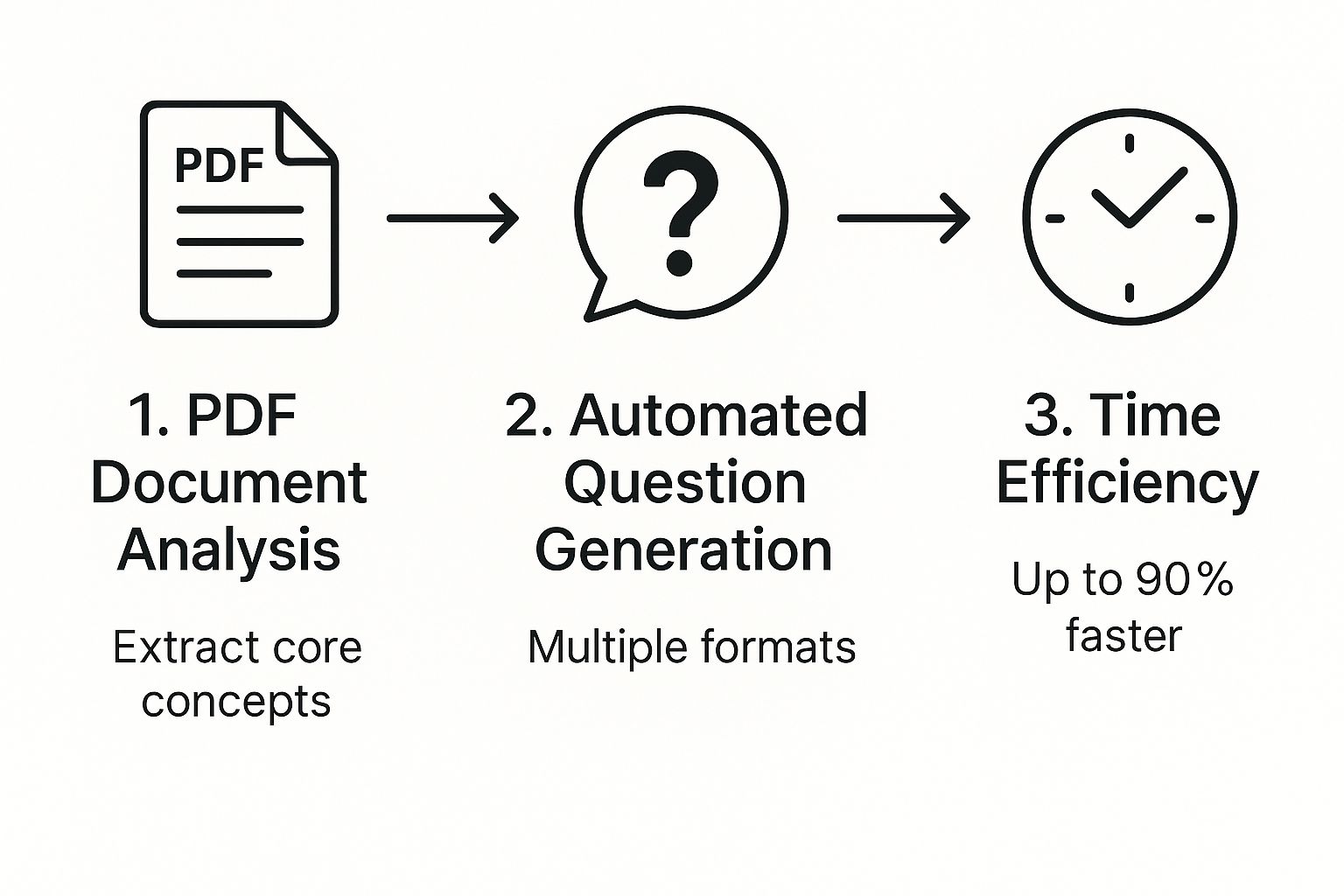
Manual Vs AI Quiz Creation From PDFs
To really see the difference, here is a side-by-side look at the old way versus using an AI-powered tool like Zemith to create quizzes from your documents.
The takeaway is clear: AI doesn't just make the process faster; it makes it smarter and way more scalable.
This leap in efficiency isn't unique to quiz generation. It mirrors how AI is being used in other areas, like summarizing long documents. You can see a similar process in our guide on how to . In a broader sense, it's part of a larger trend where tools are getting much smarter, just as we see how .
Generating Your First Quiz from a PDF
Ready to turn that dense PDF into an engaging quiz without pulling your hair out? Let's dive into Zemith’s Document Assistant and get it done. It’s so straightforward, you'll be a pro in no time.
Getting Your Document Ready
First things first, you’ll need to upload your document. For the best results, make sure you're starting with a text-based PDF. If your document is essentially a collection of images (like a scanned handout from 1998), the AI won't be able to read the text. It's smart, but it's not a magician.
Not sure what you have? A quick way to check is to try and highlight the text within the PDF. If you can, you're golden. If not, it’s an easy fix. We have a simple guide on how to that will walk you through it.
Bringing Your Quiz to Life
Once your document is uploaded, it's time for the fun part: telling the AI what to do. This is where you tell Zemith exactly what you need. Think of it as giving instructions to a super-fast, super-smart assistant who never needs a coffee break.
Let’s say you’ve uploaded a 20-page employee onboarding manual. Instead of manually combing through it for questions, you can just give a clear, simple command like:
"Create a 15-question compliance quiz from this document, focusing on company policies."
This is the main interface where all the magic happens. Just drag your file into the window to get started.
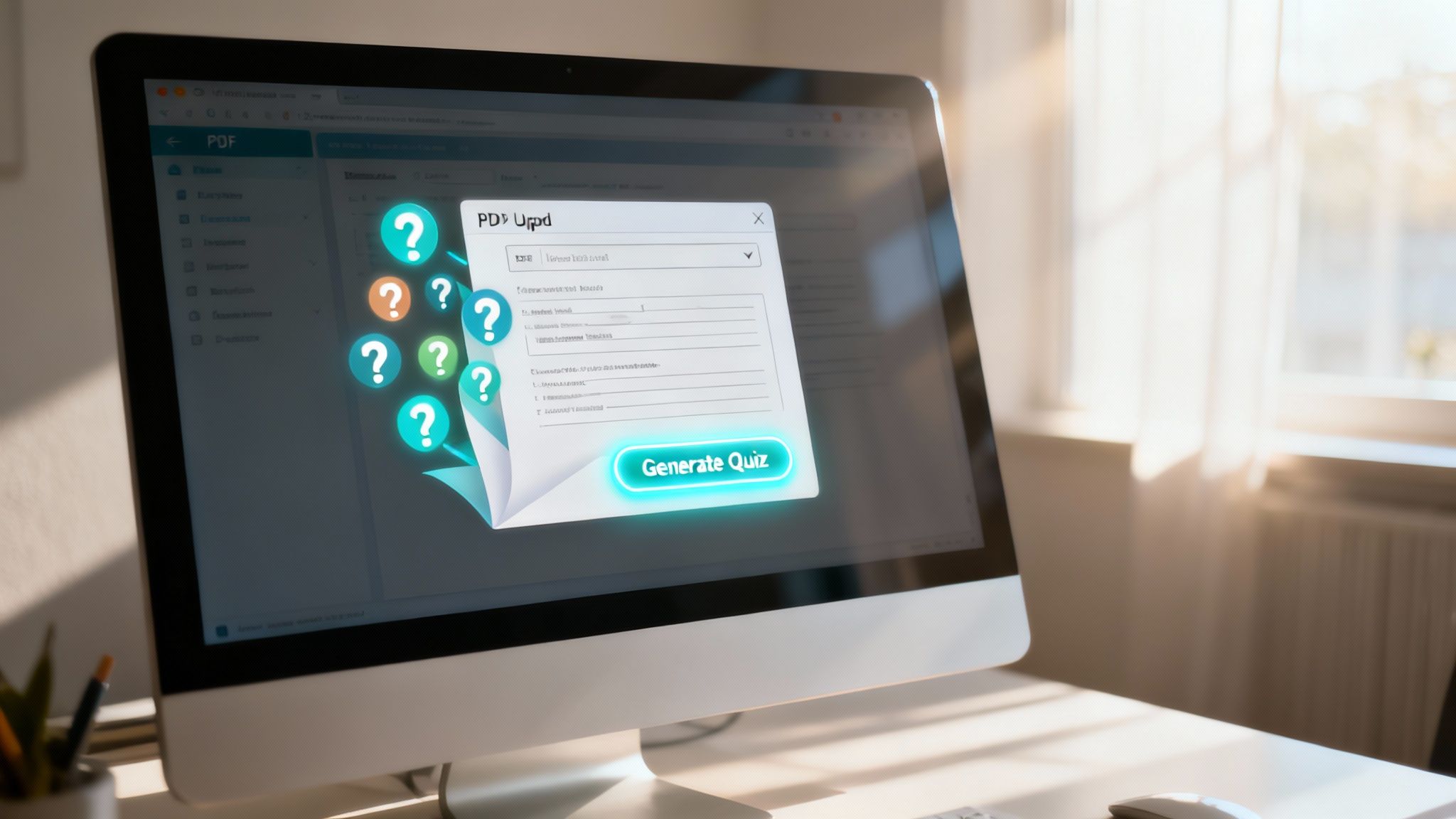
The clean, intuitive layout means you can go from upload to interaction almost instantly. Within seconds, Zemith will generate a solid first draft of your quiz, ready for you to review and fine-tune.
Fine-Tuning Your AI-Generated Quiz
Zemith’s AI does a fantastic job of getting you 90% of the way to a finished quiz, delivering a solid first draft in seconds. Now it's your turn to step in and apply your expertise to add that final, human touch. This is where you shift from creator to curator, making sure every question hits the mark.
Think of the AI as a brilliant but tireless research assistant. It pulls out all the key concepts and facts from your document, but you’re the expert who knows exactly how to frame them to challenge your learners.
This ability to quickly generate and then refine content is what makes modern assessment tools so powerful. The integration of smart technology is a major reason the continues to expand, enabling more personalized and effective learning experiences.
My Go-To Strategy: I never just accept the first set of questions as final. If a question feels a bit off or doesn't quite capture the nuance I'm after, I use Zemith's one-click regenerate feature. It’s like having an endless supply of alternatives until you find the perfect one. I also frequently add my own custom questions for specific scenarios that require critical thinking beyond simple recall. It's the perfect human-AI team-up.
Making Your PDF Quizzes Genuinely Effective
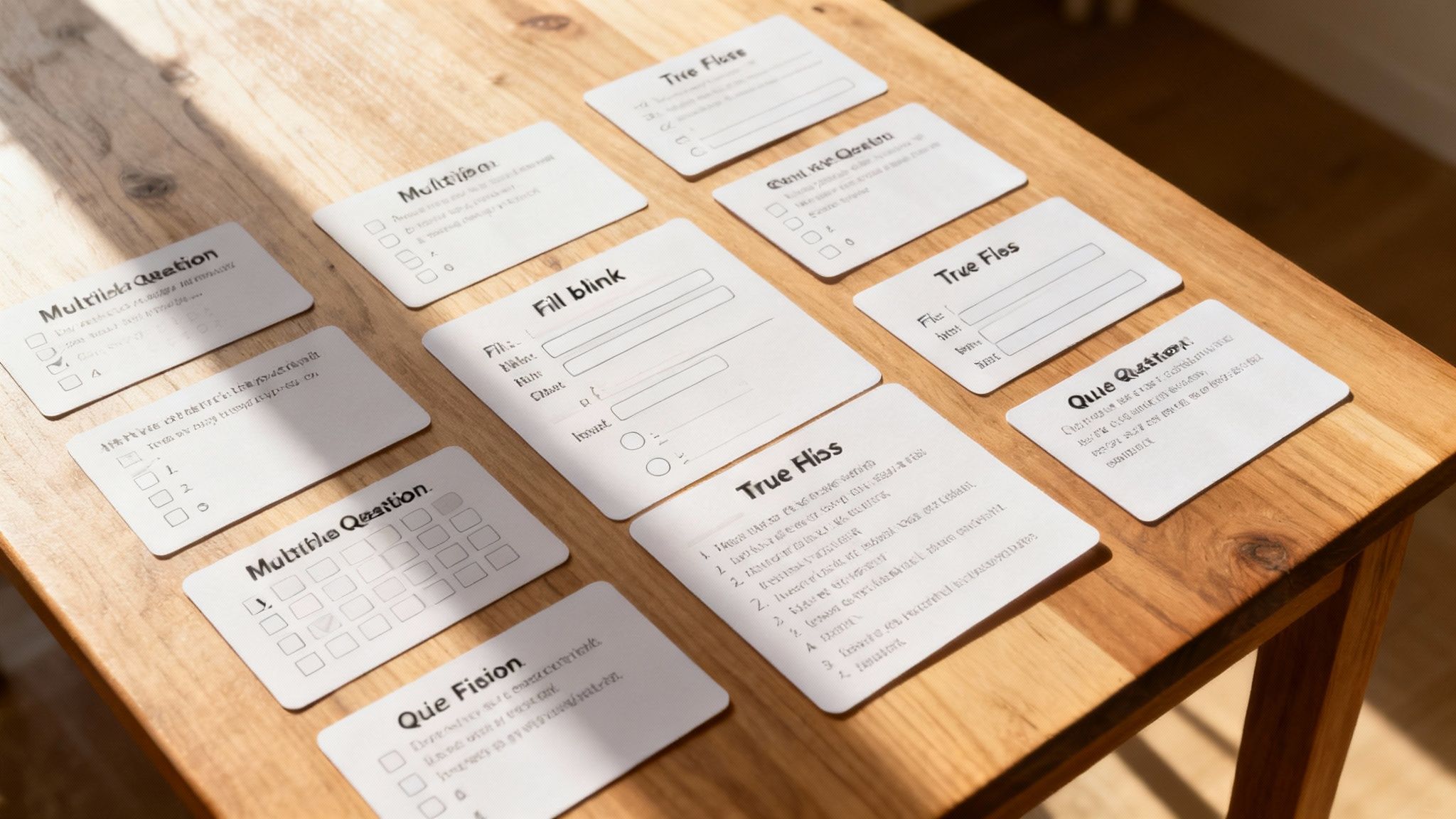
So, you’ve generated a quiz from your PDF. That’s a great start, but the real magic lies in making that quiz an effective learning tool, not just a memory test. Let's dig into a few principles I’ve found essential for creating assessments that actually make people smarter.
Prioritize Clarity Over Complexity
The biggest pitfall I see is ambiguous questions. Your goal should be to test a person's understanding of the material, not their ability to decipher a poorly worded question. If a question can be interpreted in more than one way, it's not a fair assessment of their knowledge.
Think of it this way: your aim is clarity, not trickery. A good question has one clear, correct answer based on the source material.
Mix Up Your Question Formats
It’s tempting to rely solely on multiple-choice questions—they’re fast and easy to grade. But to get a true picture of someone's understanding, you need to go a bit deeper. Variety is the spice of life, and of quizzes.
Pro Tip: A healthy mix of question types is key. While multiple-choice is great for quick recall, adding a few short-answer or scenario-based questions pushes learners to apply their knowledge and think critically. With Zemith, you can prompt for different formats like "create 5 true/false and 5 multiple-choice questions," making it easy to build a more robust quiz.
Combine Quizzes With Other Study Tools
A well-designed quiz is brilliant at pinpointing knowledge gaps. Once you know where the weak spots are, you can target those areas for review. This is where a multi-pronged study approach really shines.
For instance, after a quiz reveals a tricky concept, you can create a targeted set of flashcards to master it. You can learn more about that work hand-in-hand with your quizzes.
Getting Your New Quiz into Your Students' Hands
Alright, you've built your masterpiece. Now for the most important part: getting it to your audience. A quiz sitting on your hard drive isn't doing anyone any good, but fortunately, sharing it is a piece of cake.
Zemith gives you a few different ways to share your work, so you can pick whatever fits your workflow best. You can export the quiz as a simple text file if you need a printable version, or grab a CSV file to quickly upload it into your school's Learning Management System (LMS).
My personal go-to is the direct shareable link. It’s just so easy. I can drop it right into an email, post it in a Slack channel, or add it as an assignment in Google Classroom in seconds. No fuss, no muss.
This kind of flexibility means you can get the quiz where it needs to go without any technical headaches. It’s a refreshingly straightforward end to the creation process.
Common Questions About Making Quizzes from PDFs
Thinking about using AI to turn your PDFs into quizzes? It's a game-changer, but you probably have a few questions. I've been in this space for a while, and here are the answers to the questions I hear most often.
What’s the Best PDF Type to Use?
You’ll get the best results with text-based PDFs. We’re talking about documents where you can actually click, drag, and highlight the text. If you can copy and paste from it, the AI can read it.
On the other hand, scanned documents that are essentially just flat images of text won't work. The AI needs real text data to understand the content and create meaningful questions. Stick to original digital files whenever you can.
Can I Generate More Than Just Multiple-Choice Questions?
Absolutely. A good tool isn't a one-trick pony. With , for instance, you can easily generate a variety of question types from a single document. Think beyond the basics and mix it up to keep your learners engaged.
You can create:
- Multiple-choice
- True/False
- Fill-in-the-blank
- Even open-ended short-answer questions
How Good Are the Questions the AI Creates?
They’re remarkably accurate, but you should always plan to give them a quick final look. My advice? Treat the AI as an incredibly efficient assistant that produces a solid first draft.
You’re the expert on the material. A quick review allows you to make minor tweaks, ensuring every question perfectly aligns with your specific goals and the nuances of the content. Zemith gets you to the finish line faster, but you're still the one who waves the checkered flag.
Ready to stop building quizzes the hard way? It's time to let AI handle the heavy lifting. Get started with Zemith and you can have a high-quality quiz ready to go in just a few minutes.
Jelajahi Fitur Zemith
Semua AI teratas. Satu langganan.
ChatGPT, Claude, Gemini, DeepSeek, Grok & 25+ lainnya








Selalu aktif, AI real-time.
Suara + berbagi layar · jawaban instan
Apa cara terbaik untuk belajar bahasa baru?
Imersi dan pengulangan berjarak paling efektif. Coba konsumsi media dalam bahasa target Anda setiap hari.
Suara + berbagi layar · AI menjawab secara real time
Pembuatan Gambar
Flux, Nano Banana, Ideogram, Recraft + lainnya

Tulis secepat pikiran.
AI autocomplete, tulis ulang & perluas sesuai perintah
Dokumen apa pun. Format apa pun.
PDF, URL, atau YouTube → chat, kuis, podcast & lainnya
Pembuatan Video
Veo, Kling, MiniMax, Sora + lainnya

Teks ke Suara
Suara AI alami, 30+ bahasa
Pembuatan Kode
Tulis, debug & jelaskan kode
Chat dengan Dokumen
Unggah PDF, analisis konten
AI-mu di sakumu.
Akses penuh di iOS & Android · sinkron di mana saja
Kanvas AI tak terbatasmu.
Chat, gambar, video & alat gerak — berdampingan

Hemat jam kerja dan riset
Harga yang lugas dan terjangkau
Dipercaya oleh tim di






Gratis
Tidak perlu kartu kredit
- 100 kredit harian
- 3 model AI untuk dicoba
- Chat AI dasar
Plus
- 1.000.000 kredit/bulan
- 25+ model AI — GPT, Claude, Gemini, Grok & lainnya
- Agent Mode dengan pencarian web, alat komputer, dan lainnya
- Creative Studio: pembuatan gambar dan pembuatan video
- Project Library: obrolan dengan dokumen, situs web dan YouTube, pembuatan podcast, kartu flash, laporan, dan lainnya
- Workflow Studio dan FocusOS
Profesional
- Semua yang ada di Plus, dan:
- 2.100.000 kredit/bulan
- Model eksklusif Pro (Claude Opus, Grok 4, Sonar Pro)
- Motion Tools & Max Mode
- Akses pertama ke fitur terbaru
- Akses ke penawaran tambahan
Apa Kata Pengguna Kami
Great Tool after 2 months usage
"I love the way multiple tools they integrated in one platform. Going in the right direction."
— simplyzubair
Best in Kind!
"The quality of data and sheer speed of responses is outstanding. I use this app every day."
— barefootmedicine
Simply awesome
"The credit system is fair, models are perfect, and the discord is very responsive. Quite awesome."
— MarianZ
Great for Document Analysis
"Just works. Simple to use and great for working with documents. Money well spent."
— yerch82
Great AI site with accessible LLMs
"The organization of features is better than all the other sites — even better than ChatGPT."
— sumore
Excellent Tool
"It lives up to the all-in-one claim. All the necessary functions with a well-designed, easy UI."
— AlphaLeaf
Well-rounded platform with solid LLMs
"The team clearly puts their heart and soul into this platform. Really solid extra functionality."
— SlothMachine
Best AI tool I've ever used
"Updates made almost daily, feedback is incredibly fast. Just look at the changelogs — consistency."
— reu0691