12 Best AI Coding Tools in 2025 (That Actually Help!)
Tired of AI hype? Discover the 12 best AI coding tools that genuinely boost productivity. We review features, pros, cons, and who each tool is for.
Let's be real, wading through the sea of AI assistants to find your perfect coding sidekick can feel like debugging legacy code at 3 AM. It’s overwhelming. One tool promises to write flawless code while you sip your coffee, while another claims it will refactor your entire codebase with a single prompt. It’s a lot of noise. Did a human write this, or was it a marketing bot?
This guide cuts through that noise. We're diving deep into the best AI coding tools available today, giving you the unfiltered truth about what they actually do. Forget the marketing fluff; we’re talking real-world use cases, honest pros and cons, and a look at who each tool is really for. Whether you're a solo dev trying to ship faster or part of an enterprise team needing a secure, private AI, this list has you covered.
We'll break down titans like GitHub Copilot and Amazon Q Developer, explore innovative AI-first editors like Cursor, and even consider how a good planning tool like fits into the bigger picture. Each review includes screenshots and direct links, so you can see them in action and decide for yourself. Our goal is simple: help you find the tool that will save you time, crush your deadlines, and maybe even make coding fun again. (Remember fun? It’s that thing we used to have before YAML files.)
1. GitHub Copilot (Microsoft/GitHub)
As one of the OGs in the space, GitHub Copilot has become the go-to AI coding assistant for millions of developers, and for good reason. It’s not just a fancy autocomplete; it’s deeply integrated into the entire developer workflow, living inside your IDE (VS Code, JetBrains, etc.), your terminal, and even on GitHub.com. Think of it as that senior dev who’s always available to pair-program, offering intelligent code completions, generating entire functions from a comment, and even spotting potential bugs before they happen.
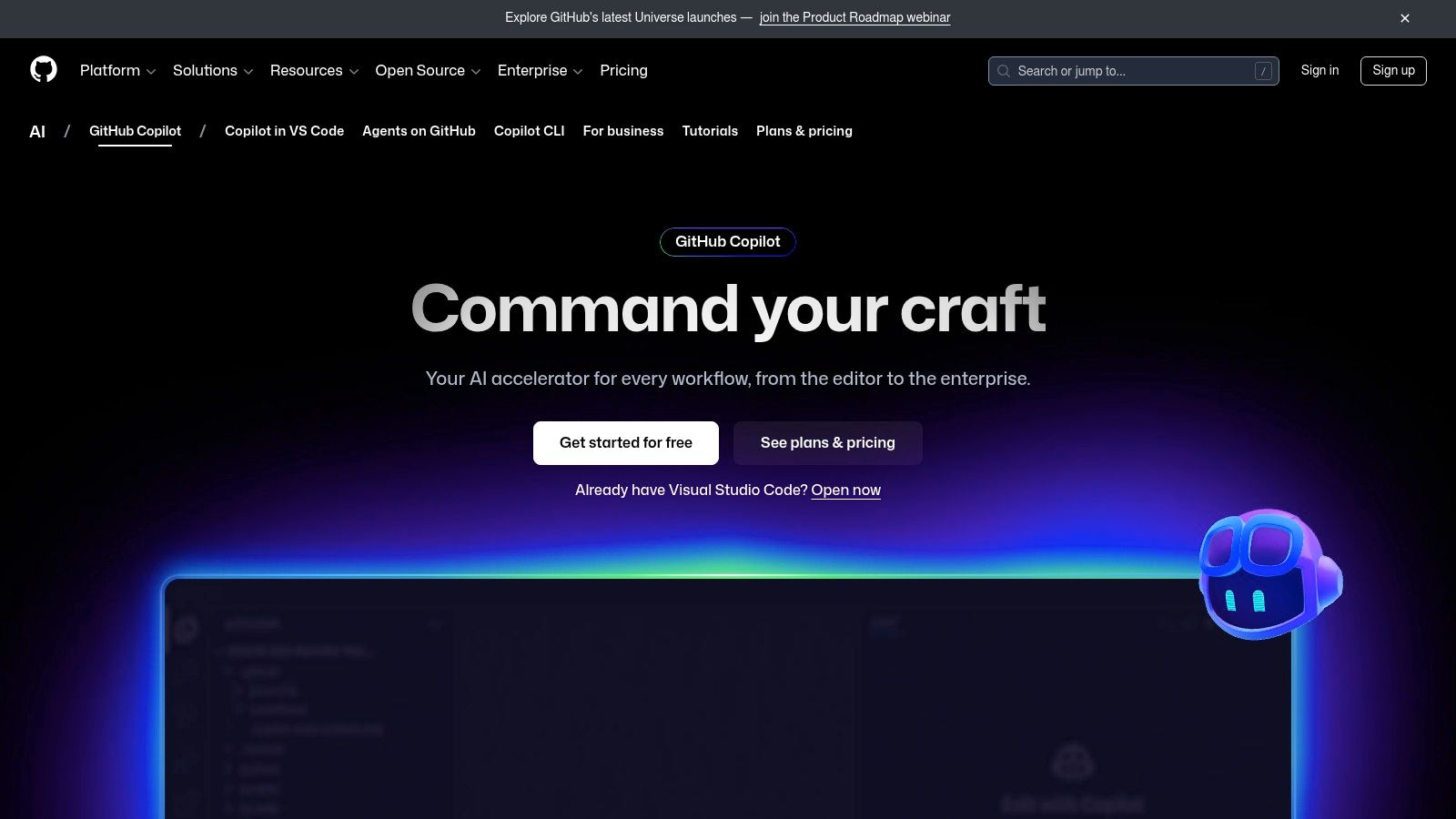
What makes Copilot one of the best AI coding tools is its maturity and ecosystem. Beyond simple suggestions, its chat interface acts as a task-oriented agent that can plan complex changes, edit files, and even create pull requests for you. While its core features are fantastic, it's part of a much larger ecosystem. For a deeper dive into Microsoft's AI offerings, can provide a broader perspective on their strategy.
Key Details & Pricing
- Best For: Individual developers and enterprise teams looking for a mature, deeply integrated AI assistant.
- Standout Feature: The new task-oriented agent in Copilot Chat that can autonomously plan and execute coding tasks.
- Pricing: Starts at $10/month for individuals, with a pricier "Business" tier at $19/user/month.
- Pros: Excellent IDE integration, access to multiple premium AI models, and a robust extensions ecosystem.
- Cons: Premium model access is rate-limited, and advanced enterprise features require a more expensive plan.
For more on how tools like Copilot are changing the game, explore our analysis of the modern .
Website:
2. Amazon Q Developer (formerly CodeWhisperer)
For developers deeply embedded in the AWS ecosystem, Amazon Q Developer (the evolution of CodeWhisperer) is a game-changer. It goes beyond simple code suggestions by acting as an AWS-aware expert right in your IDE, terminal, and even the AWS Console. This tool understands your AWS infrastructure, making it incredibly easy to debug, optimize, and build applications on the cloud. It’s like having an AWS solutions architect whispering sweet nothings (and useful advice) in your ear, from generating SDK code to diagnosing issues with a Lambda function.
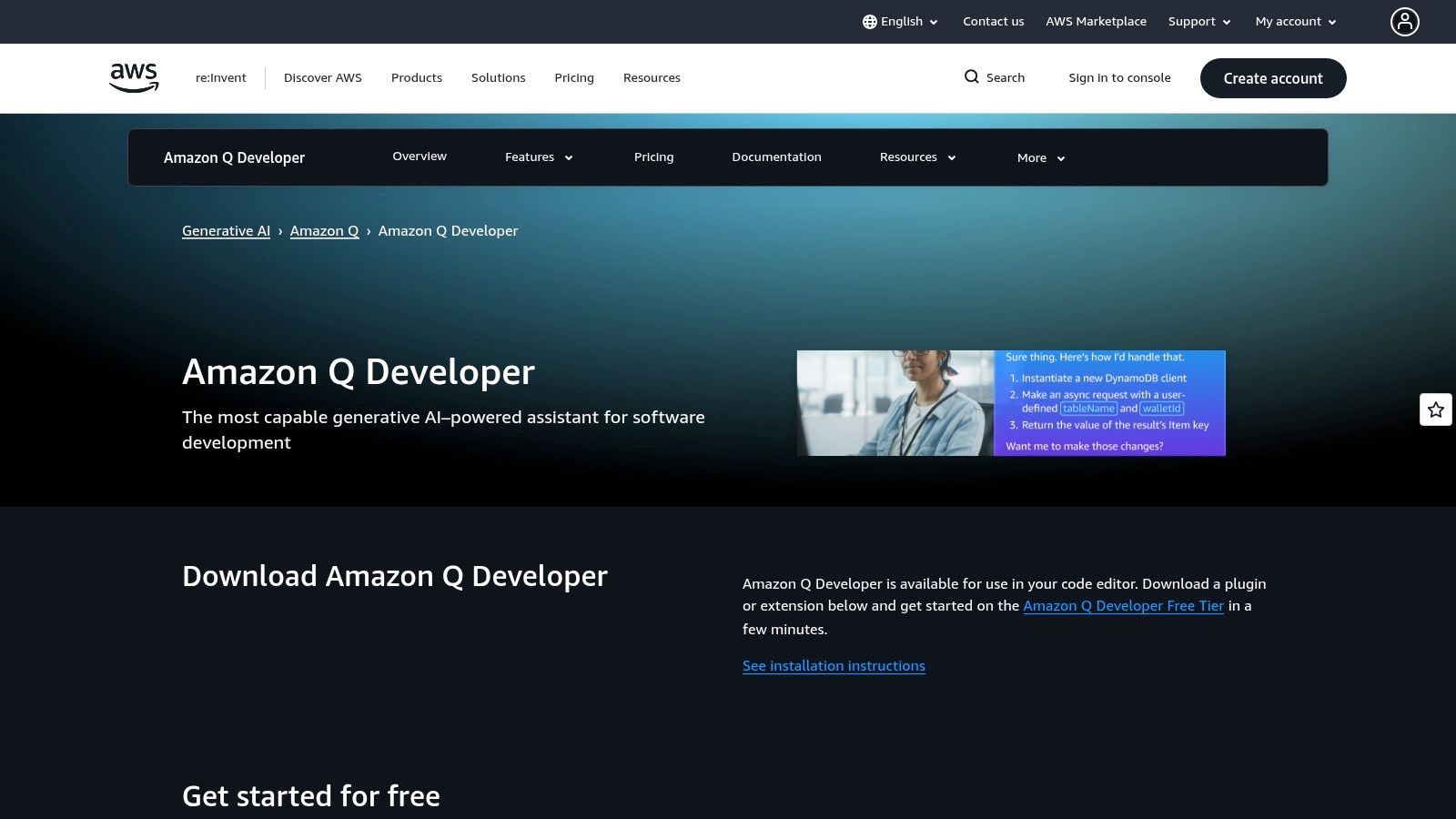
What makes Amazon Q one of the best AI coding tools is its agent-like capabilities for specific, high-value tasks. Its standout feature is the transformation agent, which can automate complex upgrades like migrating an entire application from Java 8 to Java 17. While it has a generous free tier, the Pro plan adds crucial features like SSO and IP indemnity, making it a serious contender for any team building on AWS.
Key Details & Pricing
- Best For: Developers and teams heavily invested in the AWS cloud who need an AI assistant with deep platform knowledge.
- Standout Feature: Transformation agents that can autonomously handle large-scale code upgrades (e.g., Java version migrations).
- Pricing: Offers a generous perpetual free tier. The Pro tier costs $19/user/month and adds IP indemnity and higher usage limits.
- Pros: Unmatched integration with AWS tooling and services, a powerful free tier, and unique code transformation capabilities.
- Cons: Less effective for non-AWS development, and transformation usage beyond the allocation is billed by lines of code.
Website:
3. Google Gemini Code Assist
Google's entry into the AI coding assistant arena, Gemini Code Assist, is a serious contender, especially for developers who value massive context windows and generous free tiers. Integrated directly into VS Code and JetBrains IDEs, it leverages the power of Google's Gemini models to provide intelligent code completions, refactoring, and in-depth explanations. Think of it as having Google's massive knowledge graph right in your editor, capable of understanding and reasoning over your entire local codebase. It's like, "Okay Google, how do I center a div?" but for your entire project.
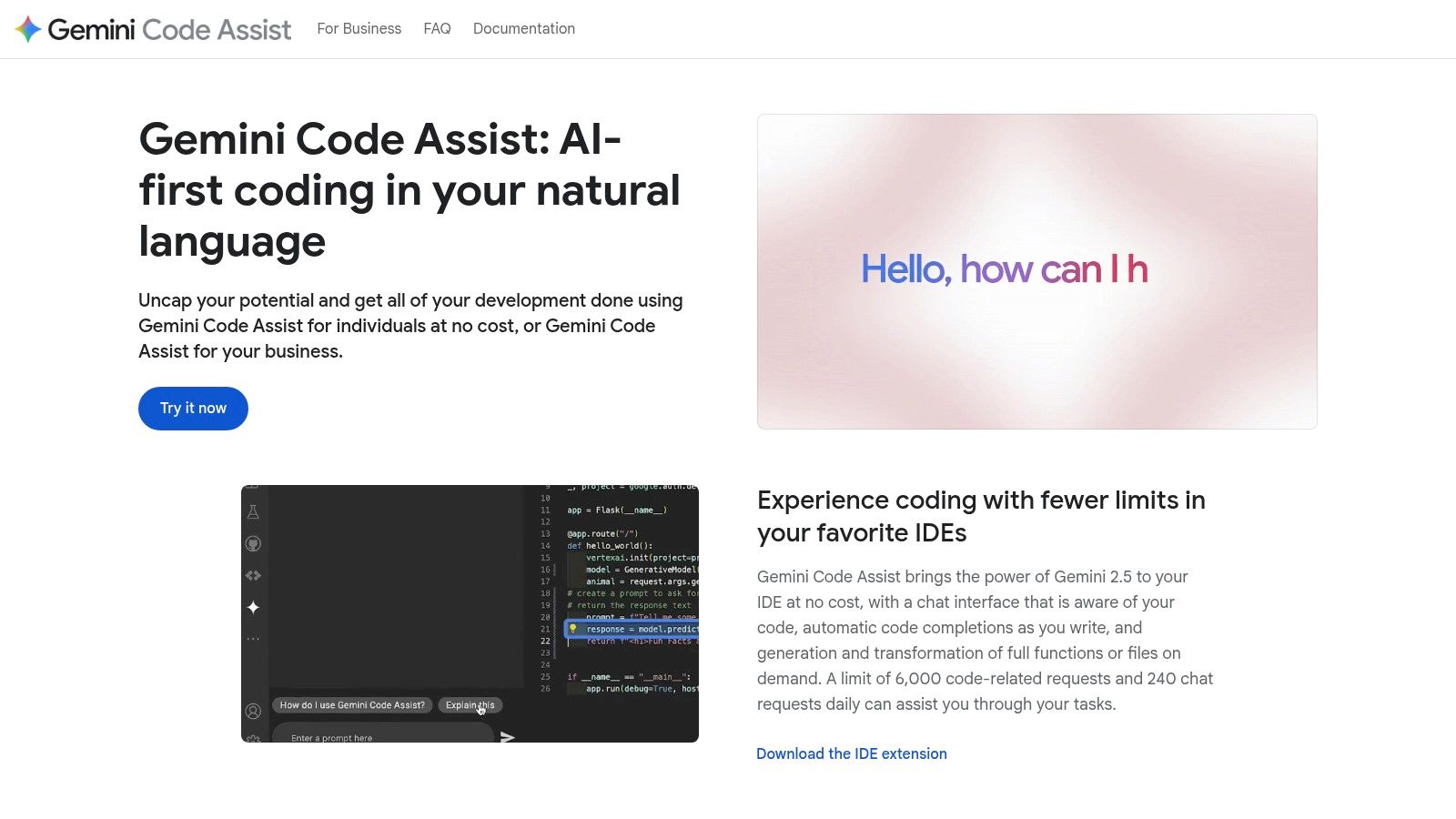
What makes Gemini Code Assist one of the best AI coding tools is its sheer capacity and accessibility for individual developers. The ability to process up to a 1 million-token context window means it can grasp the nuances of very large projects without breaking a sweat. Combined with a powerful CLI for terminal-based tasks and frequent updates, it’s an incredibly versatile tool that feels deeply integrated into the modern developer's workflow.
Key Details & Pricing
- Best For: Individual developers and teams working on large codebases who need a powerful, free-to-start assistant.
- Standout Feature: The massive 1 million-token context window, allowing it to reason over entire local projects for more accurate suggestions.
- Pricing: A very generous free tier with high usage limits for individuals. Paid Google AI subscriptions (Pro/Ultra) unlock higher throughput and enterprise features.
- Pros: Excellent free quotas, massive context window for large projects, and strong integration with Google’s developer ecosystem.
- Cons: Higher throughput and advanced enterprise features are locked behind paid Google AI subscriptions.
Website:
4. JetBrains AI Assistant (and Junie agent)
For developers living inside the JetBrains ecosystem (IntelliJ IDEA, PyCharm, etc.), the AI Assistant feels less like a bolted-on feature and more like a natural extension of the IDE itself. It brings powerful AI capabilities directly into the tools you already use, offering deeply integrated code completion, in-line chat, and automated multi-file edits. Instead of just suggesting code, it understands the context of your entire project, thanks to its retrieval-augmented generation (RAG) support.
What makes JetBrains AI Assistant one of the best AI coding tools is its seamless workflow integration and the introduction of its "Junie" agent, which helps tackle more complex tasks. This native approach means you aren't context-switching to a separate window; the AI is right there, ready to refactor a tricky function or generate documentation. This tight integration helps you maintain focus and produce better results, which is a core principle when you're trying to and build maintainable software.
Key Details & Pricing
- Best For: Developers heavily invested in the JetBrains suite of IDEs.
- Standout Feature: Deep, native IDE integration that uses your project's context for more accurate suggestions.
- Pricing: A free tier is available. Pro plans are credit-based and included with some bundles like the All Products Pack.
- Pros: Flawless integration with JetBrains IDEs, a transparent AI Credits quota system, and a generous free tier.
- Cons: Heavy usage may burn through credits quickly, and some advanced features require updating to recent IDE versions.
Website:
5. Cursor – The AI Code Editor
Instead of plugging AI into an existing editor, Cursor builds the entire Integrated Development Environment (IDE) around AI from the ground up. This "AI-first" approach makes for a deeply integrated and seamless experience, where features like chat, code generation, and debugging feel like core components, not afterthoughts. It's designed for developers who want AI woven into every part of their workflow, from writing new features to finding the root cause of that nasty bug your PM insists is "just a small thing."
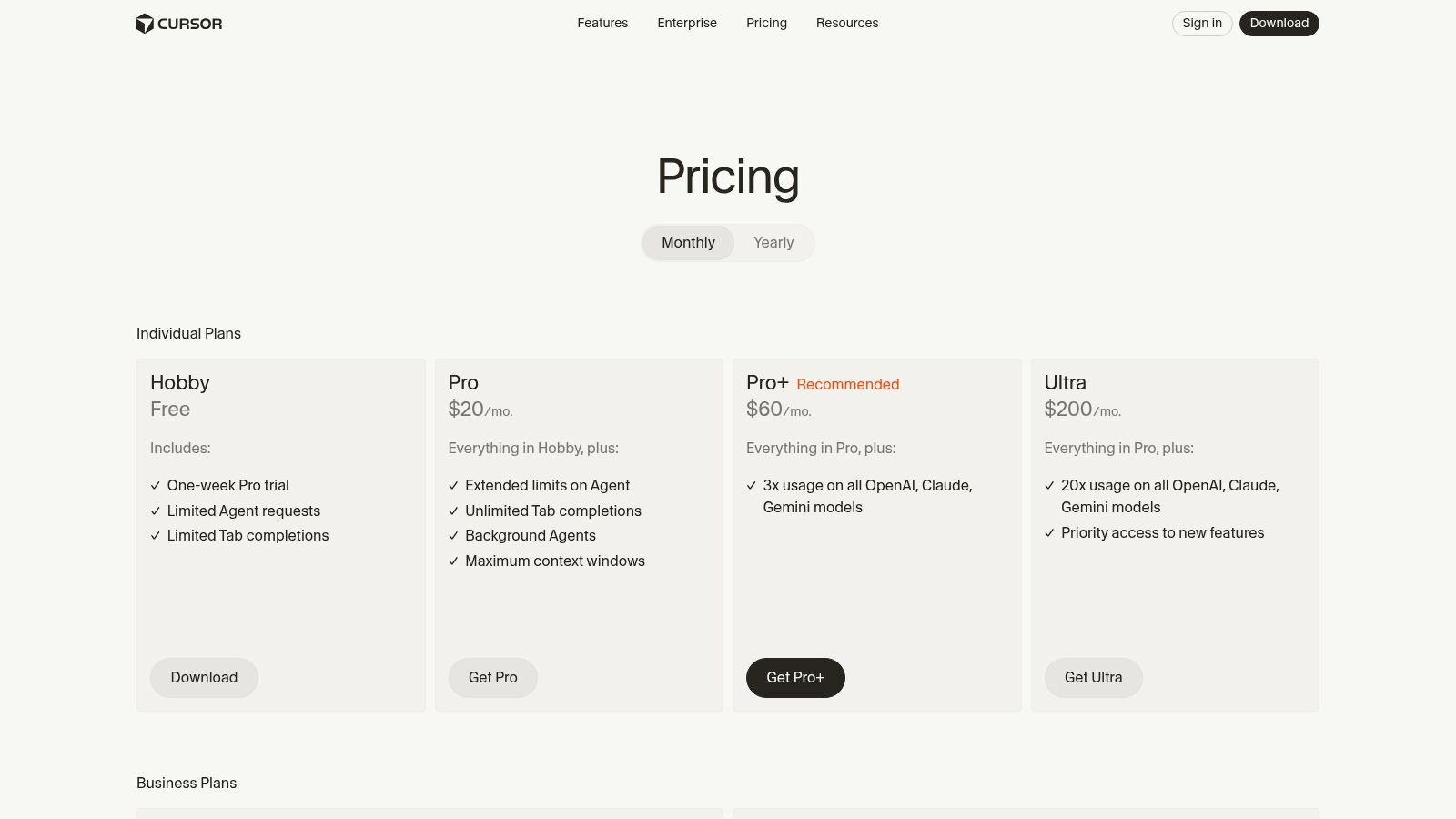
What makes Cursor one of the best AI coding tools is its flexibility and powerful feature set. It allows you to bring your own API key or use their generous included model usage, supporting top-tier models from OpenAI, Anthropic, and Google. Features like its "Bugbot" code reviewer and background agents for long-running tasks showcase its ambition to be more than just an editor. To see how Cursor's native AI features can accelerate your projects, check out this for a detailed breakdown.
Key Details & Pricing
- Best For: Developers who want a fully AI-native editor experience and the flexibility to switch between different large language models.
- Standout Feature: The ability to use different AI models (GPT-4, Claude 3, Gemini) within a single, unified coding environment.
- Pricing: A free basic tier is available. The Pro plan is $20/month, and the Business plan is $40/user/month.
- Pros: Excellent AI-native integration, support for multiple LLMs, and a rich feature set including code review agents.
- Cons: As a newer editor, it may lack the extensive plugin ecosystem of established IDEs like VS Code.
For tips on leveraging tools like this, explore our guide on .
Website:
6. Windsurf (Cognition)
Windsurf is an AI-native IDE that aims to do more than just complete your code; it wants to be a true partner in the development process. Built by Cognition, it leverages proprietary SWE-series models and a unique agentic "Cascade" workflow to handle complex, multi-step tasks. Instead of just answering a single question, Windsurf can understand an entire repository and execute a series of changes, making it one of the more ambitious and best AI coding tools available.
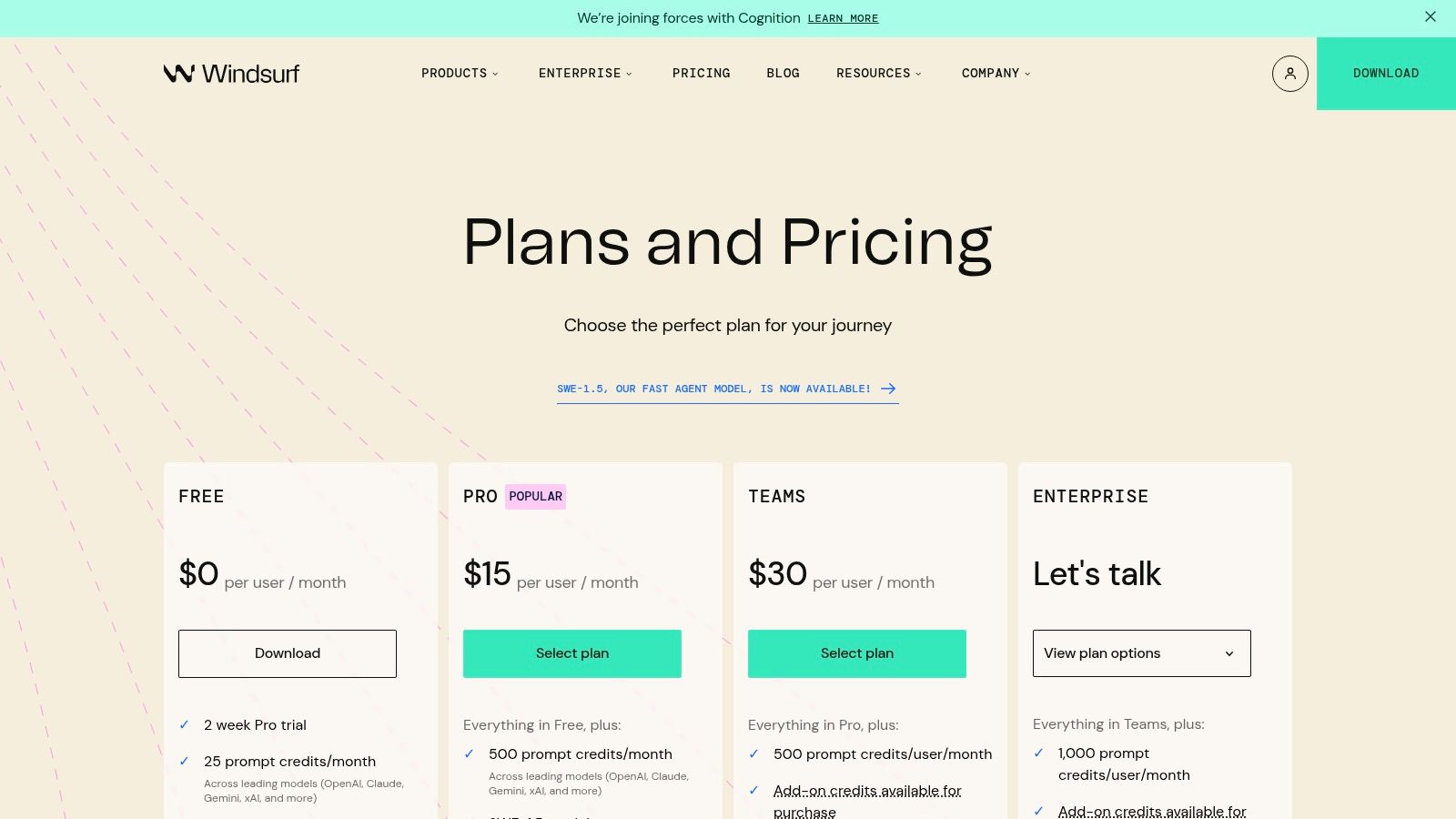
What makes Windsurf special is its focus on speed and full-repo context. Its "Fast Context" feature allows the AI to grasp the entire scope of your project quickly, providing more accurate and relevant suggestions without the long wait. This approach, combined with its agentic capabilities, feels like a step toward a future where AI handles entire feature implementations, not just isolated lines of code. It's an exciting glimpse into what's next for AI development.
Key Details & Pricing
- Best For: Developers and teams interested in agentic AI workflows and full-repo context analysis.
- Standout Feature: Agentic "Cascade" workflows that allow the AI to perform complex, multi-step coding tasks across multiple files.
- Pricing: A credits-based model. Starts with a free tier, then pay-as-you-go for prompt usage with credit add-ons.
- Pros: Strong focus on speed and full-repo context, attractive entry pricing, and a very active product release cadence.
- Cons: Heavier features require the Windsurf desktop IDE, and some users have noted variability in output quality.
Website:
7. Replit (AI + Agent)
Replit is more than just a coding tool; it's a complete, cloud-based development environment supercharged with AI. It merges an online IDE, hosting, deployment, and powerful AI features into a single, seamless platform. This all-in-one approach means you can go from an idea to a fully deployed application without ever leaving your browser. Its standout feature is an increasingly autonomous AI agent that can handle complex development tasks, making it one of the best AI coding tools for rapid prototyping and learning.
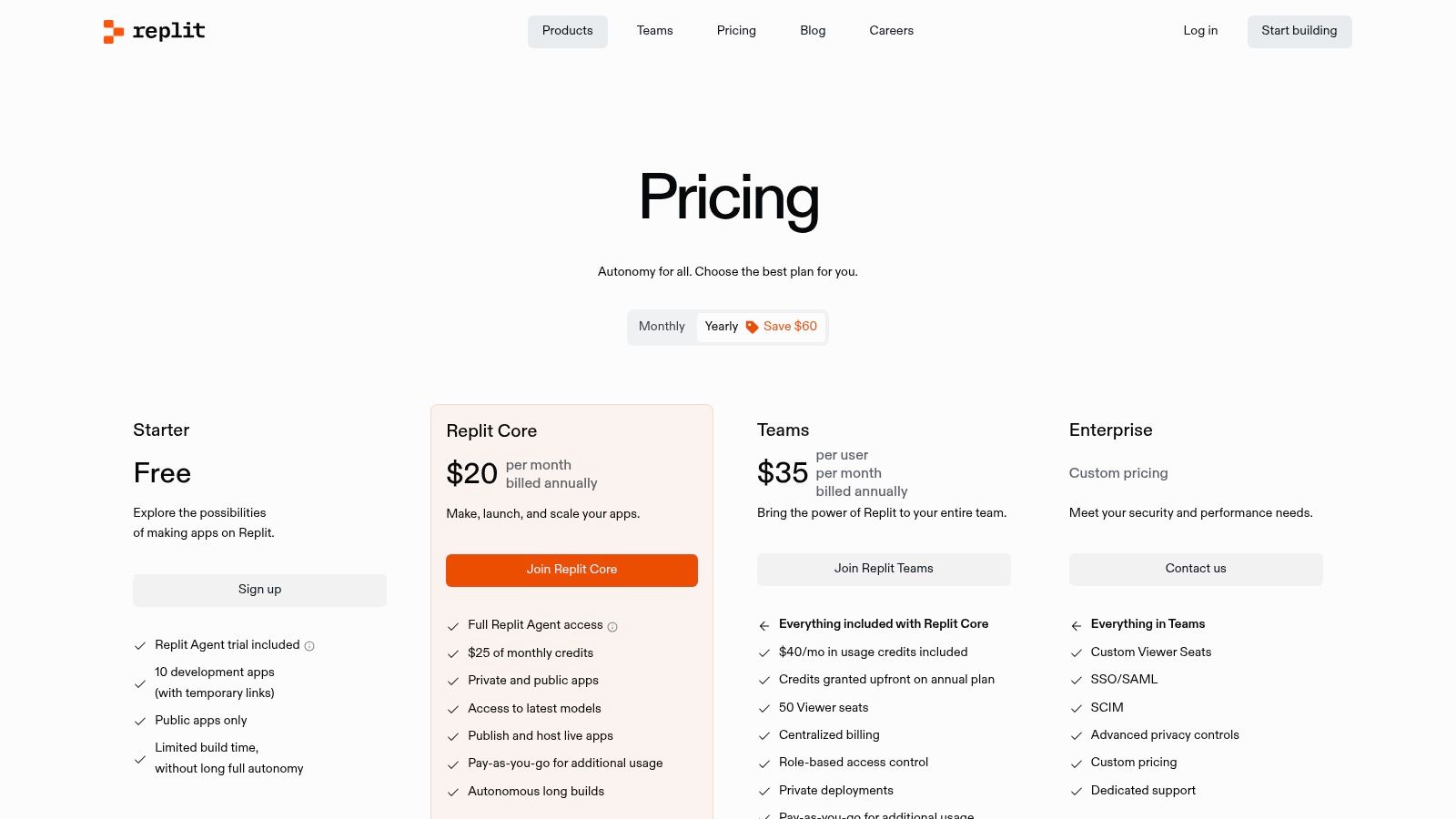
What makes Replit unique is its integrated ecosystem. You're not just getting code completions; you're getting a platform that can build, test, and host your project. The AI agent, designed to automate development, sets it apart from IDE-only plugins. This is especially useful for developers who want to minimize setup and focus purely on coding, or for those building and iterating on projects quickly without the hassle of managing local environments or separate deployment pipelines.
Key Details & Pricing
- Best For: Developers looking for an all-in-one cloud environment for building, testing, and deploying with integrated AI.
- Standout Feature: An autonomous AI agent that can automate complex development tasks within the integrated environment.
- Pricing: Starts with a free tier. The paid "Core" plan is $20/month and includes generous compute and Agent usage credits.
- Pros: Complete build-to-deployment environment, rapidly evolving agent capabilities, and excellent value on paid plans.
- Cons: The pay-as-you-go model for extra agent usage can become expensive if not carefully monitored.
Website:
8. Tabnine – Private/Enterprise‑grade AI Coding
For teams where security and privacy are non-negotiable, Tabnine carves out a unique niche among the best AI coding tools. While many cloud-based assistants send your code to external servers, Tabnine is built from the ground up to prioritize control, offering flexible deployment options that include fully on-premise and even air-gapped setups. This means your proprietary code never has to leave your secure environment, a critical feature for organizations in regulated industries like finance, healthcare, or government.
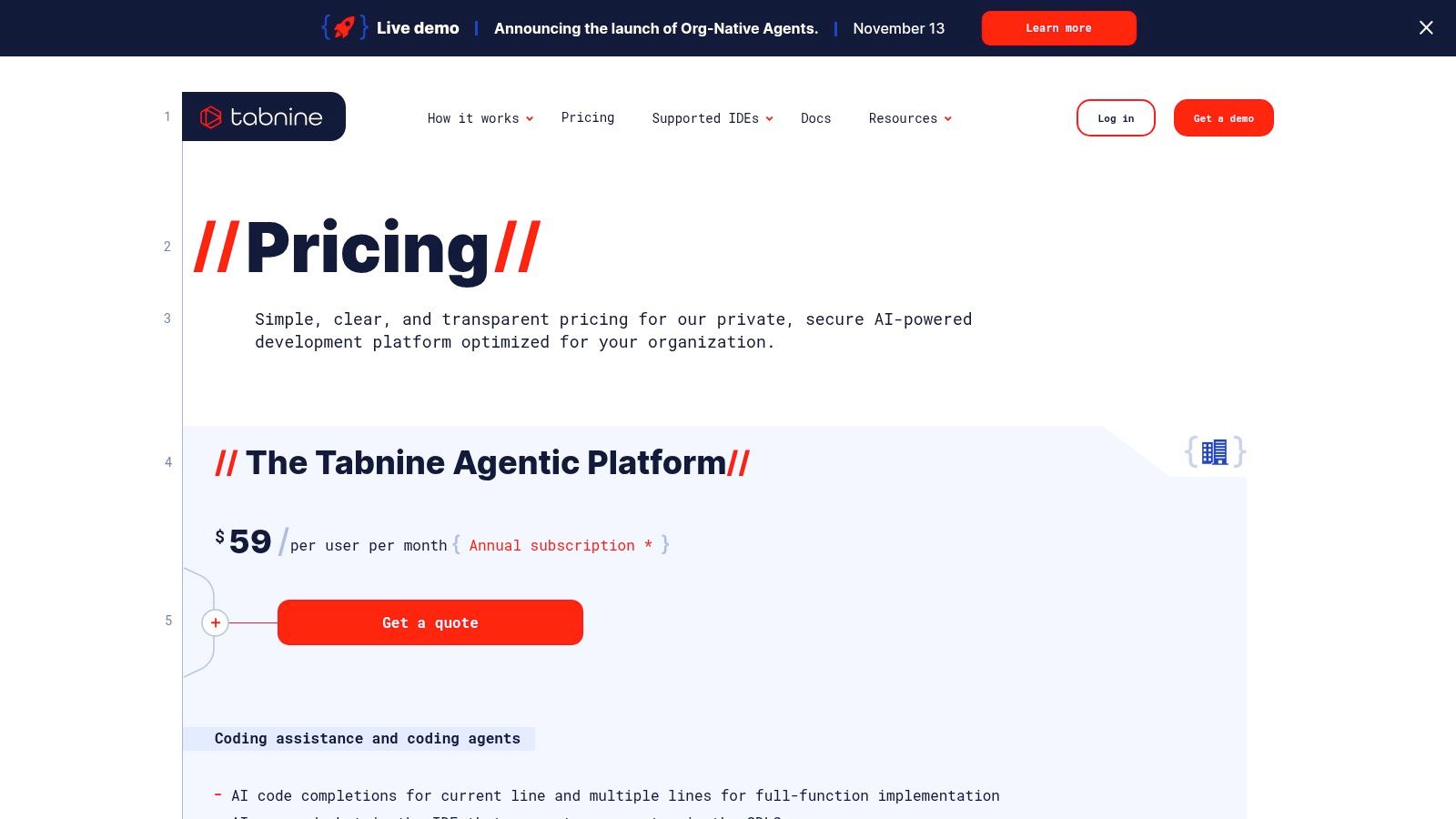
Tabnine doesn’t just stop at security; it delivers powerful, context-aware code completions by training on your organization's specific repositories. This creates a highly personalized assistant that understands your team's patterns, conventions, and internal APIs, making suggestions far more relevant than generic models. It’s like having an AI that has already been onboarded to your company's codebase. This focus on tailored assistance and security is a core reason it stands out among the available today.
Key Details & Pricing
- Best For: Enterprise teams and organizations with strict security, compliance, or code privacy requirements.
- Standout Feature: Flexible deployment models, including on-premise, VPC, and air-gapped options for maximum security.
- Pricing: A free basic plan is available. Pro plan starts at $12/user/month, with custom pricing for Enterprise.
- Pros: Unmatched security and privacy controls, personalized models trained on your codebase, and extensive IDE support.
- Cons: Enterprise pricing requires contacting sales, and the agentic platform can be more expensive than basic assistants.
Website:
9. Sourcegraph Amp
Sourcegraph Amp builds on the company's powerful code search legacy to create an enterprise-grade AI coding platform. Where its predecessor, Cody, focused on individual developers, Amp is engineered for entire teams, blending intelligent coding assistance with collaborative, agentic workflows. It’s less about simple autocomplete and more about understanding your entire codebase to help you tackle complex tasks, from large-scale refactors to onboarding new team members.
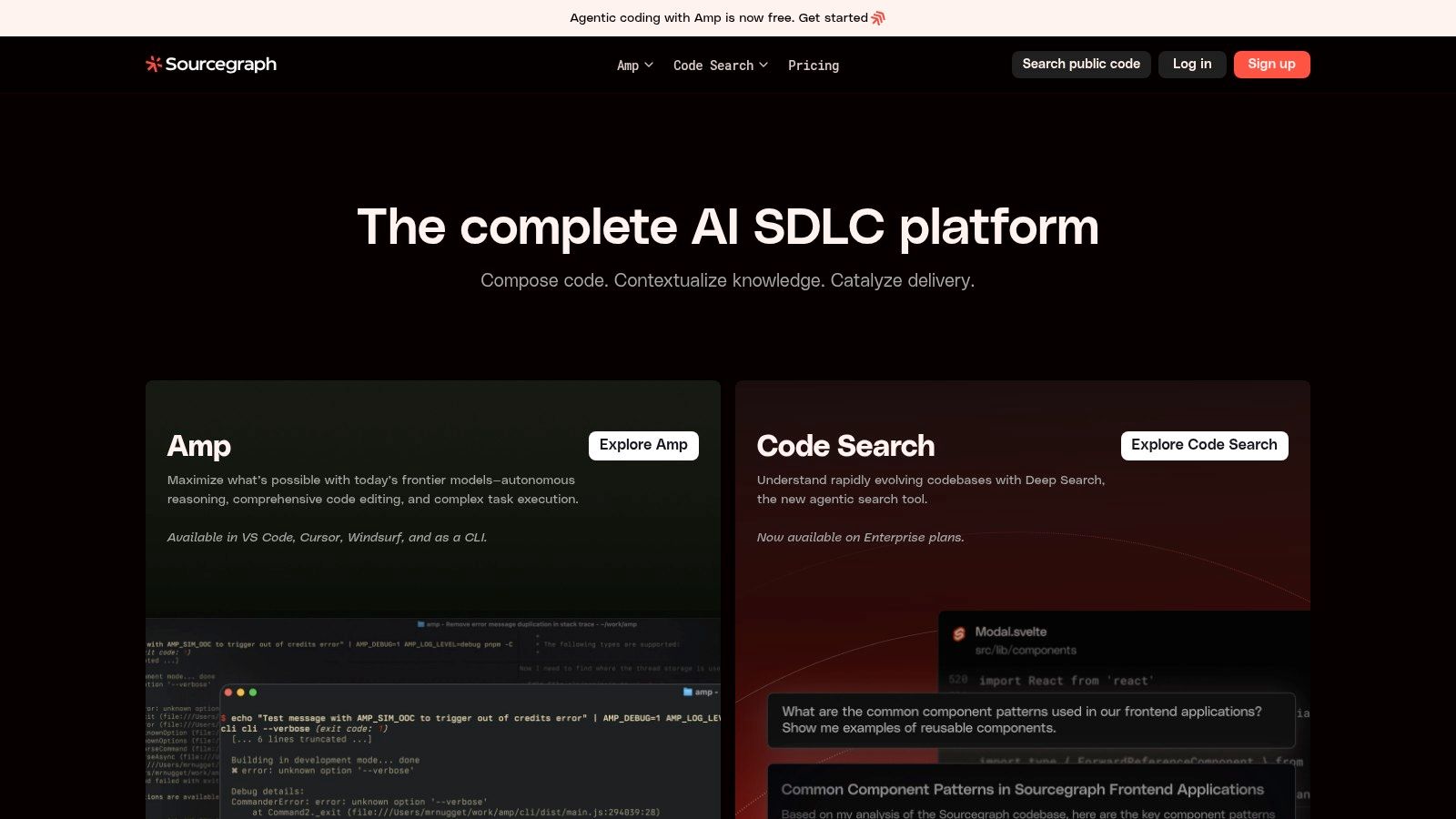
What makes Amp one of the best AI coding tools for businesses is its deep integration with your organization's code repositories and its emphasis on enterprise controls. The platform is designed to provide context-aware assistance that respects your company's coding standards and security policies. Think of it as giving every developer on your team a super-powered assistant that already knows your internal APIs and best practices, which is a massive productivity booster. But remember, an AI that understands your code is only half the battle. You first need clear requirements, which is where a tool like can set the stage for success.
Key Details & Pricing
- Best For: Enterprise teams needing an AI assistant with deep codebase context and strong governance features.
- Standout Feature: The combination of its world-class code search with new agentic workflows for complex, multi-file tasks.
- Pricing: Amp uses a pay-as-you-go credit model, separate from its Code Search product.
- Pros: Excellent code search foundation, robust enterprise controls, and transition support for former Cody users.
- Cons: No longer offers free/pro plans for new individual signups, focusing entirely on enterprise clients.
Website:
10. GitLab Duo (Pro/Enterprise)
For teams already embedded in the GitLab ecosystem, GitLab Duo is less of an add-on and more of a natural extension to their existing DevSecOps workflow. Instead of bolting on a third-party tool, Duo integrates AI directly into every stage of the development lifecycle, from issue creation to deployment. It offers code suggestions, chat, and test generation right where you work, but its true power lies in its platform-wide context, helping with tasks like summarizing issues or explaining vulnerabilities.
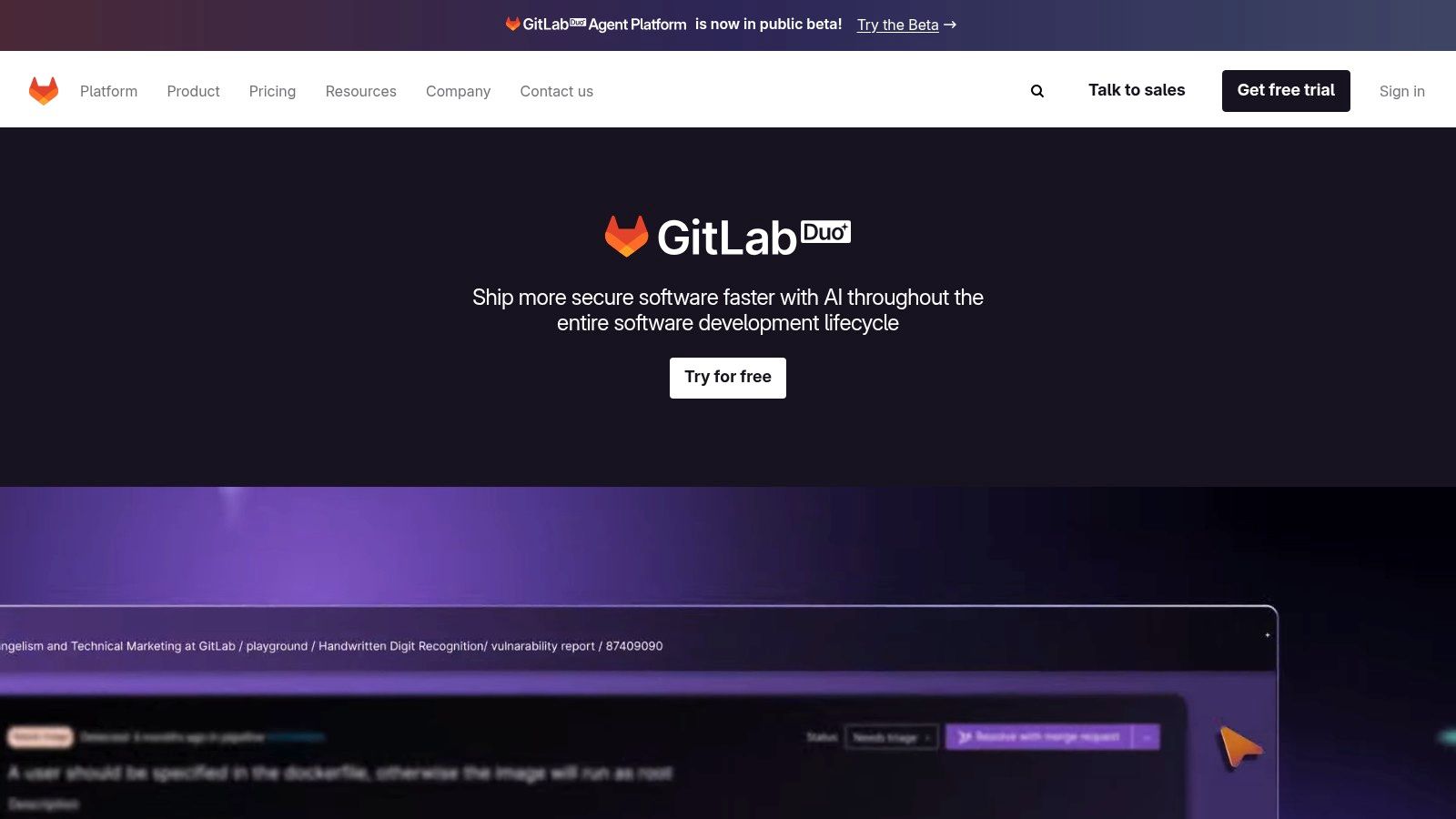
What makes GitLab Duo one of the best AI coding tools for enterprises is its single-platform approach. There's no need to manage separate tools, user permissions, or security policies. It leverages your existing codebase and process knowledge to provide relevant assistance. Its AI-assisted code review summaries are particularly useful for streamlining approvals, a critical step we cover in our own . It's a pragmatic choice for organizations prioritizing security, control, and consolidation over chasing the latest standalone AI features.
Key Details & Pricing
- Best For: Enterprise teams heavily invested in the GitLab platform who need a secure, integrated AI solution.
- Standout Feature: Platform-wide integration that assists with the entire DevSecOps lifecycle, not just coding.
- Pricing: An add-on to GitLab Premium ($29/user/month) or Ultimate ($99/user/month) plans, costing an additional $19/user/month.
- Pros: Single, unified platform for everything; strong enterprise controls, including SSO and self-hosting options.
- Cons: Requires a GitLab Premium or Ultimate subscription, making the total cost high; features vary by tier.
Website:
11. G2 – AI Coding Assistants Category (Comparison/Reviews)
Sometimes, the best AI coding tool isn't a single platform but a place to compare them all. G2's category for AI Coding Assistants is a go-to resource for developers doing their homework before committing to a paid subscription. Instead of relying solely on marketing copy, you can see aggregated, real-world user reviews, compare satisfaction scores, and discover which tools are actually gaining traction in the market. It’s like having a hundred developer friends give you their honest opinion all at once. Is that new AI tool the next big thing or just vaporware? G2 is where you go to find out.
This platform shines by helping you validate claims and understand the practical pros and cons of each tool side-by-side. You can filter by company size, user roles, and specific features to find solutions that match your exact needs. Seeing how a tool stacks up against the competition based on genuine user feedback is invaluable when navigating the crowded landscape of the best AI coding tools.
Key Details & Pricing
- Best For: Developers and team leads researching and comparing multiple AI coding tools before purchase.
- Standout Feature: The G2 Grid® for AI Coding Assistants, which visually maps out market leaders versus high performers based on user satisfaction and market presence.
- Pricing: Free to browse and compare.
- Pros: Access to a wealth of real user reviews, frequently updated market data, and easy-to-use comparison tools.
- Cons: Some deeper insights and reports are gated behind lead-gen forms, and sponsored placements can affect which vendors you see first.
Website: g2.com/categories/ai-coding-assistants
12. Supermaven
If your primary need is speed, Supermaven might just become your new best friend. While many AI coding tools pack in a kitchen sink of features, Supermaven laser-focuses on doing one thing exceptionally well: providing blazing-fast inline code completions. It’s designed to be lightweight and responsive, cutting out the lag that can sometimes plague more complex assistants. Think of it less as a chatty co-worker and more as a silent, hyper-efficient ninja who anticipates your next move before you even make it.
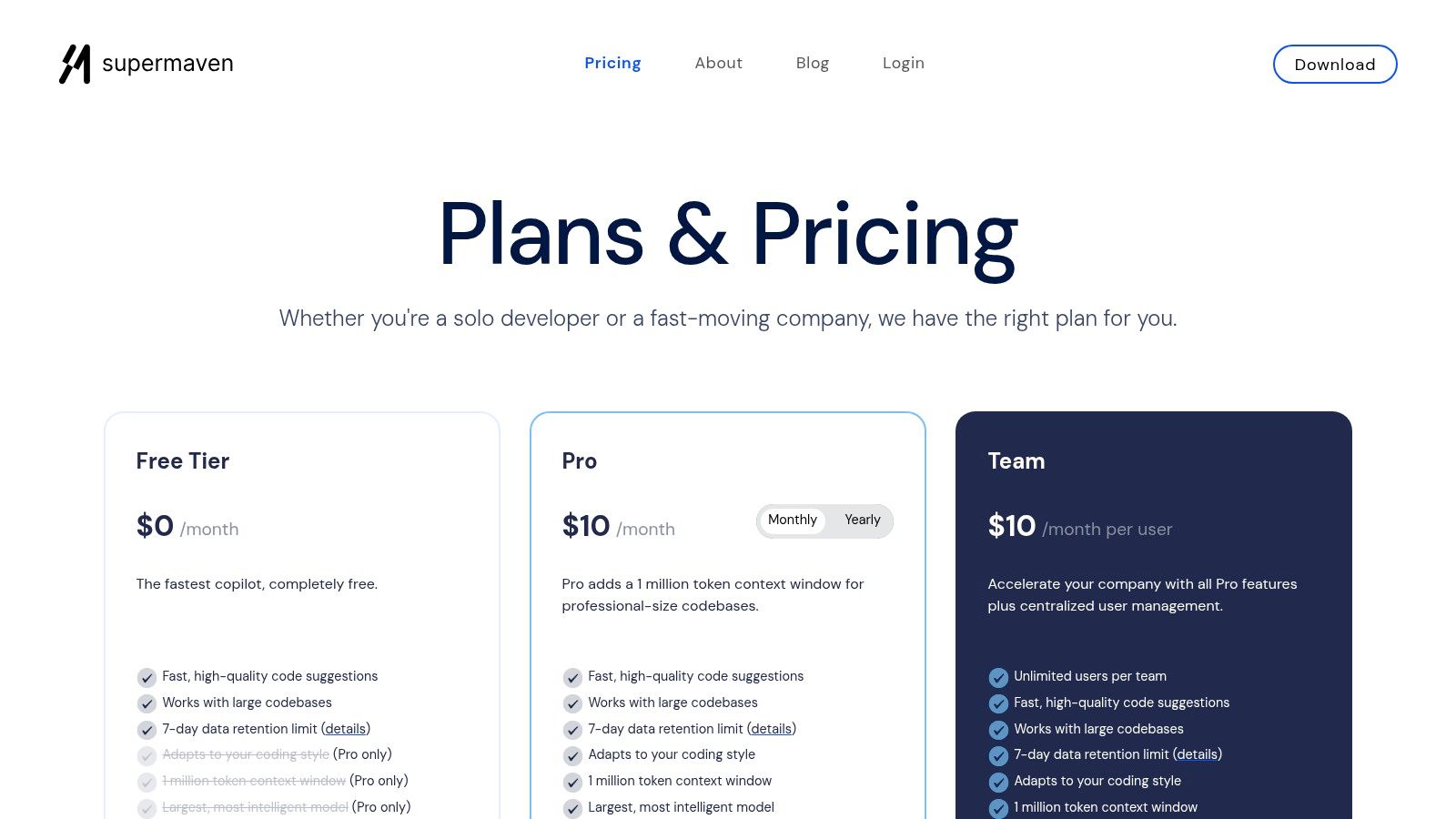
What makes Supermaven one of the best AI coding tools is its simplicity and performance. It stands out with its massive 1-million-token context window, allowing it to understand the nuances of even the largest codebases for more accurate suggestions. It's a fantastic, low-overhead addition to any developer's stack, especially when paired with a more comprehensive tool for handling complex debugging or documentation tasks. A common question for tools like this is, "how can ai help in coding documentation?" While it can generate docstrings, for higher-level project planning, a dedicated platform like is a better fit.
Key Details & Pricing
- Best For: Developers who prioritize speed and want an unobtrusive, high-performance autocomplete tool.
- Standout Feature: A massive 1-million-token context window that provides highly relevant suggestions in large repositories.
- Pricing: A free tier is available, with Pro plans starting at $10/month and Teams at $12/user/month for upgraded models.
- Pros: Extremely fast and responsive, simple team billing, and serves as a great complement to heavier agent-based tools.
- Cons: Primarily an autocomplete tool, lacking the advanced chat and task automation features of larger platforms.
Website:
Top 12 AI Coding Tools — Feature Comparison
Final Thoughts
Whew, that was a whirlwind tour of the AI coding landscape, wasn't it? From industry giants like GitHub Copilot and Google Gemini to specialized powerhouses like Cursor and Tabnine, it's clear the days of staring at a blank screen and summoning code from the ether are numbered. The future of software development isn't about replacing developers; it's about giving them a super-powered sidekick.
The core takeaway? There is no single "best AI coding tool" that fits everyone. The ideal choice is less about picking the top-ranked tool and more about finding the one that seamlessly integrates into your unique workflow, tech stack, and even your personal coding style.
How to Choose Your AI Co-pilot
So, how do you sift through this amazing list and find your perfect match? Don't just pick the one with the coolest name (though we admit, "Supermaven" sounds pretty epic). Instead, ask yourself a few key questions:
- What's my main goal? Are you looking for raw speed to blast through boilerplate code? GitHub Copilot or Amazon Q might be your jam. Do you need a deep, project-aware assistant that can help with complex debugging? JetBrains AI or Sourcegraph Amp could be the answer.
- Where do I work? Your IDE is your home. A tool that integrates natively, like the JetBrains AI Assistant, will feel much more natural than a solution that requires you to constantly switch contexts.
- What's my budget? Many of these tools offer robust free tiers, but for advanced features, you'll need to open your wallet. Consider the ROI: will the time saved and bugs prevented justify the monthly subscription? For most professional developers, the answer is a resounding yes.
- How important is privacy and security? For enterprise teams or those working on sensitive projects, a self-hosted or private model like Tabnine or GitLab Duo Pro is non-negotiable. Always check the tool's data privacy policy before feeding it your secret sauce.
Beyond Autocomplete: The Real Power of AI in Coding
The most exciting thing about these tools isn't just that they write code for you. The real magic happens when they become a true collaborative partner. Use them to learn a new framework by asking them to explain code snippets. Let them handle the mind-numbing task of writing unit tests so you can focus on building killer features. Turn to them when you're stuck, not as a crutch, but as a brilliant brainstorming partner who never needs a coffee break.
Ultimately, the best AI coding tools are the ones that get out of your way and let you achieve a state of flow. They should feel like an extension of your own mind, anticipating your next move and clearing the path ahead. So go ahead, try a few out. Your future, more productive self will thank you for it.
While these AI tools are fantastic at generating and debugging code, what about the crucial step before you even write a single line? Crafting clear, organized product requirements and documentation is where great software begins. That's where Zemith comes in, acting as your AI-powered partner for building structured, actionable project docs. Get your project's foundation right from the start by visiting today.
Zemithの機能を探索
すべてのトップAI。1つのサブスク。
ChatGPT、Claude、Gemini、DeepSeek、Grok & 25+モデル








常時オン、リアルタイムAI。
音声 + 画面共有 · 即座に回答
新しい言語を学ぶ最良の方法は何ですか?
没入学習と間隔反復が最も効果的です。毎日ターゲット言語のメディアを消費してみてください。
音声 + 画面共有 · AIがリアルタイムで回答
画像生成
Flux、Nano Banana、Ideogram、Recraft + その他

思考の速度で書く。
AIオートコンプリート、リライト&コマンドで展開
あらゆるドキュメント。あらゆる形式。
PDF、URL、YouTube → チャット、クイズ、ポッドキャスト等
動画作成
Veo、Kling、MiniMax、Sora + その他

テキスト読み上げ
自然なAI音声、30以上の言語
コード生成
コードの作成、デバッグ、説明
ドキュメントとチャット
PDFをアップロード、コンテンツを分析
ポケットの中のAI。
iOS & Androidでフルアクセス · どこでも同期
無限のAIキャンバス。
チャット、画像、動画&モーションツール — 並べて表示

作業と研究の時間を節約
シンプルで手頃な料金設定
信頼される企業チーム






無料
クレジットカード不要
- 毎日100クレジット
- 3つのAIモデルをお試し
- 基本AIチャット
Plus
- 1,000,000クレジット/月
- 25以上のAIモデル — GPT、Claude、Gemini、Grokなど
- Agent Mode:ウェブ検索、コンピュータツールなどを搭載
- Creative Studio:画像生成と動画生成
- Project Library:ドキュメント・ウェブサイト・YouTubeとチャット、ポッドキャスト生成、フラッシュカード、レポートなど
- Workflow StudioとFocusOS
Professional
- Plusのすべてと、
- 2,100,000クレジット/月
- Pro限定モデル(Claude Opus、Grok 4、Sonar Pro)
- Motion ToolsとMax Mode
- 最新機能への優先アクセス
- 追加特典へのアクセス
ユーザーの声
Great Tool after 2 months usage
"I love the way multiple tools they integrated in one platform. Going in the right direction."
— simplyzubair
Best in Kind!
"The quality of data and sheer speed of responses is outstanding. I use this app every day."
— barefootmedicine
Simply awesome
"The credit system is fair, models are perfect, and the discord is very responsive. Quite awesome."
— MarianZ
Great for Document Analysis
"Just works. Simple to use and great for working with documents. Money well spent."
— yerch82
Great AI site with accessible LLMs
"The organization of features is better than all the other sites — even better than ChatGPT."
— sumore
Excellent Tool
"It lives up to the all-in-one claim. All the necessary functions with a well-designed, easy UI."
— AlphaLeaf
Well-rounded platform with solid LLMs
"The team clearly puts their heart and soul into this platform. Really solid extra functionality."
— SlothMachine
Best AI tool I've ever used
"Updates made almost daily, feedback is incredibly fast. Just look at the changelogs — consistency."
— reu0691