Best document automation software: top picks
Explore the best document automation software to save time, reduce errors, and automate workflows. Compare top tools and start automating today.
If you've ever spent an afternoon manually creating invoices, proposals, or reports, you know the soul-crushing pain of repetitive document work. It's time to stop the endless copy-pasting of customer data into templates. Good news—you don't have to anymore. The best document automation software can reclaim those lost hours, eliminate costly errors, and streamline your entire process. But with so many options, how do you choose the right one for your specific needs?
Are you a Salesforce power user needing deep CRM integration, a startup looking for an all-in-one AI assistant like Zemith, or an enterprise trying to tame your Microsoft 365 templates? Finding the right tool isn't just about plugging in data; it's about actively and freeing up your team for more strategic (and let's be honest, more interesting) tasks.
This guide breaks down the top 12 platforms, moving beyond generic marketing copy. We'll dive into real-world use cases, honest limitations, and the practical considerations you need to make an informed decision. Each entry includes screenshots and direct links to help you find the perfect fit and, maybe, even get home on time for once. Let's find the solution that finally ends your document drudgery.
1. Zemith
Best For: All-in-one document interaction and multi-format content creation.
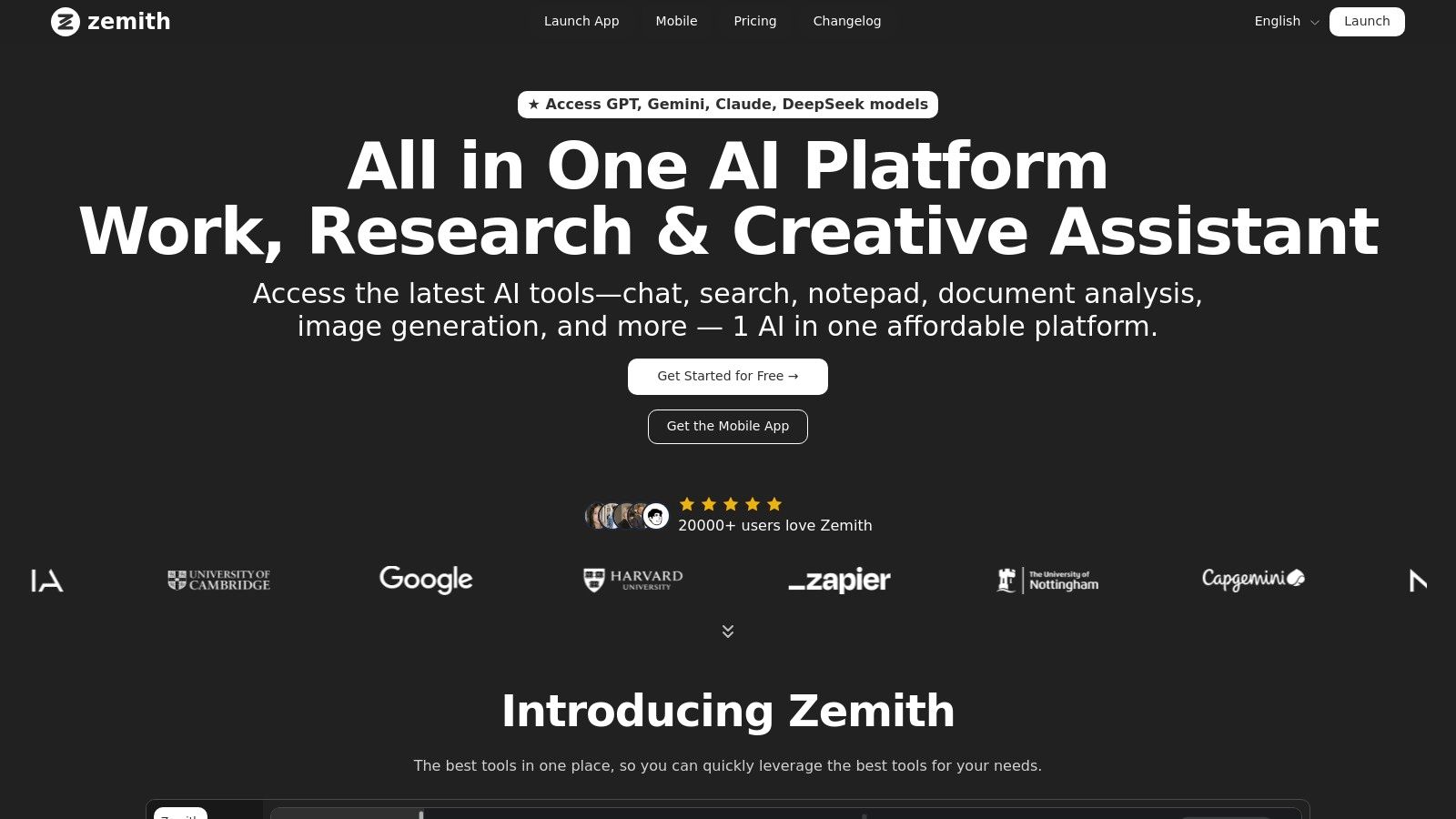
Zemith secures its top position not just as a tool, but as a comprehensive AI-powered workspace designed to consolidate your entire workflow. It excels at transforming static documents into dynamic assets, making it an exceptional choice for those seeking the best document automation software to handle diverse and complex tasks. Instead of merely automating templates, Zemith redefines document interaction by allowing you to chat with files, extract key insights, and repurpose content into entirely new formats with unprecedented speed. This isn't your grandpa's mail merge; it's a full-blown content creation engine.
Its standout feature is the Document Assistant, which goes far beyond simple Q&A. You can upload a dense research paper or a lengthy report and instantly generate a concise summary, a set of flashcards for studying, or even an audio podcast script. This capability is a game-changer for content creators, researchers, and students who need to process and repurpose information efficiently without juggling a dozen different apps. Forget copy-pasting into five different tools; Zemith keeps it all under one roof.
Key Features & Use Cases
- Multi-Model AI Access: Zemith integrates leading LLMs like GPT-4, Claude 3, and Gemini 2.5 Pro. This allows you to select the best AI for your specific document task, whether it's creative writing, technical analysis, or data extraction. It’s like having an entire team of specialized AI assistants at your fingertips.
- Document-to-Anything Conversion: Its powerful converters can transform a YouTube video transcript into a blog post, a CSV file into a formatted Markdown table, or a PDF into an interactive quiz. This is a massive time-saver for anyone in the content business.
- Integrated Smart Notepad & Research Tools: The platform includes an AI-powered notepad for rephrasing, style adjustments, and content generation. This is complemented by a deep research tool with real-time web access and fact-checking, ensuring the information you generate is both accurate and well-written.
- Productivity-First Environment: Features like Focus OS minimize distractions, while organized Workspaces with contextual memory ensure the AI remembers project details, saving you from repetitive explanations.
Pricing: Zemith operates on a credit-based system with a generous free tier to get started. Paid plans offer larger credit bundles, with costs depending on the specific AI models and features you use most heavily.
Pros:
- Consolidates multiple AI subscriptions into one interface (goodbye, subscription fatigue!).
- Exceptional document repurposing tools (e.g., PDF to podcast).
- Productivity-focused design reduces context switching.
- Includes creative, coding, and research tools alongside document features.
Cons:
- Credit-based pricing can be unpredictable for heavy users.
- May have a steeper learning curve than single-purpose tools.
Website:
2. DocuSign Gen for Salesforce
For organizations deeply embedded in the Salesforce ecosystem, DocuSign Gen for Salesforce is a top-tier choice. It excels at creating a seamless, end-to-end document workflow directly within the CRM, eliminating the need to toggle between applications. This native integration is its key differentiator, allowing sales, finance, and service teams to generate polished, data-merged documents like quotes, contracts, and invoices from Salesforce records with just a few clicks.
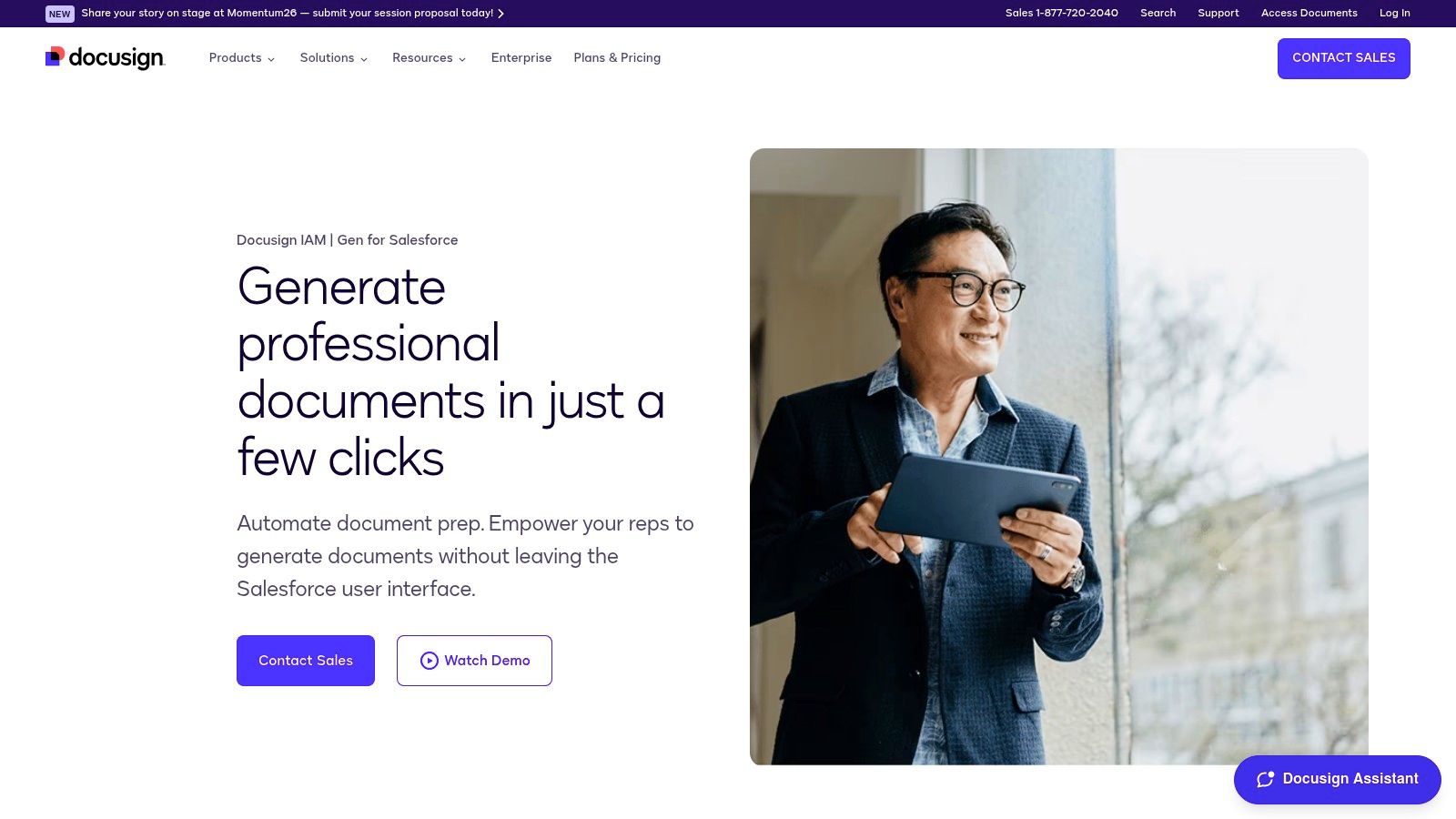
The platform is designed for simplicity and efficiency, turning a multi-step process into a single, cohesive action: prepare, sign, and store. Its ability to handle conditional logic in templates means the right clauses and terms are automatically included based on specific opportunity data. This makes it one of the best document automation software solutions for teams who live and breathe Salesforce.
Key Features & Considerations
- Best For: Sales, legal, and finance teams who use Salesforce as their primary CRM.
- Standout Feature: Tight, native integration with Salesforce Sales Cloud and Revenue Cloud, providing a unified user experience. The ability to batch-generate documents is a huge time-saver for tasks like monthly invoicing.
- Limitations: Its greatest strength is also its main limitation. If your organization doesn't use Salesforce, this tool isn't a practical fit. It also requires a separate DocuSign eSignature subscription, which is an additional cost consideration.
- Pricing: Custom pricing, requires a DocuSign eSignature plan.
Website:
3. PandaDoc
PandaDoc is a versatile, all-in-one platform that excels in streamlining the entire document lifecycle, from creation to e-signature. It's particularly well-suited for revenue teams in SMB and mid-market companies that need to create, send, and track proposals, quotes, and contracts efficiently. Its intuitive drag-and-drop editor and extensive template library make it simple to produce professional, on-brand documents without requiring technical expertise.
The platform’s strength lies in its user-friendly approach to powerful features. Users can embed rich media like videos directly into documents, set up approval workflows, and gain real-time insights into when a recipient opens, views, and signs a document. This combination of ease of use and robust functionality makes it one of the best document automation software choices for teams looking to accelerate their deal cycles and improve the client experience without a steep learning curve.
Key Features & Considerations
- Best For: Sales and marketing teams, SMBs, and mid-market organizations needing a comprehensive solution for proposals, quotes, and contracts.
- Standout Feature: The powerful yet simple drag-and-drop document editor combined with a rich content library. This allows teams to quickly assemble customized, media-rich documents and ensure brand consistency across all communications.
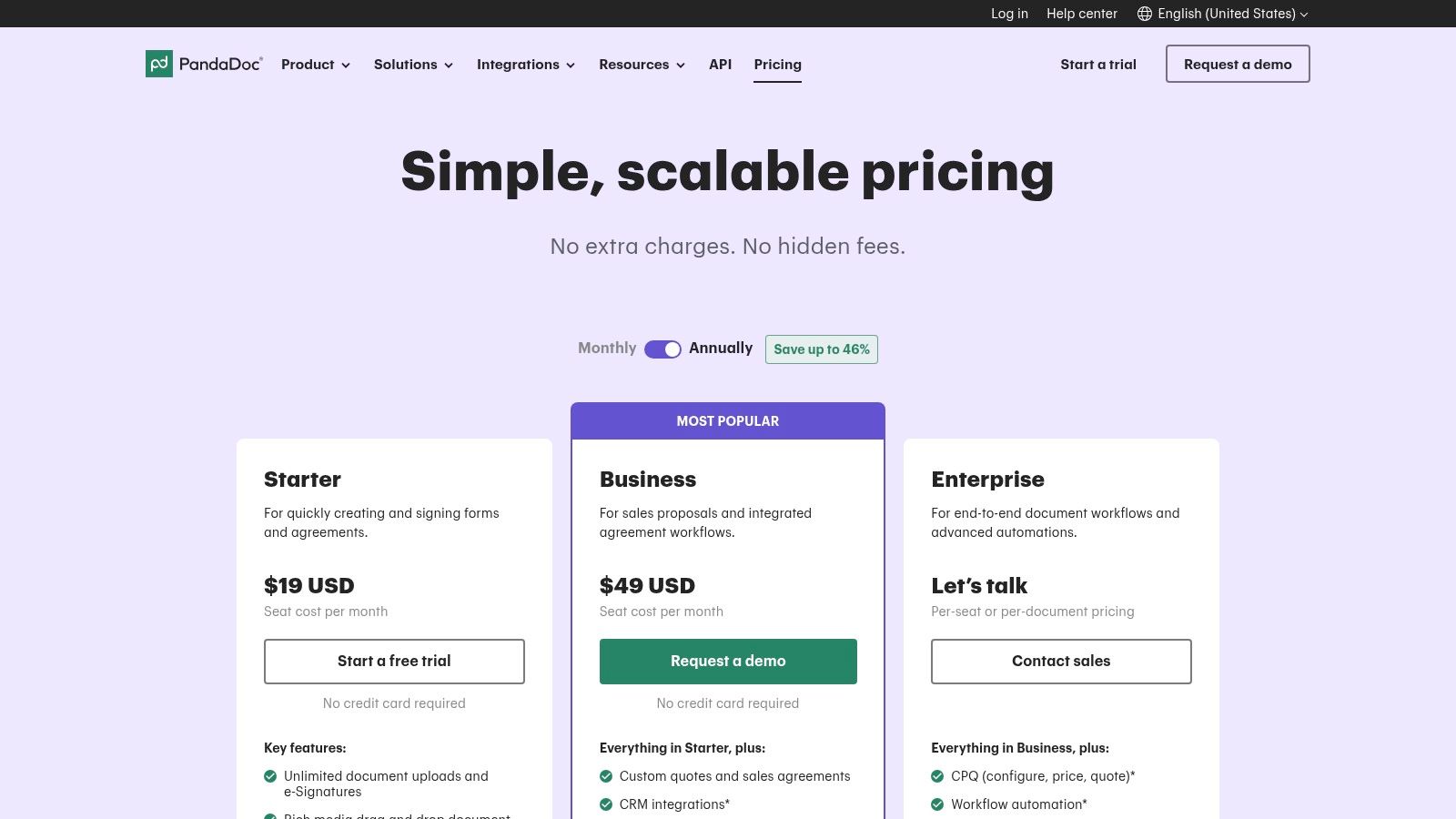
- Limitations: While highly scalable, some of the most powerful features like bulk sending, advanced CRM integrations, and API access are reserved for higher-priced tiers. At scale, the per-seat or per-document costs can become a significant consideration for larger enterprises.
- Pricing: Offers a free eSign plan. Paid plans start at $19/month per user (billed annually), with Business and Enterprise tiers offering more advanced features.
Website:
4. Formstack Documents (formerly WebMerge)
Formstack Documents offers a powerful, no-code solution for generating and delivering documents, making it a versatile choice for operations, HR, and marketing teams. It excels at merging data from various sources into polished, professionally branded templates like contracts, certificates, and proposals. The platform is designed to automate entire document lifecycles, from generation to routing and final delivery, saving countless hours on manual tasks.
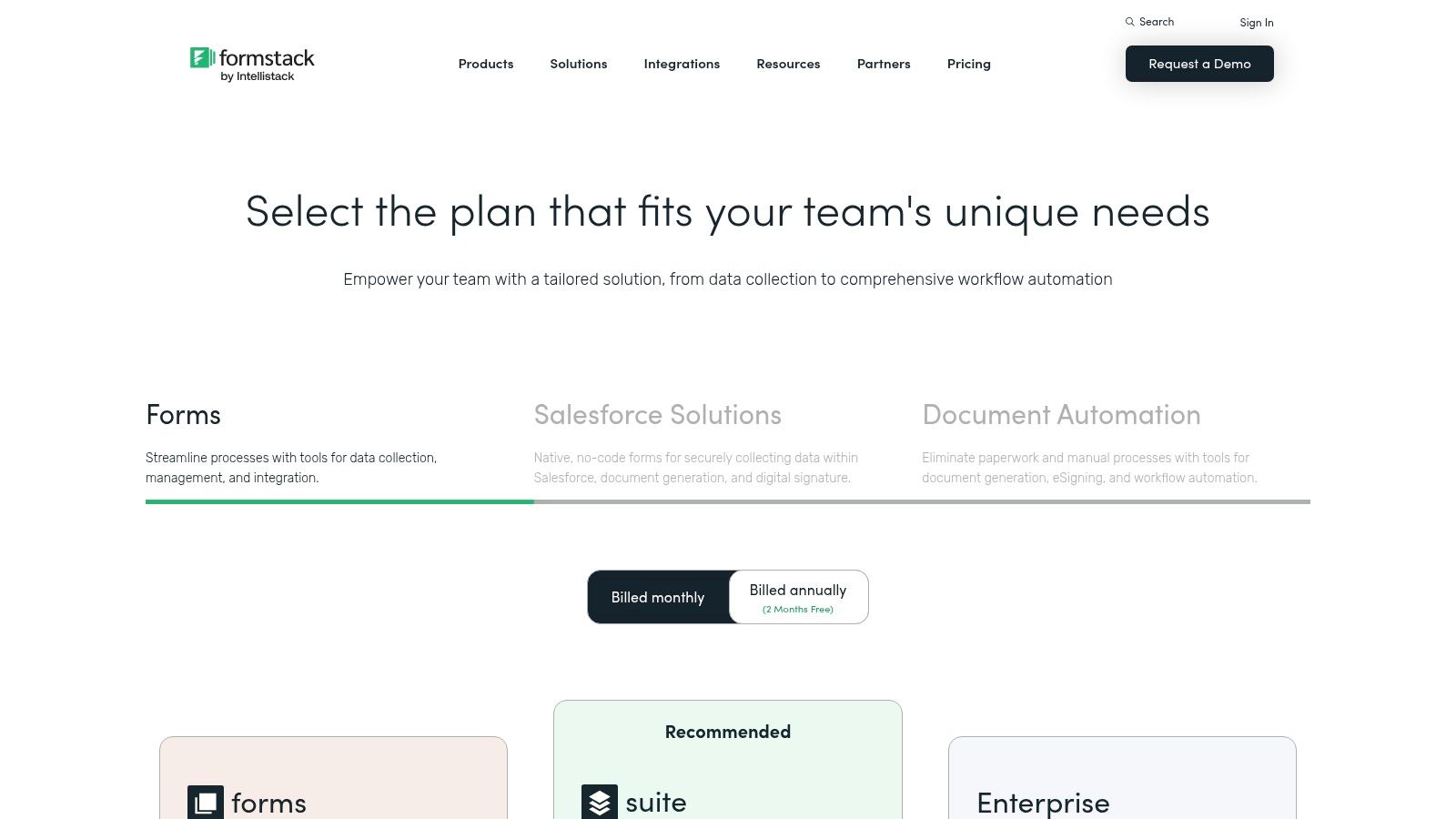
Its real strength lies in its ecosystem. When combined with Formstack Forms and Formstack Sign, it creates a seamless end-to-end workflow where data collected via a form can automatically trigger document creation and then route it for e-signature. This integrated approach makes it one of the best document automation software options for businesses looking to build comprehensive, automated processes without needing a developer.
Key Features & Considerations
- Best For: Teams needing an integrated solution for data collection, document generation, and e-signature, especially in HR, operations, and sales.
- Standout Feature: The ability to combine Forms, Documents, and Sign into a single, unified platform. Its extensive library of third-party integrations (including Salesforce, Zapier, and various cloud storage services) allows for flexible and powerful custom workflows.
- Limitations: The standalone Documents plan comes with monthly limits on merges and the number of templates, which might be restrictive for high-volume users. Accessing the full suite for end-to-end capabilities requires a higher-tier subscription.
- Pricing: Plans start at $92/month (billed annually) for the basic Documents plan, with suite options available at higher price points.
Website:
5. Conga (Composer / Document Automation)
For large enterprises with complex revenue operations, Conga stands as a heavyweight champion. Its document generation engine, Conga Composer, is renowned for its power and deep integration, particularly within the Salesforce ecosystem. It's designed to handle high-volume, intricate document workflows that are central to enterprise sales, legal, and finance processes, such as generating detailed proposals, complex contracts, or comprehensive account summaries.
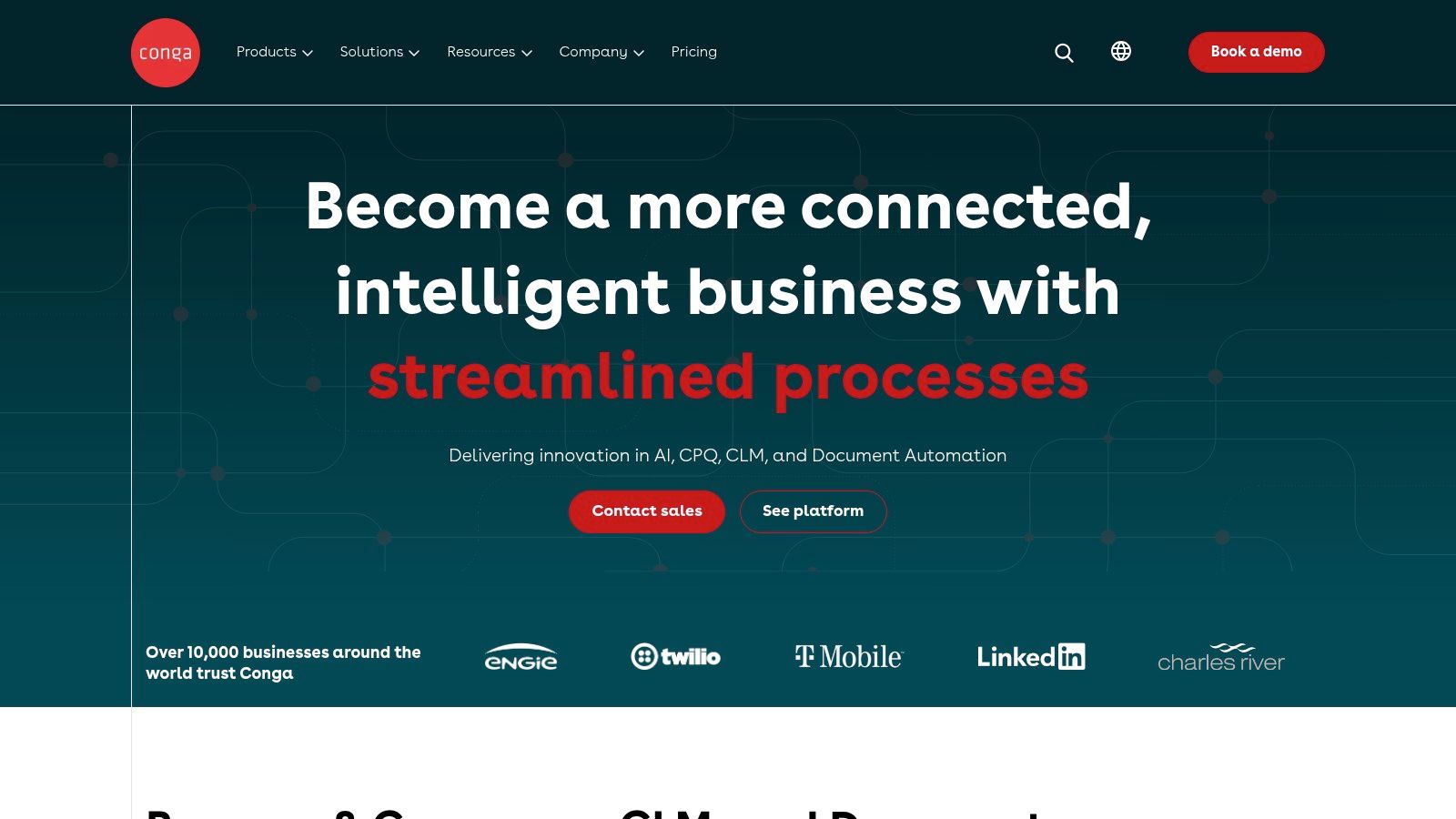
Conga's key differentiator is its position within a broader suite of revenue lifecycle management tools, including CPQ (Configure, Price, Quote) and CLM (Contract Lifecycle Management). This allows organizations to build a truly unified and automated process from initial quote to final signature and renewal. This makes it one of the best document automation software choices for businesses seeking to streamline their entire commercial operations, not just a single step in the process.
Key Features & Considerations
- Best For: Large enterprises with complex quote-to-cash processes, especially those heavily invested in Salesforce.
- Standout Feature: The ability to merge data from multiple Salesforce objects into a single document and support a vast range of output formats. Its inclusion in a unified revenue and contract management stack provides a seamless end-to-end workflow.
- Limitations: Conga is a premium, enterprise-grade solution, and its pricing reflects that. The implementation can be more complex than lighter-weight tools and may require specialized expertise. Businesses should pay close attention to usage terms to avoid unexpected overage costs.
- Pricing: Custom enterprise pricing.
Website:
6. Nintex DocGen for Salesforce
Another powerhouse in the Salesforce-native category, Nintex DocGen for Salesforce, is a mature and robust solution designed for administrators who need deep control over their document workflows. It empowers users to generate complex documents like contracts, quotes, and reports directly from Salesforce records without writing a single line of code. The platform’s strength lies in its admin-friendly template design and reliable automation capabilities.
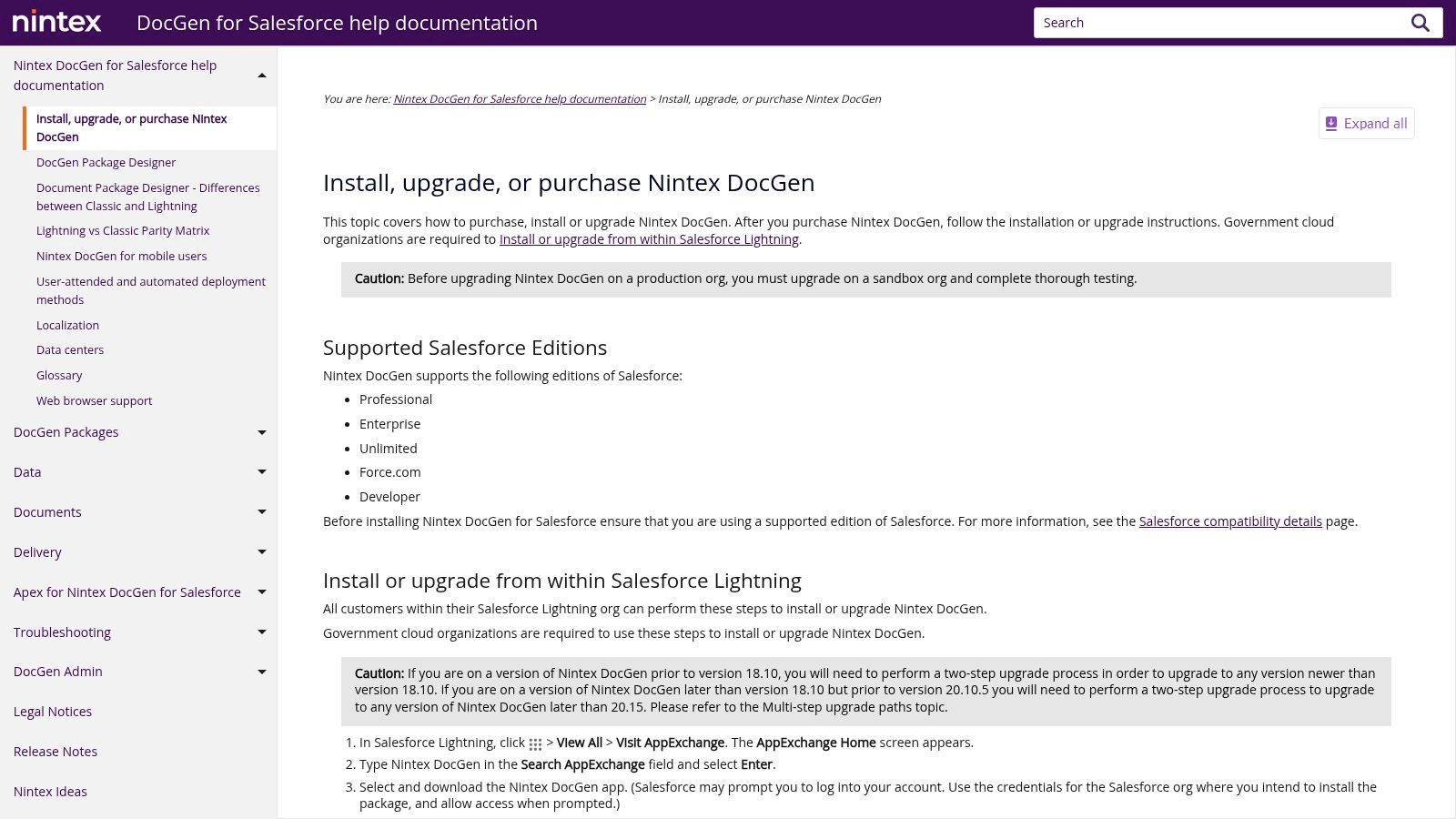
Nintex provides a clear path for implementation, offering a 30-day trial and extensive documentation to get you started. It integrates smoothly with popular eSignature providers, including its own Nintex eSign and DocuSign, making it a flexible choice for end-to-end contract management. For organizations looking for one of the best document automation software tools built specifically for the Salesforce Lightning Experience, Nintex is a tried-and-true option that helps and reclaim valuable time.
Key Features & Considerations
- Best For: Salesforce administrators and operations teams needing a no-code, highly configurable document generation tool.
- Standout Feature: Strong administrative tooling and a user-friendly template designer that works within the familiar Salesforce environment. The availability of a full-featured 30-day trial is a significant advantage for evaluation.
- Limitations: Its primary focus on Salesforce means it is not a viable solution for companies outside that ecosystem. Published pricing is limited, and costs can vary depending on license volume, requiring direct engagement with their sales team.
- Pricing: Custom pricing based on user volume and features; a 30-day free trial is available.
Website:
7. S-Docs
For organizations prioritizing data security and performance within the Salesforce environment, S-Docs presents a compelling native solution. As a 100% Salesforce-native document generation and e-signature platform, its core advantage is that no data ever leaves the Salesforce cloud. This architecture not only enhances security but also delivers faster performance by processing everything directly on the platform, making it a reliable choice for generating sensitive documents like contracts, financial statements, and compliance forms.
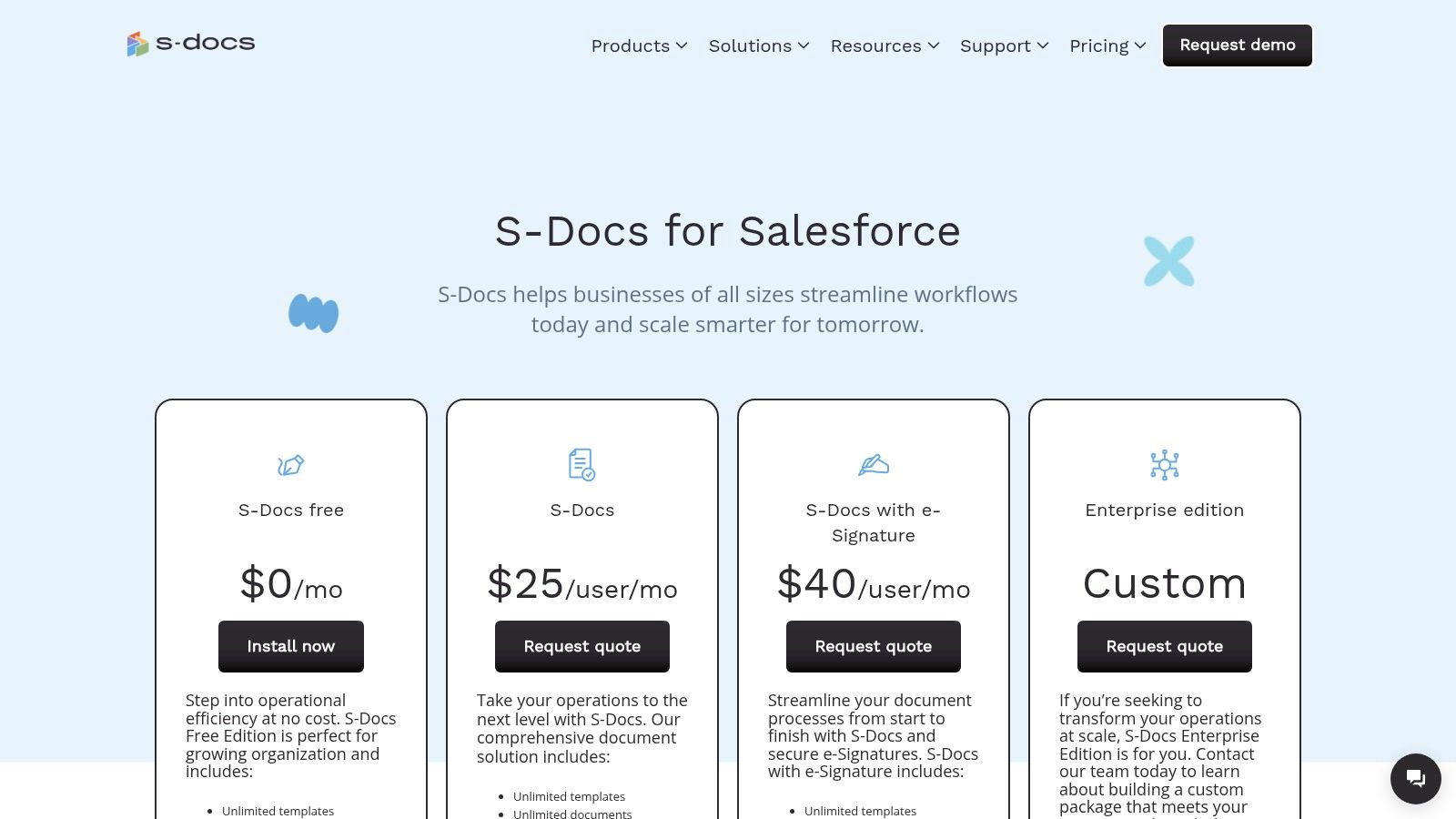
S-Docs stands out by offering a completely free edition, allowing teams to generate an unlimited number of templates and documents with some caps on e-signature envelopes. This makes it an accessible entry point for smaller businesses or teams wanting to test a robust solution before committing. The platform’s transparent, published pricing tiers for paid plans remove the guesswork often associated with enterprise software, solidifying its position as one of the best document automation software options for Salesforce-centric businesses.
Key Features & Considerations
- Best For: Companies using Salesforce who have strict data security requirements or want a cost-effective, native solution.
- Standout Feature: The 100% native architecture ensures all data processing and storage occurs within Salesforce, offering superior security and performance. The free edition is unusually generous and highly functional.
- Limitations: While powerful, some advanced automation and batch processing capabilities are sold as add-ons. Paid plans often require annual billing and may have minimum contract thresholds, which could be a barrier for smaller teams needing flexibility.
- Pricing: A free forever plan is available. Paid plans (S-Docs Pro) have published pricing, typically billed annually.
Website:
8. airSlate (Document Automation Hub + WorkFlow)
For developers and businesses seeking a highly customizable and embeddable solution, airSlate offers an API-first document workflow platform. Its primary strength lies in its flexibility, providing a suite of tools including document generation, eSignature, PDF editing, and web forms that can be integrated directly into existing applications. This makes it a powerful choice for creating bespoke, embedded automation experiences without being locked into a single user interface.
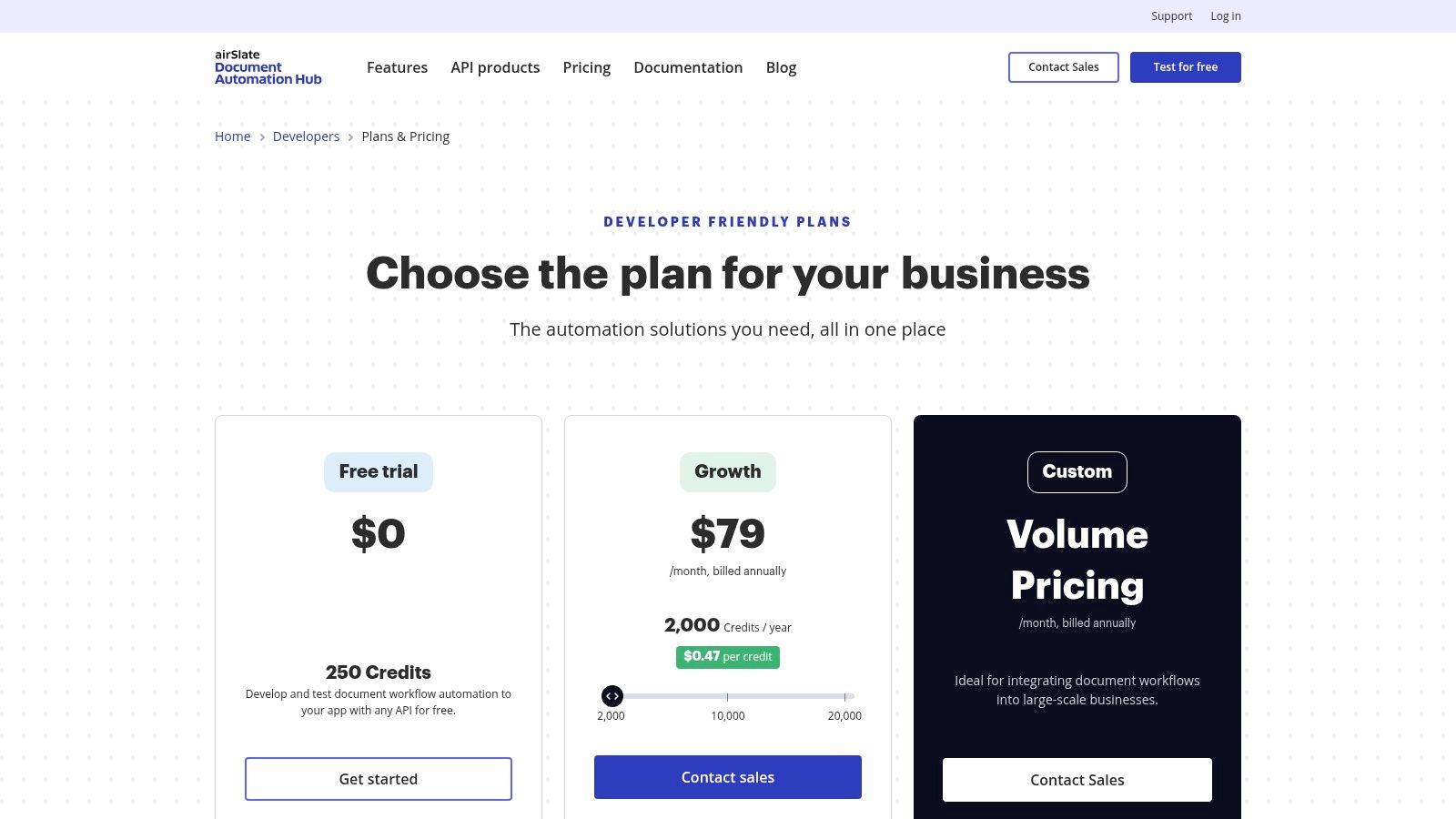
The platform cleverly balances developer-centric APIs with a user-friendly, low/no-code WorkFlow app. This dual approach allows technical teams to build robust back-end processes while business users can manage and automate their own workflows. This adaptability positions airSlate as one of the best document automation software options for companies needing a hybrid solution that serves both developers and everyday users, a key aspect of modern .
Key Features & Considerations
- Best For: Developers building custom integrations and businesses that need a flexible, API-driven document automation engine.
- Standout Feature: The credit-based, pay-as-you-go pricing for its APIs is a major differentiator. It allows for scalable use without large upfront commitments, which is ideal for startups or products with variable document generation needs.
- Limitations: The credit-based model, while flexible, requires careful usage estimation to manage costs effectively. Additionally, the various plan names and offerings across its web resources can sometimes be confusing for new users.
- Pricing: Offers a free developer sandbox with trial credits; paid plans are credit-based for APIs, with separate pricing for the WorkFlow application.
Website:
9. Templafy
For large enterprises operating primarily within the Microsoft 365 ecosystem, Templafy is a powerful content enablement platform that tackles document creation from a governance and brand compliance perspective. It embeds directly into Microsoft Word, PowerPoint, and Outlook, ensuring that every document employees create is on-brand, legally compliant, and uses the latest approved templates and assets. Its core strength is centralizing control, preventing the use of outdated or non-compliant content across a global organization.
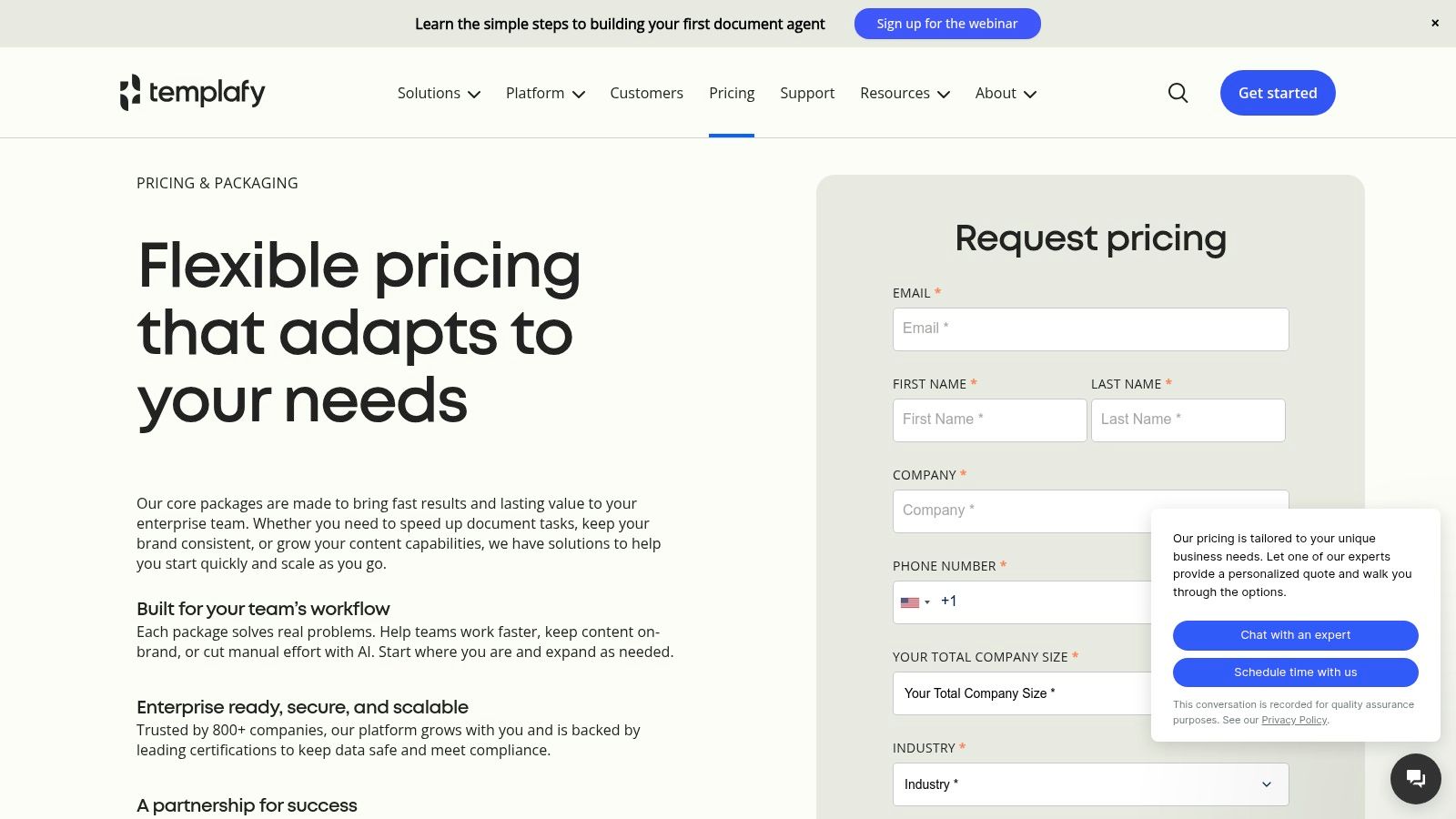
This centralized approach makes it one of the best document automation software choices for regulated industries or companies undergoing a rebrand, where consistency is non-negotiable. Instead of just automating data-merge, Templafy automates compliance by serving up the right building blocks (clauses, images, disclaimers) to users directly within the applications they use daily. This minimizes context switching and significantly reduces compliance risks.
Key Features & Considerations
- Best For: Enterprise-level organizations, particularly in legal, finance, and marketing, that require strict brand and legal governance across their Microsoft 365 suite.
- Standout Feature: The deep integration with Microsoft 365 applications is its biggest draw. A centralized admin center allows for instant distribution of updated templates and content assets company-wide, ensuring everyone is always working with the correct versions.
- Limitations: Its enterprise focus means it's often overkill for small businesses or teams with simple needs. The platform is built around long-term governance, which may feel rigid for teams needing more agile, one-off document generation.
- Pricing: Custom pricing based on modules and user count, typically involving multi-year agreements and dedicated onboarding.
Website:
10. Fluent (formerly Windward Core) by Apryse
For developers and enterprises requiring a high-performance, server-side document generation engine, Fluent by Apryse (previously known as Windward Core) is a formidable contender. It's built for scale, allowing for the rapid creation of complex documents from various data sources. Its core strength lies in its developer-centric approach, offering robust APIs and flexible deployment options suitable for high-throughput environments like server or containerized deployments.
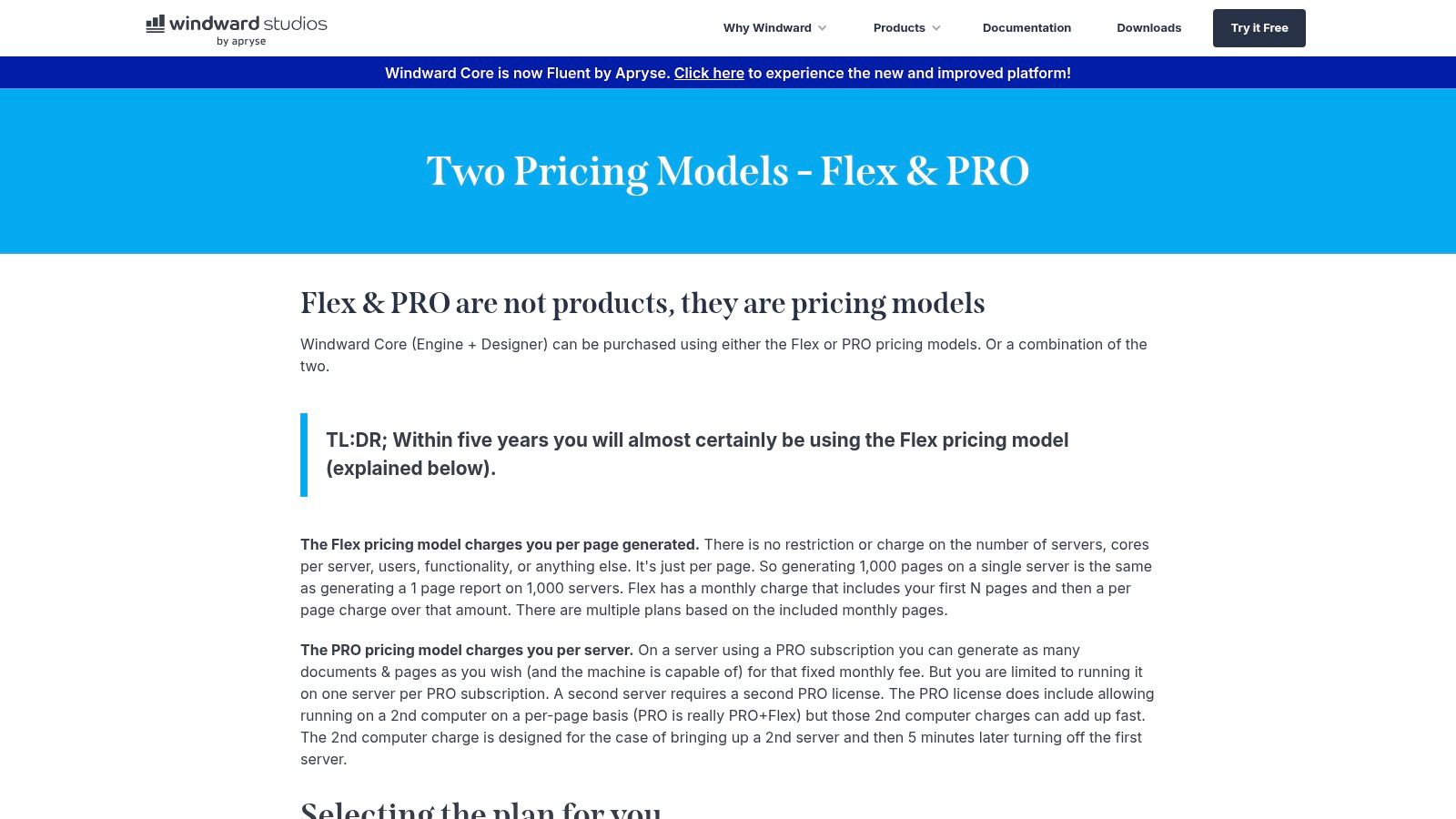
The platform cleverly leverages Microsoft Office as the template designer, allowing non-technical users to create and edit intricate templates without needing to write code. This combination of a user-friendly designer and a powerful back-end engine makes Fluent one of the best document automation software solutions for large-scale, embedded reporting and document generation needs. Its unique licensing models also cater to diverse usage patterns, from variable per-page needs to predictable per-server setups.
Key Features & Considerations
- Best For: Developers and large enterprises needing to integrate a powerful, high-volume document generation engine into their applications or workflows.
- Standout Feature: The flexible licensing model is a key differentiator. The Flex (per-page) model is ideal for variable usage, while the Pro (per-server) model suits predictable, high-volume scenarios. This allows businesses to align costs directly with their operational needs.
- Limitations: Pricing information requires direct engagement with the vendor, which can slow down the evaluation process. The reliance on Microsoft Office for template design is a double-edged sword; it’s excellent for teams skilled in Office but can be a constraint for those who are not.
- Pricing: Custom pricing based on Flex (per-page) or Pro (per-server) licensing models.
Website:
11. Adobe Acrobat Services (Document Generation API) & Acrobat Sign
For developers and organizations heavily invested in the Adobe ecosystem, Adobe Acrobat Services offers a powerful and flexible approach to document automation. Its Document Generation API is a standout, allowing developers to embed the creation of dynamic, data-driven Word and PDF documents directly into their own applications and workflows. This API-first approach provides unparalleled customization for creating everything from personalized reports to complex legal agreements on demand.
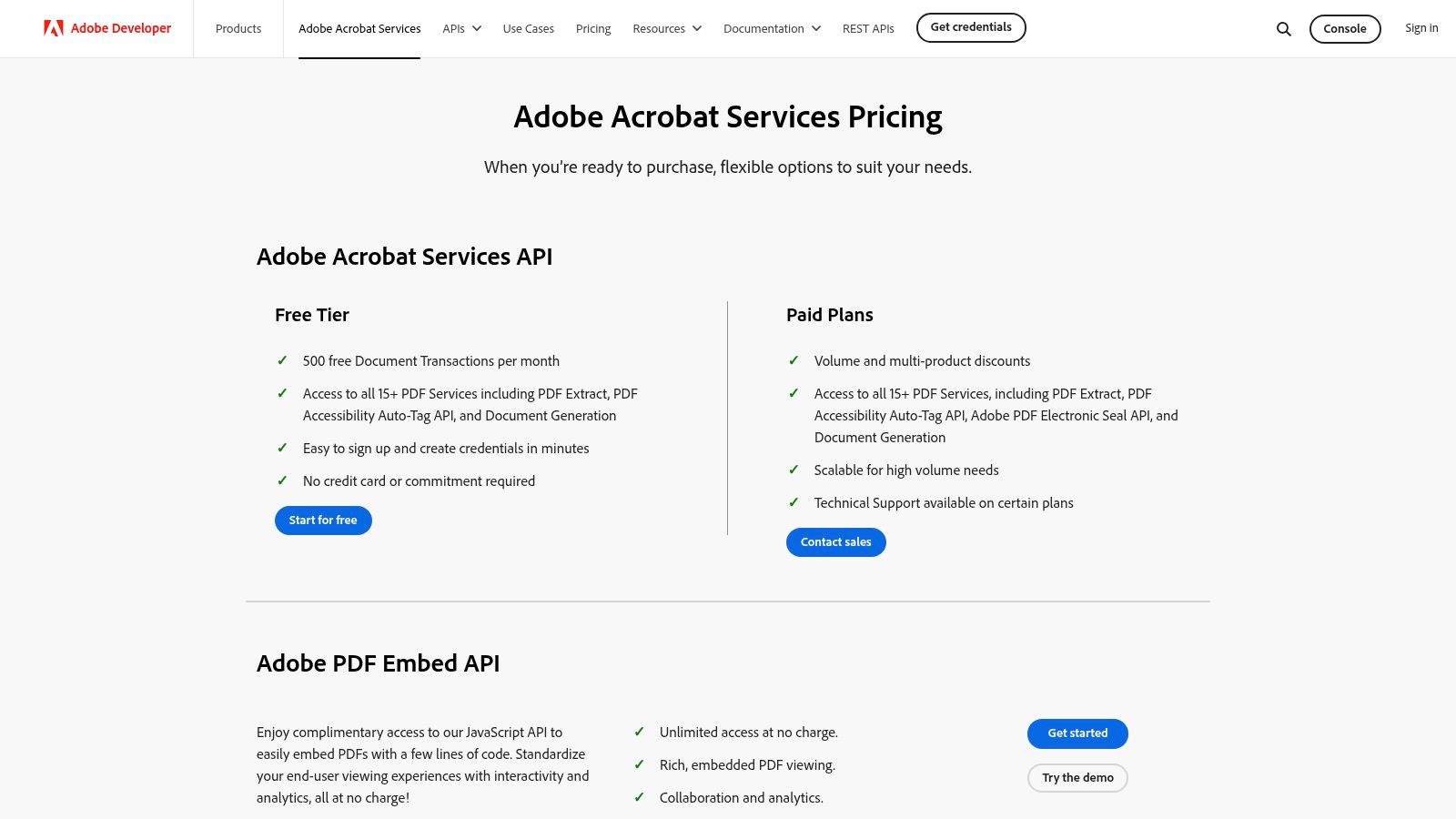
Combined with Acrobat Sign for e-signatures, Adobe provides a comprehensive toolset for the entire document lifecycle, from generation to finalization. This makes it one of the best document automation software options for companies that need to integrate robust PDF capabilities into custom-built systems. This platform also plays a crucial role in the broader landscape of digital document handling; you can learn more about how it fits into for a deeper understanding.
Key Features & Considerations
- Best For: Developers building custom applications and businesses looking to integrate powerful document generation into their existing Adobe-centric workflows.
- Standout Feature: The generous free tier for the Acrobat Services API, which includes 500 document transactions per month. This allows for extensive prototyping and small-scale deployment without initial investment, a huge plus for developers.
- Limitations: While the API is powerful, the pricing for higher transaction volumes can be complex and often requires a custom sales conversation. Additionally, navigating the various Acrobat and Sign plan options can be confusing for end-users not familiar with the Adobe suite.
- Pricing: Free tier available for the API (500 transactions/month). Paid plans and enterprise pricing are customized.
Website:
12. Salesforce AppExchange — Document Generation category
For businesses operating within Salesforce, the AppExchange isn't just a marketplace; it's the command center for extending CRM functionality. Instead of a single product, this is the official hub to discover, compare, and trial a multitude of Salesforce-native document automation apps. It serves as the ideal starting point for any Salesforce-first buyer, offering a curated environment to evaluate leading solutions like Conga Composer, Nintex DocGen, and Formstack Documents side-by-side.
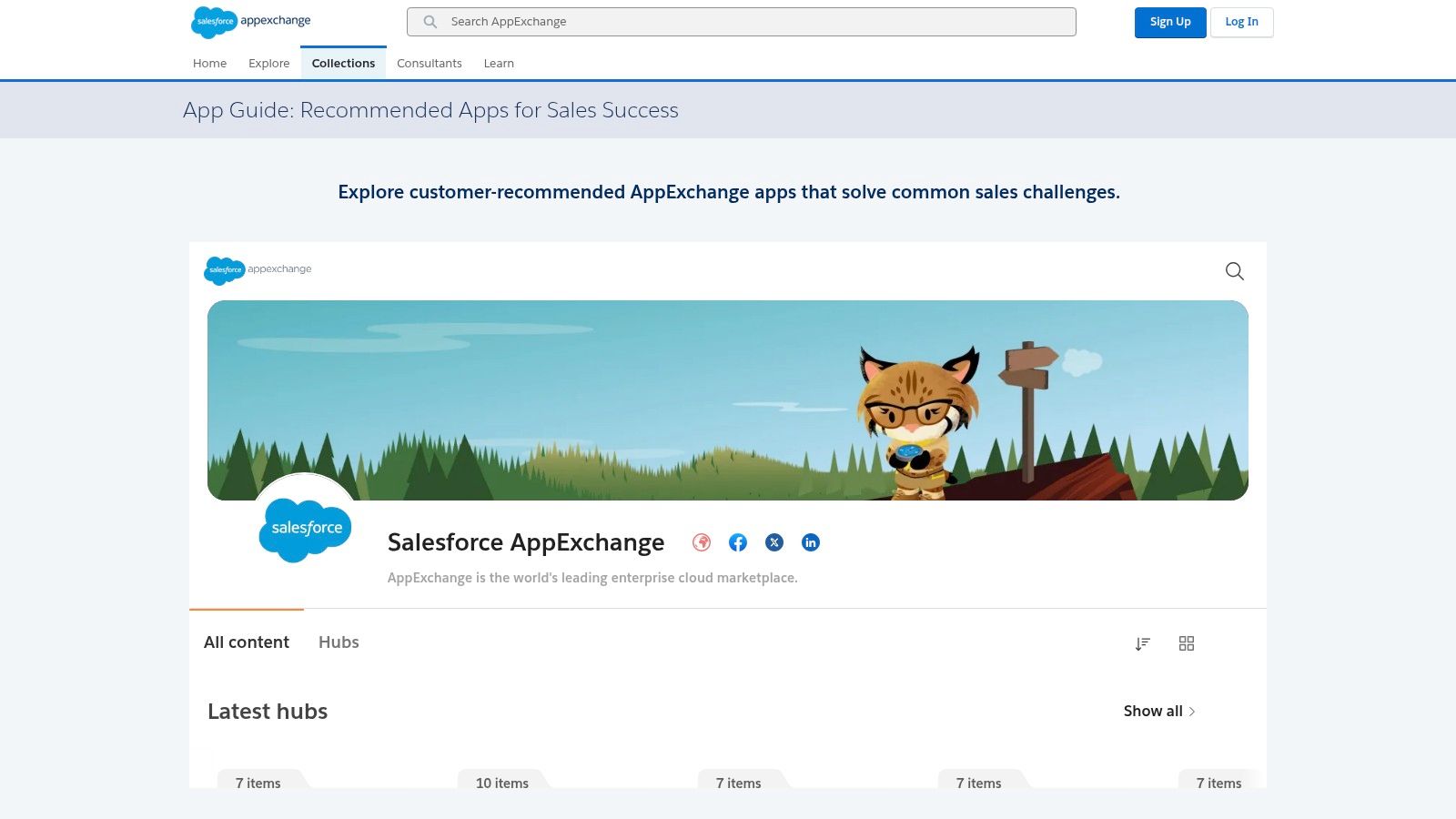
The platform streamlines the traditionally painful software procurement process into a few clicks. You can filter by ratings, read user reviews, and often install a trial version directly into your Salesforce sandbox environment. This allows for a true hands-on evaluation with your own data. For any team that needs the best document automation software to work flawlessly with Salesforce records, starting your search on the AppExchange is a non-negotiable first step to ensure seamless integration and user adoption.
Key Features & Considerations
- Best For: Any organization using Salesforce that needs to compare and contrast multiple document automation vendors in a live environment.
- Standout Feature: The ability to one-click install trials into a Salesforce org or sandbox. This provides the fastest route to a hands-on evaluation, letting you test how different tools handle your specific data and workflows without a lengthy sales process.
- Limitations: Its utility is entirely dependent on your use of Salesforce. If you don't use the CRM, this marketplace is irrelevant. Additionally, while many listings show starting prices, you will often need to contact vendors directly for a full, customized quote.
- Pricing: Varies by vendor; the AppExchange lists starting prices for many apps, but final costs are determined by the specific software provider.
Website:
Top 12 Document Automation Tools — Comparison
Choosing Your Automation Ally: What's Next?
Navigating the landscape of the best document automation software can feel like trying to choose the perfect tool from an overstocked hardware store. You've seen the powerhouses like Conga and DocuSign Gen, the Salesforce-native champions like Nintex and S-Docs, and the proposal-focused specialists like PandaDoc. Each offers a unique way to turn manual, error-prone document creation into a streamlined, efficient process.
The central takeaway is this: the ideal solution isn't just about the flashiest features or the longest integration list. It's about pinpointing the exact bottleneck in your workflow. Your choice will ultimately hinge on your primary operational ecosystem, the complexity of your documents, and the technical skill of your team.
How to Select the Right Automation Partner
To find your perfect match, move beyond feature checklists and ask these strategic questions:
- Where does your data live? If your entire business operates within Salesforce, a native application like S-Docs offers unparalleled integration and data access. For teams using a diverse stack of apps, a more flexible tool like Formstack Documents or airSlate might be the better fit.
- What is the end goal of your document? Is it a sales quote needing an e-signature? PandaDoc is built for that. Is it a complex legal contract requiring conditional logic? A more robust platform like Conga or a developer-focused API like Adobe's might be necessary. When selecting your automation ally, consider its capabilities for and other frequently used legal documents, as this is a common high-value use case.
- Is the bottleneck creation or ideation? This is the most crucial question. Traditional document automation is fantastic at populating templates with existing data. But what if your real challenge is the research, analysis, and synthesis of information that happens before you even start writing?
Beyond Automation: Augmenting Your Workflow
This brings us to a new paradigm in document creation. For knowledge workers, developers, and content creators, the heaviest lift isn't merging fields; it's transforming raw information, code snippets, and research into a coherent final product.
This is where a tool like Zemith offers a fundamentally different, and frankly more powerful, approach. It acts less like a simple document generator and more like an AI-powered workspace. Instead of just automating the final step, Zemith's Document Assistant helps you analyze source materials, summarize complex topics, and structure your thoughts from the very beginning. It's about enhancing the entire knowledge lifecycle, from initial research to polished output. Your biggest pain point will guide your decision: are you looking to automate a task, or are you looking to automate intelligence itself?
Ready to move beyond simple template-filling and start augmenting your entire creative and analytical process? Discover how Zemith integrates AI-powered research, analysis, and writing assistance to help you create smarter documents, faster. and see how the best document automation software is the one that enhances your thinking, not just your typing.
Zemithの機能を探索
必要なものすべて。不要なものはなし。
1つのサブスクリプションが5つに代わります。すべてのトップAIモデル、すべてのクリエイティブツール、すべての生産性機能が、1つのワークスペースに。
すべてのトップAI。1つのサブスク。
ChatGPT、Claude、Gemini、DeepSeek、Grok & 25+モデル








常時オン、リアルタイムAI。
音声 + 画面共有 · 即座に回答
新しい言語を学ぶ最良の方法は何ですか?
没入学習と間隔反復が最も効果的です。毎日ターゲット言語のメディアを消費してみてください。
音声 + 画面共有 · AIがリアルタイムで回答
画像生成
Flux、Nano Banana、Ideogram、Recraft + その他

思考の速度で書く。
AIオートコンプリート、リライト&コマンドで展開
あらゆるドキュメント。あらゆる形式。
PDF、URL、YouTube → チャット、クイズ、ポッドキャスト等
動画作成
Veo、Kling、MiniMax、Sora + その他

テキスト読み上げ
自然なAI音声、30以上の言語
コード生成
コードの作成、デバッグ、説明
ドキュメントとチャット
PDFをアップロード、コンテンツを分析
ポケットの中のAI。
iOS & Androidでフルアクセス · どこでも同期
無限のAIキャンバス。
チャット、画像、動画&モーションツール — 並べて表示

作業と研究の時間を節約
シンプルで手頃な料金設定
信頼される企業チーム






無料
クレジットカード不要
- 毎日100クレジット
- 3つのAIモデルをお試し
- 基本AIチャット
Plus
- 1,000,000クレジット/月
- 25以上のAIモデル — GPT、Claude、Gemini、Grokなど
- Agent Mode:ウェブ検索、コンピュータツールなどを搭載
- Creative Studio:画像生成と動画生成
- Project Library:ドキュメント・ウェブサイト・YouTubeとチャット、ポッドキャスト生成、フラッシュカード、レポートなど
- Workflow StudioとFocusOS
Professional
- Plusのすべてと、
- 2,100,000クレジット/月
- Pro限定モデル(Claude Opus、Grok 4、Sonar Pro)
- Motion ToolsとMax Mode
- 最新機能への優先アクセス
- 追加特典へのアクセス
ユーザーの声
Great Tool after 2 months usage
simplyzubair
I love the way multiple tools they integrated in one platform. So far it is going in right dorection adding more tools.
Best in Kind!
barefootmedicine
This is another game-change. have used software that kind of offers similar features, but the quality of the data I'm getting back and the sheer speed of the responses is outstanding. I use this app ...
simply awesome
MarianZ
I just tried it - didnt wanna stay with it, because there is so much like that out there. But it convinced me, because: - the discord-channel is very response and fast - the number of models are quite...
A Surprisingly Comprehensive and Engaging Experience
bruno.battocletti
Zemith is not just another app; it's a surprisingly comprehensive platform that feels like a toolbox filled with unexpected delights. From the moment you launch it, you're greeted with a clean and int...
Great for Document Analysis
yerch82
Just works. Simple to use and great for working with documents and make summaries. Money well spend in my opinion.
Great AI site with lots of features and accessible llm's
sumore
what I find most useful in this site is the organization of the features. it's better that all the other site I have so far and even better than chatgpt themselves.
Excellent Tool
AlphaLeaf
Zemith claims to be an all-in-one platform, and after using it, I can confirm that it lives up to that claim. It not only has all the necessary functions, but the UI is also well-designed and very eas...
A well-rounded platform with solid LLMs, extra functionality
SlothMachine
Hey team Zemith! First off: I don't often write these reviews. I should do better, especially with tools that really put their heart and soul into their platform.
This is the best tool I've ever used. Updates are made almost daily, and the feedback process is very fast.
reu0691
This is the best AI tool I've used so far. Updates are made almost daily, and the feedback process is incredibly fast. Just looking at the changelogs, you can see how consistently the developers have ...