Use AI to Rewrite Text Without Sounding Like a Corporate Drone
Tired of robotic AI content? Learn how to use AI to rewrite text, transforming your drafts into engaging pieces that sound genuinely human. Let's start.
Using an AI to rewrite text is a total game-changer, especially if you create content for a living. It’s hands-down the fastest way to take a rough first draft (you know, the one that looks like your cat walked across the keyboard) and make it shine. You can sharpen your message, fix clunky sentences, and find a better way to say what you mean without having to delete everything and start over.
Your First Draft Is Supposed to Be Messy—Let AI Clean It Up
Let’s get one thing straight: nobody's first draft is a masterpiece. Most of the time, it’s just a jumble of ideas you had to get out of your head, and that's perfectly fine! The real magic happens in the editing room, but let's be honest, staring at your own awkward sentences can zap all your creative energy.
This is exactly where an AI co-pilot comes in handy. Using a tool like to rewrite your text isn't about letting a robot do your job. It’s about having a tireless assistant to do the heavy lifting so you can focus on the big picture. It helps you get past those all-too-familiar writing hurdles:
- Clunky Phrasing: You know, those sentences that just sound off no matter how many times you re-read them.
- Tone Mismatch: Easily shift your writing from super formal to casual and friendly, or from jargon-heavy to plain English. (More on this later!)
- Writer's Block: Sometimes you just get stuck. AI can give you a few different ways to say something, sparking a new idea. If you’re really in a rut, our guide on has some solid tips.
The infographic below really nails the partnership between human creativity and AI muscle.
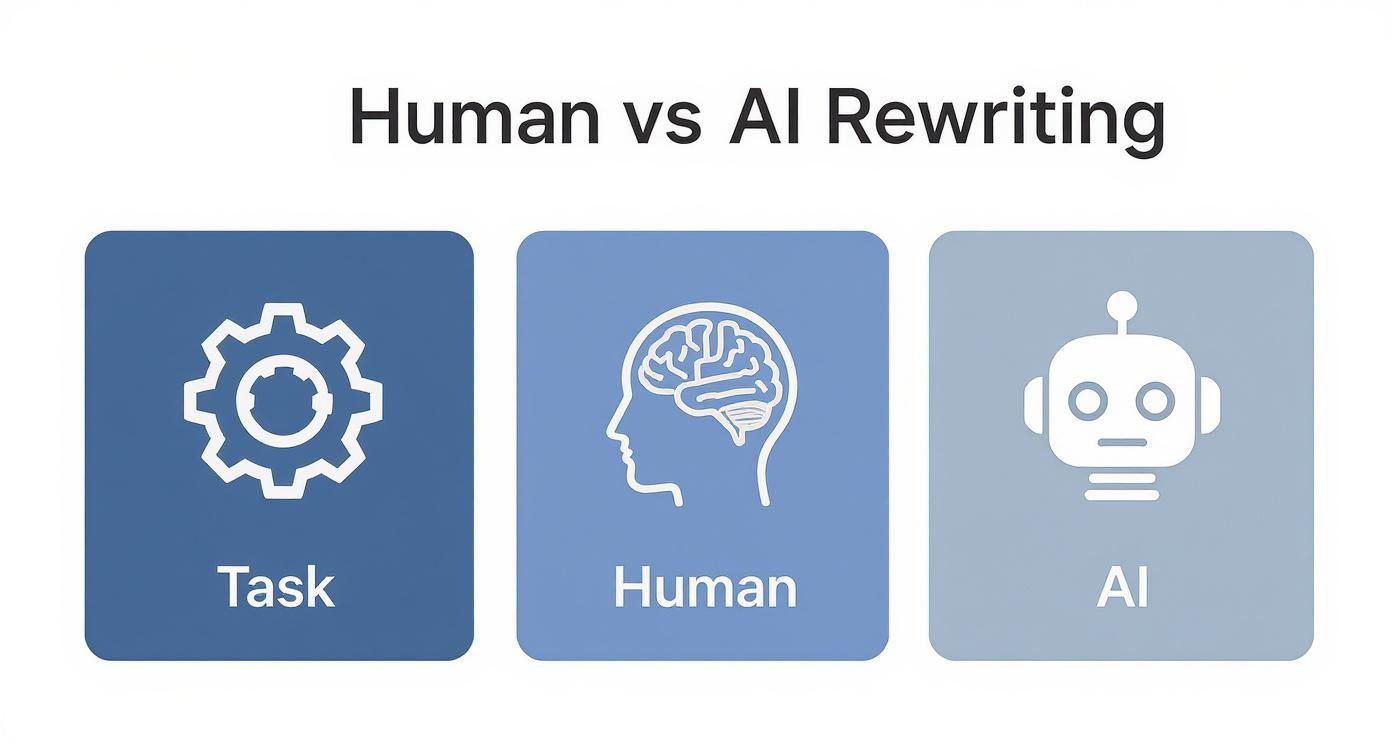
As you can see, you bring the strategy and the human touch. The AI brings the speed and endurance to get the polishing done in record time.
Let's Ditch the Robotic Content Myth
I hear this all the time: "But won't AI make my writing sound like a robot wrote it?" That’s a fair question, but it’s a total myth. When you use it the right way, an AI tool is an amazing brainstorming partner. It can help you find that perfect word you were looking for, suggest a slicker sentence structure, or even unlock a creative angle you hadn't thought of.
For instance, if you're drafting social media content, something like an can give you a fantastic jumping-off point that you can then tweak to fit your own voice.
Human vs AI Rewriting Superpowers
So, what's your role, and what's the AI's? This table breaks down where you shine and where your AI co-pilot can give you a massive boost.
The key is to play to your strengths. You're the director, the strategist, and the final quality check. The AI is your incredibly fast, always-on-call production assistant.
The AI writing assistant market is absolutely exploding, and it's projected to hit $4.88 billion by 2030. That's not just a fad; it's a clear sign that creators everywhere are seeing the value in these tools.
Think of Zemith less as an automatic writer and more as a content refiner. It’s built to help you take your raw ideas and polish them until they’re ready to connect with your audience.
Rewriting Full Documents with Zemith
Alright, let's get into the fun stuff: overhauling a full document. This is where using an AI to rewrite text feels less like a simple edit and more like directing a complete makeover. I'm not going to give you a boring step-by-step list; let's walk through how this works in the real world.
Picture this: you have a drab marketing email that's just not getting any traction. It’s stuffy, formal, and honestly, a bit of a snooze-fest. Using Zemith’s Document Assistant, you can breathe some serious life into it. The key is to move beyond vague commands like "make it better" and start giving specific, actionable instructions.
From Stuffy to Spectacular
You can kick things off by telling the AI, "Rewrite this email with a casual and friendly tone, like I'm talking to a colleague." Just like that, the corporate jargon melts away.
Then, you might notice some paragraphs are dragging on. A quick prompt like, "Shorten the long paragraphs to be no more than three sentences each," and voilà—it’s cleaned up.
But what if you need to repurpose that message for a different crowd? You can command it to, "Adapt this content for an audience of total beginners, removing all technical terms." This is where the magic really happens. You’re completely transforming your text without having to write a single new word from scratch. If your source material is locked in a different format, our guide on is a great resource to get it ready for rewriting.
Here’s a peek at the Document Assistant in action. You can literally just chat with your file.
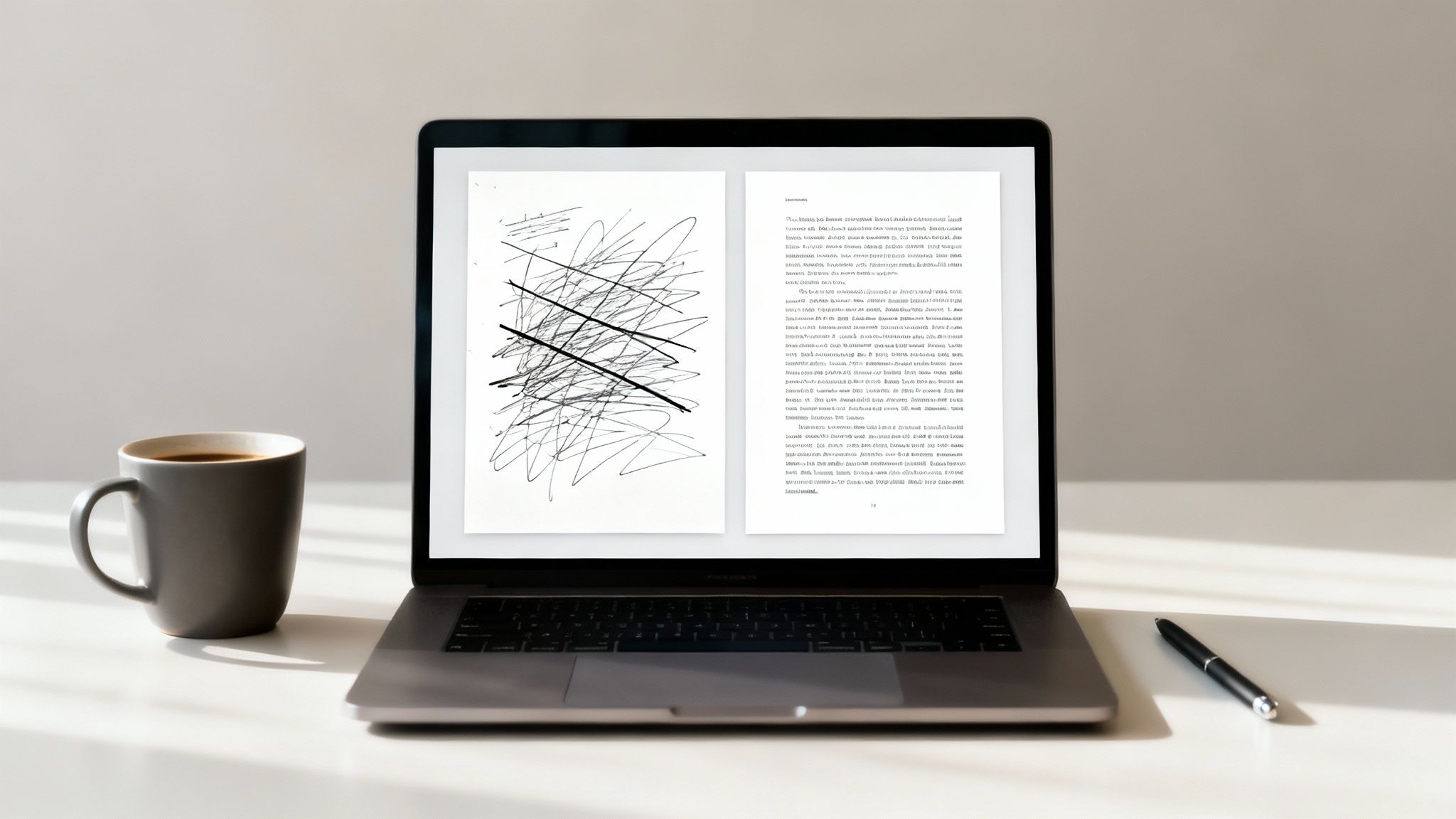
As you can see, you just upload your document and use the chat to ask questions or give commands. It makes the whole rewriting process feel more like a conversation.
A Pro-Tip: The Sandwich Method
Over the years, I've found one of the most effective ways to work with an AI rewriter is a little something I call the "sandwich method." It's a simple, three-layer approach that helps you nail the final draft every time.
- Layer 1 (The Original Text): This is your starting point—the bottom slice of bread.
- Layer 2 (The AI's Suggestion): Here's all the good stuff in the middle. The AI takes your prompts and delivers a fresh version.
- Layer 3 (Your Final Polish): This is the top slice. You take what the AI gave you, add your unique voice, tweak a word here or there, and make it sound completely like you.
This back-and-forth is what it's all about. The AI handles about 90% of the heavy lifting, but that last 10%—your final human touch—is what makes the content truly connect and feel authentic. It’s not about letting the AI replace you; it’s about having a powerful assistant to amplify your work.
Making Quick Edits with the Smart Notepad
Let's be honest, sometimes you don't need to rewrite an entire document. You just have one clunky paragraph that’s driving you crazy or a single sentence that refuses to land right. This is exactly where using an AI to rewrite text on a smaller scale is a total game-changer.
For those quick fixes, Zemith’s Smart Notepad is the tool you’ll want in your back pocket. It’s designed for those rapid-fire edits and brainstorming sessions that happen right in the middle of your writing flow. Think of it as your on-the-fly editor, perfect for making small tweaks that have a huge impact.
For instance, you could highlight a boring blog post title and tell it, "Give me five catchy headline options." Or maybe you’ve just written a technical explanation that’s packed with jargon. Just highlight it and command, "Simplify this for someone who isn't a tech expert."
Here’s a peek at just how easy it is to use the Smart Notepad for these quick rewrites.

The beauty of it is that you can instantly rephrase, expand, or simplify little bits of text without ever having to switch screens. It's a massive time-saver.
Turning Small Ideas into Big Wins
The Smart Notepad really shines in those "what if" moments we all have while writing. Got a bullet point that feels a little weak? Just highlight it and ask the AI to "Expand this into an engaging paragraph."
Let's look at a pretty funny before-and-after to see it in action.
Before: "Our synergistic solution effectuates optimized operational paradigms." (Yikes. Sounds like it was written by a corporate robot, right?)
After (with a "make it human" prompt): "Our tool helps your team work together more smoothly." (Ah, much better!)
This little example shows how even the most awkward, jargon-filled text can be saved with one simple command. These quick tweaks are a crucial part of the writing process, and using a tool that integrates this feature seamlessly into your workflow is a must-have for efficient content creation.
If you’re looking for other tools that excel at quick content fixes, check out , which is also great for making text more direct and concise. At the end of the day, having a tool for these small jobs is just as important as having one for the massive projects.
Mastering Tone and Style with AI Prompts
Anyone can get an AI to swap out a few words. That's the easy part. The real magic happens when you become the director, guiding the AI to nail a specific tone and style that gives your content a real personality.
Think of your prompt as a recipe for a chef. "Rewrite this" is like saying "make food." You'll get something, but it probably won't be what you had in mind. A great prompt is less of a command and more of a detailed creative brief.
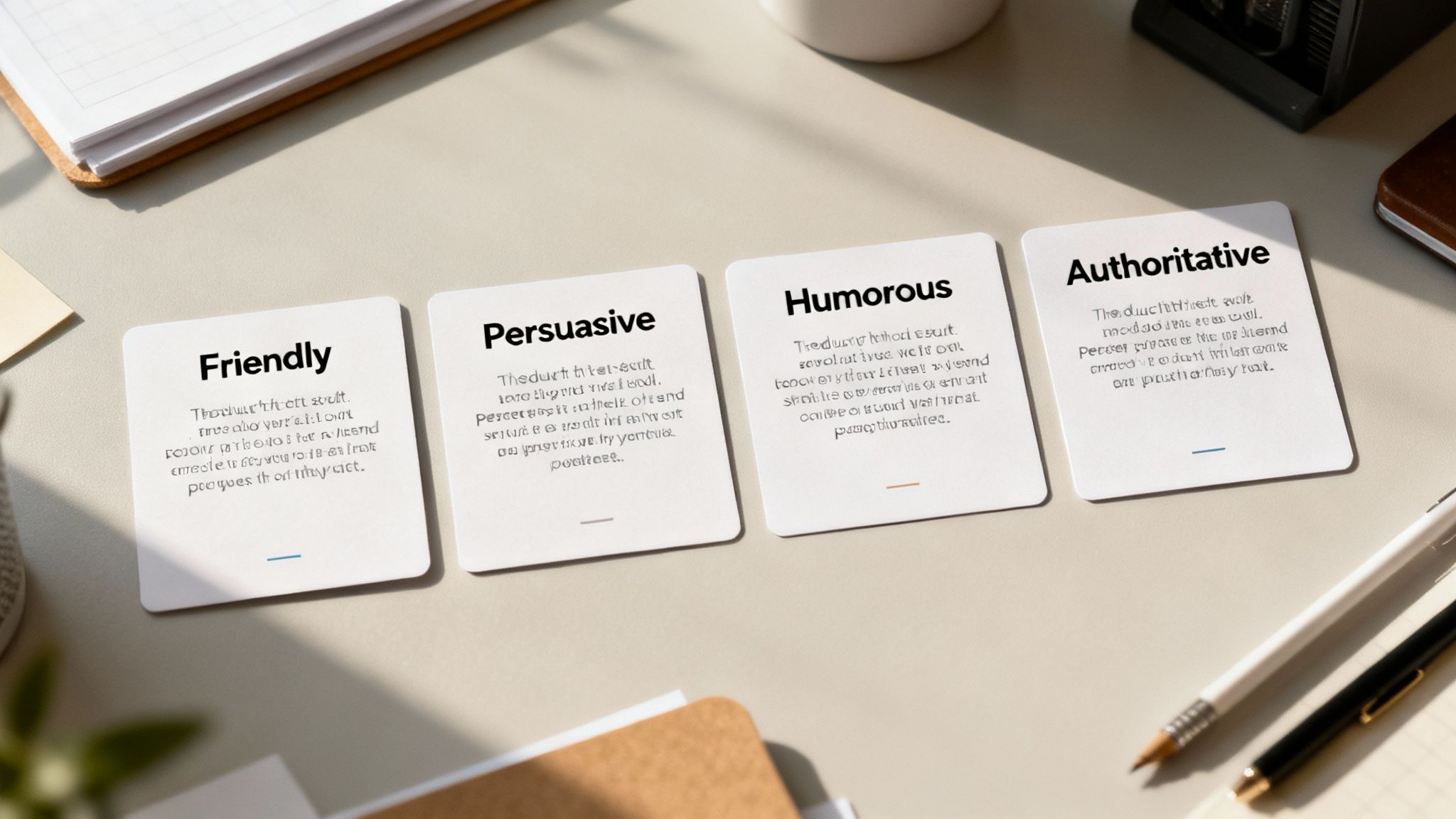
This is where tools like Zemith come into their own, giving you the controls to fine-tune the output until it's just right. For businesses, this is huge. In fact, 53% of users say AI tools help them keep their brand voice consistent everywhere. If you're curious about the numbers, check out this .
Your Prompt Recipe Book
So, how do you actually do it? You have to get specific. I mean really specific. Instead of just asking for a simple rewrite, give the AI a character to embody.
Let's take a bland sentence like: "Our new software increases efficiency for teams."
Now, watch what happens when we feed it into Zemith with two very different prompts:
- For a Gen Z Audience: "Rewrite this to be hype and a little chaotic, like something you'd hear from a popular TikToker. Keep the sentences short, throw in some Gen Z slang, and make it feel like an unboxing video."
- For C-Suite Executives: "Rewrite this for a boardroom presentation. The tone should be authoritative and professional. Emphasize ROI, strategic advantages, and data-driven results. Be concise and impactful."
You see the difference, right? We're not just swapping words anymore; we're completely changing the vibe and the strategic focus. This is the heart of what good prompt engineering is all about.
Pro-Tip: My best prompts almost always include a role for the AI, a target audience, a desired format, and a specific tone. The more context you provide upfront, the closer the AI gets to what you want on the very first try.
Learning these little tricks is what turns an AI from a simple tool into a true creative partner. You can get a better handle on these techniques in our guide on . Once you master these small tweaks, you'll be able to make sure every piece of content hits the mark.
Common AI Rewriting Mistakes to Avoid
Having an AI to rewrite text can feel like you’ve been handed a magic wand. But let's be honest, if you're not careful, that magic can backfire in some pretty spectacular ways. Blindly trusting the output can lead to some truly hilarious—or just plain embarrassing—results.
The most common trap is losing your own voice. It's incredibly tempting to get lazy, hit "rewrite," and just accept whatever the AI spits out. That's a fast track to content that sounds generic, like that bland corporate-speak that makes people's eyes glaze over.
Then there's what I call the "accidental expert" syndrome. An AI might tweak a sentence for clarity but accidentally introduce a factual error or a bold claim you can't actually back up. You absolutely have to fact-check the final output, especially when it comes to numbers, data, or specific details.
Your Human-in-the-Loop Checklist
To sidestep these issues, you need a quick review process after the AI does its thing. The AI handles maybe 90% of the heavy lifting, but your final 10% of human oversight is what really makes the content connect. Think of yourself as the final quality control inspector.
Here’s a simple checklist I run through after using a tool like to rework a piece of text:
- Tone Check: Does this still sound like me? I always read my stuff aloud. If it feels weird coming out of my mouth, I know it's going to feel weird for my audience to read.
- Fact Check: Did the AI just invent a statistic or get a key fact wrong? A quick 30-second verification can save you a world of headaches later on.
- Anecdote Injection: Is there a good spot to drop in a quick personal story or a real-world example? This is where you come in. It’s a trick only a human can pull off, and it instantly makes your content more relatable.
The goal isn't just to accept what the AI gives you. It's to collaborate. Use its speed to knock out a solid first draft, then weave in your own expertise and personality to make it shine. That's the secret sauce.
Got Questions About AI Rewriting? Let's Talk.
So, you're thinking about using an AI to rewrite text, but you've got some questions. That’s smart. Let's tackle some of the big ones I hear all the time.
First up: SEO. Will an AI kill your rankings? The short answer is no—if you use it correctly. At the end of the day, Google just wants good, helpful content. Using an AI to clean up your grammar, improve clarity, and make your writing flow better can actually give your SEO a boost.
The golden rule is simple: don't just copy, paste, and publish. You still need to be the expert. Add your own stories, insights, and give it a final read-through to make sure it sounds like you.
Think of it less like a ghostwriter and more like a brilliant editor who works at lightning speed. You provide the ideas and expertise; the AI helps you package them perfectly.
Another common question is about plagiarism. Is it cheating if an AI rewrites your stuff? If it's your own original work, definitely not. It's just a high-tech way to edit. If you're rewriting from a source, today’s AI tools are great at creating completely new sentence structures and word choices. It's not a direct copy, but you should still always cite your sources. It’s just good form.
But Can an AI Really Capture My Voice?
This is the big one, isn't it? And it's a valid concern. Straight out of the box, most AI has a pretty generic, bland tone. The magic happens when you give it clear directions.
Don't just say, "Rewrite this." That's like telling a designer to "make it pop." Instead, get specific. Try a prompt like this:
"Rewrite this section in a casual, witty tone. Imagine you're a trusted expert explaining this to a friend over coffee. Keep the sentences short and use simple language."
See the difference? You're not just giving a command; you're directing a collaborator. The AI handles the heavy lifting—the grammar, the flow, the structure—while you come in at the end to sprinkle in your unique personality. It’s a partnership.
If you want to dig deeper into finding the right AI partner, check out our guide on choosing the for your workflow.
Ready to turn that blinking cursor into polished content? Zemith bakes these powerful rewriting tools right into your creative process. and feel the difference.
Zemith 기능 탐색
필요한 모든 것. 불필요한 것은 없이.
하나의 구독이 다섯 개를 대체합니다. 모든 최고 AI 모델, 모든 크리에이티브 도구, 모든 생산성 기능이 하나의 워크스페이스에.
모든 최고 AI. 하나의 구독.
ChatGPT, Claude, Gemini, DeepSeek, Grok & 25+ 모델








항상 켜진 실시간 AI.
음성 + 화면 공유 · 즉각적인 답변
새로운 언어를 배우는 가장 좋은 방법은 무엇인가요?
몰입과 간격 반복이 가장 효과적입니다. 매일 목표 언어의 미디어를 소비해 보세요.
음성 + 화면 공유 · AI가 실시간으로 답변
이미지 생성
Flux, Nano Banana, Ideogram, Recraft + 더보기

생각의 속도로 쓰세요.
AI 자동완성, 다시쓰기 & 명령으로 확장
모든 문서. 모든 형식.
PDF, URL 또는 YouTube → 채팅, 퀴즈, 팟캐스트 등
영상 제작
Veo, Kling, MiniMax, Sora + 더보기

텍스트 음성 변환
자연스러운 AI 음성, 30개 이상 언어
코드 생성
코드 작성, 디버그 및 설명
문서와 채팅
PDF 업로드, 콘텐츠 분석
주머니 속의 AI.
iOS & Android 전체 이용 · 어디서나 동기화
무한한 AI 캔버스.
채팅, 이미지, 영상 & 모션 도구 — 나란히

업무 및 연구 시간을 절약하세요
간단하고 합리적인 가격
신뢰하는 기업 팀






무료
신용카드 불필요
- 매일 100 크레딧
- 3개의 AI 모델 체험
- 기본 AI 채팅
플러스
- 1,000,000 크레딧/월
- 25개 이상의 AI 모델 — GPT, Claude, Gemini, Grok 등
- Agent Mode: 웹 검색, 컴퓨터 도구 등 포함
- Creative Studio: 이미지 생성 및 비디오 생성
- Project Library: 문서, 웹사이트, YouTube와 채팅, 팟캐스트 생성, 플래시카드, 리포트 등
- Workflow Studio 및 FocusOS
프로페셔널
- 플러스의 모든 것, 그리고:
- 2,100,000 크레딧/월
- Pro 전용 모델 (Claude Opus, Grok 4, Sonar Pro)
- Motion Tools & Max Mode
- 최신 기능 우선 이용
- 추가 혜택 이용 가능
사용자 후기
Great Tool after 2 months usage
simplyzubair
I love the way multiple tools they integrated in one platform. So far it is going in right dorection adding more tools.
Best in Kind!
barefootmedicine
This is another game-change. have used software that kind of offers similar features, but the quality of the data I'm getting back and the sheer speed of the responses is outstanding. I use this app ...
simply awesome
MarianZ
I just tried it - didnt wanna stay with it, because there is so much like that out there. But it convinced me, because: - the discord-channel is very response and fast - the number of models are quite...
A Surprisingly Comprehensive and Engaging Experience
bruno.battocletti
Zemith is not just another app; it's a surprisingly comprehensive platform that feels like a toolbox filled with unexpected delights. From the moment you launch it, you're greeted with a clean and int...
Great for Document Analysis
yerch82
Just works. Simple to use and great for working with documents and make summaries. Money well spend in my opinion.
Great AI site with lots of features and accessible llm's
sumore
what I find most useful in this site is the organization of the features. it's better that all the other site I have so far and even better than chatgpt themselves.
Excellent Tool
AlphaLeaf
Zemith claims to be an all-in-one platform, and after using it, I can confirm that it lives up to that claim. It not only has all the necessary functions, but the UI is also well-designed and very eas...
A well-rounded platform with solid LLMs, extra functionality
SlothMachine
Hey team Zemith! First off: I don't often write these reviews. I should do better, especially with tools that really put their heart and soul into their platform.
This is the best tool I've ever used. Updates are made almost daily, and the feedback process is very fast.
reu0691
This is the best AI tool I've used so far. Updates are made almost daily, and the feedback process is incredibly fast. Just looking at the changelogs, you can see how consistently the developers have ...