The 12 Best AI Productivity App Tools to Use in 2026
Tired of juggling apps? We tested and ranked the best AI productivity app options for 2026. Discover the tools that truly save you time and money.
Let's be real. The promise was 'AI will make you superhuman.' The reality? A dozen subscriptions, context switching that fries your brain, and a monthly bill that looks like a car payment. You're juggling a separate AI for note-taking, another for research, one for coding, and a fourth for generating images. Spoiler alert: they don't talk to each other. It’s not a workflow; it’s digital chaos.
This guide is for anyone who knows there has to be a better way. We're cutting through the noise to find the actual best AI productivity app solutions that consolidate, streamline, and give you back your focus (and your money). We've spent countless hours testing these platforms to see which ones genuinely solve problems versus just adding another tab to your browser. You'll get our honest take on everything from all-in-one powerhouses to specialized assistants that integrate seamlessly into your life, complete with screenshots, direct links, and pro/con analysis.
To truly maximize your AI toolbox, consider the strategic insights offered by an , which can help integrate powerful solutions directly into your business operations. Our list will provide the tools, but expert guidance can multiply their impact. Ready to ditch the app-juggling act and finally build an AI-powered workflow that actually works for you? Let's dive in.
1. Zemith
Zemith stands out as our top pick for the best AI productivity app, and for good reason. It’s not just another AI tool; it’s a comprehensive, all-in-one "SuperAI" workspace designed to eliminate the digital chaos of juggling dozens of tabs and subscriptions. Instead of paying for separate AI writers, image generators, and coding assistants, Zemith consolidates a massive suite of capabilities into a single, intuitive interface. This unified approach lets you move seamlessly from brainstorming on a whiteboard to drafting a report, generating visuals, and even debugging code without ever leaving the platform. Think of it as the mission control for your brain.
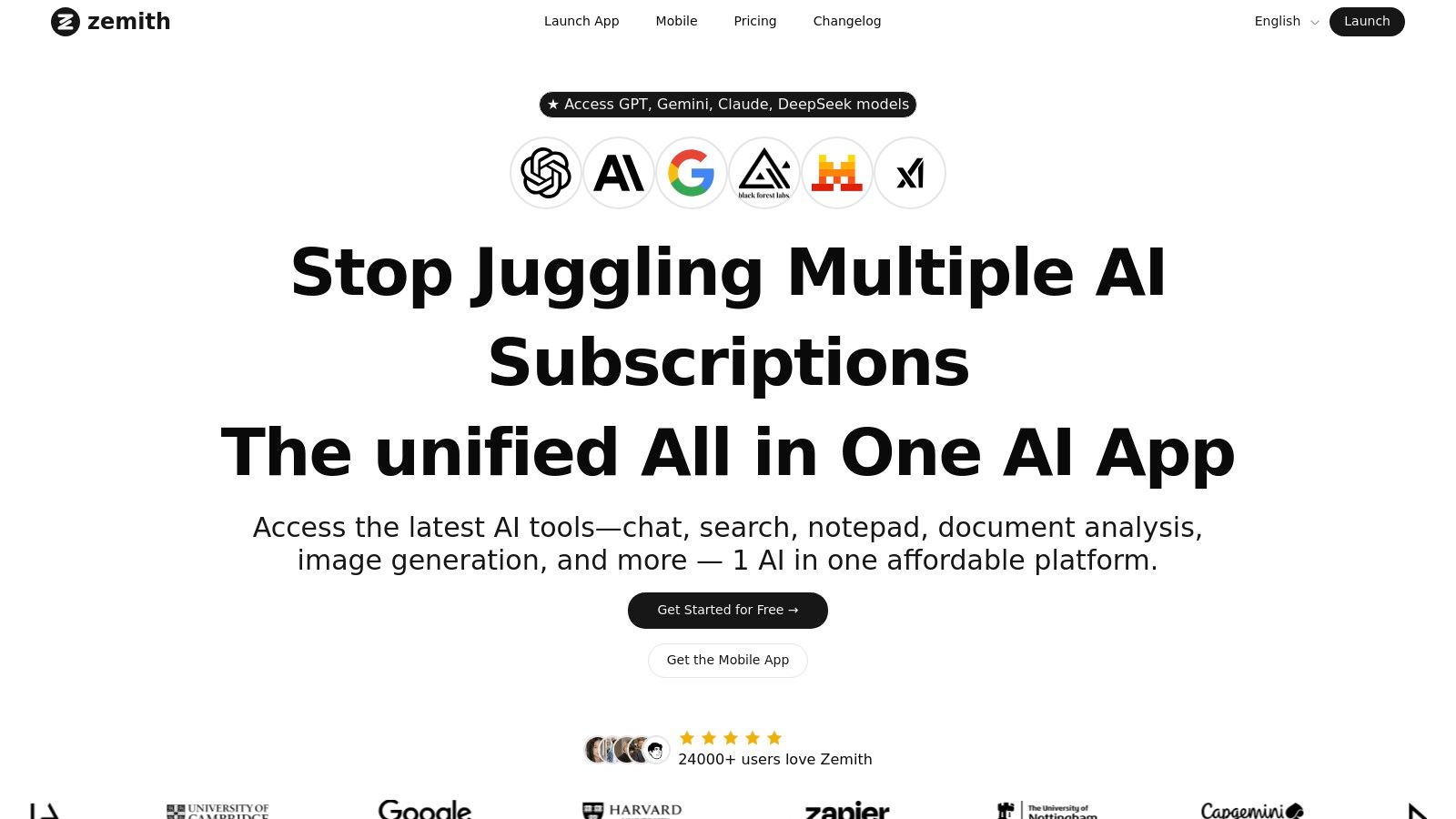
What truly sets Zemith apart is its multi-model access. You get a "best of the best" roster of leading AI models like Google's Gemini-2.5 Pro, Anthropic's Claude 4.5 Sonnet, and various GPT versions, all under one roof. This means you can pick the perfect model for any specific task, whether you need raw creative power for a marketing campaign or meticulous analytical skill for a research paper. It’s like having an entire team of AI specialists on call.
Why Zemith is the Best All-Around AI App
Zemith excels by combining breadth and depth. It offers a powerful Document Assistant that does more than just summarize; it can chat with your PDFs, quiz you on the contents, or even convert a dense report into an easy-to-digest podcast. For writers, the Smart Notepad with AI autocomplete feels like having a co-author who’s always one step ahead.
Here’s a snapshot of its standout features:
- Creative Tools: Generate stunning visuals with models like Stability Diffusion 3.5 and Google Imagen 3, then use intelligent editing tools to refine them.
- Coding Assistant: A developer's dream, offering live previews, debugging help, and code generation to streamline workflows.
- Deep Research: Connects to the live web for real-time information, complete with source citations and fact-checking to ensure accuracy.
- Organized Workspace: Features like Libraries, Projects with contextual memory, and a distraction-free Focus OS keep your work structured and on track.
Real-World Impact: With over 24,000 users, the feedback consistently praises its speed and constant evolution. One user noted, "This is the best AI tool I've used so far," highlighting its simple usability and powerful document handling.
Access and Pricing
Getting started is straightforward. Zemith offers a "get started for free" plan that includes a generous allotment of credits. Beyond that, it operates on a flexible credit system and paid plans, allowing you to pay for what you use. This model is often more cost-effective than managing multiple fixed-price subscriptions.
- Pros:
- Unified access to dozens of top-tier AI models.
- Comprehensive toolset covers writing, coding, design, and research.
- Cost-efficient by consolidating multiple tool subscriptions.
- Excellent usability features like Focus OS and contextual project memory.
- Cons:
- The credit-based system requires monitoring for heavy users.
- While versatile, niche, single-purpose tools might offer deeper specialization for highly advanced tasks.
Website:
2. Zemith
Tired of juggling a dozen different AI subscriptions just to get your work done? Zemith is the ultimate consolidator, a true all-in-one platform that acts like a Swiss Army knife for your productivity needs. Instead of paying separately for a chatbot, a document analyzer, and an image generator, Zemith rolls them all into a single, unified workspace. This isn't just about saving money; it’s about streamlining your workflow and having one central hub for all your AI-powered tasks, making it a strong contender for the title of best ai productivity app for entrepreneurs and creators.

The secret sauce is its multi-model access. You can instantly switch between top-tier models like Gemini 2.5, Claude 4.x, and the latest from OpenAI, picking the best brain for the job without leaving the interface.
Top Features & Use Cases
- Document Assistant: This is a game-changer for researchers and students. You can upload a dense, 100-page PDF, ask complex questions about its contents, get instant summaries, and even generate a podcast version of it for your commute.
- Focus OS: Say goodbye to distractions. This feature creates a minimalist, dedicated environment for deep work sessions, keeping you locked in and productive.
- Projects & Contextual Memory: Zemith remembers your past conversations and linked documents within a project. This means you don't have to re-explain context every time you start a new task, which saves a massive amount of time.
Website:
3. Microsoft 365 Premium with Copilot
For those who live and breathe inside Microsoft's ecosystem, integrating AI doesn't mean you have to abandon your favorite tools. Microsoft 365 Premium with Copilot brings the power of AI directly into the applications you already use daily, like Word, Excel, and PowerPoint. This isn't a separate app you have to switch to; it’s an intelligent assistant baked right into the software, ready to draft documents, analyze data, and create presentations on command, making it a powerful native ai productivity app for corporate environments.

The primary advantage here is the seamless integration. You can ask Copilot to summarize a lengthy Word document, generate a formula in Excel based on a plain-English request, or design a slide deck in PowerPoint from a simple prompt. It eliminates the friction of context-switching, keeping your workflow contained within one familiar environment.
Top Features & Use Cases
- Native AI Integration: Copilot is embedded directly within Office apps. You can draft an entire email in Outlook, create a first draft in Word from a simple outline, or visualize data in Excel without ever leaving the application.
- Cross-App Intelligence: Copilot can pull information from your other Microsoft 365 apps. It can summarize meetings from Teams to create a follow-up document in Word, referencing files stored in your OneDrive.
- Comprehensive Bundle: The subscription includes premium versions of the entire Office suite, 1 TB of OneDrive storage, advanced security features with Microsoft Defender, and creative tools like Clipchamp and Designer.
Website:
4. Google Workspace
For teams already living and breathing in the Google ecosystem, bringing AI directly into your existing workflow is a no-brainer. Google Workspace integrates its Gemini assistant across the entire suite, transforming familiar tools like Gmail, Docs, and Sheets into smarter, more efficient platforms. Instead of exporting data to a third-party AI, you can now generate email drafts, summarize meeting notes, and create spreadsheet formulas right where you work, making it a powerful native option for collaborative teams.
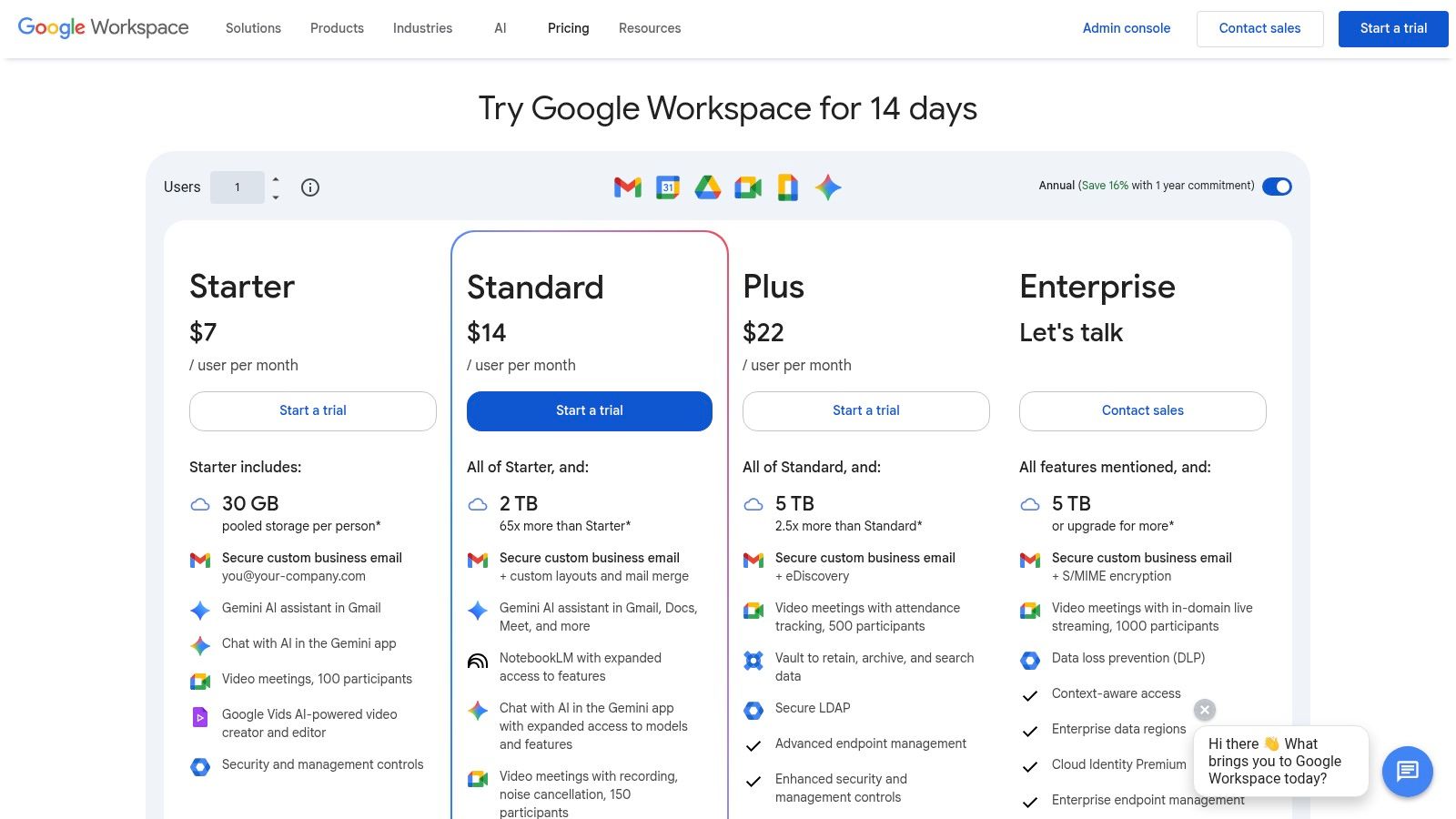
The main advantage is the seamless integration. It’s not a separate tool you have to learn; it's an enhancement to the apps your team uses daily. This makes it an incredibly low-friction way to introduce AI productivity gains across an entire organization without needing extensive retraining.
Top Features & Use Cases
- Gemini in Gmail & Docs: Ask Gemini to draft a professional outreach email, summarize a long thread, or create a first draft of a project proposal directly in the document. It’s like having a co-writer built into your most-used apps.
- AI-Enhanced Meetings: In Google Meet, Gemini can take meeting notes for you, provide summaries, and even generate translated captions in real-time. Say goodbye to frantically trying to type and listen at the same time.
- Gemini in Sheets: Move beyond basic formulas. You can use natural language to ask Gemini to organize data, generate templates for project plans, and create custom tables without knowing complex functions.
Website:
5. Notion (Notion AI)
If you've ever felt like your digital life is scattered across a dozen apps, Notion is the organizational powerhouse designed to bring it all together. It’s a supremely flexible, all-in-one workspace that combines your notes, documents, project tasks, and company wiki into one interconnected system. With the integration of Notion AI, this platform transforms from a static organizer into a dynamic assistant that actively helps you think, write, and plan. It's not just a blank canvas; it’s a smart canvas.
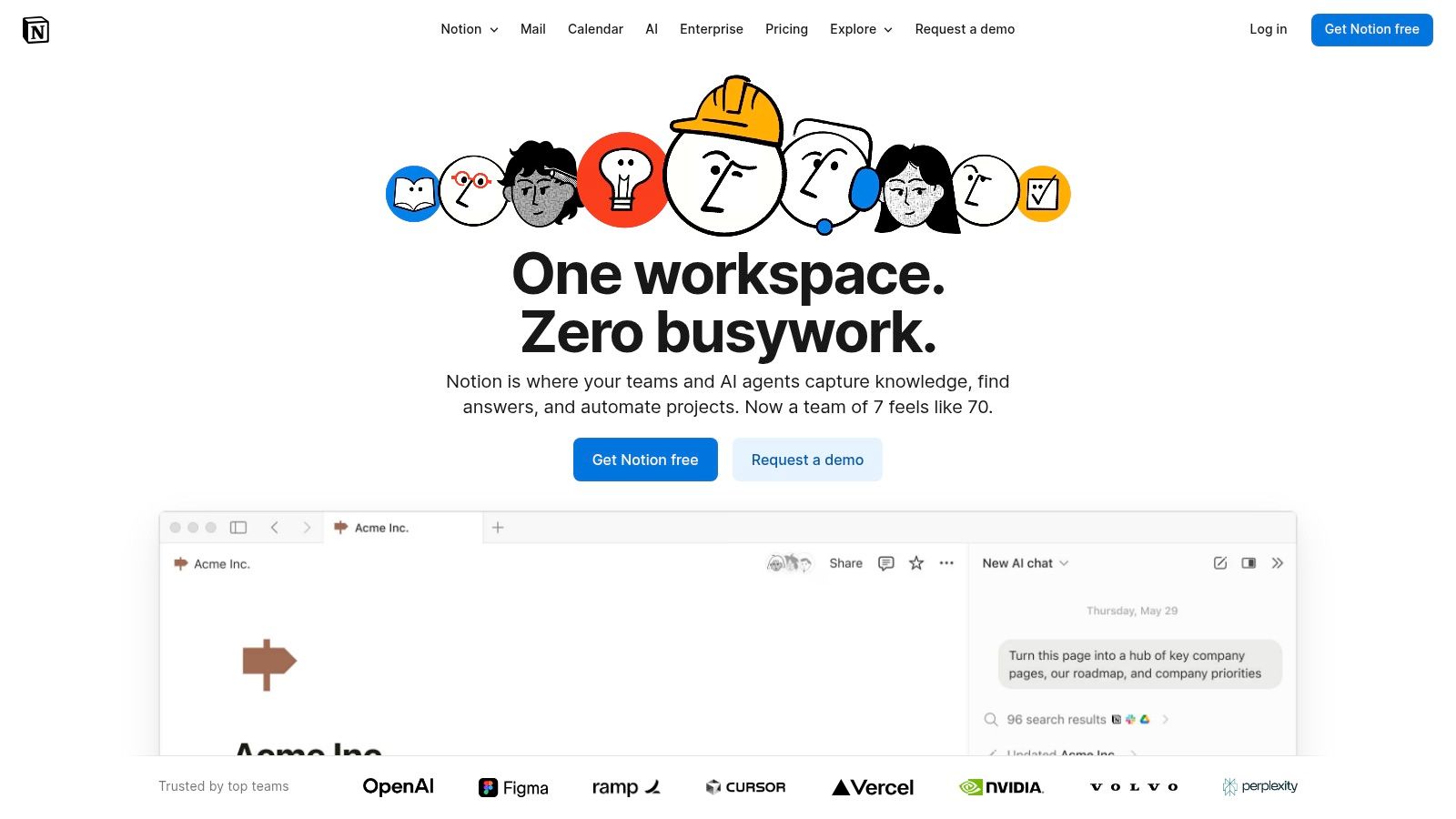
The real magic of Notion AI lies in how it’s woven directly into the fabric of your existing knowledge base. It can instantly summarize meeting notes, auto-fill database properties based on content, or brainstorm blog post ideas right inside the document you're working on. While an all-in-one consolidator like Zemith brings multiple AI models to you, Notion brings AI into your meticulously built system.
Top Features & Use Cases
- AI-Powered Databases: Go beyond simple tables. Notion AI can automatically fill in properties, summarize content from a page, or extract key action items, turning your databases into self-organizing systems.
- Contextual Writing Assistant: Highlight any text and ask the AI to improve it, change its tone, translate it, or check for grammar mistakes. It’s like having an editor on call, 24/7.
- Q&A Enterprise Search: For teams, this is a game-changer. You can ask natural language questions like "What was our Q3 revenue goal?" and Notion AI will search across all your team’s documents and projects to find the answer instantly.
Website:
6. ClickUp
If your team's workflow is spread across a dozen different apps, ClickUp aims to be the single source of truth that brings it all together. It’s an end-to-end work operating system that combines tasks, documents, goals, and whiteboards into one powerful platform. With its integrated AI features, it’s not just a project manager; it's an intelligent assistant that helps streamline everything from drafting documents to automating entire workflows, making it a powerful contender for the best ai productivity app for teams.
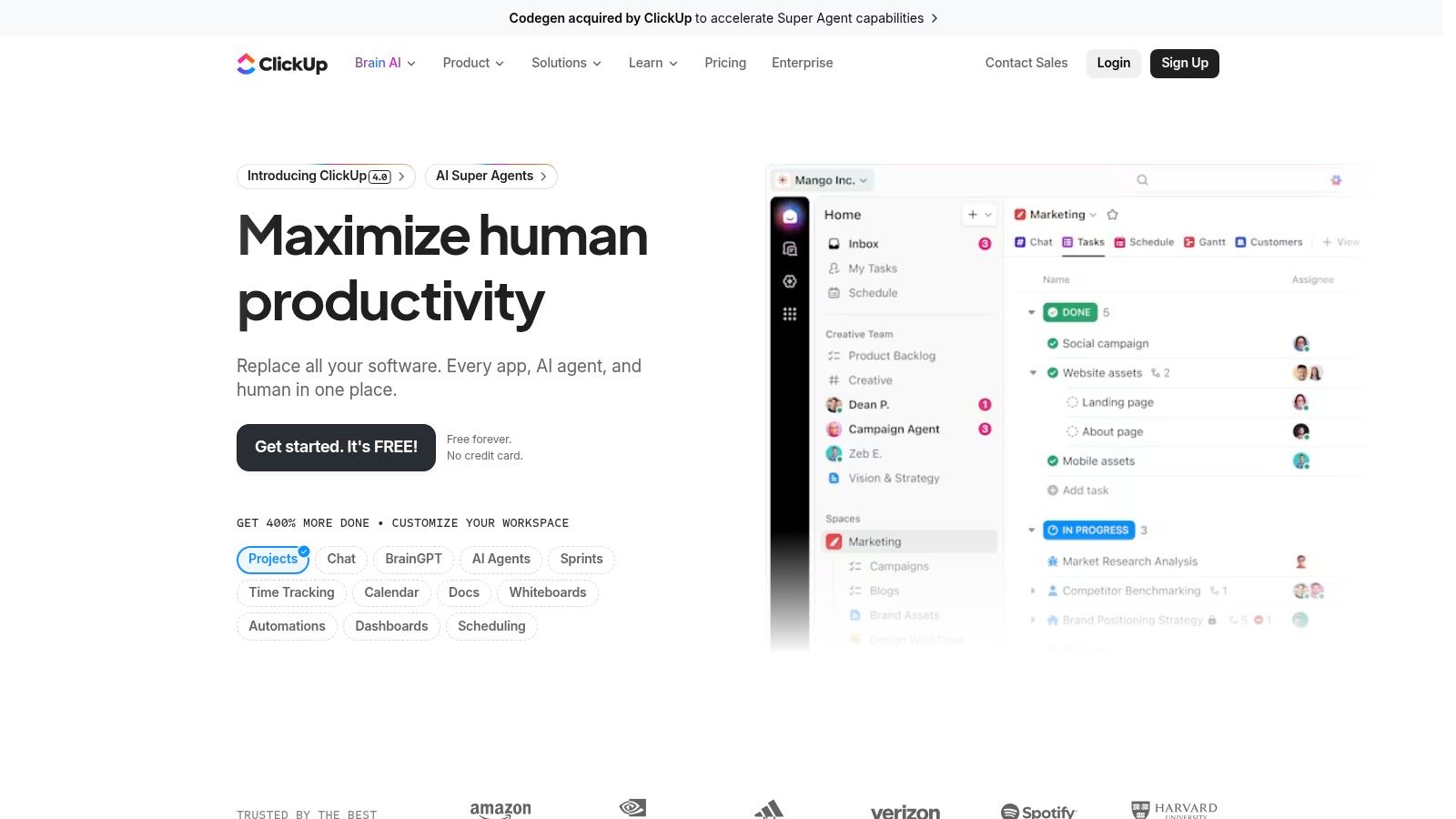
The real magic comes from its AI "Brain," which connects your tasks, docs, and even third-party apps. This means you can get instant summaries of long project threads or find that one crucial file without having to dig through multiple tools. It's a solid choice for teams who love deep project management but are starting to feel the pain of tool-sprawl and need a smarter, more connected system.
Top Features & Use Cases
- AI "Brain" & Super Agents: Think of this as your project management co-pilot. You can ask it to summarize all progress on a Q3 marketing campaign, draft a project kickoff brief based on your goals, or automate the process of assigning follow-up tasks after a meeting.
- Connected Search: Stop the endless app-switching. This feature lets you search for information not just within ClickUp, but also across your connected tools like Google Drive and Slack, bringing everything into one unified search bar.
- Workflow Automations: Build custom rules to handle repetitive work. For example, you can automatically assign a new task to a designer whenever a "Ready for Design" status is applied to a document, saving countless manual hand-offs.
Website:
7. Grammarly
Think of Grammarly as the ever-present writing coach sitting on your shoulder, making sure you sound smart, clear, and professional in every email, document, and social media post. It’s one of the original AI-powered assistants, evolving far beyond simple spell-checking into a comprehensive communication tool. For anyone who writes anything (so, basically everyone), Grammarly is a foundational layer of AI productivity that works seamlessly in the background across nearly every app you use.
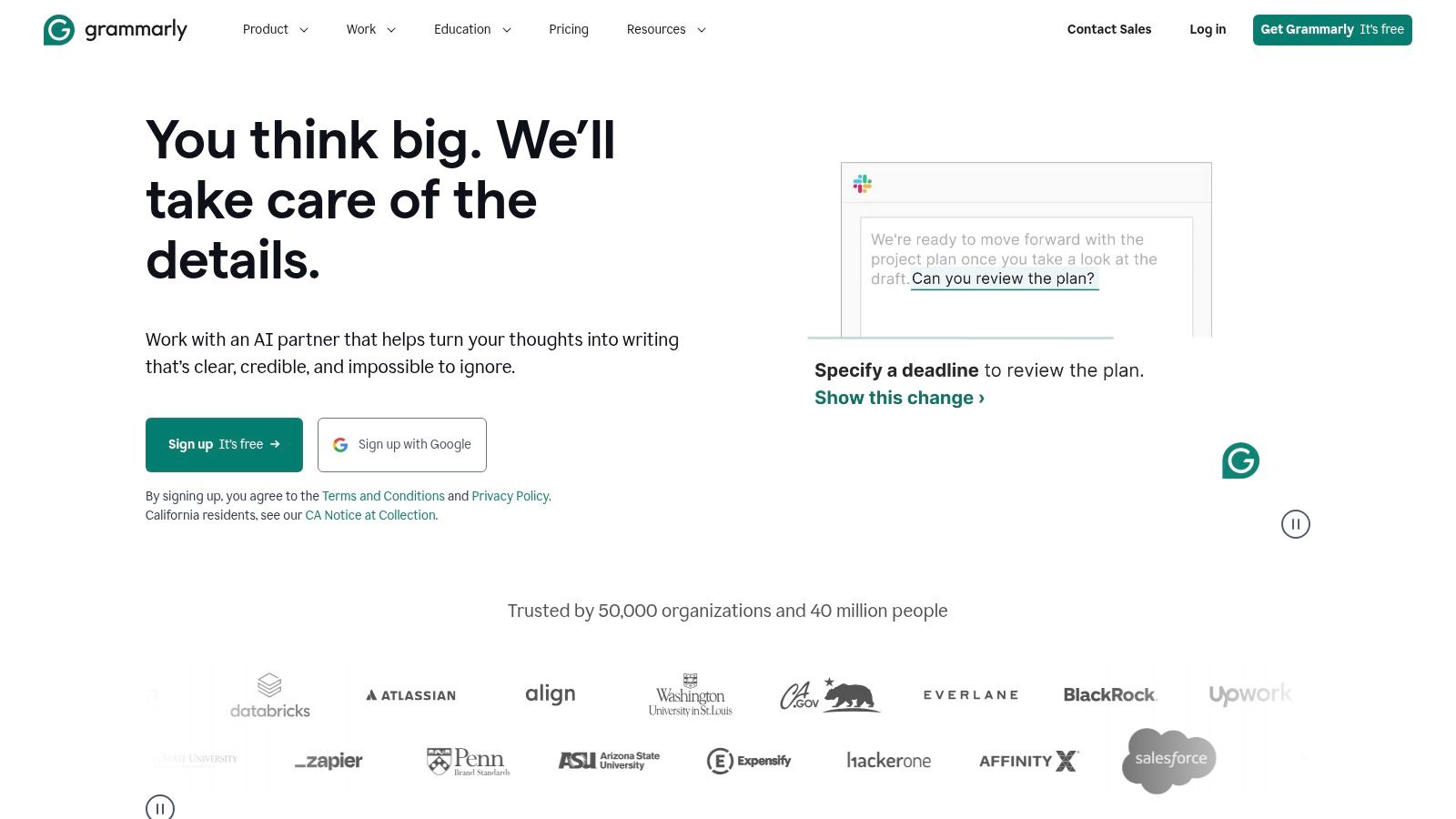
Its real power lies in its ubiquity. Through browser extensions and desktop apps, it integrates directly into your workflow, offering suggestions without forcing you to switch contexts. This makes it an essential, low-friction tool that complements more complex systems.
Top Features & Use Cases
- Real-Time Writing Assistance: Grammarly checks for correctness, clarity, engagement, and delivery as you type. It helps you avoid embarrassing typos in a client email or rephrase a clunky sentence in a report to sound more authoritative.
- Tone Detection & Adjustment: Worried your message sounds too harsh or too casual? Grammarly analyzes your tone and provides suggestions to ensure your writing lands exactly as intended, from confident to friendly.
- Generative AI Prompts: The platform now includes AI-powered prompts to help you brainstorm, draft, and rewrite content on the spot, overcoming writer's block without leaving your document.
Website:
8. Superhuman
If your inbox feels like a battlefield you lose every day, Superhuman is the reinforcement you've been waiting for. It’s a premium email client built from the ground up for speed, efficiency, and now, AI-powered communication. Superhuman transforms email from a tedious chore into a rapid-fire series of actions, making it an essential tool for professionals who live in their inbox and a specialized contender for the best ai productivity app for communication.
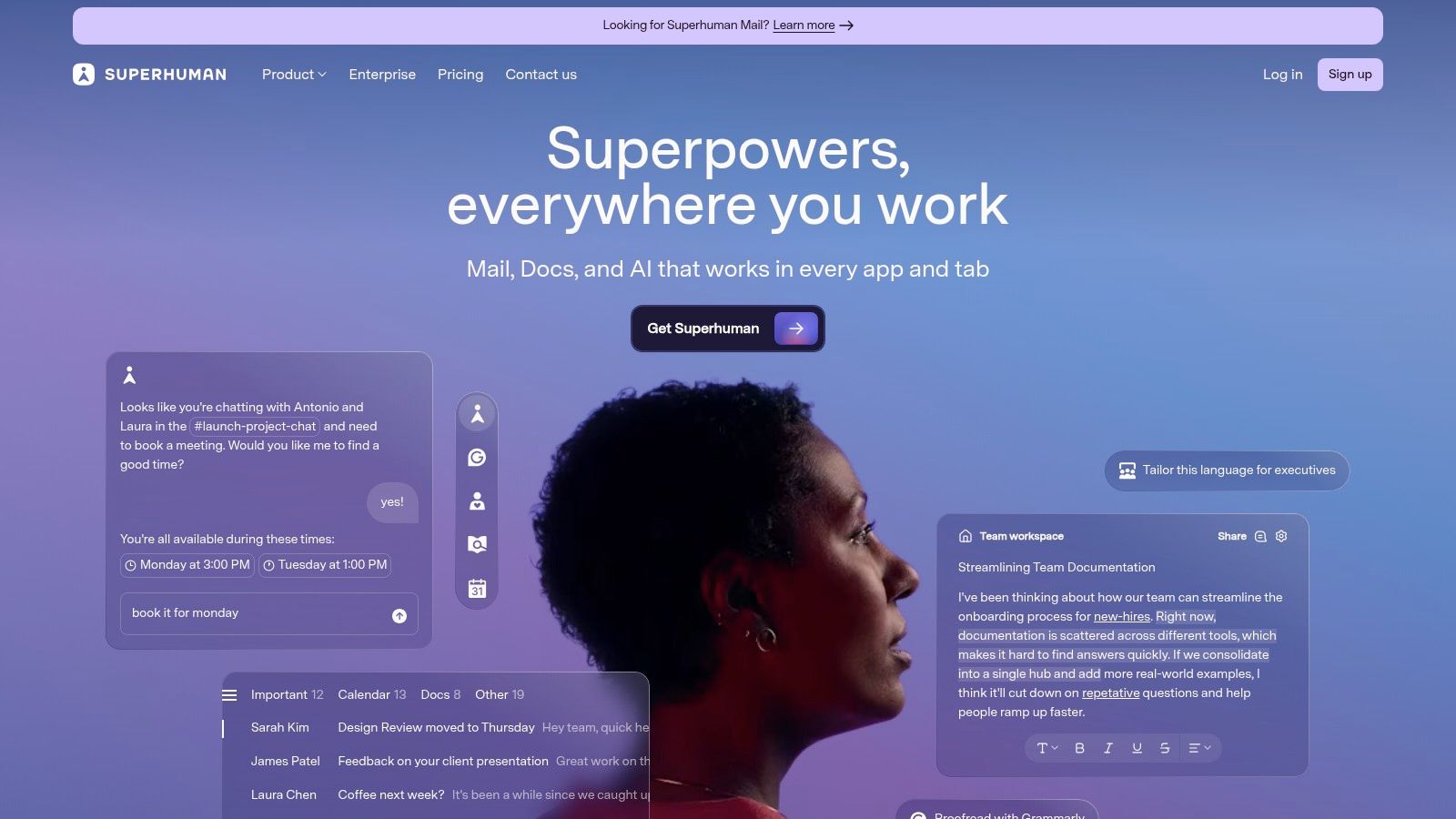
The core philosophy is getting to "inbox zero" with minimal effort. Its AI features are designed to augment this speed, helping you draft replies, summarize long threads, and manage your communication flow without ever touching your mouse.
Top Features & Use Cases
- AI-Powered Drafting & Summaries: Stuck on how to phrase a delicate email? Superhuman's AI can draft a reply in your tone. You can also get instant summaries of long, convoluted email chains to quickly get up to speed.
- Split Inbox Triage: This feature lets you automatically sort incoming mail into different streams (e.g., VIPs, newsletters, team updates). You can then process each stream in focused batches, which is far more efficient than tackling a single chaotic inbox.
- Blazing-Fast Keyboard Shortcuts: The entire interface is designed to be navigated by the keyboard. Once you learn the shortcuts, you can archive, reply, snooze, and manage emails in seconds, which is a game-changer for high-volume users.
Website:
9. Zapier
If you’ve ever thought, "I wish this app could talk to that app," then Zapier is your digital matchmaker. It's the king of no-code automation, connecting over 8,000 different web applications to handle your repetitive tasks automatically. Now, with a powerful layer of AI baked in, it’s not just connecting apps; it’s making them smarter, which easily qualifies it as a contender for the best ai productivity app for process automation. Instead of manually copying data or triggering actions, you can build AI-powered workflows, or "Zaps," that think and act for you.
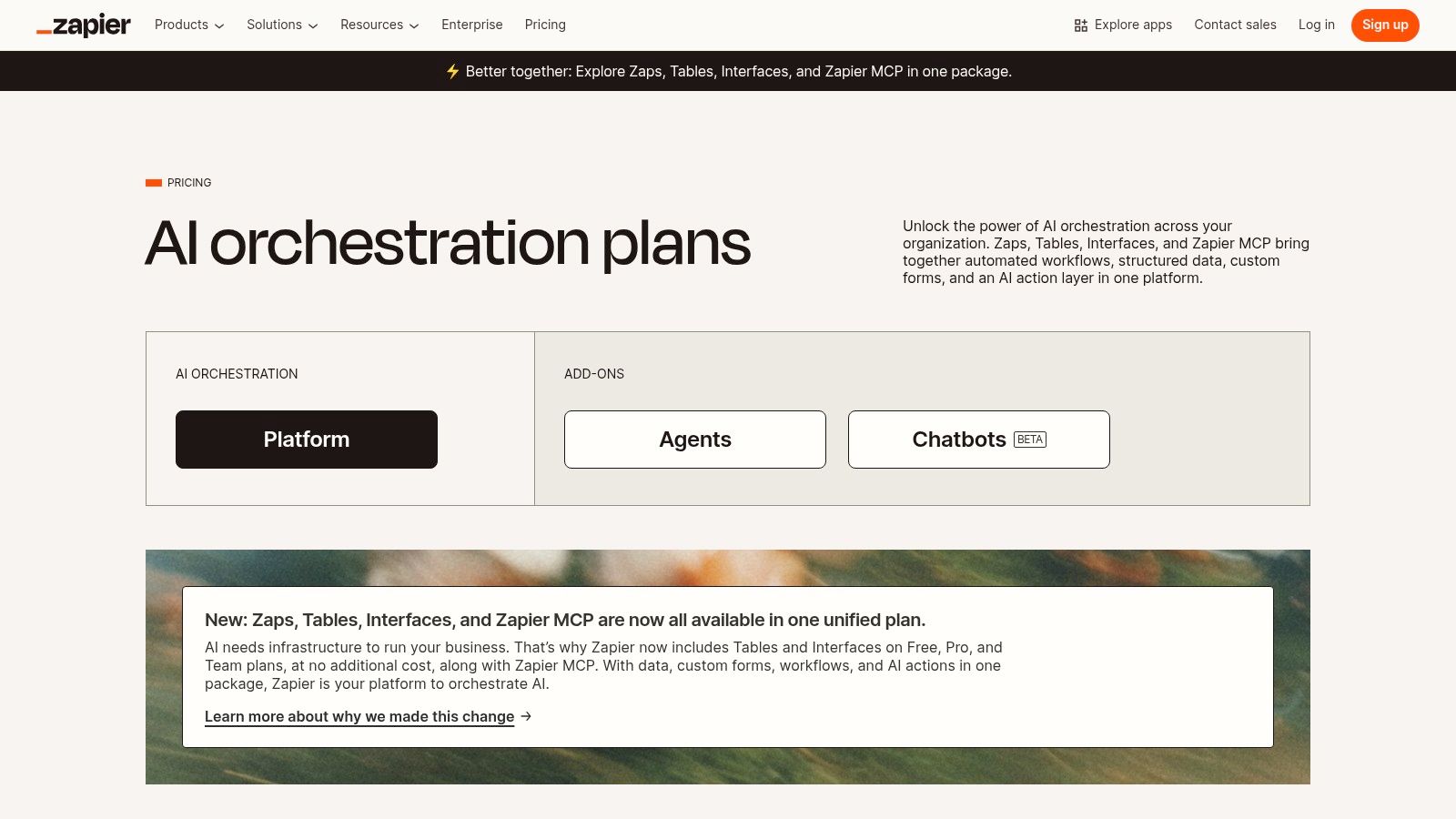
The magic lies in making complex, multi-app processes accessible to everyone, no coding degree required. Want to automatically summarize a new email attachment with AI and save it to Google Drive? Zapier makes that happen in minutes.
Top Features & Use Cases
- AI-Powered Zaps: Go beyond simple "if this, then that" logic. You can now add steps that use AI to format text, summarize content, or make decisions. For example, automatically analyze the sentiment of customer feedback from a form and route it to the right team in Slack.
- Massive Integration Catalog: This is Zapier’s superpower. With connections to thousands of apps from Google Sheets and Salesforce to Trello and Dropbox, if you use a popular online tool, it's almost certainly on their list.
- Zapier Tables & Interfaces: Build simple databases (Tables) and custom forms (Interfaces) to create a lightweight, automated system. You can build an entire lead capture and follow-up sequence without leaving the Zapier ecosystem.
Website:
10. Apple App Store — “Level Up Your Apps With Apple Intelligence” collection
Sometimes the best ai productivity app isn't a single tool, but a trusted gateway to discovering many. For those deeply embedded in the Apple ecosystem, the App Store's curated collection is a goldmine. Instead of blindly searching for apps, Apple’s editorial team handpicks and spotlights powerful applications that are already integrating new AI features like Apple Intelligence. This makes it an invaluable discovery platform for finding vetted, secure, and seamlessly integrated tools for your iPhone, iPad, or Mac.
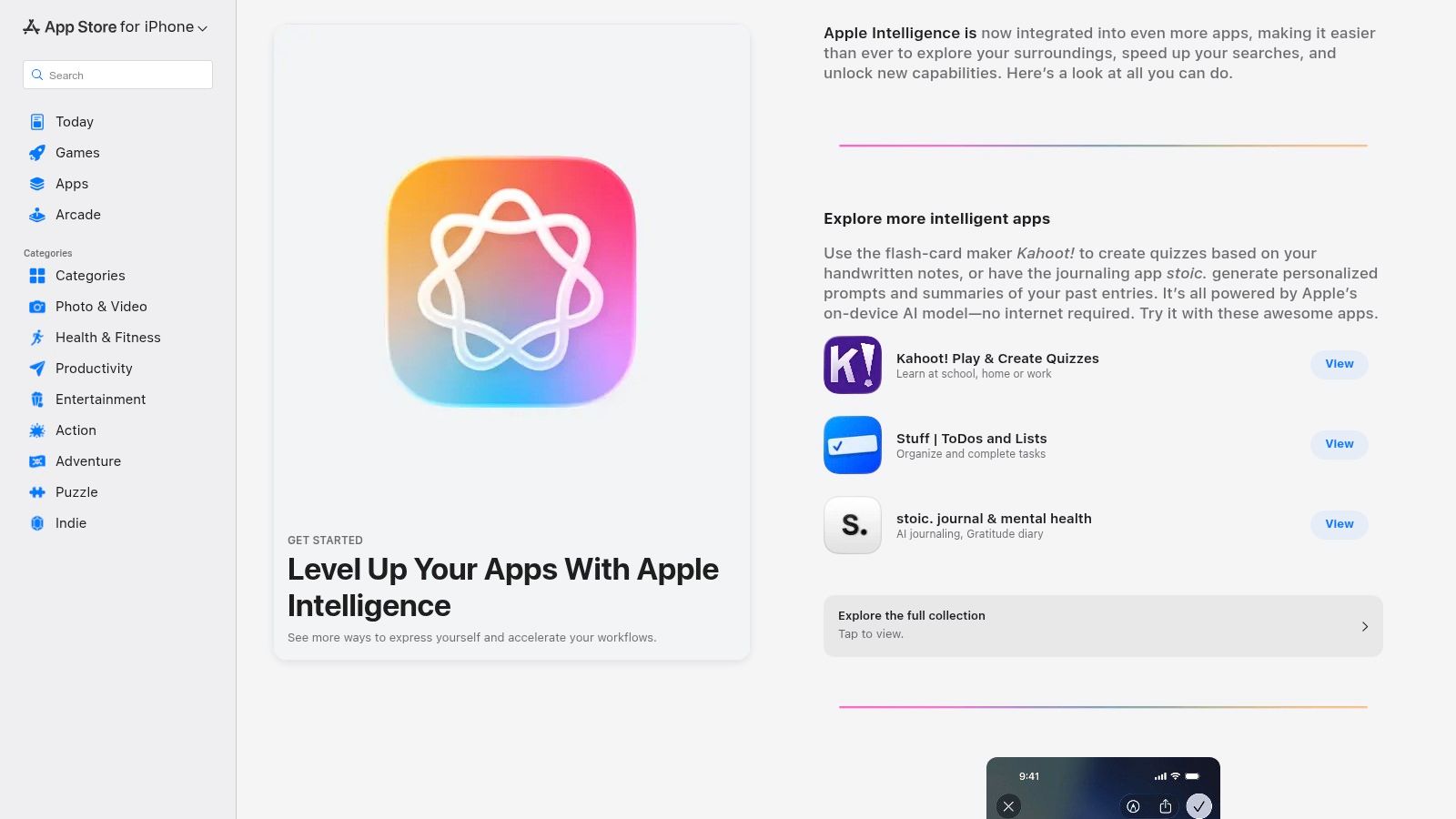
This approach is less about one specific app and more about building a personalized productivity stack from a trusted source. It’s like having a knowledgeable friend recommend the perfect app for your needs, complete with privacy disclosures and automatic updates.
Top Features & Use Cases
- Curated Discovery: Find apps with specific AI functions, like advanced writing assistants or smart image editing tools, all grouped into easy-to-browse collections. No more guessing which app actually has useful AI.
- Trusted Distribution: Every app is reviewed by Apple. You get transparent privacy details, user reviews, and secure in-app purchases, which significantly reduces the risk of downloading a dud.
- Seamless Integration: Apps featured here often have deep integration with iOS, iPadOS, and macOS, meaning they work well with the native system and offer a smoother user experience.
Website:
11. Google Play Store — Productivity category
For the millions of Android users out there, the hunt for the best ai productivity app often starts and ends in one place: the Google Play Store. While not an app itself, this massive digital marketplace is the primary gateway to discovering, comparing, and installing the tools that will redefine your workflow. It's the ultimate aggregator where you can find everything from specialized AI note-takers to comprehensive assistants, all vetted and ready for one-tap installation.
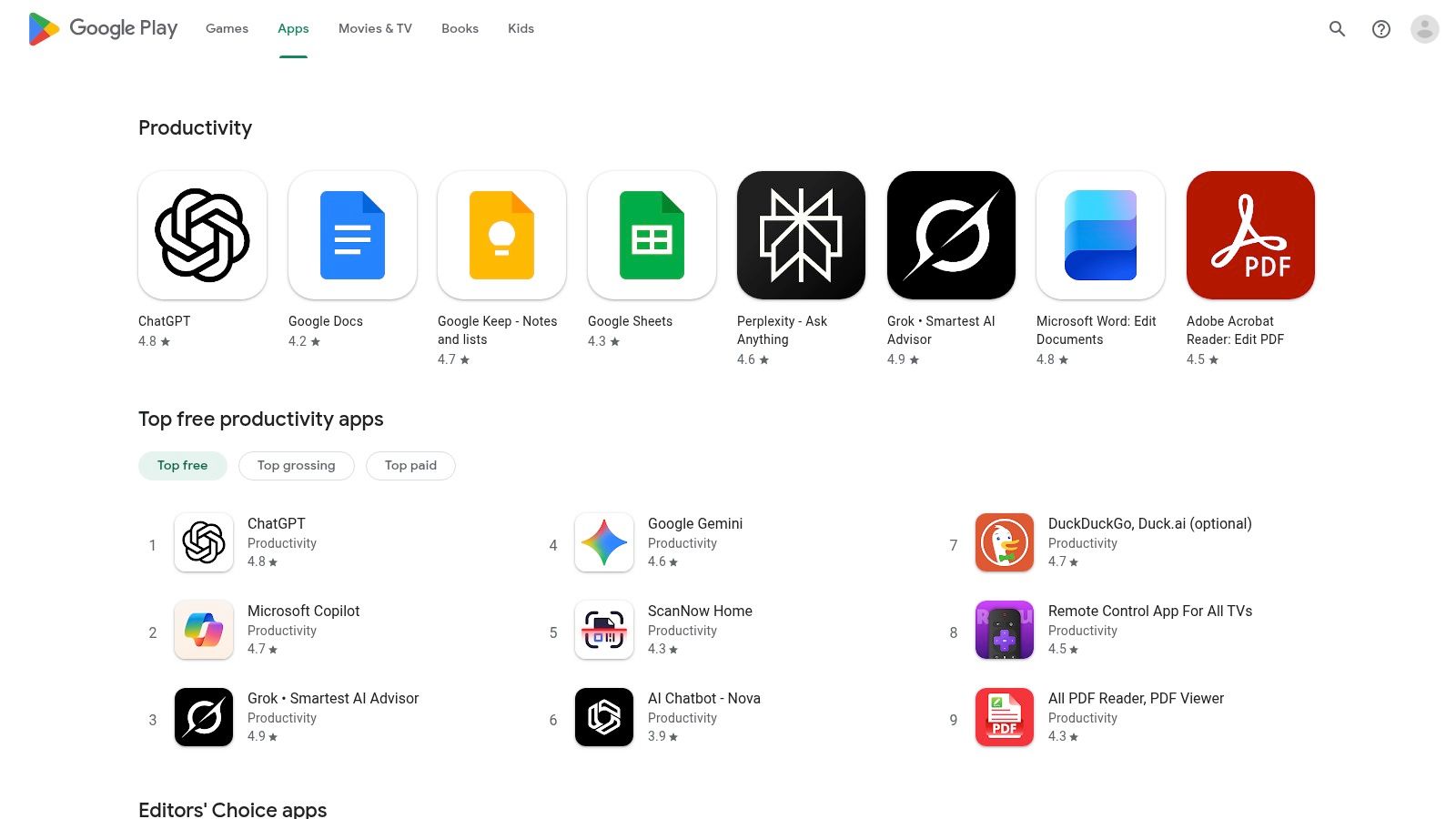
The platform's strength lies in its sheer volume and curation. With features like Top Charts, editorial recommendations, and detailed user reviews, you can quickly gauge which apps are trending and which are duds. For Android power users, the deep device integration is a huge win, allowing new AI apps to seamlessly connect with widgets, share sheets, and system-level functions.
Top Features & Use Cases
- Curated Discovery: Instead of searching blindly, you can browse editor-curated lists and the "Productivity" category to find new and innovative AI tools you might have otherwise missed.
- One-Tap Installation: The friction from discovery to usage is virtually zero. Find an app you like, tap install, and it’s integrated into your device in seconds, ready to go.
- User Reviews & Ratings: This is your built-in quality control. Before committing, you can read real-world feedback from thousands of users to understand an app's true strengths and weaknesses.
Website:
12. Microsoft AppSource (Microsoft Marketplace)
For those deeply embedded in the Microsoft 365 ecosystem, venturing out for standalone tools can feel counterproductive. Microsoft AppSource is your company-approved treasure chest, an official marketplace designed to supercharge the apps you already use daily like Teams, Outlook, Word, and Excel. It isn't a single app but a curated gateway to hundreds of AI-powered add-ins that plug directly into your existing workflow, making it a critical resource for finding the best AI productivity app for your enterprise needs.
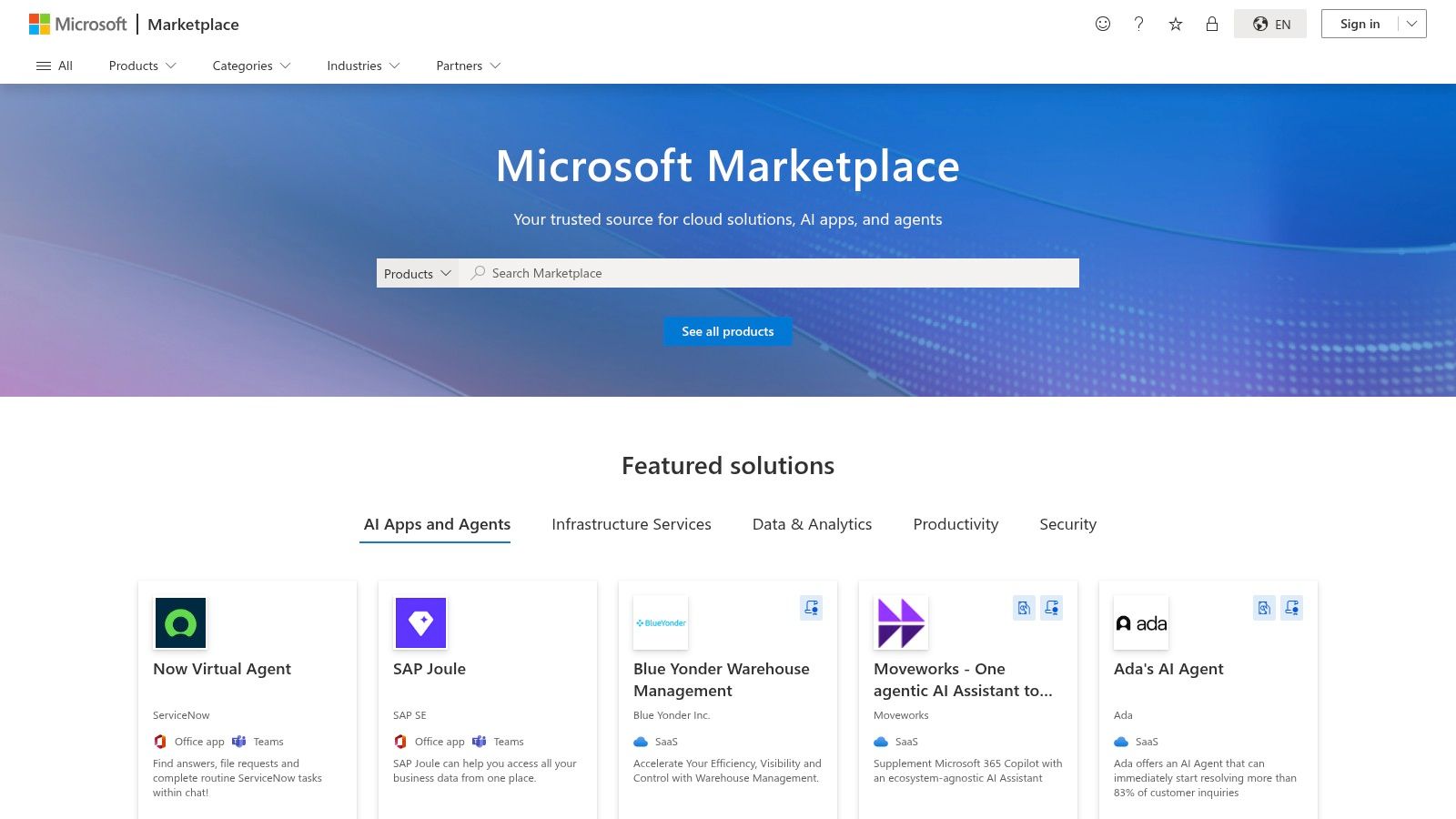
The platform’s strength lies in its enterprise-first approach. Instead of a free-for-all, it prioritizes security, compliance, and centralized deployment. Your IT admin can vet and deploy a useful AI summarizer for Teams across the entire organization in just a few clicks, ensuring everyone has the tools they need without the usual security headaches.
Top Features & Use Cases
- Direct M365 Integration: Find AI tools that live inside your Outlook, summarizing email threads, or an add-in for Excel that generates formulas from plain English. The integration is seamless, keeping you in your flow.
- Enterprise Vetting & Deployment: AppSource provides detailed security and compliance information for its listings. IT admins can manage licenses and deploy solutions to specific user groups or the entire company tenant.
- Copilot Compatibility: Easily discover and filter for apps and extensions specifically designed to work with and enhance Microsoft Copilot, creating a more powerful, customized AI assistant experience within your organization.
Website:
Top 12 AI Productivity Apps Comparison
So, What's the Final Verdict on the Best AI App?
Alright, we've navigated the digital wild, explored the native app stores, and put a dozen powerful AI tools under the microscope. So, after all that, which one is crowned the single best AI productivity app? If you were hoping for a simple, one-word answer, I'm about to disappoint you in the most helpful way possible.
The truth is, picking the "best" app is like asking a master chef to pick their single best kitchen utensil. The spatula is great, but it’s not so hot for chopping onions. The answer always comes down to the specific job you need to get done.
If your entire professional life is a meticulously organized Google Sheet or a series of Outlook calendar invites, then sticking with Google Workspace or Microsoft 365 with Copilot is a fantastic, low-friction choice. Likewise, if your main bottleneck is crafting flawless emails or automating repetitive digital chores, dedicated champions like Grammarly and Zapier are still the undisputed kings of their respective castles. They solve one problem, and they solve it exceptionally well.
The Real Productivity Killer: App Overload
But let's be honest about the biggest, sneakiest productivity vampire in our modern workflow: app fragmentation. It's the digital equivalent of death by a thousand paper cuts. You draft an idea in Notion AI, switch to another app to generate an image, paste that into a Google Doc, use a different AI to summarize it for a presentation, and then use another tool to help you write the code to embed it on your site.
Each tab switch, each login, and each separate subscription fee is a tiny tax on your focus, time, and budget. You end up paying for five different AI subscriptions that, let's face it, all use a similar handful of powerful backend models. This constant context-switching is where true productivity goes to die. It’s a chaotic, expensive, and inefficient way to work.
Your Most Strategic Move: Consolidation
This is precisely the problem that all-in-one platforms are built to solve. Instead of juggling a dozen specialized tools, you get a single, unified workspace that consolidates the world's most advanced AI models for every conceivable task.
Here’s what that actually means for your day-to-day grind:
- For Content Creators: You can research, write, and generate stunning visuals for your next blog post without ever leaving the same interface.
- For Developers: You can brainstorm logic, write boilerplate code, debug issues, and document your work, all from one central command center.
- For Marketers: You can draft ad copy, create social media visuals, analyze market trends, and report on campaign data in a seamless flow.
The ultimate goal isn't just to use AI; it's to create a streamlined, integrated workflow where the technology gets out of your way. When you stop worrying about which app to open and can just focus on the task at hand, you unlock a new level of efficiency. So, if your goal is to dramatically reduce complexity, slash your subscription costs, and maximize your access to cutting-edge AI, your most strategic next step is to embrace consolidation. The best AI productivity app might not be an app at all, but a unified platform that replaces five of them.
Ready to stop the endless tab-switching and consolidate your AI toolkit into one powerful, cost-effective platform? Give Zemith a try and experience how a truly integrated workflow can transform your productivity. See for yourself why it’s a leading contender for the best AI productivity app by signing up for free at .
Изучите возможности Zemith
Всё, что нужно. Ничего лишнего.
Одна подписка заменяет пять. Каждая топовая модель ИИ, каждый творческий инструмент и каждая функция продуктивности — в одном рабочем пространстве.
Весь топовый ИИ. Одна подписка.
ChatGPT, Claude, Gemini, DeepSeek, Grok и 25+ моделей








Всегда на связи, ИИ в реальном времени.
Голос + демонстрация экрана · мгновенные ответы
Как лучше всего выучить новый язык?
Погружение и интервальное повторение работают лучше всего. Попробуйте ежедневно потреблять контент на целевом языке.
Голос + трансляция экрана · ИИ отвечает в реальном времени
Генерация изображений
Flux, Nano Banana, Ideogram, Recraft + ещё

Пишите со скоростью мысли.
ИИ-автодополнение, перезапись и расширение по команде
Любой документ. Любой формат.
PDF, URL или YouTube → чат, тест, подкаст и другое
Создание видео
Veo, Kling, MiniMax, Sora + ещё

Текст в речь
Естественные ИИ-голоса, 30+ языков
Генерация кода
Пишите, отлаживайте и объясняйте код
Чат с документами
Загрузите PDF, анализируйте содержимое
Ваш ИИ в кармане.
Полный доступ на iOS и Android · синхронизация везде
Ваш бесконечный ИИ-холст.
Чат, изображения, видео и инструменты движения — рядом

Сэкономьте часы работы и исследований
Простые, доступные цены
Нам доверяют команды в






Бесплатно
Кредитная карта не требуется
- 100 кредитов ежедневно
- 3 модели ИИ для пробы
- Базовый ИИ-чат
Plus
- 1 000 000 кредитов/месяц
- 25+ моделей ИИ — GPT, Claude, Gemini, Grok и другие
- Agent Mode с веб-поиском, компьютерными инструментами и другим
- Creative Studio: генерация изображений и видео
- Project Library: чат с документами, сайтами и YouTube, создание подкастов, карточки для запоминания, отчёты и другое
- Workflow Studio и FocusOS
Professional
- Все, что входит в Plus, а также:
- 2 100 000 кредитов/месяц
- Эксклюзивные Pro-модели (Claude Opus, Grok 4, Sonar Pro)
- Motion Tools и Max Mode
- Первый доступ к новейшим функциям
- Доступ к дополнительным предложениям
Что говорят наши пользователи
Great Tool after 2 months usage
simplyzubair
I love the way multiple tools they integrated in one platform. So far it is going in right dorection adding more tools.
Best in Kind!
barefootmedicine
This is another game-change. have used software that kind of offers similar features, but the quality of the data I'm getting back and the sheer speed of the responses is outstanding. I use this app ...
simply awesome
MarianZ
I just tried it - didnt wanna stay with it, because there is so much like that out there. But it convinced me, because: - the discord-channel is very response and fast - the number of models are quite...
A Surprisingly Comprehensive and Engaging Experience
bruno.battocletti
Zemith is not just another app; it's a surprisingly comprehensive platform that feels like a toolbox filled with unexpected delights. From the moment you launch it, you're greeted with a clean and int...
Great for Document Analysis
yerch82
Just works. Simple to use and great for working with documents and make summaries. Money well spend in my opinion.
Great AI site with lots of features and accessible llm's
sumore
what I find most useful in this site is the organization of the features. it's better that all the other site I have so far and even better than chatgpt themselves.
Excellent Tool
AlphaLeaf
Zemith claims to be an all-in-one platform, and after using it, I can confirm that it lives up to that claim. It not only has all the necessary functions, but the UI is also well-designed and very eas...
A well-rounded platform with solid LLMs, extra functionality
SlothMachine
Hey team Zemith! First off: I don't often write these reviews. I should do better, especially with tools that really put their heart and soul into their platform.
This is the best tool I've ever used. Updates are made almost daily, and the feedback process is very fast.
reu0691
This is the best AI tool I've used so far. Updates are made almost daily, and the feedback process is incredibly fast. Just looking at the changelogs, you can see how consistently the developers have ...