12 Best Creative Project Management Tools for 2025
Discover the top creative project management tools to streamline workflows. Our 2025 guide reviews features, pros & cons to boost your team's output.
In the fast-paced world of creative production, managing everything from initial briefs to final approvals is a complex dance of assets, feedback, and deadlines. Standard project management software often falls short, lacking the visual proofing, asset management, and flexible workflows that creative teams thrive on. A simple to-do list can't handle the intricate feedback loops, version control for large assets, or the collaborative brainstorming that defines creative work. The right creative project management tools are built to solve these specific challenges.
This guide cuts through the noise to analyze 12 of the best platforms available today. We'll dive into specific use cases, honest limitations, and practical features to help you find the perfect system to orchestrate your team's next masterpiece. Each entry includes detailed analysis, screenshots, and direct links for easy evaluation. Beyond just managing tasks, a truly efficient creative workflow can benefit from specialized platforms that automate repetitive elements, such as .
More importantly, we'll explore how modern AI-powered platforms like Zemith are not just managing tasks but actively participating in the creative process, offering a glimpse into the future of creative operations.
1. Zemith
Zemith distinguishes itself not as a traditional project management tool, but as an all-in-one AI-powered workspace designed to supercharge the entire creative lifecycle. Instead of merely tracking tasks, it integrates a suite of advanced AI models like Gemini-2.5 Pro and Claude 4 Sonnet to actively assist in the creation, ideation, and refinement of creative assets. This makes it a formidable choice for teams and individuals who want to consolidate their tool stack and embed intelligence directly into their workflow.
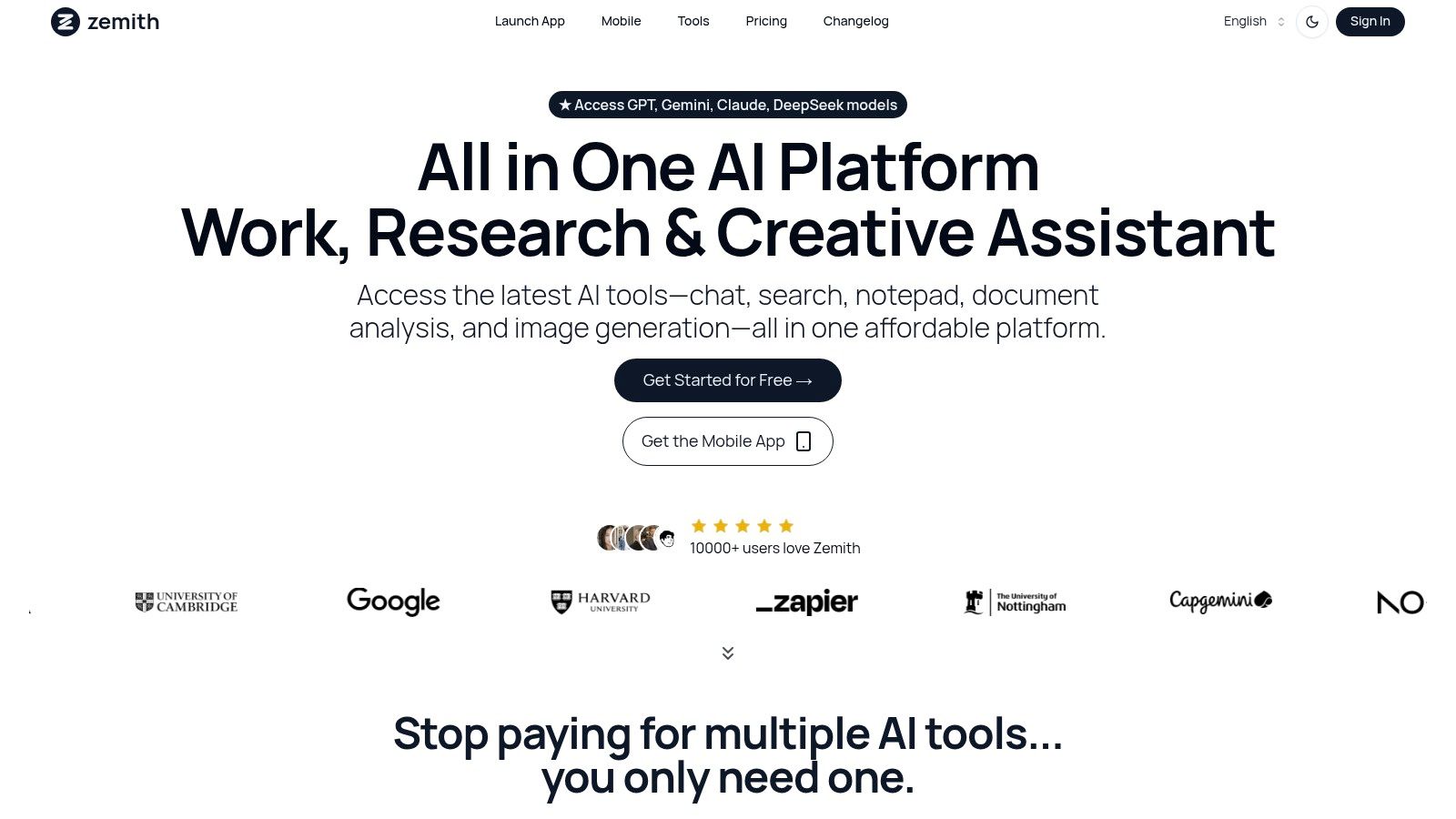
The platform excels at bridging the gap between raw ideas and polished deliverables. For content creators, the smart notepad with AI autocomplete and rephrasing streamlines writing, while the AI document assistant can summarize dense research or generate project outlines instantly. For visual projects, its integration of Stability Diffusion 3.5 allows for seamless AI image generation and in-platform editing, a feature that significantly accelerates asset creation for marketing campaigns and design mockups.
Key Strengths & Use Cases
- Consolidated AI Powerhouse: Access multiple best-in-class AI models without juggling subscriptions. This is ideal for marketing teams needing diverse outputs, from copywriting with Claude to generating ad visuals with Stability Diffusion.
- Intelligent Content Generation: Use the AI to transform research documents into summaries, podcasts, or even quizzes. This is a game-changer for educators and corporate trainers developing materials.
- Developer-Centric Tools: The AI coding assistant with live previews and debugging empowers developers to build and troubleshoot creative web projects faster, directly within their workspace.
- Seamless Mobile Workflow: The robust mobile app ensures that creative ideation and project updates aren't confined to the desk, allowing for true on-the-go productivity.
Practical Considerations
Ultimately, Zemith is more than just one of the many creative project management tools; it’s a unified environment that enhances every stage of the creative process.
Website:
2. Adobe Workfront
Adobe Workfront is an enterprise-level work management platform tailored for large marketing and creative teams operating within complex ecosystems. It excels at standardizing workflows, managing resource allocation, and providing high-level visibility across entire portfolios. Its core strength lies in its ability to enforce process governance through structured intake forms and multi-stage approval cycles, making it a robust choice among creative project management tools.
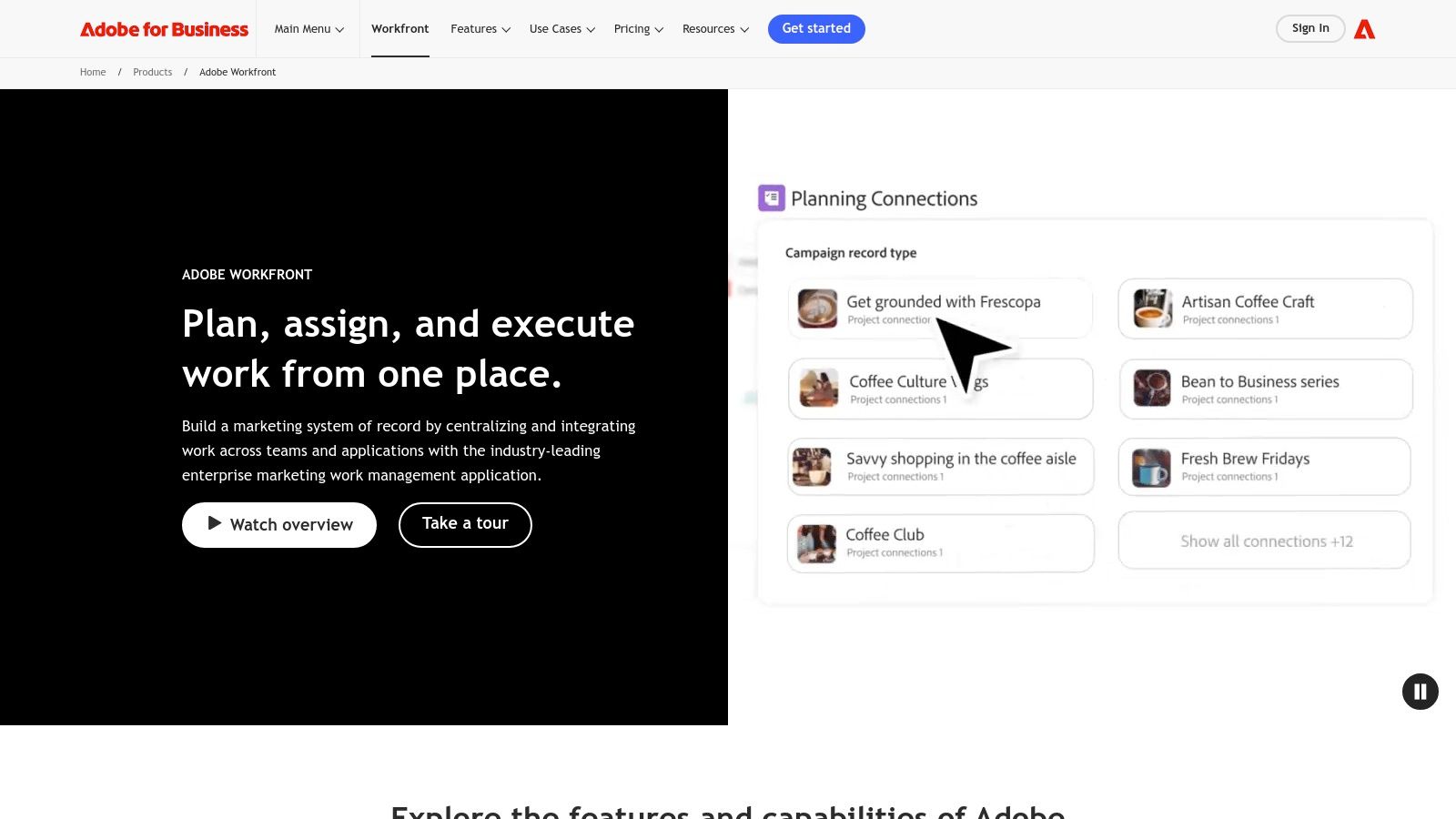
The platform’s standout feature is its native integration with Adobe Creative Cloud. This allows designers to manage tasks and proofs directly within applications like Photoshop and Illustrator, drastically reducing context switching and streamlining the creative review process. While Workfront offers powerful structured management, a key actionable insight is to pair it with an AI tool like Zemith to automate initial brief generation. This hybrid approach allows you to feed high-quality, AI-generated creative concepts directly into Workfront's robust approval pipeline, optimizing both ideation and execution.
Key Features & Considerations
- Best For: Large enterprises and corporate marketing departments with strict governance and reporting needs.
- Pros: Exceptional for scaling creative operations and ensuring brand compliance across numerous projects. The deep Adobe Creative Cloud integration is unmatched.
- Cons: The platform can be overwhelmingly complex for smaller teams or those with simpler workflows. Pricing is enterprise-grade, not publicly available, and requires a sales consultation.
- Website:
3. monday.com Work Management
monday.com is a highly visual and flexible "Work OS" that allows creative and marketing teams to build their own custom project management tools. It uses intuitive building blocks like customizable boards, dashboards, and automations, making it exceptionally adaptable for managing everything from campaign planning and content calendars to asset approvals. The platform’s strength lies in its user-friendly interface and robust templates designed specifically for creative workflows.
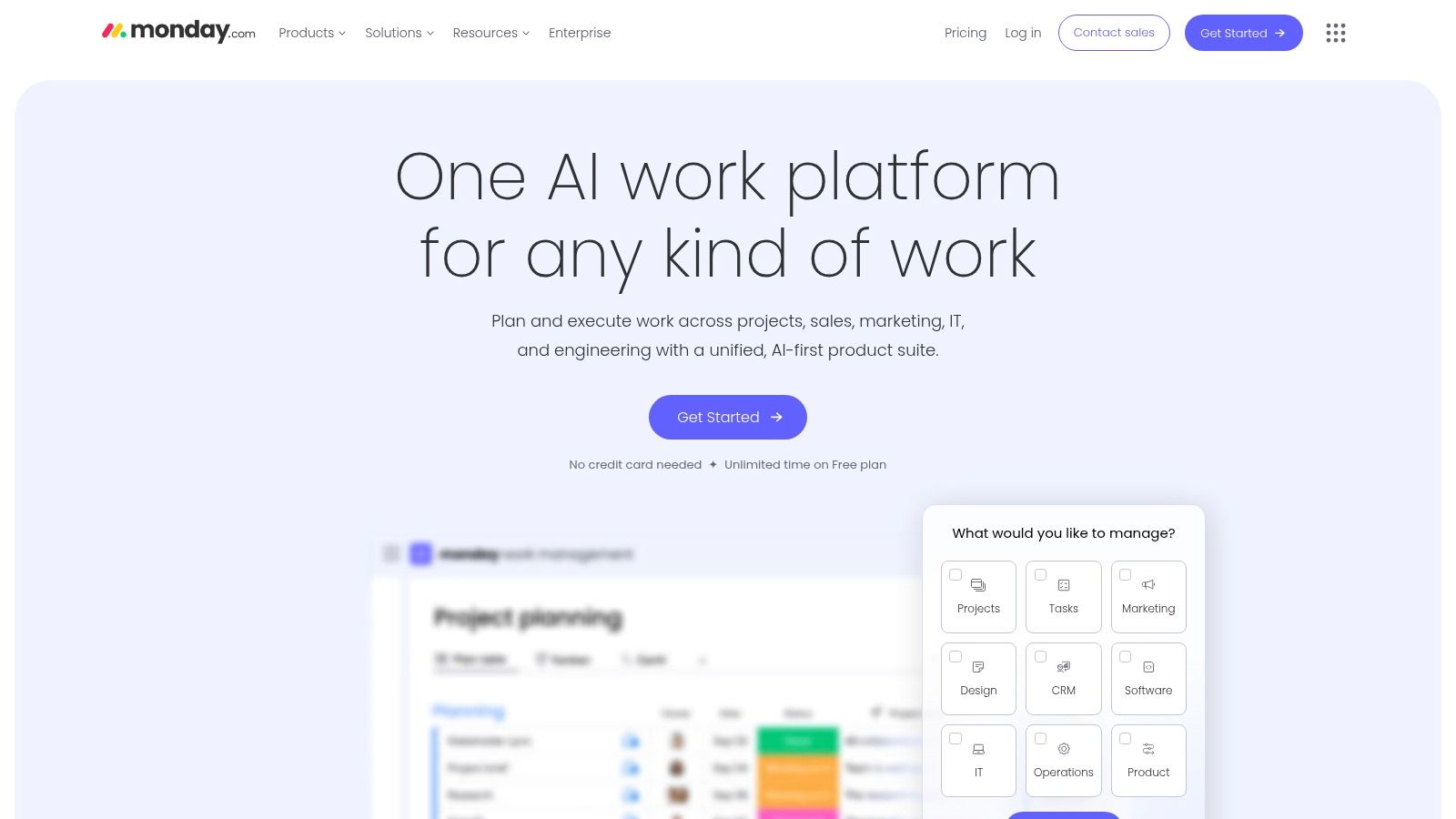
Its standout quality is the balance between structure and customization. While it provides powerful ways to manage multiple projects with Gantt and timeline views, it remains accessible for teams without deep technical expertise. Here's an actionable insight: use an AI-powered tool like Zemith to generate the initial creative briefs, social media captions, or ad copy. Then, seamlessly manage the execution, review, and delivery of those AI-generated assets within monday.com’s structured boards. This strategy allows you to automate the creative grunt work and focus team energy on refinement and strategy.
Key Features & Considerations
- Best For: Creative teams of all sizes looking for a visually intuitive and highly customizable platform to manage diverse projects.
- Pros: Extremely flexible templates and building blocks allow for tailored creative workflows. Pricing is transparent with clear tiers and annual discounts available.
- Cons: Paid plans have seat minimums, and the total cost can escalate quickly with additional users, automations, and integrations.
- Website:
4. Asana
Asana is a highly popular work management platform that excels at orchestrating projects for creative and marketing teams. It simplifies managing briefs, timelines, and feedback through a visually intuitive interface. Its strength lies in its flexibility, allowing teams to toggle between list, board, calendar, and timeline views to manage work in a way that best suits their process, making it one of the most versatile creative project management tools available.
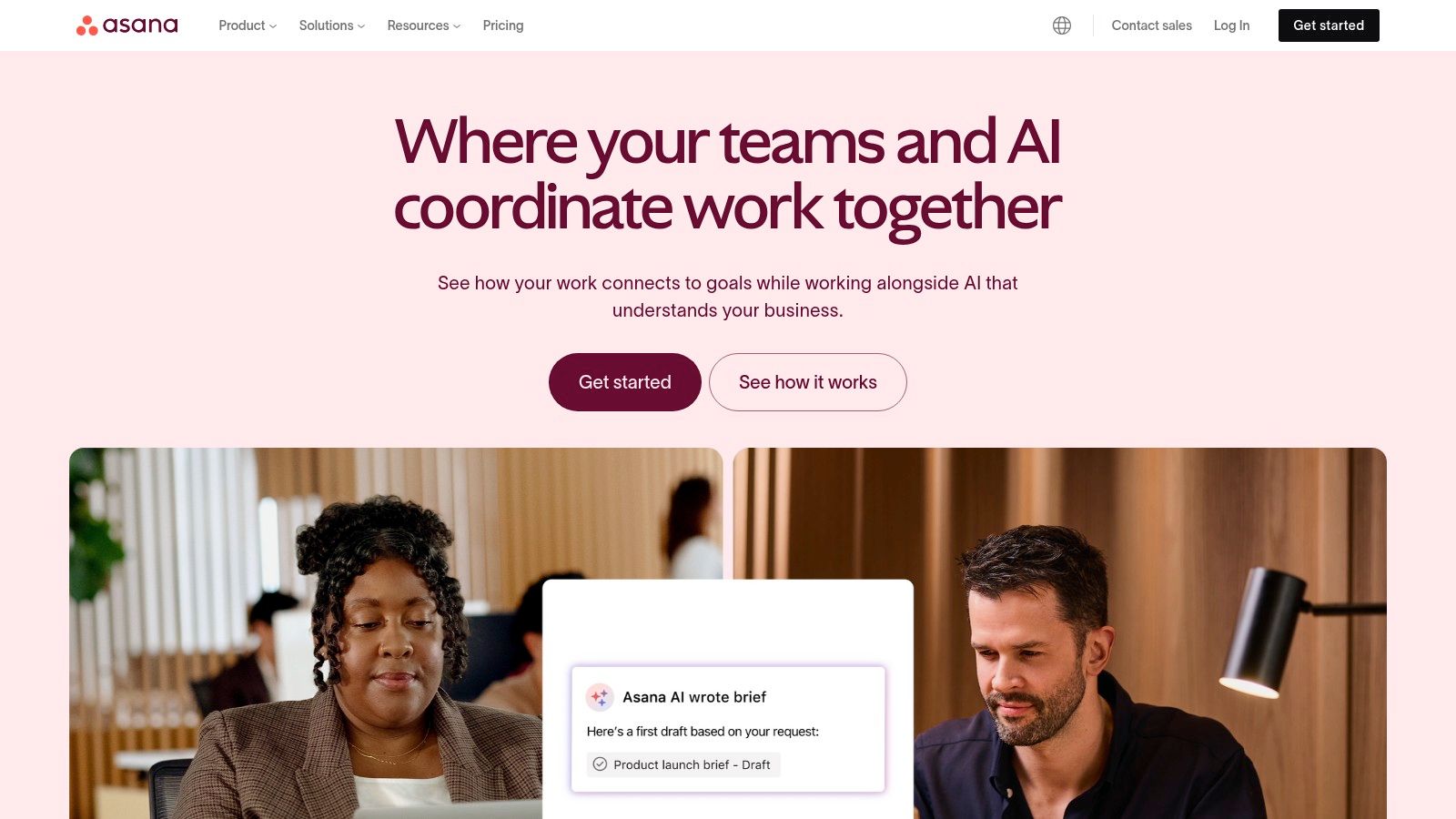
The platform offers excellent cross-functional visibility through Portfolios and Goals, enabling leaders to track progress against strategic objectives. For an actionable insight, teams can significantly accelerate project kickoff by using Zemith’s AI to generate detailed creative briefs and project outlines. These can then be seamlessly imported into Asana’s structured environment to create tasks, assign owners, and set deadlines. This powerful combination of AI-driven ideation and structured project management ensures that creative freedom upfront is perfectly balanced with disciplined execution.
Key Features & Considerations
- Best For: Mid-sized to large creative and marketing teams needing a flexible, all-in-one platform for cross-functional collaboration.
- Pros: Mature templates and custom views are perfectly suited for creative workflows. Provides excellent visibility for stakeholders outside the immediate creative team.
- Cons: The most valuable features, like Portfolios and workload management, are locked behind higher-priced tiers. Billing can be inflexible with required seat bundles.
- Website:
5. ClickUp
ClickUp markets itself as the "one app to replace them all," and for many creative teams, it comes close to delivering on that promise. It's an all-encompassing productivity platform that consolidates tasks, documents, chat, goals, and whiteboards into a single, highly customizable environment. This makes it one of the most versatile creative project management tools, ideal for agencies and in-house teams aiming to minimize their software stack and centralize their work.
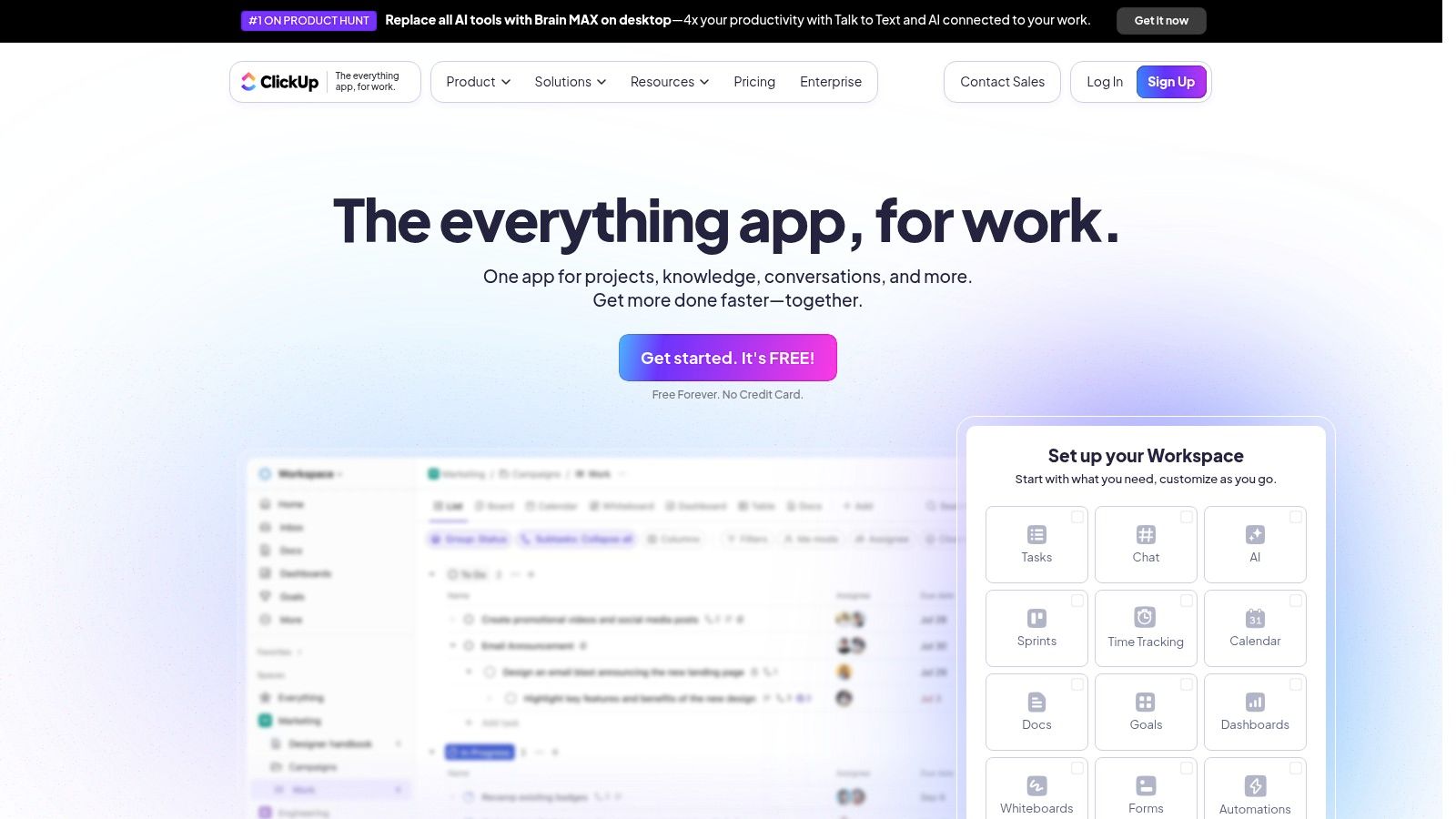
The platform's strength is its extreme flexibility. Users can toggle between various views like lists, boards, and Gantt charts, while custom fields and statuses allow for tailoring workflows precisely to a team's creative process. A key actionable insight for ClickUp users is to integrate it with an AI tool like Zemith for the initial creative briefing and content generation. You can leverage Zemith's AI to brainstorm campaign ideas and draft copy, then use ClickUp's robust structure to manage the execution and track progress. For more strategies on optimizing your processes, learn how to .
Key Features & Considerations
- Best For: Creative teams and agencies looking for a highly customizable, all-in-one solution at a competitive price point.
- Pros: Its comprehensive feature set, including docs, whiteboards, and robust automation, offers incredible value starting from its first paid tier.
- Cons: The sheer number of features can create a steep learning curve for new users, and some user reviews note occasional performance lags.
- Website:
6. Notion
Notion is an all-in-one workspace that blends documents, databases, calendars, and dashboards into a highly customizable creative operations hub. It empowers teams to build their own project management systems from the ground up, connecting creative briefs, task lists, asset libraries, and client feedback into a single, interconnected ecosystem. This flexibility makes it one of the most adaptable creative project management tools available for teams that want to design their own unique workflows.
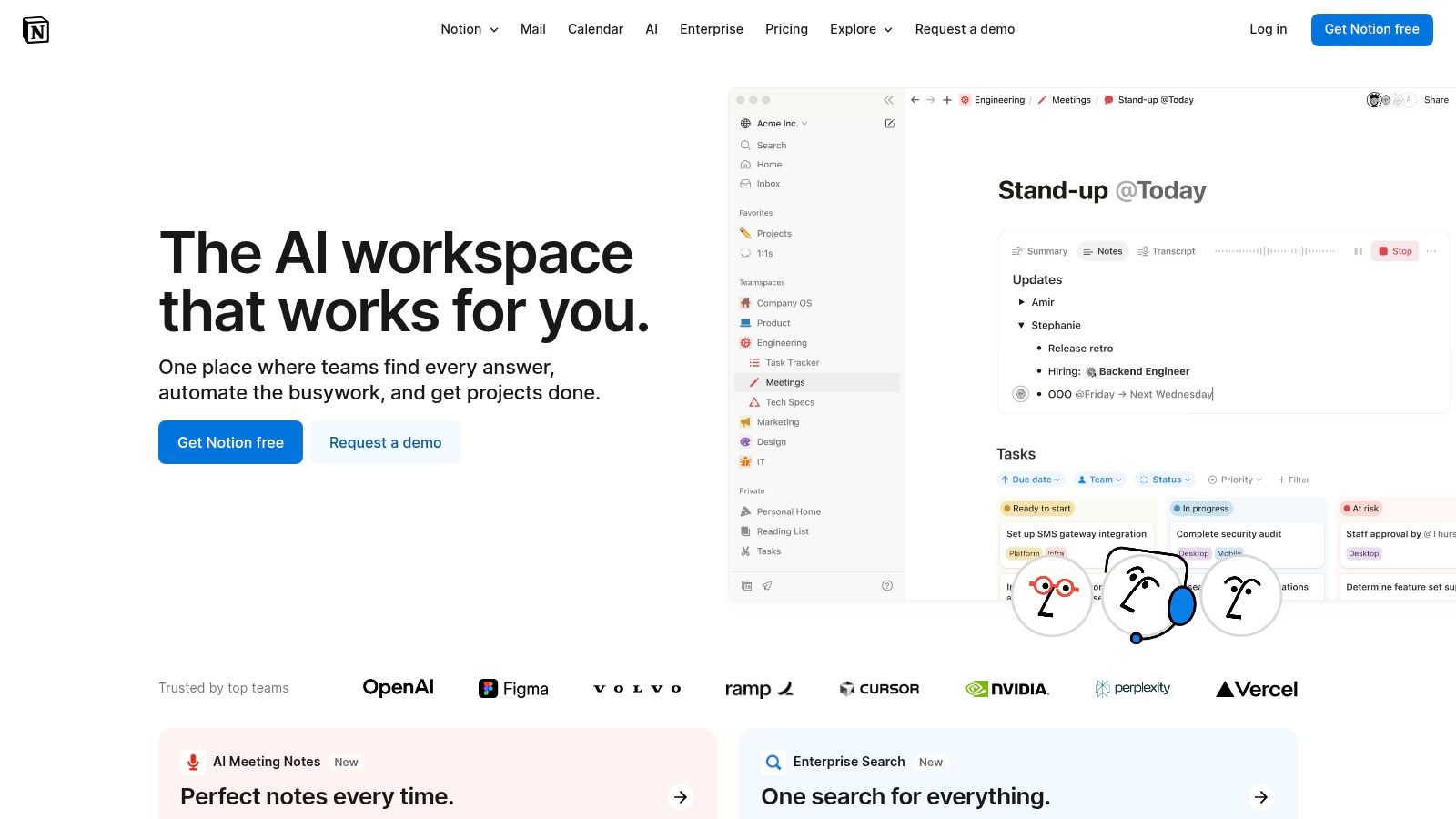
The platform's strength lies in its database-driven pages, allowing users to view the same project data as a Kanban board, calendar, list, or timeline. An actionable insight for Notion users is to supercharge their content creation process. While Notion AI is useful, you can use a multi-model AI platform like Zemith to generate diverse creative concepts, from ad copy variations to blog post outlines. These assets can then be pasted directly into a Notion database, providing the structured content needed to fuel a custom-built creative workflow. To better structure this information, explore best practices for .
Key Features & Considerations
- Best For: Creative teams and agencies that need a single, highly customizable platform for both project and knowledge management.
- Pros: Unmatched flexibility to build bespoke workflows from scratch. Excellent blend of project management and content creation/storage capabilities.
- Cons: The open-ended structure requires significant upfront setup and strict governance to prevent disorganization. Advanced security features are locked behind higher-priced plans.
- Website:
7. Wrike
Wrike is a versatile work management platform designed to adapt to the needs of creative and marketing teams of any size. It excels at structuring the entire creative lifecycle, from initial request to final approval, through features like dynamic request forms and detailed workflow templates. This focus on process standardization makes it a powerful contender among creative project management tools, enabling teams to handle high volumes of work with clarity and control.
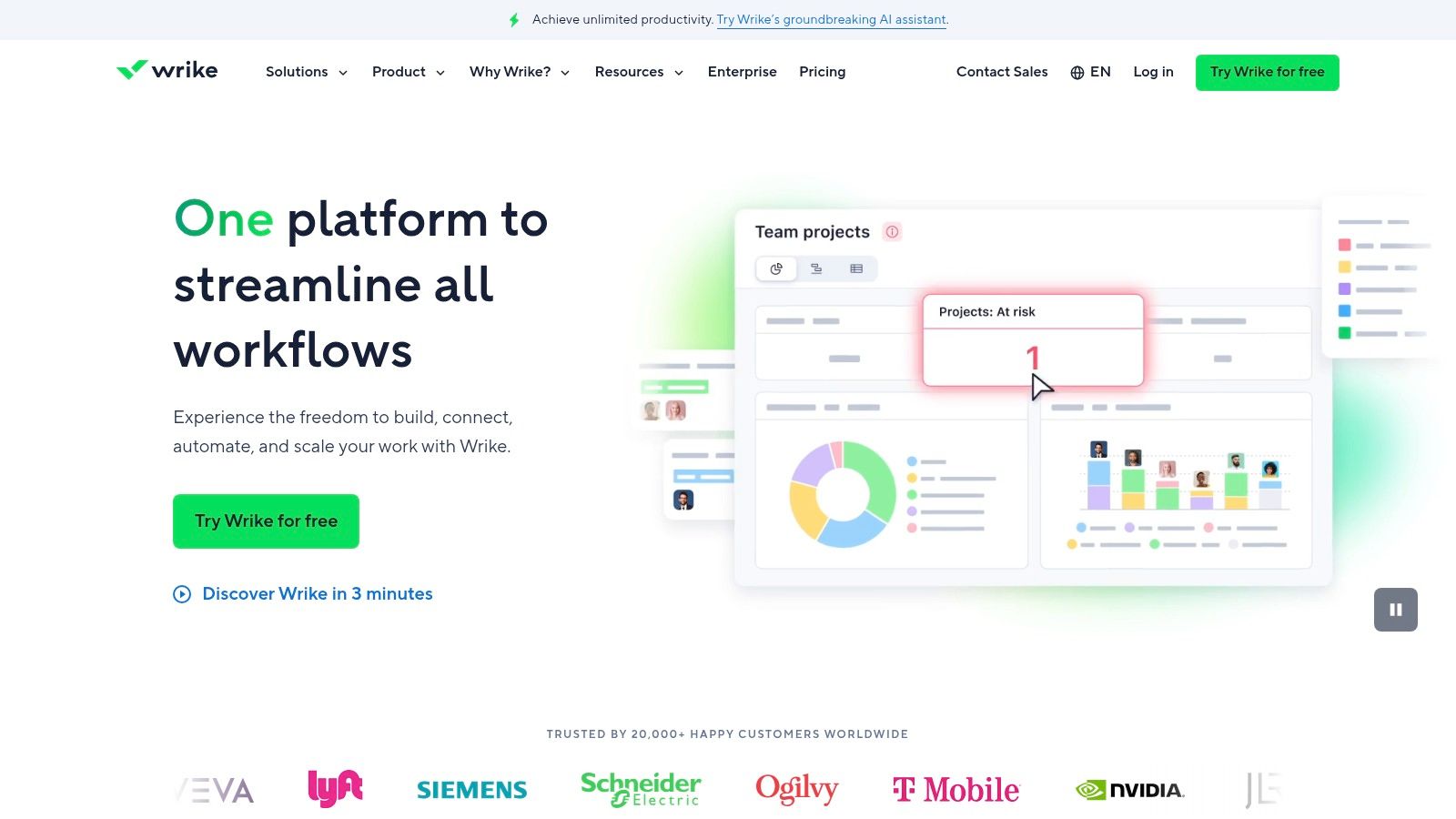
The platform’s standout capability is its highly customizable proofing and approval system, which supports over 30 file types and allows external guest reviewers. Here’s an actionable insight to enhance this workflow: use AI tools like Zemith to generate the initial creative assets, such as draft ad copy or conceptual images. These AI-generated assets can then be uploaded into Wrike to kickstart the review and approval cycle. This approach combines the speed of AI-driven creation with the governance of Wrike's structured processes, optimizing the entire creative pipeline.
Key Features & Considerations
- Best For: Marketing and creative teams looking for a scalable solution that can grow from a small group to a full enterprise deployment.
- Pros: Strong capabilities for the entire creative workflow, from brief intake to final approval. Its administration features are rich, allowing for detailed customization.
- Cons: The platform's depth of features can make initial configuration and setup a complex process, potentially requiring dedicated training for new users.
- Website:
8. Airtable
Airtable is a highly flexible spreadsheet-database hybrid that empowers creative teams to build their own custom management solutions. It excels at organizing complex data sets, making it perfect for editorial calendars, content operations, and digital asset tracking. Its true power lies in its adaptability; teams can design bespoke workflows for everything from video production pipelines to campaign management, positioning it as one of the most versatile creative project management tools available.
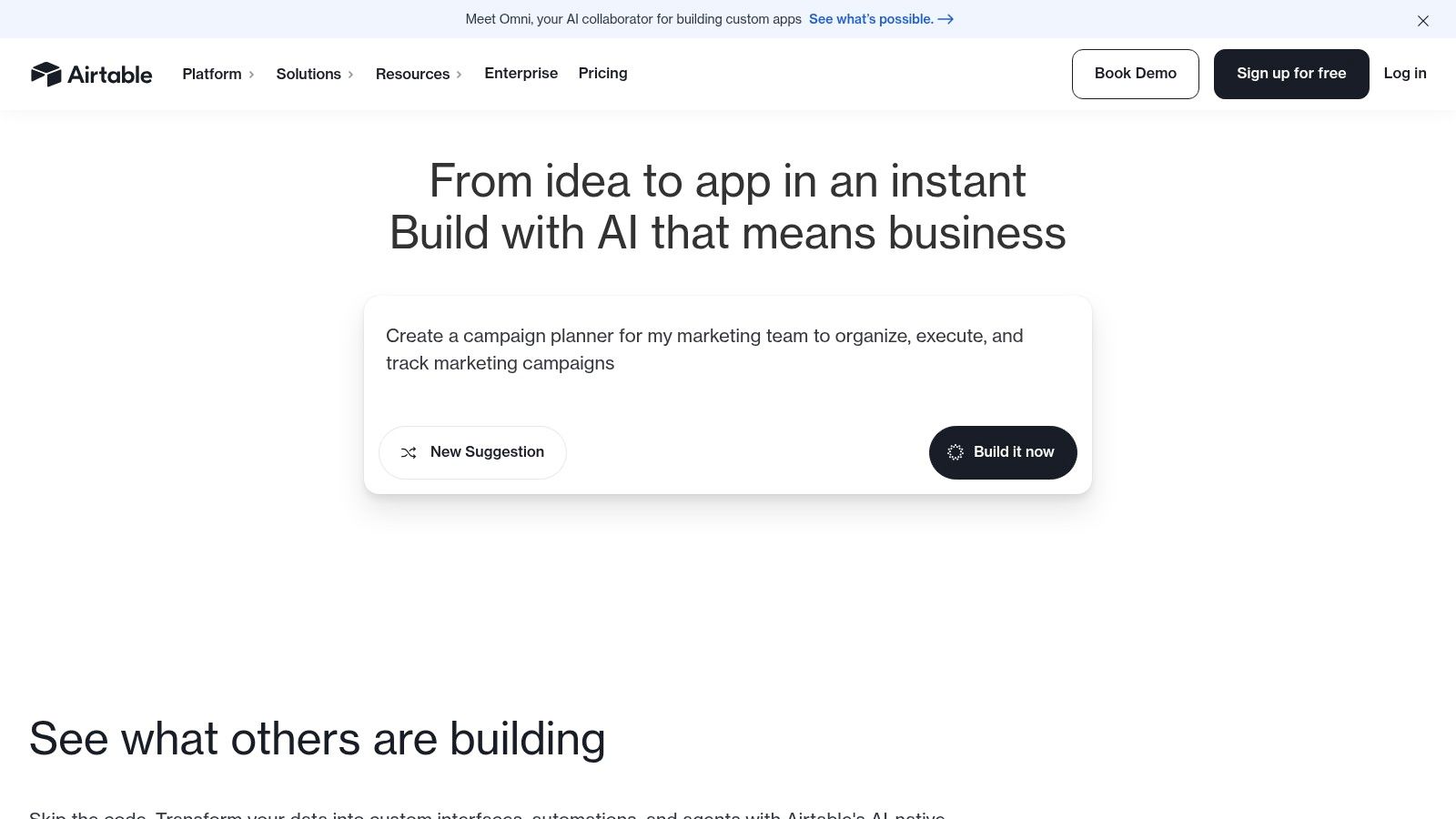
The platform’s standout features include its customizable Interfaces for creating visual dashboards and its powerful automation capabilities. For an actionable insight, teams can significantly enhance Airtable by integrating it with a specialized AI content generator like Zemith. Use Zemith to automate the creation of social media posts, product descriptions, or article ideas, and then use Airtable's automation to pull that content directly into your database. For users looking to push this further, exploring third-party can unlock even more sophisticated workflows, transforming your base into a fully automated creative engine.
Key Features & Considerations
- Best For: Creative operations and marketing teams that need a highly customizable platform for managing content pipelines, assets, and editorial calendars.
- Pros: Extremely flexible and can be adapted to nearly any creative workflow. The visual interface builder and robust automations are top-tier.
- Cons: Can have a steep learning curve for those unfamiliar with relational databases. Advanced governance and security features are gated behind higher-tier plans.
- Website:
9. Smartsheet
Smartsheet is a dynamic work execution platform that builds on a familiar spreadsheet-style interface, making it accessible while offering powerful project management capabilities. It excels at tracking complex creative projects with its versatile views, including grid, Gantt, and Kanban boards, which allow teams to visualize workflows in the way that suits them best. This flexibility makes it a strong contender among creative project management tools, especially for teams accustomed to sheet-based planning.
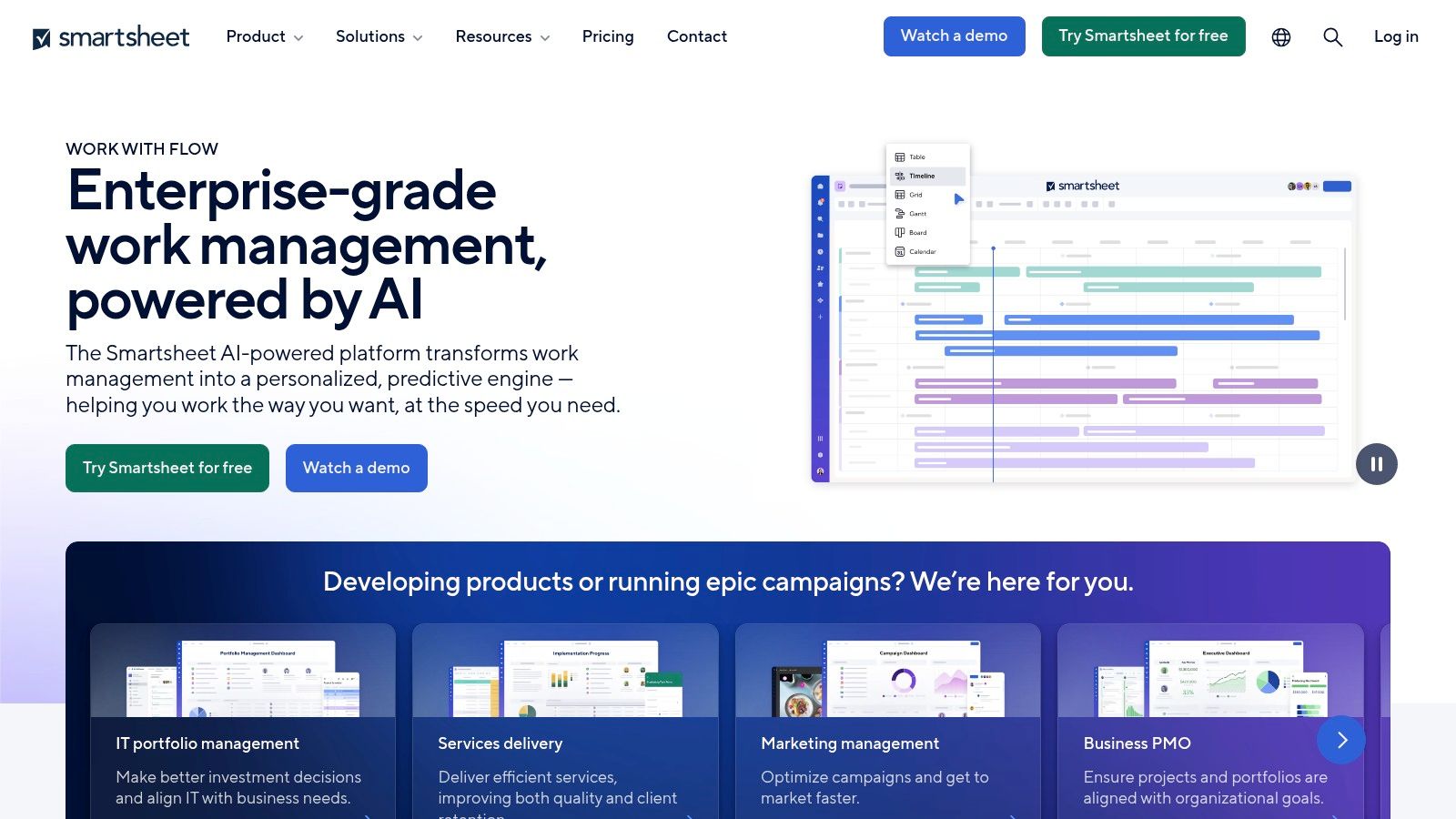
The platform's true power is unlocked through its premium add-ons, like Control Center for portfolio management and Brandfolder for digital asset management. An actionable insight for creative teams is to use an AI platform like Zemith to generate the foundational content—such as project briefs, marketing copy, and campaign timelines. This structured, AI-generated data can then be easily imported into Smartsheet, providing a robust starting point for tracking execution, managing resources, and generating reports. This approach marries creative automation with operational control.
Key Features & Considerations
- Best For: Teams that need a structured, scalable platform with powerful reporting and are comfortable with a spreadsheet-like environment.
- Pros: Familiar interface lowers the learning curve. Highly customizable with robust automation, reporting, and dashboard capabilities.
- Cons: The core product can feel basic; essential creative management features often require expensive premium add-ons, significantly increasing the total cost.
- Website:
10. Trello (Atlassian)
Trello is a highly visual and intuitive Kanban-based tool that simplifies project tracking for creative teams. Its card-and-board system is perfect for managing content calendars, visual asset pipelines, and straightforward approval workflows. The platform's core strength is its simplicity and flexibility, making it one of the most accessible creative project management tools for teams of any size to adopt quickly.
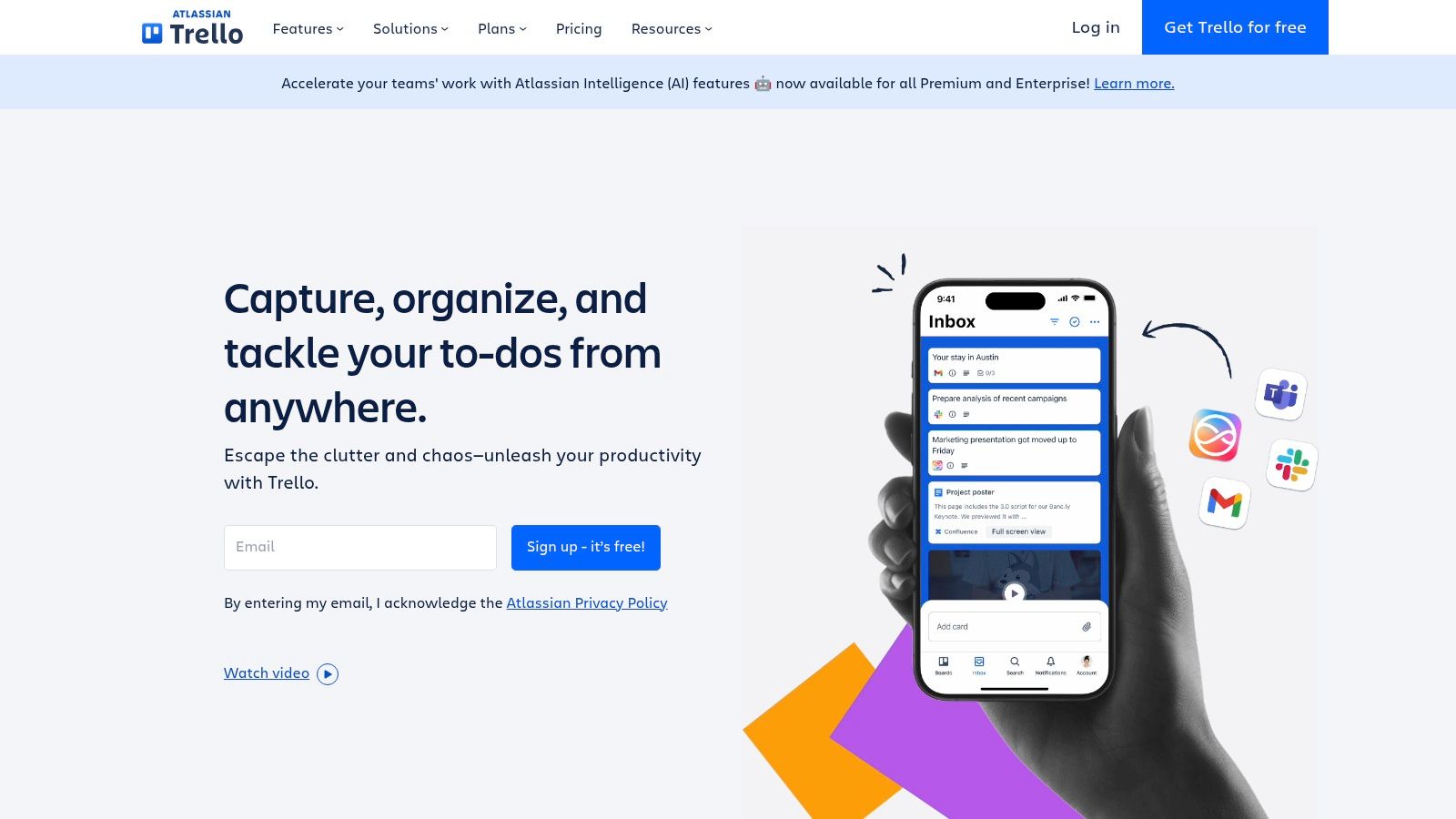
What sets Trello apart is its vast ecosystem of "Power-Ups," which allows teams to connect their boards to hundreds of other apps, and its built-in Butler automation for creating rule-based workflows. Here’s an actionable insight: supercharge your Trello workflow by using an AI tool like Zemith to automatically generate detailed task descriptions, creative briefs, or checklists for your content ideas. You can then copy and paste this AI-generated output directly into new Trello cards, instantly creating well-defined tasks ready for your team to execute.
Key Features & Considerations
- Best For: Small to medium-sized creative teams, freelancers, and marketers who need a simple, visual tool for managing content pipelines and ad-hoc projects.
- Pros: Extremely easy to learn and use, which encourages quick adoption across both creative and non-technical departments. The large library of Power-Ups offers extensive customization.
- Cons: Lacks built-in resource management and robust reporting features. Advanced views like Timeline and Calendar are restricted to paid plans, limiting portfolio oversight on the free version.
- Website:
11. Basecamp
Basecamp is a project management and team communication tool renowned for its simplicity and focus on clarity. It centralizes all project-related assets, conversations, and tasks into a single, organized space, making it a favorite for agencies and creative teams who need to manage client work without overwhelming them with complex software. Its strength is in its straightforward, all-in-one approach that combines message boards, to-dos, scheduling, and file storage.
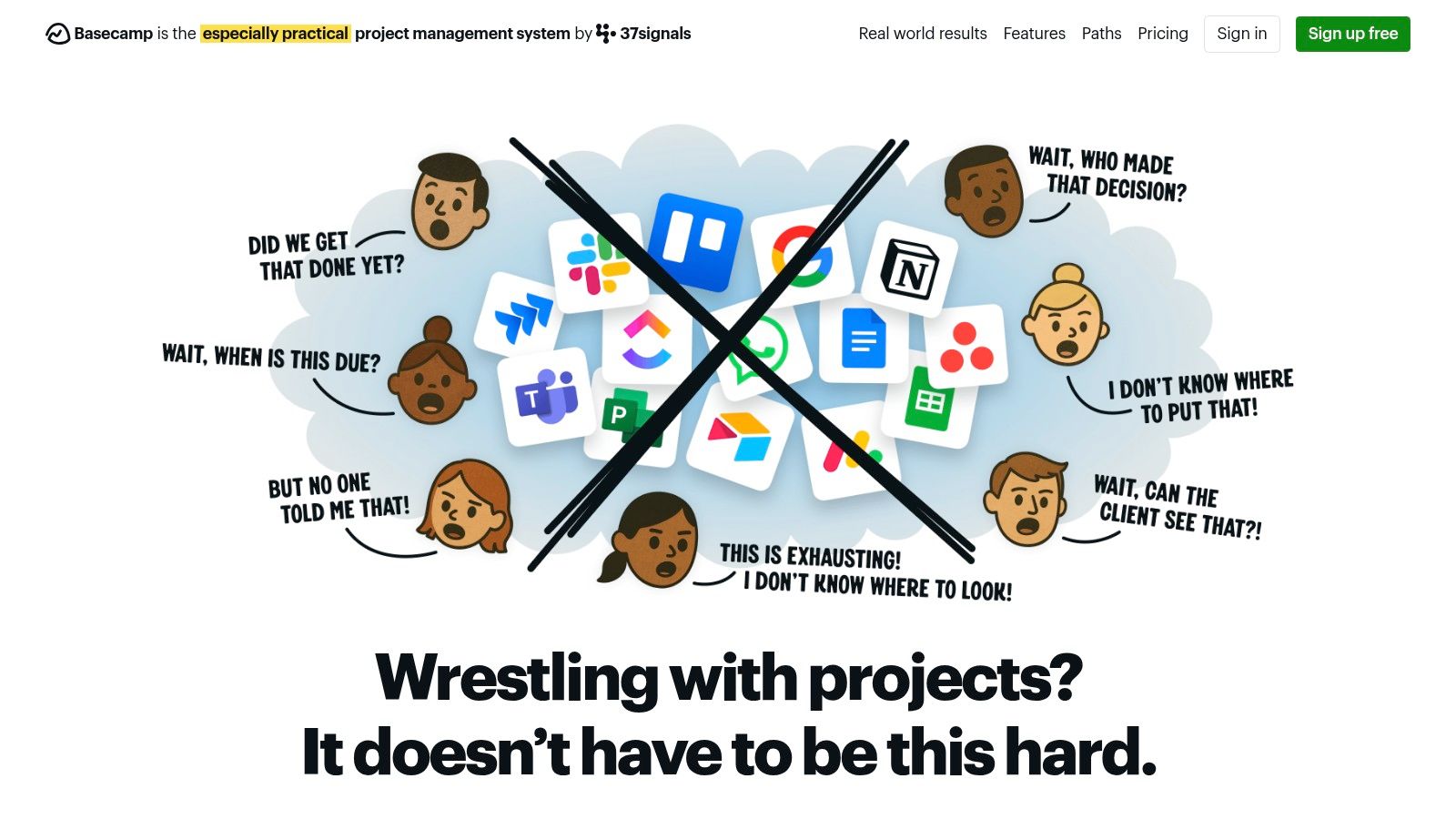
The platform is designed to cut through the noise of scattered emails and chat messages, providing a single source of truth for each project. For an actionable insight, creative agencies can use an AI workspace like Zemith to brainstorm initial campaign concepts and generate comprehensive project briefs. Once these foundational documents are complete, they can be uploaded to a Basecamp project, providing clients with a clear, well-defined starting point for collaboration and feedback. This streamlines the chaotic ideation phase before moving into Basecamp's organized execution environment.
Key Features & Considerations
- Best For: Creative agencies, freelancers, and teams managing multiple client projects that prioritize simple communication and transparency.
- Pros: Flat-rate pricing is highly predictable and cost-effective for growing teams. The user interface is famously easy to learn, allowing for quick client onboarding.
- Cons: Lacks advanced project management features like Gantt charts, time tracking (without add-ons), and complex dependency management, making it unsuitable for intricate workflows.
- Website:
12. RoboHead (by Aquent)
RoboHead is a creative project management tool purpose-built for in-house marketing and creative teams. It streamlines the entire creative lifecycle from intake to delivery, combining customizable request forms, resource management, and sophisticated proofing into a single platform. Its core value proposition is its focused design for the specific needs of creative workflows, offering high-touch support and a faster implementation process compared to more generalized project management systems.
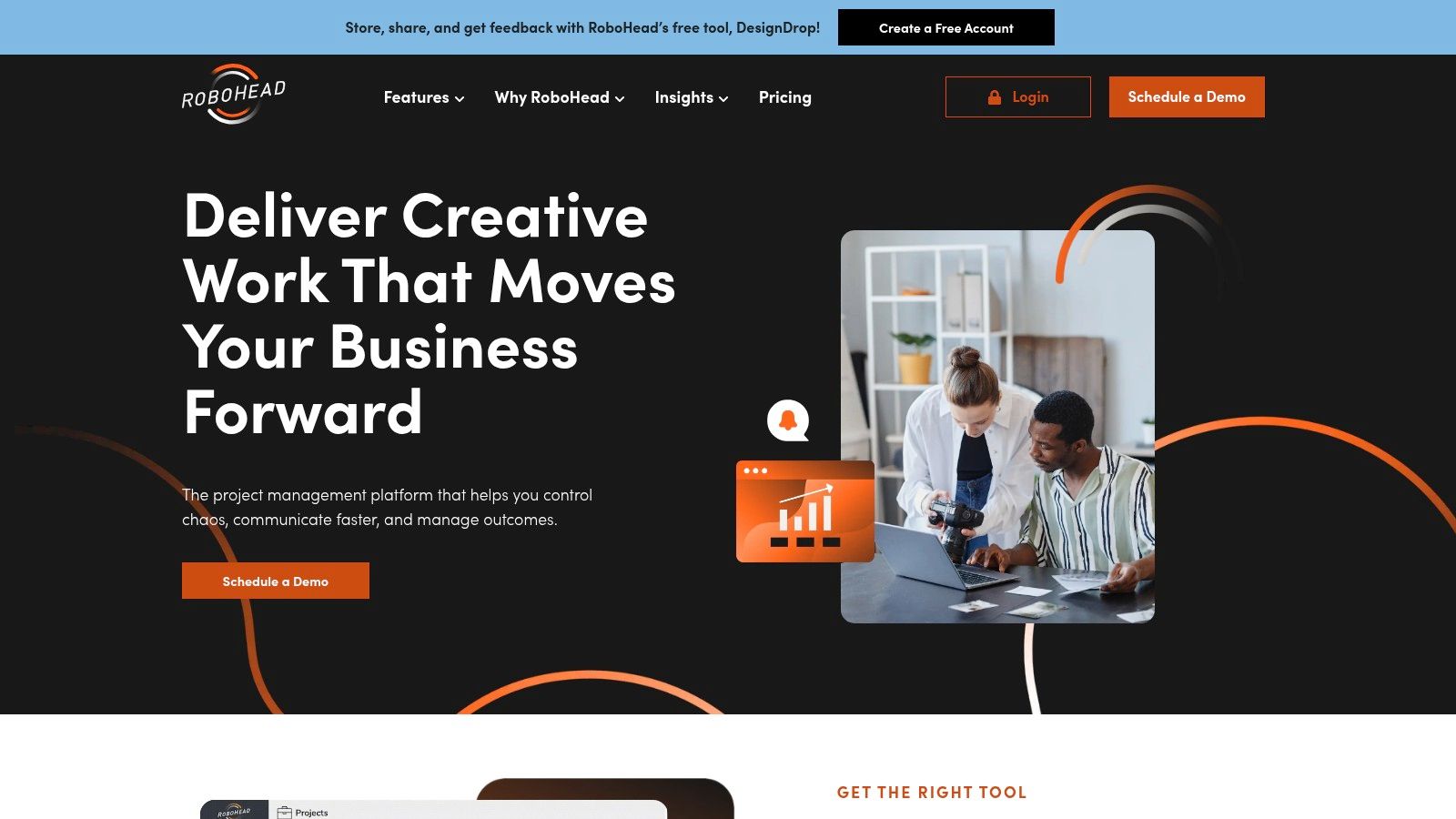
The platform's standout feature is its comprehensive online proofing and annotation system, which allows for clear, contextual feedback directly on creative assets, significantly accelerating review cycles. An actionable insight for teams using RoboHead is to accelerate the pre-production stage. Use an AI-powered workspace like Zemith to generate initial concepts, draft copy, and create placeholder images. This allows you to submit a more complete creative brief through RoboHead's intake forms, providing your team with a richer starting point for execution and approval.
Key Features & Considerations
- Best For: In-house creative and marketing departments that need a dedicated tool for managing creative deliverables without enterprise-level complexity.
- Pros: Highly focused on creative workflows, with strong proofing tools and a reputation for excellent, user-focused customer support.
- Cons: Less suitable for non-creative project types. Indicative pricing of $35/user/month often requires a sales consultation for customized packages.
- Website:
Creative Project Management Tools Comparison
Choosing Your Creative Hub: Beyond Features to Future-Proofing
Navigating the landscape of creative project management tools can feel overwhelming. We've explored a dozen powerful platforms, from the visual simplicity of Trello to the enterprise-grade complexity of Adobe Workfront and the versatile databases of Airtable. Each offers a unique approach to taming the chaos inherent in the creative process. Traditional tools like Asana and monday.com excel at providing structure, visibility, and accountability, which are foundational pillars for any successful project.
However, the core takeaway is that selecting the right platform is no longer just about task tracking and timeline management. It's about building a digital ecosystem that actively supports and accelerates the creative workflow itself. The ideal tool should not only organize your work but also augment your team's ability to innovate. This requires a shift in perspective from simply managing projects to empowering creators.
From Task Management to Creative Enablement
The most critical decision-making factor should be your team's specific workflow. A large in-house marketing department with complex approval chains might find RoboHead or Wrike indispensable. In contrast, a nimble content team might thrive in the flexible, wiki-like environment of Notion. The key is to map your entire creative lifecycle, from the initial spark of an idea to final delivery, and identify where the most significant friction points exist.
Consider these final guiding questions before making your choice:
- Integration vs. Consolidation: Does your team need a tool that integrates well with your existing tech stack, or would you benefit more from a consolidated platform that reduces context switching? For example, a tool like Zemith consolidates multiple AI functions, eliminating the need for separate subscriptions.
- Scalability: Will this tool support your team as it grows from five creators to fifty? Look at pricing tiers, feature limitations, and administrative controls.
- Adoption and Onboarding: How intuitive is the platform? A powerful tool is useless if the learning curve is so steep that your team reverts to old habits.
- Future-Forward Capabilities: Is the tool built for the future of work? This is where the conversation shifts from simple organization to intelligent augmentation.
The Rise of AI-Integrated Creative Management
The most significant evolution in this space is the integration of artificial intelligence. While many tools can help you manage a creative brief, the next generation of creative project management tools helps you create the brief. They assist with research, generate initial drafts, and streamline the ideation phase, effectively becoming a partner in the creative process.
This is the fundamental difference a platform like Zemith offers. Instead of being a passive container for your tasks, its AI-powered features actively participate in the work. By embedding research, writing, and ideation capabilities directly within the project management framework, it collapses the distance between thinking and doing. This consolidation doesn't just make your team more organized; it makes them faster, more efficient, and ultimately, more creative. Your final choice should not only solve today’s organizational challenges but also equip your team for a future where creativity and technology are seamlessly intertwined.
Ready to experience a project management tool that doesn't just track your creative work but actively helps you create it? Discover how Zemith integrates powerful AI to streamline everything from research and ideation to final execution, all within a single, intuitive workspace. Start future-proofing your creative workflow today by visiting .
探索 Zemith 功能
你需要的一切。没有多余的。
一个订阅替代五个。每个顶级AI模型、每个创意工具和每个生产力功能,都在一个专注的工作空间中。
所有顶级AI。一个订阅。
ChatGPT、Claude、Gemini、DeepSeek、Grok 及25+模型








始终在线,实时AI。
语音 + 屏幕共享 · 即时回答
学习一门新语言的最佳方式是什么?
沉浸式学习和间隔重复效果最好。尝试每天消费目标语言的媒体内容。
语音 + 屏幕共享 · AI 实时回答
图像生成
Flux、Nano Banana、Ideogram、Recraft + 更多

以思维的速度书写。
AI自动补全、改写和按命令扩展
任何文档。任何格式。
PDF、URL或YouTube → 聊天、测验、播客等
视频创作
Veo、Kling、MiniMax、Sora + 更多

文字转语音
自然AI语音,30+语言
代码生成
编写、调试和解释代码
与文档对话
上传PDF,分析内容
口袋里的AI。
iOS和Android完整访问 · 随处同步
你的无限AI画布。
聊天、图像、视频和动态工具 — 并排展示

节省数小时的工作和研究时间
简单、经济实惠的定价
受信赖的企业团队






免费
无需信用卡
- 每日100积分
- 3个AI模型试用
- 基础AI聊天
增强版
- 1,000,000积分/月
- 25+个AI模型 — GPT、Claude、Gemini、Grok等
- Agent Mode:网页搜索、计算机工具等
- Creative Studio:图像生成和视频生成
- Project Library:与文档、网站和YouTube对话,播客生成、闪卡、报告等
- Workflow Studio和FocusOS
专业版
- 包含增强版所有功能,以及:
- 2,100,000积分/月
- Pro专属模型(Claude Opus、Grok 4、Sonar Pro)
- Motion Tools和Max Mode
- 优先使用最新功能
- 访问额外优惠
用户评价
Great Tool after 2 months usage
simplyzubair
I love the way multiple tools they integrated in one platform. So far it is going in right dorection adding more tools.
Best in Kind!
barefootmedicine
This is another game-change. have used software that kind of offers similar features, but the quality of the data I'm getting back and the sheer speed of the responses is outstanding. I use this app ...
simply awesome
MarianZ
I just tried it - didnt wanna stay with it, because there is so much like that out there. But it convinced me, because: - the discord-channel is very response and fast - the number of models are quite...
A Surprisingly Comprehensive and Engaging Experience
bruno.battocletti
Zemith is not just another app; it's a surprisingly comprehensive platform that feels like a toolbox filled with unexpected delights. From the moment you launch it, you're greeted with a clean and int...
Great for Document Analysis
yerch82
Just works. Simple to use and great for working with documents and make summaries. Money well spend in my opinion.
Great AI site with lots of features and accessible llm's
sumore
what I find most useful in this site is the organization of the features. it's better that all the other site I have so far and even better than chatgpt themselves.
Excellent Tool
AlphaLeaf
Zemith claims to be an all-in-one platform, and after using it, I can confirm that it lives up to that claim. It not only has all the necessary functions, but the UI is also well-designed and very eas...
A well-rounded platform with solid LLMs, extra functionality
SlothMachine
Hey team Zemith! First off: I don't often write these reviews. I should do better, especially with tools that really put their heart and soul into their platform.
This is the best tool I've ever used. Updates are made almost daily, and the feedback process is very fast.
reu0691
This is the best AI tool I've used so far. Updates are made almost daily, and the feedback process is incredibly fast. Just looking at the changelogs, you can see how consistently the developers have ...