


Every top model, with tools built in.
Search the web, run deep research, read files, create images and run code with GPT, Claude, Gemini, Grok and more.
Discover the top 12 best ai image generator tools strategies and tips. Complete guide with actionable insights.
So, you want to conjure up some incredible images out of thin air, huh? You’ve come to the right place. Welcome to the ultimate showdown of the best AI image generator tools available right now. Forget the technical jargon and endless forum-diving—we’ve done the heavy lifting for you. This guide is your one-stop shop, helping you slice through the noise and find the perfect tool for your needs, whether you're a pro designer on a deadline, a marketer who needs one more graphic, or just someone curious about creating digital art without lifting a paintbrush.
To start, it helps to understand the broader concept of what makes up AI Generated Content, which covers everything from blog posts to the stunning visuals we're about to explore. These image generators are powerful, but they all operate a bit differently. Some are masters of photorealism, others excel at anime, and a few are built right into platforms you already use. It's like picking a video game character—each has its own special moves and stats. The trick is knowing which one to pick for the quest ahead. So, what AI image generator produces the most realistic images? Which one is best for beginners? We'll get to all of that.
This listicle breaks down the top contenders, including powerhouses like Midjourney and DALL·E 3, and all-in-one platforms like Zemith that give you access to multiple models under one roof (spoiler alert: that's a game-changer). For each tool, you'll find a straightforward overview, key features, pricing, real-world use cases, and honest pros and cons. Let’s find the right AI art co-pilot for you.
Zemith secures the top spot not just by being one of the best AI image generator tools, but by being an entire AI ecosystem packed into a single, cohesive workspace. Instead of juggling subscriptions for a chatbot, a document analyzer, and an image generator, Zemith integrates them all. This unified approach eliminates the friction of switching between a million tabs, allowing you to move seamlessly from brainstorming with a language model to creating stunning visuals without missing a beat.
This platform is a dream for anyone who hates subscription fatigue. It consolidates access to multiple best-in-class models like Stability Diffusion 3.5, Google Imagen 3, and Black Forest Labs Flux 1.1 Pro Ultra under one roof. The result is a powerful creative suite where your research, writing, and visual creation all happen in the same place, sharing the same contextual memory. It's like having the Avengers of AI models, but they all share an office.
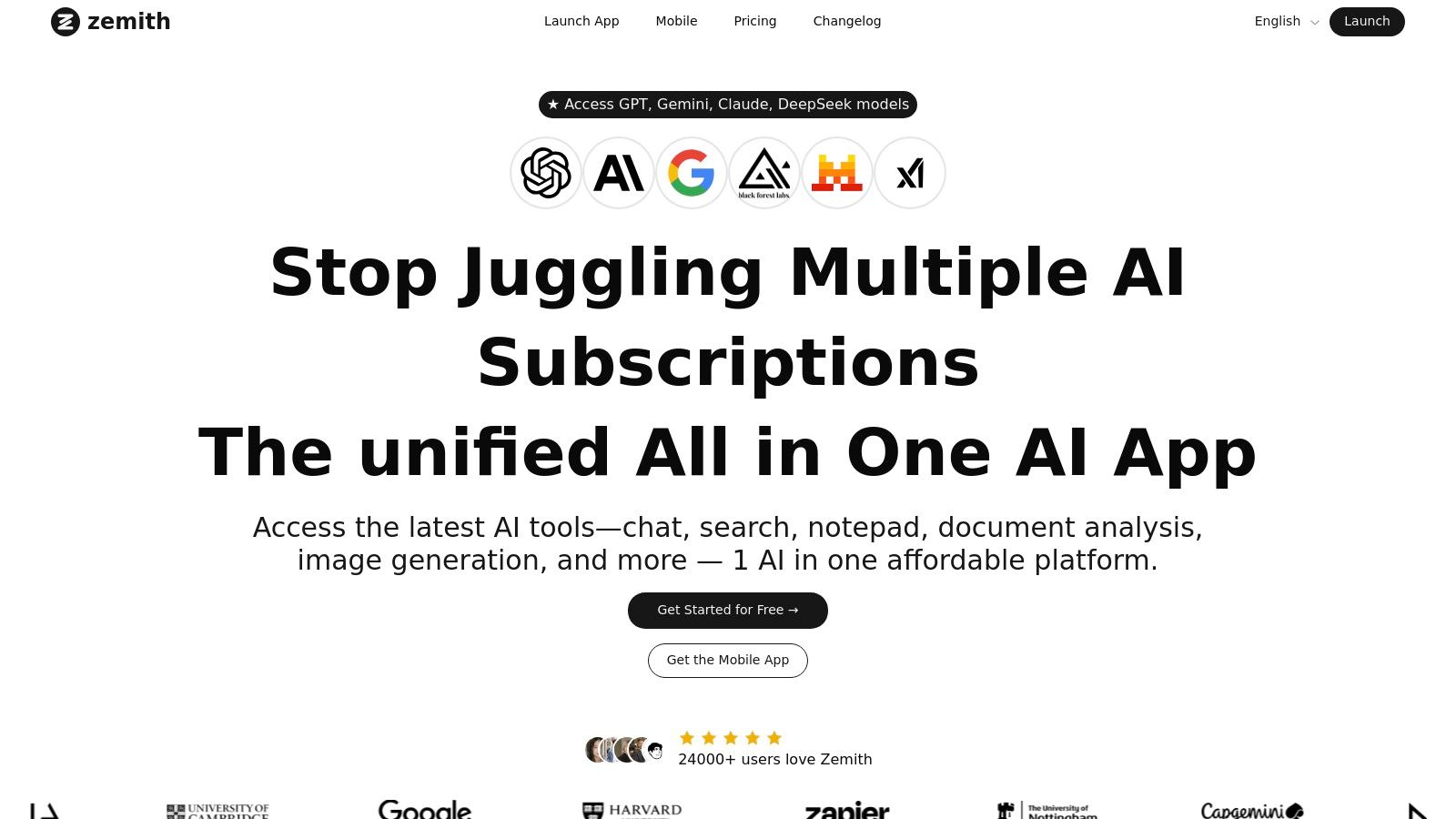
What makes Zemith a standout choice is its focus on a holistic workflow. You can use its Document Assistant to upload a research paper or brand guide, then immediately start generating images that align perfectly with the document's content. The Creative Tools are robust, offering not just generation but also object/background editing and even a prompt analyzer. Ever wonder how to describe an image you love? The platform can help you reverse-engineer a prompt from an existing picture; you can learn more about its image-to-prompt capabilities and master the art of visual prompting.
Productivity features like the distraction-free Focus OS and the shared Library for projects ensure your creative work stays organized and on-task. This makes it an ideal AI command center for developers, marketers, and content creators who need to produce high-quality work efficiently.
Zemith is perfect for professionals and teams who want to consolidate their AI toolkit and streamline their creative and research workflows. From a marketing team developing a campaign to a researcher visualizing data, Zemith provides the integrated power to get it all done in one place. You can get started with a free tier to explore the core features.
If you've spent any time on social media lately, you’ve almost certainly seen Midjourney’s work, even if you didn't know it. Known for its distinctively painterly and cinematic style, Midjourney is one of the most popular and aesthetically pleasing AI image generator tools out there. It originally lived entirely on Discord, which created a unique, collaborative community (and confused a lot of people), but has since expanded to a sleek web interface where you can generate images and manage your gallery.
What makes Midjourney stand out is its opinionated artistic direction. While other tools aim for photorealism or flexibility, Midjourney consistently produces coherent, beautiful, and often dramatic visuals right out of the box. Its powerful features like remix, pan, and zoom out allow for incredible creative iteration. The platform's real strength lies in its ability to understand artistic concepts, making it a favorite for concept artists, designers, and anyone looking for a strong visual identity.
--ar for aspect ratio or --sref for style references) is a bit of a learning curve. Mastering these is key, so check out some high-quality AI image prompt examples to see how the pros do it.OpenAI's DALL·E 3 is a powerhouse in the AI art world, and for good reason. Integrated directly into ChatGPT for subscribers and available through an API for developers, it excels at understanding complex, nuanced prompts with stunning accuracy. Where other tools might jumble concepts or give you a cat with three ears, DALL·E 3 often nails the composition, details, and even renders text legibly—a massive leap forward for the technology. This makes it one of the best AI image generator tools for both casual users and developers building applications.
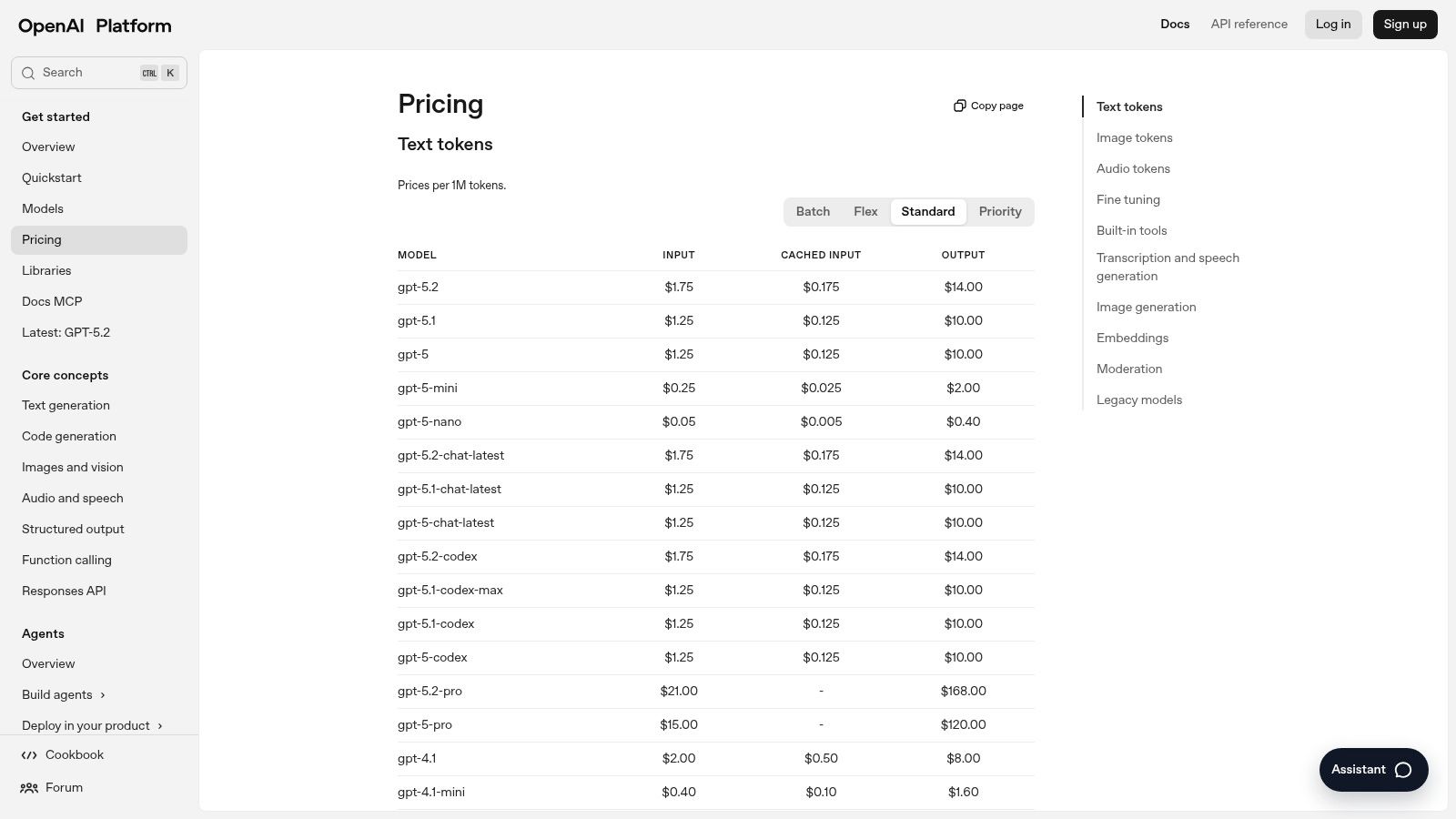
What truly sets OpenAI's offering apart is its developer-first approach via their API. With multiple model tiers (like GPT Image 1 and the more nimble Mini version), teams can balance cost and quality for their applications. For consumers, the magic happens inside ChatGPT, where the conversational model automatically refines your ideas into detailed prompts, taking much of the "prompt engineering" guesswork out of the equation.
Coming from the undisputed king of creative software, Adobe Firefly is less a standalone tool and more of a deeply integrated creative partner. Designed with commercial safety and professional workflows in mind, Firefly is trained on Adobe Stock's licensed library, meaning you can generate images without worrying about IP headaches. It’s built directly into the tools creatives already use every day, like Photoshop and Adobe Express, making it an incredibly powerful addition to existing workflows.
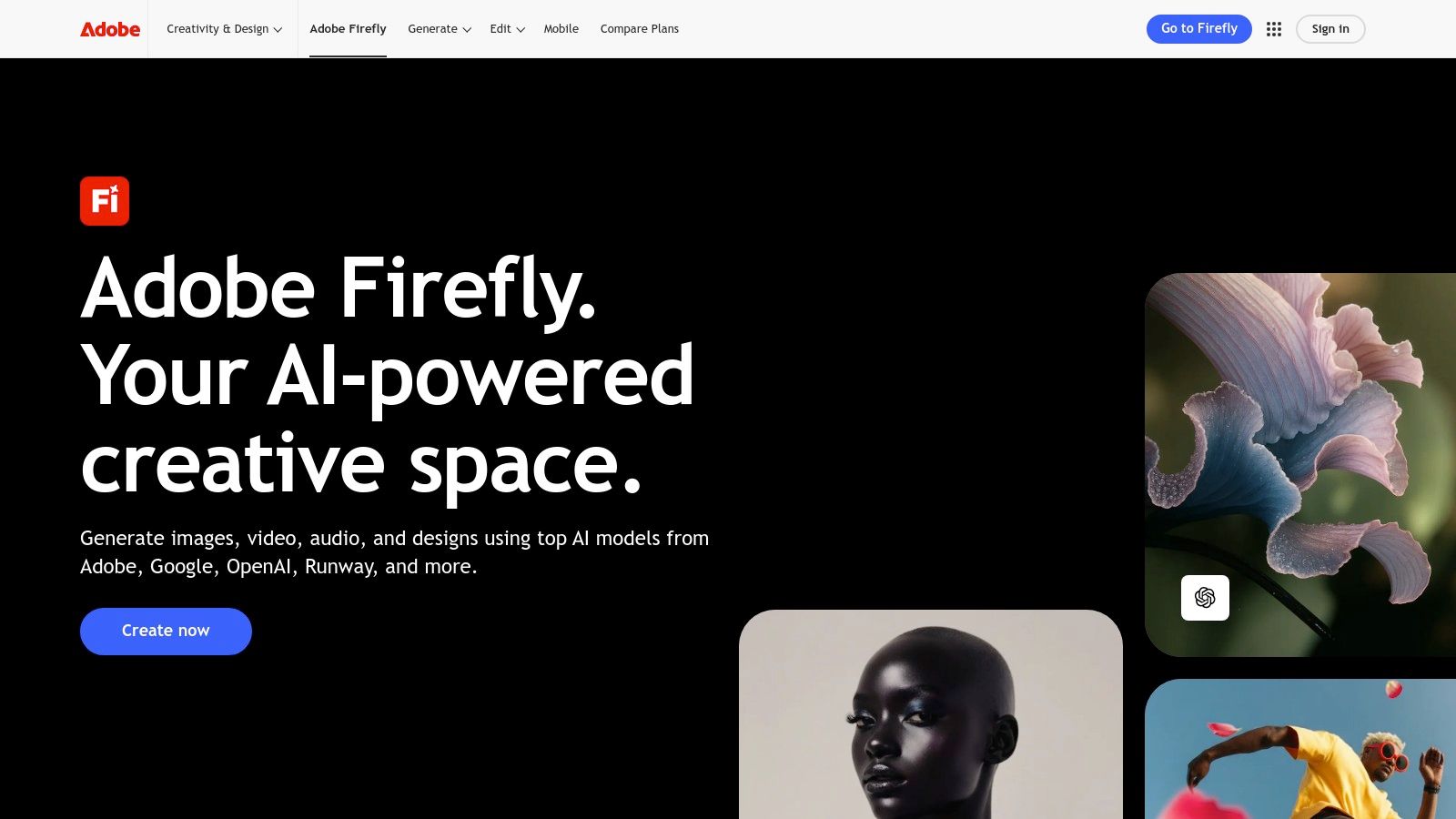
What makes Firefly a game-changer isn't just its generation quality, it's the contextual implementation. Features like Generative Fill and Generative Expand inside Photoshop feel like pure magic, allowing you to seamlessly add, remove, or extend parts of any image with a simple text prompt. While other tools focus on creating from a blank canvas, Firefly excels at enhancing and transforming existing work, making it one of the best AI image generator tools for designers, marketers, and photographers who need to iterate quickly within a familiar ecosystem.
Stability AI, the powerhouse behind the wildly popular Stable Diffusion models, now offers a sleek, user-friendly way to access its latest tech with the Stable Assistant. Instead of navigating complex installations or command-line interfaces (no thanks!), you get a simple chat-style interface that combines the power of Stable Diffusion 3 for image generation with Stable LM for text, plus a suite of editing and multimedia tools. It’s a fantastic option for those who want direct access to one of the best AI image generator tools without the technical overhead.
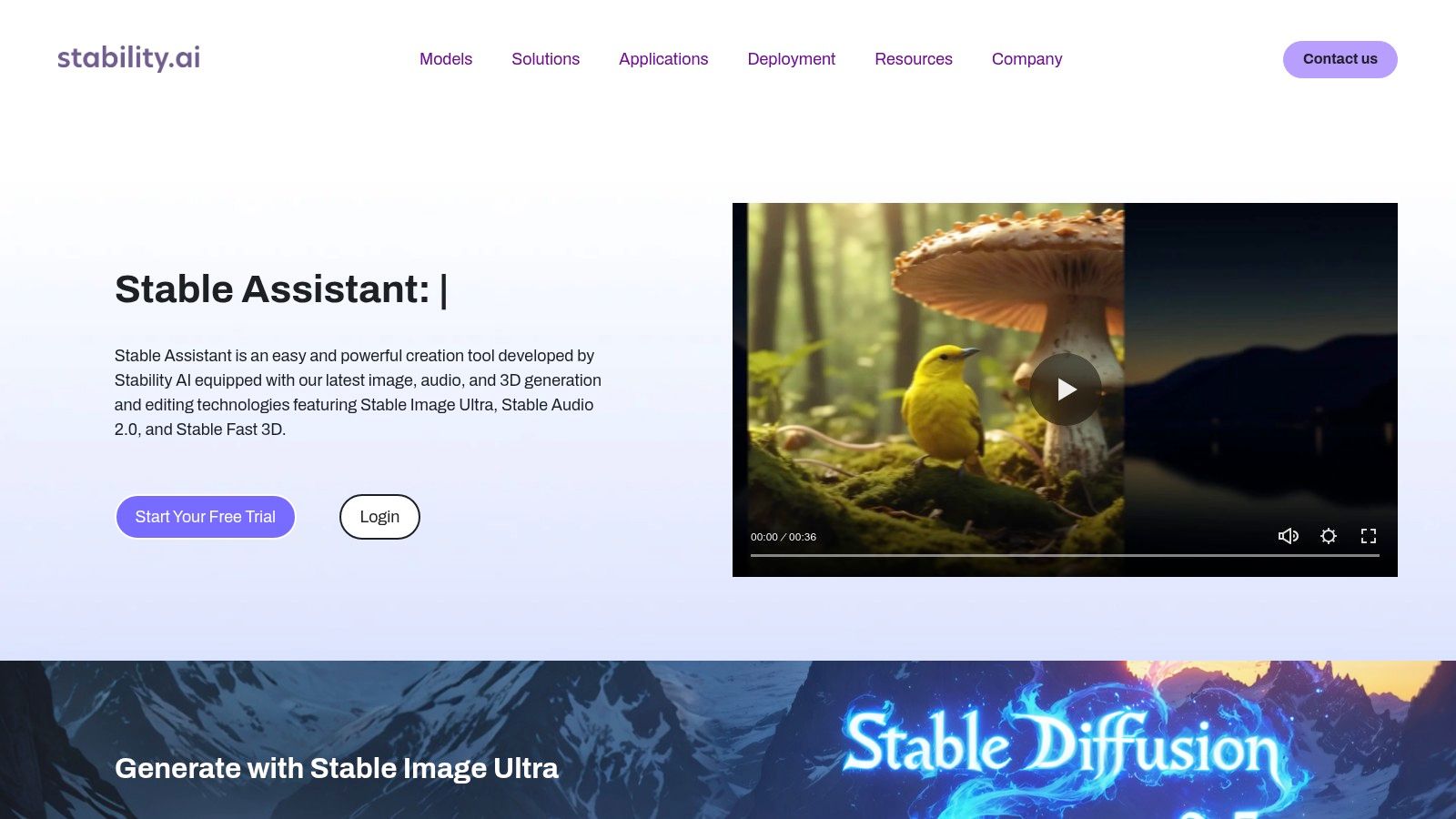
What makes Stable Assistant compelling is its transparency and multi-modal approach. You’re not just generating images; you're interacting with an assistant that can create, edit, and understand context in one continuous conversation. The credit-based system is also refreshingly clear, showing you exactly what each generation or edit will cost, so there are no surprises. It’s a great way to experience the raw power of the open-model ecosystem that Stability AI champions.
Visit Stability AI – Stable Assistant
Leonardo.Ai is more than just an image generator; it’s a full-fledged creative suite designed for game developers, artists, and small teams. It stands out by offering a powerful set of tools that go beyond simple text-to-image, including the ability to train your own custom AI models. This makes it one of the best AI image generator tools for projects requiring a consistent and unique visual style that off-the-shelf models can't provide. Need to generate 50 different potions in the exact same art style? This is your tool.
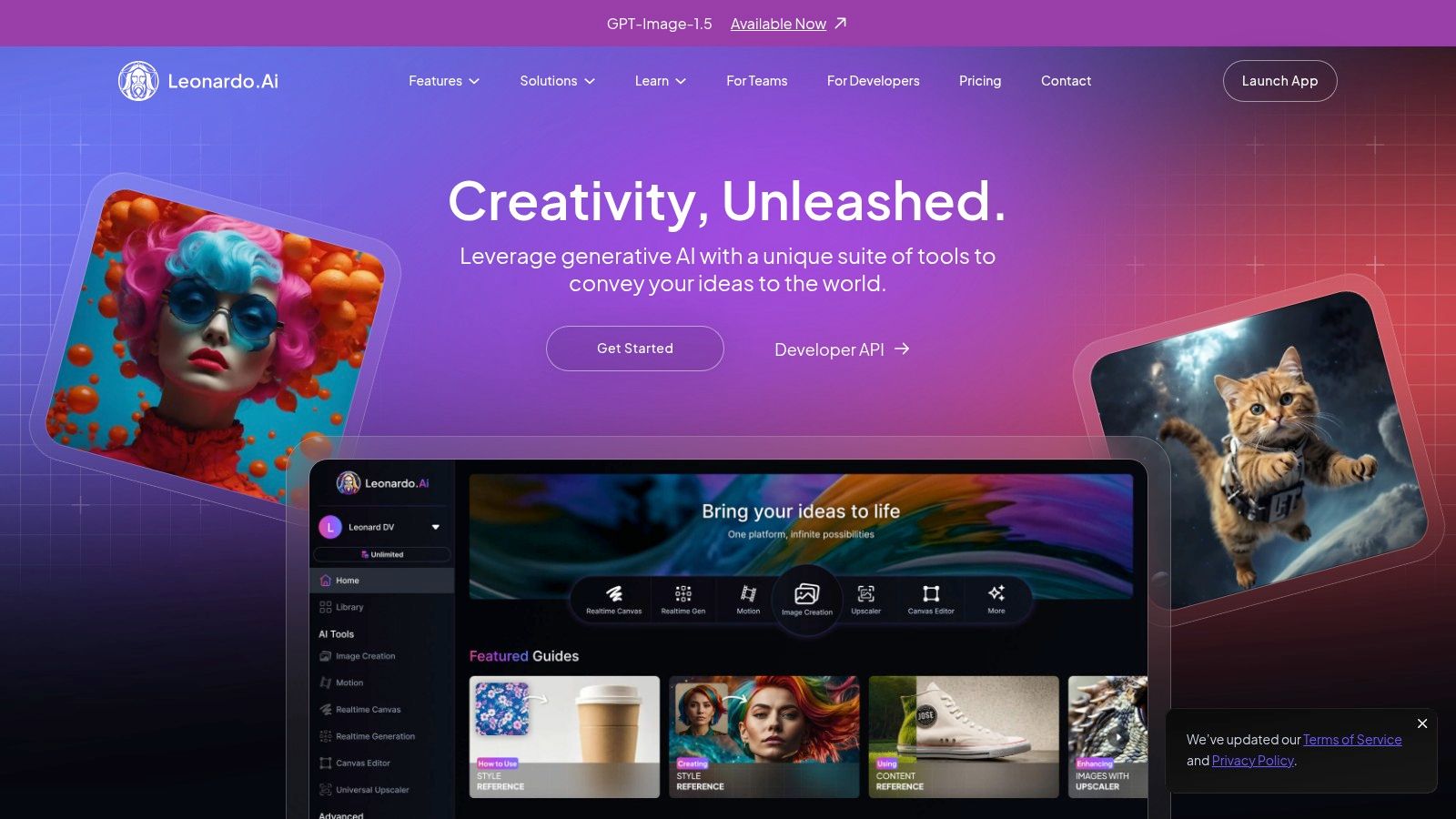
What really sets Leonardo.Ai apart is its focus on workflow and collaboration. Features like team workspaces, shared token pools, and a real-time canvas for collaborative editing make it a powerhouse for agencies and creative studios. Its robust library of pre-trained models and community-driven styles also provides an excellent starting point, letting you hit the ground running before you dive into training your own specific models.
Microsoft has jumped into the AI art game by integrating powerful image generation directly into its ecosystem with Bing Image Creator and Microsoft Designer. This makes it one of the most accessible and best AI image generator tools for everyday users, especially those already using Microsoft products. Bing Image Creator offers free daily "boosts" for fast generations using models like DALL-E 3, while Microsoft Designer provides a more robust, Canva-like experience for creating social media posts, presentations, and other designs.
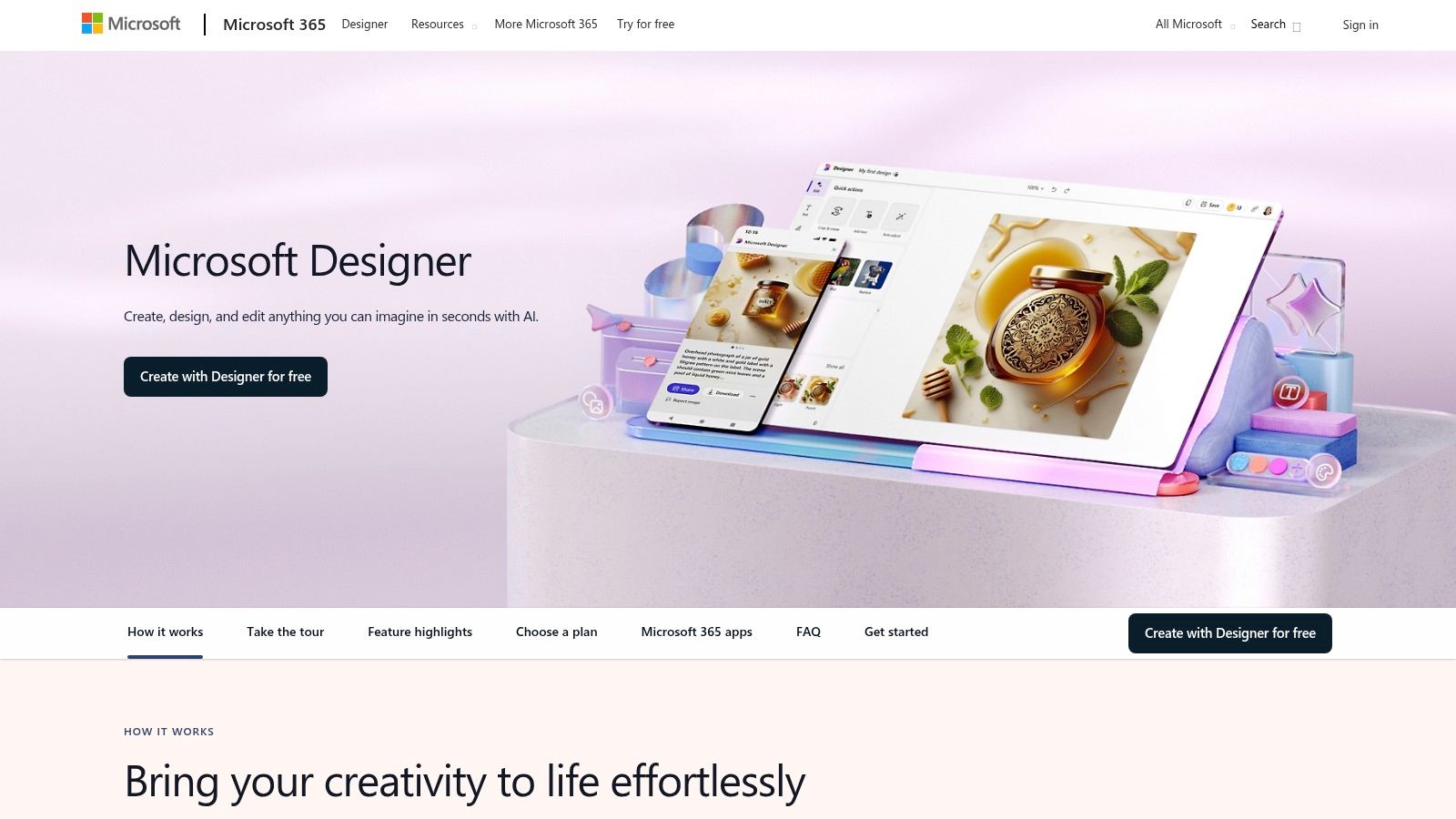
What makes this duo stand out is its seamless integration and low barrier to entry. You can generate an image directly from the Bing search bar or within the Designer app and immediately start editing it, adding text, or incorporating it into a larger project. It's the perfect solution when "good enough and right now" beats "perfect but later." Let's be honest, that's most of the time.
Canva has transformed from a simple graphic design tool into a comprehensive visual communication platform, and its AI features, collectively known as Magic Studio, are a core part of that evolution. For marketers, social media managers, and business owners, Canva's Magic Media is one of the best AI image generator tools because it lives right inside the design workflow you already know. No more generating an image elsewhere, downloading it, then re-uploading it. Just... make it where you need it.
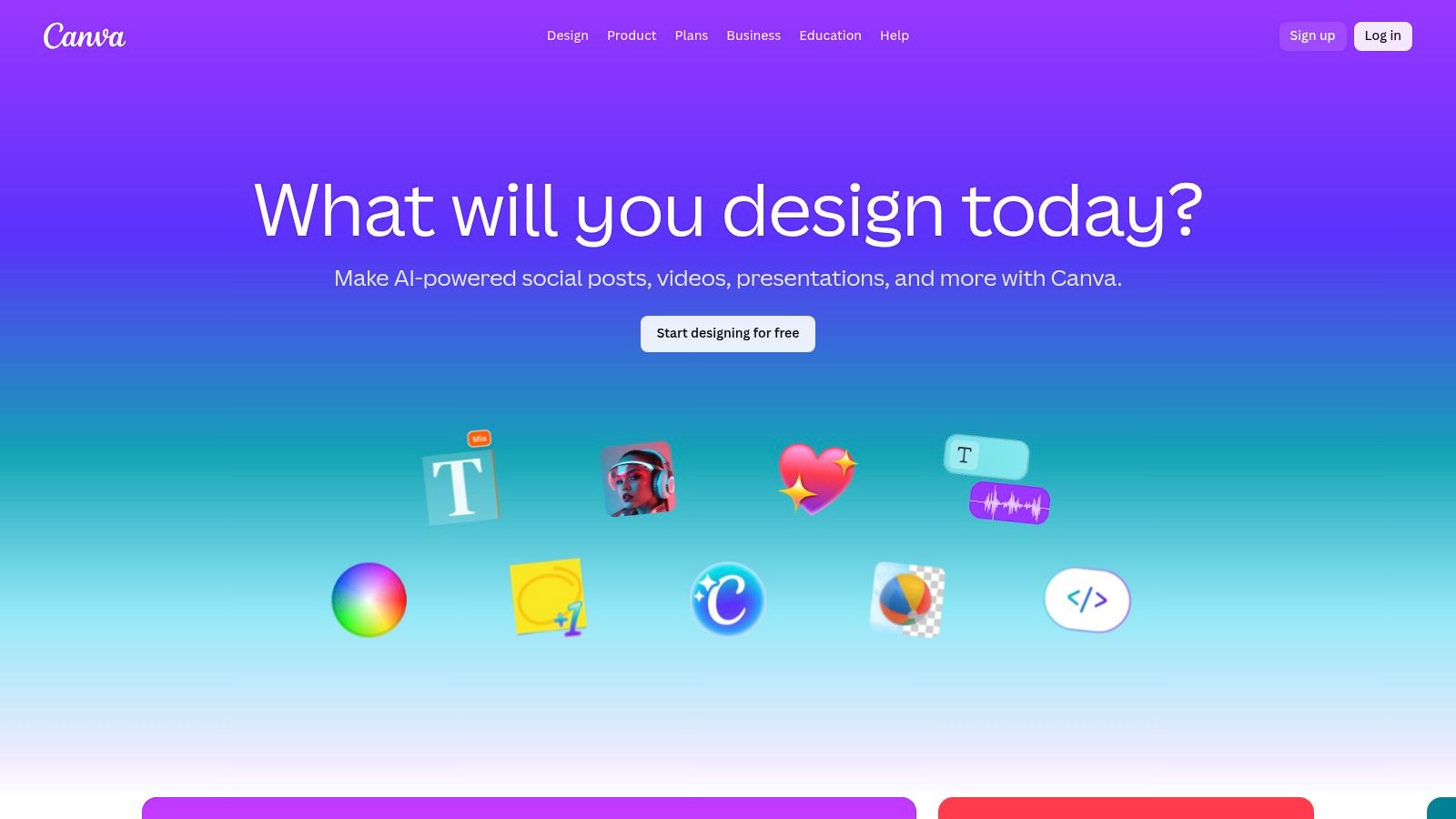
What makes Canva so powerful is its all-in-one ecosystem. You can generate an image, then immediately use Magic Edit to alter it, apply your brand's colors with a single click, and drop it into a professionally designed template. This seamless integration removes the friction of using multiple apps, making it ideal for teams who need to maintain brand consistency and produce content quickly. While it may not have the raw artistic power of Midjourney, its convenience is unmatched for everyday business and marketing design tasks.
NightCafe Studio feels less like a sterile software tool and more like a bustling digital art club. It's one of the older players in the game, building a loyal following by offering access to multiple AI models (including Stable Diffusion variants like SDXL and Flux) and wrapping the experience in a fun, gamified social platform. It thrives on community engagement, with daily challenges, leaderboards, and extensive galleries to explore for inspiration.
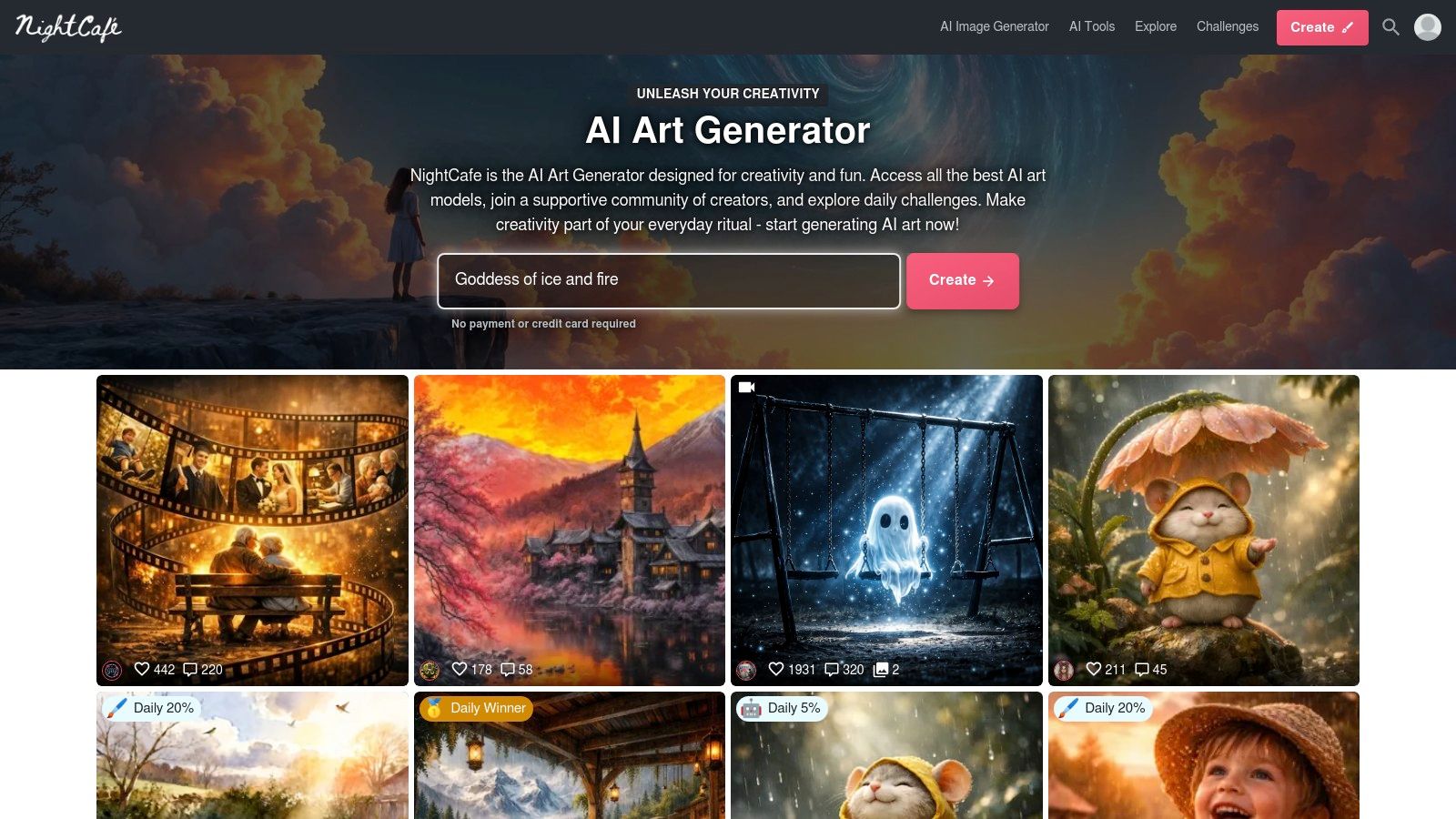
What sets NightCafe apart is its community-first approach and accessibility. You get a handful of free credits every day just for logging in, making it a fantastic starting point for hobbyists who aren't ready to commit to a monthly subscription. It also has a unique print-on-demand service, allowing you to order your favorite creations as high-quality wall art or even sell them through the platform. This makes it one of the best AI image generator tools for those looking to turn a digital hobby into something tangible.
For businesses and commercial creators, navigating the legal maze of AI-generated content can be a major headache. Shutterstock, a titan in the stock photo industry, steps in with a solution that integrates AI directly into its trusted licensing framework. Its AI image generator is built for professionals who need commercially safe, licensable assets without worrying about copyright claims down the road. Peace of mind? Yes, please.
What makes Shutterstock’s tool unique is its enterprise-first approach. When you generate and download an image, it comes with the same standard license you'd get with any of their traditional stock photos. This is a game-changer for marketing teams, advertisers, and corporate projects. The platform leverages top models like DALL·E but ensures the output is ethically sourced and ready for business use, with contributors even being compensated through its Contributor Fund.
Visit Shutterstock AI Image Generator
While many tools on this list are built for end-users, Black Forest Labs (BFL.ai) is geared more toward developers and businesses looking to integrate powerful AI image generation directly into their own applications. It offers a suite of models, most notably FLUX, which provides an excellent balance of speed, quality, and cost-effectiveness. This isn't your typical point-and-click platform; it's a robust engine for building custom creative solutions.
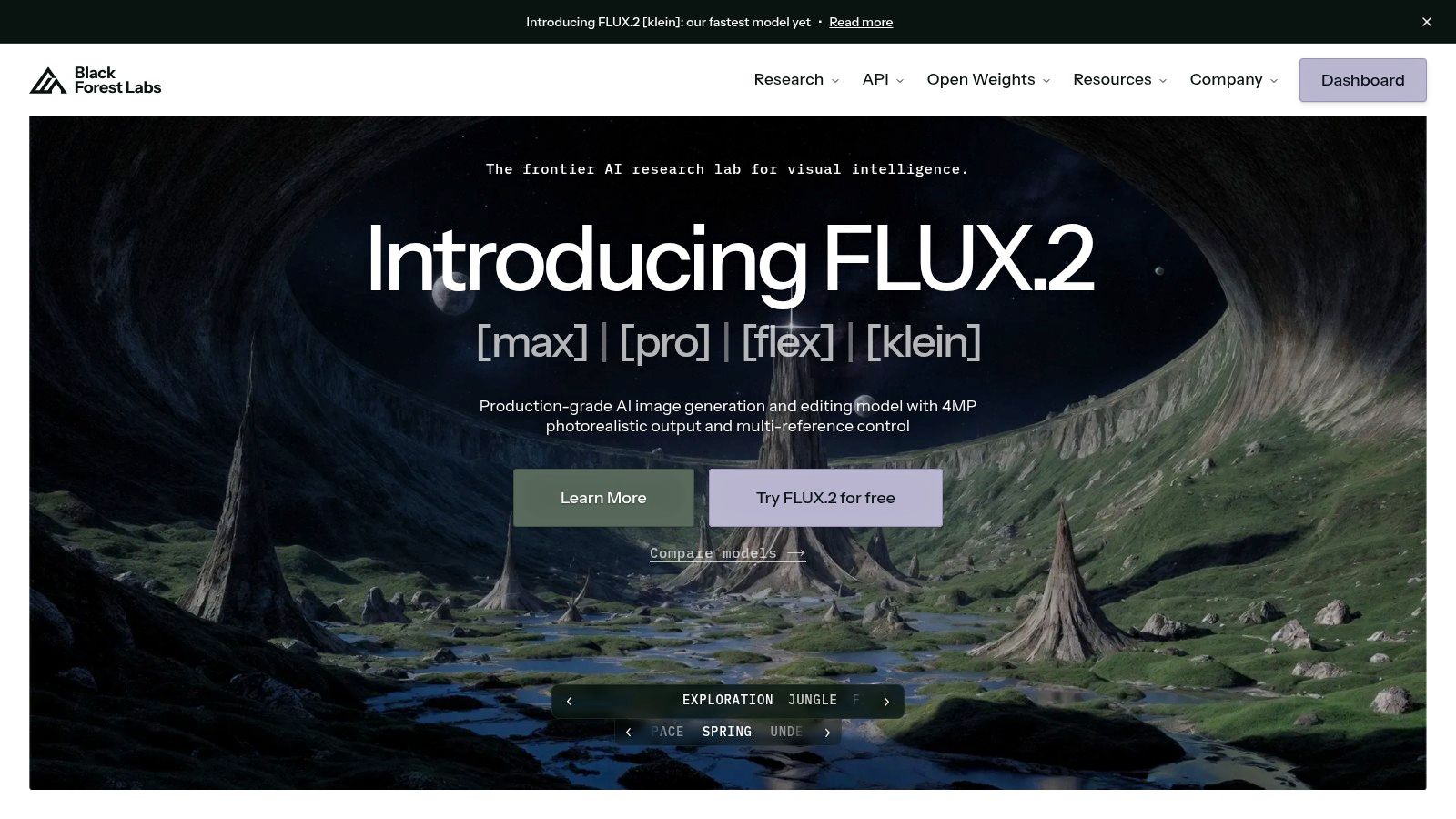
What makes BFL.ai a standout choice for developers is its transparent, pay-per-image pricing and versatile toolkit. You get access to advanced features like inpainting, outpainting, and control guidance (depth, canny) that are essential for fine-grained editing workflows. For teams needing serious customization, BFL.ai offers fine-tuning and even self-hostable licenses, giving you complete control over your generation pipeline. This developer-first approach provides the flexibility that pre-packaged consumer tools often lack.
If you've ever tried to make an AI image generator spell a word correctly, you know the frustration of getting garbled, Lovecraftian text. Ideogram burst onto the scene to solve exactly that problem, establishing itself as the go-to tool for generating images with reliable, readable typography. It’s a game-changer for anyone looking to create logos, posters, t-shirt designs, or memes where the text is just as important as the image itself.
What makes Ideogram one of the best AI image generator tools is its specialized model. While others struggle with lettering, Ideogram’s "Magic Prompt" feature helps enhance your ideas to produce stunning visuals with crisp, coherent text. It also offers solid character consistency, allowing you to create multiple scenes with the same character, which is a huge plus for storytelling or branding projects.
And there you have it, our whirlwind tour of the best AI image generator tools currently reshaping the creative landscape. We've navigated the hyper-realistic realms of Midjourney, harnessed the accessible power of DALL-E 3 within ChatGPT, and seen how Adobe Firefly is ethically training its way into the hearts of creative professionals. From the versatile, game-asset-focused Leonardo.Ai to the simple, one-click magic of Canva and Microsoft Designer, the options are as diverse as the images they create.
It’s clear that the "one-size-fits-all" generator is a myth. The right tool for you isn't necessarily the one with the most hype on social media; it’s the one that aligns perfectly with your specific project, budget, and creative workflow. This isn't just about finding a tool, it's about finding a creative partner.
So, how do you pick your champion from this impressive lineup? Let’s boil it down to the essential questions you should be asking yourself. This is less of a quiz and more of a creative self-assessment. Ready?
What's Your Main Goal? If you're a marketing professional needing brand-aligned, commercially safe visuals, Adobe Firefly is your safest bet. If you're an artist aiming for jaw-dropping, portfolio-worthy art, Midjourney’s aesthetic engine is likely your best friend. For developers who need raw API access and massive flexibility, looking at OpenAI or Stability AI is the logical first step.
How Important is Workflow Integration? Think about where these images will live. If you’re already deep in the Canva ecosystem, its native Magic Media tool is a no-brainer for quick social media posts. The best AI image generator tools are the ones that don't add friction to your process.
Are You a Prompting Pro or a Curious Newcomer? Tools like Midjourney and Leonardo.Ai reward intricate prompting and parameter tweaking, giving experts granular control. On the other hand, platforms like Microsoft Designer or Canva are designed for simplicity, making them fantastic entry points for those who just want a great image without learning a new language.
Do You Need More Than Just Generation? This is a huge factor. Many tools now offer a suite of editing features. Adobe Firefly’s Generative Fill, Leonardo.Ai's Canvas Editor, and Zemith's suite of editing tools show that the future isn't just about creating an image from scratch. It's about iterating, refining, and perfecting it all within a single environment.
One of the most significant insights from our deep dive is the emerging trend of consolidation and multi-model access. The days of being locked into a single AI engine are fading. The real power move is having the ability to switch between models based on the specific task at hand.
You might need the photorealism of Stable Diffusion for one project, the creative flair of DALL-E 3 for another, and the artistic composition of Midjourney for a third. This is where platforms that act as a central hub, like Zemith, become incredibly powerful. They transform your workflow from a frustrating juggle of multiple subscriptions and interfaces into a streamlined, efficient creative process. By providing a unified interface to access the best AI image generator tools, they let you focus on what truly matters: your creative vision.
Ultimately, the journey into AI image generation is one of exploration and experimentation. The tools we’ve discussed are not just software; they are gateways to new forms of expression. So jump in, play around, and don’t be afraid to generate some wonderfully weird stuff. Your next masterpiece is just a prompt away.
Ready to stop switching between a dozen different AI tools and subscriptions? Zemith consolidates the power of leading models like DALL-E 3 and Stable Diffusion into one streamlined platform, complete with advanced editing and project management features. Try Zemith today and discover a smarter way to create.







Trusted by teams at






The top models, plus image, video and voice tools, in one plan.
Without Zemith
ChatGPT PlusUS$20.00Claude ProUS$20.00Google AI ProUS$19.99SuperGrokUS$30.00Perplexity ProUS$20.00 MidjourneyUS$10.00
 ElevenLabsUS$6.00Le Chat ProUS$14.99
 RunwayUS$15.00Kling StandardUS$8.80
 Gamma PlusUS$12.00
 Otter ProUS$16.99
 QuillBot PremiumUS$19.95
 Photoroom ProUS$12.99
 Quizlet PlusUS$7.99
Total if paying separatelyUS$234.70/mo
"I love the way multiple tools they integrated in one platform. Going in the right direction."
— simplyzubair
"The quality of data and sheer speed of responses is outstanding. I use this app every day."
— barefootmedicine
"The credit system is fair, models are perfect, and the discord is very responsive. Quite awesome."
— MarianZ
"Just works. Simple to use and great for working with documents. Money well spent."
— yerch82
"The organization of features is better than all the other sites — even better than ChatGPT."
— sumore
"It lives up to the all-in-one claim. All the necessary functions with a well-designed, easy UI."
— AlphaLeaf
"The team clearly puts their heart and soul into this platform. Really solid extra functionality."
— SlothMachine
"Updates made almost daily, feedback is incredibly fast. Just look at the changelogs — consistency."
— reu0691
Hand off the research, writing, design and follow-ups. Zemith picks the tools it needs and brings back finished work.
Search the web, run deep research, read files, create images and run code with GPT, Claude, Gemini, Grok and more.
Zemith keeps working in the cloud and pings you when it's done.
Notion, Linear, Canva, Airtable and more. It asks before it creates or changes anything.
Docs, slides, sheets and PDFs, ready to send.
Chain models and tools on a visual canvas, from one prompt to a finished promo video.
Briefings, reports and reminders run on a schedule and are ready when you need them.
Real-time voice that can see your camera or screen.
The best image and video models, in one studio.
Turn PDFs, links and YouTube videos into podcasts, quizzes, flashcards and mind maps.














 Podcast
 Quiz
Quiz Flashcards
 Mind map
 Infographic