


Every top model, with tools built in.
Search the web, run deep research, read files, create images and run code with GPT, Claude, Gemini, Grok and more.
Discover the 12 best free AI image extender tools to uncrop and expand your pictures. Get detailed reviews, tips, and find your perfect outpainting solution.
You know the feeling. You snap the perfect shot, but the framing is just a little too tight. The beautiful landscape is cut off, or your subject is awkwardly hugging the edge of the frame. Maybe you generated a killer image with an AI, but it's the wrong aspect ratio for your blog header. In the past, you were stuck. Bummer. But now? We have magic.
Specifically, we have the magic of a free AI image extender, a tool that intelligently ‘outpaints’ or expands your image. It creates brand new, context-aware pixels that look like they were always part of the original scene. It’s like having a digital Bob Ross in your browser, adding happy little trees just beyond the original frame. This technology isn't just about fixing slightly-off photos; it can completely transform your creative workflow.
But with dozens of tools popping up, which ones are actually good, and which are just digital snake oil? We've rolled up our sleeves and tested them all, from the big names to the obscure web apps, to bring you the definitive guide. We'll dive into what works, what doesn't, and how to get professional-looking results without spending a dime. Beyond simply extending existing photos, artificial intelligence is also transforming other areas of visual creation, such as with a free AI landscape generator for conceptualizing entire scenes from scratch.
This article cuts through the noise. For each tool, you'll find direct links, screenshots, and an honest look at its strengths and weaknesses. Forget marketing fluff; we’re focused on what you can actually do. Let's expand your creative horizons (literally).
When you hear "image editing," you probably think of Photoshop, and for good reason. It’s the undisputed heavyweight champion, and its AI-powered Generative Expand feature is a knockout. Integrated directly into the Crop tool, this tool uses Adobe’s powerful Firefly model to function as a seriously smart free AI image extender. You simply drag the crop handles beyond your original image borders, enter a text prompt (or leave it blank), and watch Photoshop fill in the missing pieces with contextually aware content.
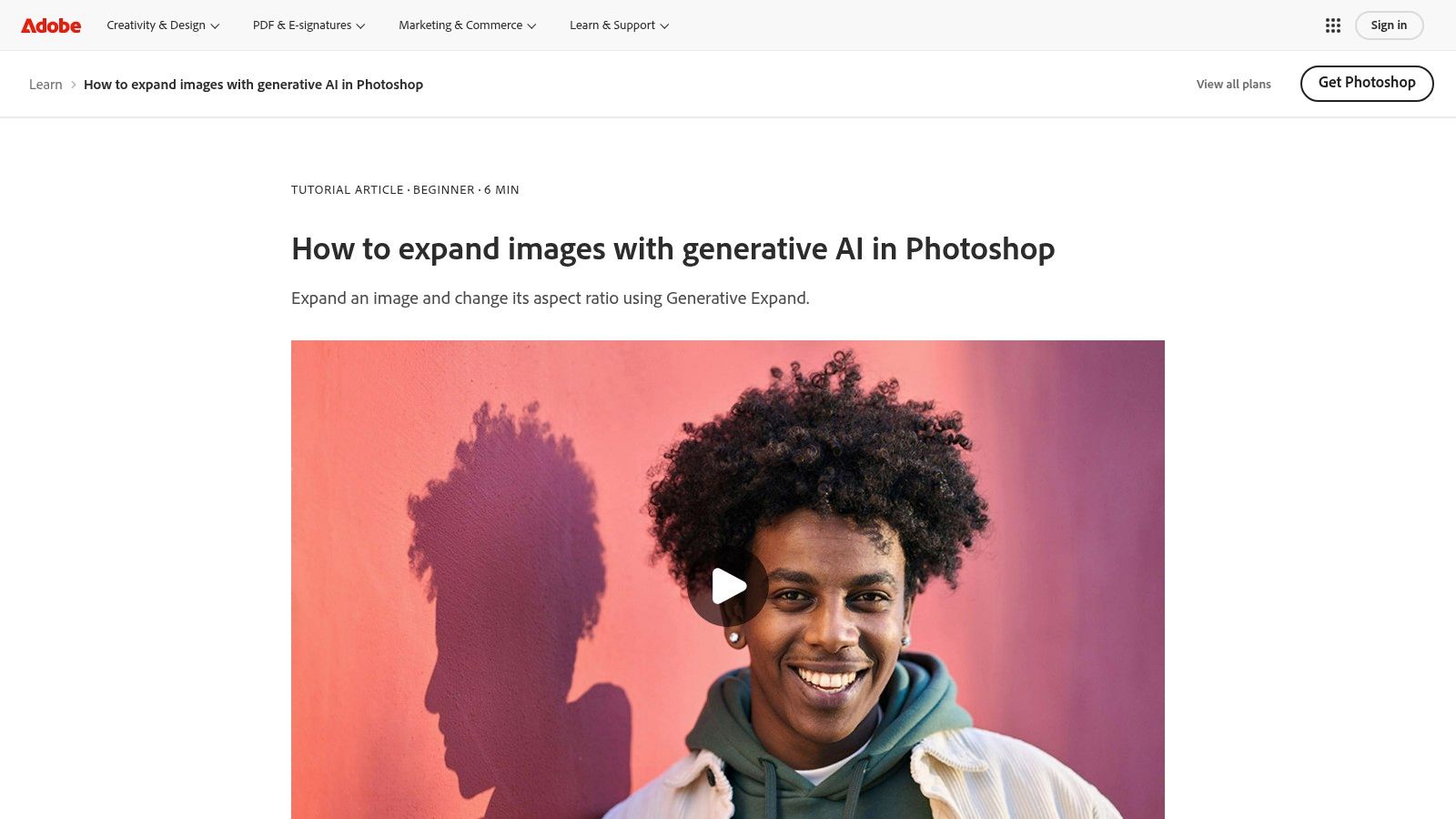
What makes it stand out is the professional-grade control. Each expansion is created on a new, non-destructive Generative Layer, so your original pixels are never touched. This allows you to stack multiple expansions, mask out parts you don’t like, and blend them seamlessly using Photoshop’s full suite of retouching tools. It’s perfect for turning a vertical portrait into a wide banner or adding more sky to a landscape shot without anyone ever knowing.
Here’s the deal: Generative Expand is part of the Photoshop ecosystem, which isn't free. You can access it through a free trial, but for long-term use, you’ll need a paid Creative Cloud subscription. These plans include a monthly allotment of "Generative Credits," which get used up each time you generate an expansion. So, while you can test it for free, it’s more of a "freemium" model.
If Photoshop is the heavyweight champion, Adobe Express is the nimble, quick-footed contender perfect for the social media ring. Its Expand image feature, powered by the same impressive Firefly AI, is designed for speed and simplicity. Built directly into its web-based editor, this tool serves as a fantastic free AI image extender for anyone who needs to quickly adapt an image for a new format, like turning a square post into a widescreen thumbnail, without getting bogged down in complex software.
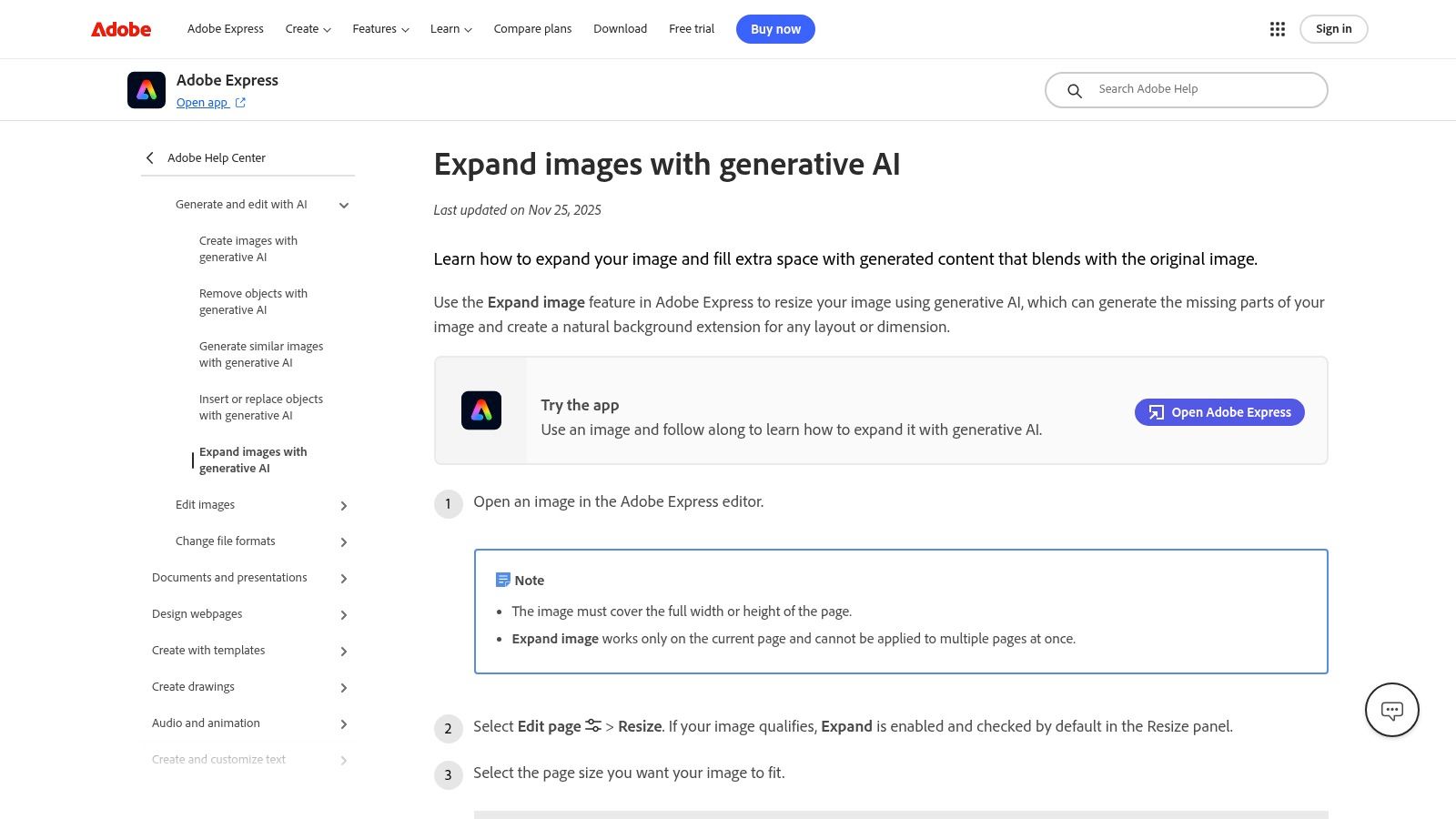
The workflow couldn't be simpler. You upload your image, pick a new aspect ratio or drag the handles outward, and let the AI fill in the new space automatically. Unlike Photoshop's deep, layer-based system, Express is all about one-click results. This makes it the go-to choice for marketers, creators, and small business owners who need to generate high-quality, brand-safe marketing assets in a flash without ever leaving their browser. It's the definition of "work smarter, not harder."
Similar to its big brother, Adobe Express operates on a freemium model. The free plan is quite generous and includes access to the Expand image feature, but it comes with a monthly allowance of "Generative Credits." Each time you use an AI feature, you spend a credit. Once you run out, you'll have to wait for them to refresh next month or upgrade to a paid plan for more. So, while it’s genuinely free to use, heavy users might hit a credit wall.
If Photoshop is the heavyweight champion for pros, Canva is the undisputed king of accessible design for everyone else. Its Magic Expand feature brings the power of outpainting directly into its super-intuitive, drag-and-drop editor. This tool is a lifesaver when you find the perfect stock photo, but it’s the wrong shape for your Instagram Story or presentation slide. You just drop the image, hit "Magic Expand," and choose your new aspect ratio; Canva’s AI handles the rest, making it a fantastic free AI image extender for quick-turnaround projects.
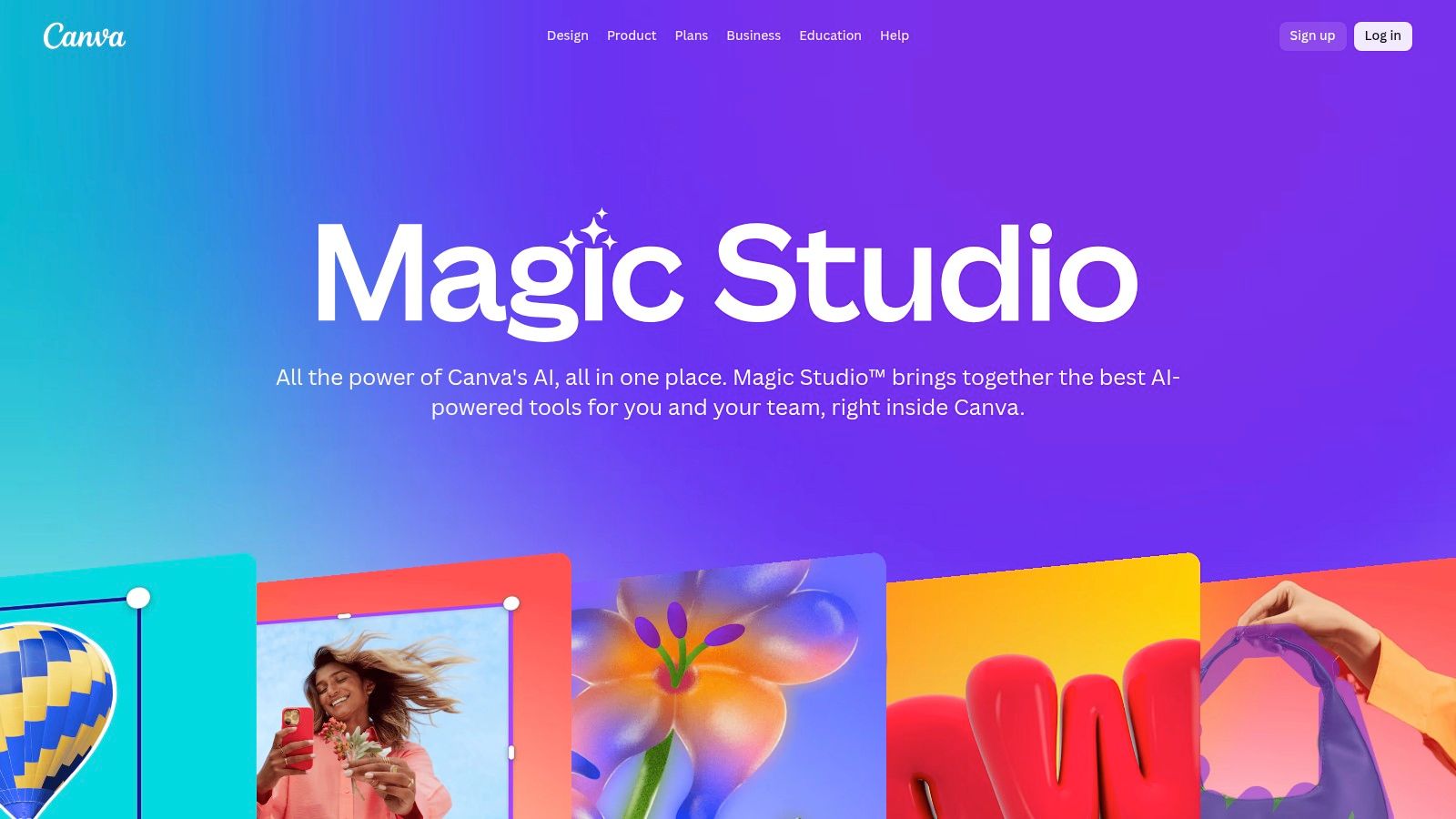
What makes Canva so compelling is its ecosystem. Once you expand your image, you’re seconds away from adding text, layering graphics from its massive library, and applying branded templates. It’s built for speed and efficiency, especially for marketing and social media content creators who need to pump out assets without getting bogged down in technical details. The workflow is seamless from image extension to final design, all within a single browser tab.
Here's where it gets a bit tricky. Magic Expand is part of Canva’s "Magic Studio" suite, which is primarily a feature for Canva Pro and Teams subscribers. While you might get a few free credits to try it out on a free plan, consistent use requires a paid subscription. So, much like Photoshop, it operates on a freemium model. It’s free to try, but you'll have to pay to play regularly.
For those who want a fast, no-fuss solution, Clipdrop’s Uncrop tool is a fantastic web-based option. Developed by the team behind the popular Stable Diffusion models and now part of Jasper, it's designed for one job and does it well: extending your images. You simply upload a photo, drag the bounding box to your desired aspect ratio, and let the AI fill in the rest. It's an incredibly straightforward free AI image extender that’s perfect for quick fixes and social media posts.
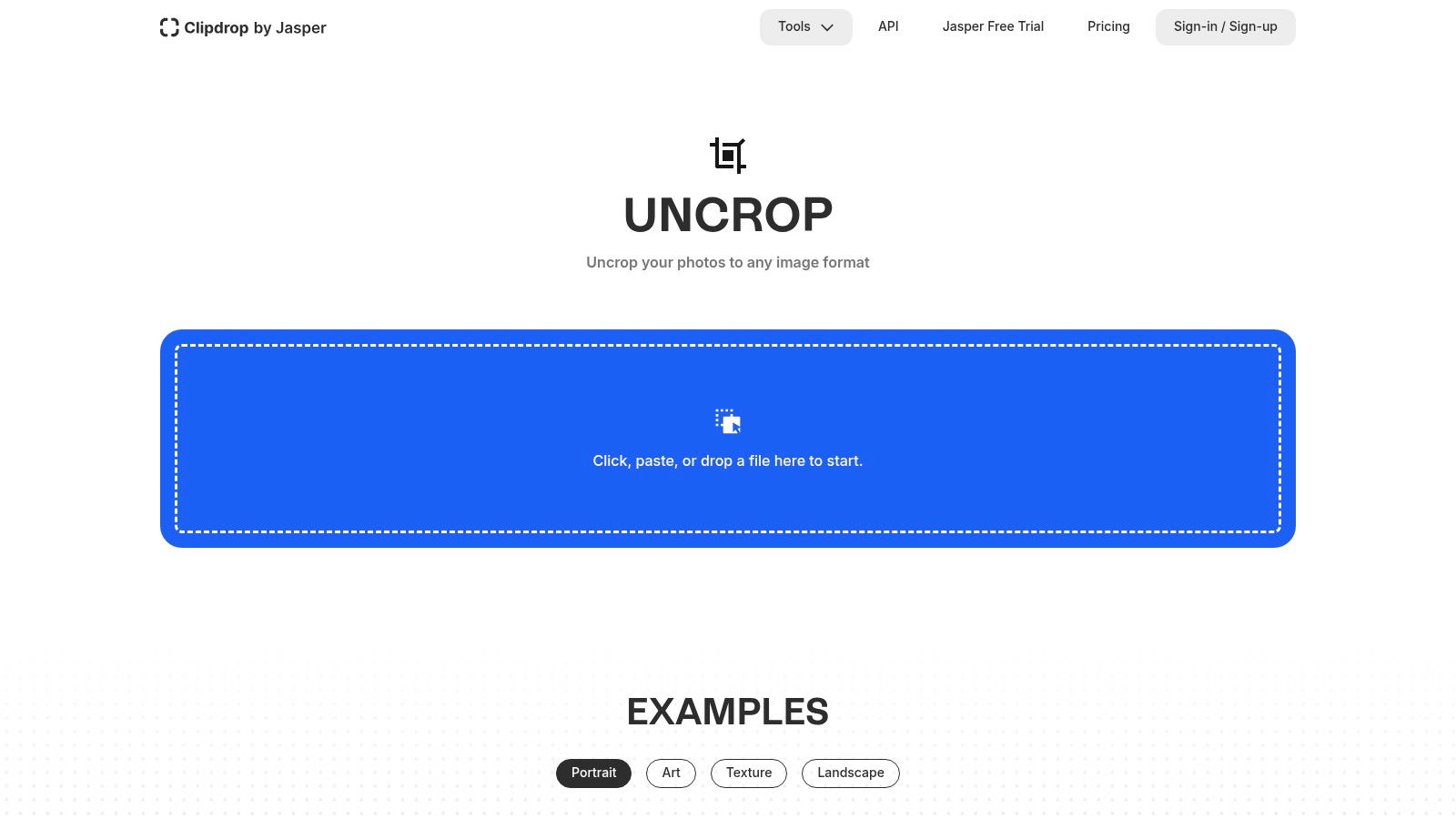
What makes Clipdrop so accessible is its simplicity. There are no complex layers or masking tools to learn; the interface is clean and intuitive. Because it’s built on powerful SDXL technology, the generated expansions are often surprisingly coherent and high-quality. This makes it an ideal tool for turning a standard 4:3 photo into a 16:9 banner or a 9:16 story frame without needing to download any software. It's a quick, browser-based fix for when you realize your photo is just a little too... cropped.
Clipdrop operates on a classic freemium model. You can use the Uncrop tool for free without even signing up, which is great for a quick test drive. However, free usage comes with limitations, such as watermarks and lower resolution outputs. To unlock HD quality, remove watermarks, and get faster processing, you'll need to subscribe to a paid plan. It's a great starting point, but frequent users will likely need to upgrade for professional results.
Kapwing is a powerhouse in the world of browser-based multimedia editing, and its AI Image Extender is a fantastic addition for social media managers and content creators. This isn't just a single-task tool; it's a feature within a full-blown creative suite. The extender is brilliant for quickly adapting an image to specific aspect ratios like 1:1 for Instagram or 9:16 for Stories. It intelligently fills the new space with context-aware content, making it a go-to free AI image extender for rapid content repurposing.
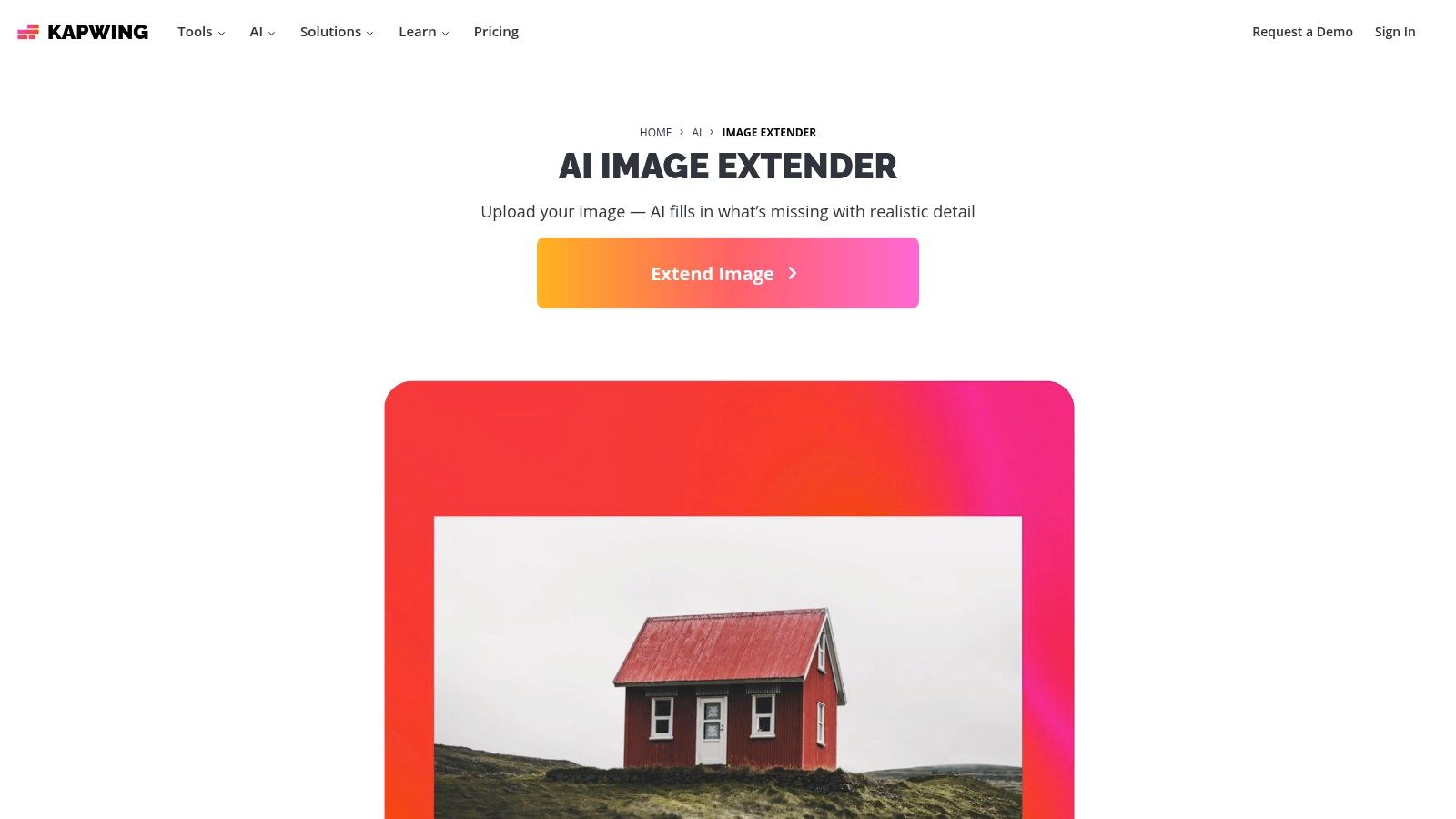
The real magic of Kapwing is its workflow integration. After extending your image, you can immediately add text, apply filters, or even drop it into a video project, all within the same tab. It’s designed for team collaboration, allowing multiple users to work on the same project in the cloud. While it shares some DNA with the more general free AI image generators, its focus on editing and resizing existing assets is what sets it apart. It’s less about creating from scratch and more about perfecting what you already have.
Kapwing offers a generous free tier that lets you use the AI Image Extender, but there are some strings attached. Free exports will have a Kapwing watermark, which you can only remove by upgrading to a Pro plan. The free plan also comes with a limited number of AI credits. For casual one-off projects, it’s perfect. However, for consistent, watermark-free use, you’ll need to consider a paid subscription.
Pixelcut is the go-to tool for social media managers and e-commerce entrepreneurs who need to get things done fast, especially from their phones. Its Uncrop feature is a straightforward and effective free AI image extender designed for speed and simplicity. You just upload your image, pick an aspect ratio preset (like Instagram Story or YouTube Thumbnail), or manually drag the borders to your desired size, and the AI fills in the rest. No complex menus, no intimidating learning curve, just quick results.
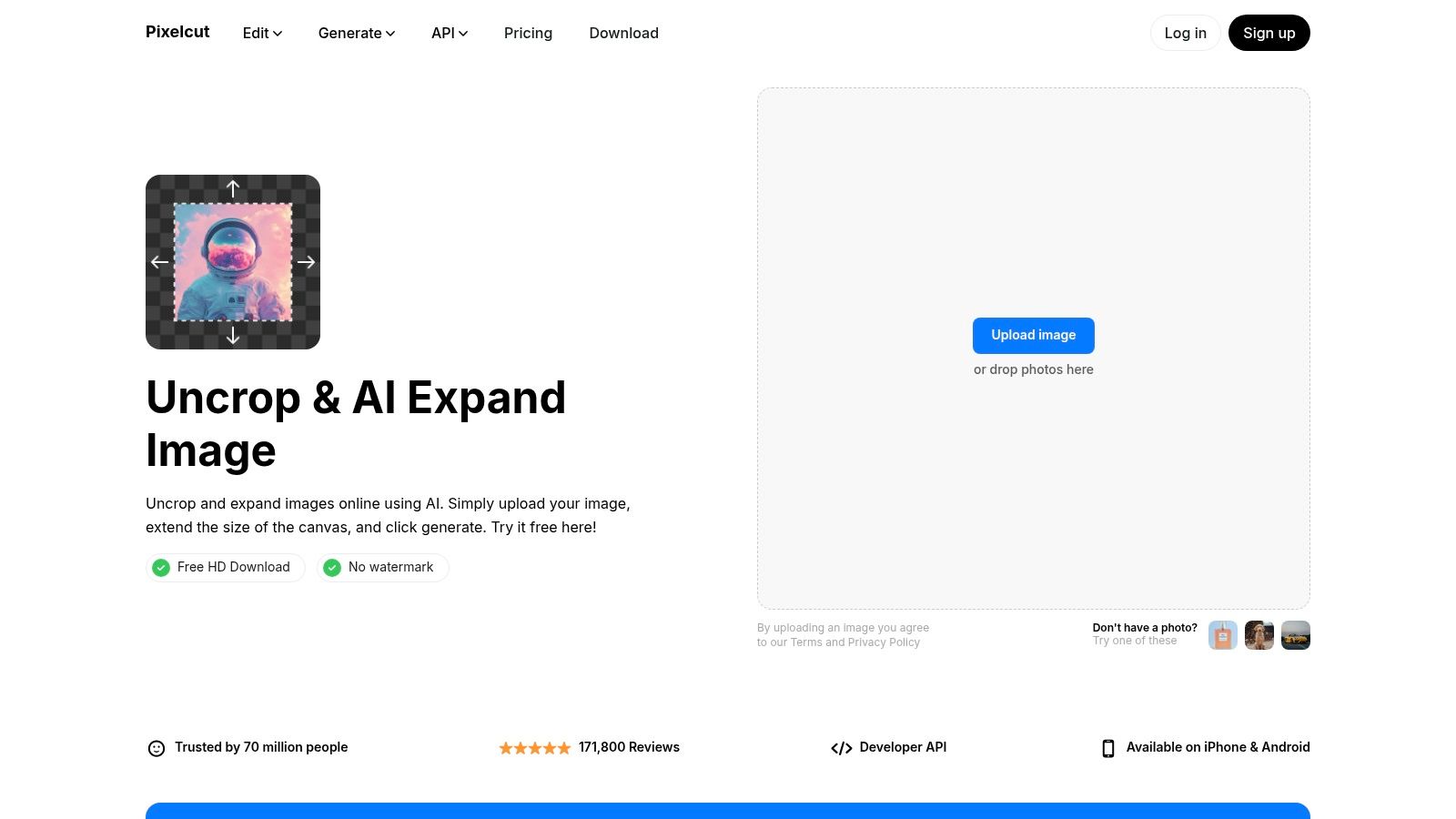
The platform is built around a mobile-first philosophy, with powerful iOS and Android apps that mirror the web tool's functionality. This makes it perfect for on-the-go content creation, allowing you to fix framing issues or repurpose an image for different social platforms in seconds. The web version claims to offer watermark-free HD downloads, which is a huge plus for anyone needing a quick, high-quality asset without opening their wallet. If you're looking for more advanced capabilities, the underlying technology highlights the importance of a sophisticated AI image analysis engine to ensure coherent results.
For the most part, yes. The core Uncrop web tool is free to use and promises HD downloads without a watermark, which is more generous than many competitors. However, Pixelcut is a broader suite of tools, and some of the more advanced features, higher usage limits, or batch processing capabilities are locked behind their "Pro" subscription. The free offering is excellent for occasional use, but power users on social or e-commerce teams might find themselves hitting a paywall.
If you've spent any time creating content for social media, you’ve likely stumbled upon Picsart. It's a hugely popular mobile and web-based creative suite, and its AI Image Extender brings powerful outpainting capabilities directly into that ecosystem. This tool is designed for speed and convenience, making it a fantastic free AI image extender for quickly repurposing content. You can upload an image, select a new aspect ratio, and let the AI generate a context-aware background to fit your needs.
What makes Picsart so compelling is its all-in-one nature. Once you’ve extended your image, you can immediately jump into adding text, stickers, filters, and other design elements from its vast library. This integrated workflow is perfect for creators who need to quickly transform a single photo into a polished Instagram Story, a YouTube thumbnail, and a blog banner without juggling multiple apps. It’s less about pixel-perfect professional retouching and more about creative velocity.
Picsart operates on a classic freemium model. You get a few free AI expansions to test the waters, but these are tied to a credit system. Once your initial credits run out, you'll need to subscribe to one of their paid plans (Plus or Pro) to get more credits and unlock the full suite of creative tools. It’s a great way to try before you buy, but sustained use for extending images will require a paid subscription.
If you're looking for a quick and painless way to expand an image without diving into complex software, Fotor is your new best friend. It’s designed for speed and simplicity, making it the perfect free AI image extender for social media managers and content creators on a deadline. The tool lets you upload an image, select a new aspect ratio like "Instagram Post" or "YouTube Cover," and its diffusion-based AI handles the rest, generating the extra content automatically.
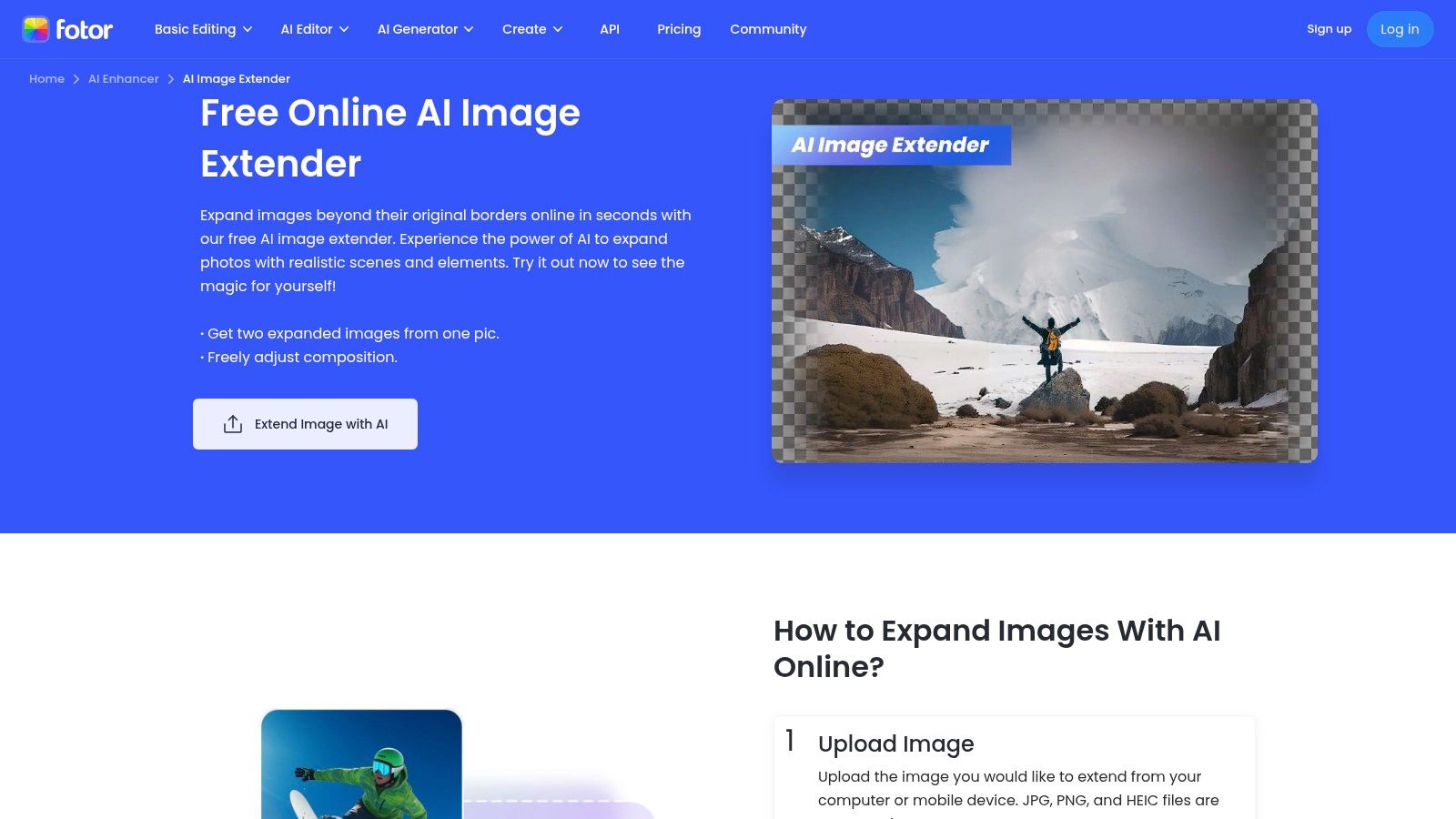
Fotor’s main appeal is its accessibility. You can use its basic features right from your browser, on desktop or mobile, without even needing to sign up. This makes it ideal for those one-off tasks where you just need to convert a portrait image into a landscape banner without any fuss. While it lacks the granular control of professional editors, it excels at providing a "good enough" result in seconds, which is often exactly what you need.
Fotor operates on a freemium model. You can perform basic expansions for free, but you'll quickly run into limitations. Higher-resolution exports, batch processing, and removing the Fotor watermark require upgrading to a Pro or Pro+ subscription. The free version is great for a test drive or a quick fix, but for consistent or professional use, you’ll likely need to pull out your wallet.
For those who want the raw power and creative chaos of Stable Diffusion without the headache of a local installation, StableDiffusionWeb offers a fantastic solution. It provides a straightforward, browser-based canvas where you can upload an image and use its "Uncrop & Expand" feature to outpaint in any direction. This tool is a great free AI image extender for anyone who enjoys the specific aesthetic and flexibility of Stable Diffusion models. You simply drag a generation frame, write a prompt, and let the AI build out your scene.
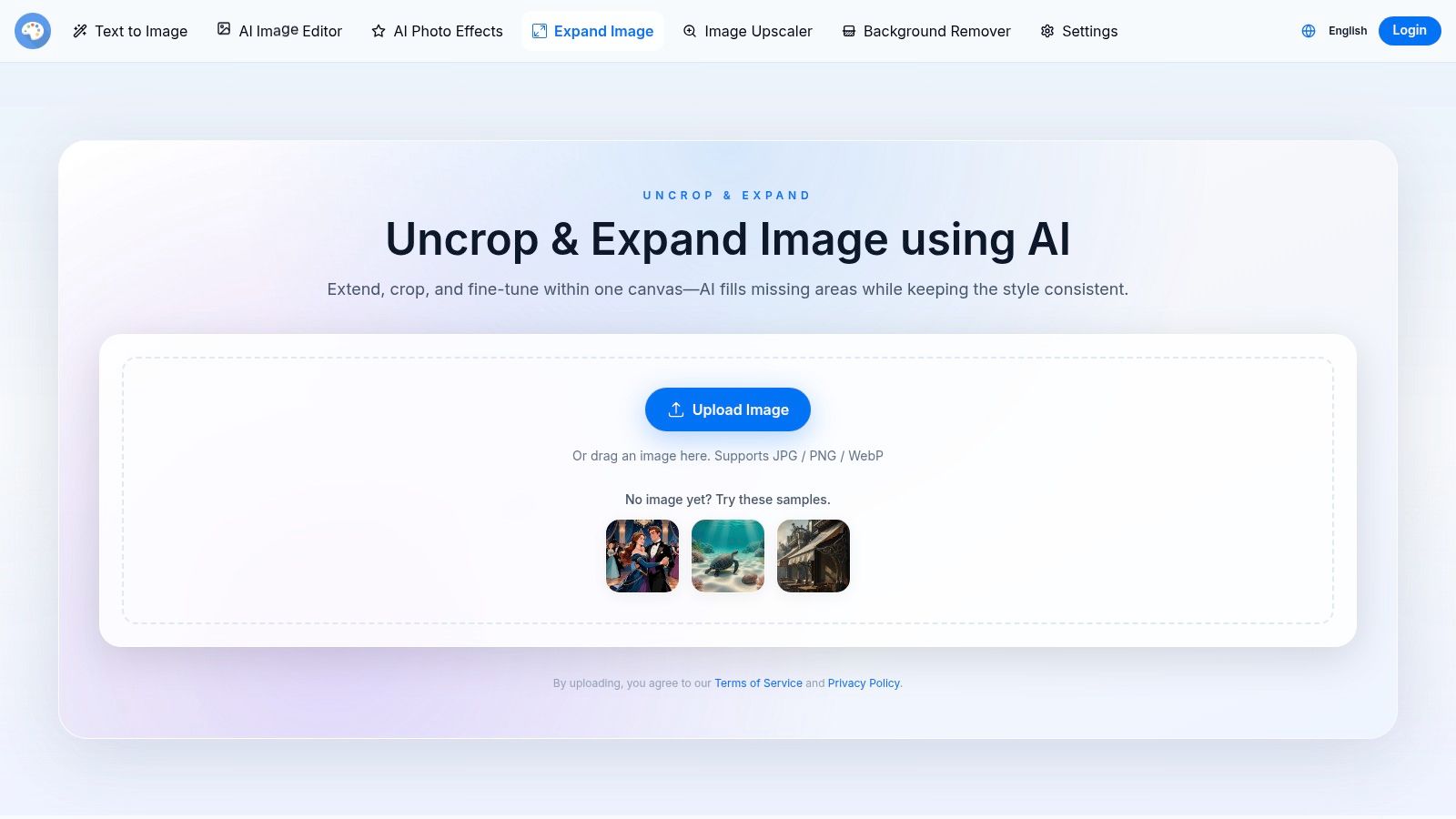
What makes StableDiffusionWeb appealing is its accessibility. You get direct access to a powerful AI model without needing a beefy GPU or complex setup. The quality of your expansion heavily depends on your input and, crucially, your prompt. Crafting a good prompt is key to guiding the model, which is a skill in itself. For those looking to master this, understanding the fundamentals is a great first step. To get started, you can explore the basics of prompt engineering on zemith.com.
Yes, StableDiffusionWeb is genuinely free to use. You can visit the site and start expanding images immediately without creating an account or paying a fee. There are no credit systems or trial periods for the core uncrop feature. This open access makes it an excellent playground for experimentation and for users who want to casually extend images without any financial commitment. The trade-off is a less polished interface and fewer advanced editing tools compared to professional software suites.
Part of a larger suite of creator tools, Vidnoz offers a straightforward and speedy web-based tool that works as a free AI image extender. It’s designed for simplicity and quick turnarounds. You just upload your image (JPG, PNG, or WebP), select a preset aspect ratio or choose a direction to expand, and the AI fills in the new space with a single click. It’s a no-fuss solution for when you need to quickly resize an image for a social media post or a website banner without diving into a complex editor.
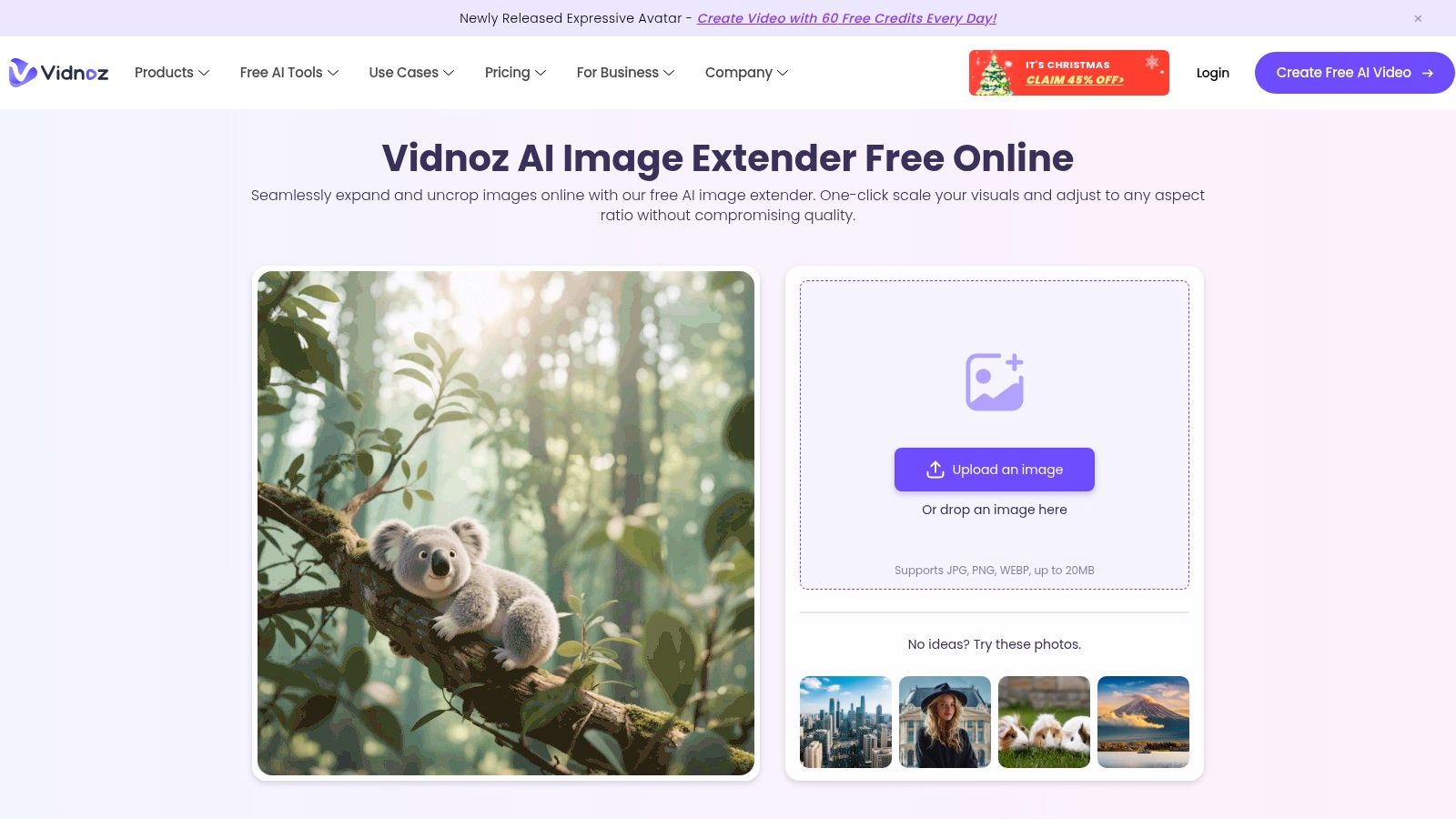
The main appeal of Vidnoz is its integration into a broader ecosystem of AI utilities, which includes video generators and voice changers. While the extender itself is basic, it gets the job done for simple cases where contextual accuracy is less critical than speed. If you're already using Vidnoz for other creative tasks, having this tool in the same place is a convenient bonus. The user interface is clean, though it does feature promotions and upsells for their premium plans. For a more in-depth guide on creating AI visuals, you might want to explore a tutorial on generating images with AI prompts.
Yes, the core image extending feature is free to use. You can upload an image, generate the expansion, and download the result without paying. However, the platform operates on a freemium model. Free use may come with limitations on the number of daily uses, processing speed, or output resolution. The constant upsells and prompts to upgrade to a paid plan are a noticeable part of the experience, pushing users toward their premium offerings for more advanced features and unlimited access.
LlamaGen.ai offers a speedy and straightforward free AI image extender that gets the job done without much fuss. It’s designed for quick turnarounds, letting you upload an image, select a new aspect ratio, and expand the canvas in any direction. The interface is clean and simple, making it ideal for those who need to quickly create a product shot background or add more scenery to a photo without getting lost in complex settings.
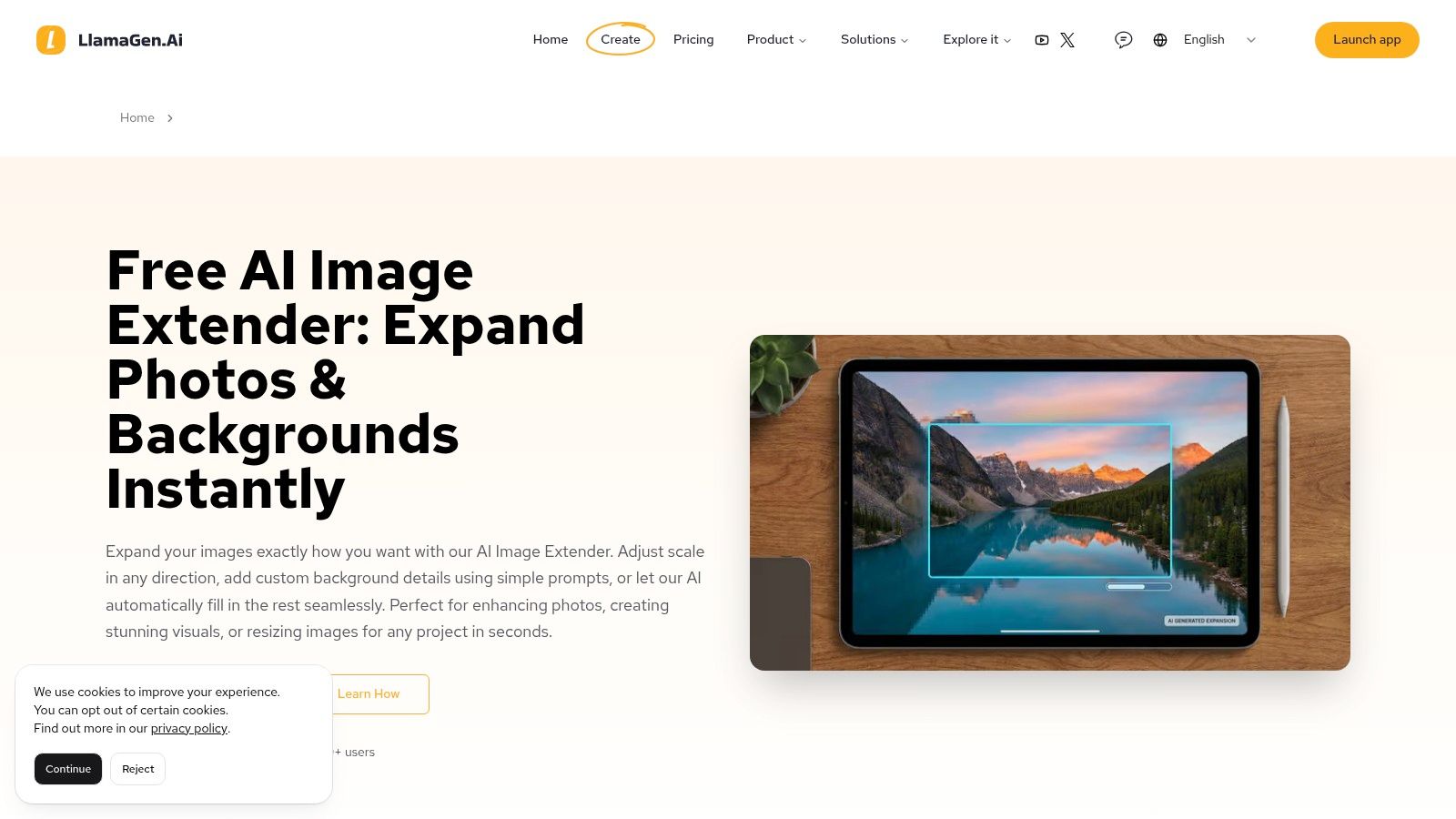
What makes it stand out is the optional prompt guidance. You can let the AI auto-fill the new space based on the existing image context, or you can step in and provide a text prompt to guide the expansion. This gives you a nice balance of automation and creative control, perfect for adding specific elements like "a blue sky with clouds" or "a wooden tabletop." The promise of fast processing and no-watermark downloads is a big plus for content creators on a deadline.
LlamaGen.ai’s image extender is free to use, and you can download your results without a watermark, which is a huge win. However, as a smaller, newer player in the AI space, the long-term availability and feature set might be subject to change. There isn't a clear credit system or paid tier mentioned for the extender tool itself, so it’s best enjoyed for what it is: a quick, accessible, and surprisingly effective free tool for individual projects.
Sometimes you don't need a full-blown editing suite; you just need to widen a shot, and fast. Createimg delivers exactly that with its dedicated, no-nonsense free AI image extender. It’s built for speed and simplicity, offering a lightweight, web-based tool that lets you upload an image, choose your desired extension size, and download the high-resolution result. No complicated menus, no required sign-ups, just a quick fix for your image framing woes.
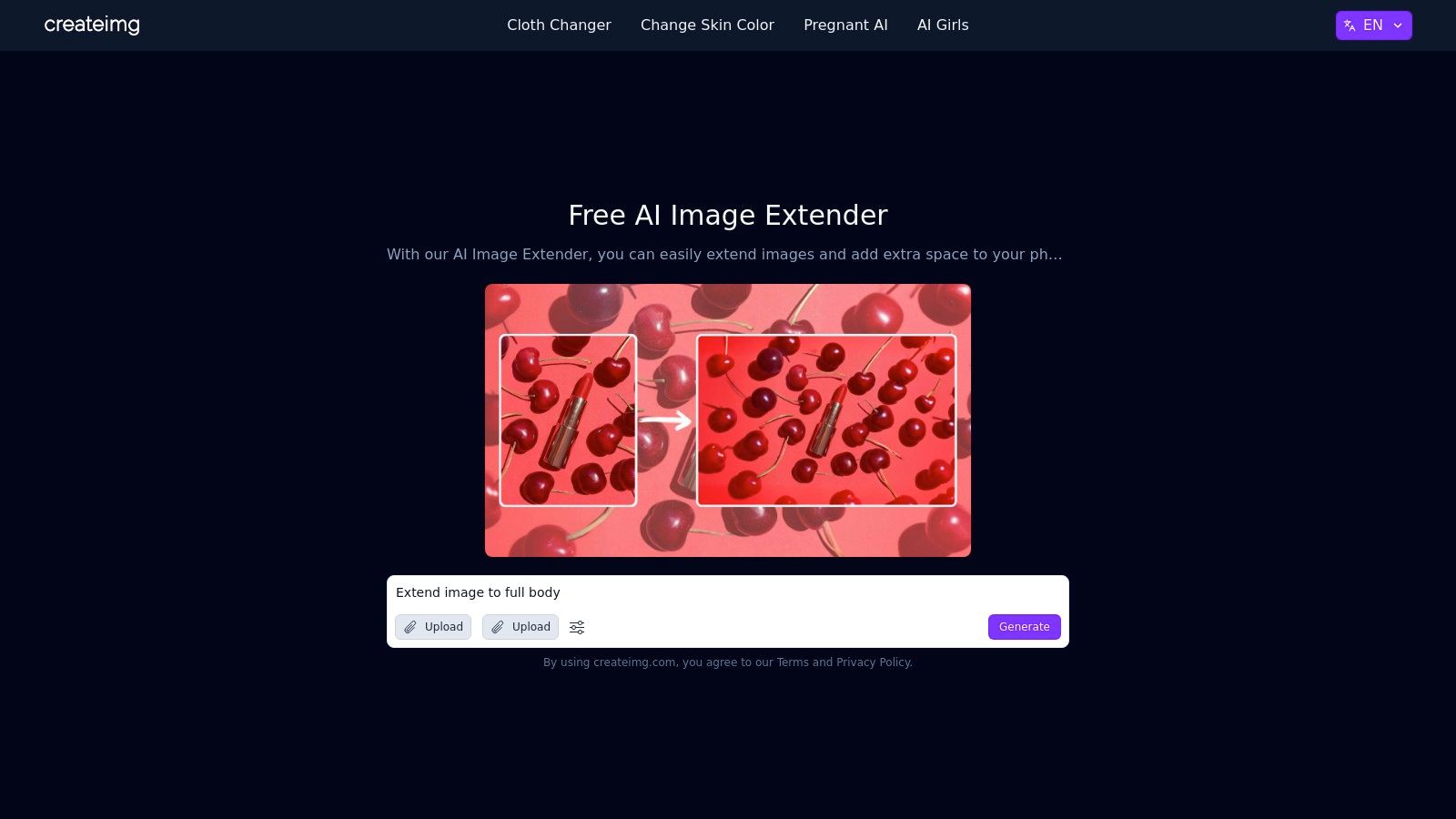
What makes Createimg practical is its focus. The platform splits its tools into an "Uncrop" page for tighter compositions and an "Extend" page for widening landscapes, streamlining the workflow based on your goal. This approach is perfect for one-off tasks like preparing a social media banner or adjusting a photo to fit a specific aspect ratio without getting bogged down in complex settings. It’s a get-in, get-out kind of tool that respects your time.
Yes, the core image extender tool is free to use for a few generations. However, Createimg is a larger platform offering various other AI utilities, some of which operate on a credit or "coin" system. While you can use the outpainting feature without paying upfront, heavy usage or accessing their other tools might eventually lead you to a paywall. It’s a solid free option for occasional use, but power users may hit a limit.
Whew, what a ride! We've just navigated a dozen of the best free AI image extender tools available today. From the integrated power of Adobe Firefly to the quick and easy web apps like Clipdrop and Kapwing, it's clear there's a solution for nearly any outpainting emergency. You can now confidently take that awkwardly cropped product photo and expand it into a perfect website banner, or turn a vertical portrait into a landscape-oriented masterpiece.
We saw that while some tools are brilliant for a quick, one-off fix, they often come with limitations. You might hit a credit cap, face a resolution limit, or find yourself wanting more than just a simple uncrop feature. The reality of creative work is that extending an image is rarely the final step. It's usually just the beginning of a much larger, more complex workflow.
This is where the real bottleneck appears, the one we all know too well: juggling multiple browser tabs and subscriptions. You use one tool to expand the canvas, another to remove an unwanted object, a third to upscale the resolution, and a fourth to write accompanying social media copy. It’s a digital scavenger hunt that kills your creative momentum and drains your productivity. We've all been there, and frankly, it's exhausting.
So, how do you pick the right free AI image extender from this list? Let’s break it down based on your needs:
Ultimately, the best tool is the one that fits your specific project. But what if your projects are constantly evolving? What if you need a solution that grows with your creative ambitions instead of boxing you in?
The core takeaway is that while these free tools are incredibly useful for their intended purpose, a truly efficient creative process requires more than a collection of disconnected single-task solutions. To streamline your overall content workflow and explore beyond just image extension, consider leveraging diverse AI tools for content creation that can handle more than one part of the job.
This is precisely the problem Zemith was designed to solve. It’s not just another tool in your bookmark bar; it’s a consolidated AI workspace. Imagine generating a base image with a powerful model like SD3.5, using a built-in free AI image extender to outpaint the scene, then immediately switching to an AI text editor to brainstorm captions, all within the same interface. No more downloading, uploading, and switching tabs.
It's about transforming your workflow from a fragmented series of steps into a seamless, fluid motion. Instead of just extending an image, you're building an entire creative campaign from a single, unified command center.
Ready to ditch the tab-switching chaos and streamline your creative process? Zemith consolidates powerful AI image generation, outpainting, text creation, and more into one intuitive workspace. Sign up for free at Zemith and discover how an all-in-one AI platform can supercharge your productivity.







Trusted by teams at






The top models, plus image, video and voice tools, in one plan.
Without Zemith
ChatGPT PlusUS$20.00Claude ProUS$20.00Google AI ProUS$19.99SuperGrokUS$30.00Perplexity ProUS$20.00 MidjourneyUS$10.00
 ElevenLabsUS$6.00Le Chat ProUS$14.99
 RunwayUS$15.00Kling StandardUS$8.80
 Gamma PlusUS$12.00
 Otter ProUS$16.99
 QuillBot PremiumUS$19.95
 Photoroom ProUS$12.99
 Quizlet PlusUS$7.99
Total if paying separatelyUS$234.70/mo
"I love the way multiple tools they integrated in one platform. Going in the right direction."
— simplyzubair
"The quality of data and sheer speed of responses is outstanding. I use this app every day."
— barefootmedicine
"The credit system is fair, models are perfect, and the discord is very responsive. Quite awesome."
— MarianZ
"Just works. Simple to use and great for working with documents. Money well spent."
— yerch82
"The organization of features is better than all the other sites — even better than ChatGPT."
— sumore
"It lives up to the all-in-one claim. All the necessary functions with a well-designed, easy UI."
— AlphaLeaf
"The team clearly puts their heart and soul into this platform. Really solid extra functionality."
— SlothMachine
"Updates made almost daily, feedback is incredibly fast. Just look at the changelogs — consistency."
— reu0691
Hand off the research, writing, design and follow-ups. Zemith picks the tools it needs and brings back finished work.
Search the web, run deep research, read files, create images and run code with GPT, Claude, Gemini, Grok and more.
Zemith keeps working in the cloud and pings you when it's done.
Notion, Linear, Canva, Airtable and more. It asks before it creates or changes anything.
Docs, slides, sheets and PDFs, ready to send.
Chain models and tools on a visual canvas, from one prompt to a finished promo video.
Briefings, reports and reminders run on a schedule and are ready when you need them.
Real-time voice that can see your camera or screen.
The best image and video models, in one studio.
Turn PDFs, links and YouTube videos into podcasts, quizzes, flashcards and mind maps.














 Podcast
 Quiz
Quiz Flashcards
 Mind map
 Infographic