Zemith

Free Image to Prompt Generator

Upload any image or photo and get a detailed prompt that recreates it, with camera angle, lighting and style. Free, no account required. Works with Midjourney, Flux, Nano Banana, Stable Diffusion and ChatGPT.

Drop an image here

PNG, JPG or WebP

Try with an example:

Try it without an account. A free account gets 2 image prompts a day. A free tool from Zemith, the all-in-one AI app for chat, images and video.

How to Use

  1. 1

    Upload an image

    Drop in a JPG, PNG or WebP: a photo, an AI image, a painting, a poster, a logo or an app screen. Or tap one of the examples to see how it works.

  2. 2

    Get the prompt

    The tool works out what kind of image it is, then describes it with the right words: lens and light for a photo, medium and brushwork for a painting, layout and type for a poster. The prompt is ready in seconds.

  3. 3

    Use it anywhere

    Copy the prompt into ChatGPT, Midjourney, Flux, Nano Banana or Stable Diffusion, generate the image in Zemith's Creative Studio, or open it in chat to change details first.

Use the prompt in Midjourney, Flux, ChatGPT, Nano Banana or Stable Diffusion

The tool returns one model-neutral description in plain prose. Each generator prefers a slightly different shape, so adapt the output like this. The example is for a photo of a coffee mug on a windowsill.

Midjourney

Midjourney reads short comma-separated phrases best. Cut the prose down to subject, light, lens and mood, then add parameters such as --ar and --style raw at the end.

Example
ceramic coffee mug on a worn oak windowsill, steam rising, soft golden morning light through a sheer curtain, shallow depth of field, 50mm photograph, warm muted tones, film grain --ar 4:5 --style raw
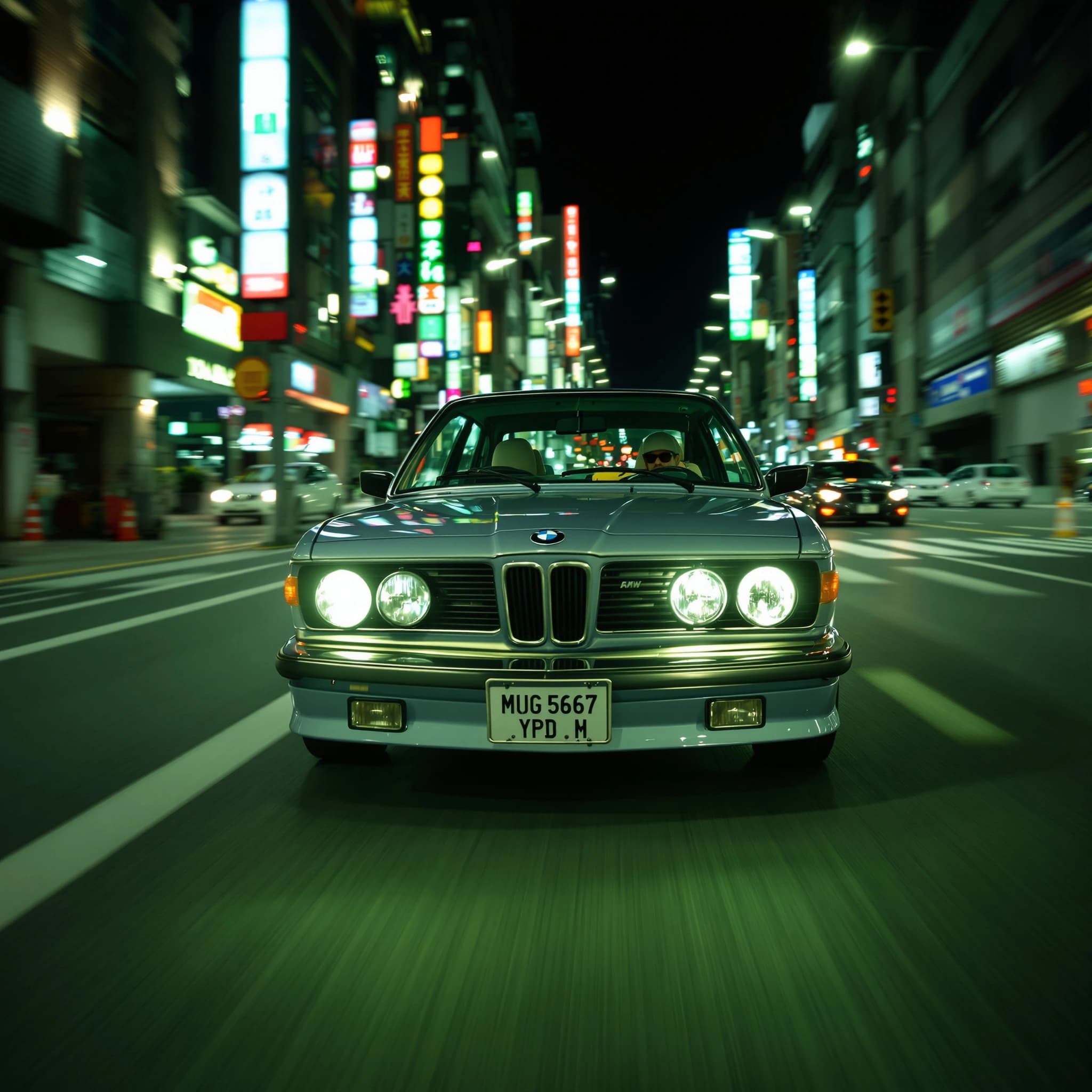
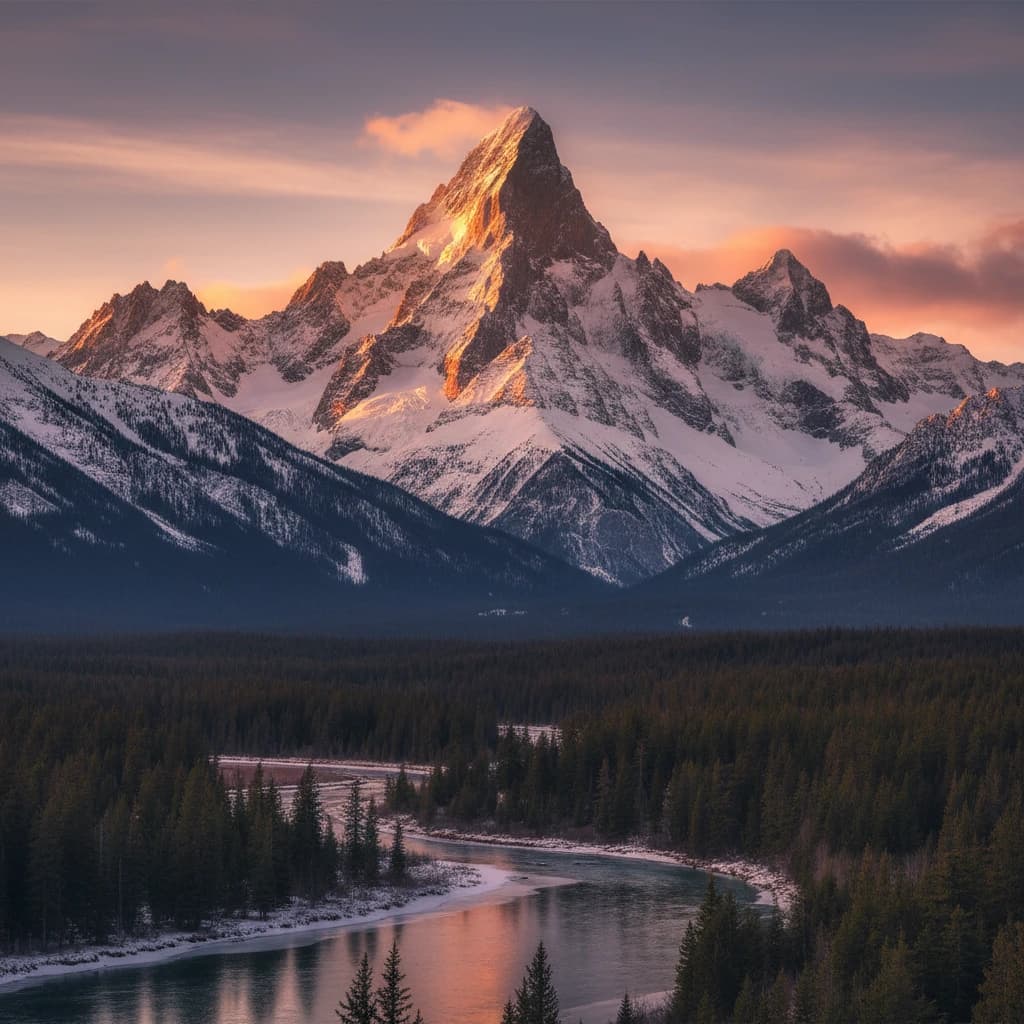
Image to Midjourney prompt

Flux

Flux follows full sentences well. Keep the prose, put the subject and the most important detail first, and describe what you want instead of what to avoid.

Example
A photograph of a white ceramic mug of black coffee on a worn oak windowsill. Thin steam rises into soft golden light coming through a sheer curtain on the left. The background is a blurred garden. Shot on a 50mm lens at f/1.8 with warm, muted colors and light film grain.
Image to Flux prompt

ChatGPT

ChatGPT understands plain conversational sentences. Paste the prompt as it is, state the format you want in words (vertical, wide), and refine with follow-up messages.

Example
Create a vertical photo of a white ceramic mug of black coffee on a worn oak windowsill. Steam rises into soft golden morning light from a sheer curtain on the left, with a blurred garden behind. 50mm lens look, warm muted colors.
Image to ChatGPT prompt

Nano Banana (Gemini)

Nano Banana, Google's Gemini image model, follows full descriptive sentences. Describe the scene like a short story, name the lens and light for photos, and end with the framing in words. To restyle your own photo, start by asking it to keep the face the same.

Example
A photograph of a white ceramic mug of black coffee on a worn oak windowsill, with thin steam rising into soft golden morning light from a sheer curtain on the left and a blurred garden behind. Shot on a 50mm lens at f/1.8, with warm, muted colors and light film grain. Vertical 4:5 framing.
Image to Nano Banana prompt

Stable Diffusion

Stable Diffusion works best with comma-separated key phrases, optional weights such as (soft light:1.2) and a separate negative prompt. Put the subject and style first, because long prompts are split and later words count for less.

Example
photo of a white ceramic coffee mug, worn oak windowsill, steam, (soft golden morning light:1.2), sheer curtain, shallow depth of field, 50mm, film grain, warm muted tones
Negative prompt: blurry, oversaturated, text, watermark, extra objects

FAQ

Frequently Asked Questions

See What's Possible

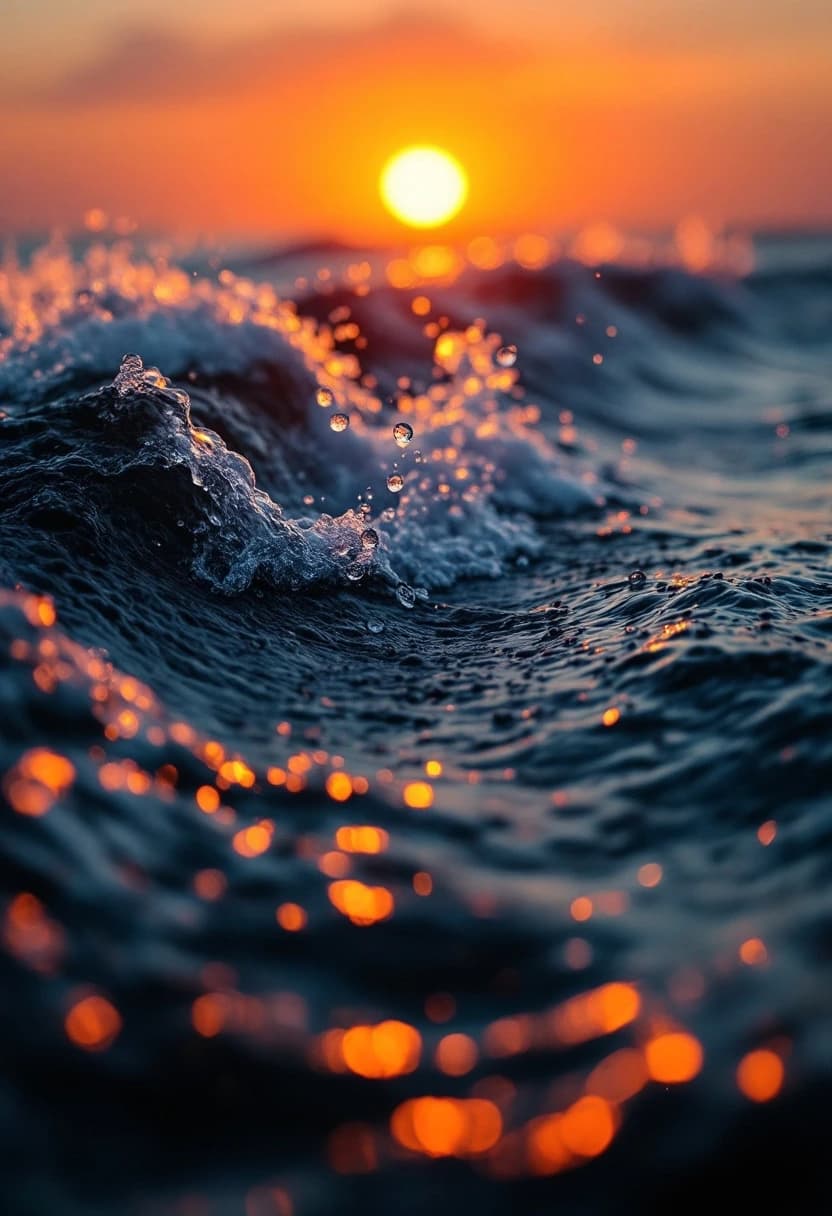
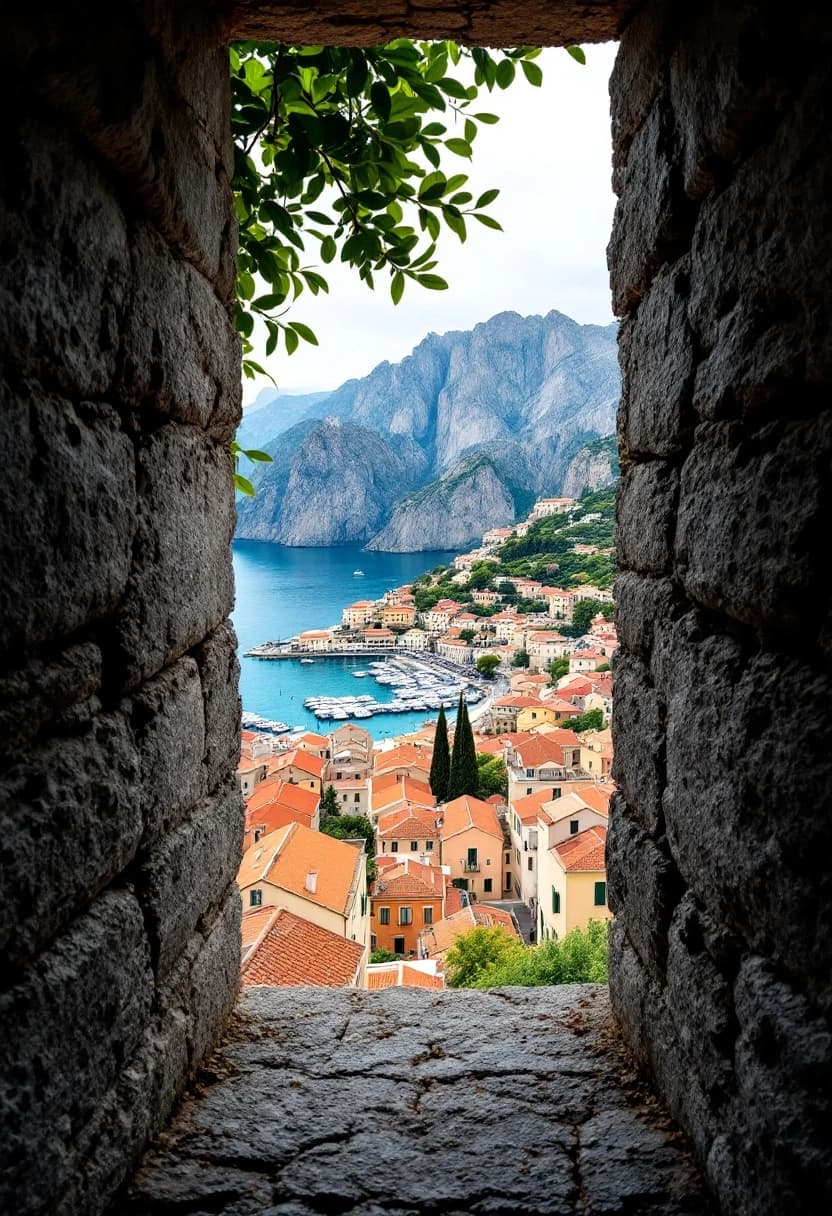
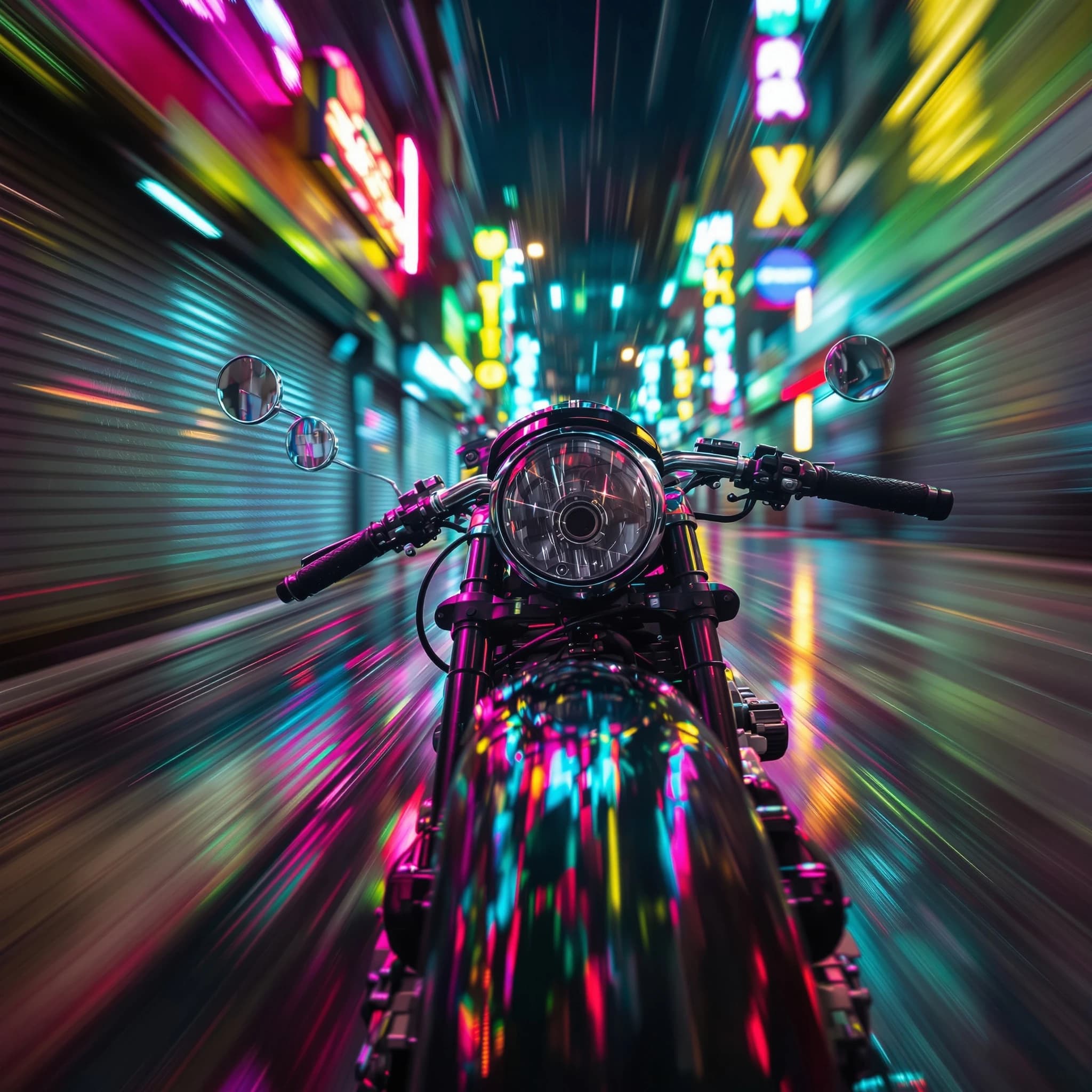
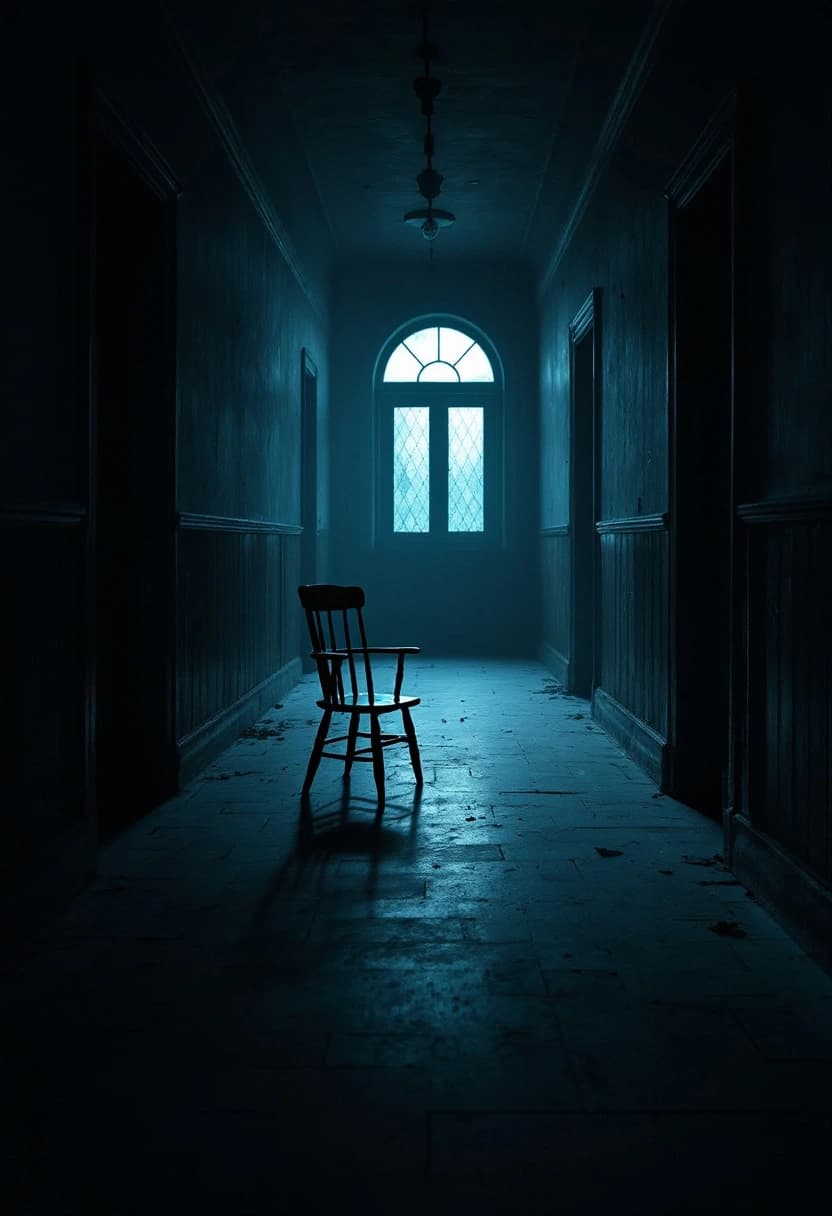
Explore these AI-generated examples to see the creative potential of our image-to-prompt tool. Click any image to view it in full detail.

AI-generated image example 1 - Creative artwork showcasing AI capabilities
AI-generated image example 2 - Digital art demonstrating prompt engineering
AI-generated image example 3 - Abstract visual representation
AI-generated image example 4 - Artistic composition
AI-generated image example 5 - Creative design showcase
AI-generated image example 6 - Visual inspiration
AI-generated image example 1 - Creative artwork showcasing AI capabilities

Info

Recreate a look you loveFound a photo, poster or AI image with exactly the mood you want? Turn it into a prompt, swap in your own subject and generate new images in the same style.
Match product and ad photosUpload your best product shot and get its lighting, surface, angle and background written out, so a whole set of product images looks like one shoot.
Keep a series consistentUse one image as the reference for a set of posts, slides or illustrations. The prompt pins down the palette, the medium and the composition, so each new image fits the set.
Learn how good prompts are writtenPut a picture next to its prompt and you see which words control the light, the lens and the art style. It is a quick way to learn the vocabulary image models respond to.
Describe designs, logos and app screensPosters, logos and interfaces get design words instead of camera words: layout, typography, grid, color system and icon style. Useful for briefs, mood boards and redesigns.
Generate the image in the same placeSend the prompt to Zemith's Creative Studio and make the image with Nano Banana, GPT Image, Flux or Seedream, or open it in chat to adjust it first.

Every top AI model. One plan.

Pay less than one AI subscription and get GPT, Claude, Gemini and more, plus 50+ AI tools.

4.6
100,000+ users
Cancel anytime
Most Popular

Plus

$14.99per month
Billed yearly · $179.88
Save $12/yr
  • Choose from multiple leading models: GPT, Claude, Gemini and Grok.
  • 40× more usage than Free.
  • Create and edit images with Creative Studio.
  • Connect your favorite apps and get work done in one place.
  • Research the web and turn sources into clear answers.
  • Turn documents, websites and YouTube into podcasts, flashcards and reports.
  • Build repeatable workflows and stay focused with FocusOS.
  • Chat on your own OpenAI, Anthropic or Google API key.

Professional

$24.99per month
Billed yearly · $299.88
Save $60/yr
  • Everything in Plus, and:
  • Unlock every model on Zemith, including GPT 6.2 Astra, Claude Opus and Sonar Pro.
  • 80× more usage than Free.
  • Create more with the full Creative Studio toolkit.
  • Cloud agents work in the background and run scheduled tasks. Only on Professional.
  • Push further on complex work with Max Mode.
  • Chat on your own OpenAI, Anthropic or Google API key.
  • First access to new features.
OpenAI
OpenAI
Anthropic
Anthropic
Google
Google
DeepSeek
DeepSeek
xAI
xAI
Perplexity
Perplexity
MiniMax
MiniMax
Kling
Kling
Recraft
Recraft
Meta
Meta
Mistral
Mistral
Stability
Stability

Trusted by teams at

Google logoHarvard logoCambridge logoNokia logoCapgemini logoZapier logo

15 subscriptions, or one.

The top models, plus image, video and voice tools, in one plan.

Without Zemith

  • ChatGPT PlusUS$20.00
  • Claude ProUS$20.00
  • Google AI ProUS$19.99
  • Grok PremiumUS$30.00
  • Perplexity ProUS$20.00
  • MidjourneyUS$10.00
  • ElevenLabsUS$6.00
  • Le Chat ProUS$14.99
  • RunwayUS$15.00
  • Kling StandardUS$8.80
  • Gamma PlusUS$12.00
  • Otter ProUS$16.99
  • QuillBot PremiumUS$19.95
  • Photoroom ProUS$12.99
  • Quizlet PlusUS$7.99

Total if paying separatelyUS$234.70/mo

Zemith Plus

US$15.99/mo

Every model above, plus 50+ AI tools

See pricing plans

What Our Users Say

Great Tool after 2 months usage

"I love the way multiple tools they integrated in one platform. Going in the right direction."

— simplyzubair

Best in Kind!

"The quality of data and sheer speed of responses is outstanding. I use this app every day."

— barefootmedicine

Simply awesome

"The credit system is fair, models are perfect, and the discord is very responsive. Quite awesome."

— MarianZ

Great for Document Analysis

"Just works. Simple to use and great for working with documents. Money well spent."

— yerch82

Great AI site with accessible LLMs

"The organization of features is better than all the other sites — even better than ChatGPT."

— sumore

Excellent Tool

"It lives up to the all-in-one claim. All the necessary functions with a well-designed, easy UI."

— AlphaLeaf

Well-rounded platform with solid LLMs

"The team clearly puts their heart and soul into this platform. Really solid extra functionality."

— SlothMachine

Best AI tool I've ever used

"Updates made almost daily, feedback is incredibly fast. Just look at the changelogs — consistency."

— reu0691

Get hours back every week.

Hand off the research, writing, design and follow-ups. Zemith picks the tools it needs and brings back finished work.

Every top model, with tools built in.

Search the web, run deep research, read files, create images and run code with GPT, Claude, Gemini, Grok and more.

Give it a task. Close the app.

Zemith keeps working in the cloud and pings you when it's done.

Connects to the apps you already use.

Notion, Linear, Canva, Airtable and more. It asks before it creates or changes anything.

Not just answers. Finished work.

Docs, slides, sheets and PDFs, ready to send.

Build it once. Run it anytime.

Chain models and tools on a visual canvas, from one prompt to a finished promo video.

Put routine work on autopilot.

Briefings, reports and reminders run on a schedule and are ready when you need them.

Talk to it. Show it your screen.

Real-time voice that can see your camera or screen.

Make images and video.

The best image and video models, in one studio.

Learn from any file.

Turn PDFs, links and YouTube videos into podcasts, quizzes, flashcards and mind maps.