


Every top model, with tools built in.
Search the web, run deep research, read files, create images and run code with GPT, Claude, Gemini, Grok and more.
chat gpt paraphrasing: Master prompts and techniques to deliver human-like results, avoid plagiarism, and craft original content.
When you ask ChatGPT to paraphrase something, you're essentially asking it to rephrase a piece of text in a new way. It's an incredibly useful trick for breaking down complicated topics, switching up the tone of your writing, or just busting through a nasty case of writer's block. That's why it's become a go-to for everyone from students trying to make sense of a dense textbook to seasoned professionals trying to make their emails sound less... corporate.
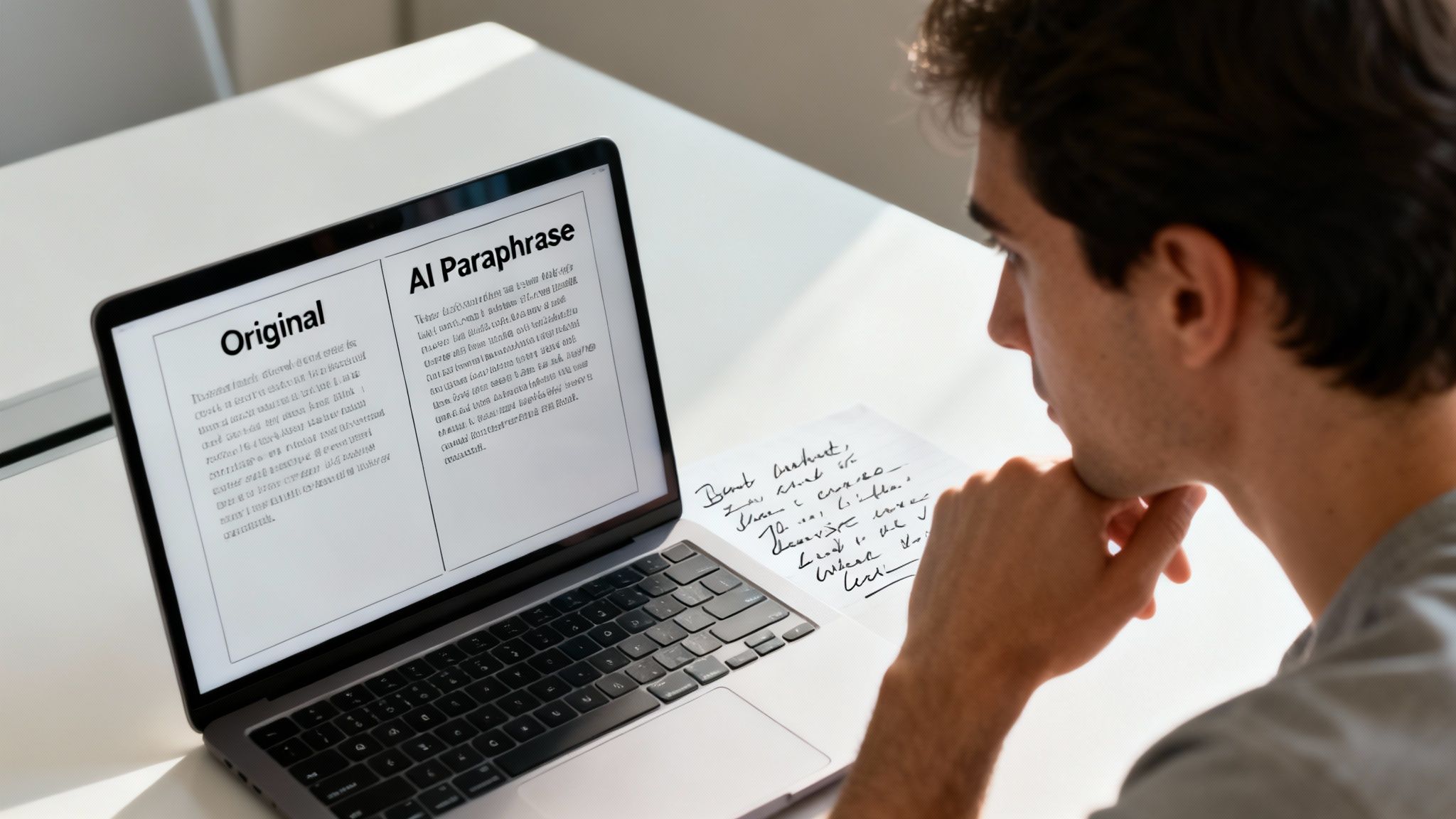
Let's be honest. Hitting 'paraphrase' on an AI tool feels like a magic button. But sometimes the result is less "abracadabra" and more... awkward. You can end up with content that's clunky, strangely formal, or just plain incorrect. It's like asking a robot to tell a joke—it knows the structure, but the soul is missing.
Here, we're going to get real about the good, the bad, and the genuinely helpful sides of using AI for paraphrasing. We’ll dig into why millions of people are using tools like ChatGPT for everything from emails to essays and how it’s fundamentally changing how we work. The numbers don't lie—these tools are now a core part of our professional lives.
The explosion of ChatGPT's popularity isn't just a fleeting trend. We're seeing a massive shift in how people get writing done. In fact, 71% of users rely on it professionally for writing and research, using it to create everything from long-form articles to everyday emails. This huge adoption points to a universal need: creating high-quality content, faster.
Think of it less as a ghostwriter and more as a really, really fast research assistant. The AI does the heavy lifting of restructuring sentences, but you're still the director, guiding the final performance to make sure it gets a standing ovation.
A well-prompted AI can do much more than just swap out a few words. It can:
But relying too much on ChatGPT for paraphrasing has its pitfalls. The most glaring one is that robotic tone—writing that's grammatically flawless but has zero personality. Even worse is the risk of accidental plagiarism if the tool just shuffles words around without truly changing the sentence structure.
To get a better sense of the bigger picture, it helps to look at key publishing industry trends, including AI integration, which show how these tools are shaping the future of content. The secret is to always be the human in the loop—the one who takes a decent draft and polishes it into a brilliant final piece.
So, what's the bottom line? AI paraphrasing is a powerful tool, but it's not a silver bullet. Here’s a quick breakdown to keep in mind.
Ultimately, the best approach is to use AI as a collaborator. Let it handle the initial grunt work, but always bring your own expertise and voice to the final product.
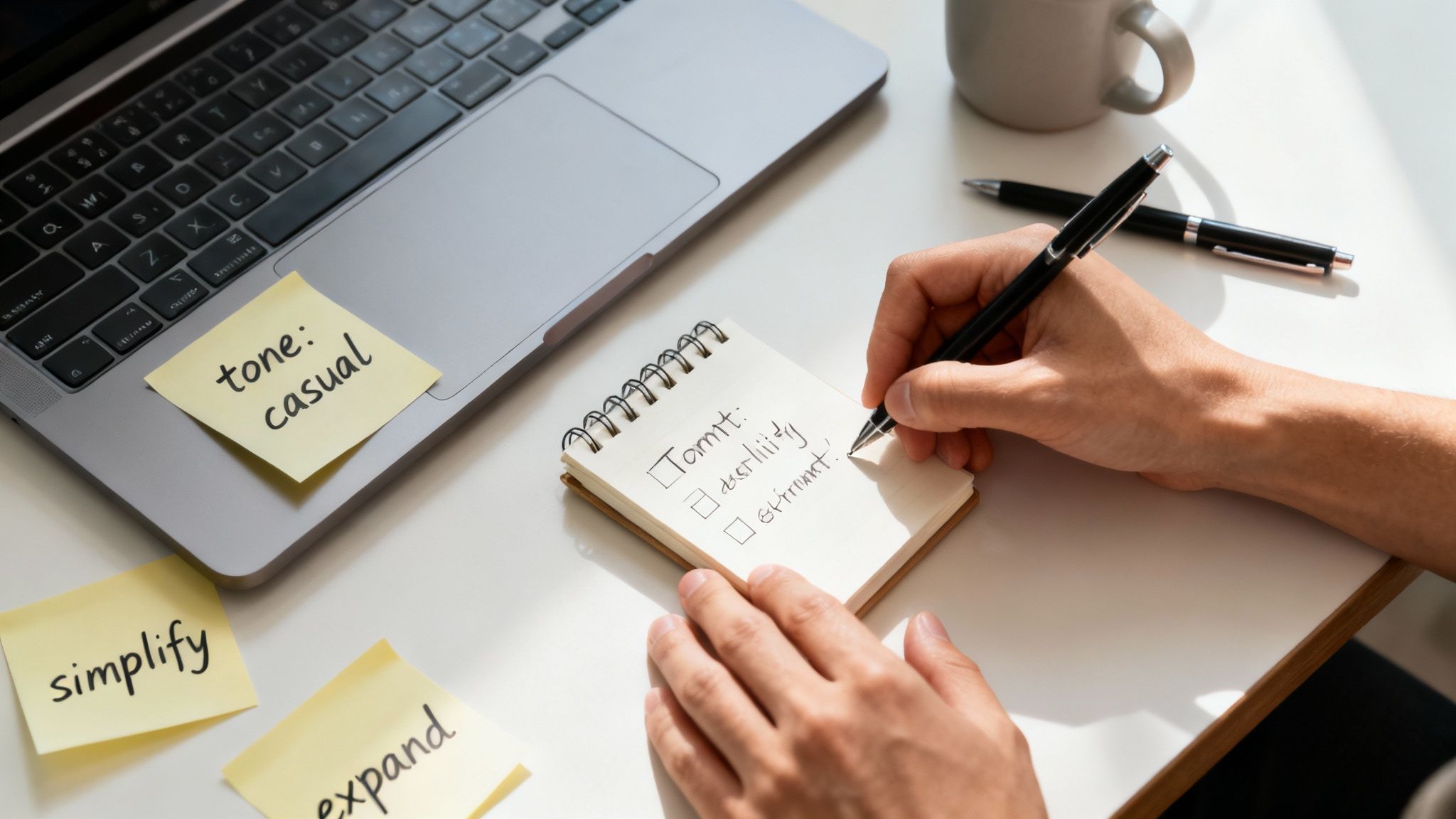
The difference between getting generic mush and sharp, insightful content from a tool like ChatGPT comes down to one thing: your prompt. A lazy "rephrase this" command gets you a lazy, uninspired rewrite.
Think of it like this: you wouldn't ask a chef to just "make food." You'd ask for a medium-rare steak with a side of garlic mashed potatoes. Specificity is everything, and this is your playbook for becoming a prompt master. We'll get into the weeds of crafting specific, goal-oriented instructions that force the AI to deliver exactly what you need.
Before you even think about pasting your text, give the AI a job and a purpose. This is a game-changer. It frames the entire interaction and drastically improves the output. Are you a marketer? A scientist explaining a complex theory? A fifth-grade teacher? Tell the AI who to be.
Then, tell it what success looks like. Don't just say "rewrite." Get explicit about the outcome you're aiming for.
This whole approach of providing context is a core idea in prompt engineering. If you want to go deeper, our guide on what is prompt engineering breaks down how it unlocks better AI results. Essentially, you're priming the AI to pull from the right mental library of words and sentence structures for the job.
The secret to great paraphrasing isn't some magic prompt. It's about giving the AI guardrails. Hand it a role, a goal, a target audience, and specific constraints. The more rules you set, the less room it has to drift into generic territory.
Once you’ve set the stage, it's time to add more specific instructions. This is where you really take the driver's seat. Think of these as knobs and dials you can turn to fine-tune the final text.
Here are a few of my go-to constraints to add to prompts:
A great place to experiment with this is inside a tool like Zemith's Smart Notepad. It lets you keep your original text and your prompts side-by-side, which makes it super easy to tweak your instructions without losing your place. This iterative process is key to landing on the perfect paraphrase.
Here’s a scary thought that keeps way too many writers and students up at night: just because you asked ChatGPT to paraphrase something doesn't mean the text is original. It's a huge misconception. You think the AI is creating something from scratch, but a lot of the time, it's just shuffling the words around in a sentence that still belongs to someone else.
That puts you squarely in the danger zone for accidental plagiarism. The fallout can be serious, from academic penalties for students to a trashed reputation for professional writers. So, how do you use this powerful tool without unintentionally stealing someone else's work?
The secret is to treat paraphrasing like a conversation with the AI, not a single command you bark at it. I call this the iterative paraphrasing method. It’s all about feeding your text to the AI multiple times, tweaking your goal with each pass. Never, ever settle for the first thing it spits out.
Here’s how it works in practice:
With each step, you're forcing the AI to move further and further away from the source text's original structure and vocabulary. It's about building layers of originality.
Even after a few rounds of iterative paraphrasing, you can't just call it a day. The final, absolute must-do step is a manual check and a scan with a good plagiarism checker. This is your safety net, so don't skip it.
It's pretty shocking, but one study on medical research texts found that ChatGPT's first paraphrase attempt had an average plagiarism rate of 45%. But here's the kicker: the same research showed a massive improvement on the second try, with a huge drop in plagiarism when the process was repeated. You can read the full research about these paraphrasing findings to see just how critical that second pass really is.
Think of AI paraphrasing as a launchpad for your own ideas, not a copy-paste machine. To make the output truly your own, it helps to understand how the AI "thinks" about meaning, which is where things like semantic SEO principles come in handy for creating high-quality, unique content.
The last touch should always be yours. Get in there and manually edit the AI's best effort. Add your own voice, smooth out any clunky phrasing, and make it sound like you. For more on this final, crucial stage, our guide on how to edit writing has you covered. That human element is what makes content feel authentic, not robotic.
Ready to move past the basic "make this shorter" or "make this sound professional" prompts? If you want rewrites that are genuinely creative and fundamentally different while keeping the original meaning, you need to upgrade your prompting game.
These are the kinds of techniques people use to get truly impressive results when chat gpt paraphrasing. It's less about giving simple commands and more about teaching the AI how to reason through the task.
One of the most powerful ways to improve your rewrites is with Chain-of-Thought (CoT) prompting. Instead of just asking for the final output, you ask the AI to "think step-by-step"—to show its work.
It’s like asking a consultant for their strategy, not just their final report. You want to see their reasoning. This forces the AI to break down the original text, analyze its components, and then rebuild it according to your rules. The result is almost always more logical, nuanced, and less of a simple synonym-swap.
Here’s a practical way to frame a CoT prompt:
"I need you to paraphrase the following text. First, pull out the single most important message. Second, list the three key supporting arguments. Finally, using only that information, write a new version with a persuasive and confident tone for a room full of executives."
See how that works? The AI can't just skim and rephrase. It has to actually understand the text's structure and purpose before it even starts writing your new version.
Another go-to technique is Few-Shot Prompting. Think of this as giving the AI a quick style guide before you hand over your actual text. You provide a couple of "shots"—or examples—of the 'before' and 'after' you're looking for.
This method is a game-changer for hitting a very specific tone or maintaining a consistent voice across multiple rewrites. For a deeper dive into guiding AI effectively, our article on how to use AI to rewrite text offers some great pointers.
Here’s what a few-shot prompt looks like in action:
Your Prompt:Paraphrase the following examples to be witty and concise.
**Example 1 Input:** "The latest quarterly earnings report indicates a significant downturn in revenue, which has caused concern among our stakeholders and investors."**Example 1 Output:** "Our latest earnings report was a dud, and investors are getting nervous."
**Example 2 Input:** "Our team is working diligently to synergize our core competencies and leverage emergent technologies to drive innovation."**Example 2 Output:** "We're using cool new tech to get better at what we do."
Now, do the same for this:[Your text here]
By showing the AI exactly what you mean, you're giving it a clear pattern to follow. This dramatically cuts down on generic, uninspired outputs and gives you much finer control over the final product.
Let’s be honest, toggling between your source material, a ChatGPT tab, and your actual draft is a productivity nightmare. It's clunky, distracting, and pulls you right out of your creative flow. You can do better by building your entire paraphrasing process inside a single, unified workspace—and this is exactly where a tool like Zemith shines.
Think about it. You’re in the Smart Notepad, tweaking your prompts right alongside the text you want to rewrite. No more alt-tabbing chaos. Then, with a click, the Document Assistant runs your prompt and delivers perfectly paraphrased options without you ever having to leave the page. This isn't just a small tweak; it's a completely different, smarter way to work.
Let's walk through a real-world example. Say you've got a paragraph from a dense academic paper, packed with jargon, and you need to make it accessible for a blog post. Instead of just throwing a "rewrite this" prompt at the AI, you can tap into Zemith's multi-model selection.
This feature is a game-changer. It lets you run the same prompt across different AI models—maybe Claude, Gemini, and a couple of GPT versions—all at once. You can see which one nails the tone you're going for.
You might discover that one model is fantastic at keeping things formal and precise, while another is a genius at spinning up clever analogies. Having all those outputs side-by-side makes it ridiculously easy to compare them. You can then pull the best sentences from each one to craft something truly exceptional.
The real aim here is to ditch the clunky, stop-and-start process for a smooth, cohesive system. When all your tools are in one place, you stay focused on the writing, not on managing your windows.
This infographic breaks down the journey from a basic rewrite to a truly professional-grade paraphrase using more sophisticated techniques.
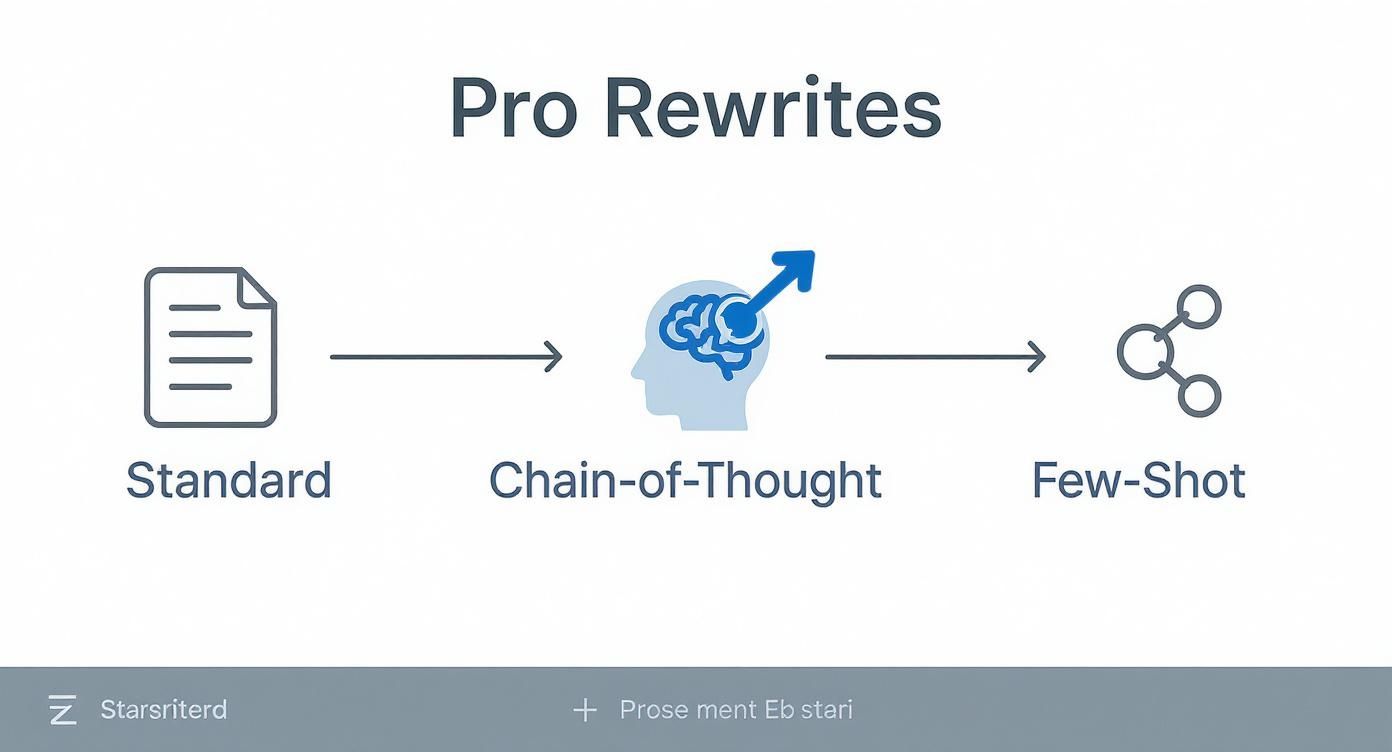
As you can see, moving past simple commands and into methods like Chain-of-Thought or Few-Shot prompting gives you a much deeper and more nuanced result.
And it gets better. Once you've dialed in a prompt that works perfectly, you can use features like batch processing to apply that same instruction across dozens of sections in your document. For long-form content, this is an incredible time-saver.
This kind of streamlined approach makes your chat gpt paraphrasing tasks not just faster, but also more consistent and systematic. If you're looking for more ways to speed up your process, we've got a great guide on how to write blog posts faster that's full of practical tips.
Ultimately, this is what a truly integrated workflow feels like. It’s smart, it’s fast, and it lets you concentrate on what really matters: creating amazing content.
Alright, so we've walked through how to paraphrase with AI, but you've probably still got some questions bouncing around in your head. That’s normal. Let's dig into a few of the big ones that come up all the time.
This is the one everyone asks. The honest answer? It's complicated, but a good teacher often can. Sure, there are AI detection tools out there, but they're notoriously unreliable and can flag human writing just as easily as AI-generated text.
The real giveaway isn't a piece of software. It’s the human touch—or lack thereof. An experienced educator will notice when your writing suddenly shifts in tone, uses oddly sophisticated vocabulary that’s not your usual style, or just feels a little… hollow. Those are the red flags.
The smartest way to use chat gpt paraphrasing is to treat it like a brainstorming session. Use it to get a fresh perspective on a sentence, then take that suggestion and rewrite it in your own words. It's a stepping stone, not the final destination.
This is a massive gray area right now, and the rules are still being written. The ethics of it all really boil down to your intent and how you use the tool.
Here's a simple way to think about it:
Think of AI as your writing assistant, not your ghostwriter. It’s there to help you improve your work, not do the work for you. And before you start, always double-check the specific academic integrity policies at your school or company.
This is the most crucial skill of all. The goal is for no one to ever suspect a machine was involved. Thankfully, a few simple techniques can make all the difference.
First up, read your text out loud. Seriously. Your ears are amazing at catching clunky phrases and awkward rhythms that your eyes just slide right over. If it sounds unnatural when you say it, it will feel just as weird to your reader.
Next, inject a bit of yourself into the writing. Add a quick anecdote, a personal opinion, or a unique example that only you could provide. AI can't replicate your personal experience, and that's what makes your writing authentic.
Finally, don't be afraid to simplify things. AI models often try to sound smart by using overly formal or obscure words. Swap them out for simpler, clearer language. You’re not just editing the text; you're molding it to fit your voice.
Ready to stop the copy-paste-edit cycle and build a smarter workflow? Zemith puts powerful AI models right inside your notes and documents. You can focus on creating incredible work without all the digital clutter. See how a unified workspace can change your entire process. Start streamlining your writing at https://www.zemith.com.







Trusted by teams at






The top models, plus image, video and voice tools, in one plan.
Without Zemith
ChatGPT PlusUS$20.00Claude ProUS$20.00Google AI ProUS$19.99SuperGrokUS$30.00Perplexity ProUS$20.00 MidjourneyUS$10.00
 ElevenLabsUS$6.00Le Chat ProUS$14.99
 RunwayUS$15.00Kling StandardUS$8.80
 Gamma PlusUS$12.00
 Otter ProUS$16.99
 QuillBot PremiumUS$19.95
 Photoroom ProUS$12.99
 Quizlet PlusUS$7.99
Total if paying separatelyUS$234.70/mo
"I love the way multiple tools they integrated in one platform. Going in the right direction."
— simplyzubair
"The quality of data and sheer speed of responses is outstanding. I use this app every day."
— barefootmedicine
"The credit system is fair, models are perfect, and the discord is very responsive. Quite awesome."
— MarianZ
"Just works. Simple to use and great for working with documents. Money well spent."
— yerch82
"The organization of features is better than all the other sites — even better than ChatGPT."
— sumore
"It lives up to the all-in-one claim. All the necessary functions with a well-designed, easy UI."
— AlphaLeaf
"The team clearly puts their heart and soul into this platform. Really solid extra functionality."
— SlothMachine
"Updates made almost daily, feedback is incredibly fast. Just look at the changelogs — consistency."
— reu0691
Hand off the research, writing, design and follow-ups. Zemith picks the tools it needs and brings back finished work.
Search the web, run deep research, read files, create images and run code with GPT, Claude, Gemini, Grok and more.
Zemith keeps working in the cloud and pings you when it's done.
Notion, Linear, Canva, Airtable and more. It asks before it creates or changes anything.
Docs, slides, sheets and PDFs, ready to send.
Chain models and tools on a visual canvas, from one prompt to a finished promo video.
Briefings, reports and reminders run on a schedule and are ready when you need them.
Real-time voice that can see your camera or screen.
The best image and video models, in one studio.
Turn PDFs, links and YouTube videos into podcasts, quizzes, flashcards and mind maps.














 Podcast
 Quiz
Quiz Flashcards
 Mind map
 Infographic