


Every top model, with tools built in.
Search the web, run deep research, read files, create images and run code with GPT, Claude, Gemini, Grok and more.
Tired of grading? Discover the best online quiz generator for teachers! We review 12 top tools with pros, cons, and secret features to save you time.
Remember the good old days? A pop quiz meant a frantic scramble with a pen, a photocopier that always jammed, and an evening spent deciphering student hieroglyphics. Fun times. But let’s be real, the 'grading' part of teaching can feel like a punishment for a crime you didn’t commit. What if you could reclaim those hours? What if creating, distributing, and grading quizzes could actually be… fun? And fast?
Welcome to the wonderful world of the modern online quiz generator for teachers. This isn't just another list. We're diving deep into 12 of the best platforms out there, comparing them feature-by-feature to help you find the perfect fit for your classroom. We'll explore everything from gamified favorites that get students buzzing to AI-powered powerhouses that turn any document into a quiz in seconds. Before diving into specific platforms, it's beneficial to understand the diverse landscape of available online quiz tools that can transform your assessment strategies.
In this guide, you’ll get the real story on each tool. We'll uncover the hidden features, the honest drawbacks, and the specific classroom scenarios where each one truly shines. Each review includes screenshots and direct links, so you can see exactly how it works. Ready to find the perfect tool to transform your assessments and maybe even finish your coffee while it's still hot? Let's get started.
Zemith earns the top spot on our list because it’s not just an online quiz generator for teachers; it's an all-in-one AI workspace designed to streamline your entire lesson planning and content creation workflow. Instead of juggling a dozen different apps for research, writing, image creation, and assessments, Zemith consolidates everything into a single, powerful hub. It’s the Swiss Army knife you didn't know you needed for your digital classroom.
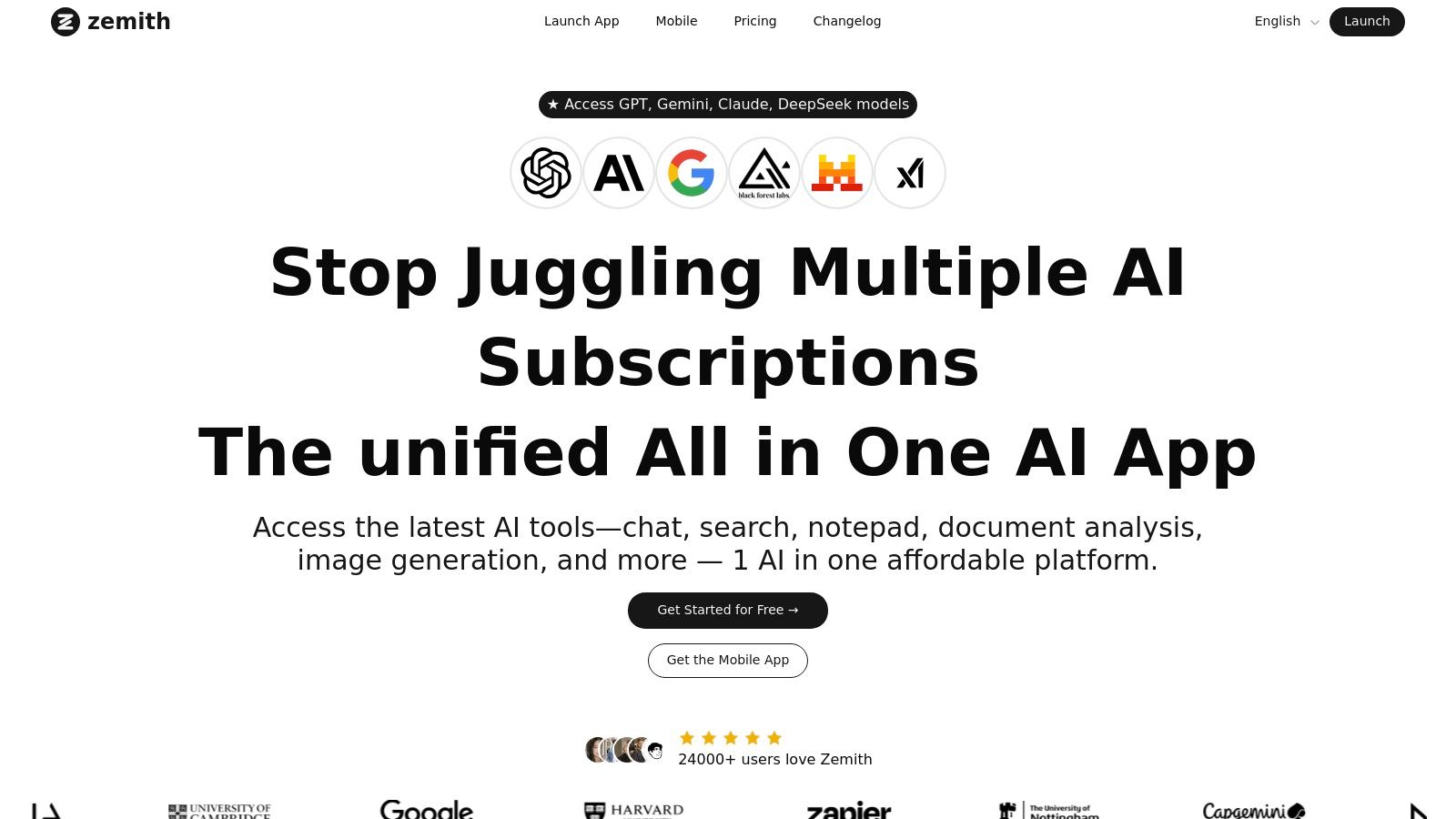
What truly sets Zemith apart is its Document Assistant. This feature is an absolute game-changer for educators. You can upload any document - a PDF of a textbook chapter, a link to a historical article, or even your own messy lecture notes - and instantly generate a variety of assessment materials. It doesn't just stop at multiple-choice questions; you can create flashcards, summaries, and even an audio podcast of the material for students who learn better by listening. This AI-powered tool saves you hours of manual work, freeing you up to focus on teaching. How many times have you wished you had a magic wand to turn a 30-page PDF into a quiz? This is it.
Zemith is a powerhouse platform that goes far beyond a simple online quiz generator for teachers. It’s an investment in your productivity. While the all-in-one nature comes with a slight learning curve, the time saved in the long run is invaluable. It offers a free tier to get started, but heavy users will want to explore the credit-based subscription to unlock the full potential of its advanced models.
Website: Zemith.com
Quizizz transforms the mundane task of assessment into an engaging, gamified experience. It's a fantastic online quiz generator for teachers who want to bring a bit of competitive fun into the classroom, whether live or as homework. What really sets Quizizz apart is its colossal library of pre-made quizzes. Seriously, you can find a quiz on almost any topic imaginable, saving you tons of prep time. Just search, find one you like, and you can either use it as-is or duplicate and edit it to fit your exact needs.
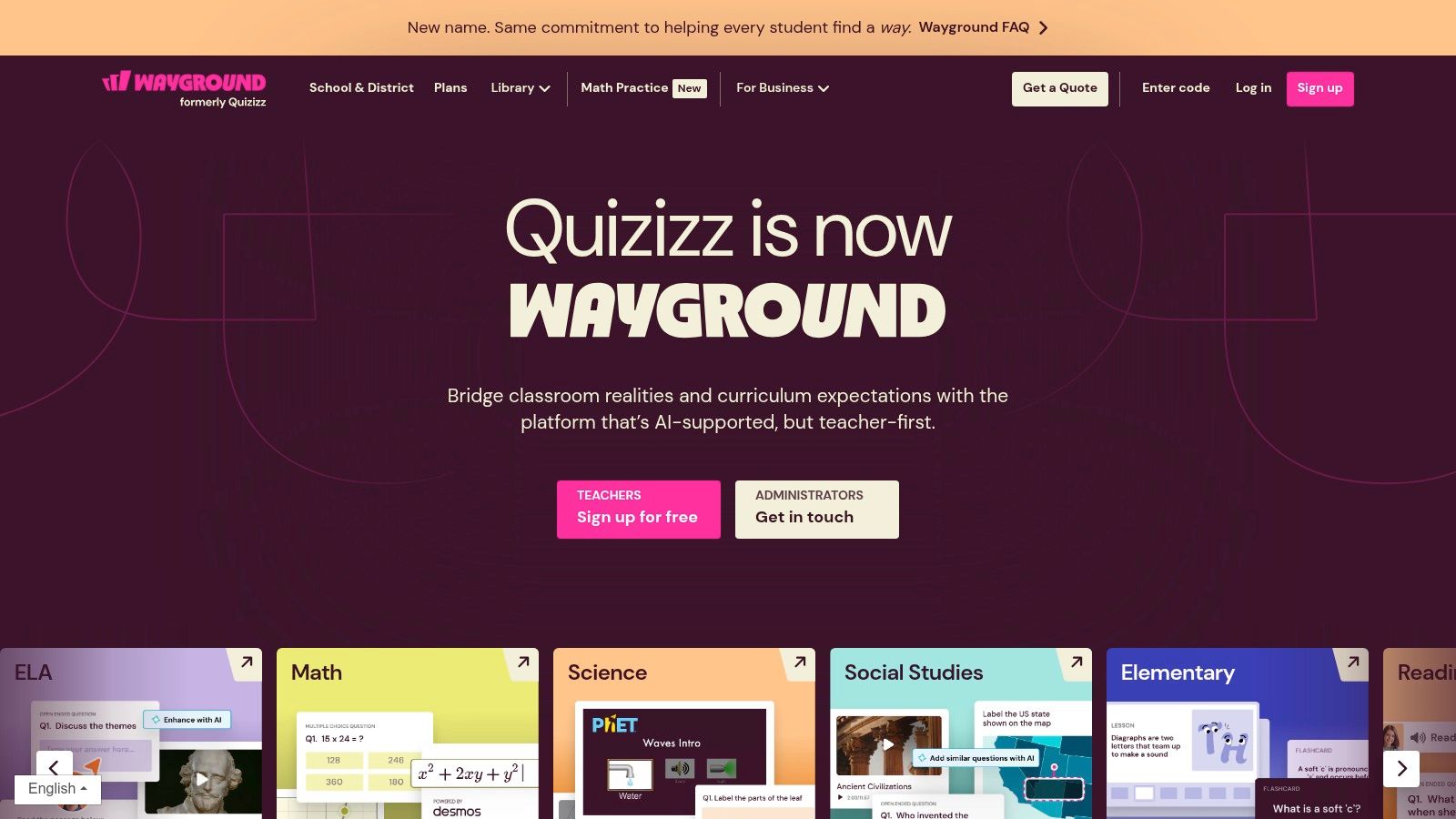
The platform’s AI-powered features, like "Quiz Generator" and "Enhance with AI," can help you create questions from scratch based on a topic or beef up your existing quizzes with new, relevant questions. This is a game-changer for differentiation and quick content creation. However, while Quizizz offers robust AI tools, if your primary goal is to generate assessments directly from existing documents like PDFs, textbooks, or articles, you might find the workflow a bit clunky. For that specific need, a tool like Zemith’s Document Assistant is more streamlined, turning your materials into a quiz in seconds.
Quizizz is perfect for K-12 educators and corporate trainers looking to boost engagement with gamification. It’s incredibly intuitive for both teachers and students, and its ability to scale for large groups makes it a solid choice for school-wide events or district-level assessments.
Website: https://quizizz.com
When you think of a fun, energetic quiz game in the classroom, Kahoot! is probably the first name that pops into your head. It’s the OG of game-based learning, transforming any lesson into a vibrant, high-stakes competition with its iconic music and fast-paced format. Kahoot! is an excellent online quiz generator for teachers aiming to maximize classroom engagement, whether through live games hosted on the big screen or self-paced challenges for homework. Its massive library of user-generated "kahoots" means you can almost always find a ready-to-play quiz on any topic, saving precious prep time.
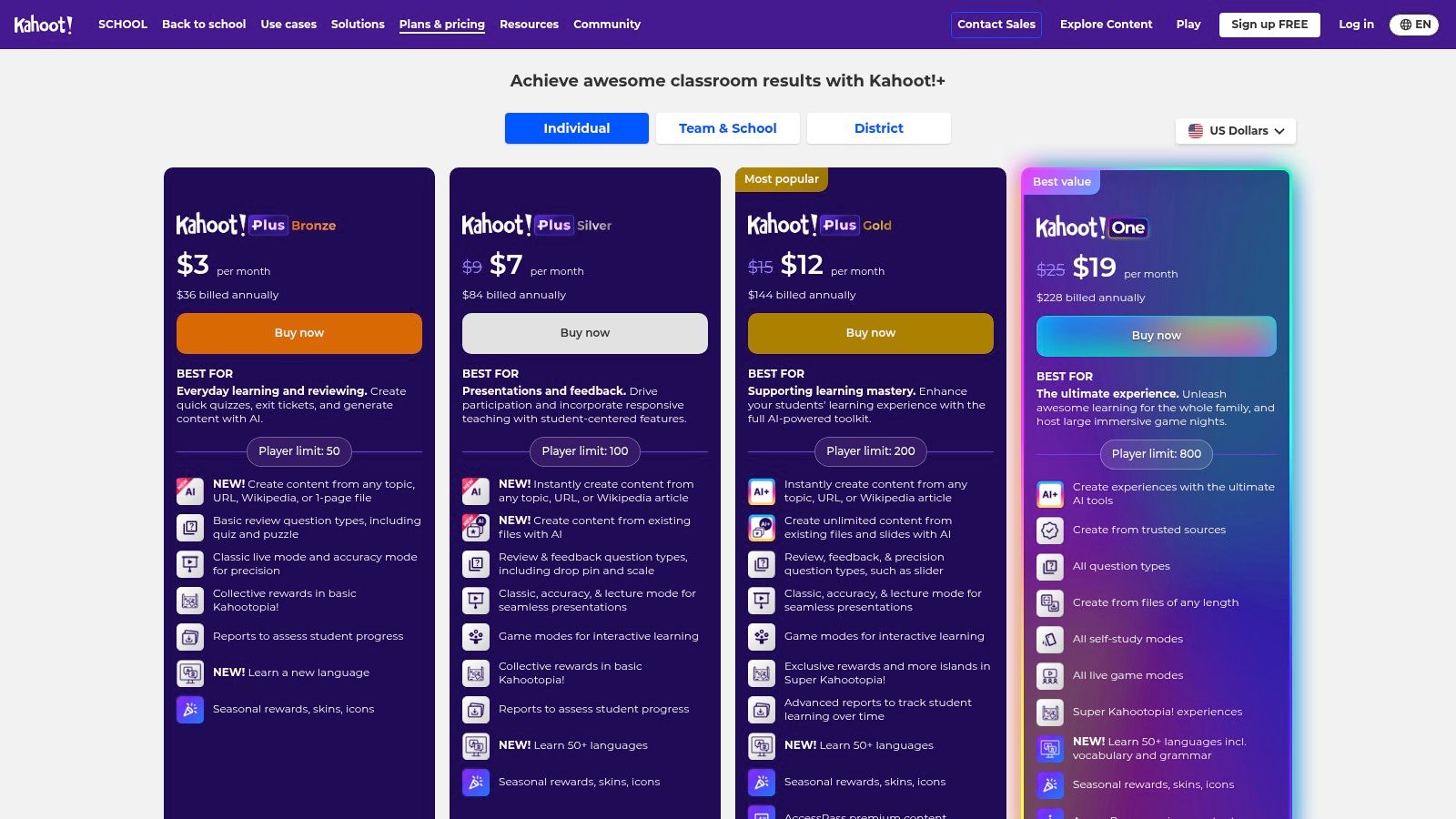
The platform truly shines in live settings, creating an electric atmosphere that makes formative assessment feel like a celebration rather than a test. The simple, intuitive interface for both creating and playing is a huge plus. However, if you need to create assessments from your own documents, the process isn't as seamless. For educators who want to instantly convert a PDF, article, or even a YouTube video into a quiz, a dedicated tool like Zemith’s Document Assistant is far more efficient, handling the heavy lifting of question generation so you can focus on teaching. Kahoot! is fantastic for review and engagement, but for rapid content-based quiz creation, other tools might serve you better.
Kahoot! is a must-have for any K-12 teacher who wants to inject energy and excitement into their classroom. It excels at review sessions, bell-ringers, and exit tickets. Its straightforward design makes it accessible even for the least tech-savvy teachers and students, making it a reliable tool for driving participation and implementing active learning strategies in any subject.
Website: https://kahoot.com/schools/plans/
Chances are, you've already filled out a Google Form, but did you know it’s a surprisingly robust online quiz generator for teachers? If your school is a Google Workspace district, this is the trusty, no-frills tool you can always count on. With the flick of a switch in the settings, any form transforms into a self-grading quiz, allowing you to assign point values, provide automated feedback for correct and incorrect answers, and collect student responses in a neatly organized Google Sheet. It’s the definition of simple and effective.
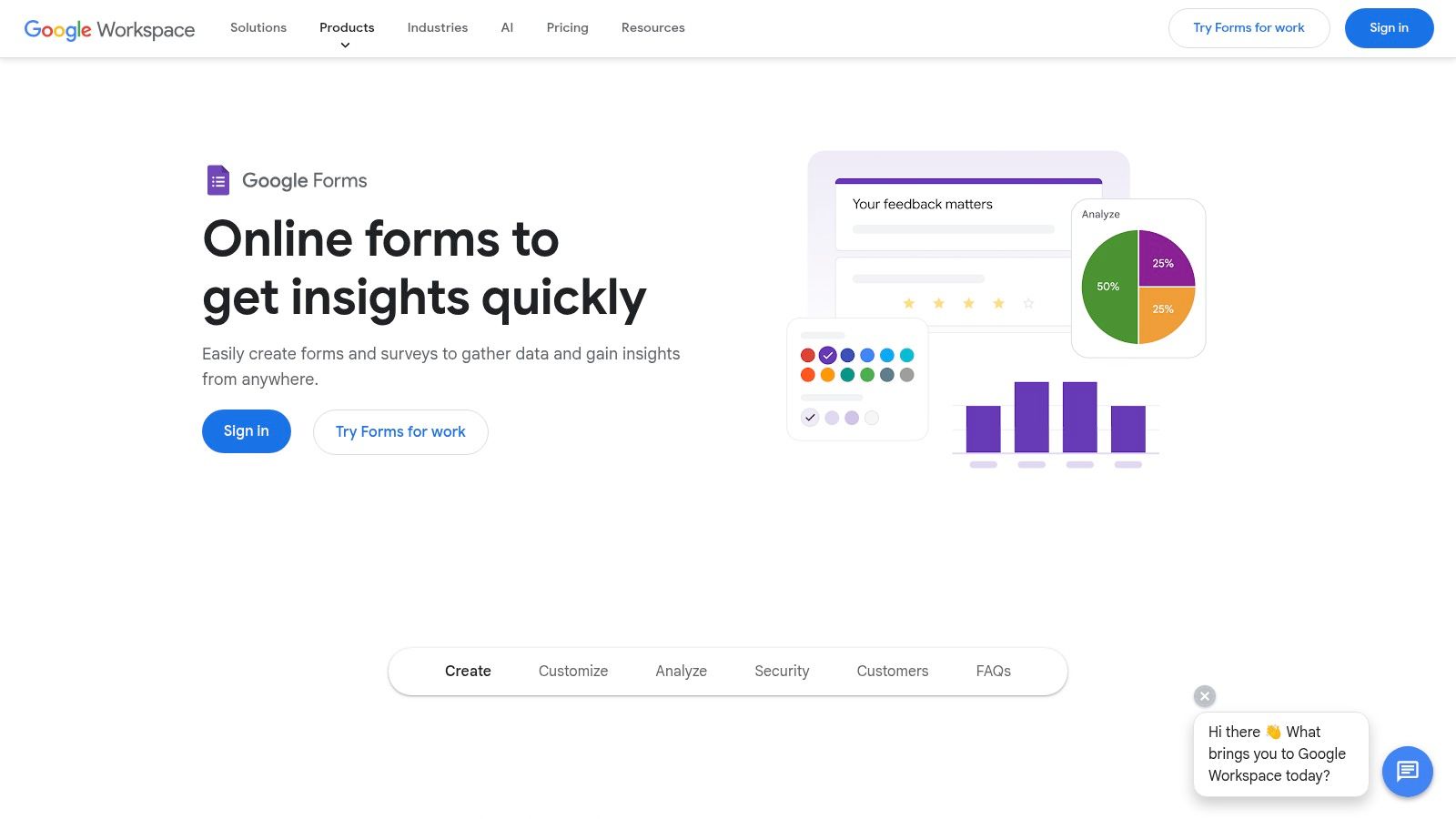
The seamless integration with Google Classroom is its superpower. You can create, assign, and grade quizzes right within the Classroom ecosystem, making it an incredibly streamlined workflow for daily check-ins, exit tickets, and straightforward assessments. While it handles the basics like multiple-choice and short answers beautifully, its real limitation is content generation. You'll be manually typing every question and answer. If you want to bypass that tedious process and automatically create a quiz from a PDF study guide, you'll need a dedicated AI tool. Zemith’s Document Assistant is a perfect companion, letting you generate the questions from your material and then easily input them into a Google Form.
Google Forms is the go-to for K-12 and higher-ed instructors who are already invested in the Google ecosystem. It's ideal for teachers who need a reliable, free, and straightforward tool for creating formative and summative assessments without a steep learning curve or any bells and whistles.
Website: https://www.google.com/forms/about/
For educators already living in the Microsoft 365 ecosystem, Microsoft Forms is a powerful and seamlessly integrated online quiz generator for teachers. It's built right into the suite you already use, making it incredibly convenient for creating, distributing, and analyzing quizzes, especially within Microsoft Teams for Education. The platform offers clean, straightforward quiz creation with features like auto-grading, real-time analytics, and branching logic for more adaptive assessments.
One of its standout features for STEM educators is the built-in math keyboard, which simplifies creating quizzes with complex equations. For institutions with the right license, the integration of Copilot can draft quiz questions, saving valuable time. However, if your primary goal is to generate a quiz instantly from diverse materials like a textbook chapter or a web article without needing a specific enterprise license, the AI-driven approach of a tool like Zemith’s Document Assistant is far more direct. It bypasses the need for manual topic input and builds a quiz from your content in a single step.
Microsoft Forms is the ideal choice for schools and districts heavily invested in the Microsoft 365 environment. It’s perfect for teachers who need a reliable, no-frills tool that works flawlessly with their existing classroom technology (like Teams and OneNote) and provides robust data analysis capabilities through Excel.
Website: https://forms.microsoft.com
Socrative is the go-to online quiz generator for teachers who need quick, on-the-fly formative assessments. It’s a lightweight and incredibly fast tool designed for real-time classroom interaction. You can launch a quick poll, a short quiz, or an exit ticket in seconds to gauge student understanding and get immediate feedback. Its simplicity is its biggest strength; there’s virtually no learning curve, making it perfect for spontaneous checks without disrupting the flow of your lesson.
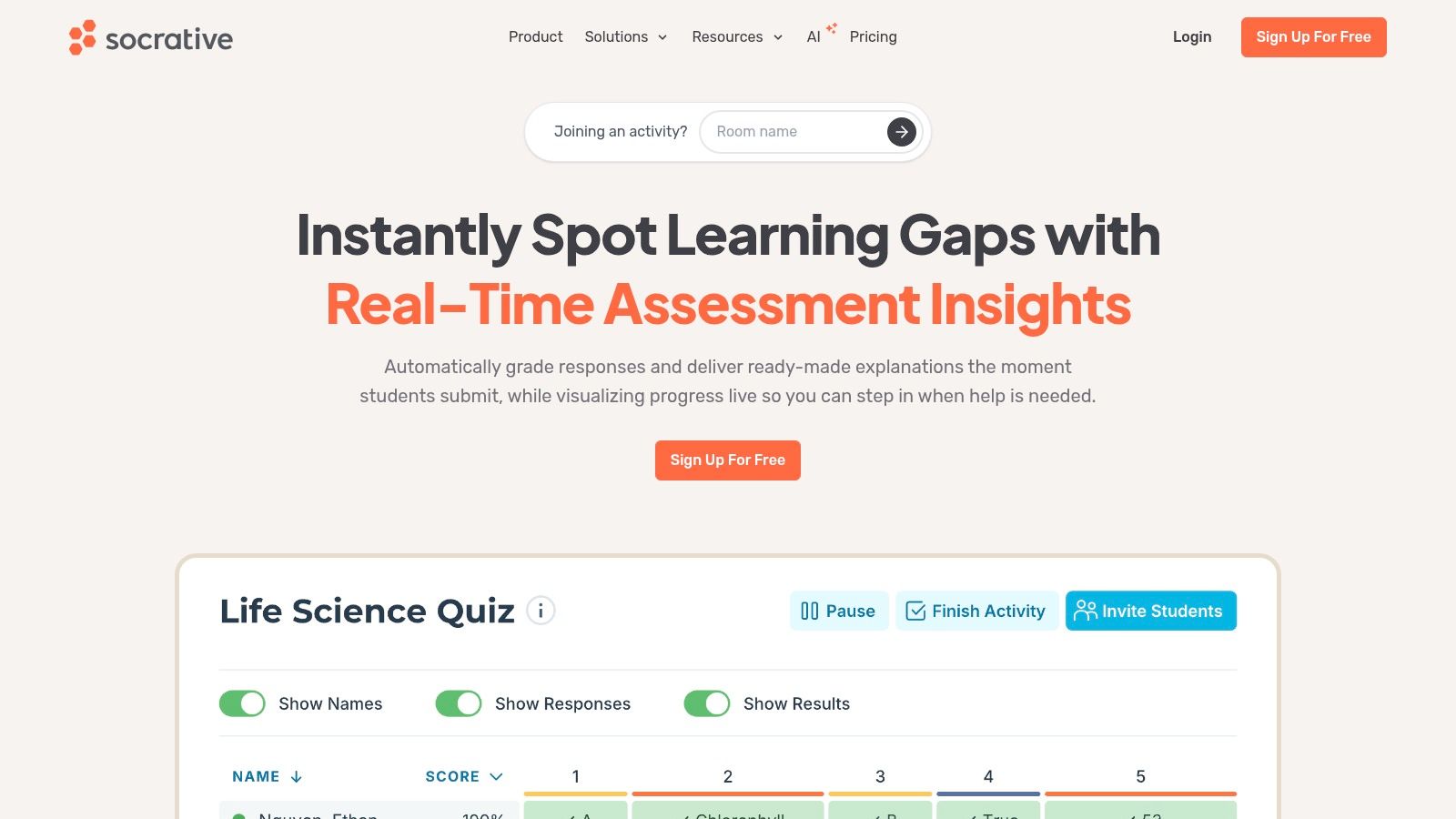
The platform focuses on essential features like auto-grading, rostering, and clear reporting, which streamlines the assessment process. However, if your goal is creating in-depth assessments from existing materials like a textbook chapter or a PDF worksheet, Socrative isn't built for that. Its manual question entry can be time-consuming for larger quizzes. For that kind of heavy lifting, a tool like Zemith’s Document Assistant is far more efficient, letting you upload a document and instantly generate a quiz, saving you from the tedious copy-and-paste routine.
Socrative is ideal for K-12 and higher-ed instructors who prioritize immediate feedback and frequent, low-stakes assessments. It’s perfect for bell ringers, exit tickets, and concept checks during a lesson. If you need a reliable tool for quick pulse checks without the bells and whistles of complex gamification, Socrative is a solid and dependable choice.
Website: https://www.socrative.com
ClassMarker shifts the focus from gamified fun to professional, secure online testing. This is the online quiz generator for teachers who need to create high-stakes exams, certifications, or formal assessments with robust security and credentialing. It’s built for situations where you need to ensure test integrity, offering features like time limits, question randomization, IP address restrictions, and even proctoring options. It's less about the classroom games and more about serious, reliable evaluation.
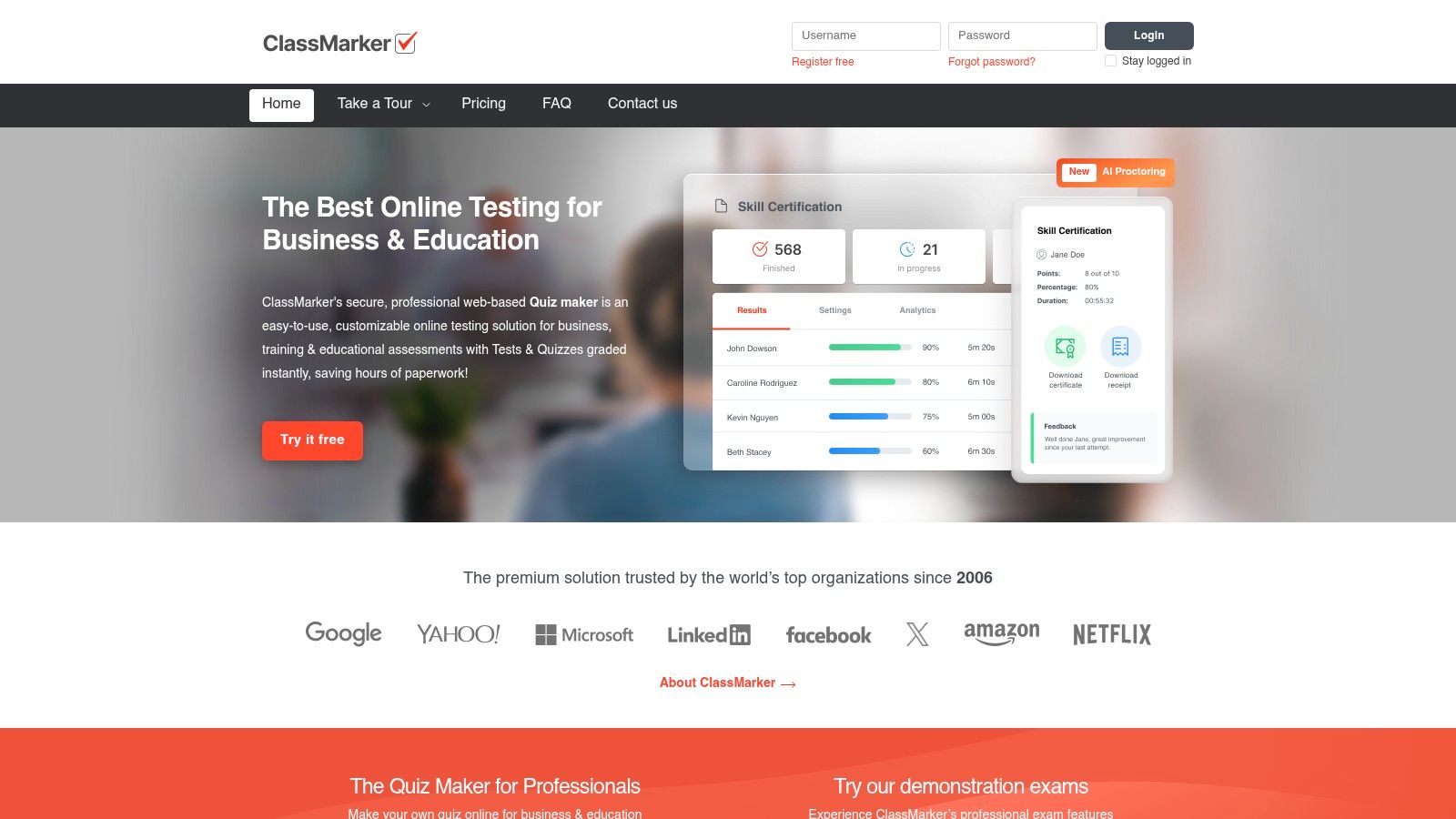
One of its most unique aspects is the built-in e-commerce support, allowing educators or institutions to sell their exams directly to test-takers. It handles payments, making it a viable tool for professional development courses or paid certification programs. While it provides powerful, granular control over test delivery, it doesn't have the AI-powered content creation tools that are becoming standard. If your goal is to quickly generate a quiz from a study guide or PDF, you'd need to manually create each question here. For that, a specialized tool like Zemith’s Document Assistant is far more efficient, turning your documents into assessments in just a few clicks.
ClassMarker is ideal for higher education institutions, corporate trainers, and certification bodies that require a secure and professional testing environment. It’s also a great fit for educators who need to sell courses or exams and want a platform that handles the financial transactions and certificate delivery seamlessly.
Website: https://www.classmarker.com
ProProfs Quiz Maker is a heavyweight contender, offering a feature set that extends far beyond simple classroom assessments. It’s an incredibly versatile online quiz generator for teachers, but it also caters to corporate trainers and entrepreneurs. Its strength lies in its comprehensive toolkit, which includes a massive library of templates, robust security settings to prevent cheating, and detailed analytics to track student performance. You can even design and award custom certificates upon completion, adding a professional touch to your assessments.
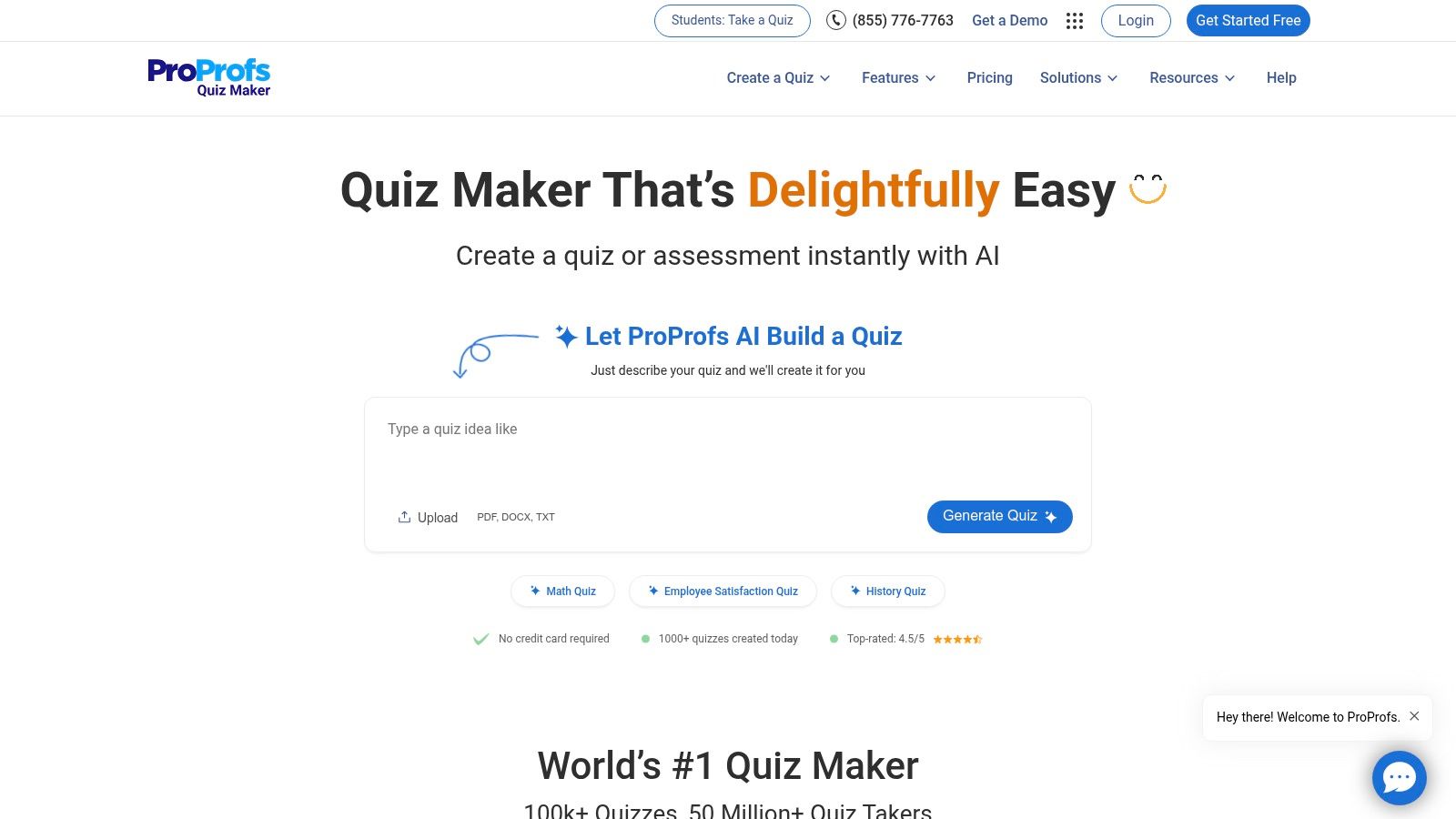
What makes ProProfs truly unique is its built-in e-commerce functionality, allowing educators to sell their quizzes through the ProProfs Store or their own website. While this is great for creators, the platform’s core AI quiz generation from a topic can sometimes feel less intuitive than other tools. If you're focused on quickly converting your specific class notes or a PDF chapter into a targeted quiz, a specialized tool like Zemith’s Document Assistant offers a more direct and efficient path from material to assessment, skipping the extra bells and whistles you might not need.
ProProfs Quiz Maker is ideal for educators who need more than just a quiz tool. It’s perfect for those running professional development courses, creating certification programs, or even monetizing their educational content. Its advanced features are also great for high-stakes testing environments where security and detailed reporting are critical.
Website: https://www.proprofs.com/quiz-school/
Quizlet is a legend in the world of digital flashcards, but it has evolved into a much more robust online quiz generator for teachers. It shines as a tool for practice and mastery, allowing educators to create study sets with terms, definitions, and images that students can engage with through various modes like Learn, Test, and Match. The platform's crown jewel is its immense user-generated library; chances are, a study set for your topic already exists, ready to be copied and customized.
The platform also includes a classroom game, Quizlet Live, which fosters teamwork and friendly competition. While its core strength lies in study sets and practice tests, its AI features are growing. However, if your goal is to quickly convert lecture notes, textbook chapters, or articles into diverse question formats, the process on Quizlet isn't as direct. For that kind of heavy lifting, Zemith's Document Assistant provides a more seamless workflow, instantly transforming your documents into ready-to-use assessments. While Quizlet is fantastic for term-based practice, learning how to create flashcards and other study materials from dense text is often faster with a dedicated AI tool.
Quizlet is a must-have for any K-12 or higher education teacher focused on vocabulary and concept mastery. It's perfect for exam review, self-paced learning, and in-class review games. The easy adoption and institutional pricing make it a budget-friendly choice for departments or entire schools looking to standardize their study tools.
Website: https://quizlet.com
Formative, also known as GoFormative, is an exceptional tool for teachers who want to move beyond simple right-or-wrong answers and dive into deep, real-time assessment. This platform shines brightest when used for live, in-class "checks for understanding." As students work, you can see their responses populate on your screen instantly, allowing you to provide immediate, targeted feedback before misconceptions take root. It’s like being able to look over every student's shoulder at once, without having to leave your desk.
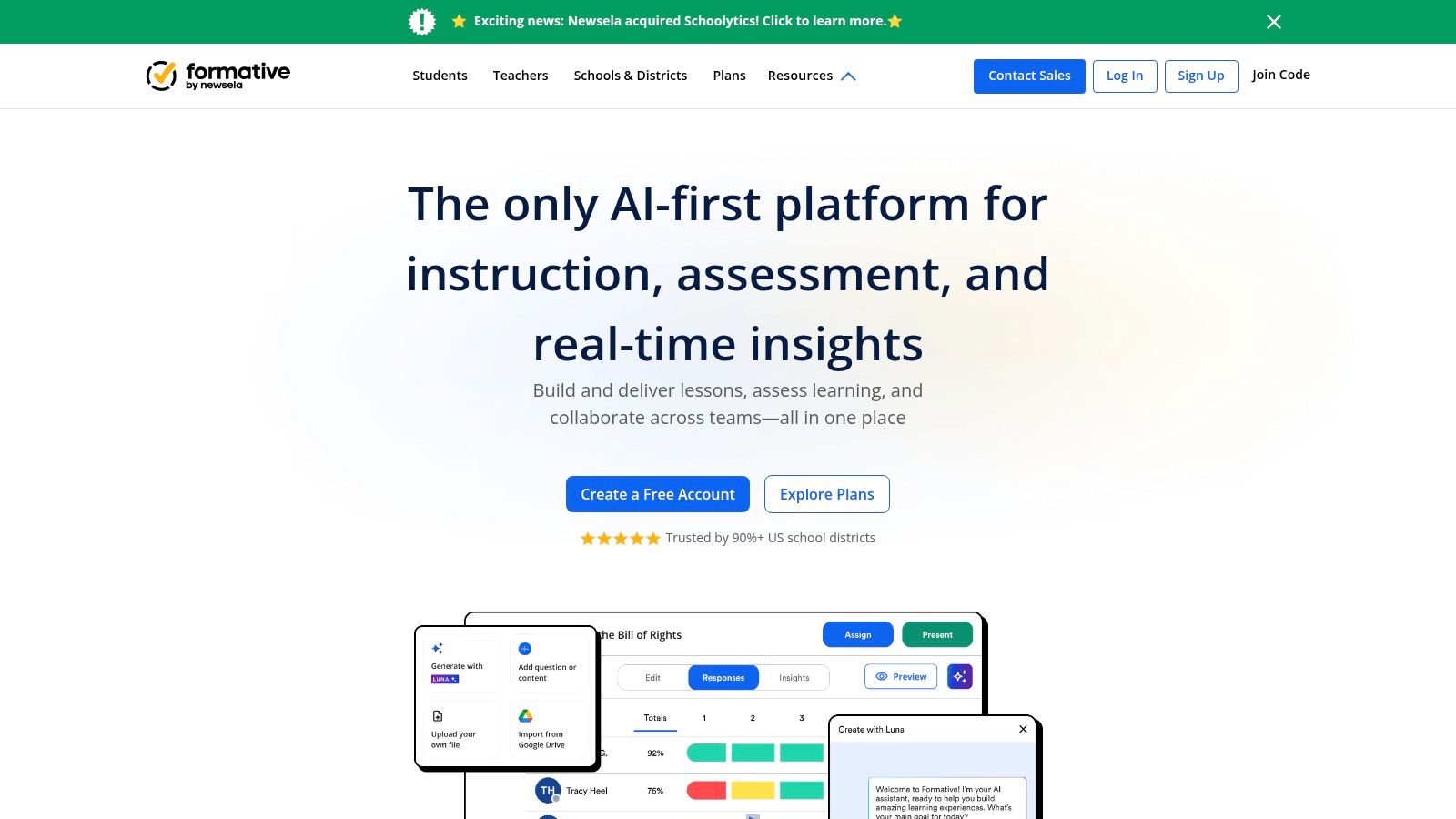
The platform is built around standards-aligned assessment, offering a deep item bank and analytics that help you track student mastery over time. For more serious assessments, its paid plans include security features like question randomization and copy-paste detection. While Formative is a powerhouse for this kind of live feedback loop and data tracking, creating content from scratch can be time-consuming. For educators looking to quickly turn lecture notes or reading materials into a quiz, using a tool like Zemith’s Document Assistant to generate questions first, then importing them into Formative, can be a massive time-saver. This workflow lets you combine the best of both worlds: rapid AI content creation and robust, real-time assessment.
Formative is ideal for data-driven K-12 educators who prioritize ongoing formative assessment and immediate student feedback. It's perfect for teachers in a 1:1 device environment who want to create a dynamic, responsive classroom where instruction can be adjusted on the fly based on real-time student performance.
Website: https://www.formative.com
Sometimes you don't need all the bells and whistles; you just need a simple, reliable tool that works. Testmoz is the definition of that philosophy. It's a no-frills online quiz generator for teachers who value speed, simplicity, and privacy. You can build and deploy a fully functional, auto-graded test in just a few minutes without even creating an account, making it perfect for quick, informal assessments.
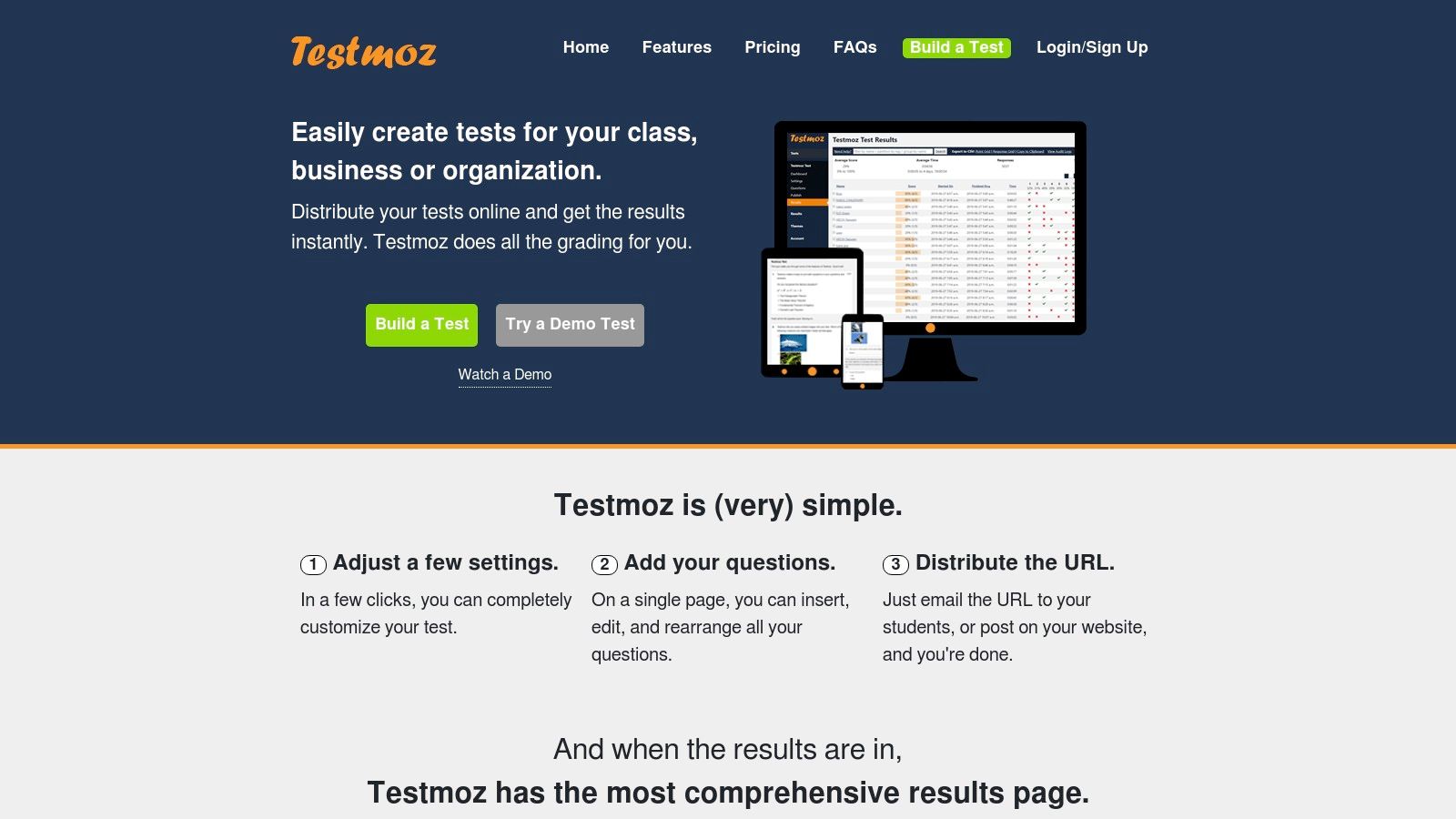
Its clean, almost retro interface is incredibly easy to navigate, so you won't spend any time bogged down in complex settings. While the free version is quite generous for quick checks, the paid plan unlocks unlimited tests and results for a remarkably low price, making it one of the most cost-effective tools out there. However, if your goal is generating diverse, nuanced questions from complex source material like a textbook chapter or a research paper, Testmoz's simplicity is its limitation. For that kind of AI-powered heavy lifting, a dedicated tool like Zemith’s Document Assistant is designed to help you study smarter, not harder by instantly transforming documents into comprehensive quizzes.
Testmoz is the perfect fit for educators who need a straightforward, dependable quiz maker without a steep learning curve or a hefty price tag. It's ideal for K-12 teachers, tutors, and higher education instructors who want to create basic assessments quickly and efficiently.
Website: https://testmoz.com
FlexiQuiz is a powerhouse online quiz generator for teachers who need a tool that can scale from simple classroom assessments to complex, enterprise-level exams. It offers an impressive range of features, including learning paths, custom certificates, and even e-commerce options for educators looking to sell their courses or quizzes. The platform balances a user-friendly interface with deep customization, allowing for everything from live quizzes to secure, proctored exams. Its flexibility is its greatest strength, catering to both individual teachers and entire institutions.
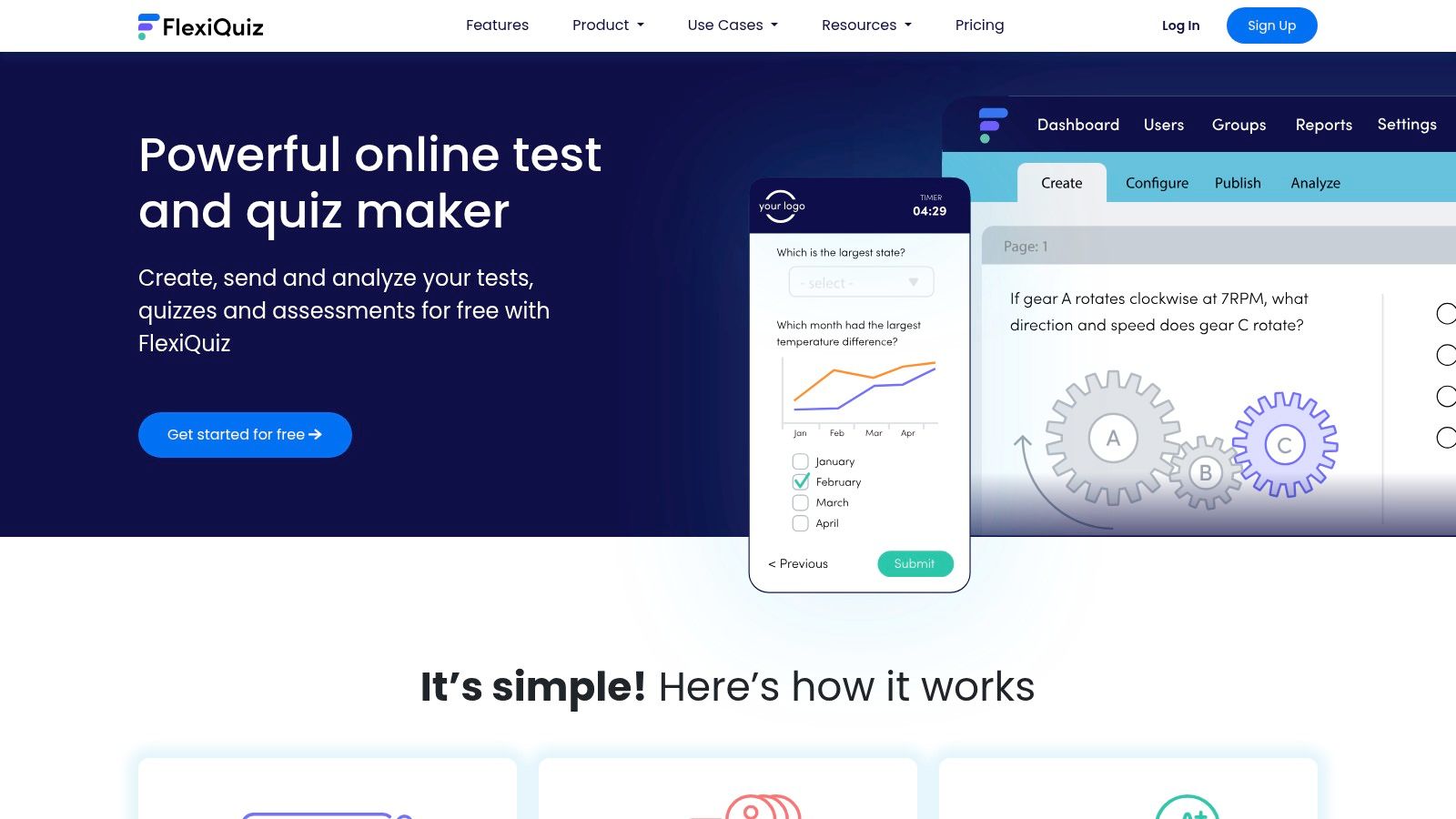
The platform supports a wide array of question types and allows for detailed customization of scoring, feedback, and branding. However, its power comes from manual creation. If you're looking to quickly convert existing classroom materials like study guides or textbook chapters into a functional quiz, the process can be time-consuming. For that kind of rapid, AI-driven conversion, a tool like Zemith’s Document Assistant is far more efficient, letting you upload a document and get a quiz generated automatically, saving you valuable prep time.
FlexiQuiz is ideal for higher education, corporate trainers, and entrepreneurial educators who require advanced features like API access, single sign-on (SSO), and e-commerce. It’s also a great fit for K-12 schools that need a robust, secure platform for standardized testing or district-wide assessments.
Website: https://www.flexiquiz.com
Phew, that was a whirlwind tour, right? We’ve seen everything from the high-energy, game-show antics of Kahoot! and Quizizz to the straightforward, no-nonsense power of Google Forms and the secure, academic focus of ClassMarker. Choosing the "best" online quiz generator for teachers is a lot like picking a new coffee mug; what works perfectly for one person might be all wrong for another.
The right tool for you isn't the one with the most features. It's the one that seamlessly fits into your teaching style and solves a specific problem you face every single week.
Let's break it down. Your decision-making process should be less about which tool is "number one" and more about which tool is number one for you. Ask yourself these questions:
What’s my primary goal? Am I looking for a fun way to start class and get the energy up? Kahoot! or Quizizz are your go-to options. Do I need a reliable way to create formative assessments and exit tickets? Socrative or Google Forms will get the job done efficiently. Am I creating high-stakes, graded exams that require robust security? A platform like ClassMarker or ProProfs Quiz Maker is probably a better fit.
How much time do I really have? This is the big one. If you’re already stretched thin (and what teacher isn't?), the idea of spending an hour crafting the perfect 20-question quiz is... well, laughable. The learning curve matters. A tool like Testmoz is incredibly simple, but you're still the one writing every single question.
What’s my budget? Many of the tools we've explored offer fantastic free tiers that are more than enough for casual use. But if you need advanced reporting, LMS integration, or premium features, you'll need to factor in a subscription. Be realistic about what you'll actually use before pulling out the department credit card.
Here’s the most important takeaway from our deep dive: the landscape of the online quiz generator for teachers is changing fast. The single biggest evolution is the move away from manual question writing and toward intelligent, AI-powered content generation.
Think about it. The traditional process involves you, a textbook or a set of notes, and a blank quiz template. You spend your precious time distilling information, crafting questions, writing distractors, and proofreading. The new paradigm, powered by tools like Zemith’s Document Assistant, flips that script entirely.
Instead of being a quiz author, you become a quiz editor. You provide the source material, a PDF of a chapter, a link to an article, or even your own lecture notes, and the AI does the heavy lifting. It generates a relevant, challenging, and well-structured quiz in seconds. Your job shifts from creation to curation, a much faster and more strategic use of your expertise. This isn't just about saving an hour on a Tuesday night; it's about fundamentally reallocating your energy toward direct student interaction, lesson planning, and providing meaningful feedback. As you decide what's right for your classroom, consider how approaches like personalized learning with AI aim to move beyond simple quiz apps, encouraging projects that build real skills and creativity.
The future of assessment is less about tedious administration and more about leveraging smart technology to reclaim your time and focus on what truly matters: teaching. So, we encourage you to try the free versions of a few tools on this list. But if you're ready to see just how much time you can get back, your next step is clear.
Ready to stop writing quizzes and start generating them? Zemith uses AI to turn any document, video, or text into a high-quality quiz in under 60 seconds. Try Zemith for free and discover what you can do with your evenings back.







Trusted by teams at






The top models, plus image, video and voice tools, in one plan.
Without Zemith
ChatGPT PlusUS$20.00Claude ProUS$20.00Google AI ProUS$19.99SuperGrokUS$30.00Perplexity ProUS$20.00 MidjourneyUS$10.00
 ElevenLabsUS$6.00Le Chat ProUS$14.99
 RunwayUS$15.00Kling StandardUS$8.80
 Gamma PlusUS$12.00
 Otter ProUS$16.99
 QuillBot PremiumUS$19.95
 Photoroom ProUS$12.99
 Quizlet PlusUS$7.99
Total if paying separatelyUS$234.70/mo
"I love the way multiple tools they integrated in one platform. Going in the right direction."
— simplyzubair
"The quality of data and sheer speed of responses is outstanding. I use this app every day."
— barefootmedicine
"The credit system is fair, models are perfect, and the discord is very responsive. Quite awesome."
— MarianZ
"Just works. Simple to use and great for working with documents. Money well spent."
— yerch82
"The organization of features is better than all the other sites — even better than ChatGPT."
— sumore
"It lives up to the all-in-one claim. All the necessary functions with a well-designed, easy UI."
— AlphaLeaf
"The team clearly puts their heart and soul into this platform. Really solid extra functionality."
— SlothMachine
"Updates made almost daily, feedback is incredibly fast. Just look at the changelogs — consistency."
— reu0691
Hand off the research, writing, design and follow-ups. Zemith picks the tools it needs and brings back finished work.
Search the web, run deep research, read files, create images and run code with GPT, Claude, Gemini, Grok and more.
Zemith keeps working in the cloud and pings you when it's done.
Notion, Linear, Canva, Airtable and more. It asks before it creates or changes anything.
Docs, slides, sheets and PDFs, ready to send.
Chain models and tools on a visual canvas, from one prompt to a finished promo video.
Briefings, reports and reminders run on a schedule and are ready when you need them.
Real-time voice that can see your camera or screen.
The best image and video models, in one studio.
Turn PDFs, links and YouTube videos into podcasts, quizzes, flashcards and mind maps.














 Podcast
 Quiz
Quiz Flashcards
 Mind map
 Infographic