
Real-Time Sentiment Analysis: Boost Employee Productivity
Want to spot unhappy employees before they quit? Here's how AI sentiment analysis helps companies boost productivity right now:
| What It Does | Impact |
|---|---|
| Reads employee messages in real-time | Catch issues 6+ months earlier |
| Spots burnout signs | 81% less absenteeism |
| Tracks team mood daily | 14% higher productivity |
| Analyzes feedback instantly | 59% lower turnover |
Here's the thing:
Most companies only check employee sentiment once a year. By then, your best people are already gone. The average U.S. worker stays just 4.1 years. For younger staff? Only 2.8 years.
But companies using real-time sentiment tracking see huge wins:
- T-Mobile cut complaints 73%
- UnitedHealth catches issues early
- Digit Insurance got 4.2x ROI
The tools scan:
- Team chat messages
- Emails
- Survey responses
- Social media posts
- Online reviews
| Tool Type | Best For |
|---|---|
| Basic Word Tools | Simple sentiment tracking |
| Brand24 | Live team chat analysis |
| CallMiner | Support team monitoring |
| Zemith | Full AI-powered analysis |
Bottom line: Track sentiment daily, fix issues in 24 hours, keep data private. Companies doing this outperform competitors by 147% in earnings per share.
Want these results? This guide shows exactly how to set up and use sentiment analysis tools to boost your team's productivity.
What is Real-Time Sentiment Analysis?
Think of sentiment analysis like a mood detector for your workplace. It's AI that reads employee communications in real time - not months later through surveys.
Basic Concepts
The AI looks at text and puts it into three buckets:
- Positive: "This new project rocks!"
- Negative: "I can't handle this workload"
- Neutral: "Team meeting at 2 PM"
It analyzes:
- Words used
- Message tone
- Full context
- Changes over time
| Content Source | What You Learn | Business Impact |
|---|---|---|
| Team messages | Current mood | Stop problems early |
| Email content | Stress levels | Reduce burnout |
| Survey feedback | Employee happiness | Keep top talent |
| Social media | Public perception | Quick fixes |
How It Works Now
OLD: Annual surveys, months of waiting. NEW: Instant AI feedback.
"AI systems can spot warning signs in emails, chats or forums where employees express unhappiness." - Sameer Maskey, Ph.D., Fusemachines CEO
Business Results
Here's what happens when companies don't listen:
| Problem Area | Cost |
|---|---|
| Lost work output | $228M - $355M (typical S&P company) |
| Employee focus | 58% pick happiness over pay |
| All worker stays | 4.1 years average |
| Young staff stays | 2.8 years average |
"Leaders need to understand what employees feel and take action fast." - Aaron De Smet, McKinsey
Real success stories:
| Business | Outcome |
|---|---|
| Manufacturing ($7B) | Prevented major data breach |
| Services ($3B) | Better team tracking, lower costs |
The bottom line? Act fast. When you know today's mood, you can fix tomorrow's problems.
How Real-Time Sentiment Analysis Works
AI scans your workplace messages and chats to figure out how employees feel - right as it happens. Here's what's going on under the hood.
Natural Language Processing Basics
Think of NLP like a translator that turns messages into emotional data:
| Step | What Happens | Real Example |
|---|---|---|
| Clean up | Strips out junk like extra spaces | Messy Slack message → plain text |
| Word splitting | Breaks messages into pieces | "I hate meetings" → ["I", "hate", "meetings"] |
| Scoring | Gives emotional points to words | "hate" = -3, "love" = +3 |
| Big picture | Checks the whole message | "Not bad" = good (even with "bad") |
Machine Learning Methods
There are 3 ways AI figures out sentiment:
| Method | What It Does | Perfect For |
|---|---|---|
| Word lists | Uses preset emotion scores | Fast setup, simple needs |
| Smart learning | Gets better with examples | Hard language, needs accuracy |
| Mix of both | Uses lists + learning | Best results overall |
Current AI Tools
Here's what today's AI tools can do:
| Tool | Main Features | Best Used For |
|---|---|---|
| Brand24 | Tracks 6 emotions in real-time | Team chat checking |
| CallMiner | Focuses on customer talks | Support team tracking |
| Zemith | Works with GPT/Claude/Gemini | Doc analysis, team input |
Working with Office Tools
These tools plug right into your everyday apps:
| Tool | Why Use It | What You Get |
|---|---|---|
| Watch team messages | Stress warnings | |
| Chat | Check live conversations | Team mood data |
| Surveys | Look at feedback | Happy/unhappy scores |
"NLP helps managers spot issues they'd miss in normal feedback - things that would get buried in tons of comments become clear priorities." - Daniel Norwood, VP Marketing at Perceptyx
The AI keeps getting smarter as it sees more messages. This means managers can catch and fix problems FAST, before they get bigger.
Setting Up Sentiment Analysis
Here's how to start tracking workplace sentiment that actually works:
| Step | What to Do | Why It Matters |
|---|---|---|
| 1. Pick Your Goals | Set clear metrics | Focus on what moves the needle |
| 2. Choose Sources | Pick key channels | Get data where people talk most |
| 3. Set Privacy Rules | Create data guidelines | Keep employee data protected |
| 4. Start Small | Begin with one team | Work out kinks before scaling |
Tools That Get Results
Different tools solve different problems:
| If You Need | Use This | You'll Get |
|---|---|---|
| Basic Tracking | Simple word tools | +/- sentiment scores |
| Team Chat Data | Brand24 | Live emotion tracking |
| Support Analysis | CallMiner | Agent mood patterns |
| Full Analysis | AI platforms | Multi-channel insights |
sbb-itb-4f108ae
How Zemith Makes Analysis Work
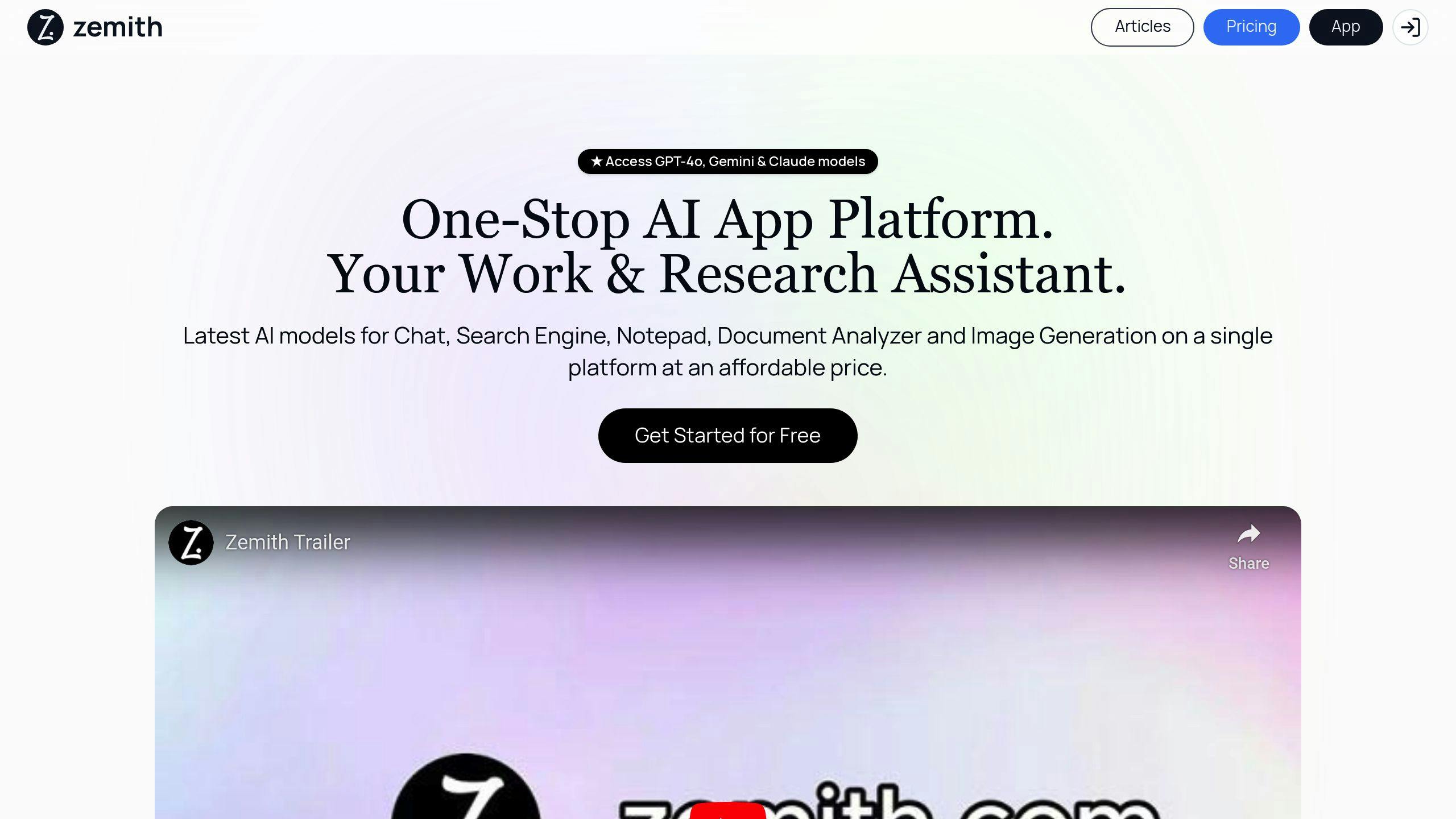
Zemith tracks what people think through:
| Feature | What It Does | Bottom Line |
|---|---|---|
| AI Mix | Combines top AI models | More accurate results |
| Doc Scanning | Reads work files | Spots feedback patterns |
| Smart Search | Finds key messages | Catches issues fast |
| Meeting Notes | Tracks live feedback | Shows real-time mood |
Connect Your Current Stack
Add sentiment tracking to tools you already use:
| Tool | Quick Setup | What You See |
|---|---|---|
| Add extension | Weekly mood data | |
| Chat Apps | Install bot | Daily sentiment |
| HR Tools | Link API | Monthly patterns |
| Surveys | Auto-analyze | 90-day views |
"Pick a sentiment tool that works right out of the box" - Statusbrew
IBM found something big: bump your Employee Experience score up by 0.25 points, and sales jump 1.81%. That's why setup matters.
Here's the kicker: Most companies (74%) only check sentiment once a year. But real-time tracking lets you fix problems NOW, not next year.
Using Sentiment Data to Help Teams
Here's how teams use sentiment data to boost results:
Quick Feedback Systems
Teams need to know what's working (and what's not) FAST. Here's what gets results:
| Feedback Type | How Often | What to Track |
|---|---|---|
| Pulse Surveys | Weekly | Team mood, stress levels |
| Chat Analysis | Daily | Communication patterns |
| 1:1 Check-ins | Bi-weekly | Individual concerns |
| Team Metrics | Monthly | Group performance |
Zemith's tools scan team messages to spot these patterns - making it simple to catch problems before they grow.
Spotting Employee Stress Early
The numbers don't lie:
- Teams with high engagement have 81% less absenteeism
- Teams with good sentiment are 14% more productive
- Catching stress early cuts turnover by 59%
"Our new metrics help us see what's working and where we need to focus next." - John Frear, Group Capability & Performance Manager, Giltrap Group
Making Teams Work Better
Want proof? Look at Digit Insurance. They got 4.2x ROI on their engagement program by:
- Checking team mood each day
- Fixing small issues right away
- Keeping feedback confidential
- Taking action within 24 hours
Better Team Communication
When teams communicate well, everything improves:
| Result | Improvement |
|---|---|
| Customer Ratings | +10% |
| Sales | +18% |
| Profit | +23% |
| Team Input | +13% |
"AI spots signs of unhappy employees in emails, chats, and forums - and flags them before they become problems." - Sameer Maskey, founder and CEO of Fusemachines
Inspira Enterprises tested this with 1,300+ employees. Their managers could spot disengaged team members and get anonymous feedback to fix issues fast.
Tips for Using Sentiment Analysis
Privacy and Ethics
| Privacy Requirement | Implementation Steps |
|---|---|
| Data Protection | - Remove names and personal details before analysis - Use encrypted storage - Set up auto-deletion schedules |
| Legal Compliance | - Meet data privacy laws (GDPR, CCPA, PDPA) - Document user permission - Make it easy to opt out |
| Access Control | - Give data access to specific teams only - Monitor who sees the data - Keep detailed access logs |
Talking to Employees
Be direct with your team about sentiment tools:
- The exact data you collect
- Your plans for using it
- Who gets to see what
- How it makes their job better
Here's why this matters: Facebook learned this lesson the hard way in 2014. They ran sentiment tests without telling users - and faced HUGE backlash.
Teaching Teams
| Training Area | What to Cover | Tools |
|---|---|---|
| Basic Analysis | How to read scores and spot patterns | Zemith's AI scanner |
| Data Privacy | Safe data handling and boundaries | Access systems |
| Tool Use | Daily checks and reports | Dashboards |
| Response Plans | Steps for negative feedback | Action guides |
Making the System Better
Here's what to check:
- Test accuracy each month
- Add fresh training data every 3 months
- Look for and fix biased results
- Bring in new data types
- Compare different tools
Here's a wake-up call: Amazon France got hit with a €32M fine for watching employees too closely. Don't make the same mistake.
Want to spot patterns while keeping things private? That's where Zemith's document analysis comes in. Their system helps teams work with sentiment data without exposing personal details.
Conclusion
The data shows how real-time sentiment analysis impacts workplace performance:
| Impact Area | Results |
|---|---|
| Productivity | 14% increase in output |
| Sales | 18% higher performance |
| Profitability | 23% boost in earnings |
| Absenteeism | 81% reduction |
| Employee Turnover | 59% decrease |
Let's look at two real examples:
UnitedHealth Group uses AI sentiment tracking to spot workplace issues early. The result? Better employee support and higher output.
T-Mobile cut customer complaints by 73% after they started tracking sentiment.
Here's what industry leaders say about it:
"If you are making informed decisions on old information, you are trying to solve new problems with old data." - Greg Moran, COO at Aware
"Companies that fail to listen to their employees and other stakeholders and perpetually adapt will lose the ability to raise capital, attract and retain talent, and stay relevant." - Ilya Bonic, head of strategy and president of career for Mercer
Want these results? Here's what to do:
- Check sentiment daily with AI
- Respond to feedback in 24 hours
- Keep data secure
- Show results to teams
Tools like Zemith's document analysis help teams work with sentiment data while keeping personal info safe. This builds trust AND boosts output.
The bottom line? Companies with engaged employees beat their competitors by 147% in earnings per share. Real-time sentiment analysis isn't just about tracking numbers - it's about building a better workplace.
Related posts
Explore Zemith Features
Every top AI. One subscription.
ChatGPT, Claude, Gemini, DeepSeek, Grok & 25+ more








Always on, real-time AI.
Voice + screen share · instant answers
What's the best way to learn a new language?
Immersion and spaced repetition work best. Try consuming media in your target language daily.
Voice + screen share · AI answers in real time
Image Generation
Flux, Nano Banana, Ideogram, Recraft + more

Write at the speed of thought.
AI autocomplete, rewrite & expand on command
Any document. Any format.
PDF, URL, or YouTube → chat, quiz, podcast & more
Video Creation
Veo, Kling, Grok Imagine and more

Text to Speech
Natural AI voices, 30+ languages
Code Generation
Write, debug & explain code
Chat with Documents
Upload PDFs, analyze content
Your AI, in your pocket.
Full access on iOS & Android · synced everywhere
Your infinite AI canvas.
Chat, image, video & motion tools — side by side

Transparent, High-Value Pricing
Free
No credit card required
- Limited daily usage
- Selected AI models to try
- Limited features
Plus
- Choose from multiple leading models — GPT, Claude, Gemini and Grok.
- 25× more usage than Free.
- Create and edit images with Creative Studio.
- Connect your favorite apps and get work done in one place.
- Research the web and turn sources into clear answers.
- Turn documents, websites and YouTube into podcasts, flashcards and reports.
- Build repeatable workflows and stay focused with FocusOS.
Professional
- Everything in Plus, and:
- Unlock every model on Zemith, including GPT 6 Astra, Claude Opus and Sonar Pro.
- 50× more usage than Free.
- Create more with the full Creative Studio toolkit.
- Let agents work in the background — run Cloud tasks and schedule recurring work.
- Push further on complex work with Max Mode.
- First access to new features.
Trusted by teams at






What Our Users Say
Great Tool after 2 months usage
"I love the way multiple tools they integrated in one platform. Going in the right direction."
— simplyzubair
Best in Kind!
"The quality of data and sheer speed of responses is outstanding. I use this app every day."
— barefootmedicine
Simply awesome
"The credit system is fair, models are perfect, and the discord is very responsive. Quite awesome."
— MarianZ
Great for Document Analysis
"Just works. Simple to use and great for working with documents. Money well spent."
— yerch82
Great AI site with accessible LLMs
"The organization of features is better than all the other sites — even better than ChatGPT."
— sumore
Excellent Tool
"It lives up to the all-in-one claim. All the necessary functions with a well-designed, easy UI."
— AlphaLeaf
Well-rounded platform with solid LLMs
"The team clearly puts their heart and soul into this platform. Really solid extra functionality."
— SlothMachine
Best AI tool I've ever used
"Updates made almost daily, feedback is incredibly fast. Just look at the changelogs — consistency."
— reu0691