


Every top model, with tools built in.
Search the web, run deep research, read files, create images and run code with GPT, Claude, Gemini, Grok and more.
Explore 10 AI tools for technical writing, with honest pros, pricing notes, use cases, prompts, and workflows for API and code documentation.
The new endpoint shipped at lunch. By two o'clock you've got the API reference open in one tab, rough release notes in another, a half written troubleshooting guide in a doc, and three people in Slack asking when customers can read about it. The engineer swears the behavior is obvious. It is, if you're the engineer.
That's the queue teams want AI tools for technical writing to shrink, and the demand is real. The 2025 DORA findings on AI for documentation work put use for writing documentation at 64% of surveyed software professionals. AI is great at turning messy notes into a structured first draft, summarizing a spec, or rewriting a paragraph you've stared at too long.
It can't decide which source wins when the spec, the code, and a ticket disagree. It also can't take the blame when you publish a confident paragraph about a parameter that doesn't exist. Plausible nonsense is still nonsense, just better punctuated.
So judge every tool below by four practical tests. Can it work from reliable context you supply, preserve your terminology, fit the workflow you already have, and leave a reviewable trail before anything ships? Pricing and limits change often, so check current plans before you subscribe, and pick by documentation job, not by the shiniest demo. Your docs have enough déjà vu without a chatbot adding more.
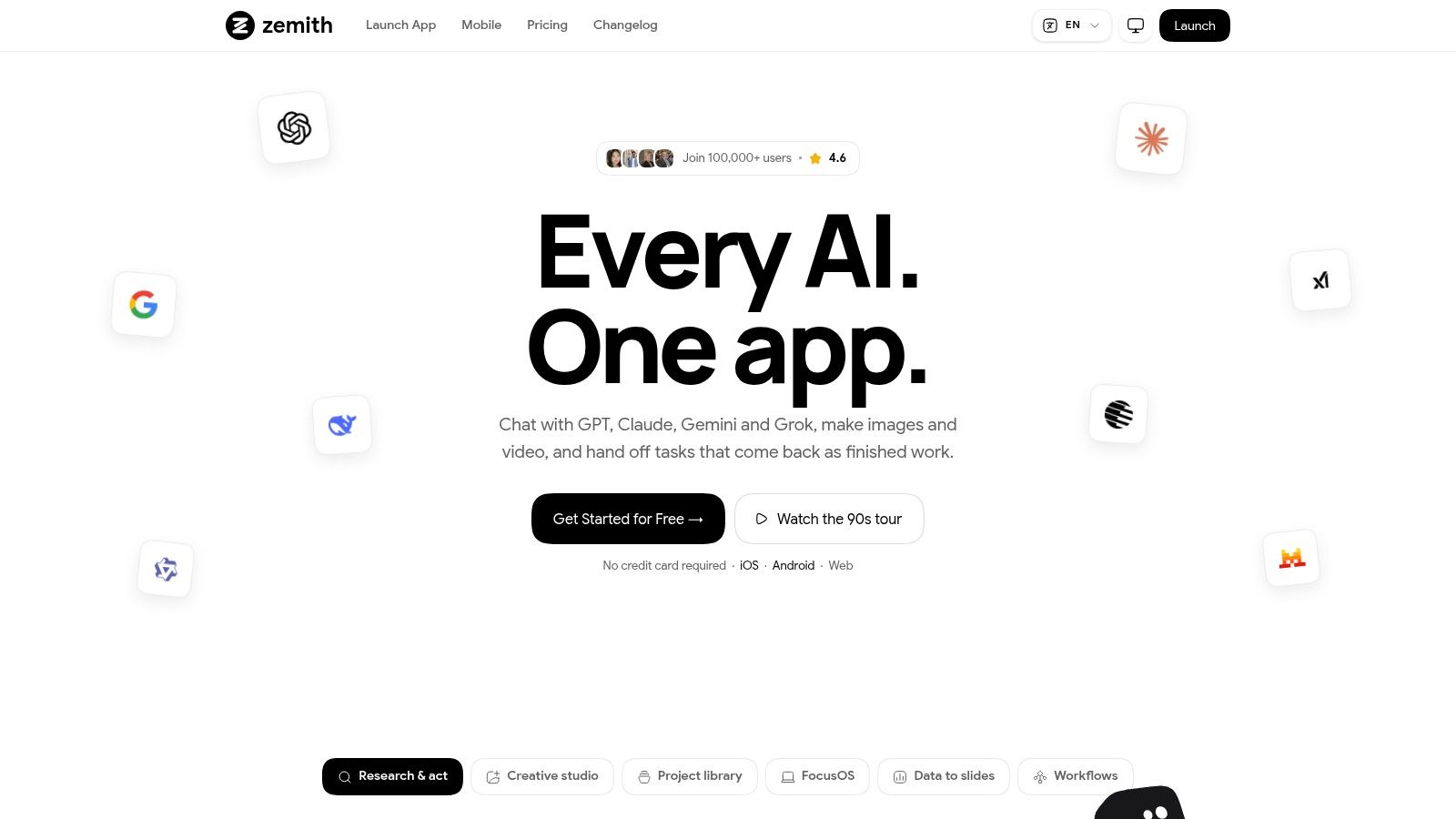
Some days the writing itself is the easy part. The harder work is the research before it, the code questions during it, and the stakeholder summary plus PDF handoff after it. Zemith is built for that sprawl. It's an all in one AI workspace with 20+ models, including GPT, Claude, Gemini, Grok, and DeepSeek, plus 50+ tools for web search, deep research, document analysis, coding, voice, and study aids.
Start a Project for a feature and drop in the spec, the existing guide, and the release ticket. The Document Assistant summarizes and queries those files before you draft, so your early questions get answered from your sources instead of a model's memory. Move the outline into Smart Notepad for rephrasing, style adjustments, and turning bullet points into clean procedures. When you need a finished handoff, you can generate documents, slides, spreadsheets, and PDFs without leaving the workspace, and Projects, shared chats, memory, and synced web and mobile apps keep the context together.
That source first habit matters because trust is thin. In Stack Overflow's 2025 AI trust results, 46% of respondents actively distrusted AI accuracy and only 3% highly trusted output. A workable prompt pattern: ask the model to separate sourced facts from its own explanation, then flag anything unsupported for an engineer to confirm. Keep your source of truth outside the tool too. Export reviewed drafts into your docs repo or CMS so a confident wrong paragraph never becomes the canonical version.
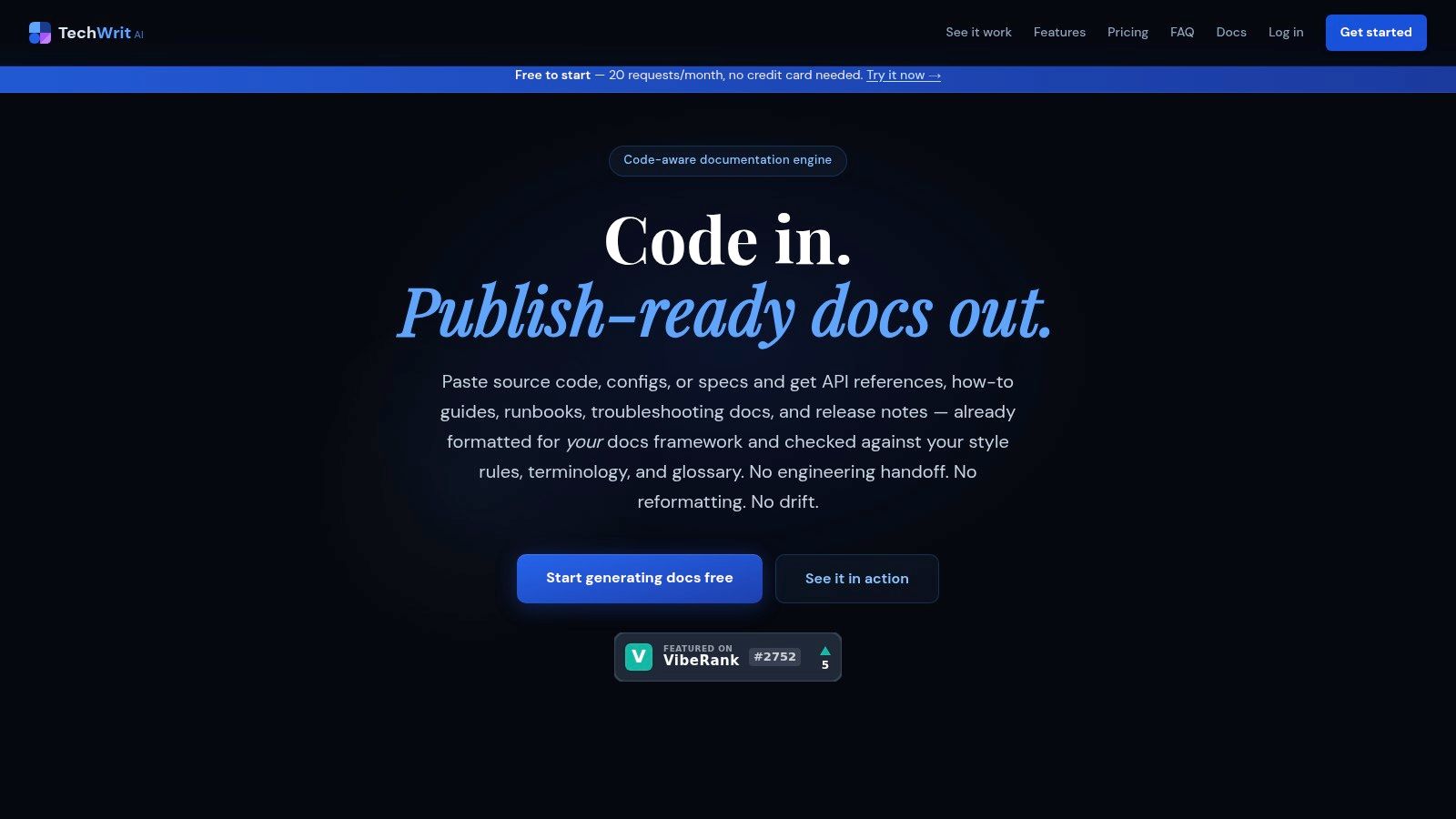
General chatbots will happily call a webhook a callback, a payload a package, and your carefully named product feature something else entirely. TechWrit AI aims at that specific pain. It's a technical and UX writing assistant with structured modes for drafting, reviewing, simplifying, translating, and generating documentation from code, guided by your style rules, preferred terminology, and glossaries.
You get 17 modes for jobs like API endpoint documentation and troubleshooting guides, so you're not inventing a fresh prompt every morning. Feed it a function, pick the mode, and let your glossary substitutions do the quiet policing. On Pro you'll also find a REST API and VS Code extension, which helps if writers and developers already live in the editor.
That terminology control isn't cosmetic. In a survey of technical writing professionals covered in research on evaluating AI documentation quality, 50% had experienced problems with misinterpreted or misused technical jargon. A locked glossary won't catch a wrong behavior claim, but it does stop the slow drift that makes a docs set feel written by five strangers.
Practical rule: Load your protected terms before your first draft, not after the third review round complains about them.
The free plan includes all modes, so you can test the actual workflow, though usage and glossary size are limited. Pro is listed at $19 monthly or $15 per month billed annually, and Team at $24 per seat monthly or $19 per seat billed annually, with shared, lockable rules on Team. It won't publish or host your docs site, and subject matter review is still on you.
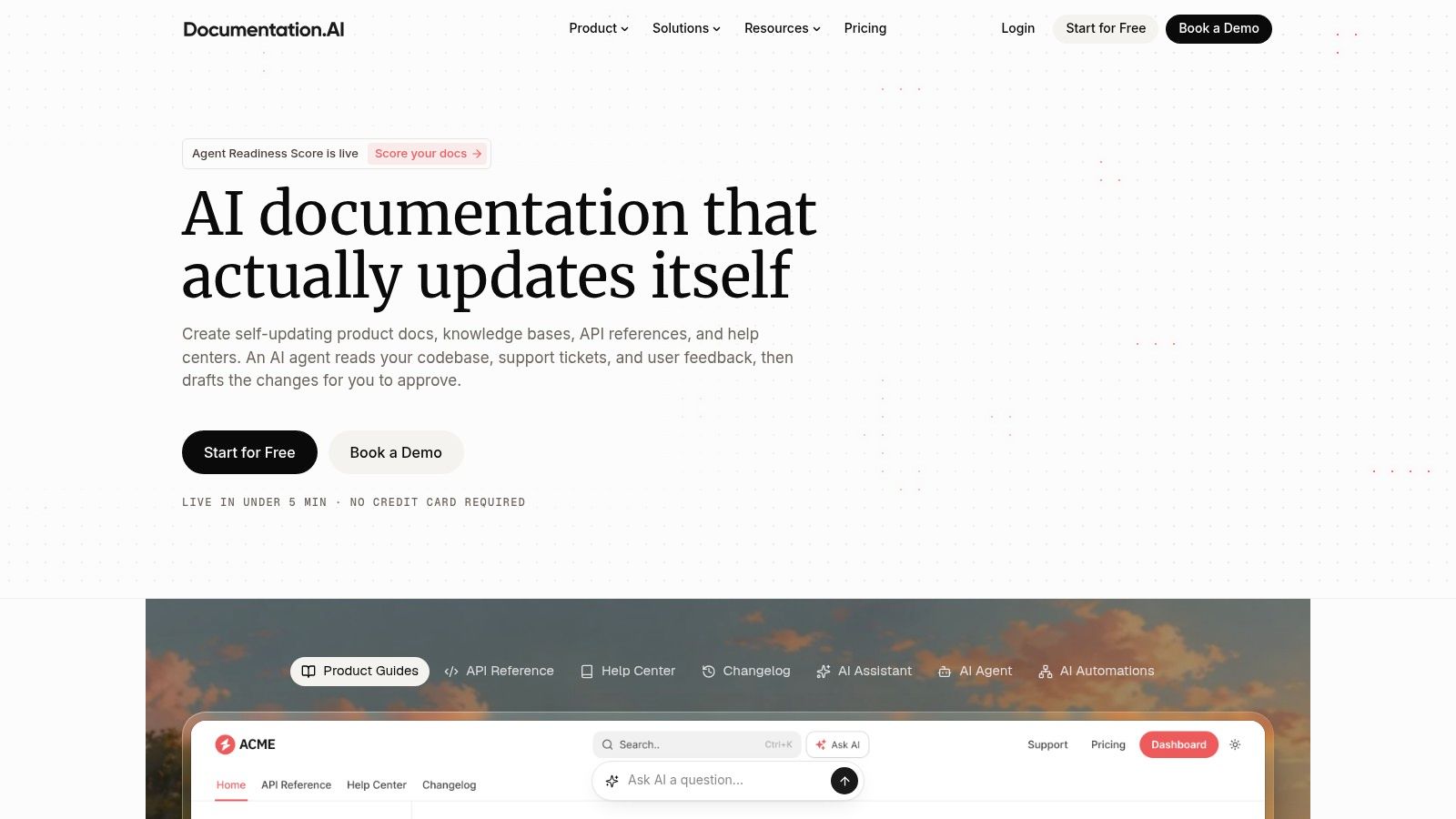
Drafting is only half the job. The other half is keeping pages organized, published, and answerable when a reader, or increasingly an AI agent, comes looking. Documentation.AI combines an AI writing agent for authors with a reader facing Ask AI assistant grounded in your published docs, and it can pull context from sources such as repositories, Jira issues, and Confluence pages.
For writers, that means drafting and updating with product context nearby instead of copying fragments between tabs. Markdown and MDX support, Git based workflows, API playground features, and an MCP server put it closer to a publishing platform than a writing toy. A prompt pattern that works here: paste the Jira ticket or pull request description, ask for a draft that cites its sources, then check every claim against the diff before you commit. Treat the agent's output like a junior writer's PR, its own branch, your review, merged when it earns it.
Agent readiness is where many teams lag. A 2026 survey of 109 technical communication professionals summarized in Cherryleaf's AI in technical communication report found only 27% had adapted documentation for AI agent consumption, with a further 29% planning to within six months. Stable headings, explicit definitions, and concise procedures help both humans and retrieval systems. If you are formalizing that structure, these best practices for documentation pair well with the trial, so the agent inherits good bones from day one.
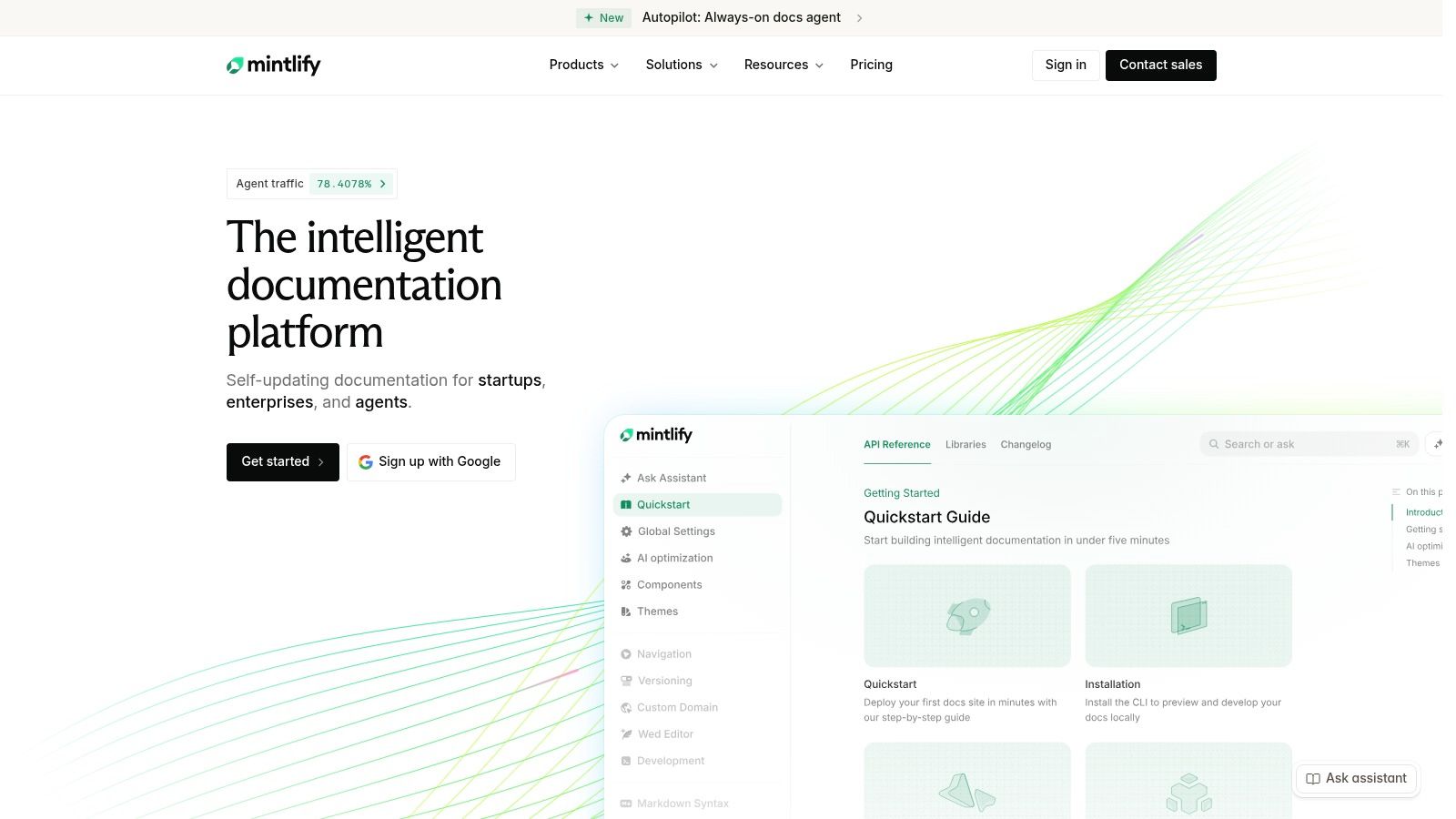
Mintlify treats documentation as a publishing job first and a writing job second. The platform targets developer docs, pairing Git sync and API documentation support with an AI writing agent, assistant, and automations on higher plans, so the site stays close to the software it describes.
An endpoint changes, the ticket never reaches the writer, and six months later support is answering questions about a field renamed in spring. Mintlify's upkeep features attack exactly that drift: when code changes, automations can propose targeted doc updates for a human to approve, which beats the annual archaeology dig through stale pages. It can also generate an MCP server from your documentation, though the docs must be public for that to work.
A practical setup tip: scope automations to a merged PR range or a single changelog entry rather than pointing the agent at the whole repository. Narrow diffs produce reviewable suggestions. Broad ones produce noise. And if the structure itself is still undecided, settle it first with a guide on how to write technical documentation, then let the platform enforce the shape.
Skepticism is warranted here. Reporting on Google Cloud's 2025 DORA report announcement notes that among nearly 5,000 technology professionals, 30% reported little or no trust in AI generated code. Generated doc updates deserve the same scrutiny, since a harmless refactor and a breaking behavior change can look identical to an agent. Route every proposed change through the same review gate as the code that triggered it, and keep the change history intact.
Starter is free and includes a web editor, custom domain, and MCP server, which is a sensible way to evaluate fit. Pro is listed at $450 per month with 10,000 monthly credits and unlimited writing agent usage, so it's a team investment, not a casual add on. If the job you need done is polishing paragraphs, this is more platform than you need.
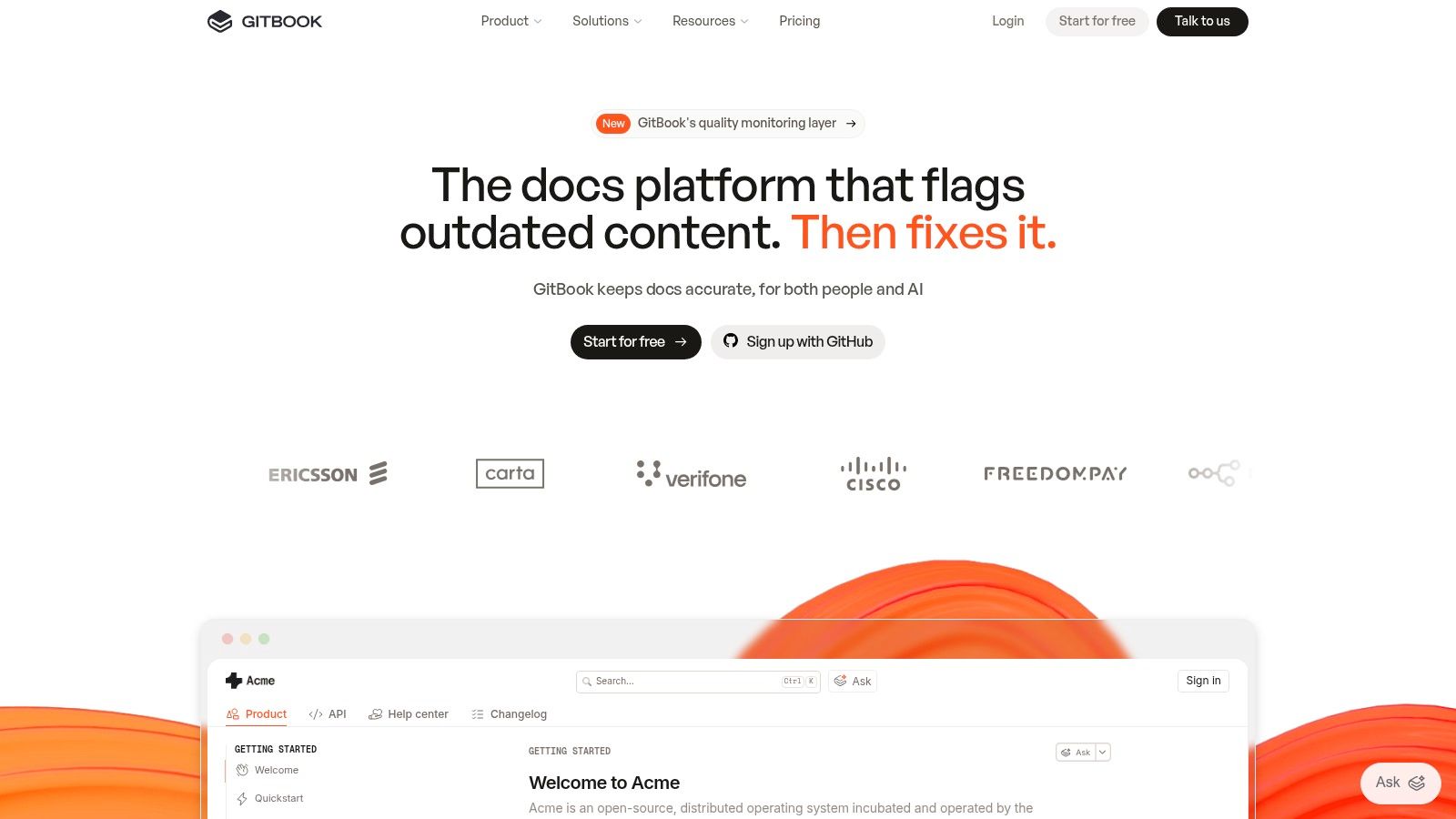
The collaboration job is where docs usually die: the draft is in a thread, the correction is in a comment, and the published page says something third. GitBook pulls that work into one place with collaborative writing, review workflows, and docs site publishing, plus AI that can write, edit, summarize, translate, and proofread inside the review flow.
Use the GitBook Agent like a junior contributor with a tight brief. A workable prompt is: "Draft a change request for the pages touched by this release, update only the parameter descriptions, and flag anything you cannot verify from the provided diff." Change requests then give reviewers a real gate instead of drive-by edits. Published docs can expose AI-friendly formats such as Markdown and MCP access, and API playground support helps developer-facing pages. While mapping who drafts, who reviews, and who publishes, this overview of a technical writing tool can help assign the handoffs.
GitBook also fits documentation that teaches. Stack Overflow's 2025 survey press summary reports technical documentation remained the leading learning resource at 68% of respondents, and 44% were using AI tools to learn to code. Pages that state the concept, show a minimal example, and explain the output serve both readers and retrieval tools.
My safeguard: treat every Agent suggestion as a pull request. Keep the canonical examples and exact behavior notes in source control, require a named reviewer, and reject any rewrite that cannot point back to a diff, ticket, or tested output.
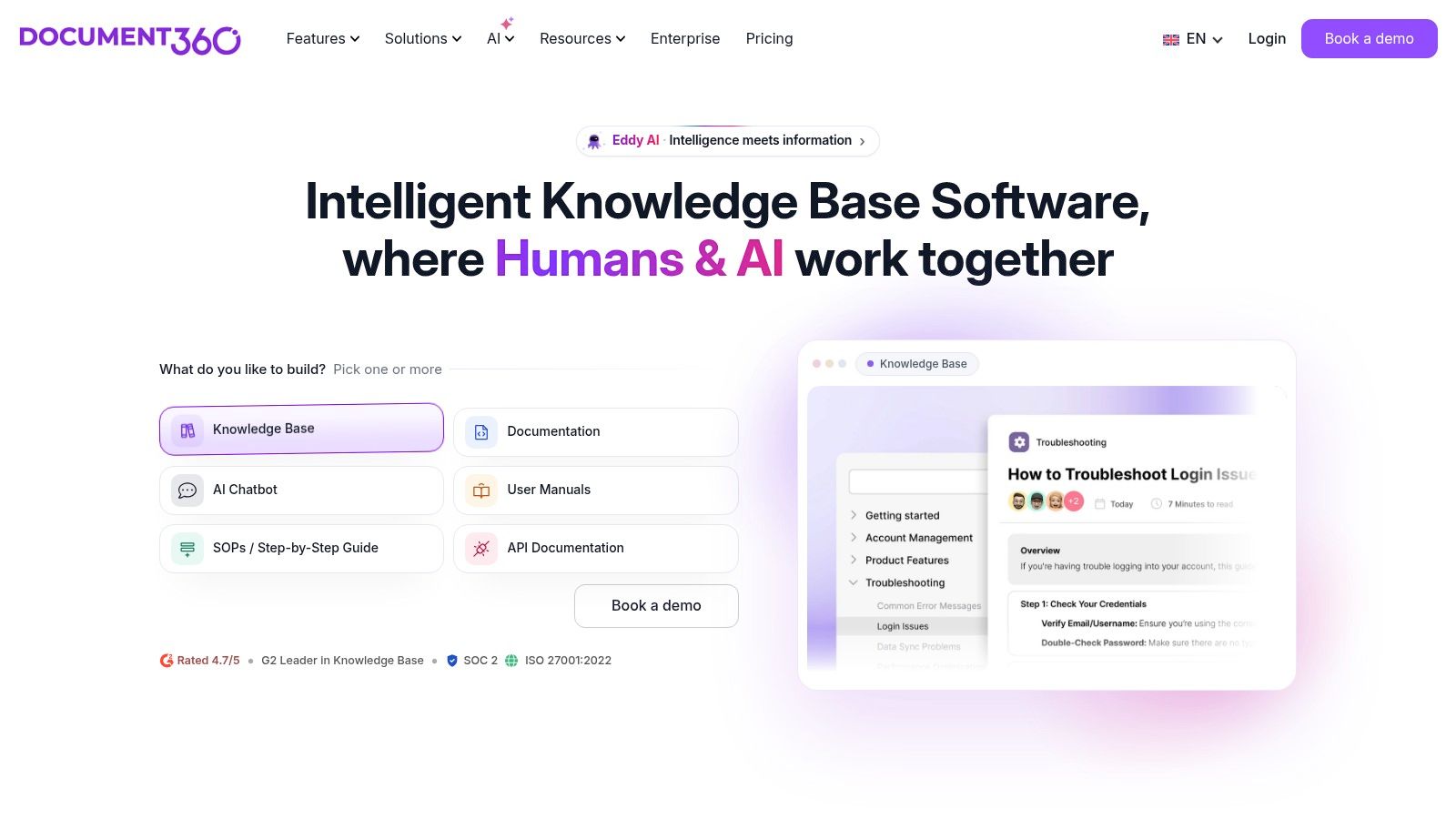
Help centers drift apart faster than API references do. Product guides, internal notes, FAQs, and support answers all end up describing the same feature in slightly different words. Document360 is a knowledge base platform for public or private documentation, and its Eddy AI serves both sides of that problem: writing assistance and FAQ creation for authors, AI search and answers grounded in your knowledge base content for readers.
The unglamorous features do the heavy lifting. Reusable content blocks, revision history, approval workflows, and article templates keep a large help center consistent, and integrations with tools such as Zendesk, Freshdesk, and Slack put answers where support teams already work. If you are still sorting out templates and approval steps before rollout, this guide to applying AI to technical writing workflows is worth reading first, because once AI generates at volume, retro-fitting governance is painful.
Rollout is the catch. The Cherryleaf survey noted earlier also found most technical communicators had received no formal AI training, even while using AI regularly. Document360 offers migration assistance and onboarding, which helps, but you still need internal rules for reusable prompts, terminology, and who can approve AI drafted articles. My rule: an Eddy generated FAQ gets the same named-reviewer treatment as any human draft, and the canonical answer lives in the approved article, never in a chat thread.
A knowledge base AI is only as good as the knowledge base. Feed it outdated articles and it will answer confidently from last year's product.
Pricing is custom quoted based on users, workspaces, languages, privacy, and AI usage, with a 14 day free trial. That makes quick cost comparisons awkward, and solo writers will likely find it oversized. For a support driven docs operation, though, authoring plus reader answers in one governed system is a strong combination.
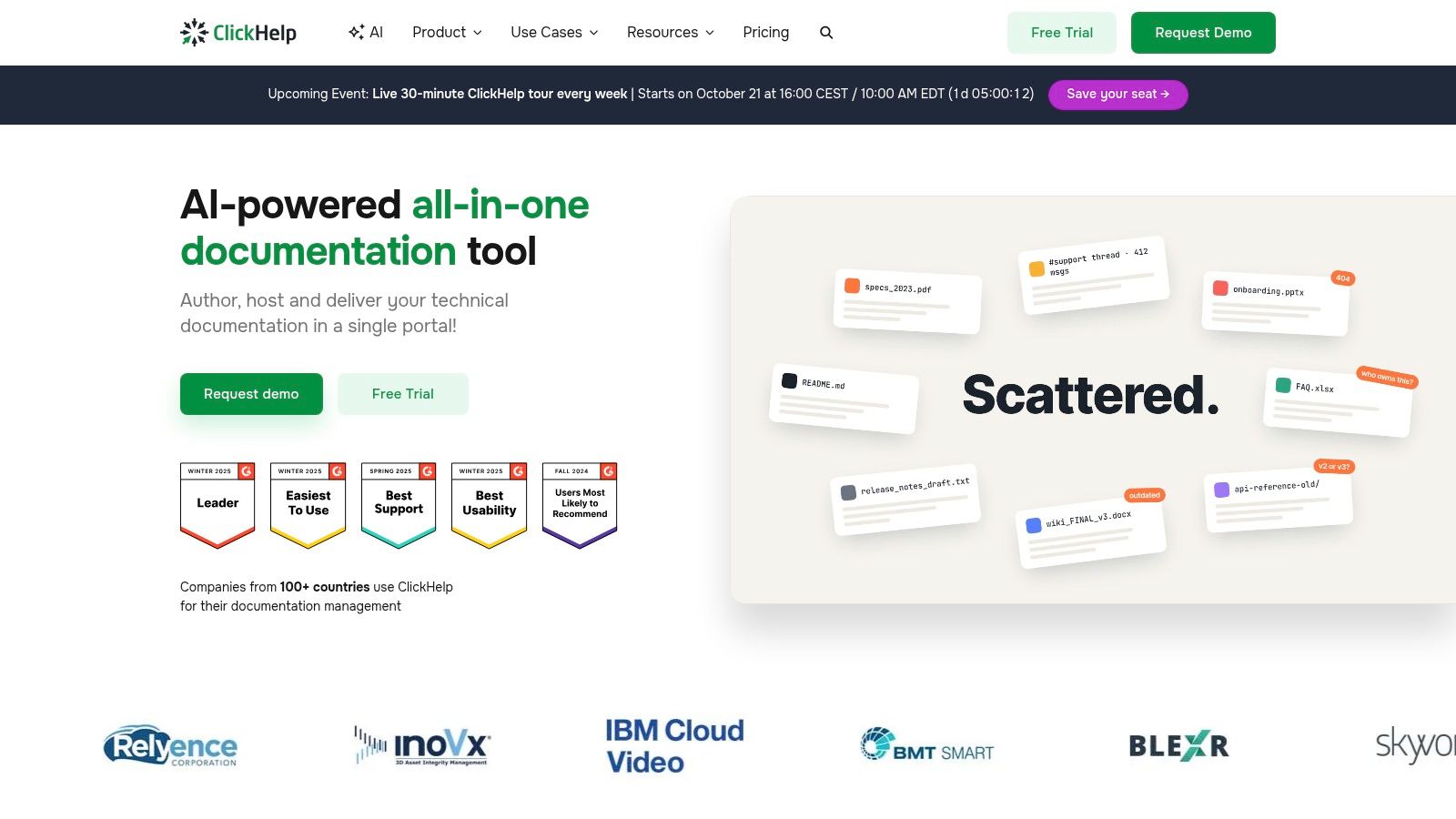
ClickHelp comes from the traditional technical documentation world, and it shows in a good way. It's a platform for authoring, managing, and publishing help content, with an AI Suite that adds WriteAssist for contributors inside the editor and reader facing tools including AnswerGenius and AI Overview. Authoring and delivery live in one product, alongside documentation management and reporting.
Writers maintaining large, versioned help sets will care about reusable and conditional content and multiple documentation outputs. Conditional content is where AI needs supervision, because a paragraph that's correct for the cloud edition can be wrong for the on premises one. WriteAssist can speed the drafting, but you should still tag conditions deliberately and review outputs per variant. One ring to rule them all is a fine story and a terrible publishing strategy.
Rollout is the catch for teams without an approval process already in place. ClickHelp gives you the publishing machinery, but someone still has to decide which variant each AI assisted paragraph belongs to, and that decision needs a named owner before you generate at scale.
When you evaluate any platform like this, score drafts with domain checks. Research on AI documentation evaluation, cited earlier from the ACL Anthology, found human quality judgments aligned more closely with correctness than with text overlap metrics such as BLEU and ROUGE. So track factual accuracy, terminology consistency, and error severity in your pilot, not how smooth the prose feels on first read.
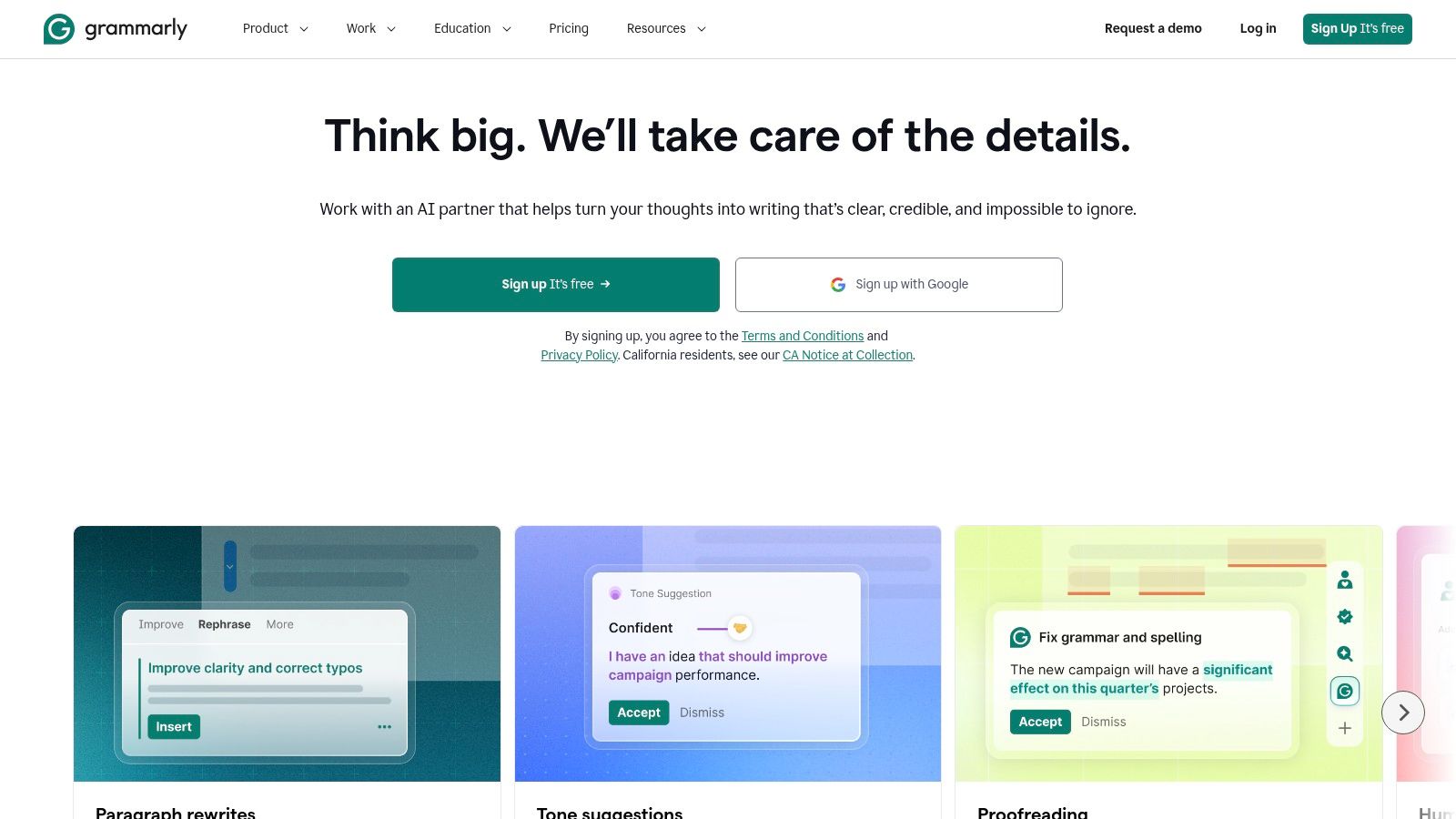
The troubleshooting guide works. Every command is verified, every flag is accurate, and reading it feels like chewing cardboard. Grammarly is the language polishing pick for that job: a general writing assistant for grammar, clarity, tone, and sentence flow, available across many writing environments, with full sentence rewrites, tone adjustment, AI text generation prompts, and plagiarism checks on Pro.
Sequence it last, after technical review. Draft from your verified sources in the main tool, let an engineer confirm the facts, then run Grammarly to tighten sentences. Run it earlier and a clarity suggestion can change meaning before anyone qualified checks it. The classic failure is a helpful swap that turns an exact verb like deletes, rotates, or overwrites into something vague like handles. That is how a warning becomes a shrug.
One check worth building into that pass comes from Google's developer documentation voice guidance, which generally prefers active voice because it makes clear who or what performs an action. For each procedural sentence, ask who acts, what happens, and what object changes. "The deployment script creates the database" beats the passive version every time, and in instructions that clarity prevents operational mistakes. A prompt that works well here: "Rewrite for clarity without changing any command, parameter, file path, or verb that describes a system action."
Claude is the flexible generalist many writers keep open beside their real documentation system. Give it a product specification, a chunk of code, or an existing guide, and it can draft, reorganize, explain, or review technical content, adapt material for different audiences, and handle multi step writing tasks. It earns its keep on the unglamorous middle work, turning a dense engineering explanation into a beginner tutorial without losing the sequence of steps.
A reliable pattern is to supply the source first, then constrain the job. Ask Claude to use only the supplied material, explain what each code block does, and end with a list of assumptions it made. That last instruction does the heavy lifting, because it converts hidden guessing into a review checklist. Writers weighing general assistants for this role can compare notes with this guide to the best AI for technical documentation.
Keep your skepticism switched on anyway. In Stack Overflow's 2025 Developer Survey results, drawn from more than 49,000 developers, 66% said their biggest frustration was AI output that was almost right but not quite. In documentation, almost right means one invalid flag in a polished tutorial. Run every command, and compare every parameter against the primary source.
Prompt habit: Always request an assumptions list. It's the cheapest verification tool you'll ever use.
Claude offers a free plan for occasional use, and Pro is listed at $20 per month or $200 per year in the US, with more usage and access to Claude Code on paid plans. There's no dedicated publishing or content governance here, separate API usage isn't included in subscriptions, and the context is whatever you remember to paste in. Treat it as a drafting and review bench, and let your docs platform stay the source of truth.
ChatGPT is the generalist many documentation teams reach for first: it can outline an onboarding guide, draft release notes from issue blurbs, simplify a gnarly procedure, summarize meeting notes, and review a draft for tone in the same conversation. The trade-off is that it knows nothing about your product unless you feed it. Paste the spec, name the version and audience, and require every uncertain claim to come back tagged for review.
A practical pattern: supply source material first, then ask for one artifact at a time. “Draft a 5-step quickstart from this spec. Keep commands verbatim. List assumptions and missing facts at the end.” Run generated commands exactly as written before they ship; a fluent flag that does not exist is still a bug. Treat chat history as scratch space, never as the source of truth, and move accepted text into Git where diffs, reviews, and rollback live.
The scale is hard to ignore. An analysis of more than 1.1 million research papers described in UNU's summary of AI in scientific writing found signals of large language model modification in 22.5% of computer science abstracts by September 2024, up from approximately 0% before ChatGPT's November 2022 release. In precision-heavy fields, the professional skill is verification, not abstinence.
Pick by job, not by hype. Choose a focused writing assistant like TechWrit AI when drafting speed and terminology control are the bottleneck. Choose a docs platform, Mintlify, GitBook, Documentation.AI, Document360, or ClickHelp, when publishing, collaboration, review gates, and governance matter more than raw generation.
Use Grammarly for the final language pass after technical review, never before it. Use ChatGPT or Claude when you need flexible drafting and explanation from source material you control. And choose Zemith when you want research, document analysis, coding help, reusable prompts, and finished outputs together in one workspace, instead of stitching five subscriptions into a fragile relay race.
Whatever you pick, start every serious task with a constraining prompt. Steal this one and adapt it: "Act as a technical documentation editor. Use only the supplied sources, list unsupported claims, preserve protected terms, identify the intended audience, and return a structured draft plus unresolved questions." That single paragraph prevents more damage than any amount of after the fact proofreading, because it forces the model to show its working and admit its gaps.
Then run a sequence you can repeat. Gather authoritative context first, specs, schemas, tested code, and current release notes, and decide in advance which source wins a disagreement. Draft with your chosen tool, then have an engineer verify technical claims, especially API behavior, security steps, configuration limits, and migration instructions.
Follow with a terminology and style pass, then test the things readers will do. Run the sample code, click the links, follow installation steps in a clean environment, and check screenshots against the current interface. If your visuals need cleaning up before publication, Simple Unmark's watermark removal guide covers that separate chore so your docs don't ship with stray marks on them.
Publish through version control so every change has a history, and log the human review, who approved it, against which source, and when. That audit trail sounds bureaucratic until a customer reports that a procedure broke production, at which point it becomes the most interesting document in the company. It also makes future AI assisted updates safer, because the next draft can be compared against an approved baseline.
Before committing budget, pilot one tool against a real but non urgent task, maybe refreshing a stale how to guide or drafting release notes for a minor version. Measure drafting time saved against editing and correction time, count factual errors by severity, and note how many passages trace cleanly to a source. Re check current pricing and credit rules at the end of the pilot, since plans shift and the cheapest demo can become the expensive habit.
The best AI tool for technical writing isn't the one that writes fastest. It's the one that makes accurate, maintainable documentation easier to ship, week after week, version after version. Speed gets you a draft. Verification, terminology control, and a reviewable trail get you docs readers can trust, and trust is the whole product.
Put that workflow to work in one place with Zemith, where you can research sources with citations, analyze specs, draft in Smart Notepad across leading models like GPT, Claude, and Gemini, and export finished documents without juggling subscriptions. Start free, pilot it on your next stale guide or release note, and keep the human review exactly where it belongs, with you.
Pay less than one AI subscription and get GPT, Claude, Gemini and more, plus 50+ AI tools.







Trusted by teams at






The top models, plus image, video and voice tools, in one plan.
Without Zemith
ChatGPT PlusUS$20.00Claude ProUS$20.00Google AI ProUS$19.99SuperGrokUS$30.00Perplexity ProUS$20.00 MidjourneyUS$10.00
 ElevenLabsUS$6.00Le Chat ProUS$14.99
 RunwayUS$15.00Kling StandardUS$8.80
 Gamma PlusUS$12.00
 Otter ProUS$16.99
 QuillBot PremiumUS$19.95
 Photoroom ProUS$12.99
 Quizlet PlusUS$7.99
Total if paying separatelyUS$234.70/mo
"I love the way multiple tools they integrated in one platform. Going in the right direction."
— simplyzubair
"The quality of data and sheer speed of responses is outstanding. I use this app every day."
— barefootmedicine
"The credit system is fair, models are perfect, and the discord is very responsive. Quite awesome."
— MarianZ
"Just works. Simple to use and great for working with documents. Money well spent."
— yerch82
"The organization of features is better than all the other sites — even better than ChatGPT."
— sumore
"It lives up to the all-in-one claim. All the necessary functions with a well-designed, easy UI."
— AlphaLeaf
"The team clearly puts their heart and soul into this platform. Really solid extra functionality."
— SlothMachine
"Updates made almost daily, feedback is incredibly fast. Just look at the changelogs — consistency."
— reu0691
Hand off the research, writing, design and follow-ups. Zemith picks the tools it needs and brings back finished work.
Search the web, run deep research, read files, create images and run code with GPT, Claude, Gemini, Grok and more.
Zemith keeps working in the cloud and pings you when it's done.
Notion, Linear, Canva, Airtable and more. It asks before it creates or changes anything.
Docs, slides, sheets and PDFs, ready to send.
Chain models and tools on a visual canvas, from one prompt to a finished promo video.
Briefings, reports and reminders run on a schedule and are ready when you need them.
Real-time voice that can see your camera or screen.
The best image and video models, in one studio.
Turn PDFs, links and YouTube videos into podcasts, quizzes, flashcards and mind maps.














 Podcast
 Quiz
Quiz Flashcards
 Mind map
 Infographic