


Every top model, with tools built in.
Search the web, run deep research, read files, create images and run code with GPT, Claude, Gemini, Grok and more.
Discover best ai tools for small businesses to boost productivity, save time, and grow with our 12 top picks for 2025.
Welcome to the AI jungle! It feels like a new, 'game-changing' AI tool drops every single day, each promising to solve all your problems and maybe even walk your dog. For a small business owner, that's both exciting and completely exhausting. You're already juggling marketing, sales, customer support, and trying to remember if you watered that sad-looking office plant this week. The last thing you need is a dozen new subscriptions and a browser groaning under the weight of 50 open tabs.
This guide is your machete to cut through the digital undergrowth. We're not just listing a bunch of shiny new apps; we're giving you a practical, no-fluff breakdown of the best AI tools for small businesses that can actually make a difference. We’ll show you what they're really good for, who they're designed for, and most importantly, how to avoid the dreaded 'AI tool sprawl' that drains both your budget and your sanity. Spoiler: sometimes consolidating into one powerful platform like Zemith is the smartest move you can make.
In this list, you'll find a curated selection of platforms and specific tools that solve real-world problems, from automating tedious tasks to supercharging your content creation. Each option comes with our honest take, key features, pricing insights, screenshots, and direct links so you can get started immediately. Ready to find the right AI sidekick for your business without the headache? Let's dive in.
Zemith earns the top spot because it tackles the biggest headache for small businesses diving into AI: tool sprawl. Instead of juggling a dozen different subscriptions for writing, image creation, coding help, and research, Zemith rolls it all into a single, cohesive workspace. It's less of a single tool and more of an entire AI-powered command center, making it one of the best AI tools for small businesses looking to maximize capability without complicating their tech stack. It's like having a Swiss Army knife when everyone else is trying to carry a full toolbox.
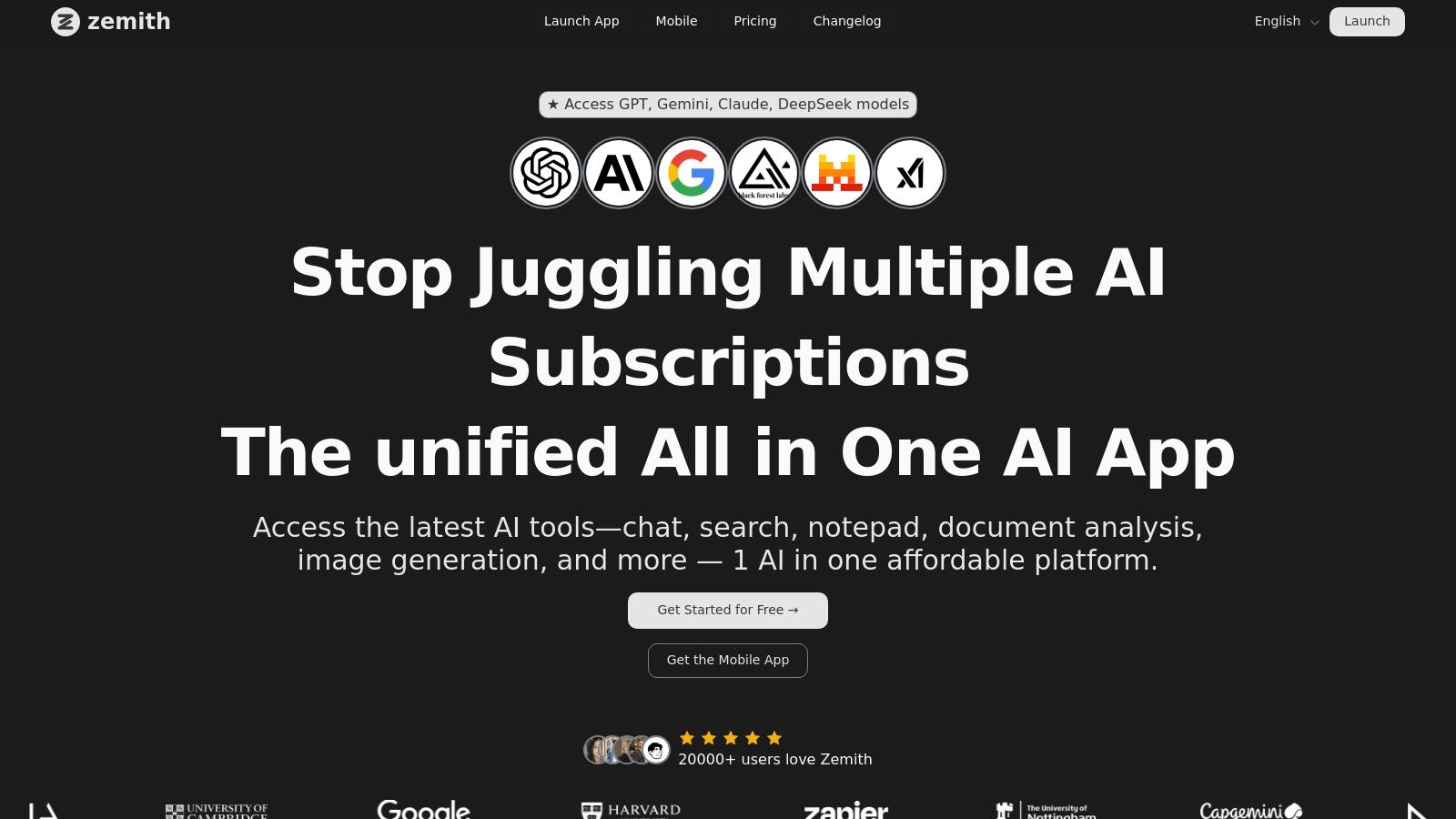
The platform’s core strength is its "best-of-breed" model access. You aren't locked into one ecosystem. Need a quick, creative response? Fire up a GPT variant. Working on a complex research summary? Switch to Claude 4 Sonnet. Generating a photorealistic product image? Stability Diffusion 3.5 and Google Imagen 3 are right there. This flexibility is a game-changer, letting you pick the right AI for the job without leaving the app.
Zemith stands out by consolidating costs and workflows. The value proposition is simple: stop paying for five different AI tools when you can get superior, integrated functionality from one. The platform offers a free starter tier to get you going, with credit-based pricing for heavier use, which allows you to scale as you grow. While the sheer number of features might take a moment to learn, the payoff is a streamlined, powerful, and cost-effective AI partner for your business.
Website: https://www.zemith.com
Think of G2 as the Yelp for business software. Instead of trying to find the best burrito, you're hunting for the best AI tools for small businesses, and G2 has built an entire ecosystem around verified user reviews to help you do just that. It's not a tool itself, but rather a massive marketplace where you can compare, contrast, and investigate thousands of AI solutions based on what actual users are saying.
The real magic for a small business owner is in the filters. You can slice and dice the AI categories (like chatbots, content creation, or code assistants) and specifically filter for solutions tailored to "Small Business" needs. This helps you cut through the enterprise-level noise and find tools that fit your budget and team size.
G2 excels at aggregating feedback into easily digestible formats. Instead of reading hundreds of reviews, you can check out their "G2 Grid®" reports or the handy pros and cons summaries, which are automatically compiled from user feedback. It’s a huge time-saver.
Key takeaway: The platform’s reliance on verified user reviews and its powerful filtering system give you a trustworthy, ground-level view of how a tool actually performs in a real-world business setting.
Pros & Cons:
While G2 is fantastic for research, it can also highlight the headache of "tool sprawl," where you end up juggling multiple subscriptions. This is where an all-in-one platform like Zemith can be a game-changer, consolidating many of these functions under one roof.
Check it out here: G2 AI Categories for Small Business
Capterra, owned by Gartner, is like a super-organized digital library for software. When you're searching for the best AI tools for small businesses, it acts as a trusted guide, offering up neat rows of options complete with user ratings, pricing info, and direct links to free trials. It's less about the sprawling, forum-like feel of other review sites and more about creating a structured starting point for your research.
The platform's strength lies in its buyer guides and powerful filtering. You can quickly narrow down the vast ocean of AI software by features you actually need, like "predictive analytics" or "sentiment analysis," and then filter by price and deployment type. This is incredibly useful for creating an initial shortlist of viable tools without getting lost in the weeds.
Capterra shines by making the comparison process straightforward. Its side-by-side comparison tool and shortlist feature let you line up your top candidates and see how they stack up on key metrics. It’s a clean, efficient way to move from "I have no idea where to start" to "Okay, these are my top three contenders."
Key takeaway: The platform’s combination of detailed filters, comparison tools, and direct links to vendor trials makes it an excellent launchpad for quickly identifying and evaluating potential AI solutions.
Pros & Cons:
Capterra is perfect for mapping out your options, but it also highlights how many different tools you might need to subscribe to. This is where consolidating with an all-in-one platform like Zemith can simplify your tech stack and your monthly bills.
Check it out here: Capterra Artificial Intelligence Software
Think of AppSumo as the treasure chest for small businesses on a budget. Instead of paying hefty monthly subscriptions, you get access to lifetime or heavily discounted deals on up-and-coming software, including a massive collection of the best AI tools for small businesses. It's a goldmine for entrepreneurs who want to experiment with cutting-edge AI without breaking the bank.
AppSumo’s model is perfect for trying out new AI-powered copywriting assistants, video creators, or automation platforms at a fraction of the typical cost. You pay once and often get to keep the tool forever, which is an incredible value proposition when you're just starting out and need to keep overheads low.
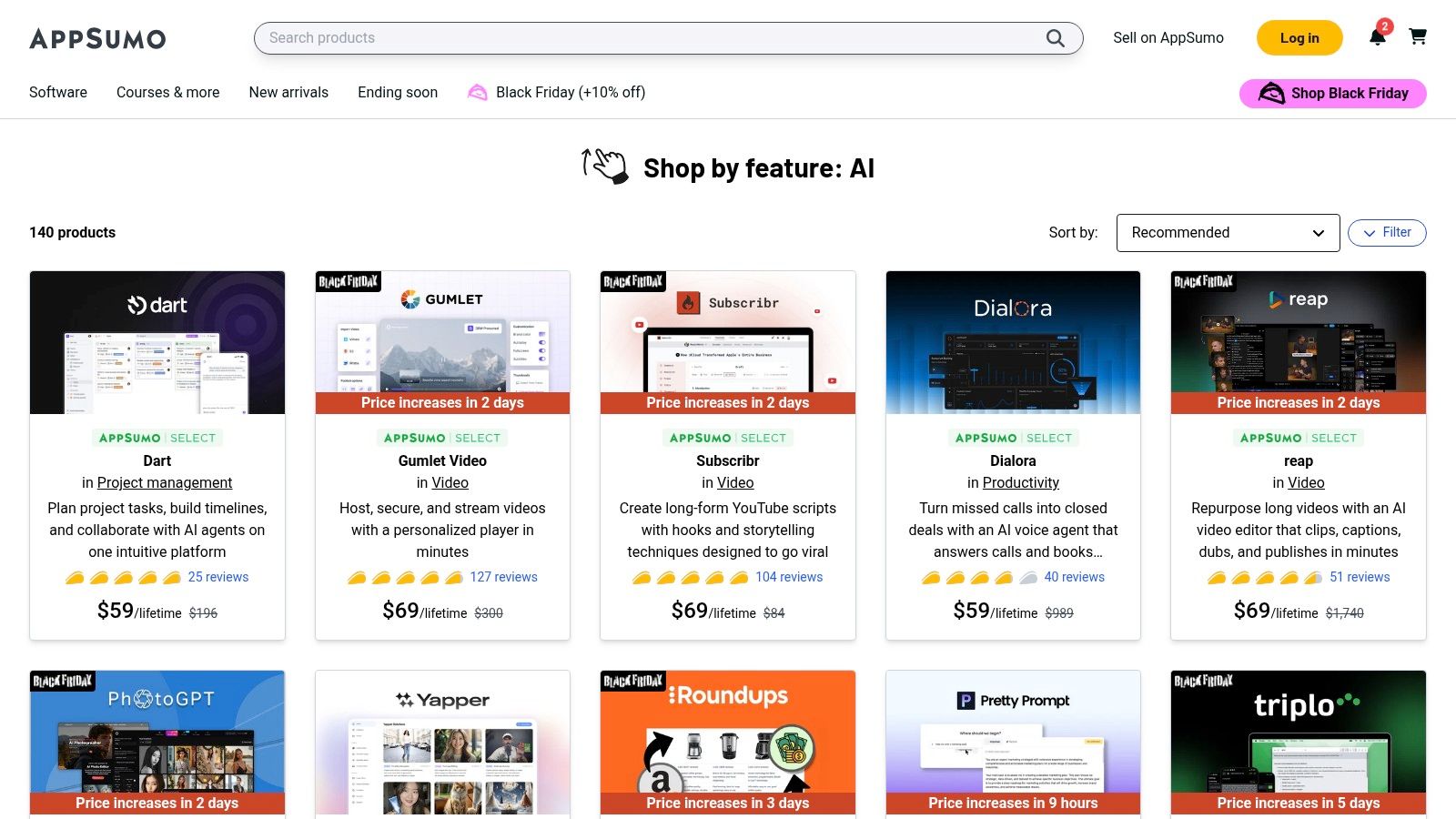
The real draw is the unbeatable value. Finding a powerful AI tool for a one-time fee of $49 that normally costs $49 a month feels like a business superpower. The platform thrives on its community, with deal pages featuring extensive user reviews and a Q&A section where you can ask the founders direct questions before you buy.
Key takeaway: AppSumo gives you low-risk access to innovative AI tools through lifetime deals, allowing you to build an impressive tech stack on a shoestring budget.
Pros & Cons:
While AppSumo is amazing for scooping up individual deals, it can quickly lead to a patchwork of disconnected tools. If managing a dozen different logins sounds like a headache, an integrated platform like Zemith offers a more streamlined, all-in-one approach to your business needs.
Check it out here: AppSumo AI Collection
If G2 is the established Yelp for software, think of Product Hunt as the trendy food truck festival where you find the next big thing before it blows up. It’s a discovery platform where new tech products, especially AI tools for small businesses, launch every single day. Instead of relying on long-term reviews, you get a real-time pulse of what’s new and exciting, straight from the makers themselves.
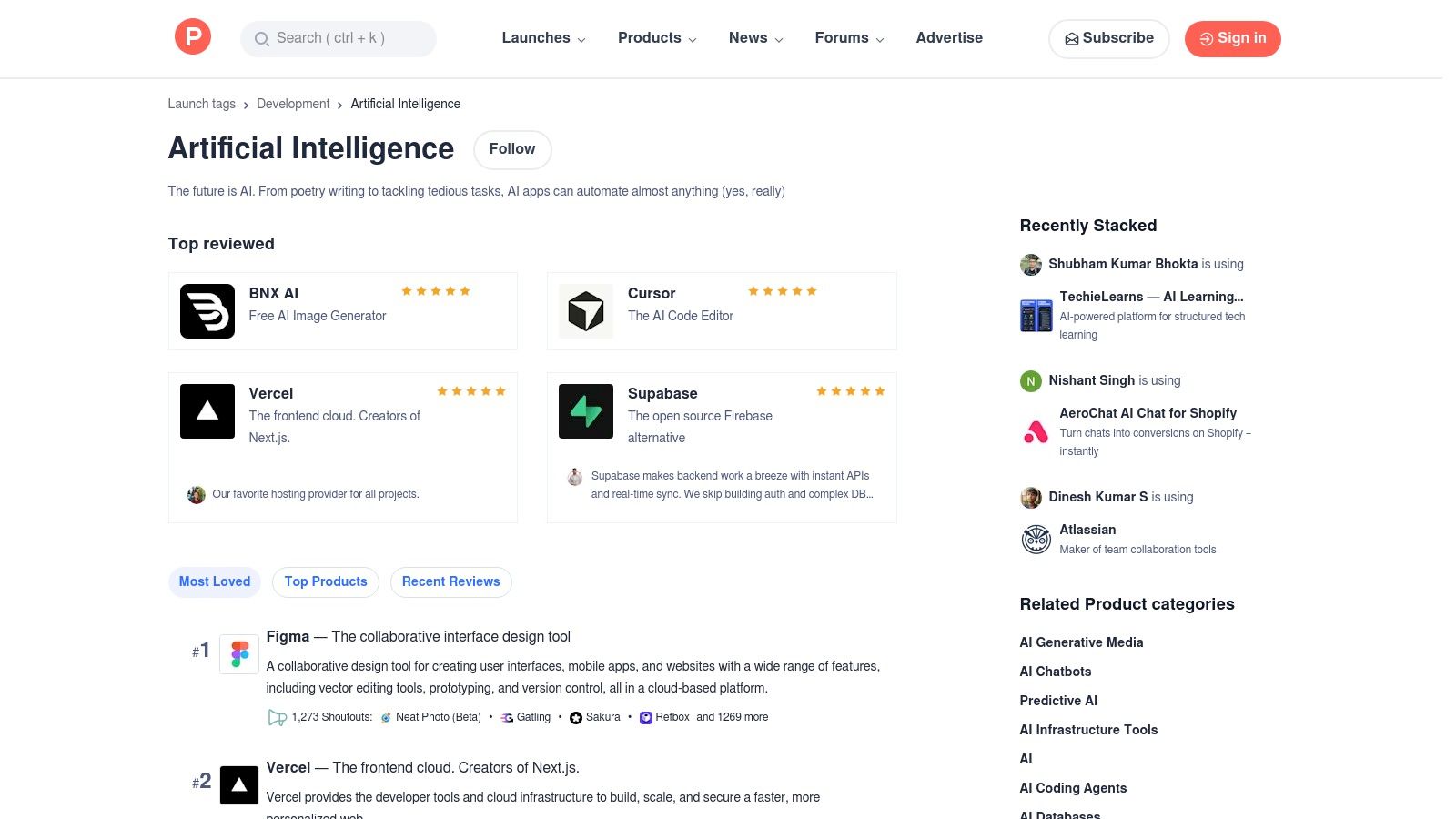
The vibe is community-driven. Products are upvoted by users, and the comments section is a goldmine where you can directly ask the founders questions, see early user feedback, and even get exclusive launch-day deals. For a small business owner, this is like getting a front-row seat to innovation, helping you spot a niche AI tool that could solve a very specific problem for you.
Product Hunt excels at surfacing brand-new, often bootstrapped, AI tools that haven't hit the mainstream yet. These are typically built with the agility and pricing that small businesses need. You can see what’s trending, check out curated collections, and get a feel for a product's potential long before it has thousands of reviews on other platforms.
Key takeaway: The platform’s focus on daily launches and direct maker-to-user interaction gives you early access to innovative tools, often with special deals and a direct line to the people who built them.
Pros & Cons:
Discovering shiny new objects on Product Hunt is fun, but it can also lead you right back to managing a dozen different subscriptions. If you find yourself juggling multiple new finds, an integrated platform like Zemith can simplify your workflow by bringing those disparate functions together.
Check it out here: Product Hunt AI Topic
If your small business runs on Google, this is your secret weapon. The Google Workspace Marketplace is the official app store for tools that plug directly into the apps you already use daily, like Gmail, Docs, and Sheets. Instead of adding another separate tool to your workflow, you can find best AI tools for small businesses that embed themselves right where you work, supercharging your existing processes without the learning curve.
The beauty for small teams is the seamless integration. Imagine an AI writing assistant helping you draft emails inside Gmail or an AI data analyst pulling insights from your Google Sheets with a simple command. This marketplace makes that possible, often with a single click to install.
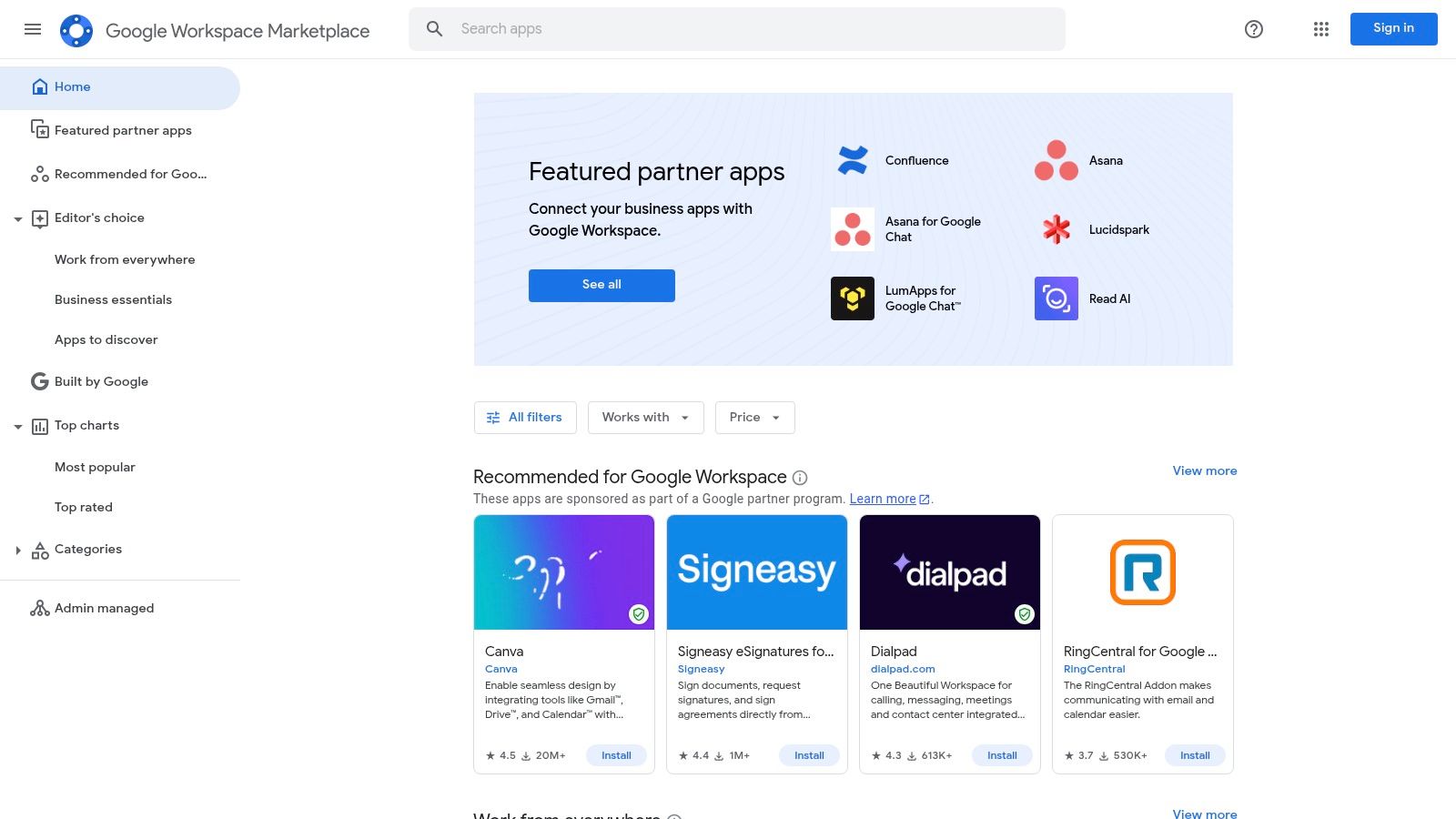
The primary advantage is convenience and user adoption. There’s no need to convince your team to learn a new, standalone platform when the AI tool lives inside an application they already know and love. This drastically reduces friction and speeds up the time it takes to see a return on your investment.
Key takeaway: By bringing AI capabilities directly into familiar Google apps, this marketplace helps small businesses leverage powerful technology without disrupting established workflows, making AI feel like a natural extension of their existing tools.
Pros & Cons:
While integrating tools into your existing suite is powerful, managing permissions and subscriptions for multiple add-ons can become complex. This is where exploring a unified digital workspace solution like Zemith can centralize these functions, offering a more streamlined and secure alternative.
Check it out here: Google Workspace Marketplace
If your business lives and breathes in the Microsoft ecosystem (think Teams, Office 365, and Outlook), then AppSource is your treasure map. Think of it as Microsoft’s own app store, but specifically for business tools designed to plug directly into the software you already use every day. It’s the perfect place to find some of the best AI tools for small businesses that are vetted for security and guaranteed to play nice with your existing setup.
You can discover powerful AI copilots, automation templates, and specialized Teams apps that extend the functionality of your Microsoft suite. For any small business standardized on Microsoft, this is a goldmine for finding compliant, integrated AI solutions without the headache of vetting third-party tools from scratch.
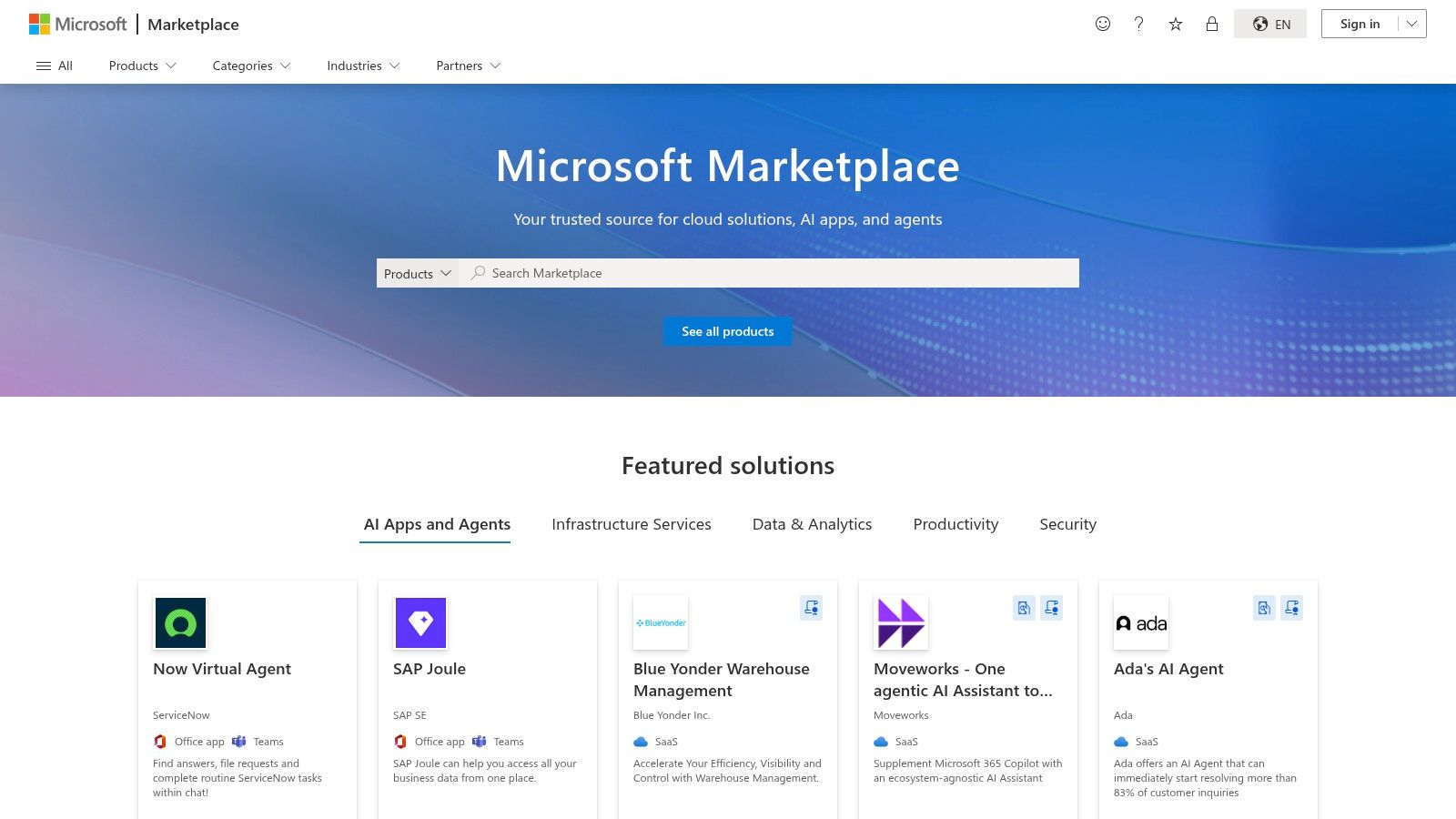
The biggest win here is the seamless integration. These aren’t just standalone apps; they're designed to enhance the Microsoft tools your team relies on, from automating workflows in Power Automate to adding intelligence directly into Teams chats. Everything is also managed through your existing Microsoft billing and admin console.
Key takeaway: For businesses embedded in the Microsoft world, AppSource offers a secure and cohesive way to adopt AI, ensuring tools work together without causing data silos or security nightmares.
Pros & Cons:
While finding individual apps on AppSource is great, it can quickly lead to managing multiple add-ons. This is where an all-in-one platform like Zemith shines, by bringing diverse functionalities together to simplify your tech stack and reduce subscription fatigue.
Check it out here: Microsoft AppSource
If you run an ecommerce business on Shopify, your first stop for AI tools shouldn't be Google, it should be the platform you already live in. The Shopify App Store is a treasure trove of AI-powered apps specifically designed to plug directly into your store, handling everything from product descriptions and ad copy to sophisticated customer personalization and AI chatbots. It’s less about finding a standalone tool and more about enhancing the platform you already use.
For small business owners in the ecommerce space, this is a massive advantage. Instead of wrestling with complex APIs or integrations, most of these tools offer one-click installs. The billing is unified, the reviews are from fellow merchants, and the apps are built to solve common ecommerce headaches, making it one of the best AI tools for small businesses that sell online.
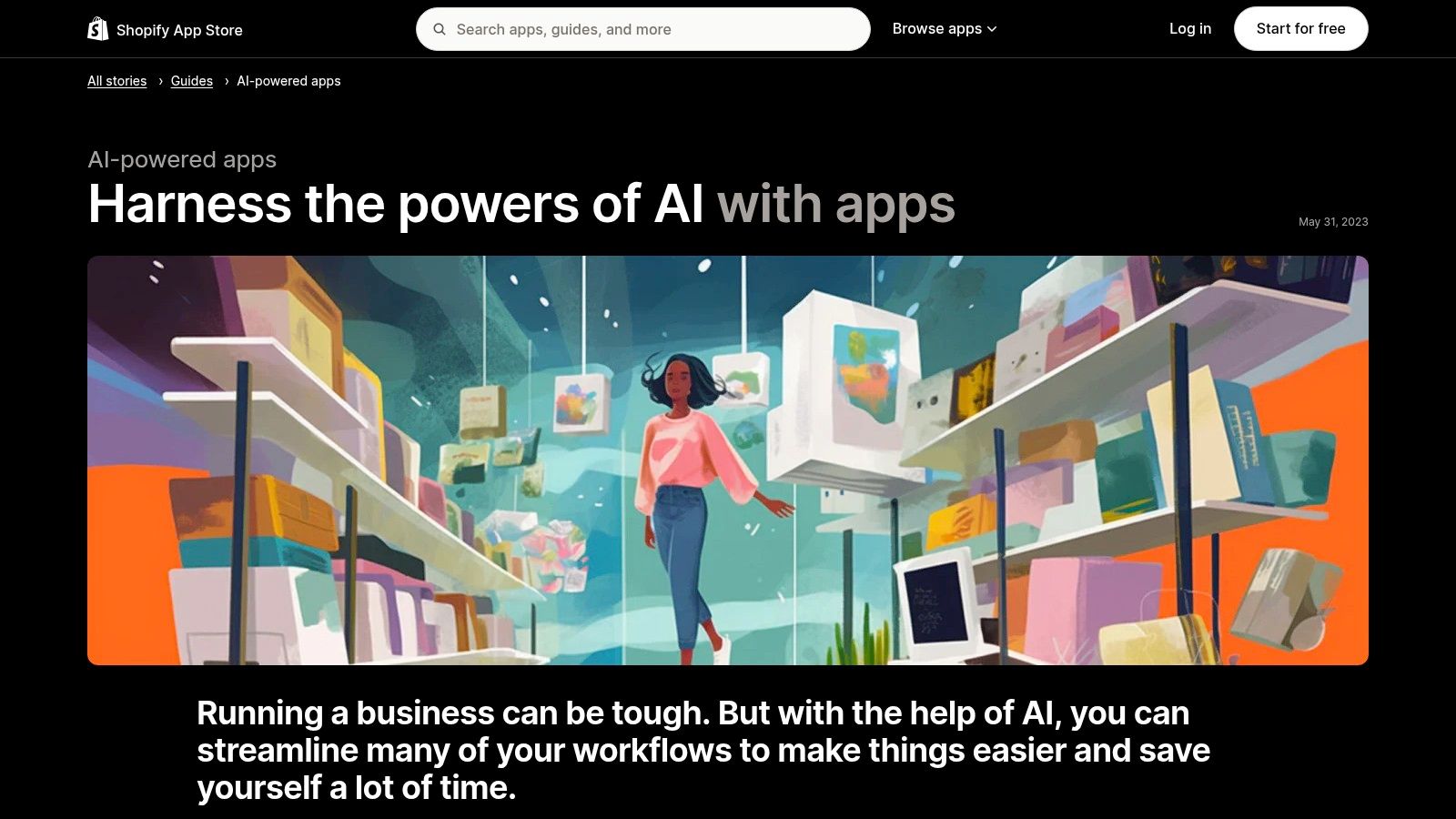
The biggest win here is the seamless integration. You can find an AI that automatically generates high-converting product descriptions, install it, and have it running in minutes without ever leaving your Shopify dashboard. Many apps also offer free plans or trials, so you can test their impact on your store's performance with minimal risk.
Key takeaway: The curated, ecommerce-centric nature of the App Store means you're finding solutions built specifically to increase sales and streamline operations for your online store, with easy installation and unified billing.
Pros & Cons:
While the Shopify App Store is brilliant for bolting on specific AI functions, managing multiple app subscriptions can quickly become a tangled mess. This is where an all-in-one platform like Zemith shines, offering a unified suite of tools that can manage marketing, content, and analytics without the app-juggling chaos.
Check it out here: Shopify's AI-Powered Apps Guide
Let's be honest, you’ve probably already heard of ChatGPT. But for a business, the real power isn't in the free version everyone plays with. OpenAI offers ChatGPT for teams and businesses, a beefed-up, secure version designed to be your company's go-to brain for everything from drafting customer support emails to analyzing sales data and brainstorming marketing campaigns.
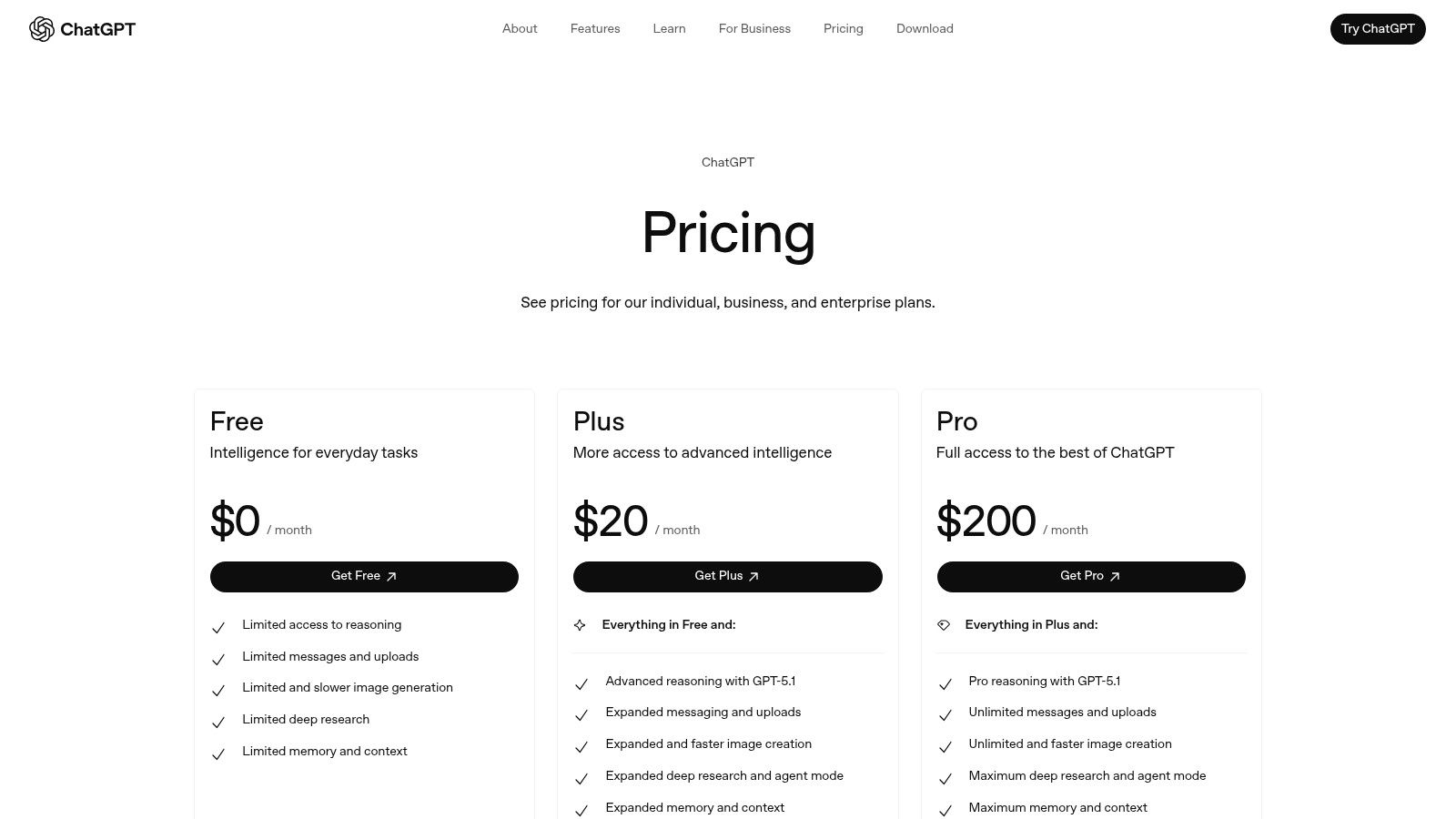
Think of it as a generalist employee who can switch roles in an instant. The business tiers provide a secure, collaborative workspace, higher usage limits, and access to the latest models. This transforms it from a fun toy into a genuine productivity engine, allowing your team to create content, automate repetitive tasks, and get instant answers without leaving their workflow.
Its versatility is its biggest selling point. Unlike specialized AI tools that do one thing well, ChatGPT is a jack-of-all-trades. One minute it's an AI writing assistant, the next it's a data analyst or a coding helper. For a small business juggling a million tasks, having this kind of flexibility in one tool is a massive advantage.
Key takeaway: The platform provides direct access to powerful, general-purpose AI with the necessary team controls and security, making it a foundational tool for boosting productivity across nearly every role in a small business.
Pros & Cons:
While ChatGPT is a phenomenal generalist, integrating it alongside other specialized tools can lead back to the problem of managing too many subscriptions. This is where an all-in-one platform like Zemith shines, by bringing many of these AI-powered functions together in a single, unified workspace.
Check it out here: OpenAI ChatGPT Pricing
If your team already lives and breathes in Word, Excel, and Teams, then Microsoft 365 Copilot is less of a new tool and more of an upgrade to your digital home. It integrates AI directly into the Microsoft apps you use every day, acting as an intelligent assistant that can draft documents, analyze spreadsheet data, summarize meetings, and even create PowerPoint presentations from a simple prompt.
For a small business already invested in the Microsoft ecosystem, this is a no-brainer. Instead of teaching your team a new platform, you’re simply enhancing the tools they’re already experts in. It brings powerful AI capabilities for content creation and data analysis right into familiar workflows, governed by the security and admin controls you already trust. This makes it one of the best AI tools for small businesses looking to boost productivity without adding complexity.
Copilot’s strength is its native integration. You can ask it to "create a 10-slide presentation based on this Word document" or "summarize the key action items from our last Teams meeting" without ever leaving the app. It connects information across your entire Microsoft 365 environment, making it incredibly powerful for tasks that require context from different files and conversations.
Key takeaway: Copilot excels by embedding AI directly into existing workflows, eliminating the friction of switching between apps and making advanced AI accessible to everyone on your team.
Pros & Cons:
While an integrated solution like Copilot is powerful, its focus is strictly on the Microsoft suite. If you're looking to consolidate other functions like marketing and customer management, an all-in-one platform like Zemith can help bridge those gaps. For a deeper dive, you can learn more about how to leverage AI tools for productivity.
Check it out here: Microsoft 365 Copilot
For the small business that basically lives inside of Gmail, Docs, and Sheets, this isn't a new tool-it's an upgrade to your digital headquarters. Google has integrated its powerful Gemini AI directly into the Workspace suite, meaning you can get AI assistance without ever leaving the apps you already use daily. It's designed for teams who want to add AI capabilities with zero friction or new software to learn.
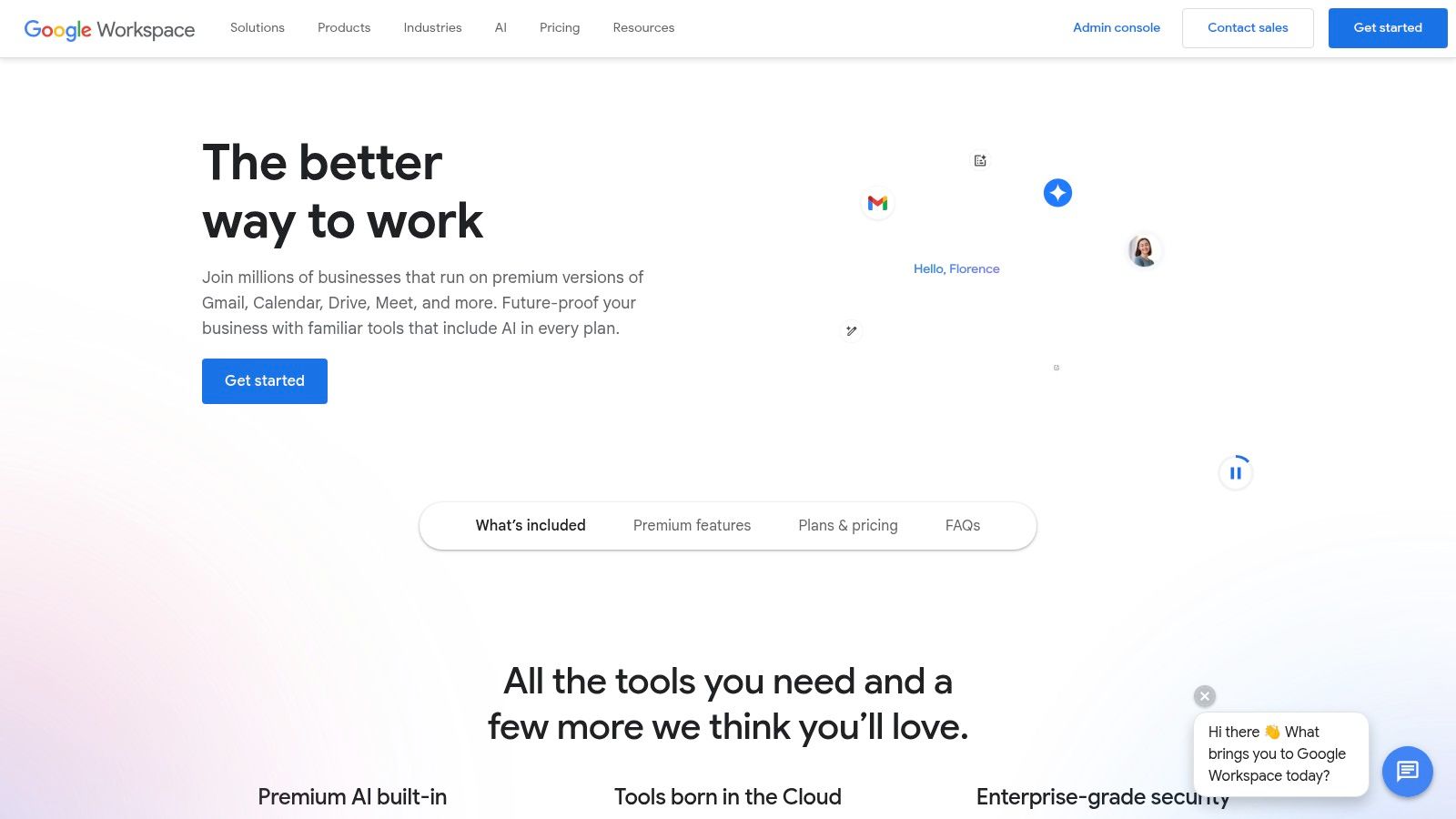
The biggest advantage is how seamless it is. You can ask Gemini to summarize a lengthy email thread in Gmail, draft a project proposal in Docs, or create formulas in Sheets based on a simple prompt. It’s organization-wide, with admin controls that ensure security and consistent deployment across your team.
Google Workspace with Gemini is one of the best ai tools for small businesses that are already standardized on Google’s ecosystem. The adoption is practically effortless. There's no need to train your team on a new platform; the AI features appear right where they're needed most, turning your existing productivity suite into a much smarter one.
Key takeaway: By embedding AI into familiar applications like Docs and Gmail, Google removes the learning curve and provides immediate, context-aware assistance that can boost productivity across your entire team.
Pros & Cons:
While Google Workspace integrates AI powerfully, some businesses may want to explore other email solutions for different reasons. For those concerned about data handling, you might consider these Gmail alternatives for privacy in 2025.
Check it out here: Google Workspace
If you're already living in the HubSpot ecosystem, or looking for a single platform to run your go-to-market operations, its integrated AI suite, Breeze, is a no-brainer. Instead of duct-taping a dozen different AI tools to your CRM, HubSpot embeds AI directly across its Marketing, Sales, and Service Hubs. This makes it one of the best AI tools for small businesses that prioritize data-driven decisions.
It’s designed to use your own customer data to generate more relevant content, automate tasks, and surface insights you might otherwise miss. From AI-powered blog writing and website generation to conversation intelligence that analyzes sales calls, Breeze keeps everything connected.
HubSpot’s strength is context. Because Breeze is native to the CRM, the AI knows your customer history, lead status, and previous interactions. This means the content it helps you create or the tasks it automates are uniquely tailored to your business, not just generic outputs.
Key takeaway: The tight integration with your CRM data gives HubSpot’s AI a massive advantage, allowing it to provide hyper-relevant assistance that standalone tools simply can't match.
Pros & Cons:
While HubSpot provides a powerful, integrated AI experience, it highlights the value of having your automations and customer data in one place. For a deeper dive into how different platforms connect these dots, check out these insights on AI workflow automation tools.
Check it out here: HubSpot AI Products
Okay, let's take a breath. We've just navigated a whirlwind tour of marketplaces like G2 and AppSumo, dug into the massive ecosystems of Google and Microsoft, and explored powerful standalone platforms. If your head is spinning with possibilities, that’s completely normal. The sheer volume of options proves one thing: the AI revolution isn't coming; it's already here, and it's open for business.
The single most important takeaway? There's an AI tool that can probably fix, automate, or improve almost any annoying, time-sucking task on your to-do list. From drafting marketing emails that actually get opened to debugging code without wanting to throw your laptop out the window, the help is out there.
But this brings us to the real challenge for scrappy small businesses. It's not about finding tools. It's about avoiding the dreaded "Franken-stack."
You know the Franken-stack. It starts innocently. You sign up for a free trial of a slick AI writer. Then you add a separate AI image generator for your social media posts. You find another tool for summarizing meeting notes, one for customer service chatbots, and yet another for analyzing sales data.
Suddenly, you're drowning in a sea of browser tabs, logins, and monthly subscription emails. Each tool is great on its own, but together they create a clunky, disconnected monster that costs you more than just money. It costs you time switching between apps and mental energy trying to remember which tool does what. That's the exact opposite of the efficiency you were hoping for.
So, how do you pick the right path forward from this massive list of the best AI tools for small businesses? Don't just chase the newest, shiniest object. Instead, take a step back and think like a strategist.
This is where the "all-in-one" approach comes into play. Instead of patching together a dozen different specialized apps, a unified platform offers a single, streamlined solution. This is the philosophy behind Zemith. We saw the chaos of the Franken-stack and built an alternative.
Imagine having one login and one subscription that gives you access to a powerful AI writer, a smart document analyzer, a creative image generator, a code assistant, and more. Because all these tools live in the same workspace, your workflow becomes seamless. You can research a topic, write a blog post about it, generate a hero image for it, and draft a social media announcement all without ever leaving the platform.
That’s the goal: to move from juggling a chaotic collection of tools to commanding a single, intelligent workspace. It’s about making AI a true partner in your business, not just another piece of software you have to manage. You’ve seen the options, and now the choice is yours. Are you going to build a bigger monster, or are you ready to simplify, consolidate, and accelerate your growth?
Ready to tame the chaos and ditch the Franken-stack for good? See how Zemith consolidates the power of dozens of AI tools into one intuitive and affordable workspace designed for small businesses. Start your free trial today and turn your tool overload into a streamlined powerhouse.







Trusted by teams at






The top models, plus image, video and voice tools, in one plan.
Without Zemith
ChatGPT PlusUS$20.00Claude ProUS$20.00Google AI ProUS$19.99SuperGrokUS$30.00Perplexity ProUS$20.00 MidjourneyUS$10.00
 ElevenLabsUS$6.00Le Chat ProUS$14.99
 RunwayUS$15.00Kling StandardUS$8.80
 Gamma PlusUS$12.00
 Otter ProUS$16.99
 QuillBot PremiumUS$19.95
 Photoroom ProUS$12.99
 Quizlet PlusUS$7.99
Total if paying separatelyUS$234.70/mo
"I love the way multiple tools they integrated in one platform. Going in the right direction."
— simplyzubair
"The quality of data and sheer speed of responses is outstanding. I use this app every day."
— barefootmedicine
"The credit system is fair, models are perfect, and the discord is very responsive. Quite awesome."
— MarianZ
"Just works. Simple to use and great for working with documents. Money well spent."
— yerch82
"The organization of features is better than all the other sites — even better than ChatGPT."
— sumore
"It lives up to the all-in-one claim. All the necessary functions with a well-designed, easy UI."
— AlphaLeaf
"The team clearly puts their heart and soul into this platform. Really solid extra functionality."
— SlothMachine
"Updates made almost daily, feedback is incredibly fast. Just look at the changelogs — consistency."
— reu0691
Hand off the research, writing, design and follow-ups. Zemith picks the tools it needs and brings back finished work.
Search the web, run deep research, read files, create images and run code with GPT, Claude, Gemini, Grok and more.
Zemith keeps working in the cloud and pings you when it's done.
Notion, Linear, Canva, Airtable and more. It asks before it creates or changes anything.
Docs, slides, sheets and PDFs, ready to send.
Chain models and tools on a visual canvas, from one prompt to a finished promo video.
Briefings, reports and reminders run on a schedule and are ready when you need them.
Real-time voice that can see your camera or screen.
The best image and video models, in one studio.
Turn PDFs, links and YouTube videos into podcasts, quizzes, flashcards and mind maps.














 Podcast
 Quiz
Quiz Flashcards
 Mind map
 Infographic