


Every top model, with tools built in.
Search the web, run deep research, read files, create images and run code with GPT, Claude, Gemini, Grok and more.
Tired of juggling AI tools? We break down the 7 best LLM models of 2025, from OpenAI to Claude, with actionable insights to help you choose the right one.
It feels like a new, world-changing LLM drops every other Tuesday, right? One minute you're getting the hang of GPT-4, the next there's a new model from Google, Anthropic, or a startup you've never heard of that promises to write your emails, code your app, and maybe even walk your dog. (Okay, maybe not the dog walking... yet.) The AI explosion is exciting, but it's also… a lot. Keeping track of the best LLM models, their unique strengths, and their often-confusing pricing tiers can feel like a full-time job. You're trying to build something amazing, not spend your days deciphering API documentation.
That's where this guide comes in. We’re cutting through the noise to give you the real scoop on the top 7 players in the game: OpenAI, Anthropic, Google, AWS, Microsoft Azure, Hugging Face, and NVIDIA. For each one, we’ll break down what makes them tick, their ideal use cases, and exactly how to get started, complete with screenshots and direct links. To truly appreciate what these models can do, it helps to have a solid foundation in understanding Natural Language Processing (NLP), the core technology that powers them.
But here’s a thought: what if you didn't have to pick just one? What if you could access the best of all these models in a single, streamlined workspace without juggling a dozen subscriptions? That’s where platforms like Zemith are flipping the script, letting you leverage multiple AIs from one place. Let's dive in and find the right model (or models) to bring your masterpiece to life.
When you hear "AI," there's a good chance OpenAI is the first name that pops into your head. They basically kicked the door down and brought large language models into the mainstream. Their platform is the official home for the entire GPT family of models, making it the go-to starting point for countless developers, creators, and businesses looking for some of the best LLM models available today.
It's not just about the flagship, super-powered models like GPT-4.1. OpenAI offers a whole buffet of options, from the lightning-fast o-series models designed for real-time applications to their multimodal models that can see, hear, and speak. This variety makes their platform incredibly versatile, whether you're building a simple chatbot or a complex AI agent that can handle multiple tasks.
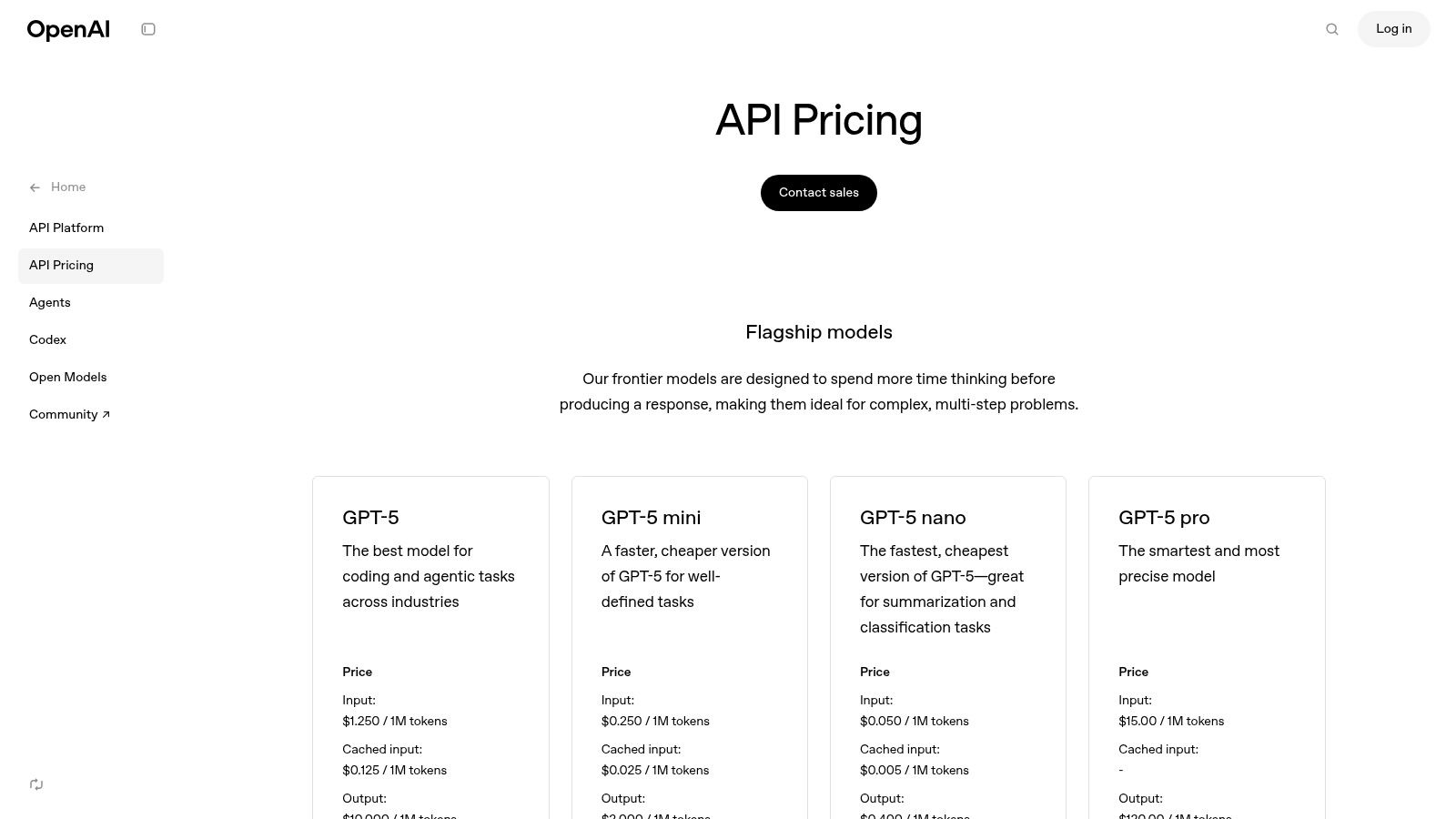
The real magic of the OpenAI platform is its mature and well-documented ecosystem. Getting started is a breeze thanks to their clean APIs, comprehensive documentation, and official SDKs for Python and Node.js. You can go from signing up to making your first API call in minutes, not hours.
For more advanced users, the platform offers powerful features like fine-tuning, which lets you train a model on your own data for specialized tasks. Plus, with emerging tools like AgentKit, they're paving the way for more sophisticated, autonomous AI agents. To get the most out of these powerful models, mastering how you ask questions is key; a deep dive into how prompt engineering can unlock an AI's full potential on Zemith.com can seriously level up your results.
o-series, and Realtime models for low-latency speech.gpt-4.1 is more expensive than the faster, cheaper gpt-o-mini.Ultimately, OpenAI provides a powerful, reliable, and accessible foundation. It's an excellent choice if you're looking for top-tier general performance and a smooth development experience, making it a benchmark against which other LLM providers are often measured.
Website: https://openai.com/api/pricing/
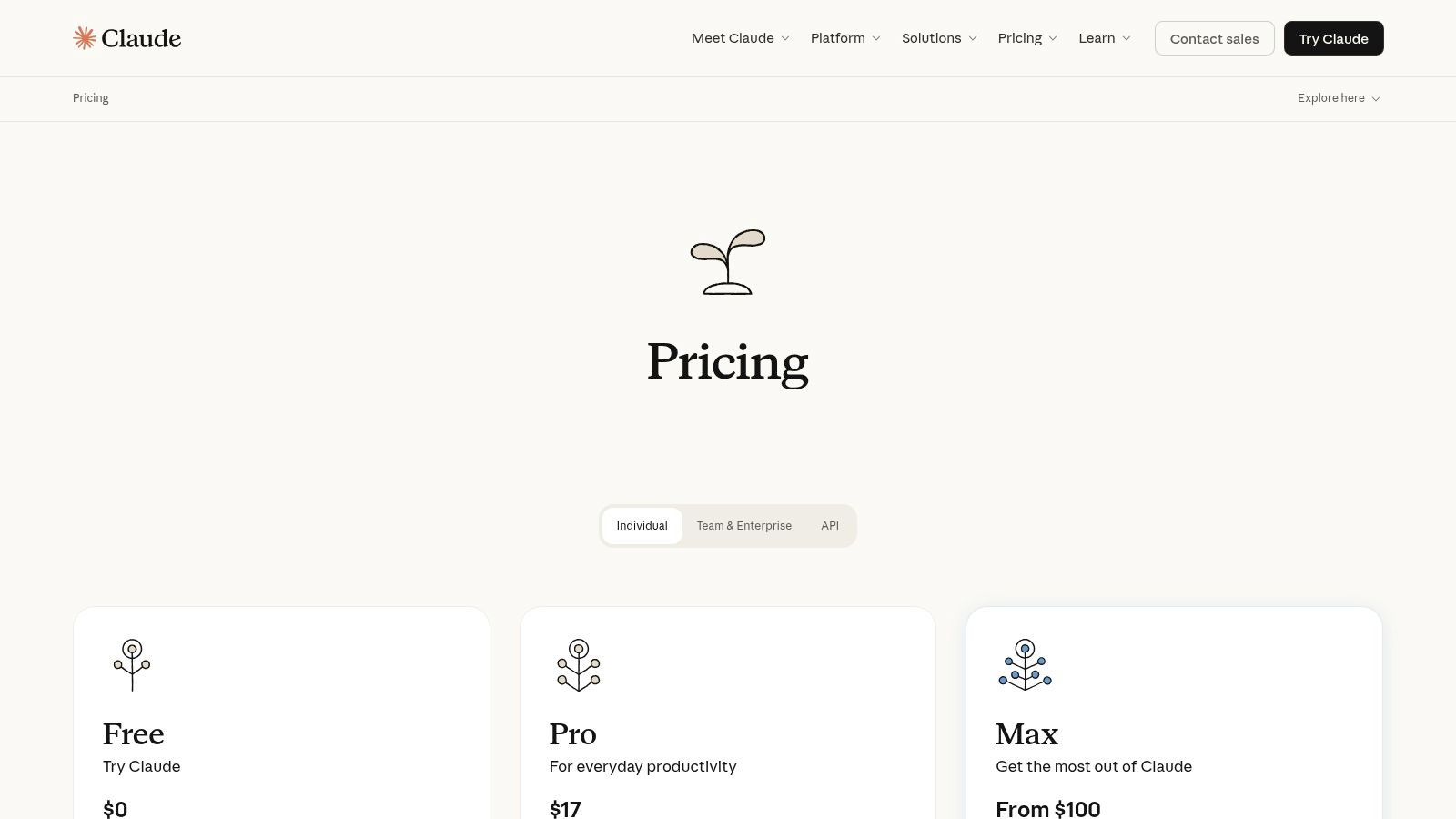
If OpenAI is the one that kicked the door down, Anthropic is the one that came in and made sure everything was thoughtfully organized and safety-checked. Born from a focus on AI safety, Anthropic's Claude family of models has rapidly become a top contender, particularly for tasks requiring nuanced understanding, reliability, and the ability to process enormous amounts of information.
The platform offers a tiered family of models: the super-smart Claude 3 Opus, the balanced and speedy Claude 3 Sonnet, and the lightning-fast Claude 3.5 Sonnet. This structure allows users to pick the perfect tool for the job, whether it's deep analysis or real-time customer support. Their reputation for producing some of the best LLM models for business analysis is built on a foundation of responsible AI development and impressive performance.
Anthropic's killer feature is its massive context window. With the ability to handle up to 200,000 tokens (that’s like a 500-page book), Claude is the undisputed king of long-document analysis. You can drop in entire codebases, financial reports, or research papers and ask complex questions, a task that would choke many other models. This makes it an absolute beast for legal, financial, and academic use cases.
The platform is also incredibly developer-friendly, offering a clean API and a new "Batch API" that provides a significant 50% discount for asynchronous, high-volume workloads. This focus on both performance and cost-efficiency makes it a scalable choice. And because Claude is designed to be more "helpful and harmless," it often follows complex instructions with greater precision and is less prone to generating problematic outputs, which is a huge plus for enterprise applications.
In summary, Anthropic's Claude is the go-to choice when your primary need is processing vast amounts of text with a high degree of accuracy and safety. For anyone building applications that involve summarizing legal documents, analyzing financial reports, or reviewing code, Claude offers a powerful and reliable toolkit that’s hard to beat.
Website: https://claude.com/pricing
If OpenAI started the party, Google arrived with a massive speaker system and a laser light show. Google AI Studio is the developer-centric playground and API gateway for their powerful Gemini family of models. It's where you can tap into some of the most advanced multimodal and long-context capabilities on the market, positioning it as a serious contender for the title of best LLM models provider.
Google’s approach is all about integrating its massive data and search infrastructure directly into its AI. This means Gemini models don't just generate text; they can natively understand and process video, audio, and images while also "grounding" their responses with real-time information from Google Search. This makes them exceptionally powerful for tasks that require up-to-the-minute accuracy and complex, multi-format reasoning.
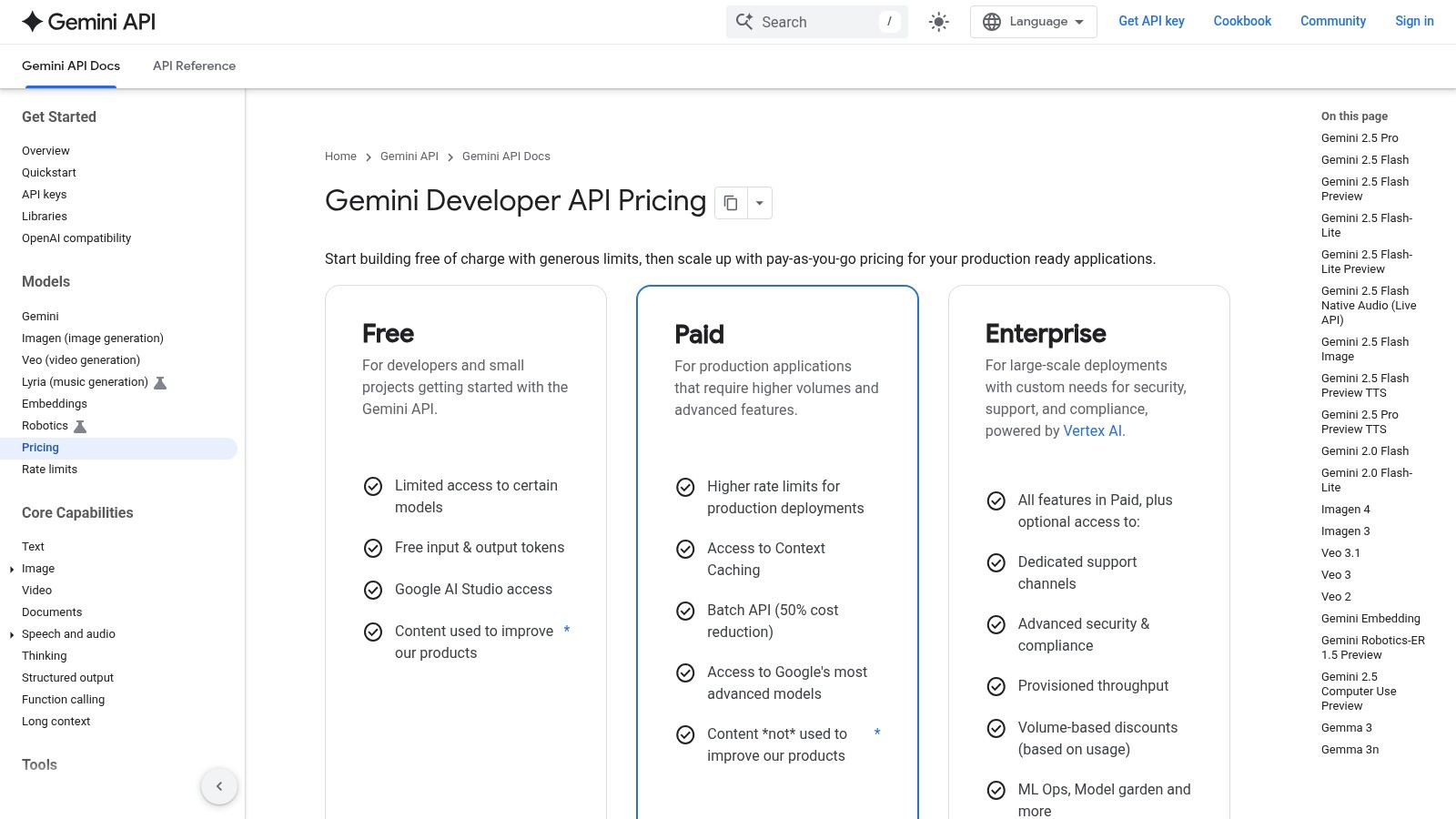
The standout feature is Gemini's jaw-dropping context window. Models like Gemini 2.5 boast a 1 million token context window, which is like giving the AI an entire novel to read and remember for a single conversation. This completely changes the game for summarizing massive documents, analyzing codebases, or processing lengthy videos without losing track of details.
The platform is also incredibly approachable. The Google AI Studio web console allows for rapid prototyping and prompt tuning without writing a single line of code. When you’re ready to build, the API is straightforward, and the free tier is generous enough to let you experiment and build a proof-of-concept without pulling out your credit card. This blend of cutting-edge tech and accessibility makes it a fantastic choice for developers looking to push the boundaries of what's possible with AI.
In the end, Google AI Studio is the place to be if your project involves massive amounts of data or requires a deep understanding of multiple media formats. For those building the next wave of natural language processing applications detailed on Zemith.com, Gemini offers a toolkit that can handle almost any data you throw at it.
Website: https://ai.google.dev/pricing
If your company already lives and breathes in the AWS ecosystem, Amazon Bedrock is less of a new tool and more of a natural extension of your existing cloud setup. It’s not a single model provider but a managed service that acts like a supermarket for some of the best LLM models from various leading AI labs. You get access to models from Anthropic (Claude), Meta (Llama), Mistral, and Amazon’s own Titan family, all under one roof.
This approach is perfect for enterprises that need to experiment with different models without juggling multiple APIs, contracts, and billing cycles. Bedrock wraps everything in the familiar AWS security and governance blanket, making it a much easier sell to your IT and security teams. You can switch from Claude 3 Sonnet to Llama 3 with a simple API parameter change, making A/B testing a breeze.
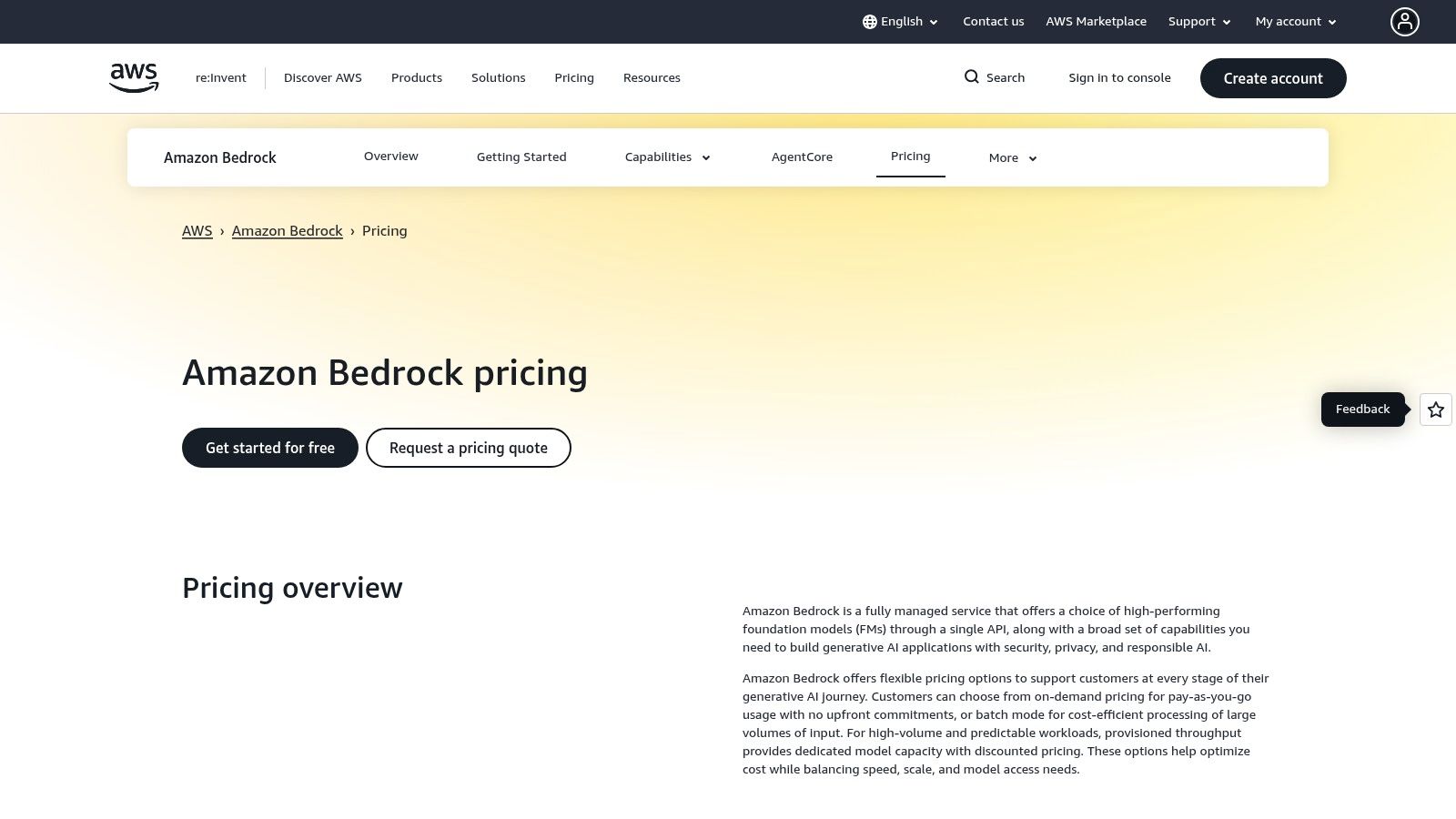
The killer feature of Bedrock is its deep integration with the AWS ecosystem. Imagine plugging a powerful LLM directly into your S3 buckets, Lambda functions, and VPCs without any complex networking hoops. This makes it incredibly powerful for building scalable, secure, and private AI applications that leverage your existing cloud infrastructure.
Beyond just offering models, Bedrock provides tools to build on top of them. You can fine-tune models on your proprietary data, create Retrieval-Augmented Generation (RAG) pipelines with Knowledge Bases, and build agents that can execute tasks across your company's systems. This unified platform approach is a huge advantage for companies looking to go beyond simple text generation and implement robust AI solutions. To see how this fits into a bigger picture, exploring the top AI workflow automation tools on Zemith.com can reveal how Bedrock powers complex, automated processes.
Ultimately, Amazon Bedrock is the pragmatic choice for businesses already invested in AWS. It trades the absolute cutting-edge, day-one access of a direct provider for enterprise-grade stability, security, and the convenience of a one-stop shop for powerful AI models.
Website: https://aws.amazon.com/bedrock/pricing/
For organizations already deep in the Microsoft ecosystem, Azure AI Foundry is less a choice and more a natural extension. It’s a unified hub that brings a massive catalog of models from providers like OpenAI, xAI (Grok), Meta, Mistral, and many others directly into the Azure environment you already know and trust. This isn't just about offering variety; it's about providing a clear, secure, and governed path from a cool AI prototype to a fully deployed, production-ready application.
Azure AI Foundry essentially acts as a superstore for some of the best LLM models on the market, but with Microsoft's enterprise-grade wrapper. You can experiment with Llama 3 for creative text generation, then switch to Grok for a more conversational, real-time feel, all through a consistent set of tools and APIs. This "Models-as-a-Service" approach simplifies procurement, billing, and security, making it a powerhouse for businesses that need to scale.
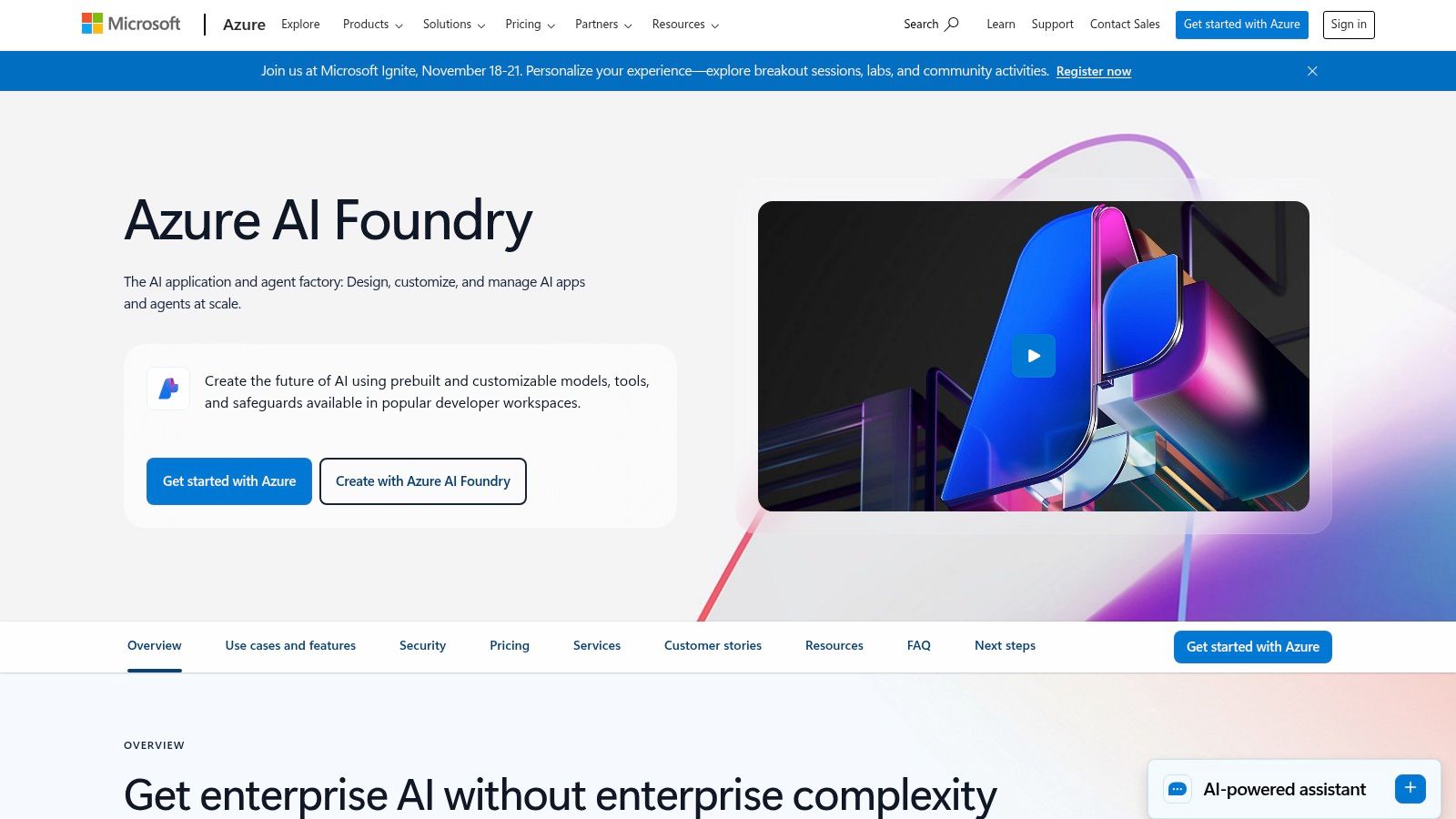
The killer feature here is seamless integration with the broader Azure stack. Your AI model is no longer an isolated project; it's a first-class citizen within your existing cloud infrastructure. This means you can easily connect it to Azure Functions, Logic Apps, and other services while benefiting from enterprise must-haves like private networking, role-based access control (RBAC), and Microsoft’s service-level agreements (SLAs).
This integration streamlines complex workflows, such as feeding documents from a blob storage into a powerful model for analysis. For businesses looking to automate paperwork, this setup can be a game-changer, creating a direct pipeline for exploring how intelligent document processing software works on Zemith.com. The ability to manage everything under a single Azure subscription simplifies billing and lets you leverage existing procurement agreements, a huge plus for corporate finance teams.
Ultimately, Azure AI Foundry is the go-to choice for businesses committed to the Microsoft cloud. It trades some of the simplicity of a standalone provider for unparalleled enterprise control, security, and a clear, integrated path to production.
Website: https://azure.microsoft.com/en-us/products/ai-foundry/
If proprietary models are the polished, all-inclusive resorts of the AI world, Hugging Face is the bustling, vibrant open-air market. It's not just a platform; it's the de facto home for the open-source AI community. This is where you'll find a staggering collection of models like Llama, Mistral, Gemma, and Qwen, all contributed, evaluated, and improved upon by a global network of developers.
Hugging Face has become the definitive playground for anyone looking to experiment with a wide array of the best open source LLM models without being tied to a single corporate ecosystem. It’s where you go to browse, download, and test thousands of models, check out community-driven performance leaderboards, and even deploy them for your own applications with just a few clicks. It’s less of a single product and more of a comprehensive toolkit for all things open-source AI.
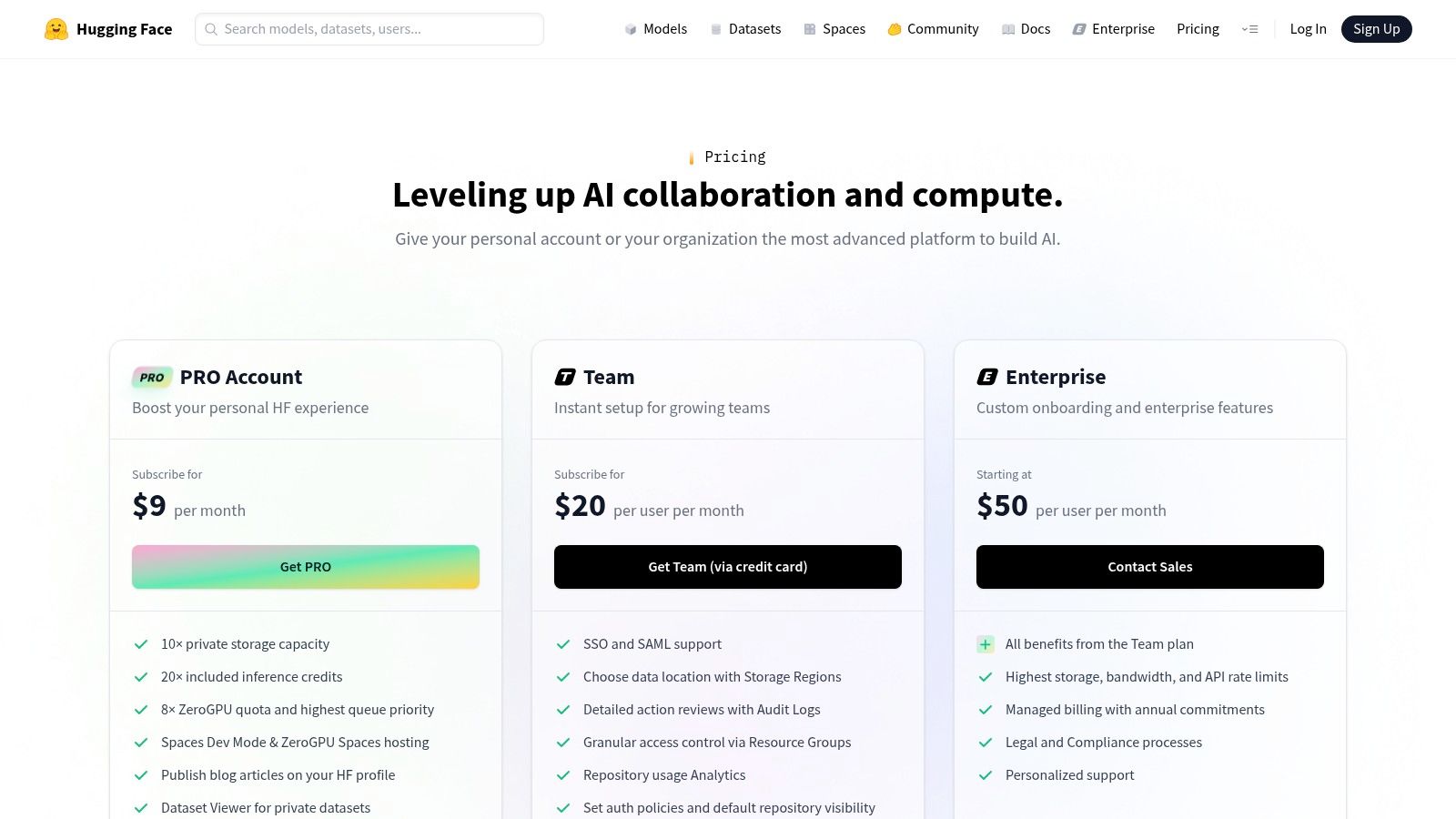
The core strength of Hugging Face is its community-centric approach. The platform provides all the infrastructure needed to discover, evaluate, and deploy models. You can easily see how different models stack up on various benchmarks, read discussions from other users, and access everything from the model weights to the training artifacts. This transparency is a massive departure from the closed-off nature of proprietary providers.
For developers ready to move beyond experimentation, Hugging Face offers powerful tools like Inference Endpoints and Spaces. Inference Endpoints let you deploy a model on dedicated, auto-scaling infrastructure with transparent, hourly pricing for CPUs and GPUs. Spaces allows you to quickly build and share interactive demos of your models. This combination makes it one of the most powerful and flexible AI tools for developers looking to leverage the open-source movement.
In short, Hugging Face is the essential destination for anyone serious about working with open-source AI. It provides the freedom, flexibility, and community support needed to explore the cutting edge of language models and turn them into real-world applications.
Website: https://huggingface.co/pricing
If you think NVIDIA is just about the graphics cards that power your gaming rig, think again. They're a titan in the AI hardware space, and their API Catalog is their way of bringing optimized, production-ready large language models directly to developers. This isn't just another API endpoint; it's a collection of powerful, containerized inference microservices (NIMs) that you can run literally anywhere you have NVIDIA GPUs, from the cloud to your own data center.
The platform offers a curated selection of some of the best LLM models from across the ecosystem, including popular open-source choices like Llama 3, Mixtral, and Gemma 2. Each model is pre-packaged into a NIM, which is essentially a plug-and-play container that's been hyper-optimized for NVIDIA hardware. This approach gives businesses ultimate control over their data and infrastructure while still benefiting from top-tier performance.
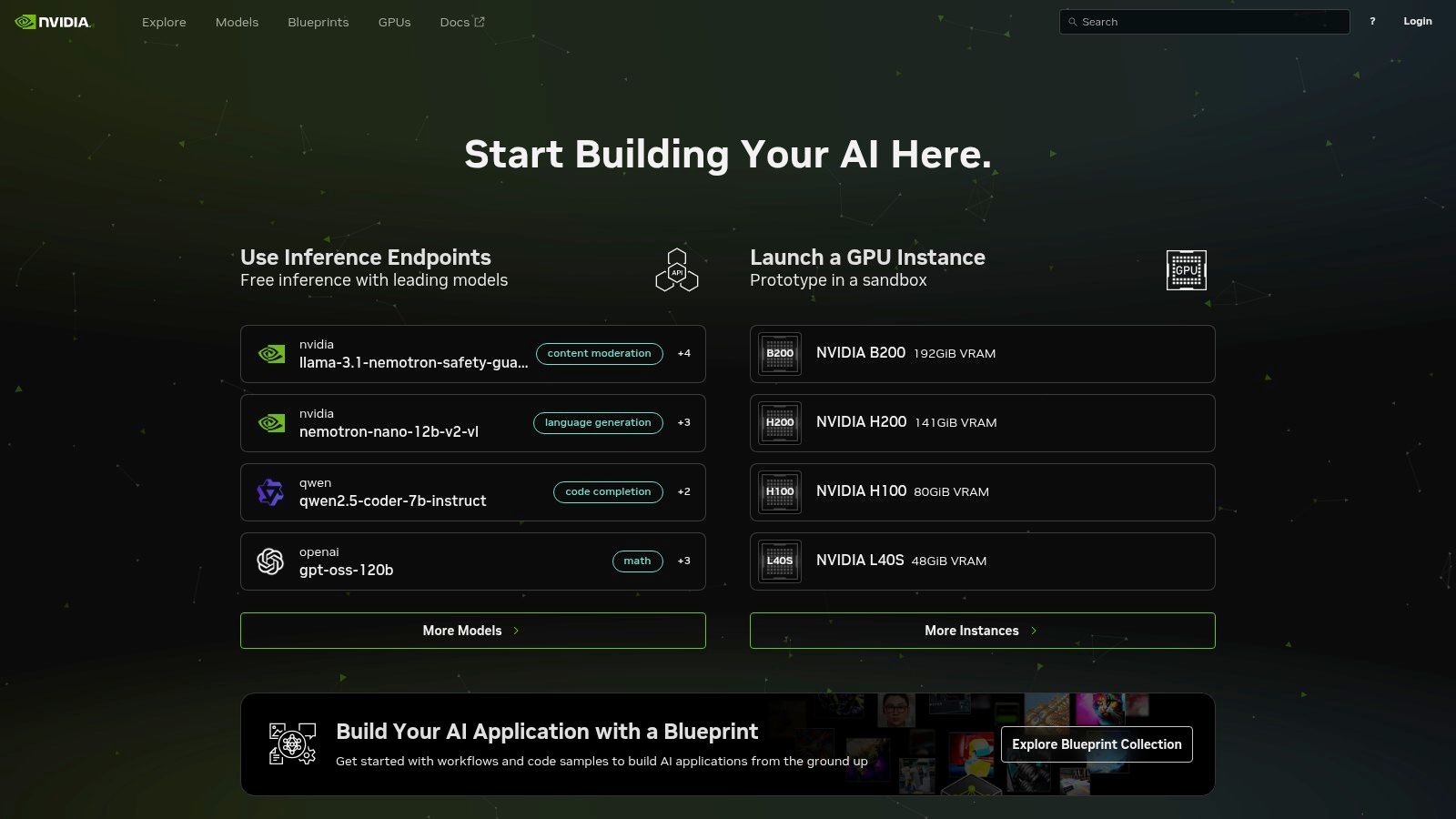
The core differentiator here is portability and performance. Instead of being locked into a single cloud provider's API, NVIDIA lets you take the models with you. You can start by prototyping on their hosted endpoints (powered by DGX Cloud) for free as an NVIDIA Developer member, and when you're ready for production, you can download the exact same container and deploy it on-premise or in your private cloud. It’s the ultimate "try before you buy" for serious enterprise AI.
This model provides unparalleled flexibility for companies with strict data privacy, security, or latency requirements. The NIMs come with a standard, OpenAI-compatible API, making it surprisingly simple to switch your existing applications over. You get the performance benefits of running on specialized hardware without having to completely re-architect your software. This focus on deployment flexibility is what sets NVIDIA apart from a purely API-based provider.
Ultimately, the NVIDIA API Catalog is for teams that need control, performance, and a clear path to self-hosting. If your application demands minimal latency and you operate within the NVIDIA ecosystem, this platform provides an incredibly powerful and flexible way to deploy the best LLM models on your own terms.
Website: https://build.nvidia.com/
Whew. We've just navigated a whirlwind tour of the AI landscape, from OpenAI's powerhouse models and Anthropic's constitutional approach to the massive model catalogs from Google, AWS, Microsoft, Hugging Face, and NVIDIA. It's clear that the debate over the single "best LLM model" is kind of a trick question.
The real answer is, "It depends." The best model for drafting a Python script isn't necessarily the best for summarizing a 200-page legal discovery document or brainstorming a viral marketing campaign. Each model we've explored has its own unique genius, its own specific flavor of artificial intelligence.
Choosing the right tool for the job is one thing. But what happens when your project requires the strengths of multiple models? You find yourself trapped in a productivity nightmare I like to call "AI Tab Hell."
You're paying for multiple subscriptions, juggling a half-dozen API keys, and wearing out your CTRL+C and CTRL+V keys pasting prompts and responses between browser tabs. This constant context-switching kills your creative flow and turns a powerful AI workflow into a clunky, disjointed mess. It’s like trying to cook a gourmet meal using a different kitchen for each ingredient.
The Big Takeaway: The ultimate bottleneck isn’t the power of the models themselves, but the fragmented way we're forced to access them. True productivity comes from integration, not just selection. This is precisely the problem platforms like Zemith are built to solve.
So, what are your next steps? How do you move from analysis paralysis to actually building something amazing with these tools?
Define Your Core Task: Before anything else, get brutally specific about your primary goal. Is it code generation? Long-form content creation? Data analysis? This single decision will narrow your choices from seven to maybe two or three top contenders.
Run a Small-Scale "Bake-Off": Don't commit to a single model based on benchmarks alone. Take a real-world task you do every day and run it through your top two choices. Give them the exact same prompt and see which one delivers a result that's closer to your desired output. You'll learn more in 15 minutes of hands-on testing than in hours of reading reviews.
Consider the Ecosystem (Or Don't!): Remember that these models don't exist in a vacuum. If your team is already heavily invested in AWS, Amazon Bedrock offers a seamless integration path. Or, you can bypass this lock-in entirely. Instead of tying yourself to one ecosystem, consider a unified platform like Zemith which lets you cherry-pick the best models from every provider without getting bogged down in platform-specific tools. Understanding the best LLM models is a great start, but to truly leverage AI, it's also helpful to explore other essential AI tools that can complement your workflow for everything from video creation to project management.
The era of picking one "winner" is over. The future of productive AI work lies in using the right model for the right micro-task, all within a single, unified environment. Imagine using Claude's massive context window to feed a document, having a GPT model write code based on that context, and then using a Gemini model to fact-check the output against the latest web results, all without ever leaving your project dashboard.
This isn't a far-off dream; it's the new standard for efficient, creative, and technical work. It’s time to stop juggling and start creating.
Ready to ditch the tab-chaos and consolidate your AI workflow into one powerful app? Zemith brings the best LLM models, document analysis, coding assistants, and more into a single, cohesive workspace. Stop paying for five different tools and start creating in a true SuperAI App by visiting Zemith today.







Trusted by teams at






The top models, plus image, video and voice tools, in one plan.
Without Zemith
ChatGPT PlusUS$20.00Claude ProUS$20.00Google AI ProUS$19.99SuperGrokUS$30.00Perplexity ProUS$20.00 MidjourneyUS$10.00
 ElevenLabsUS$6.00Le Chat ProUS$14.99
 RunwayUS$15.00Kling StandardUS$8.80
 Gamma PlusUS$12.00
 Otter ProUS$16.99
 QuillBot PremiumUS$19.95
 Photoroom ProUS$12.99
 Quizlet PlusUS$7.99
Total if paying separatelyUS$234.70/mo
"I love the way multiple tools they integrated in one platform. Going in the right direction."
— simplyzubair
"The quality of data and sheer speed of responses is outstanding. I use this app every day."
— barefootmedicine
"The credit system is fair, models are perfect, and the discord is very responsive. Quite awesome."
— MarianZ
"Just works. Simple to use and great for working with documents. Money well spent."
— yerch82
"The organization of features is better than all the other sites — even better than ChatGPT."
— sumore
"It lives up to the all-in-one claim. All the necessary functions with a well-designed, easy UI."
— AlphaLeaf
"The team clearly puts their heart and soul into this platform. Really solid extra functionality."
— SlothMachine
"Updates made almost daily, feedback is incredibly fast. Just look at the changelogs — consistency."
— reu0691
Hand off the research, writing, design and follow-ups. Zemith picks the tools it needs and brings back finished work.
Search the web, run deep research, read files, create images and run code with GPT, Claude, Gemini, Grok and more.
Zemith keeps working in the cloud and pings you when it's done.
Notion, Linear, Canva, Airtable and more. It asks before it creates or changes anything.
Docs, slides, sheets and PDFs, ready to send.
Chain models and tools on a visual canvas, from one prompt to a finished promo video.
Briefings, reports and reminders run on a schedule and are ready when you need them.
Real-time voice that can see your camera or screen.
The best image and video models, in one studio.
Turn PDFs, links and YouTube videos into podcasts, quizzes, flashcards and mind maps.














 Podcast
 Quiz
Quiz Flashcards
 Mind map
 Infographic