


Every top model, with tools built in.
Search the web, run deep research, read files, create images and run code with GPT, Claude, Gemini, Grok and more.
Discover the top software developer productivity tools for 2025. Explore marketplaces, AI assistants, and all-in-one platforms to boost your workflow.
Ever feel like your day is just a frantic scramble between your IDE, a dozen browser tabs, Jira, Slack, and that one terminal window you can never find? You're not alone. The hunt for the perfect workflow is the developer's holy grail. We spend hours optimizing our code, but what about optimizing ourselves? The modern development stack is a complex beast, and cobbling together the right setup can feel like a full-time job. You know the drill: one tool for AI code completion, another for documentation, a third for project management... suddenly you're paying for five different subscriptions and your browser looks like a Times Square billboard.
This isn't just another boring list. We’re diving deep into the ultimate software developer productivity tools for 2025, from massive marketplaces to niche apps that will save you precious keystrokes. We’ll look at what really works, what’s just hype, and how you can consolidate your stack to finally achieve that zen-like state of flow. We’ve done the heavy lifting for you, sorting through the noise to find the platforms and plugins that deliver real value.
Inside, you’ll find a breakdown of each tool, complete with screenshots, direct links, pros, cons, and specific use cases. We'll cover everything from IDE plugins and automation tools to project management hubs. Many modern developers can significantly enhance their workflow with AI powered coding assistant tools, acting as an expert pair programmer to speed up the process. Our goal is simple: to help you find the right tools to build a smarter, faster, and less chaotic workflow. Let's be real, you're here to ship code, not manage subscriptions. Let's get started.
Best for: All-in-One AI-Powered Productivity
If you're tired of juggling a dozen different AI subscriptions just to get your work done, Zemith is the unified command center you've been waiting for. It’s less of a single tool and more of a complete ecosystem designed to consolidate your workflow, making it a standout choice among software developer productivity tools for streamlining complex tasks. The core idea is simple but powerful: stop switching tabs and start building. Zemith brings top-tier AI models like Gemini-2.5 Pro, Claude 4, and GPT into a single, cohesive workspace.
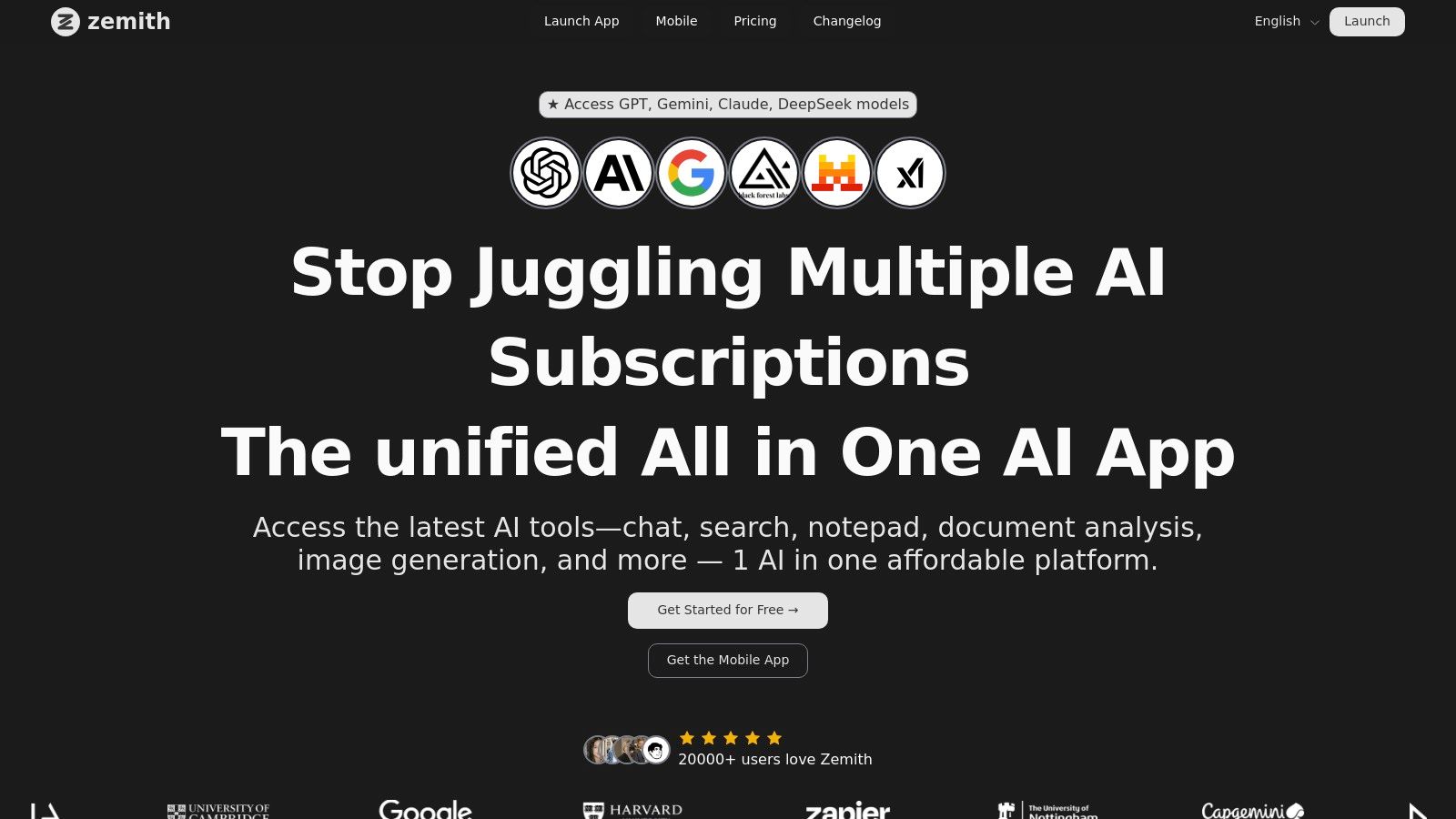
This isn't just a chatbot aggregator. For developers, the real magic lies in its integrated Coding Assistant. You can write, debug, and even get live previews of your code without leaving the platform. Need to refactor a complex function or generate boilerplate for a new component? The assistant handles it seamlessly, saving you precious time that would otherwise be lost to context switching. Seriously, how many hours have you lost this month just alt-tabbing?
But development isn't just coding. It’s also about research and documentation. Zemith excels here with its document chat feature. You can upload technical docs, API guides, or research papers and instantly start asking questions, getting summaries, or even having it generate flashcards to nail down complex concepts. It's like having a research assistant who never sleeps. Forget CTRL+F-ing your way through a 200-page PDF; just ask what you need to know.
Zemith’s strength is its breadth of purpose-built utilities that go beyond basic chat. The Smart Notepad provides AI-powered autocomplete and rephrasing, turning scattered notes into structured documentation. The platform’s Focus OS helps you block out distractions during deep work sprints, while the collaborative whiteboard makes remote pair programming or system design sessions a breeze.
For anyone looking to streamline their entire creative and technical process, Zemith provides a powerful, cost-effective solution that replaces multiple specialized tools. It's built for speed and efficiency, backed by a rapidly growing community and constant feature updates.
Pros:
Cons:
If your code already lives on GitHub (and let's be real, whose doesn't?), the GitHub Marketplace is the most direct path to boosting your productivity. Instead of hunting for third-party tools and wrestling with complex integrations, you can browse a massive library of apps and actions designed to plug directly into your existing workflow. It's like an app store, but specifically for making your dev life easier.
This is where you find tools that automate code reviews with AI, set up sophisticated CI/CD pipelines, scan for security vulnerabilities, or even track time spent on issues, all without leaving the GitHub ecosystem. These integrations are native, meaning they often work seamlessly with pull requests, issues, and project boards, providing a unified experience that standalone tools just can't match.
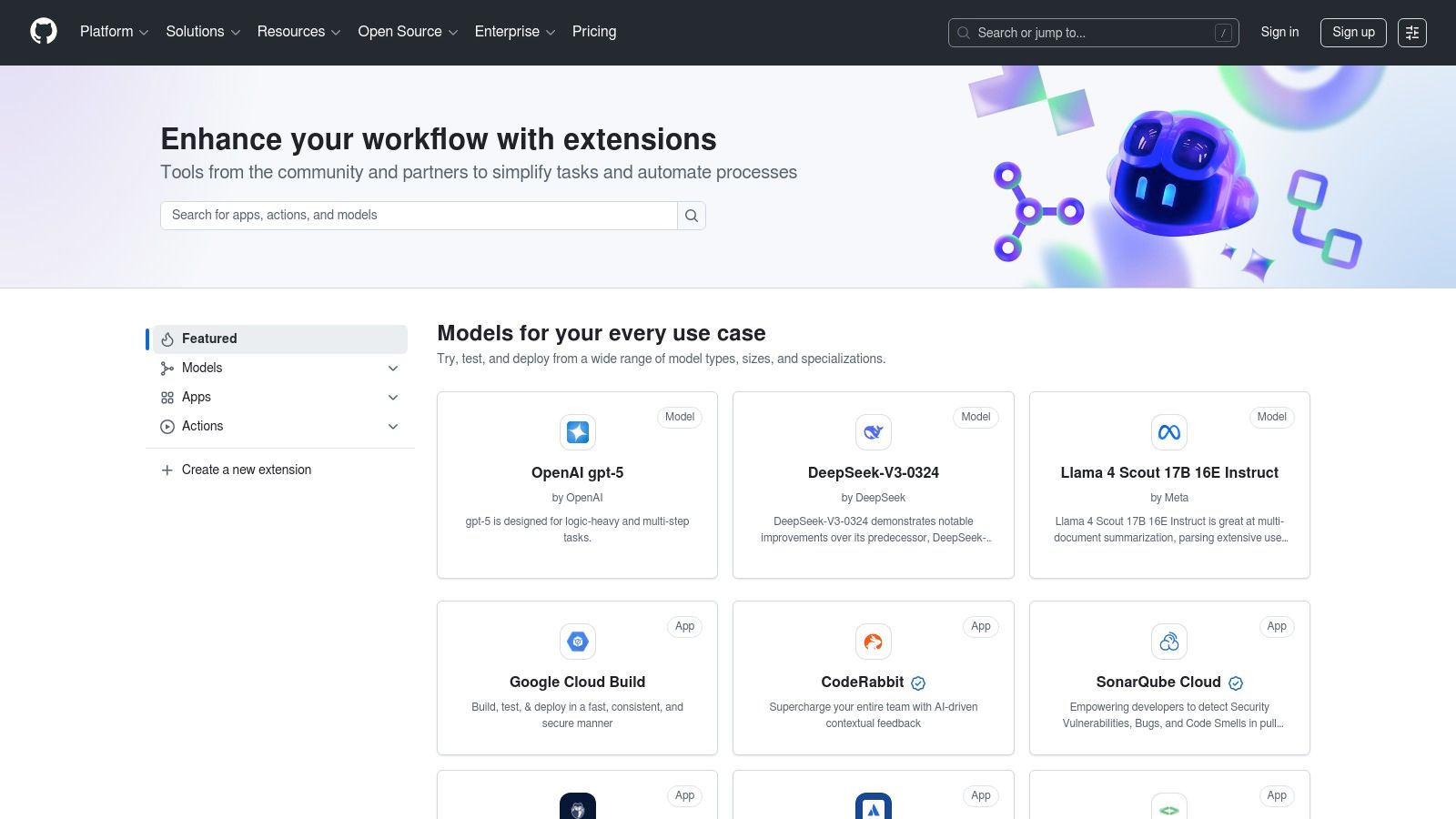
The biggest win here is the deep, native integration. Automating tasks within the platform you already use for version control is a huge context-switching saver. Billing is also consolidated through your GitHub account, which simplifies subscription management for your team. However, the quality of apps can be a mixed bag. Always check reviews and the publisher's credibility before installing. Also, be aware that some "free" installations are just connectors to an external paid service. It's the classic "free puppy" scenario—the puppy is free, but the vet bills aren't.
If you live and breathe inside Visual Studio or its nimble sibling, VS Code, the Visual Studio Marketplace is your personal candy store for productivity. It’s Microsoft's official hub for extensions, themes, and integrations, turning your editor from a capable tool into a customized development powerhouse. Think of it as the ultimate upgrade station for your IDE, offering everything from powerful linters and formatters to full-blown AI coding assistants.
This is where you find tools to supercharge your workflow directly within your editor. Whether you need to connect to cloud services like Azure, add advanced debugging capabilities, install new language support, or simply find a theme that’s easier on the eyes after a 12-hour coding marathon, this marketplace has you covered. The tight integration means you spend less time configuring tools and more time writing great code.
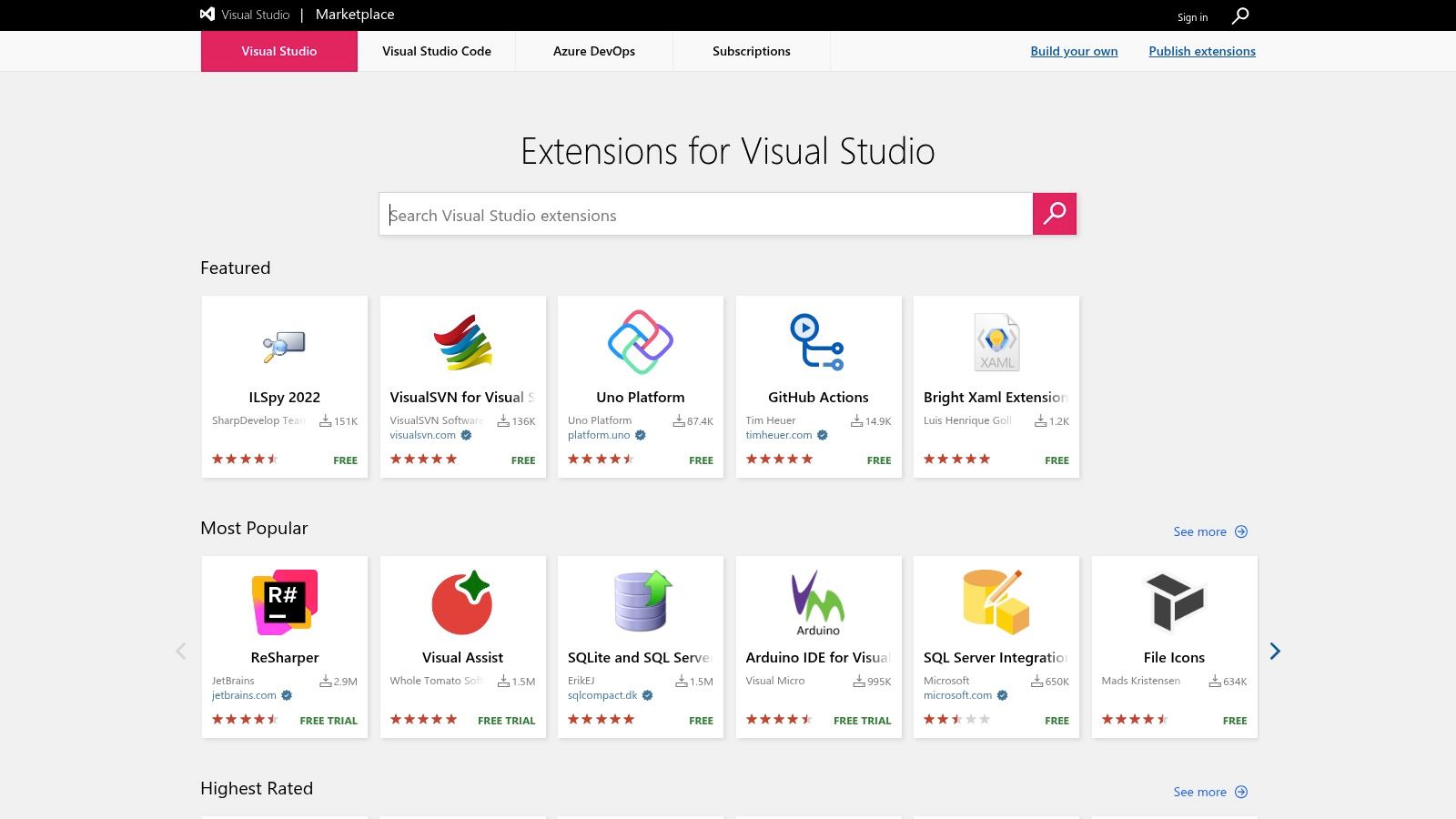
The main advantage is its massive and diverse catalog of extensions. With tens of thousands of options from both Microsoft and third-party developers, the customization potential is nearly limitless. For larger organizations, the ability to create a private, curated marketplace is a game-changer for standardizing tools and maintaining security. On the downside, the sheer volume can be overwhelming, and malicious extensions have occasionally slipped through, so vetting is crucial. For instance, when choosing from the many AI tools available, it's wise to do your homework; you can find more on the best AI coding assistants to see which ones are worth your time.
If your team lives and breathes Jira and Confluence, the Atlassian Marketplace is your first and best stop for enhancing productivity. It’s an enormous ecosystem of apps and integrations specifically built to supercharge the Atlassian suite. Think of it as a specialized app store where every tool is designed to plug directly into your project management, documentation, and CI/CD workflows, turning your Atlassian tools into a fully customized command center.
This is where you’ll find powerful software developer productivity tools that add advanced features like Gantt charts, test management suites, time tracking, diagramming, and CI/CD automation directly inside Jira. Instead of juggling a dozen disconnected services, you can find an app that embeds that functionality right where you already manage your tasks and knowledge base.
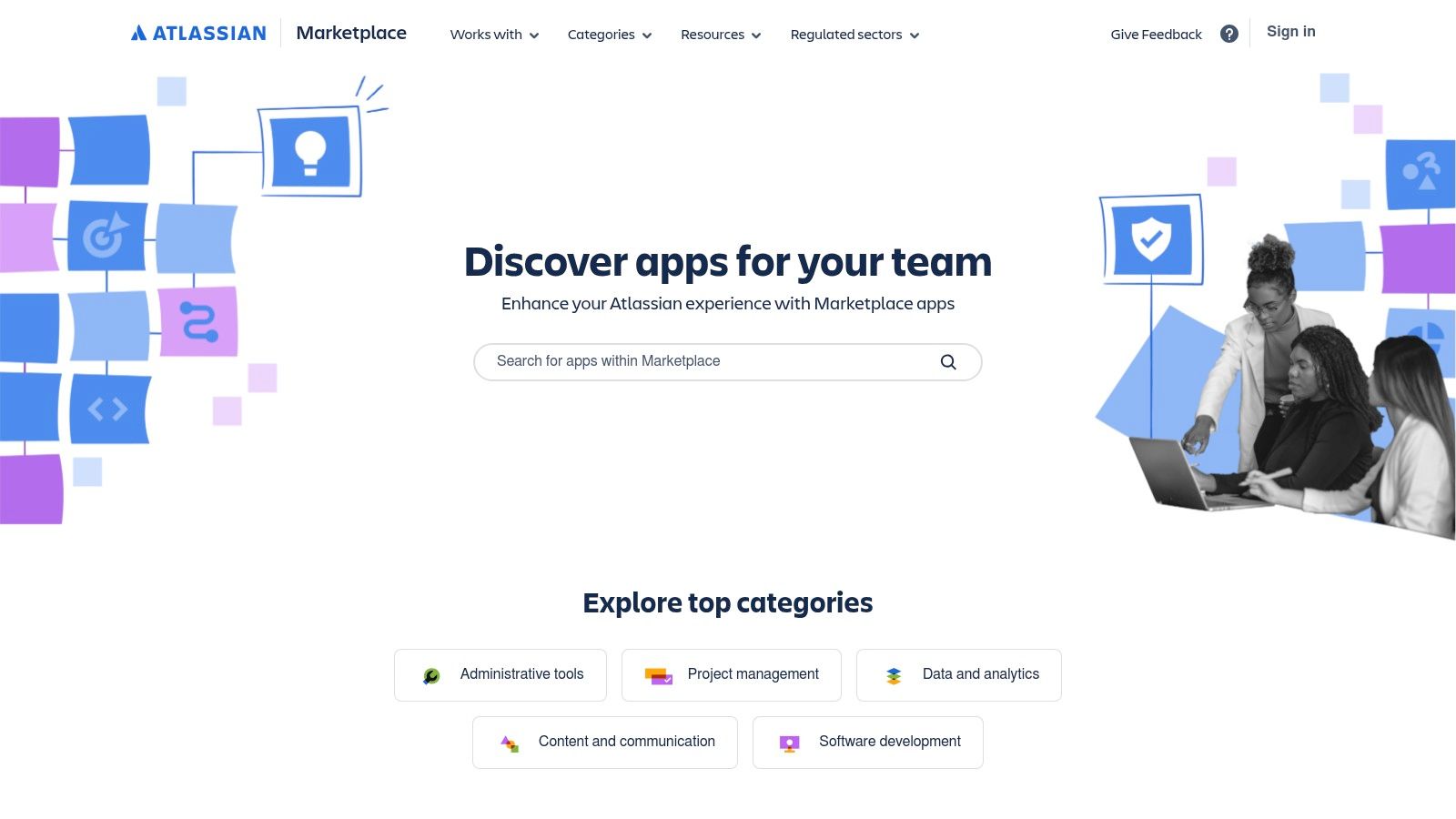
The primary advantage is the seamless, in-product integration. Installing and managing apps directly from your Jira or Confluence instance removes significant administrative friction. Billing is also unified, which is a dream come true for finance departments. The downside? App costs often scale with your Atlassian user count, which can get pricey. Also, the quality varies wildly, so it’s crucial for admins to vet and curate what gets installed to avoid a bloated, slow system. You don't want your Jira instance to have the performance of a potato.
For development teams living and breathing in the Amazon Web Services ecosystem, the AWS Marketplace is your one-stop shop for powerful software developer productivity tools. Think of it as a massive, curated catalog where you can find, purchase, and deploy DevOps and developer software directly into your AWS environment. No more wrangling separate contracts or complicated deployments; this is about streamlining your toolchain where your infrastructure already resides.
You can find everything from CI/CD solutions and infrastructure-as-code (IaC) tools to advanced testing and observability platforms. The beauty is that these aren't just links to external sites; you can deploy them as AMIs, containers, or SaaS subscriptions directly from the marketplace, often with just a few clicks. This simplifies procurement and governance immensely, making it a favorite for enterprise teams.
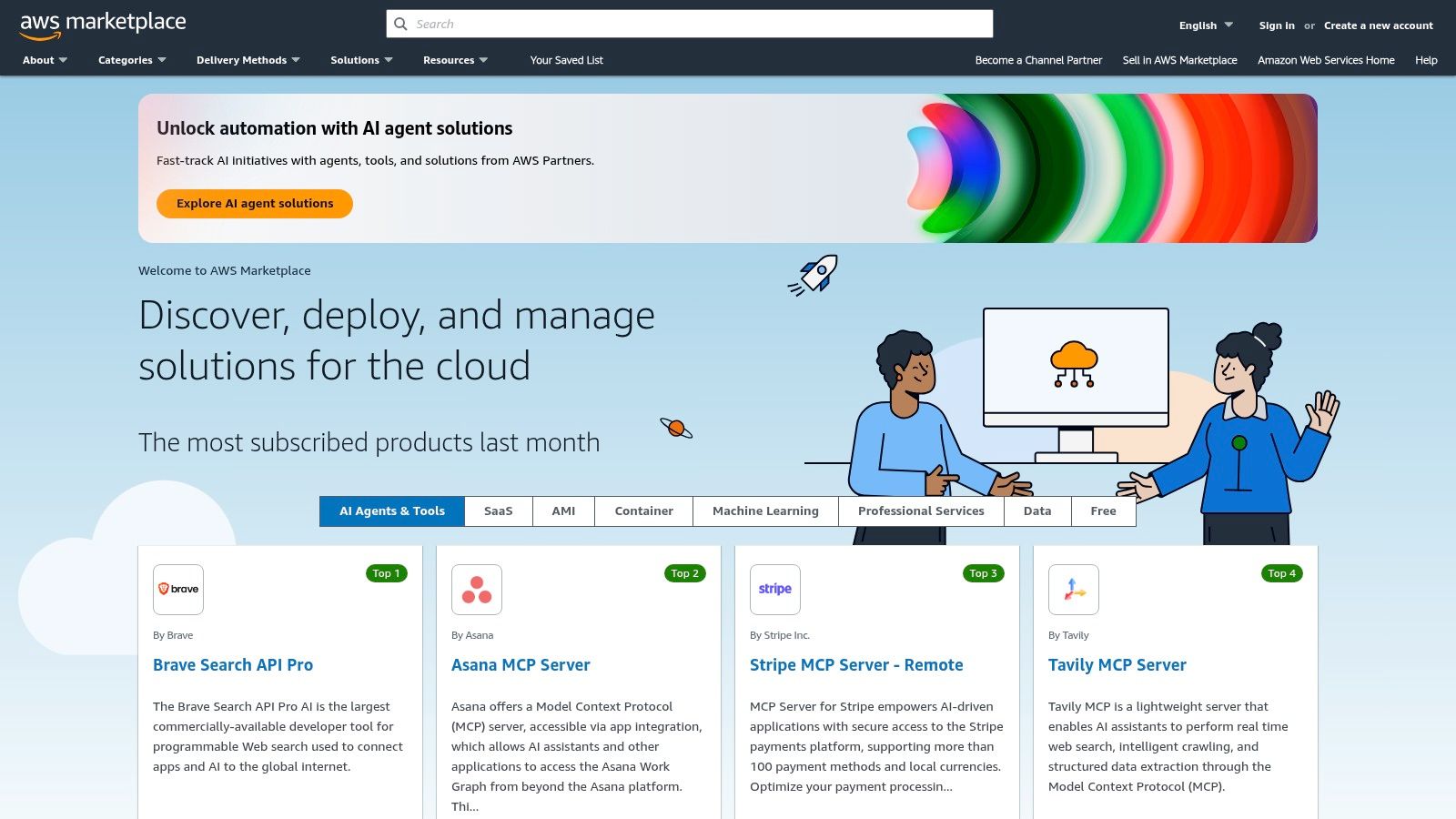
The standout benefit is the seamless integration with AWS billing and deployment. Sourcing a new tool through the marketplace means it appears on your existing AWS bill, often counting toward your enterprise spend commitment. This makes getting budget approval from the finance department way less of a headache. However, the convenience is primarily for AWS-centric teams; if you're multi-cloud, the appeal diminishes. Also, pricing models can get complex, so read the fine print on SaaS vs. AMI vs. container costs.
For developers living in the JetBrains ecosystem (IntelliJ IDEA, WebStorm, PyCharm, etc.), the JetBrains Marketplace is your command center for supercharging your IDE. It’s less about discovering standalone apps and more about finding powerful plugins that integrate so deeply into your editor, they feel like native features. Think of it as upgrading your IDE from a standard sedan to a tricked-out race car, one plugin at a time.
This is the official hub for everything from AI coding assistants and advanced testing frameworks to niche language support and slick UI themes. Because these plugins are built specifically for the IntelliJ platform, they can tap directly into the IDE's core functionalities like code inspection, refactoring, and debugging. This tight integration means you get a much smoother, more cohesive experience than you would by bolting on external tools.
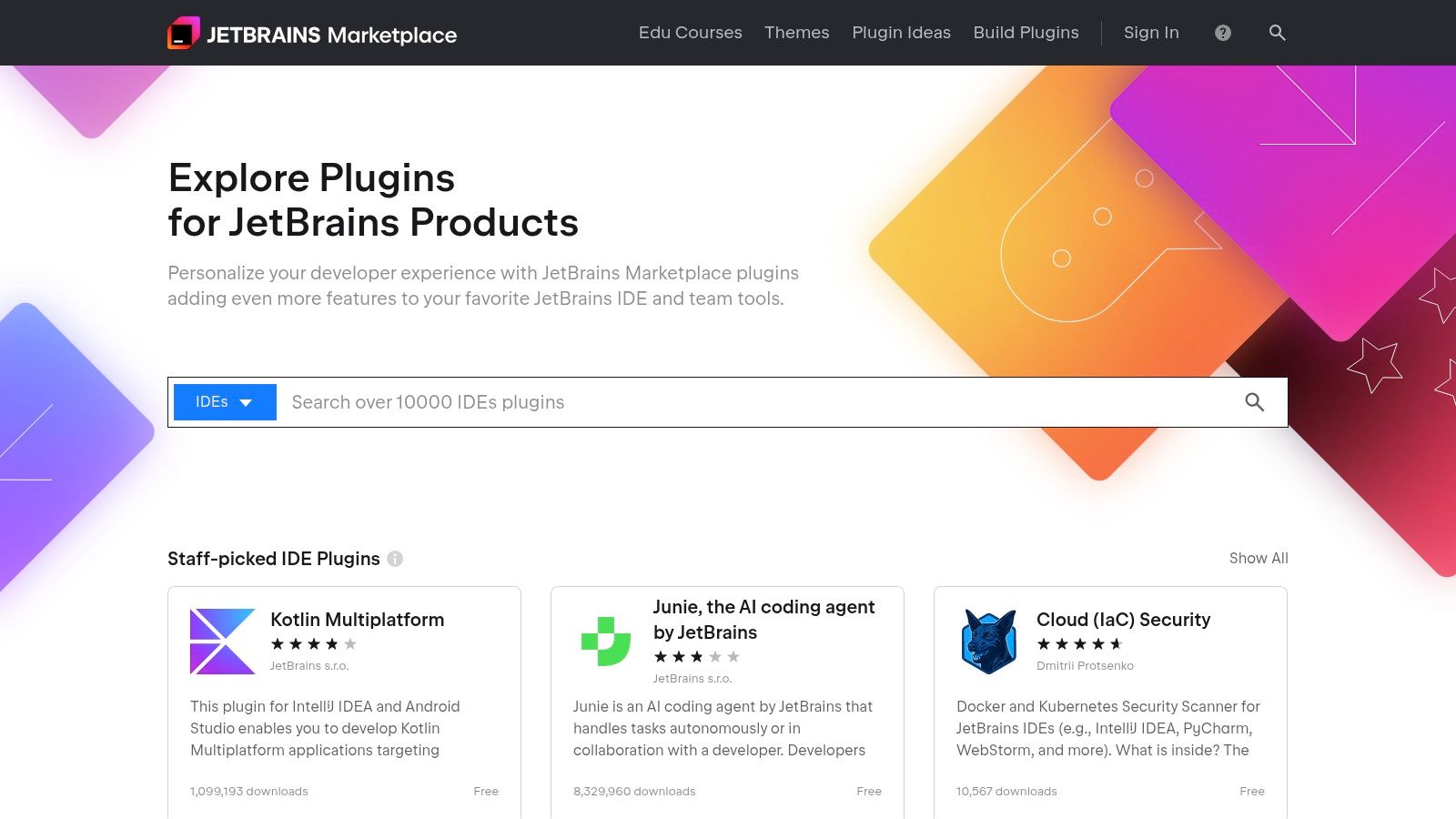
The main draw here is the unmatched IDE integration. Finding and installing these software developer productivity tools directly within your editor removes nearly all friction. The marketplace also centralizes licensing and billing, which is a lifesaver for teams trying to manage multiple subscriptions. On the downside, the costs for the IDE and premium plugins can stack up quickly, and you become heavily dependent on the JetBrains ecosystem. Also, keep an eye out for pricing model changes, as some are expected in 2025.
If you've ever uttered the dreaded phrase "but it works on my machine," Docker is the productivity tool you need. It eliminates environment drift by packaging applications and their dependencies into standardized, isolated containers. This means you can build, ship, and run any app, anywhere, from your local machine to production servers, with absolute consistency. It’s a foundational piece of modern software development that saves countless hours of debugging environment-specific bugs.
Docker Hub acts as a registry for these container images, while Docker Desktop provides a slick interface for managing them on your local machine. This combination makes it incredibly easy to pull down a database, a message queue, or a complex microservice architecture and have it running in minutes. For teams, this standardized approach ensures every developer is working with the exact same setup, which is a massive productivity lever.
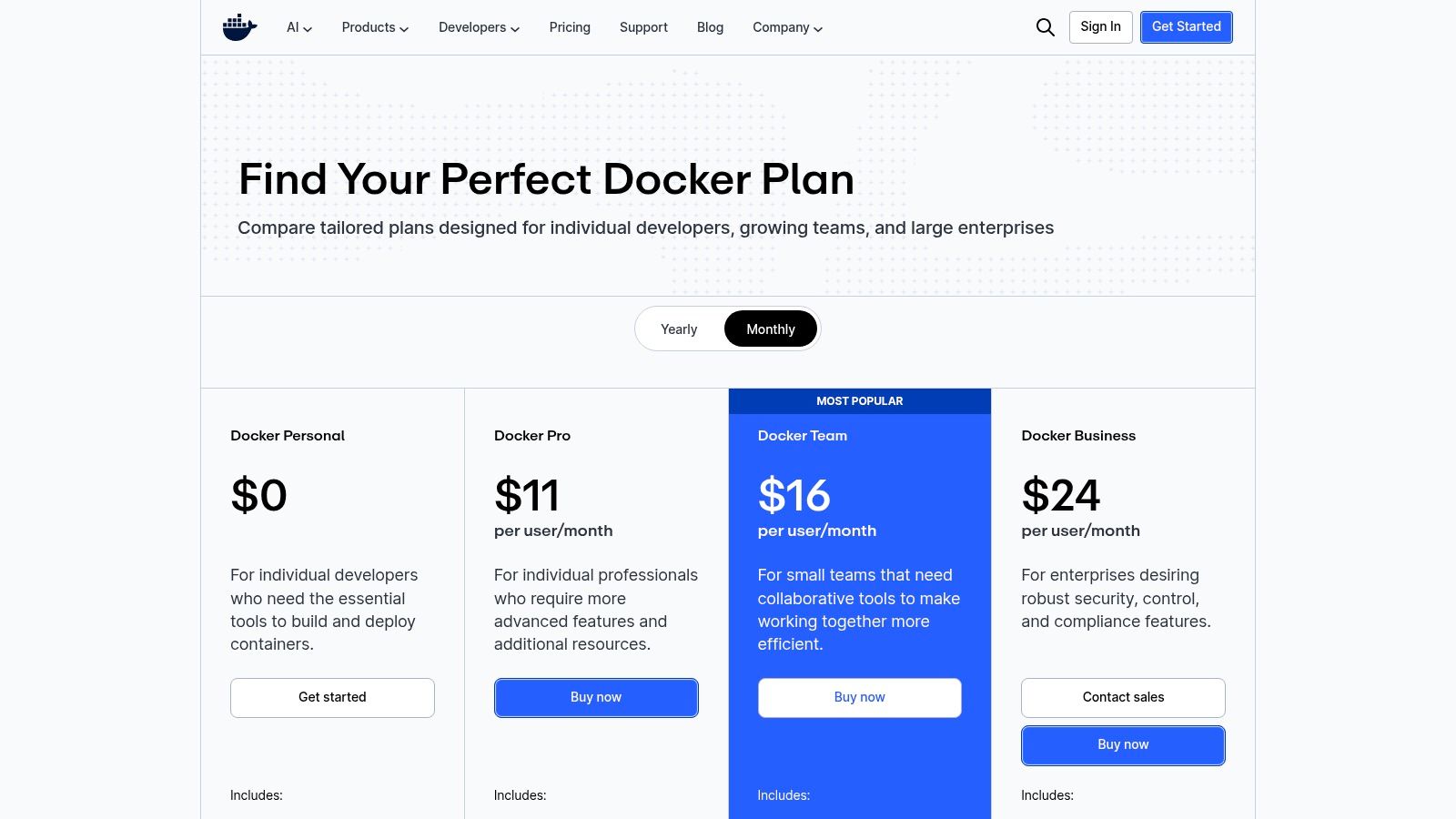
The core benefit is environmental parity. The ability to spin up a perfect replica of your production environment locally is a game-changer for development and testing. This drastically reduces deployment surprises and simplifies onboarding new team members. Paid plans scale logically with per-user pricing, adding features like unlimited private repositories, role-based access control (RBAC), and audit logs for enhanced security and governance. The main drawback is that some corporate IT policies restrict the use of Docker Desktop, so check with your organization first. Also, teams with heavy CI/CD usage may find the included Build Cloud minutes insufficient and need to purchase add-ons.
If your team is suffering from "tool sprawl" (aka juggling a dozen different apps just to ship code), GitLab presents a compelling all-in-one alternative. It's a single application for the entire software development lifecycle, from project planning and source code management to CI/CD, monitoring, and security. Instead of wiring together separate tools for issues, Git repos, and pipelines, GitLab integrates them by design.
This unified approach means less context switching and a smoother flow from idea to production. You can trace an issue directly to the merge request that fixed it, which then links to the pipeline that deployed it, all within the same UI. This tight integration is GitLab's core value proposition and a major reason it's a favorite among teams looking for powerful software developer productivity tools in one package.

The biggest advantage is having one platform to rule them all. Consolidating your toolchain simplifies permissions, billing, and developer onboarding. Its built-in CI/CD is incredibly mature and powerful, often considered a gold standard in the industry. For teams that need deep control over their version control best practices, GitLab provides robust governance features. However, the all-in-one nature can feel a bit overwhelming at first, and the per-user pricing for Premium and Ultimate tiers can get expensive for large teams, especially when you factor in the AI add-ons.
Your browser is already command central for research, documentation, and testing, so why not arm it with tools that supercharge your workflow? The Chrome Web Store is an endless treasure trove of extensions that can transform your browser into a powerful developer cockpit. Forget juggling a dozen standalone apps; here, you can find everything from sophisticated REST API clients and JSON formatters to Git integrations and tab managers designed to keep you sane.
This isn't just about adding a few bookmarks. It's about embedding lightweight software developer productivity tools directly into the environment where you spend half your day. With a single click, you can install an extension to view formatted source code on GitHub, manage your JIRA tickets without switching tabs, or even block distracting websites during deep work sessions.
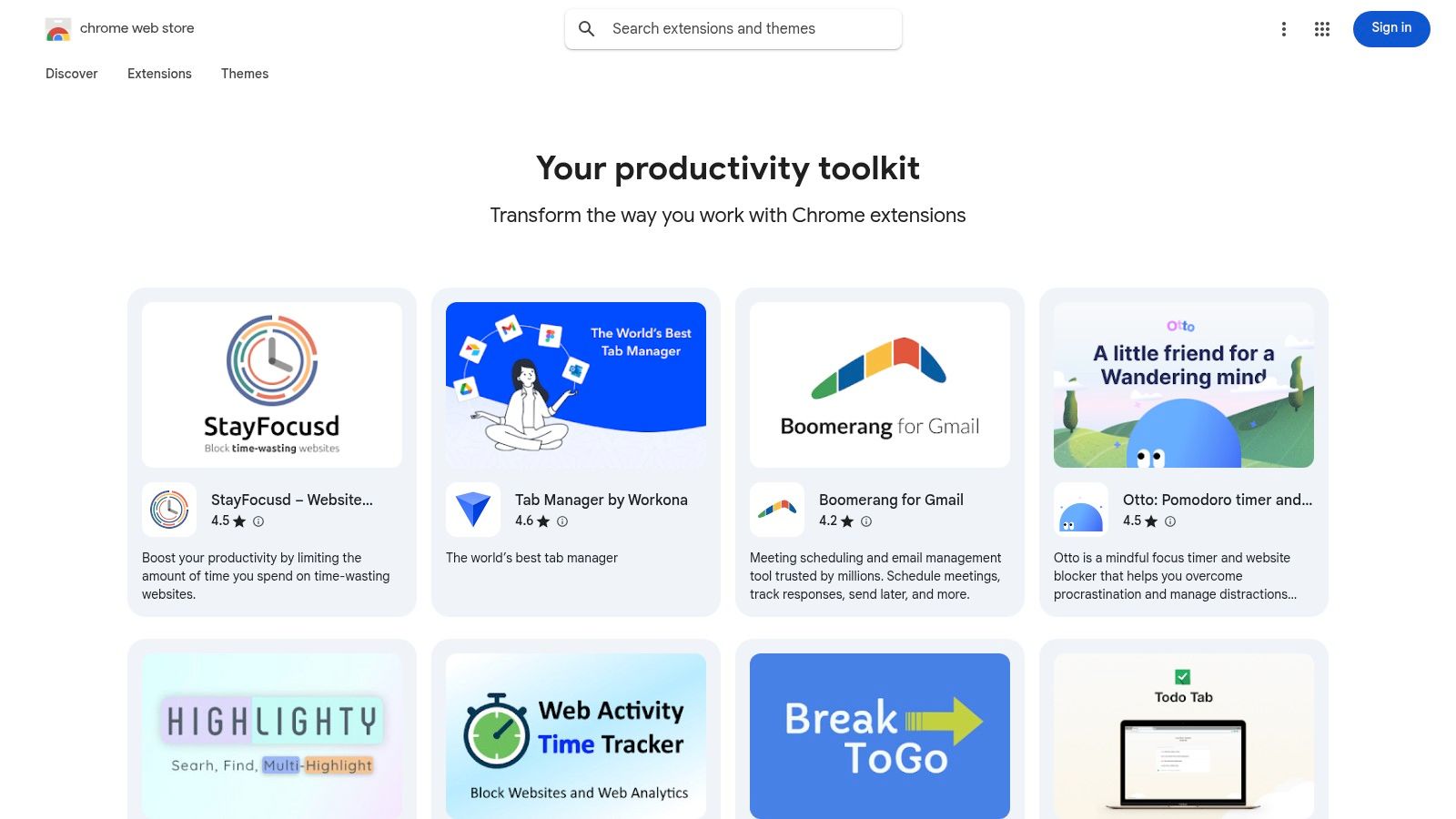
The main advantage is the frictionless enhancement of your existing workflow. The ability to try and discard extensions in seconds makes experimentation easy and commitment-free. For teams, Chrome's enterprise controls allow admins to curate a list of approved, safe extensions, standardizing tooling and improving security. The biggest watch-out is quality control; the store is packed with great tools, but also abandoned or insecure ones. Always check recent reviews and publisher details before installing. Also, many extensions act as free entry points to a paid external service.
For developers deep in the Apple ecosystem, the App Store itself is an underrated hub for powerful, native software developer productivity tools. While many pro-level applications are distributed directly, the App Store offers a curated, secure, and incredibly convenient way to discover and manage essential utilities. Think of it as a trusted source for everything from robust SSH clients and API testers to slick Git GUIs and focused documentation readers that sync seamlessly across your Mac, iPhone, and iPad.
The real magic is in the simplicity and trust. Every app is sandboxed and reviewed by Apple, reducing security concerns. Plus, billing is centralized through your Apple ID, making it a breeze to purchase a tool once and use it across all your devices without fumbling with license keys. It's the perfect place to find those polished, single-purpose apps that fill a specific gap in your workflow, whether it's a menu bar utility for time tracking or a powerful Markdown editor.
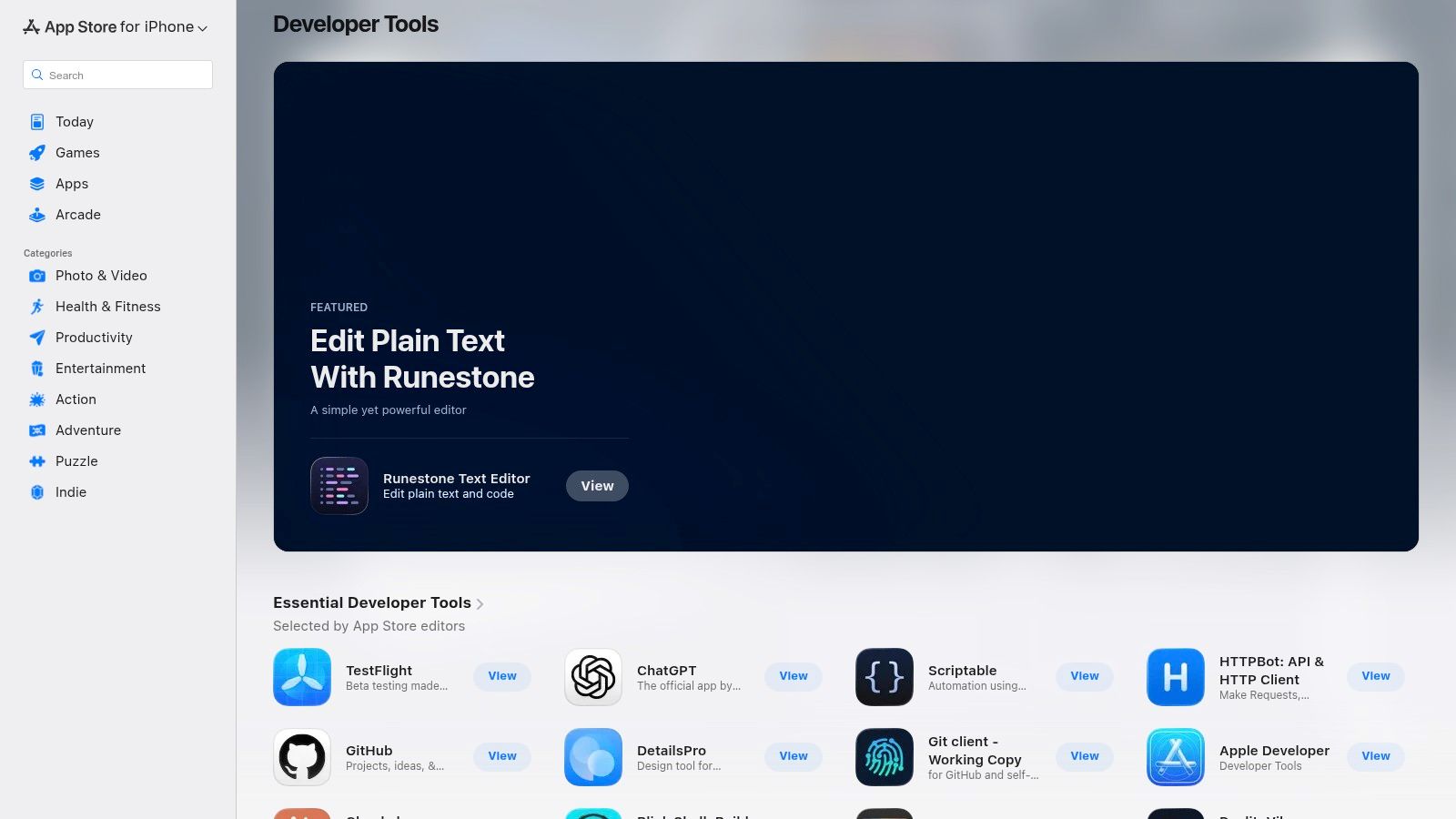
The biggest advantage is the frictionless acquisition and management. One-click installs, automatic updates, and unified billing across all your Apple devices save a surprising amount of administrative overhead. To streamline the creation of stunning App Store visuals and enhance your app's presentation, dedicated mockup tools are indispensable. Discover the 12 best mockup apps for iPhone to find utilities that can perfect your own product listings. The main drawback, however, is the "walled garden" effect; many cross-platform or highly specialized developer tools will never be listed here. Pricing can also be inconsistent, with a mix of one-time purchases, subscriptions, and free apps with in-app purchases.
For Mac and iOS developers, the cost of licensing dozens of niche productivity tools can add up fast. Setapp solves this by offering a "Netflix for apps" model, giving you unlimited access to a curated library of over 240 premium applications for a single monthly subscription. It's a fantastic way to discover and utilize powerful utilities without committing to individual purchases.
Instead of hunting for the best git client, API testing tool, or window manager, you can simply browse Setapp’s collection and install what you need. The catalog includes heavy hitters for developers like Paw (API client), Fork (Git client), CodeRunner (lightweight IDE), and CleanMyMac X (system maintenance), making it one of the best software developer productivity tools bundles available for the Apple ecosystem.
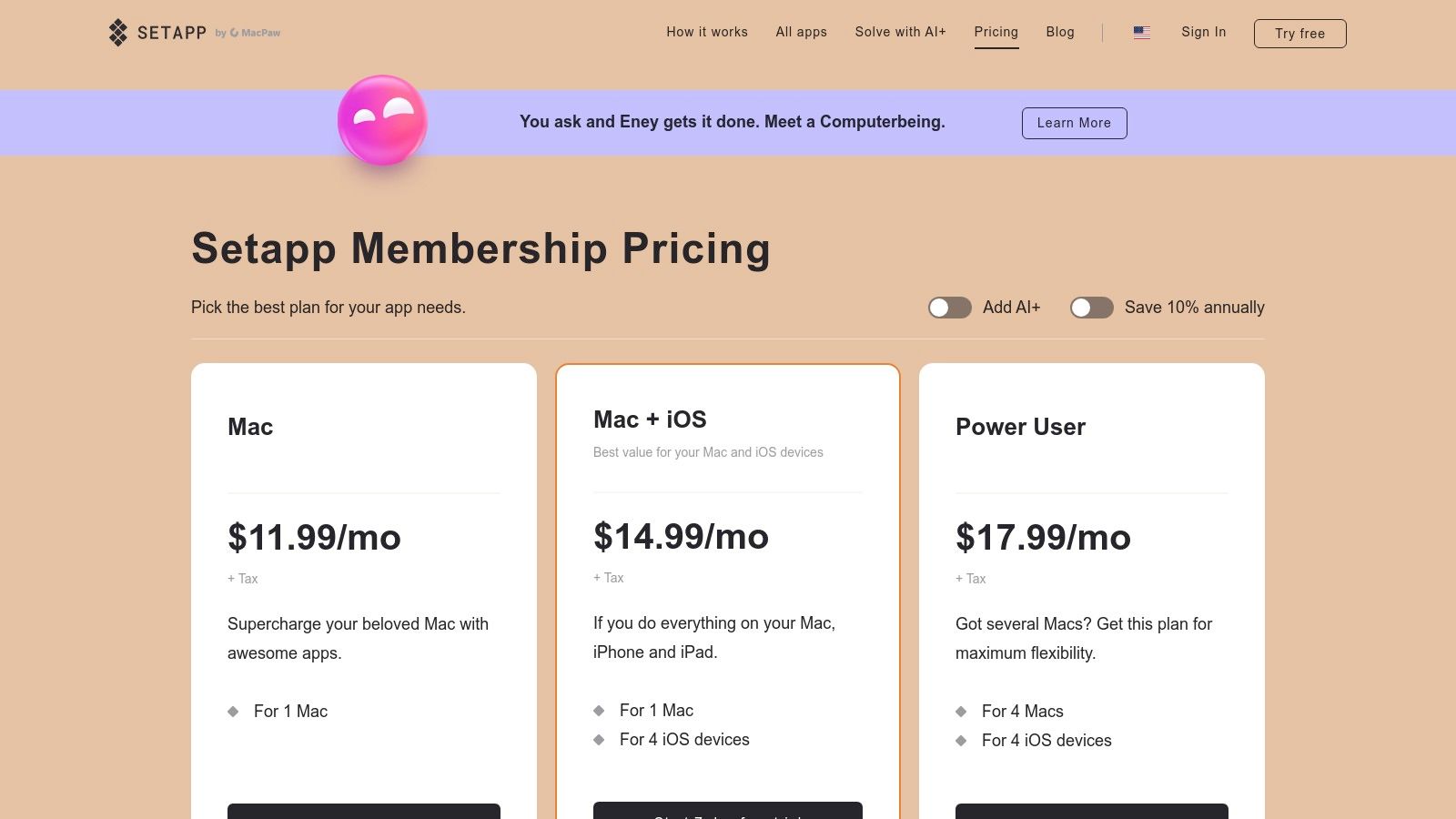
The primary advantage is massive value and discovery. If you regularly use even three or four of the included apps, the subscription often pays for itself. It encourages experimentation with tools you might otherwise skip due to cost, potentially unlocking significant workflow improvements. However, this model is a walled garden; it's exclusively for macOS/iOS, leaving Windows and Linux users out. Also, be aware that apps can be removed from the service, which could disrupt your workflow if you rely on a specific tool.
In the ever-expanding universe of software developer productivity tools, staying on top of what’s new, what’s hot, and what’s actually useful can feel like a full-time job. Product Hunt’s Developer Tools topic is your curated, community-powered cheat sheet. It’s a launchpad where creators showcase their latest projects, from niche CI/CD utilities and AI coding assistants to brand-new IDEs, letting you discover groundbreaking tools before they hit the mainstream.
This isn't just a list; it’s a living ecosystem. You get to see what fellow developers are excited about, read their honest first impressions in the comments, and even chat directly with the founders. It's the best way to find that diamond-in-the-rough tool that perfectly solves a nagging problem, often with early-adopter deals and a direct feedback loop to the creators.
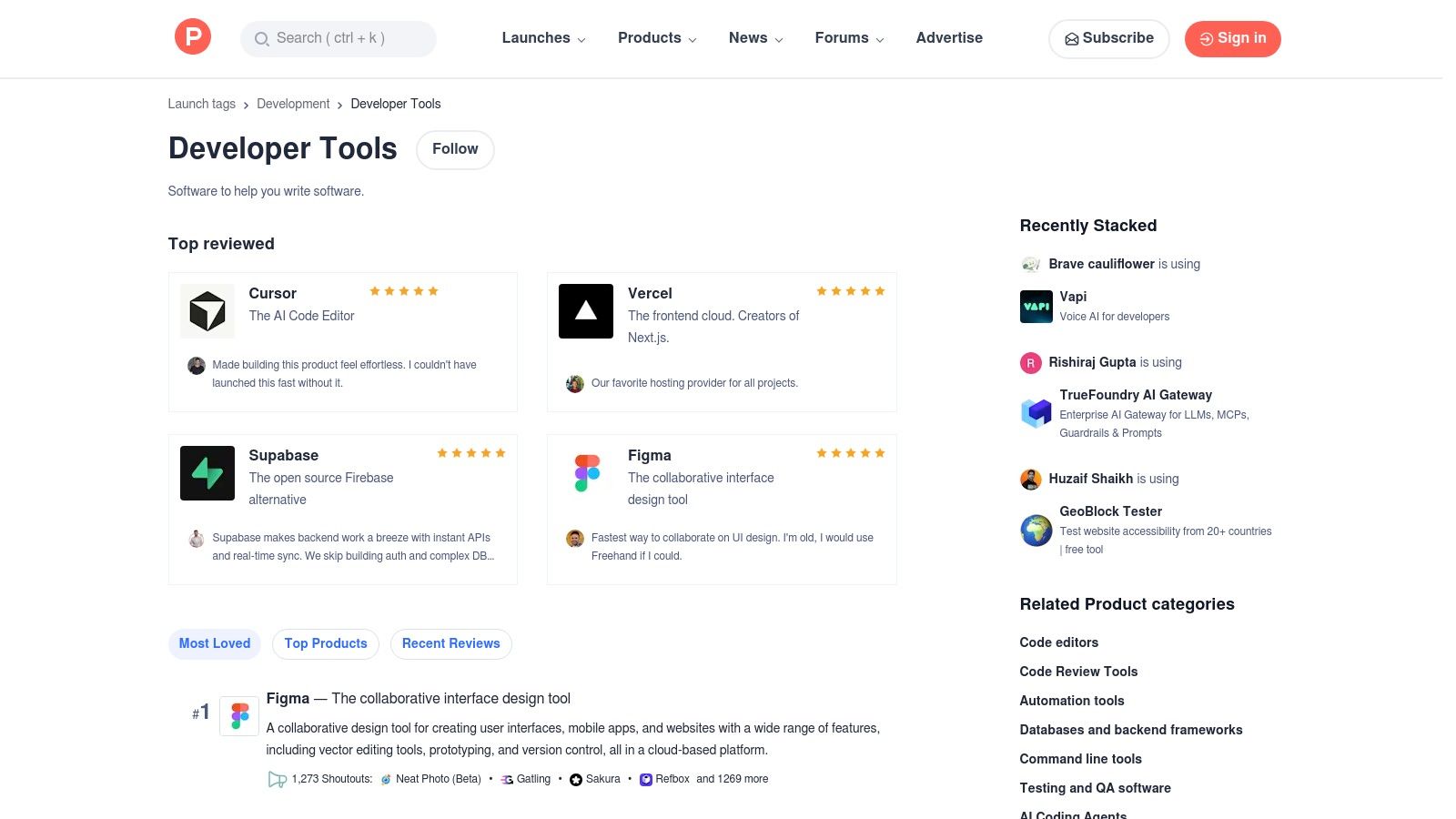
The real value here is the community-driven discovery and validation. Instead of relying on sponsored ads, you get a ranked feed based on what the dev community genuinely finds interesting. It’s a fantastic resource for spotting trends, especially with the rise of AI assistants, many of which are highlighted on the platform. You can find out more about the best AI tools for developers to see what's currently leading the pack. However, remember that many products are in their infancy, so expect some to be a bit rough around the edges. It’s a discovery platform, not a polished app store, so quality can vary wildly.
Whew, we've just navigated a whirlwind tour of the digital landscape for software developer productivity tools. From the sprawling aisles of the GitHub and AWS Marketplaces to the curated collections in Setapp and Product Hunt, the options are staggering. If you're feeling a bit of "analysis paralysis" right now, take a deep breath. That's completely normal. The sheer volume of tools designed to make us more productive can, ironically, become a productivity sinkhole itself.
The biggest trap developers fall into is thinking more tools equal more output. It's the "shiny object syndrome" of our profession. We see a new CI/CD platform or a slick AI code generator on Hacker News, and we immediately want to try it, often at the expense of mastering the tools we already have. But true productivity isn't about collecting apps like they're Pokémon cards; it's about building a streamlined, low-friction workflow that gets out of your way and lets you enter that coveted state of deep work.
So, where do you go from here? Don't try to implement ten new things tomorrow. That's a surefire path to burnout. Instead, be a scientist in your own productivity lab.
The ultimate goal isn't just to find good tools; it's to build good habits around a small set of exceptional tools. Every time you have to switch applications, you pay a mental tax. Your brain has to unload the context of what you were just doing and load up the new one. These micro-interruptions add up, shattering your focus and draining your energy.
This is why the trend is shifting away from a dozen single-purpose apps toward consolidated, all-in-one platforms. Think about it: if your AI coding assistant, your documentation search, your technical brainstorming partner, and your code refactoring tool all live in the same place, you eliminate that costly switching. You stay in the zone. This philosophy is the driving force behind platforms like Zemith, which are designed to be a central hub for the modern developer's cognitive tasks.
The best toolkit is the one you can operate on muscle memory. It’s the one that feels like a natural extension of your own mind, not a clunky machine you have to constantly wrestle with. So, resist the urge to download everything. Instead, be intentional. Find the tools that resonate with your personal workflow, commit to learning them deeply, and then watch as they fade into the background, allowing your best work to come to the forefront.
Ready to stop the endless app-switching and consolidate your most important tasks? Zemith combines a powerful AI coding assistant with research, documentation, and creative tools in one seamless workspace, designed to keep you in a state of flow. Try Zemith for free and discover how an all-in-one platform can redefine your developer productivity.







Trusted by teams at






The top models, plus image, video and voice tools, in one plan.
Without Zemith
ChatGPT PlusUS$20.00Claude ProUS$20.00Google AI ProUS$19.99SuperGrokUS$30.00Perplexity ProUS$20.00 MidjourneyUS$10.00
 ElevenLabsUS$6.00Le Chat ProUS$14.99
 RunwayUS$15.00Kling StandardUS$8.80
 Gamma PlusUS$12.00
 Otter ProUS$16.99
 QuillBot PremiumUS$19.95
 Photoroom ProUS$12.99
 Quizlet PlusUS$7.99
Total if paying separatelyUS$234.70/mo
"I love the way multiple tools they integrated in one platform. Going in the right direction."
— simplyzubair
"The quality of data and sheer speed of responses is outstanding. I use this app every day."
— barefootmedicine
"The credit system is fair, models are perfect, and the discord is very responsive. Quite awesome."
— MarianZ
"Just works. Simple to use and great for working with documents. Money well spent."
— yerch82
"The organization of features is better than all the other sites — even better than ChatGPT."
— sumore
"It lives up to the all-in-one claim. All the necessary functions with a well-designed, easy UI."
— AlphaLeaf
"The team clearly puts their heart and soul into this platform. Really solid extra functionality."
— SlothMachine
"Updates made almost daily, feedback is incredibly fast. Just look at the changelogs — consistency."
— reu0691
Hand off the research, writing, design and follow-ups. Zemith picks the tools it needs and brings back finished work.
Search the web, run deep research, read files, create images and run code with GPT, Claude, Gemini, Grok and more.
Zemith keeps working in the cloud and pings you when it's done.
Notion, Linear, Canva, Airtable and more. It asks before it creates or changes anything.
Docs, slides, sheets and PDFs, ready to send.
Chain models and tools on a visual canvas, from one prompt to a finished promo video.
Briefings, reports and reminders run on a schedule and are ready when you need them.
Real-time voice that can see your camera or screen.
The best image and video models, in one studio.
Turn PDFs, links and YouTube videos into podcasts, quizzes, flashcards and mind maps.














 Podcast
 Quiz
Quiz Flashcards
 Mind map
 Infographic