
Best AI for Writing in 2026: I Tested 12 Tools (Honest Results)
I tested 12 AI writing tools to find which ones actually help writers. ChatGPT vs Claude vs Jasper - here's what works and what doesn't.
Best AI for Writing in 2026: I Tested 12 Tools (Honest Results)
TL;DR
What you need to know: Claude produces the most natural writing with better tone control, while ChatGPT excels at research and tight, structured content. Specialized tools like Jasper ($59/month) add workflow features but cost 3x more than general AI.
Key findings:
- ChatGPT Plus ($20/month) works best for research-heavy blog posts and structured content
- Claude Pro ($20/month) wins for creative writing, natural tone, and following style instructions
- Jasper AI ($59/month) and similar tools mostly wrap ChatGPT/Claude with templates and SEO features
- Free tiers are limited: ChatGPT Free allows 10 messages per 5 hours, Claude Free gives about 1/5 of Pro usage
- For most writers, Claude Pro or ChatGPT Plus beats specialized tools at 1/3 the price
If you write for a living, you've probably tried at least one AI writing tool. Maybe ChatGPT helped with an outline. Or Claude cleaned up a draft.
But which one should you actually pay for?
I spent a month testing 12 AI writing tools. I used them for blog posts, emails, social media, fiction writing, and technical documentation. Here's what I learned.
The Two Tools That Actually Matter: ChatGPT vs Claude
Let me cut through the noise. Most AI writing tools use the same underlying models: GPT-4 (from OpenAI) or Claude (from Anthropic).
Tools like Jasper, Copy.ai, and Writesonic wrap these models with templates, SEO suggestions, and workflow features. You're paying $50-100/month for a prettier interface.
That's not always bad. But let's start with the core tools.
ChatGPT: Best for Research and Structure
Pricing: Free (10 messages per 5 hours), Plus (20/month), Pro (200/month)
ChatGPT produces tight, focused writing. Each sentence carries one idea. The flow stays steady and points are easy to follow.
Where ChatGPT shines:
- Blog posts that need research and data
- Structured content (how-to guides, listicles)
- Quick first drafts with clear outlines
- Web search integration for current information
Where it falls short:
- Sounds corporate and generic by default
- Uses words like "delve," "unlock," and "seamless" constantly
- Reverts to its default style even when you give it specific tone instructions
- Struggles with maintaining consistent voice across long pieces
I used ChatGPT Plus to research and outline this article. It pulled current pricing data and feature comparisons quickly.
Claude: Best for Natural Writing and Tone
Pricing: Free (limited), Pro (20/month), Max (100-200/month)
Claude writes like a human. Less corporate fluff, more consistent tone, better flow.
Where Claude shines:
- Creative writing and storytelling
- Conversational blog posts and emails
- Following specific style guidelines
- Long-form content (supports up to 1 million tokens)
- Transforming content into dialogue or different formats
Where it falls short:
- More cautious with edgy topics or humor
- Web search isn't as mature as ChatGPT's
- Can be overly careful in creative tasks
I used Claude Pro to write most of this article. It listened to my "write like a human, no em dashes, no AI fluff" instructions much better than ChatGPT.
The honest comparison: ChatGPT has high IQ. Claude has high EQ.
For pure writing quality, Claude wins. For research and data-heavy content, ChatGPT wins.
When Specialized Tools Actually Help
Some tools do more than wrap GPT-4. Here's when they're worth it.
Jasper AI: Best for Marketing Teams
Pricing: Creator (49/month), Pro (59/month), Business (custom)
Jasper isn't just ChatGPT with templates. Its brand voice feature lets you train it on your specific writing style.
Good for:
- Teams managing multiple brand voices
- Creating consistent marketing copy across channels
- Templates for common marketing formats
Not worth it if:
- You're a solo writer (Claude Pro costs 1/3 as much)
- You don't need brand voice consistency
- You can write your own prompts
Surfer AI: Best for SEO Content
Pricing: Varies based on content volume
Surfer started as a content optimization platform. Now it generates AI content with built-in SEO analysis.
Good for:
- SEO writers who need keyword optimization
- Content that needs to rank in Google
- Detailed content briefs with competitive analysis
Not worth it if:
- You don't care about search rankings
- You'd rather optimize manually with free tools
Sudowrite: Best for Fiction Writers
Pricing: Varies
Sudowrite uses a model specifically trained for fiction. It understands narrative structure, character development, and story beats.
Good for:
- Novelists and short story writers
- Brainstorming plot ideas and character arcs
- Overcoming writer's block
Not worth it if:
- You write non-fiction
- You prefer Claude's general creative writing capabilities
The Tools That Didn't Impress Me
I tested these but couldn't justify the cost:
Copy.ai - Just ChatGPT with marketing templates. Save your money.
Writesonic - Fast output (1,500 words in 15 seconds) but generic quality. ChatGPT Plus does the same thing.
Grammarly's AI features - The grammar checking is solid. The AI writing assistant is weak compared to ChatGPT or Claude.
Rytr - Cheap ($9/month unlimited) but the writing quality shows it. You get what you pay for.
What About Free Options?
ChatGPT Free - Severely limited. 10 messages every 5 hours makes it unusable for serious writing.
Claude Free - About 1/5 the usage of Pro. Works for occasional use but you'll hit limits fast.
Gemini (Google) - Free tier is generous. Writing quality sits between ChatGPT and Claude but doesn't excel at either's strengths.
For professional writers, the free tiers are too restrictive. Budget $20/month minimum.
My Actual Recommendation (Based on What I Use)
If you write full-time: Get both ChatGPT Plus and Claude Pro ($40/month total).
Use ChatGPT for research, outlines, and data-heavy content. Use Claude for actual writing, editing, and anything requiring natural tone.
If you're on a budget: Claude Pro ($20/month).
Claude handles 80% of writing tasks better than ChatGPT. You only miss out on research features.
If you run a marketing team: Jasper ($59/month) makes sense if you manage multiple brand voices.
If you write fiction: Try Sudowrite. It's built for storytelling in ways general AI isn't.
If you write SEO content: Surfer AI or stick with Claude Pro + manual SEO tools.
The Truth About AI Writing Tools in 2026
Most "AI writing tools" are just ChatGPT or Claude with a coat of paint and 3x the price.
The real innovation is happening at OpenAI and Anthropic. Everything else is middleware.
That doesn't mean specialized tools are worthless. Templates, brand voice training, and SEO integration save time for specific use cases.
But for most writers, you're better off learning to write good prompts for ChatGPT or Claude than paying for a tool that does it for you.
FAQ
Which is better for blog writing, ChatGPT or Claude?
Claude writes more naturally and follows tone instructions better. ChatGPT is faster for research-heavy posts. I use Claude for 70% of my blog writing.
Are AI writing tools worth the cost?
Claude Pro or ChatGPT Plus at 20/month? Absolutely. Specialized tools at 50-100/month? Only if you need specific features like brand voice management or built-in SEO.
Can AI replace human writers?
No. AI generates decent first drafts and helps with research. But it can't replace strategic thinking, original insights, or genuine voice. Use it as a co-pilot, not a replacement.
What's the best free AI writing tool?
Google Gemini has the most generous free tier. But if you write professionally, budget $20/month for either ChatGPT Plus or Claude Pro.
How do I avoid AI-sounding content?
Use Claude (better at natural tone), give specific style instructions, edit the output yourself, and add personal examples and insights AI can't generate.
Conclusion
After testing 12 AI writing tools, two stood out: ChatGPT Plus and Claude Pro.
ChatGPT wins for research and structured content. Claude wins for natural writing and tone control. Both cost $20/month.
Specialized tools like Jasper and Surfer have their place, but most writers don't need them. You'll get better results learning to prompt ChatGPT or Claude effectively.
The best AI writing setup isn't the most expensive one. It's the one you'll actually use consistently.
If you want AI assistance without juggling multiple subscriptions, Zemith provides access to multiple AI models through one interface.
Explore Zemith Features
Every top AI. One subscription.
ChatGPT, Claude, Gemini, DeepSeek, Grok & 25+ more








Always on, real-time AI.
Voice + screen share · instant answers
What's the best way to learn a new language?
Immersion and spaced repetition work best. Try consuming media in your target language daily.
Voice + screen share · AI answers in real time
Image Generation
Flux, Nano Banana, Ideogram, Recraft + more

Write at the speed of thought.
AI autocomplete, rewrite & expand on command
Any document. Any format.
PDF, URL, or YouTube → chat, quiz, podcast & more
Video Creation
Veo, Kling, Grok Imagine and more

Text to Speech
Natural AI voices, 30+ languages
Code Generation
Write, debug & explain code
Chat with Documents
Upload PDFs, analyze content
Your AI, in your pocket.
Full access on iOS & Android · synced everywhere
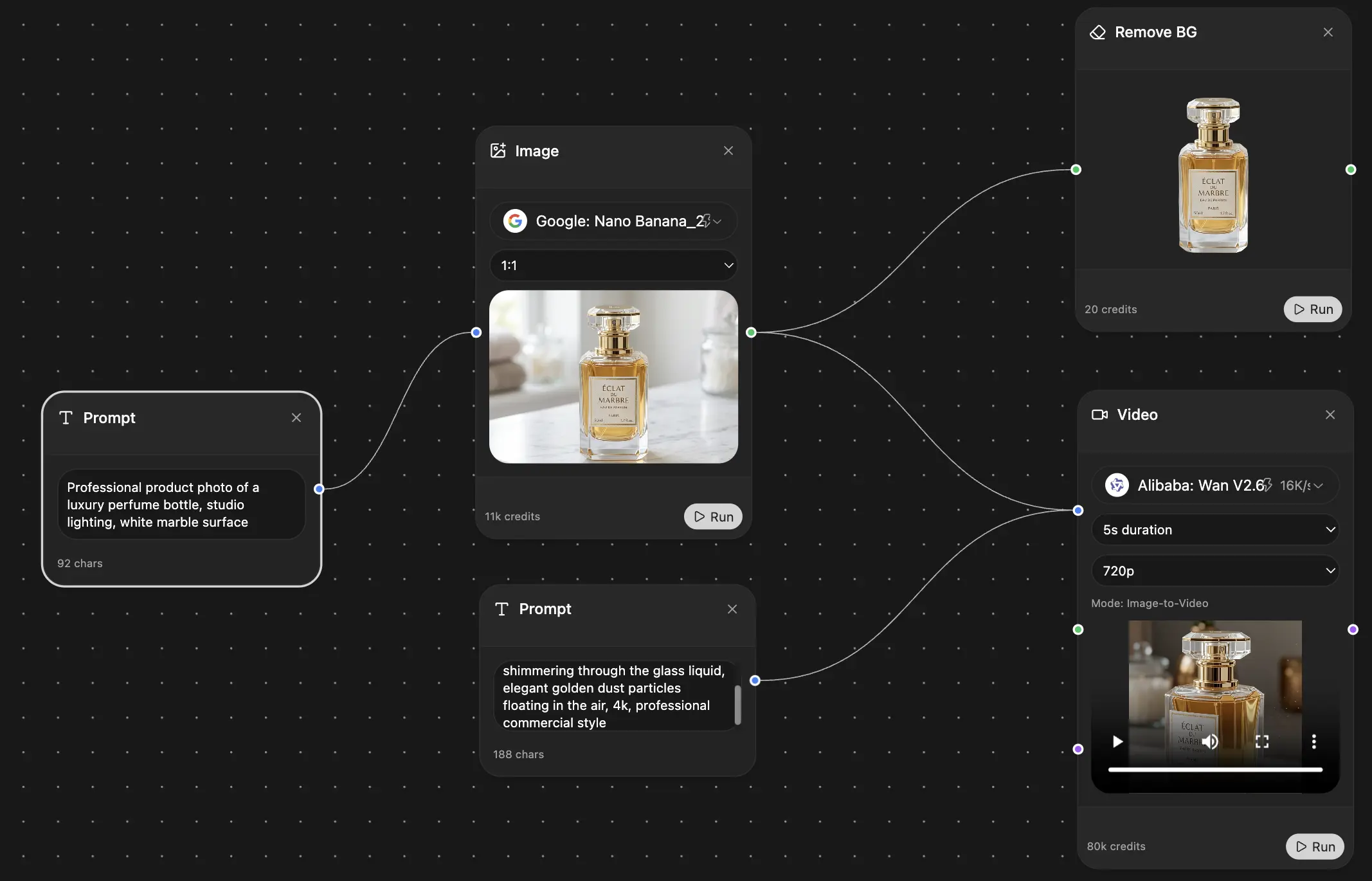
Your infinite AI canvas.
Chat, image, video & motion tools — side by side
Transparent, High-Value Pricing
Free
No credit card required
- Limited daily usage
- Selected AI models to try
- Limited features
Plus
- Choose from multiple leading models — GPT, Claude, Gemini and Grok.
- 25× more usage than Free.
- Create and edit images with Creative Studio.
- Connect your favorite apps and get work done in one place.
- Research the web and turn sources into clear answers.
- Turn documents, websites and YouTube into podcasts, flashcards and reports.
- Build repeatable workflows and stay focused with FocusOS.
Professional
- Everything in Plus, and:
- Unlock every model on Zemith, including GPT 6 Astra, Claude Opus and Sonar Pro.
- 50× more usage than Free.
- Create more with the full Creative Studio toolkit.
- Let agents work in the background — run Cloud tasks and schedule recurring work.
- Push further on complex work with Max Mode.
- First access to new features.
Trusted by teams at





