
Microsoft Copilot vs ChatGPT in 2026: Which One Is Actually Worth Paying For?
Microsoft Copilot vs ChatGPT: honest comparison of pricing, features, privacy, and which AI assistant is right for your workflow in 2026.
Microsoft Copilot vs ChatGPT in 2026: Which One Is Actually Worth Paying For?
TL;DR
Bottom line: These are fundamentally different products. Copilot lives inside Microsoft 365 and reads your work data. ChatGPT is a standalone AI that's better for creative tasks, coding, and research outside your org.
Key findings:
- Copilot requires an M365 license on top of its own subscription — the real cost is $50-80+/user/month combined
- ChatGPT Plus costs $20/month standalone, no additional license required
- Copilot has access to your emails, Teams chats, and SharePoint files — ChatGPT doesn't
- ChatGPT handles coding, long-form writing, and creative tasks better
- If you're already in M365, Copilot adds genuine value; if you're not, ChatGPT wins on value
- Many enterprises use both — Copilot for workflow tasks, ChatGPT for specialized work
Most comparisons of these two tools ask the wrong question. They pit them head-to-head on writing quality or model benchmarks when the real question is simpler: where do you actually do your work?
If the answer is Outlook, Teams, and Word — Copilot. If it's everywhere else — ChatGPT.
That's the short version. Here's the longer one, with actual numbers.
What Each Tool Actually Is
Microsoft Copilot is an AI layer built into Microsoft 365. It reads your emails, summarizes your Teams meetings, drafts responses in Outlook, and analyzes Excel spreadsheets — all using your actual work data. It doesn't exist as a standalone product the same way ChatGPT does. You're essentially adding AI to apps you already use.
ChatGPT is a general-purpose AI assistant from OpenAI. It runs in a browser, a mobile app, or via API. It's not connected to your company's data by default. You bring your context to it — by pasting text, uploading files, or using integrations. It handles a wider range of tasks: coding, research, image generation, long-form writing, and more.
The distinction matters because they solve different problems. Copilot reduces friction inside your existing Microsoft workflow. ChatGPT is a flexible tool you use outside of — or alongside — that workflow.
Pricing: The Real Story
This is where Copilot comparisons get misleading. The headline prices look similar, but Copilot requires a base Microsoft 365 license.
Microsoft Copilot pricing (as of early 2026):
| Plan | Copilot Cost | Required M365 License | Actual Total |
|---|---|---|---|
| Copilot Pro (individual) | $20/month | M365 Personal/Family | ~$30-40/month |
| Copilot for M365 Business | $21/user/month | M365 Business (~$10-22) | ~$31-43/user/month |
| Copilot for M365 Enterprise | $30/user/month | M365 E3/E5 ($36-60) | ~$66-90/user/month |
Note: Microsoft is increasing M365 base plan prices in July 2026. E3 goes from 36 to 39/user/month.
ChatGPT pricing:
| Plan | Cost | What You Get |
|---|---|---|
| Free | $0 | Basic AI access, limited messages |
| Go | $8/month | 10x more messages, includes ads |
| Plus | $20/month | Full model access, no ads, higher limits |
| Pro | $200/month | Unlimited access to all models |
| Team | $25-30/user/month | Shared workspace, admin controls, 10+ seats |
For individuals, the headline cost is similar (20 each). But for business use, ChatGPT Team at 25-30/user stands alone, while Copilot for M365 Business is $21/user on top of your existing M365 plan.
If your organization already pays for M365, the incremental cost of Copilot is just the Copilot license. If you don't, ChatGPT is cheaper.
Where Copilot Wins
Integrated M365 workflows. This is Copilot's core strength. When you're in Outlook reading a 30-message thread, Copilot summarizes it in two sentences. In Teams, it writes meeting notes and surfaces action items automatically. In Word, it can draft or rewrite documents using context from your recent emails and files.
ChatGPT can do similar things — but you have to copy-paste your content in, describe the context, and then copy the result back. Copilot skips all of that.
Organizational data access. Copilot can search across your company's SharePoint, OneDrive, Teams, and email — all within Microsoft's security boundary. Ask it "find the Q4 budget doc that Sarah sent me in November" and it finds it. ChatGPT has no access to any of that unless you give it files manually.
Enterprise compliance. For regulated industries — healthcare, finance, legal — Copilot inherits Microsoft 365's compliance framework (HIPAA, GDPR, SOC 2, ISO 27001). It doesn't train on your org's data. For enterprises that need ironclad data governance, this matters.
PowerPoint and Excel. Copilot's Agent Mode for PowerPoint and Excel (launched in early 2026) lets it actively edit and rebuild presentations and spreadsheets based on your instructions. You stay in PowerPoint, it does the work. ChatGPT handles Excel through a beta integration announced in March 2026, but it's not the native experience.
Where ChatGPT Wins
Coding. ChatGPT is a better coding assistant. It handles multi-file debugging, complex refactors, code explanation, and test writing better than Copilot's chat interface. If you're a developer, the best AI coding assistants are purpose-built tools — but ChatGPT Plus remains one of the strongest general-purpose options for code.
Creative and long-form writing. For content creation, marketing copy, storytelling, or brainstorming — ChatGPT produces better results. Copilot is optimized for business communication (emails, reports, presentations). It tends toward formal, safe outputs. ChatGPT handles more creative range.
Research and synthesis. ChatGPT has built-in web search and can synthesize information from multiple sources. Its deep research mode produces structured research reports with citations. For this use case, also see Perplexity vs ChatGPT for research — the dedicated research tools are even stronger.
Flexibility. ChatGPT connects to external tools (Zapier, GitHub, Notion, etc.) through integrations and plugins. It works with any workflow, not just Microsoft's. If your team uses Google Workspace, Notion, Slack, or a mix of tools, ChatGPT adapts. Copilot doesn't exist in those environments.
Cost for individuals. No license dependency, no bundle requirement. $20/month for ChatGPT Plus, or free if you're budget-conscious. For freelancers, students, or solo workers, there's no contest.
Privacy: Who Actually Handles Your Data Better?
Both claim they don't train on your data in paid tiers. But the details differ.
Microsoft Copilot:
- Doesn't train on your data (contractual for all paid tiers)
- Data stays within your Microsoft 365 tenant
- Inherits Azure Active Directory permissions — it only sees files the user has access to
- EU and country-specific data residency available
- Security risk: Copilot surfaces files based on permissions, so over-permissioned users can unintentionally expose sensitive data
ChatGPT:
- Free and Go tiers: OpenAI may use conversations to train models (you can opt out in settings)
- Plus/Pro/Team/Enterprise: no training on your data
- Enterprise: contractual protections, SSO, audit logs, SAML
- Data primarily processed in US data centers (subject to US law); EU residency available for Enterprise
For most business use cases, both are fine. Enterprise Copilot has more built-in compliance infrastructure because it runs on M365. ChatGPT Enterprise requires more deliberate configuration to get equivalent governance.
Can You Use Both?
Yes — and many organizations do.
A common pattern: use Copilot for in-the-flow tasks (email drafts, meeting summaries, quick document edits) and ChatGPT for deeper work (research projects, code reviews, content creation, anything requiring more creative output or external knowledge).
They serve different jobs. Copilot saves time on routine M365 tasks. ChatGPT handles the work that doesn't fit neatly into a Microsoft app.
If you're an individual deciding between them, compare how you actually spend your time. Heavy Outlook and Teams user? Copilot. Mostly writing, researching, or coding? ChatGPT.
Who Should Use Which
Use Microsoft Copilot if:
- Your organization runs Microsoft 365 (Outlook, Teams, SharePoint)
- You attend a lot of meetings and need summaries/action items
- You work in a regulated industry that needs built-in compliance
- You want AI inside your existing apps without context-switching
- Your company is already paying for M365 Enterprise
Use ChatGPT if:
- You're an individual, freelancer, or solo professional
- You work across multiple platforms (not Microsoft-first)
- You need AI for coding, creative writing, or research
- You want a tool that connects to external services
- You're in a small team that doesn't need deep M365 integration
For a broader look at how ChatGPT compares to other AI assistants, see ChatGPT vs Claude and Gemini vs ChatGPT.
FAQ
Is Microsoft Copilot just ChatGPT?
No. Copilot uses models from OpenAI (via Azure) under the hood, but it's a different product. Copilot is integrated into M365 apps, has access to your org data, and is built for workflow automation. ChatGPT is a standalone AI assistant optimized for general tasks. The underlying models may overlap, but the experience and use cases are different.
Which is smarter, Copilot or ChatGPT?
Both run capable large language models. ChatGPT currently has faster access to OpenAI's latest models (GPT-5 and newer). Copilot runs on Azure OpenAI models and typically gets new model versions slightly later. For most tasks, the difference in raw capability is small. The bigger factor is which tool is better suited to your specific task — Copilot for M365 tasks, ChatGPT for everything else.
Is Microsoft Copilot worth the money?
It depends on how much of your day is in Microsoft 365. If you're in Outlook and Teams most of the day, Copilot genuinely saves time on email triage, meeting summaries, and document work. If you rarely use those apps, the ROI is low. The $21-30/user/month Copilot license only makes sense on top of an existing M365 investment.
Can I use Copilot without a Microsoft 365 subscription?
Copilot Pro ($20/month) works with a personal Microsoft account and M365 Personal/Family subscription. For business use, all Copilot for M365 plans require a corresponding M365 Business or Enterprise license. There's no true standalone business version that works without M365.
Which handles sensitive data more safely?
Both are reasonably safe for business use at paid tiers — neither trains on your data. Microsoft Copilot has an advantage for enterprises because it inherits M365's existing compliance controls (HIPAA, GDPR, SOC 2) without extra configuration. ChatGPT Enterprise offers comparable protections but requires more deliberate setup. For smaller teams, the difference is minimal.
Conclusion
Copilot and ChatGPT are both useful. They're just useful for different things.
If you live in Microsoft 365, Copilot saves real time on tasks you're already doing. If you work across the web, need coding help, or do creative work, ChatGPT offers more flexibility at a lower all-in cost.
The worst answer is paying for both without a clear use case for each. Start with one, use it for 30 days in the context of your actual work, and see if it's earning its cost.
If you want AI chat that doesn't require a Microsoft subscription or a per-user license, Zemith offers instant access to powerful AI across all your workflows without the bundle requirement.
Explore Zemith Features
Every top AI. One subscription.
ChatGPT, Claude, Gemini, DeepSeek, Grok & 25+ more








Always on, real-time AI.
Voice + screen share · instant answers
What's the best way to learn a new language?
Immersion and spaced repetition work best. Try consuming media in your target language daily.
Voice + screen share · AI answers in real time
Image Generation
Flux, Nano Banana, Ideogram, Recraft + more

Write at the speed of thought.
AI autocomplete, rewrite & expand on command
Any document. Any format.
PDF, URL, or YouTube → chat, quiz, podcast & more
Video Creation
Veo, Kling, Grok Imagine and more

Text to Speech
Natural AI voices, 30+ languages
Code Generation
Write, debug & explain code
Chat with Documents
Upload PDFs, analyze content
Your AI, in your pocket.
Full access on iOS & Android · synced everywhere
Your infinite AI canvas.
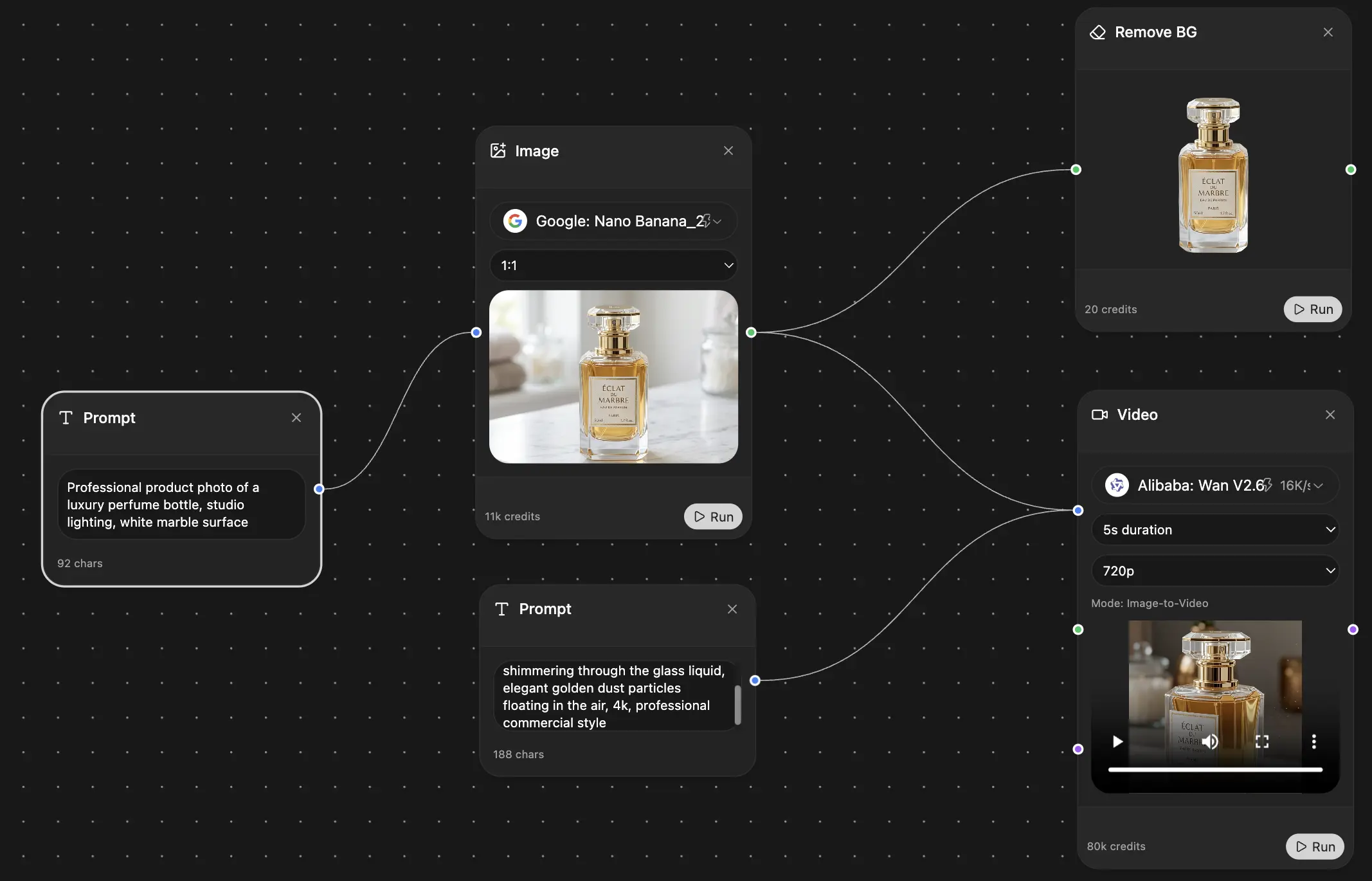
Chat, image, video & motion tools — side by side
Save hours of work and research
Transparent, High-Value Pricing
Trusted by teams at






Free
No credit card required
- 100 credits daily
- 3 AI models to try
- Basic AI chat
Plus
- 1,000,000 credits/month
- 25+ AI models — GPT, Claude, Gemini, Grok & more
- Agent Mode with web search, computer tools and more
- Creative Studio: image generation and video generation
- Project Library: chat with document, website and youtube, podcast generation, flashcards, reports and more
- Workflow Studio and FocusOS
Professional
- Everything in Plus, and:
- 2,100,000 credits/month
- Pro-exclusive models (Claude Opus, Grok 4, Sonar Pro)
- Motion Tools & Max Mode
- First access to latest features
- Access to additional offers