


Every top model, with tools built in.
Search the web, run deep research, read files, create images and run code with GPT, Claude, Gemini, Grok and more.
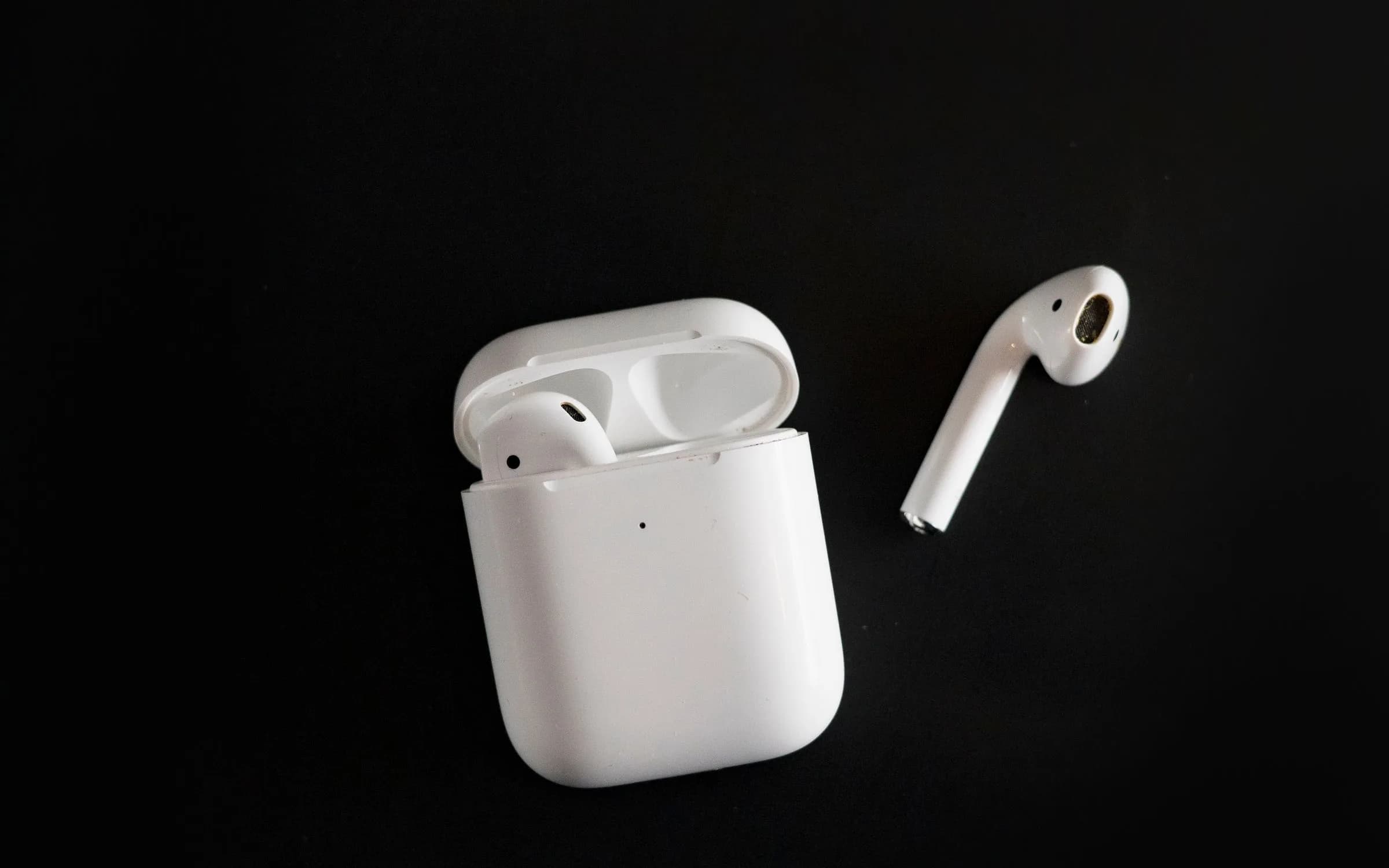
Compare the best Speechify alternatives in 2026. Discover free neural voice readers and all-in-one AI study tools that avoid Speechify's $139 annual fee.
If you need a reliable Speechify alternative, the best option depends on whether you want a zero-cost browser reader, hyper-realistic voice acting, or a complete AI research workspace. For everyday web articles and clean PDFs, Microsoft Edge Read Aloud gives you natural neural voices for free. If you want expressive audio narration for personal reading, ElevenReader delivers superior voices starting on a generous free tier.
If you read dense documents, academic papers, and lecture materials, Zemith is the strongest all-in-one choice. On the Plus plan ($15.99 a month or $179.88 a year), Zemith lets you upload up to 50 documents per project, turns reading material into dual-host audio podcast overviews, and lets you speak directly with your sources in real time using multi-model text-to-speech from OpenAI, Google, and Kokoro.
Pricing, limits, and core capabilities verified as of November 2026.
| Tool | Best For | Starting Price | AI Voice Engine | Document & Study Workspace | Audio Export & Limits |
|---|---|---|---|---|---|
| Zemith (Plus) | All-in-one document audio and study workspace | $15.99/mo ($179.88/yr) | Multi-model TTS (GPT TTS, Gemini TTS, Kokoro) plus live voice mode | Library projects up to 50 sources (PDF, DOCX, EPUB, web, YouTube) with audio podcasts and study quizzes | 1.5M monthly credits, audio and video transcription up to 25 MB (800 credits/min) |
| Speechify (Premium) | Dedicated speed listening and celebrity voices | $139/yr ($29/mo monthly) | Proprietary neural voices plus licensed celebrity narrators (Snoop Dogg, Gwyneth Paltrow) | Basic text summaries, OCR camera scanner, and AI document chat | 1,000,000 premium words per month, playback speed up to 4.5x |
| ElevenReader (Ultra) | Ultra-realistic narration for long-form books | Free ($0) or $11/mo ($99/yr) | ElevenLabs expressive neural speech synthesis | EPUB, PDF, and web article reader with clutter removal | 10 free hours per month; Ultra gives unlimited personal listening (no audio file export) |
| NaturalReader (Plus) | Dyslexia-friendly reading and commercial MP3s | $119/yr ($20.90/mo monthly) | Commercial neural voices, plus OpenAI and Gemini voices on Pro | Document reader with dyslexia fonts, text highlighting, and scanner | 500,000 characters per day on Plus; 1M characters per month of MP3 conversion |
| Microsoft Edge Read Aloud | Free in-browser reading with natural voices | Free ($0) | Microsoft Azure Cognitive Services neural voices (Jenny, Guy, and global variants) | Built-in browser reader for web pages, raw text, and local PDFs | Unlimited free streaming inside Edge, no audio export or file storage |
Listeners look for a Speechify alternative primarily because of its aggressive subscription pricing, billing surprises, and narrow utility as a single-purpose tool.
Speechify gained massive popularity through aggressive influencer marketing highlighting its celebrity voices, variable speed slider up to 4.5x, and optical character recognition (OCR) scanner for physical books. However, users who sign up for the free trial often discover that Speechify's standard free tier is restricted to robotic, legacy voices and a 1.5x playback cap. Accessing the natural-sounding AI voices requires upgrading to Speechify Premium.
Speechify Premium costs $139 per year, which must be paid upfront as a lump sum. If you prefer paying monthly, the price rises to $29 a month. In online communities like Reddit's r/TextToSpeech, recurring complaints center on hard-to-cancel annual renewals, unexpected charges after short 3-day trials, and strict monthly limits. Despite charging premium software rates, Speechify caps users at 1,000,000 premium voice words per month.
Furthermore, audio habits have evolved. Students and knowledge workers no longer want a tool that simply reads sentences sequentially like an audio teleprompter. They want to upload dense research papers, extract key arguments, generate conversational audio podcasts, and ask follow-up questions out loud. Paying $139 a year for an app that only reads text aloud feels outdated when comprehensive AI workspaces provide superior speech synthesis alongside reasoning models for a fraction of the total stack cost.
Zemith transforms static documents into dynamic audio learning experiences through its dedicated Library workspace, pairing multi-model text-to-speech with conversational podcast generation.
Instead of merely listening to a robotic voice drone through headers, footnotes, and citation brackets, you can interact with your documents across multiple audio modalities:
For students and researchers juggling dozens of syllabus readings, this workflow turns dense academic literature into an engaging audio study routine that fits into daily commutes or gym sessions.
ElevenReader sounds significantly more realistic and human than Speechify, making it the superior choice for readers whose top priority is voice quality.
Developed by ElevenLabs, ElevenReader uses specialized speech synthesis models designed to capture authentic emotional pacing, breath pauses, and narrative inflections. While Speechify offers polished commercial voices, its delivery often maintains a slightly uniform cadence that can cause listening fatigue over multi-hour study sessions. ElevenReader voices, by contrast, sound nearly indistinguishable from professional audiobook narrators.
Pricing and access also strongly favor ElevenReader for casual listening:
If your only requirement is relaxing with an EPUB or listening to long PDF chapters with the most lifelike narrator possible, ElevenReader is a more affordable and higher-fidelity pick than Speechify.
NaturalReader handles academic PDFs and structured documents better than Speechify, primarily because its optical character recognition and document formatting tools are more mature.
One of the biggest frustrations when listening to academic papers in Speechify is that the voice frequently stumbles over citations, author lists, footers, and complex multi-column layouts. NaturalReader provides granular text-filtering rules that allow you to automatically skip text inside parentheses, ignore page numbers, and bypass header metadata.
Here is how their pricing and capabilities compare:
NaturalReader is an excellent pick for users with dyslexia who rely on specialized fonts like OpenDyslexic, synced color text highlighting, and cross-platform desktop extensions. However, at $119 to $159 a year, it remains a dedicated reader app. It does not write research briefs, execute python data analyses, or let you switch to Claude 3.5 Sonnet to critique your paper.
Yes, you can listen to web articles, digital documents, and PDFs completely for free without paying Speechify, NaturalReader, or any other subscription service.
If your primary goal is avoiding software bills altogether, two reliable zero-cost alternatives stand out:
The single best free text-to-speech tool is built directly into the Microsoft Edge web browser, available on Windows, macOS, iOS, and Android.
Ctrl+Shift+U on Windows, Cmd+Shift+U on Mac).If you dislike recurring SaaS subscriptions but want a dedicated mobile app with offline reading capabilities, Speech Central is a top recommendation among accessibility communities.
Speechify Premium costs $139 to $348 a year for text-to-speech reading alone, forcing users to pay for additional AI tools to handle writing, research, and analysis.
Here is what a typical fragmented productivity setup costs compared to an integrated workspace:
If you already use audio tools in combination with text summaries, you can also explore how to turn voice memos into notes and how to summarize documents with AI to streamline your study setup further.
While Zemith and specialized alternatives provide better value for most users, Speechify remains the right choice in specific circumstances:
If your workflow involves digital files, PDFs, web research, or lecture slides, paying $139 a year for Speechify's single feature set leaves significant value on the table.
We evaluated these tools by reviewing verified pricing pages, product documentation, subscriber terms, and feature limits published as of November 2026. We compared speech synthesis fidelity across standard academic PDFs and long-form web articles, evaluated mobile and desktop availability, and calculated full-stack annual ownership costs.
For casual reading of online articles and standard PDFs, you do not need to spend money: Microsoft Edge Read Aloud provides natural neural voices for free. If you want expressive, human-like voice acting for books on your phone, ElevenReader offers superior narration quality starting at $0 for 10 hours a month.
If you want your reading material to work for you, choose Zemith. For $15.99 a month on the Plus plan, you get multi-model text-to-speech, interactive audio podcast generation, and a 50-document research workspace backed by the world's leading AI models.
Pay less than one AI subscription and get GPT, Claude, Gemini and more, plus 50+ AI tools.


Trusted by teams at






The top models, plus image, video and voice tools, in one plan.
Without Zemith
ChatGPT PlusUS$20.00Claude ProUS$20.00Google AI ProUS$19.99SuperGrokUS$30.00Perplexity ProUS$20.00 MidjourneyUS$10.00
 ElevenLabsUS$6.00Le Chat ProUS$14.99
 RunwayUS$15.00Kling StandardUS$8.80
 Gamma PlusUS$12.00
 Otter ProUS$16.99
 QuillBot PremiumUS$19.95
 Photoroom ProUS$12.99
 Quizlet PlusUS$7.99
Total if paying separatelyUS$234.70/mo
"I love the way multiple tools they integrated in one platform. Going in the right direction."
— simplyzubair
"The quality of data and sheer speed of responses is outstanding. I use this app every day."
— barefootmedicine
"The credit system is fair, models are perfect, and the discord is very responsive. Quite awesome."
— MarianZ
"Just works. Simple to use and great for working with documents. Money well spent."
— yerch82
"The organization of features is better than all the other sites — even better than ChatGPT."
— sumore
"It lives up to the all-in-one claim. All the necessary functions with a well-designed, easy UI."
— AlphaLeaf
"The team clearly puts their heart and soul into this platform. Really solid extra functionality."
— SlothMachine
"Updates made almost daily, feedback is incredibly fast. Just look at the changelogs — consistency."
— reu0691
Hand off the research, writing, design and follow-ups. Zemith picks the tools it needs and brings back finished work.
Search the web, run deep research, read files, create images and run code with GPT, Claude, Gemini, Grok and more.
Zemith keeps working in the cloud and pings you when it's done.
Notion, Linear, Canva, Airtable and more. It asks before it creates or changes anything.
Docs, slides, sheets and PDFs, ready to send.
Chain models and tools on a visual canvas, from one prompt to a finished promo video.
Briefings, reports and reminders run on a schedule and are ready when you need them.
Real-time voice that can see your camera or screen.
The best image and video models, in one studio.
Turn PDFs, links and YouTube videos into podcasts, quizzes, flashcards and mind maps.












 Podcast
 Quiz
 Flashcards
 Mind map
 Infographic