


Every top model, with tools built in.
Search the web, run deep research, read files, create images and run code with GPT, Claude, Gemini, Grok and more.
Need an ai image generator for dnd? We compare 10 tools for portraits, battlemaps and tokens, with prompt tips, style advice and honest limits.
It is 11 PM, your session starts at 7, and your players are about to meet a bandit captain you described in one sentence. "Scarred smirk, leather coat, gold tooth" is not a picture. You need an AI image generator for D&D that can put a face on that captain before the coffee goes cold, not another gallery of generic knights.
This guide walks through the 10 AI image generators that help with D&D art. I sorted them by what you are making at the table: portraits, encounter maps, tokens, or a quick monster you can drop into your notes. Credit traps and watermark limits get called out, because a pretty goblin that burns a reroll every time the sword switches hands is not prep. It is a tax. If you want to compare styles across several models without juggling subscriptions, a multi-model hub like Zemith earns its slot early in the list.
The demand is not a niche hobby anymore. Dungeons & Dragons started in 1974, and CNBC's report on the Critical Role boom noted that Wizards of the Coast estimated more than 40 million people had become D&D fans since release. That is a lot of captains who still do not have a face, and a lot of Sunday nights where you will want the same NPC to look like the same NPC.
If you already write fiction and want the parallel trick for novels, AI character generation for fiction writers covers that workflow. For the table, skip the beauty contest and pick the tool that matches the asset in front of you.
When the job is "I do not know which look my table wants yet," juggling three subscriptions is how you lose the hour you meant to spend on the encounter. Zemith's AI Image Generator puts Nano Banana, GPT Image, and Flux in one app, so you can run the same bandit captain through different models and keep the face that matches your notes.
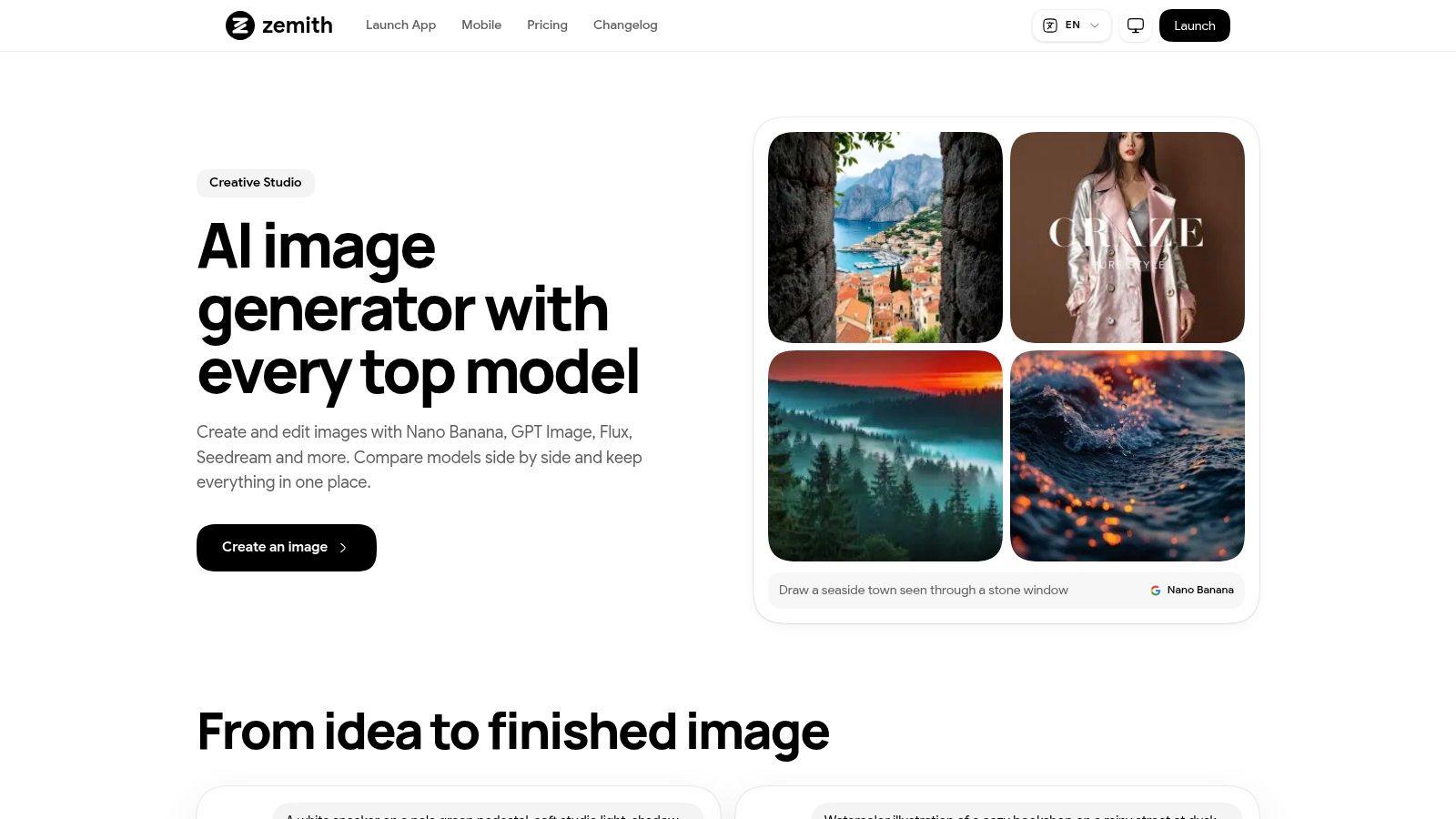
Pick an illustration style aimed at fantasy characters, creatures, or scenes, then treat the generator as part of a wider creative workspace instead of a one-off toy. A 2025 work-in-progress study of an AI game-master assistant found session feedback pointing to substantially reduced GM preparation time and generally coherent material, with consistency problems once the system blew past its context window. That is the lesson for portraits. The model does not remember your captain unless you do.
I would not start with a poetic prompt. Start with a tiny character bible and reuse it.
How these image models differ is worth a read before you assume Flux and GPT Image will obey armor details the same way. The best result still depends on the model you pick and how clearly you describe the shot. Public details do not pin down pricing or per-model limits, so treat the hub as the place you audition styles, then export the winner into your notes.
Practical rule: If the second image changes the gold tooth, stop prompting from scratch and edit from a reference. Fresh text prompts are how identity dies.
You already know the asset type. You just do not want to teach a general art model what a token is. RPG Builder is a tabletop-focused text-to-image tool for characters, monsters, items, and scenes, with output categories aimed at portraits, tokens, item cards, and battle maps.
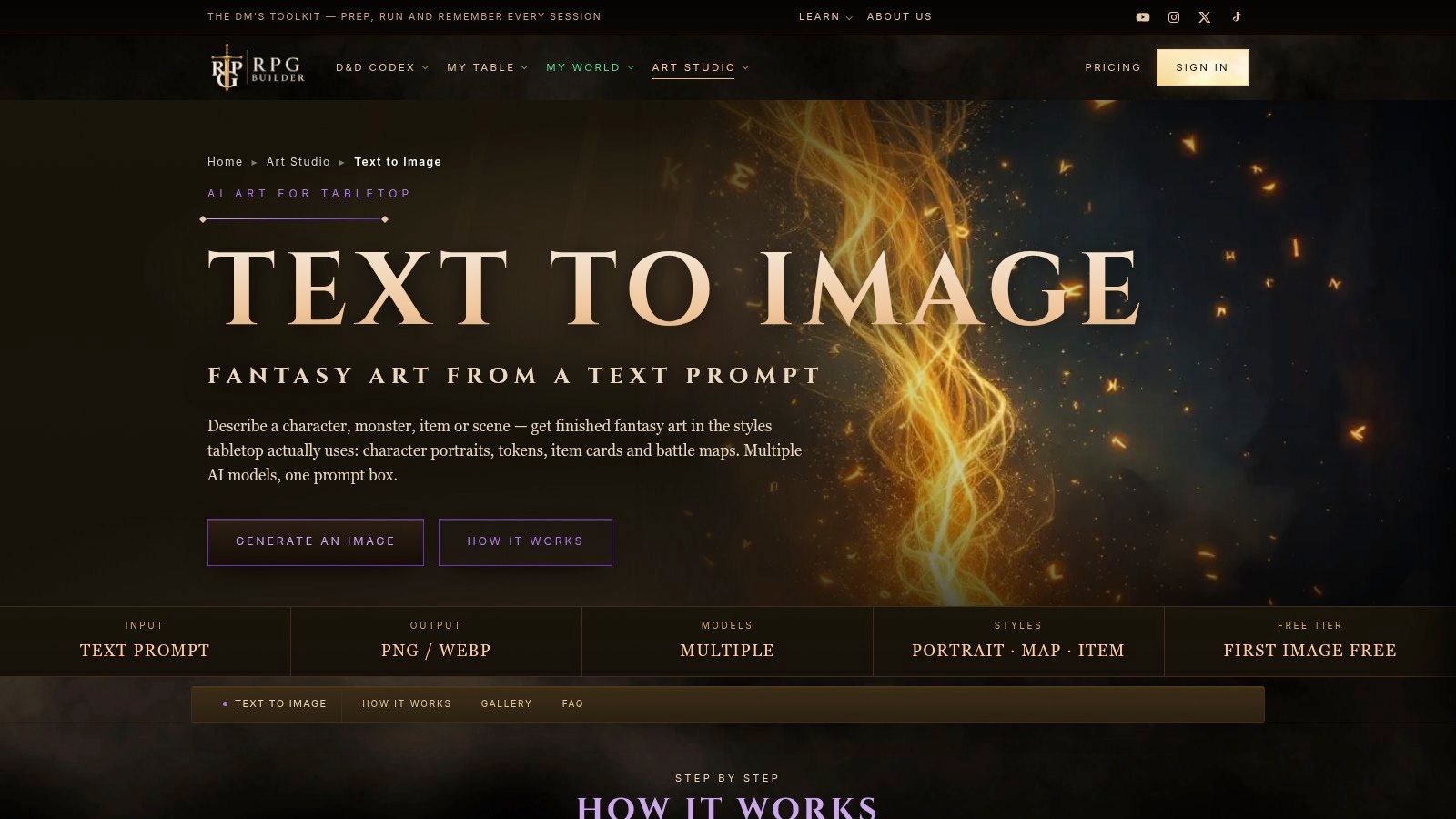
That guided setup is the point. A general generator will happily paint your "tavern token" as a cinematic poster. A category that expects a portrait, a map, or an item card wastes fewer attempts on the wrong framing. Related image-to-image and token tools sit in the same neighborhood, which helps when the first roll is close and you only need the background cleaned up.
I would use RPG Builder for the night's item cards and NPC heads, then leave grid-accurate tactics to a map tool. It is a guided DM kit, not a publishing studio.
Maps consume credits if each adjustment requires a new generation. RPGenie divides the task: an AI map mode for tactical top-down plans, a scene mode for illustrations, and a free, unlimited draw mode that lets you lay out rooms without spending a credit. That draw mode is the feature I trust on a prep night.
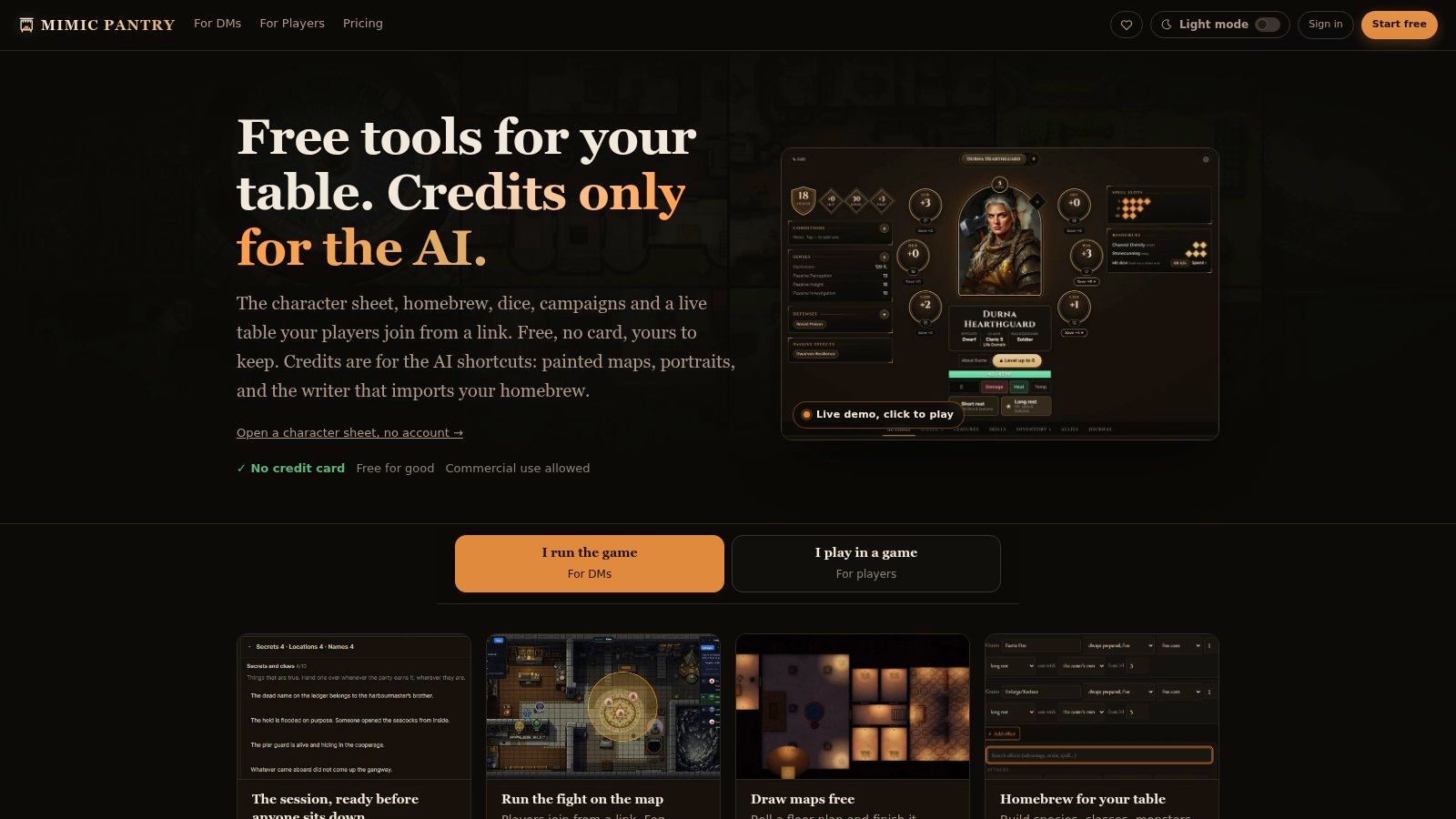
The free tier includes three monthly credits. Paid membership is listed at $2.99 per month for 20 credits. Generations, rerolls, and map edits consume credits, and animated maps cost more. Three credits is a taste, not a campaign. If you regenerate the tavern because the bar is in the wrong corner, you just spent the month.
Virtual tables are not a pandemic fad that vanished. Stars and Stripes reported that in 2020 D&D Beyond was opening roughly three times as many new accounts per day as before the pandemic, with more than 4 million users at the time. Tools that export a layout you can fog are built for that habit.
Sketch the doors and cover in draw mode first. Spend a credit only when you want the AI to dress a layout you already know is playable.
Campaign organization, live tables, and fog of war come along for the ride. Character sheets and some extras differ by plan, and this is a weaker pick if all you wanted was a portrait of the captain.
The hard problem is not the first portrait. It is session twelve, when the warlock's scar moved to the wrong cheek and the party argues about it louder than the plot. RPG Sage Art pairs campaign-aware image creation with a browser virtual tabletop. It can pull campaign descriptions, selected characters, and reference images so recurring faces stay recognizable.
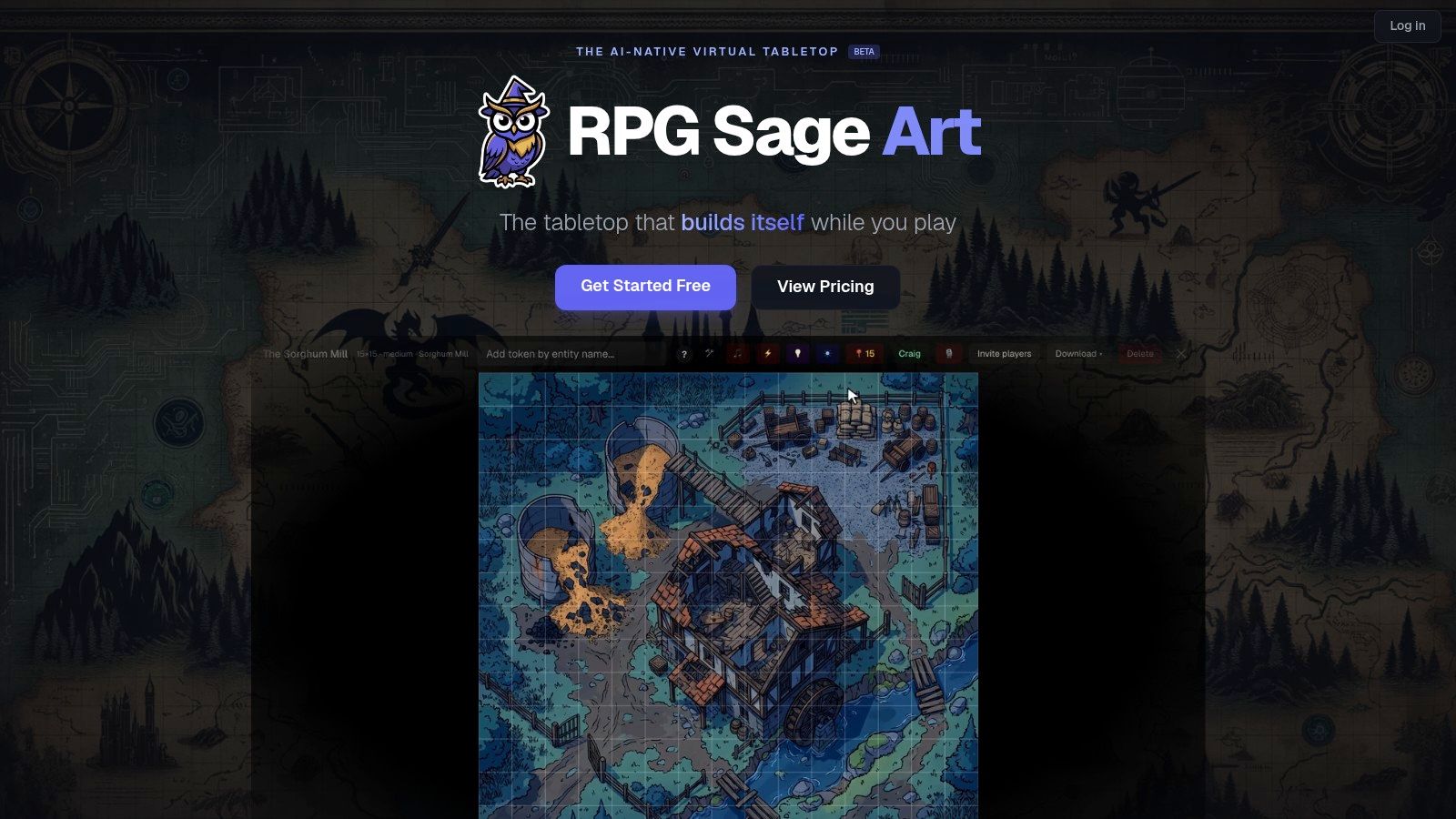
You also get battlemaps, tokens, live play, session transcription, and illustrated campaign journals. Players can join sessions without paying. The free plan includes one campaign and 40 images per month. Campaign Pro is listed at $30 per month per campaign. That price is for a table that lives in the tool, not for someone who needs one beholder before bed.
Reference workflows need setup before they pay off. Upload the canonical face, name the gear that must not drift, and generate scenes from that record. If you only want a standalone portrait, this is more machine than you need. If you want the journal, the map, and the NPC sheet to share a look, the overhead starts to make sense. For a side-by-side of art tools outside a VTT, see a wider look at AI image tools.
Say the job is a goblin warren, a tavern brawl, or a snowy pass, and you do not care about anyone's cheekbones. BattlemapAI takes a location description and aims at a top-down map for table use. Exports are intended for Roll20, Foundry VTT, Fantasy Grounds, and Owlbear Rodeo. Campaign notes can steer the style of later maps so the second floor does not suddenly look like a different century.
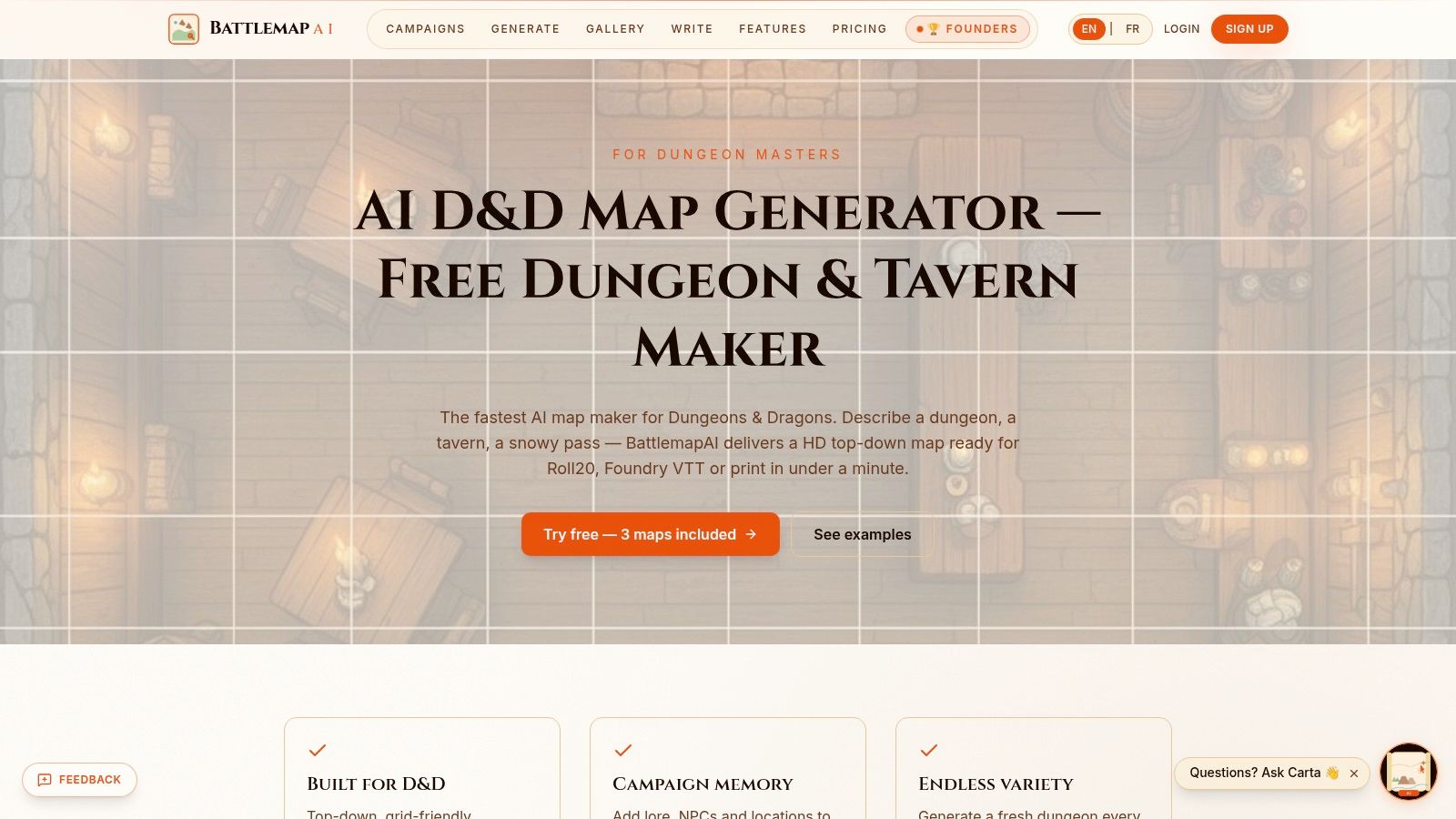
New accounts get three free maps. Paid pricing and commercial-use terms should be confirmed on the site before you sell anything that includes those floors.
AI maps still lie about tactics. Doors fuse into walls, stairs become texture, and a "10-foot corridor" is sometimes a suggestion. I treat the output as a draft: print or import it, then fix cover, choke points, and scale before the initiative tracker opens. Three free maps are enough to learn whether the style fits your table. They are not enough to stock a megadungeon, so do not burn all three on the same tavern because the rugs looked weird.
This is a map specialist. It will not hand you party portraits or item cards, and that focus is the feature, not a missing checkbox.
Some nights you do not want a blank prompt box. You want the art to show up while the adventure is being built. Sprixen mixes portrait, token, battle map, and NPC generators with an AI-led adventure flow, including images as play unfolds. New accounts are listed as receiving six free credits. Pro is listed at $10 per month for 200 generations across its tools.
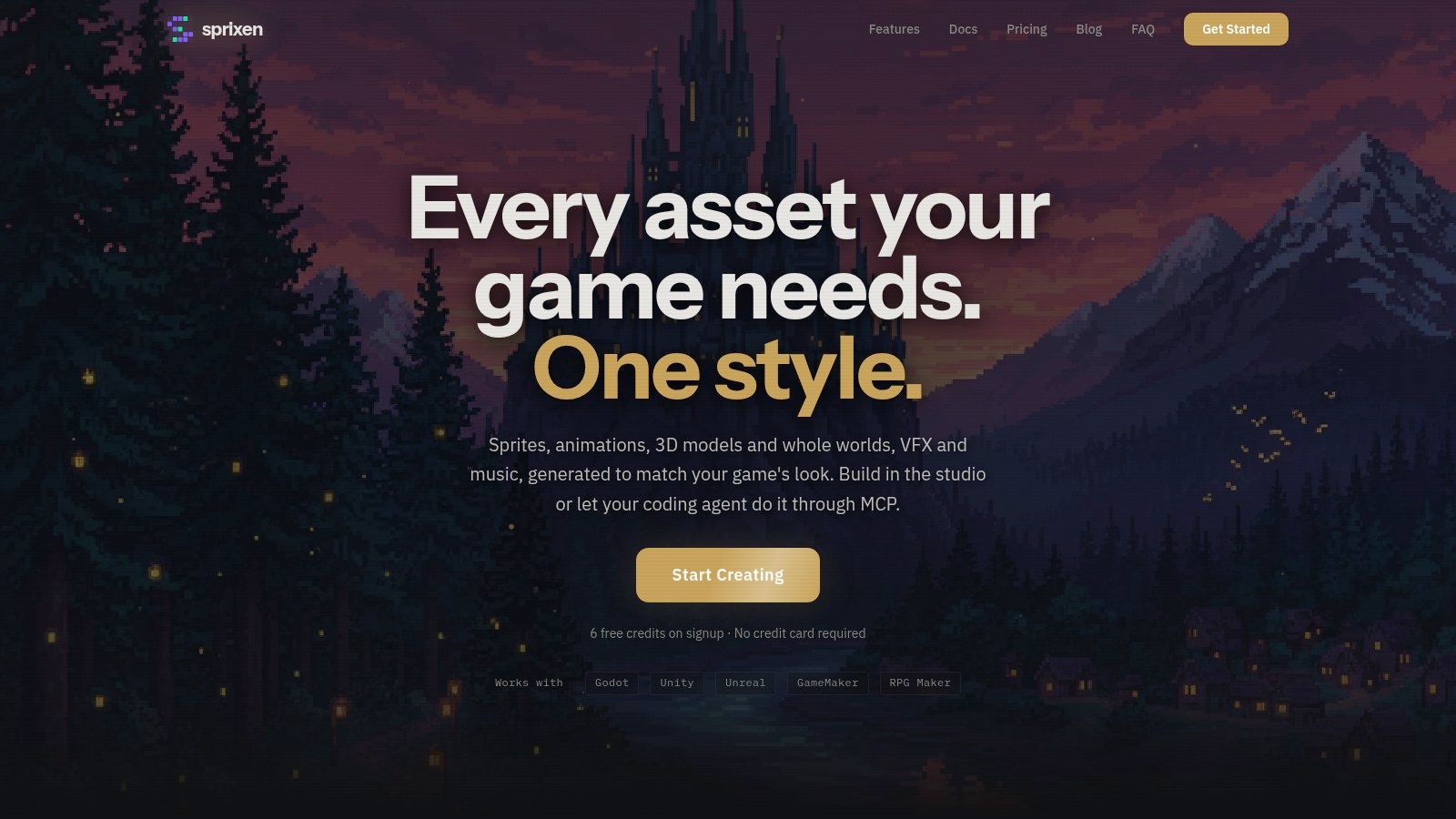
The portrait-to-token path is the practical bit for virtual play. Make the face, get a matching token, drop both into the VTT, and move on. Credits are shared across tools, and use varies by action, so a curious evening of "what if the captain is also a werewolf" can chew the allowance faster than a focused prep list.
Six free credits are a real test, not a demo screenshot. Spend them on one portrait, one token, and one map. If two of those three miss, this is not your stack.
Player characters and named NPCs are a different job from scenery. CharGen is built around fantasy portraits plus a character-sheet workflow, with templates so you are not inventing a prompt grammar at midnight. The free plan offers two generations per day, and those free images include watermarks. Creator is listed at $9 per month or $79 per year for 100 generations per month, with PNG and Markdown export and commercial use on that plan. High-volume or team use moves up to a pricier Studio arrangement.
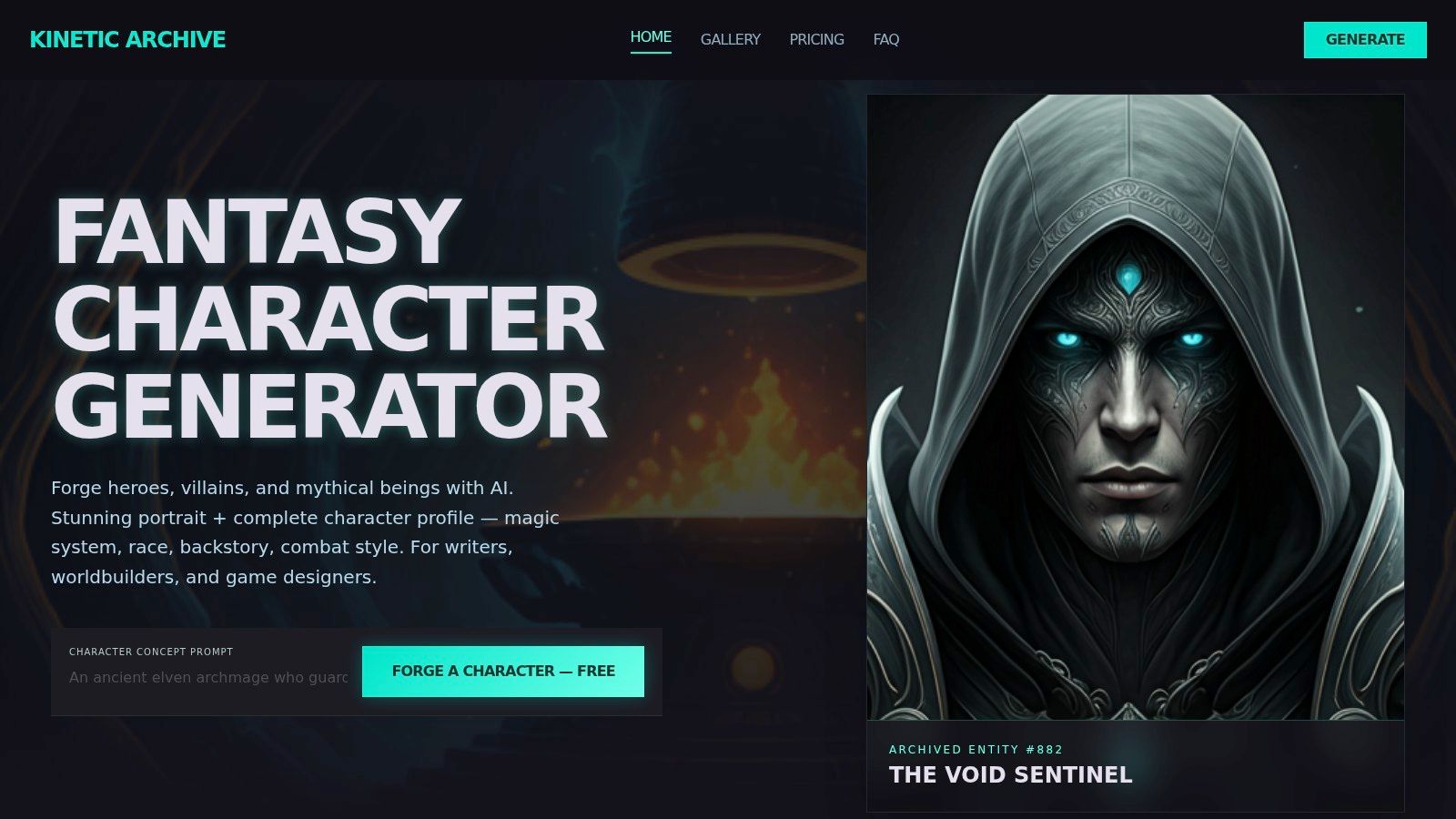
Two a day is fine for a single PC concept. It is a bad plan for populating a festival. Watermarks also mean the free tier is for your eyes, not the player handout or the stream overlay.
Commercial permission on a paid plan is not the same thing as owning the copyright. The U.S. Copyright Office's AI policy guidance says copyright protects human creativity, and AI-generated material has to be disclosed when you register a work. You can claim original human contributions, such as a character design you drew, hand-painted edits, or a creative composite. Purely generated portions stay out of the claim. If you are selling an adventure, edit the portrait and keep a record of what you changed.
A watermarked free roll is a sketch. The version you show players should be the export you are allowed to use, on a plan that matches that use.
CharGen will not build your battlemap. Do not ask it to.
When the bandit captain needs to look like a book cover rather than a token, Midjourney is still the fantasy workhorse. It is a general text-to-image tool, so you get four-image sets, moodboards, personalization profiles, and a visual site for iterating on art direction. There is no character sheet, no token export, and no VTT grid workflow. You bring those yourself.
Listed monthly plans are $10 Basic, $30 Standard, $60 Pro, and $120 Mega, with annual billing discounted, and a paid subscription is required before your first roll. Basic has limited Fast GPU time. Unlimited relaxed image generation starts with Standard. Private generation is on Pro and Mega.
A September 2024 poll of 3,700 D&D players and game masters found that 30% regularly used generative AI, including image generators such as Midjourney, while 70% did not. It was an informal Facebook survey with no probability sampling, so read it as a hint about early adopters. Plenty of tables still want a picture. Plenty will roast you for using one. Know your table.
Personalization helps a campaign palette, but it will not lock a scar across twenty scenes. Keep a reference image and a short identity block, and read prompt examples you can steal before you write a paragraph the model will ignore. If you want to compare Midjourney's look against other models without a second subscription, Zemith's Creative AI Tools run image generation through Nano Banana, GPT Image and Flux in the same workspace.
I would pay for Standard if this is your weekly portrait tool. Basic is for dabbling, and dabbling is how you miss the session start.
Leonardo.Ai is a general creative platform with a character generator plus editing tools you can bend toward D&D portraits, monsters, and locations. Prompt enhancement is available even when your note is "scary fish priest." Paid plans add private creations and wider model access. The free plan lists 150 Fast Tokens per day. Paid plans start at $12 per month for Essential.
That daily token pile is enough to audition a villain before you subscribe. The catch is on the pricing page: free creations are public. If your unreleased campaign villain is supposed to stay a surprise, do not leave them in a public gallery. Token limits also push heavy experimentation onto a paid tier, and nothing here is a D&D-specific sheet, token, or grid map.
Personal collections and image reuse matter more than the first pretty roll. Save the captain, then vary pose from that image instead of retyping the coat. For a tour of no-card options beyond this one, free AI image generators worth a test night is the longer list. I would use Leonardo when I want volume and editing on fantasy concepts, then move anything spoiler-sensitive to a paid private tier before it hits the internet.
Sometimes you do not want a new prompt. You want to say "make the coat redder and put the scar on the left." ChatGPT generates images from conversation, edits follow-up messages, and can take an uploaded picture plus written instructions. You can select an area for a targeted edit. It runs on web, iOS, and Android. Image creation is available across tiers, with limits, and Plus is listed at $20 per month with higher access than Free.
That chat loop is the best part for NPC iteration. The worst part is asking it to be a cartographer. It is not built for grid-accurate battlemaps or VTT token exports. Some edits also spill outside the region you selected, so the gold tooth "fix" can redesign the nose. Check the whole face before you save.
How GPT image generation behaves in a chat is the deeper pass on that back-and-forth. I use it for quick monsters and "fix this one detail" nights, not for the map the party will walk on for three sessions.
Start with the job, not the tool. Portraits and tokens point to a character-focused generator. Encounter maps point to a battlemap tool. Mixed campaign work often calls for a few of them. If you want to compare image models side by side before committing, Zemith gives you Nano Banana, GPT Image, Flux and more in one workspace at zemith.com, so you can test a prompt across models and keep the one that matches your table's look.
Here is the split I would run on a weeknight. CharGen or a chat editor when the asset is a face and a sheet. BattlemapAI or RPGenie when the asset is a floor plan, with RPGenie's free draw mode saving credits for the rooms you cannot sketch cleanly. RPG Builder or Sprixen when you need a small pile of portraits, tokens, and item art without opening four sites. RPG Sage Art when the same cast has to survive a whole campaign journal and a VTT, and you are willing to pay per campaign for that memory. Midjourney when the reveal image has to look expensive. Leonardo.Ai when you want a pile of daily tries and you are fine with free images being public. ChatGPT Images when the next instruction is a correction, not a new idea.
Credit traps are boring and they will wreck your evening anyway. Three credits, six credits, two watermarked generations a day, or three free maps will not illustrate a city. Spend the free pool on one real asset from next session. If that asset needs five rerolls, the tool is the wrong shape, or your prompt is a poem. Either way, stop.
Continuity is the other trap. Write the scars, the hand that holds the sword, the heraldry, and the palette in a note you reuse. Generate a plain reference before you ask for the dramatic pose. When a small identity detail flips, edit. Do not roll a brand-new stranger and call them the captain.
You do not need all ten. You need the one that finishes the picture your players will see at 7, plus a backup for the asset type it refuses to make. The bandit can wait until morning. Your sleep should not.
Zemith puts Nano Banana, GPT Image, Flux, and the rest of a creative workspace in one place, so your next D&D portrait, monster, or scene does not require a fresh subscription for every style. You can generate the image, then clean it up with background removal, upscaling, generative fill, and object replacement before it hits the table. Try it on the bandit captain tonight at Zemith.
Pay less than one AI subscription and get GPT, Claude, Gemini and more, plus 50+ AI tools.







Trusted by teams at






The top models, plus image, video and voice tools, in one plan.
Without Zemith
ChatGPT PlusUS$20.00Claude ProUS$20.00Google AI ProUS$19.99SuperGrokUS$30.00Perplexity ProUS$20.00 MidjourneyUS$10.00
 ElevenLabsUS$6.00Le Chat ProUS$14.99
 RunwayUS$15.00Kling StandardUS$8.80
 Gamma PlusUS$12.00
 Otter ProUS$16.99
 QuillBot PremiumUS$19.95
 Photoroom ProUS$12.99
 Quizlet PlusUS$7.99
Total if paying separatelyUS$234.70/mo
"I love the way multiple tools they integrated in one platform. Going in the right direction."
— simplyzubair
"The quality of data and sheer speed of responses is outstanding. I use this app every day."
— barefootmedicine
"The credit system is fair, models are perfect, and the discord is very responsive. Quite awesome."
— MarianZ
"Just works. Simple to use and great for working with documents. Money well spent."
— yerch82
"The organization of features is better than all the other sites — even better than ChatGPT."
— sumore
"It lives up to the all-in-one claim. All the necessary functions with a well-designed, easy UI."
— AlphaLeaf
"The team clearly puts their heart and soul into this platform. Really solid extra functionality."
— SlothMachine
"Updates made almost daily, feedback is incredibly fast. Just look at the changelogs — consistency."
— reu0691
Hand off the research, writing, design and follow-ups. Zemith picks the tools it needs and brings back finished work.
Search the web, run deep research, read files, create images and run code with GPT, Claude, Gemini, Grok and more.
Zemith keeps working in the cloud and pings you when it's done.
Notion, Linear, Canva, Airtable and more. It asks before it creates or changes anything.
Docs, slides, sheets and PDFs, ready to send.
Chain models and tools on a visual canvas, from one prompt to a finished promo video.
Briefings, reports and reminders run on a schedule and are ready when you need them.
Real-time voice that can see your camera or screen.
The best image and video models, in one studio.
Turn PDFs, links and YouTube videos into podcasts, quizzes, flashcards and mind maps.














 Podcast
 Quiz
Quiz Flashcards
 Mind map
 Infographic