


Every top model, with tools built in.
Search the web, run deep research, read files, create images and run code with GPT, Claude, Gemini, Grok and more.
Tired of juggling apps? We tested the 12 best AI assistant app options to streamline your workflow. Find your perfect AI sidekick for 2026!
It feels like a new AI app launches every Tuesday, right? One for writing epic marketing copy, one for debugging Python scripts, and another for summarizing that 97-page PDF you definitely were going to read. Your phone is cluttered, your browser tabs are crying for help, and your wallet is getting thinner than a supermodel's patience. The paradox of choice is real, and the hunt for the single best AI assistant app often feels more exhausting than just doing the work yourself.
What if you could find the one app to rule them all, or at least consolidate the chaos into a manageable, powerful sidekick?
We’ve been there. We've downloaded, subscribed, and pushed dozens of these digital brains to their limits. This isn't just another generic list. We're diving deep into the top contenders for 2026, giving you the real scoop on what they do best, who they're for, and, most importantly, where they fall short. We'll give you the practical details you actually care about, including:
We'll cover everything from the big-name players you already know (like ChatGPT and Gemini) to the all-in-one powerhouses you should know, like Zemith. Each review includes screenshots and direct links to get you started immediately. Let’s cut through the noise and find you an AI assistant that actually makes life easier, not just more complicated.
Kicking off our list is the one that started it all, OpenAI's ChatGPT. It's the household name for a reason and arguably the best AI assistant app for general-purpose tasks. From brainstorming marketing copy to debugging stubborn code, ChatGPT's versatility is its superpower. The user interface is clean and straightforward, making it incredibly easy for anyone, from a high school student to a seasoned developer, to jump in and start generating.
Its ability to handle multimodal inputs (text, images, and voice) and analyze uploaded files like PDFs or spreadsheets makes it a powerful daily driver. It truly excels as a creative partner and a research accelerator.
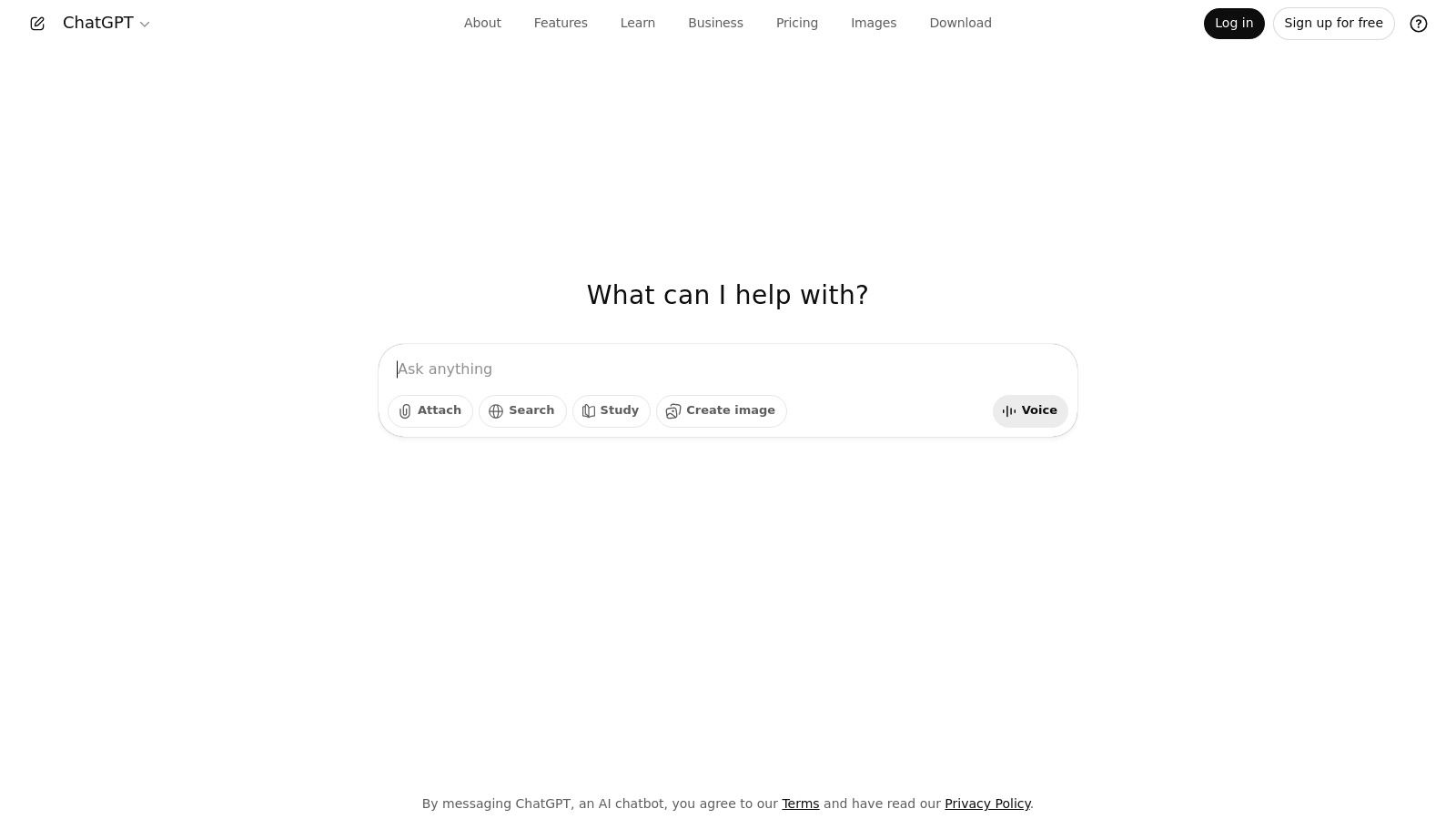
ChatGPT’s strength lies in its ecosystem. It’s available on the web, iOS, and Android, syncing your conversations across devices. The experience is centered around its powerful conversational AI, which feels natural and intuitive. For a deeper dive into the tech, you can explore the fundamentals of conversational AI on zemith.com.
The platform is constantly evolving, with new features rolling out frequently. The in-product App Directory, or GPT Store, allows you to connect third-party services, turning your chatbot into a hyper-specialized tool for things like creating diagrams or searching academic papers.
Best For:
Pros & Cons:
Website: https://openai.com/chatgpt
Next up is the heavyweight champion that brought AI assistants into the mainstream, OpenAI's ChatGPT. It's the household name for a reason and arguably the best AI assistant app for a vast range of general-purpose tasks. From brainstorming marketing copy to debugging stubborn code, ChatGPT's versatility is its superpower. The user interface is clean and straightforward, making it incredibly easy for anyone, from a high school student to a seasoned developer, to jump in and start generating.
Its ability to handle multimodal inputs (text, images, and voice) and analyze uploaded files like PDFs or spreadsheets makes it a powerful daily driver. It truly excels as a creative partner and a research accelerator, turning complex requests into coherent, actionable output.
ChatGPT’s strength lies in its expansive ecosystem. It’s available on the web, iOS, and Android, syncing your conversations across devices. The experience is centered around its powerful conversational AI, which feels natural and intuitive. For a deeper look at the technology making this possible, you can explore the fundamentals of conversational AI on zemith.com.
The platform is constantly evolving, with new features rolling out frequently. The in-product App Directory, or GPT Store, allows you to connect third-party services, turning your chatbot into a hyper-specialized tool for things like creating diagrams or searching academic papers. This extensibility, combined with tiered pricing for individuals and businesses, makes it a scalable solution.
Best For:
Pros & Cons:
Website: https://openai.com/chatgpt
Next up is Anthropic’s Claude, a strong contender that has quickly become a favorite for its focus on safety and remarkably high-quality reasoning. Claude is often praised for its more conversational, thoughtful, and nuanced responses, making it an excellent AI assistant app for tasks requiring deep analysis or sophisticated writing. Its ability to process huge amounts of text (up to 200,000 tokens) in a single prompt makes it a powerhouse for analyzing long documents, contracts, or entire codebases. You can practically feed it a novel and ask for the cliff notes.
Where Claude truly shines is in its careful, constitutional AI approach, which often results in more reliable and less creatively erratic outputs than some competitors. This makes it a go-to for professionals in legal, academic, and enterprise settings who need an AI assistant that prioritizes accuracy and safety in its analysis and content generation.
Claude’s user interface is clean, minimalist, and focused squarely on the conversation, providing a distraction-free environment for deep work. Available on web and mobile, it also offers powerful team and enterprise controls, including SSO and admin features for secure deployment. Its growing ecosystem includes features like Projects for organizing work and connectors for Google Workspace.
The model’s performance in complex reasoning and writing is a key differentiator. For those trying to decide between the top models, we've broken down the differences in our in-depth comparison of Claude 3.5 Sonnet vs GPT-4o. This makes it a top-tier choice for anyone needing a reliable partner for detailed analytical tasks.
Best For:
Pros & Cons:
Website: https://claude.ai
Next up is the powerhouse from the world's biggest search engine, Google Gemini. If you're already living in the Google ecosystem, Gemini feels like a natural extension of your digital life, making it a strong contender for the best AI assistant app for productivity. Its main advantage is its deep, almost psychic, integration with services like Gmail, Docs, and Drive, allowing it to pull information and perform tasks across your personal and professional data.
Gemini aims to be more than just a chatbot; it's a "helpful collaborator" designed to streamline your workflow within the tools you already use daily. Whether it's summarizing a long email chain in Gmail or creating a trip itinerary in a Google Doc based on your flight confirmations, its contextual awareness is a massive time-saver.
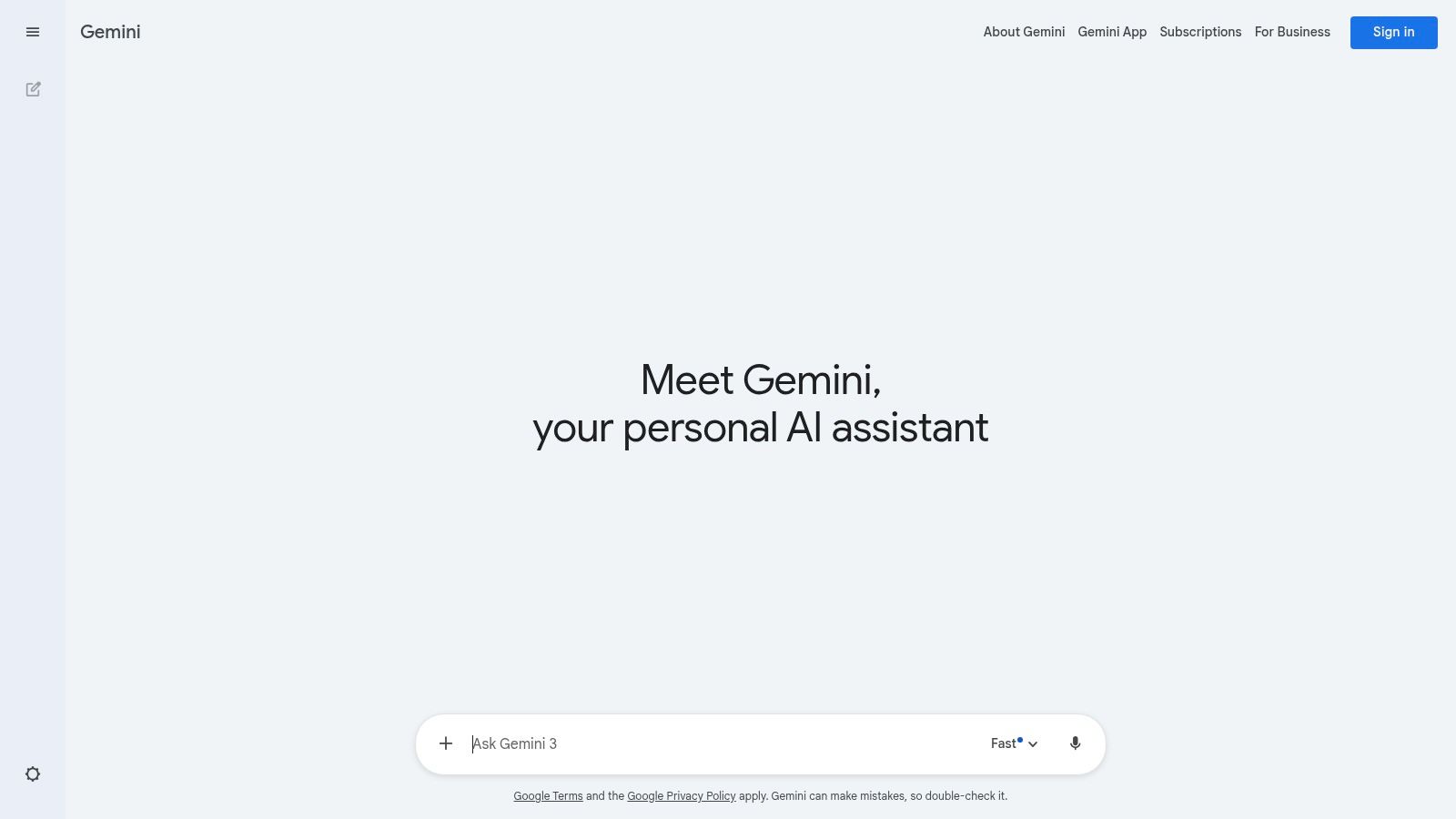
Gemini is accessible through its dedicated web and mobile apps, but its true power is unlocked when bundled with plans like Google One AI Premium. This not only gives you access to the more capable Gemini Advanced model but also integrates it directly into your Workspace apps. The experience feels seamless, as if your Google tools just got a major IQ boost.
For researchers and students, the inclusion of tools like NotebookLM in premium bundles is a game-changer for synthesizing large amounts of information. The key to getting the most out of it is knowing what to ask; you can get some great ideas by exploring how to formulate the right questions to ask AI on zemith.com.
Best For:
Pros & Cons:
Website: https://gemini.google.com
If you live and breathe inside the Microsoft ecosystem, Copilot is engineered to be your ultimate productivity partner. Seamlessly integrated across Bing, Windows, and Microsoft 365, it brings AI assistance directly into the apps you use every day. Imagine drafting an email in Outlook, summarizing a meeting in Teams, or creating a PowerPoint presentation from a Word document, all with a simple command. This deep integration is its core strength, making it one of the best AI assistant app choices for professionals.
Copilot transforms your familiar productivity suite into a powerful, context-aware assistant. Instead of switching between apps, the AI comes to you, streamlining workflows and saving a significant amount of time.
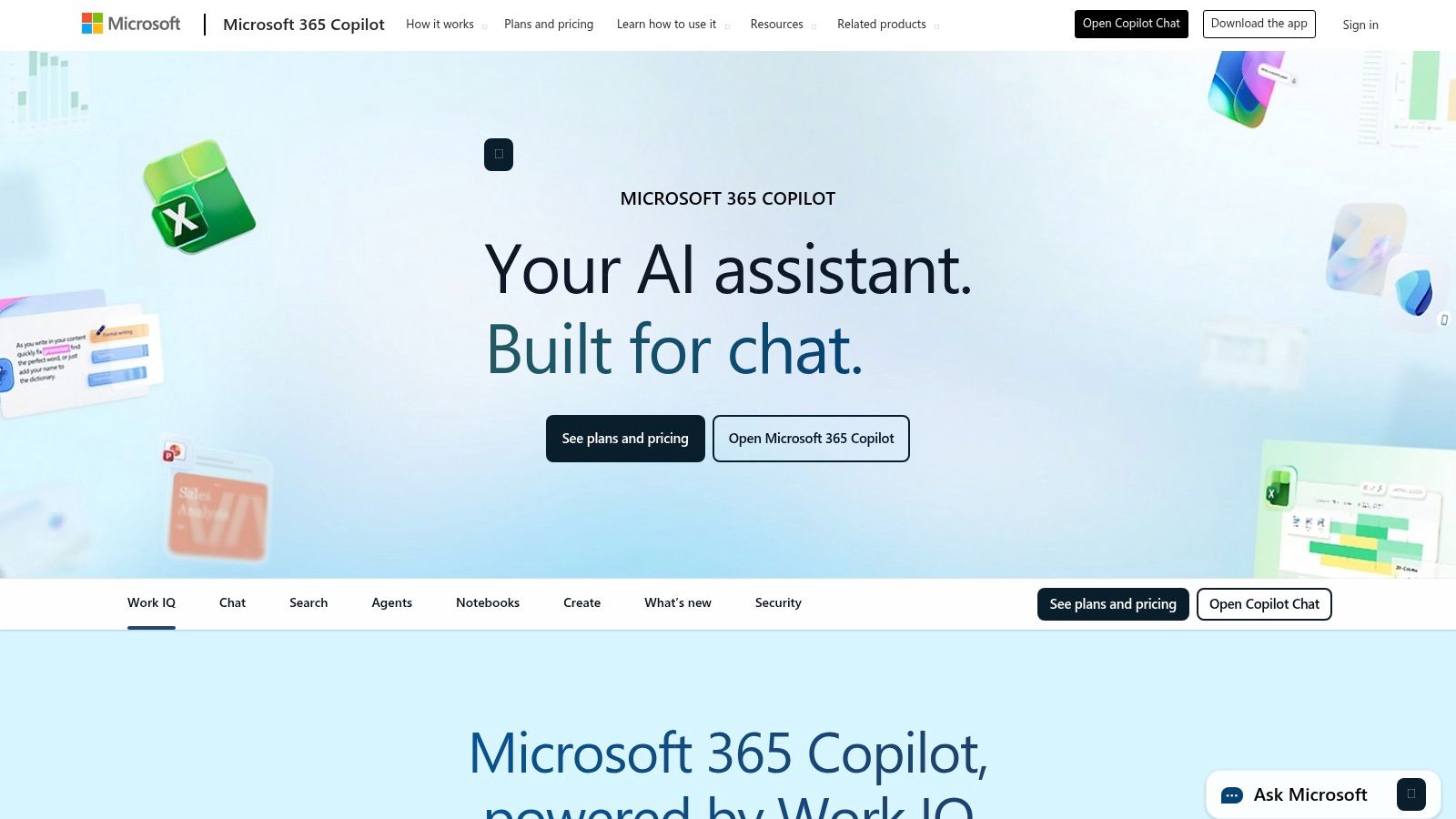
The magic of Copilot is its native feel. The AI is a built-in feature, not a bolted-on afterthought, providing a cohesive experience across Word, Excel, PowerPoint, and more. For businesses, this is enhanced with enterprise-grade security and compliance features, ensuring your data remains protected.
The user experience is designed for workflow efficiency, helping you create, edit, and analyze information without ever leaving your document or spreadsheet. This tight integration is fantastic for focused work but can feel restrictive if you need a more flexible, standalone tool. For tasks that require a centralized command center to manage various projects beyond the Microsoft bubble, a platform like Zemith often provides a more unified and less app-specific solution.
Best For:
Pros & Cons:
Website: https://www.microsoft.com/en-us/microsoft-365/copilot
Next up is Perplexity, an AI assistant that carves out its niche by focusing on accuracy and citation. If you’re tired of AI-generated answers that sound confident but have no factual basis (AI's version of a "trust me, bro"), Perplexity is the best AI assistant app designed to be your verifiable research partner. It acts like a supercharged search engine, providing direct answers with clear, clickable sources.
This citation-first approach makes it an invaluable tool for anyone who needs to trust their information, from students writing essays to professionals compiling reports. It transparently shows you where it got its information, bridging the gap between conversational AI and traditional search. It’s less of a creative muse and more of a lightning-fast, incredibly intelligent research librarian.
Perplexity’s experience is clean and direct, available on web, iOS, and Android. The core feature is its "Focus" mode, allowing you to narrow searches to specific domains like academic papers, YouTube, or Reddit. This level of control is crucial for getting relevant results quickly. For users who want to push the AI further, understanding the basics of crafting effective queries is key.
The platform also offers advanced features like file uploads and "Pro Search" for deeper, more comprehensive queries. With its commitment to providing sourced answers, Perplexity is a powerful tool for anyone who values accuracy over pure generative creativity in their AI assistant. The only real downside? If you need to generate a full blog post or code a new feature, you'll eventually have to switch to another tool, which is a common problem Zemith solves by integrating multiple AI capabilities.
Best For:
Pros & Cons:
Website: https://www.perplexity.ai
If you’re the type who likes to test drive every new model the moment it drops, Poe by Quora is your ultimate playground. It acts as a central hub, giving you access to a massive library of AI models from different providers like OpenAI, Anthropic, and Google, all under one roof. Instead of juggling multiple subscriptions, Poe simplifies everything into a single, unified interface, making it the best AI assistant app for model comparison and experimentation.
This platform is uniquely designed for AI power users and creators. It allows you to not only chat with various models side-by-side but also to build and monetize your own bots. The transparent, per-message pricing for premium models gives you granular control over your spending, so you’re never caught off guard by a surprise bill. It’s like an all-you-can-eat buffet for AI enthusiasts.
Poe’s main draw is its multi-model access. You can effortlessly switch between Claude 3 Opus and GPT-4o in the same conversation to see which one handles your prompt better. The user experience is streamlined for this comparison, with a clean interface that lets you focus on the AI's output. For organizing the insights you gather, integrating them into a tool like the Notion app can be a great way to build a personal knowledge base.
The platform also has a unique credit system called "points," which provides a clear view of your usage. The ability for creators to monetize their custom bots introduces a fascinating community-driven dynamic, where you can find specialized assistants built for nearly any niche task imaginable.
Best For:
Pros & Cons:
Website: https://poe.com
If your life is already organized in Notion, adding its native AI feels like a natural superpower upgrade. Notion AI is less of a standalone assistant and more of an intelligent layer embedded directly into the workspace you already use for notes, projects, and wikis. It excels at contextual tasks, like summarizing a lengthy project brief you just wrote or generating action items from meeting notes stored on a page. This deep integration is its core advantage.
Rather than switching to a separate app, Notion AI brings the intelligence to your data. It can query your databases, draft content that matches the tone of existing documents, and autofill tables based on context. It’s the best AI assistant app for users who want their AI deeply woven into their productivity and knowledge management workflows.
The user experience is seamless; just hit the spacebar on a new line and tell the AI what you need. It can brainstorm ideas, write a first draft, or translate text without ever leaving your document. The "Q&A" feature acts like a personalized search engine for your entire workspace, letting you ask questions and get answers sourced directly from your own notes and docs.
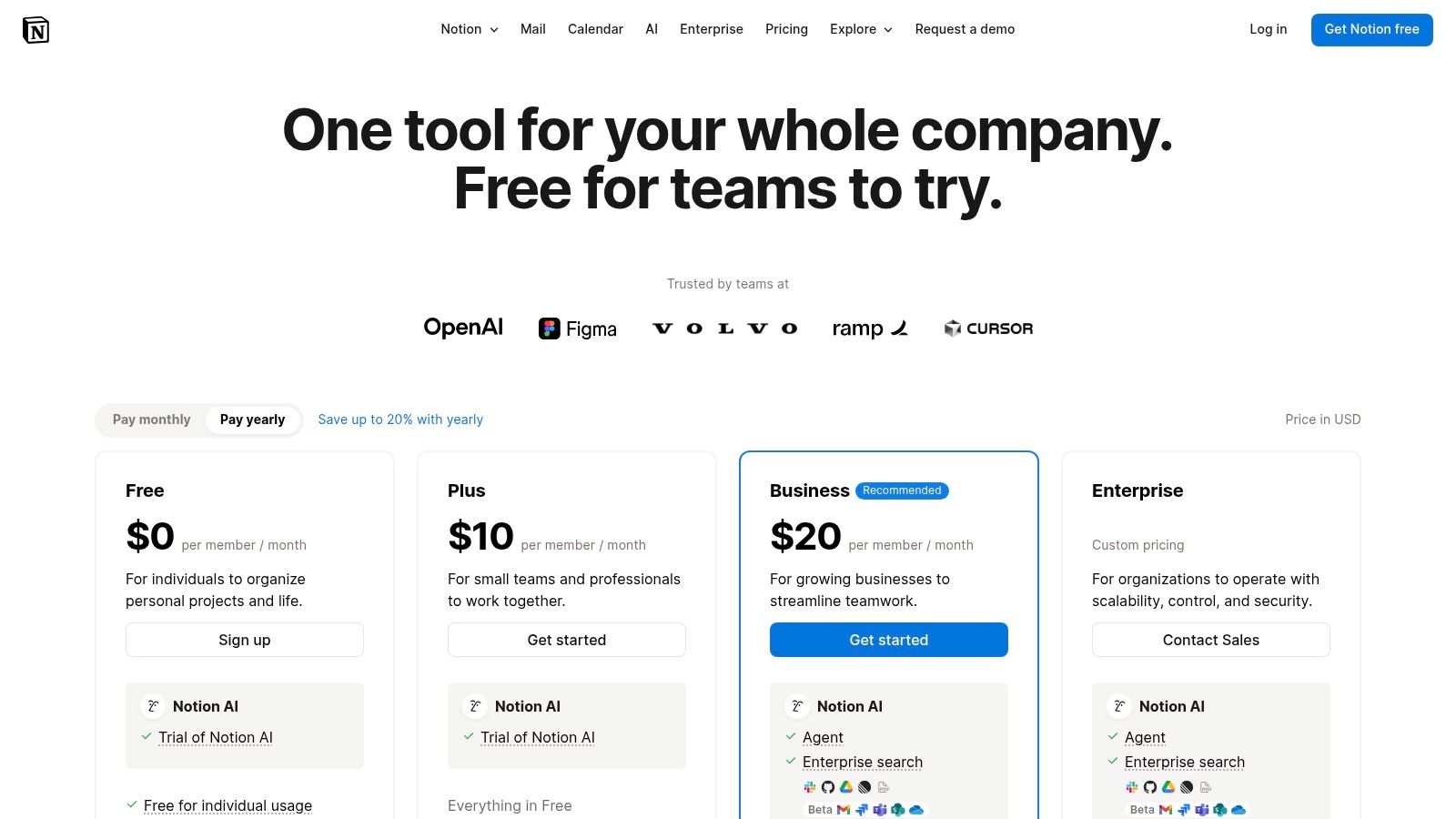
Notion AI is part of a much larger ecosystem of pages, databases, and integrations. While powerful, unlocking the full suite of AI features, especially for teams, often requires moving to their higher-tier Business or Enterprise plans, which can get complex.
Best For:
Pros & Cons:
Website: https://www.notion.com/pricing
For those living in the Apple ecosystem, the web version of the App Store is the primary gateway to discovering the best AI assistant app for your iPhone, iPad, or Mac. While not an AI app itself, it’s a crucial discovery platform, acting as a curated and trusted catalog where you can safely browse, compare, and learn about top contenders like ChatGPT and Perplexity before committing to a download. It’s the first step in finding the right tool for your device.
The platform provides detailed app listings complete with user ratings, screenshots, version history, and Apple’s signature privacy labels. This transparency helps you understand how an app will handle your data-a critical factor when dealing with AI assistants that process personal information. Think of it as the ultimate research hub before you hit "install."
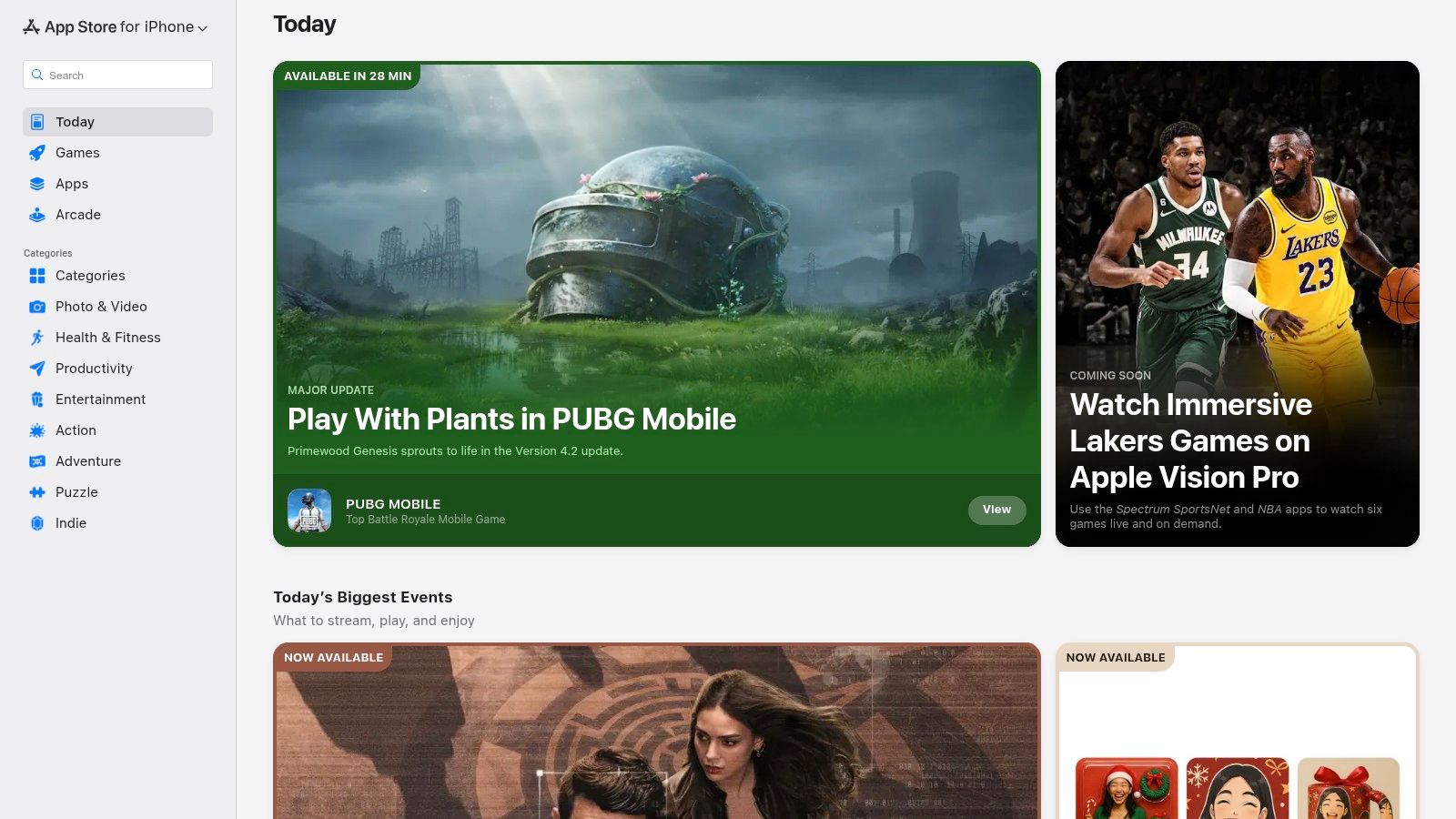
The user experience is clean, simple, and exactly what you’d expect from Apple. Each app page is laid out to give you a comprehensive overview at a glance. You can read curated summaries of reviews, see what’s new in the latest update, and check compatibility with your devices.
While the web interface allows you to browse and "get" an app, the actual installation is handed off to your device, ensuring a secure and seamless process. The store's editorial team often curates collections of AI-powered apps, making it easy to find new and innovative tools you might have otherwise missed.
Best For:
Pros & Cons:
Website: https://apps.apple.com
For the Android faithful, the Google Play Store isn't just an app marketplace; it's the primary gateway to finding the best AI assistant app for your device. While not an AI assistant itself, it's the official, trusted source for discovering and installing everything from major players like ChatGPT and Perplexity to niche AI tools. It’s where you can vet apps through user ratings, reviews, and install counts before committing.
The platform provides a secure and straightforward way to manage your AI toolkit. With verified developer pages and a streamlined update pipeline, you can be confident you're getting legitimate software directly from the source, keeping your apps and data safe. This makes it an essential resource for any Android user looking to tap into the power of AI on the go.
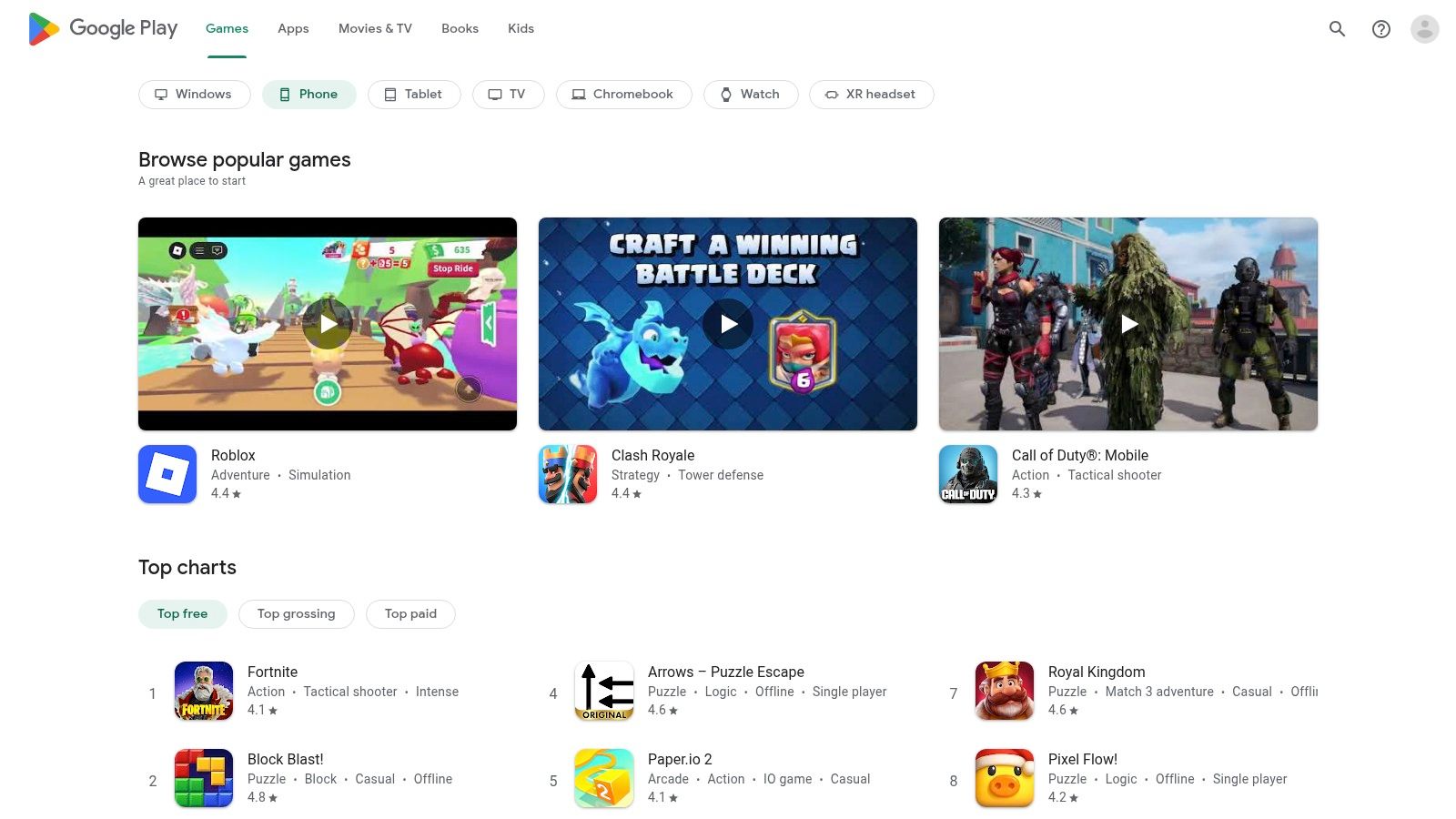
The user experience on the Google Play Store is designed for discovery and security. You can easily search for "AI assistant," compare top results side-by-side, read recent reviews to spot potential bugs, and check the "What's New" section for the latest feature drops. This makes it a powerful research tool before you even hit the install button.
Its core value lies in its role as a secure distribution channel. You get device-ready installs, automatic updates, and a single place to manage subscriptions. This centralized approach simplifies managing a diverse set of AI apps without having to visit dozens of different websites.
Best For:
Pros & Cons:
Website: https://play.google.com
Instead of a single app, our next entry is a powerful research tool. G2 is a massive software marketplace where you can compare different AI assistant apps based on thousands of real user reviews. Think of it as Yelp, but for business software. It’s an invaluable resource for cutting through marketing fluff and seeing how these tools perform in the real world before you commit your time or money.
G2's category pages for AI Chatbots and Voice Assistants provide a bird's-eye view of the market, letting you filter options by features, company size, and user satisfaction ratings. This makes it an essential first stop if you're trying to find a niche solution or compare the top players side-by-side to see which is truly the best AI assistant app for your specific needs.
The user experience on G2 is all about data-driven decision-making. You can access detailed "Grid" reports that visually map out contenders based on market presence and user satisfaction. This helps you quickly identify leaders, high performers, and niche innovators in the AI space. The platform is designed for research, providing buyer guides and direct comparisons to streamline your selection process.
While it’s not a chatbot itself, it’s the ultimate playbook for choosing one. The ability to see candid feedback, especially on aspects like customer support and ease of implementation, is a game-changer. Just be mindful that many listings lean towards B2B solutions, so you might need to filter a bit to find consumer-focused apps.
Best For:
Pros & Cons:
Website: https://www.g2.com/categories/ai-chatbots
Tired of juggling a dozen different AI subscriptions? Zemith enters the scene as a powerful contender for the best AI assistant app by consolidating a whole suite of tools into one unified workspace. Instead of just a chatbot, Zemith is an integrated platform designed to eliminate the constant tab-switching between your chat AI, document analyzer, coding assistant, and image generator. It’s built for those who want one app to rule them all.
This all-in-one approach means you can go from chatting with a PDF to generating code for a new feature without ever leaving the app. It's less of a single-task tool and more of a complete AI-powered environment for getting work done.
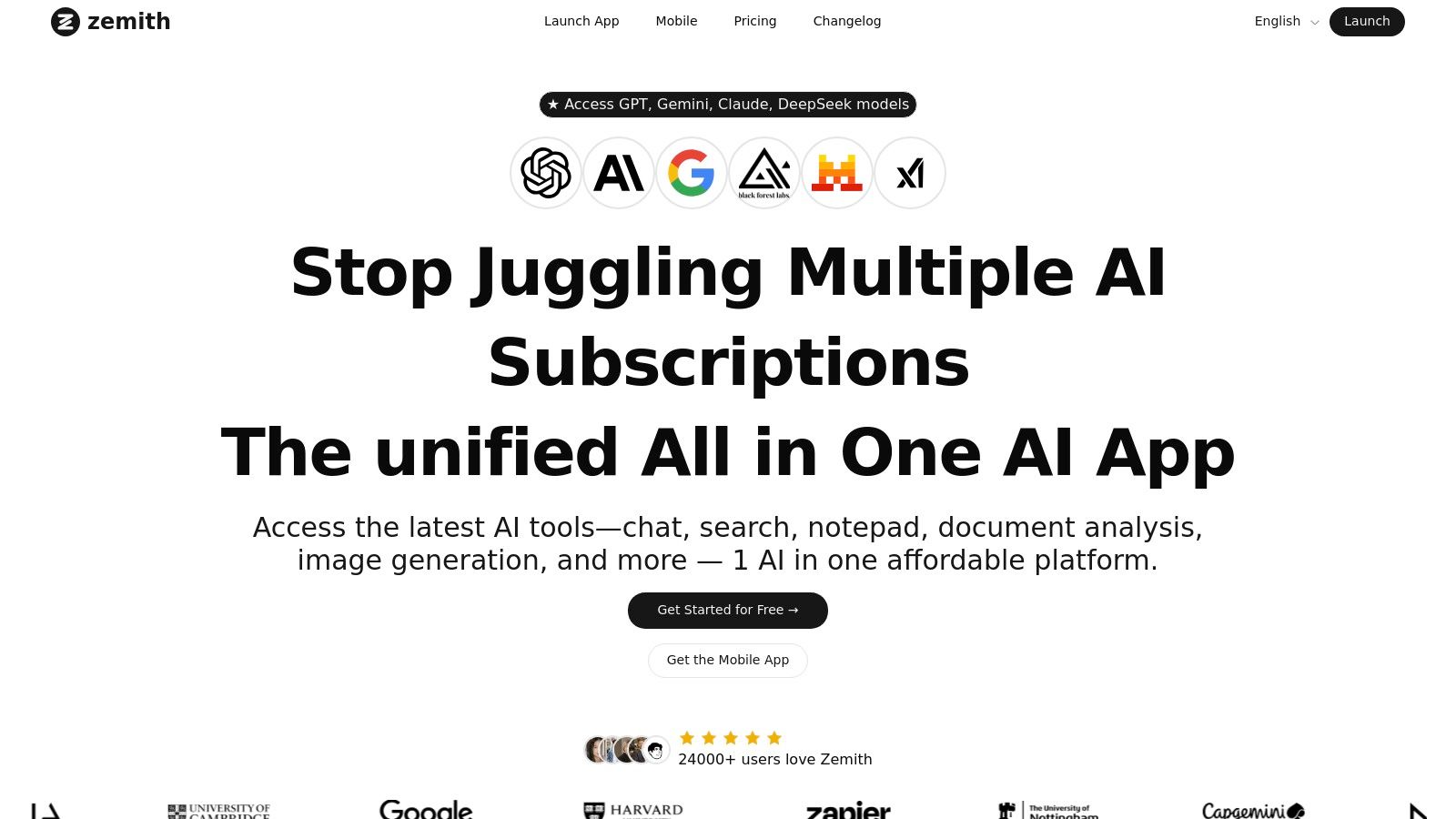
Zemith’s biggest flex is its multi-model access, letting you switch between top-tier models like Gemini 1.5 Pro, Claude 3, and GPT-4 on the fly. This means you always have the best tool for the job, whether you need creativity, analytical power, or sheer speed. The interface is a feature-rich workspace with dedicated tools like a Document Assistant for creating summaries or quizzes from files, and a Smart Notepad that integrates AI directly into your notes.
The platform is packed with practical tools, including a prompt gallery, a coding assistant with live previews, and even an AI Live Mode for real-time audio collaboration. Its focus is on creating a seamless workflow from research to creation.
Best For:
Pros & Cons:
Website: https://www.zemith.com
Alright, we've journeyed through the AI jungle, dodged subscription-dinos, and analyzed a whole zoo of digital brainiacs. From the conversational prowess of ChatGPT and Claude to the ecosystem integration of Google Gemini and Microsoft Copilot, it's clear the world of AI is absolutely packed with specialized, powerful tools. If you’re a die-hard developer needing a coding sidekick, or a writer who just wants to bounce ideas off an endlessly patient muse, there’s an app tailored perfectly for you.
But let's be real. The initial hunt for the "best ai assistant app" often leads to a bigger, more annoying problem: app overload. Your workflow starts to look like a messy digital Rube Goldberg machine. You’re using one app to draft content, another to summarize a PDF, a third to generate an image for your blog post, and a fourth to debug a snippet of code. Each switch is a tiny speed bump for your brain, a moment where you lose your flow. All that context-switching is the silent killer of deep work and genuine productivity.
This is where the entire conversation needs a fundamental shift. The question isn't just about which tool is "best" in a vacuum. The real question is, how do you build an efficient, seamless workflow that leverages the power of all these different AI models without the digital whiplash?
Think of it this way: a master carpenter doesn't just have the best hammer. They have a complete, organized toolbox where every tool is within arm's reach. They aren’t running to different hardware stores for every single task.
That's the core philosophy that separates a good AI app from a great one. The future isn't about juggling a dozen different logins and subscriptions. It's about having a unified command center. Here are the key takeaways you should consider when making your choice:
Ultimately, picking the best AI assistant app is a personal decision, like choosing a new car. You wouldn't buy a sports car to haul lumber. If you are deeply embedded in the Google ecosystem and only need a quick summary now and then, Gemini is a fantastic, low-friction choice. If your life revolves around Microsoft 365, Copilot's integration is a dream.
However, for the power users among us-the developers, researchers, entrepreneurs, and creators-the fragmented approach just doesn't cut it. You need the creative text generation of a GPT-4 model, the analytical power of a Claude 3 Opus for documents, and the visual creativity of a Stable Diffusion, all without hopping between tabs. You need a toolbox, not just a single, shiny hammer. This is precisely the gap Zemith was designed to fill. It's not just another entry on the list; it’s the unified platform that brings the best of all worlds into a single, streamlined interface.
The goal is to spend less time managing your tools and more time using them to do amazing work. The right AI assistant will feel less like a gadget and more like a natural extension of your own mind. Choose wisely, and get ready to unlock your next level of productivity.
Ready to stop juggling a dozen different AI apps and finally unify your workflow? Zemith consolidates the world's leading AI models for writing, coding, research, and image generation into one powerful, intuitive super-app. Experience the power of a complete AI toolkit by starting your free trial at Zemith today.







Trusted by teams at






The top models, plus image, video and voice tools, in one plan.
Without Zemith
ChatGPT PlusUS$20.00Claude ProUS$20.00Google AI ProUS$19.99SuperGrokUS$30.00Perplexity ProUS$20.00 MidjourneyUS$10.00
 ElevenLabsUS$6.00Le Chat ProUS$14.99
 RunwayUS$15.00Kling StandardUS$8.80
 Gamma PlusUS$12.00
 Otter ProUS$16.99
 QuillBot PremiumUS$19.95
 Photoroom ProUS$12.99
 Quizlet PlusUS$7.99
Total if paying separatelyUS$234.70/mo
"I love the way multiple tools they integrated in one platform. Going in the right direction."
— simplyzubair
"The quality of data and sheer speed of responses is outstanding. I use this app every day."
— barefootmedicine
"The credit system is fair, models are perfect, and the discord is very responsive. Quite awesome."
— MarianZ
"Just works. Simple to use and great for working with documents. Money well spent."
— yerch82
"The organization of features is better than all the other sites — even better than ChatGPT."
— sumore
"It lives up to the all-in-one claim. All the necessary functions with a well-designed, easy UI."
— AlphaLeaf
"The team clearly puts their heart and soul into this platform. Really solid extra functionality."
— SlothMachine
"Updates made almost daily, feedback is incredibly fast. Just look at the changelogs — consistency."
— reu0691
Hand off the research, writing, design and follow-ups. Zemith picks the tools it needs and brings back finished work.
Search the web, run deep research, read files, create images and run code with GPT, Claude, Gemini, Grok and more.
Zemith keeps working in the cloud and pings you when it's done.
Notion, Linear, Canva, Airtable and more. It asks before it creates or changes anything.
Docs, slides, sheets and PDFs, ready to send.
Chain models and tools on a visual canvas, from one prompt to a finished promo video.
Briefings, reports and reminders run on a schedule and are ready when you need them.
Real-time voice that can see your camera or screen.
The best image and video models, in one studio.
Turn PDFs, links and YouTube videos into podcasts, quizzes, flashcards and mind maps.














 Podcast
 Quiz
Quiz Flashcards
 Mind map
 Infographic