


Every top model, with tools built in.
Search the web, run deep research, read files, create images and run code with GPT, Claude, Gemini, Grok and more.
Learn how to create a quiz from PDF easily using AI. Discover tips to quickly create a quiz from PDF documents and save your time.
Let's be real, turning a dense PDF into a decent quiz feels like homework you never wanted. You end up manually copying and pasting, trying to dream up insightful questions, and burning hours on what should be a simple task. What if you could skip that entire soul-crushing process and generate a quiz from any PDF in just a few minutes?

This guide will show you how to leave those tedious, manual methods in the dust. We'll walk through how smart AI tools, specifically Zemith's Document Assistant, can instantly turn a dry training manual or a complex textbook chapter into an engaging learning tool. No more quiz-induced headaches, I promise.
Think of it as reclaiming your time. No more late nights trying to piece together a knowledge check for your team or students. The market for these tools is expanding quickly for a reason. In fact, the global online quiz maker market was valued at around USD 1,158.4 million and is seeing huge growth as AI becomes more integrated. You can learn more about the market growth of online quiz makers to see just how big the demand is.
Instead of getting bogged down in quiz creation, you could be spending your time on things that actually matter, like:
Manually creating a quiz from a dense PDF is a grind. You spend hours poring over pages, trying to pick out the most important concepts and then wording questions just right. It's not just tedious; it's a genuine time-sink that could be spent on, well, anything else.
This is where an AI tool like Zemith’s Document Assistant really changes the game. It doesn't just scan for keywords like a clumsy robot. It actually reads and understands the material, pulling out the core ideas to build questions that are truly relevant. This level of intelligent automation is a huge reason why the online quiz platform market has exploded, now valued at over $2.5 billion.
The real magic is in the efficiency. The AI does the heavy lifting of identifying key information, freeing you up to focus on what matters most: teaching, training, or creating more awesome content.
This infographic gives you a quick visual breakdown of that streamlined process.
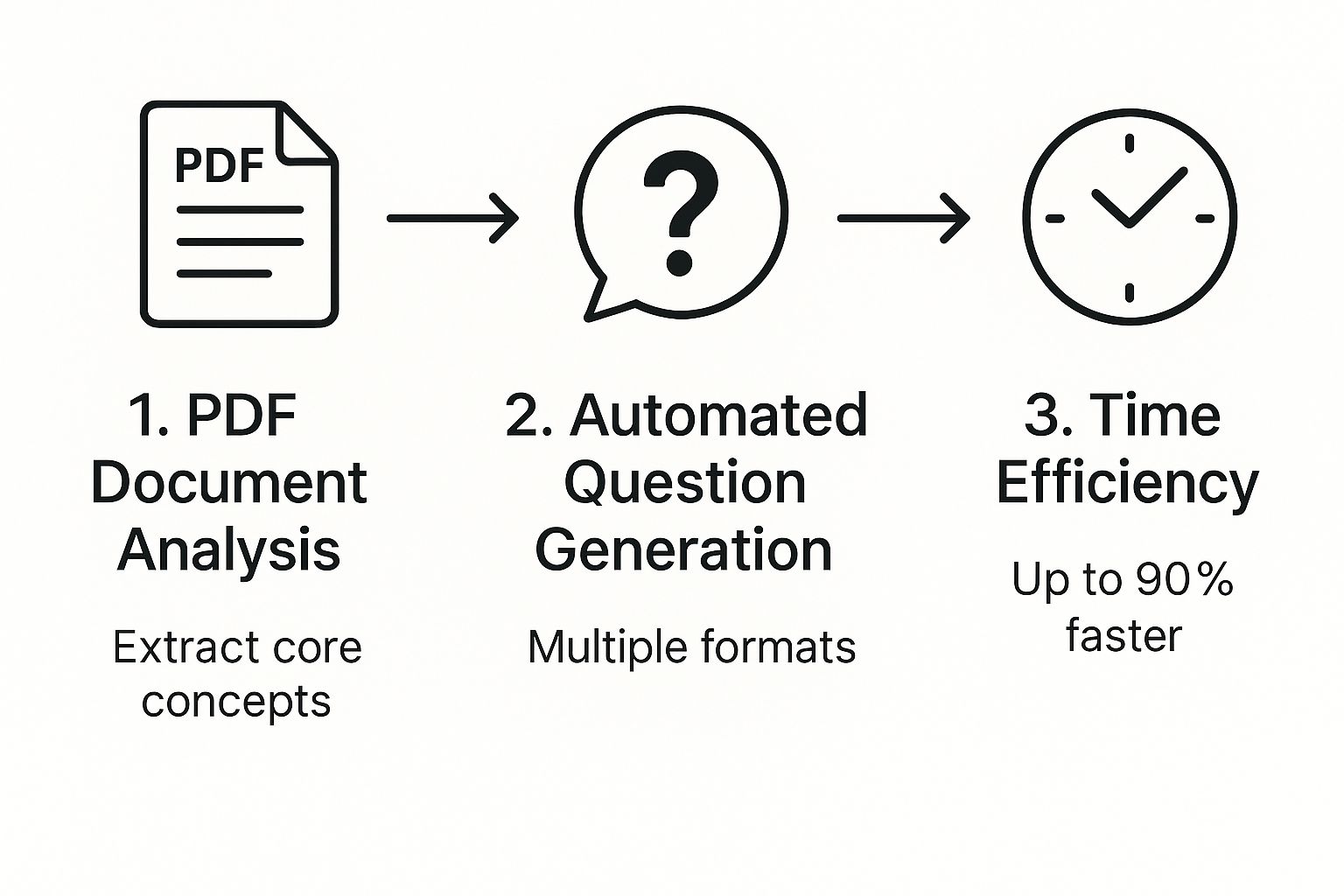
To really see the difference, here is a side-by-side look at the old way versus using an AI-powered tool like Zemith to create quizzes from your documents.
The takeaway is clear: AI doesn't just make the process faster; it makes it smarter and way more scalable.
This leap in efficiency isn't unique to quiz generation. It mirrors how AI is being used in other areas, like summarizing long documents. You can see a similar process in our guide on how to use AI to summarize a PDF. In a broader sense, it's part of a larger trend where tools are getting much smarter, just as we see how AI website builders revolutionize web development.
Ready to turn that dense PDF into an engaging quiz without pulling your hair out? Let's dive into Zemith’s Document Assistant and get it done. It’s so straightforward, you'll be a pro in no time.
First things first, you’ll need to upload your document. For the best results, make sure you're starting with a text-based PDF. If your document is essentially a collection of images (like a scanned handout from 1998), the AI won't be able to read the text. It's smart, but it's not a magician.
Not sure what you have? A quick way to check is to try and highlight the text within the PDF. If you can, you're golden. If not, it’s an easy fix. We have a simple guide on how to convert a PDF to text that will walk you through it.
Once your document is uploaded, it's time for the fun part: telling the AI what to do. This is where you tell Zemith exactly what you need. Think of it as giving instructions to a super-fast, super-smart assistant who never needs a coffee break.
Let’s say you’ve uploaded a 20-page employee onboarding manual. Instead of manually combing through it for questions, you can just give a clear, simple command like:
"Create a 15-question compliance quiz from this document, focusing on company policies."
This is the main interface where all the magic happens. Just drag your file into the window to get started.
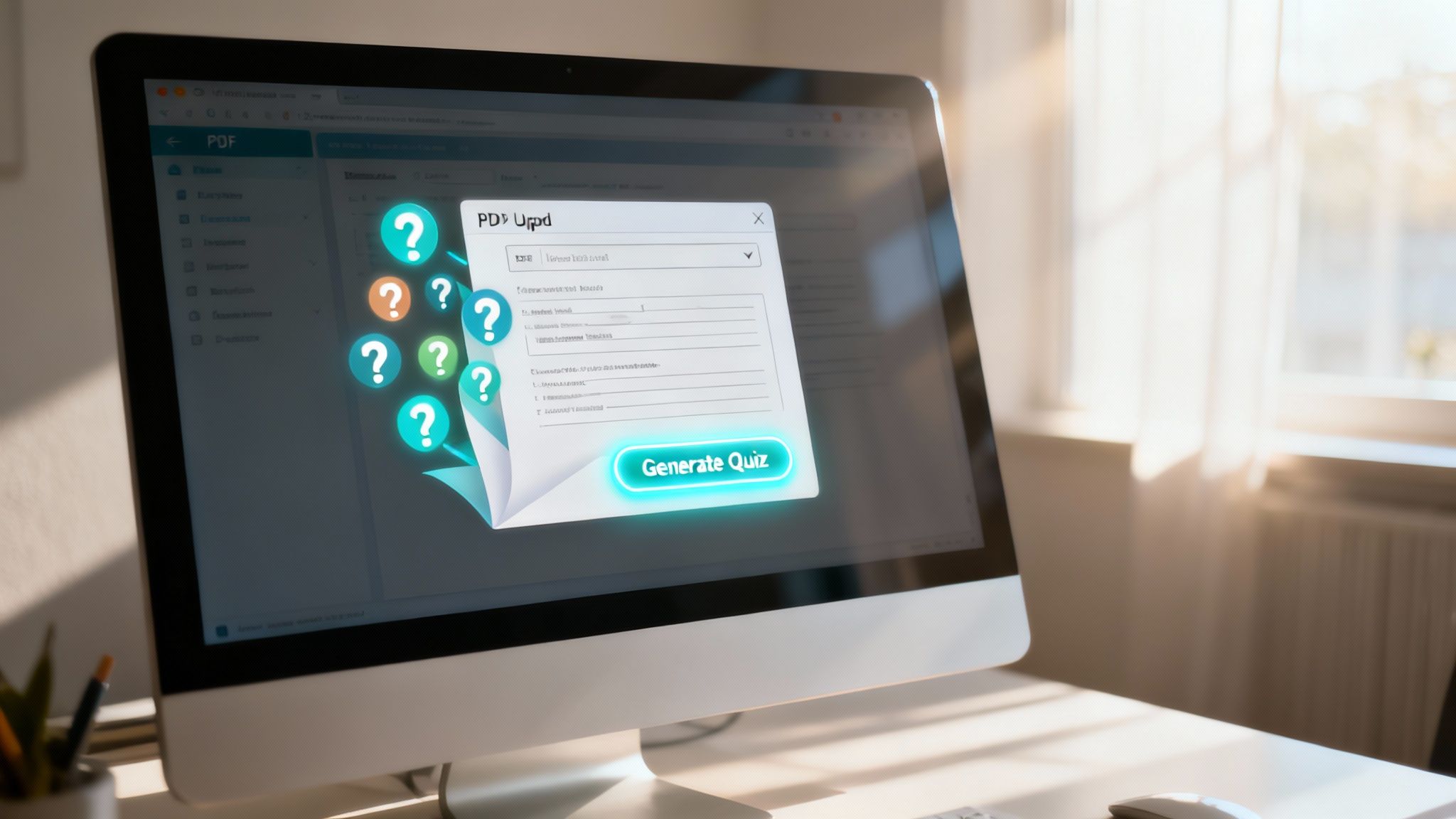
The clean, intuitive layout means you can go from upload to interaction almost instantly. Within seconds, Zemith will generate a solid first draft of your quiz, ready for you to review and fine-tune.
Zemith’s AI does a fantastic job of getting you 90% of the way to a finished quiz, delivering a solid first draft in seconds. Now it's your turn to step in and apply your expertise to add that final, human touch. This is where you shift from creator to curator, making sure every question hits the mark.
Think of the AI as a brilliant but tireless research assistant. It pulls out all the key concepts and facts from your document, but you’re the expert who knows exactly how to frame them to challenge your learners.
This ability to quickly generate and then refine content is what makes modern assessment tools so powerful. The integration of smart technology is a major reason the market for online quiz makers continues to expand, enabling more personalized and effective learning experiences.
My Go-To Strategy: I never just accept the first set of questions as final. If a question feels a bit off or doesn't quite capture the nuance I'm after, I use Zemith's one-click regenerate feature. It’s like having an endless supply of alternatives until you find the perfect one. I also frequently add my own custom questions for specific scenarios that require critical thinking beyond simple recall. It's the perfect human-AI team-up.
So, you’ve generated a quiz from your PDF. That’s a great start, but the real magic lies in making that quiz an effective learning tool, not just a memory test. Let's dig into a few principles I’ve found essential for creating assessments that actually make people smarter.
The biggest pitfall I see is ambiguous questions. Your goal should be to test a person's understanding of the material, not their ability to decipher a poorly worded question. If a question can be interpreted in more than one way, it's not a fair assessment of their knowledge.
Think of it this way: your aim is clarity, not trickery. A good question has one clear, correct answer based on the source material.
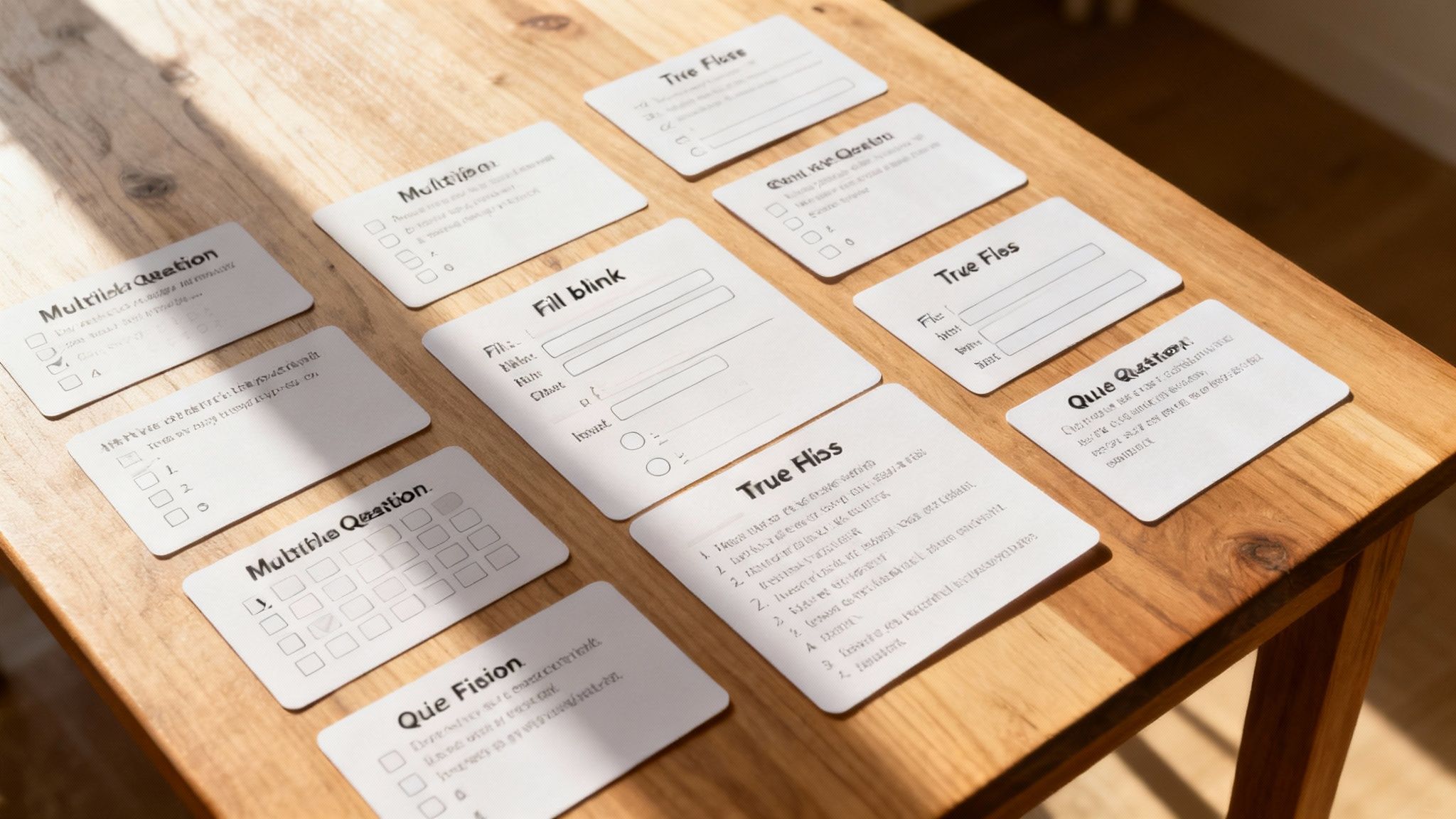
It’s tempting to rely solely on multiple-choice questions—they’re fast and easy to grade. But to get a true picture of someone's understanding, you need to go a bit deeper. Variety is the spice of life, and of quizzes.
Pro Tip: A healthy mix of question types is key. While multiple-choice is great for quick recall, adding a few short-answer or scenario-based questions pushes learners to apply their knowledge and think critically. With Zemith, you can prompt for different formats like "create 5 true/false and 5 multiple-choice questions," making it easy to build a more robust quiz.
A well-designed quiz is brilliant at pinpointing knowledge gaps. Once you know where the weak spots are, you can target those areas for review. This is where a multi-pronged study approach really shines.
For instance, after a quiz reveals a tricky concept, you can create a targeted set of flashcards to master it. You can learn more about how to create flashcards that work hand-in-hand with your quizzes.
Alright, you've built your masterpiece. Now for the most important part: getting it to your audience. A quiz sitting on your hard drive isn't doing anyone any good, but fortunately, sharing it is a piece of cake.
Zemith gives you a few different ways to share your work, so you can pick whatever fits your workflow best. You can export the quiz as a simple text file if you need a printable version, or grab a CSV file to quickly upload it into your school's Learning Management System (LMS).
My personal go-to is the direct shareable link. It’s just so easy. I can drop it right into an email, post it in a Slack channel, or add it as an assignment in Google Classroom in seconds. No fuss, no muss.
This kind of flexibility means you can get the quiz where it needs to go without any technical headaches. It’s a refreshingly straightforward end to the creation process.
Thinking about using AI to turn your PDFs into quizzes? It's a game-changer, but you probably have a few questions. I've been in this space for a while, and here are the answers to the questions I hear most often.
You’ll get the best results with text-based PDFs. We’re talking about documents where you can actually click, drag, and highlight the text. If you can copy and paste from it, the AI can read it.
On the other hand, scanned documents that are essentially just flat images of text won't work. The AI needs real text data to understand the content and create meaningful questions. Stick to original digital files whenever you can.
Absolutely. A good tool isn't a one-trick pony. With Zemith, for instance, you can easily generate a variety of question types from a single document. Think beyond the basics and mix it up to keep your learners engaged.
You can create:
They’re remarkably accurate, but you should always plan to give them a quick final look. My advice? Treat the AI as an incredibly efficient assistant that produces a solid first draft.
You’re the expert on the material. A quick review allows you to make minor tweaks, ensuring every question perfectly aligns with your specific goals and the nuances of the content. Zemith gets you to the finish line faster, but you're still the one who waves the checkered flag.
Ready to stop building quizzes the hard way? It's time to let AI handle the heavy lifting. Get started with Zemith and you can have a high-quality quiz ready to go in just a few minutes.







Trusted by teams at






The top models, plus image, video and voice tools, in one plan.
Without Zemith
ChatGPT PlusUS$20.00Claude ProUS$20.00Google AI ProUS$19.99SuperGrokUS$30.00Perplexity ProUS$20.00 MidjourneyUS$10.00
 ElevenLabsUS$6.00Le Chat ProUS$14.99
 RunwayUS$15.00Kling StandardUS$8.80
 Gamma PlusUS$12.00
 Otter ProUS$16.99
 QuillBot PremiumUS$19.95
 Photoroom ProUS$12.99
 Quizlet PlusUS$7.99
Total if paying separatelyUS$234.70/mo
"I love the way multiple tools they integrated in one platform. Going in the right direction."
— simplyzubair
"The quality of data and sheer speed of responses is outstanding. I use this app every day."
— barefootmedicine
"The credit system is fair, models are perfect, and the discord is very responsive. Quite awesome."
— MarianZ
"Just works. Simple to use and great for working with documents. Money well spent."
— yerch82
"The organization of features is better than all the other sites — even better than ChatGPT."
— sumore
"It lives up to the all-in-one claim. All the necessary functions with a well-designed, easy UI."
— AlphaLeaf
"The team clearly puts their heart and soul into this platform. Really solid extra functionality."
— SlothMachine
"Updates made almost daily, feedback is incredibly fast. Just look at the changelogs — consistency."
— reu0691
Hand off the research, writing, design and follow-ups. Zemith picks the tools it needs and brings back finished work.
Search the web, run deep research, read files, create images and run code with GPT, Claude, Gemini, Grok and more.
Zemith keeps working in the cloud and pings you when it's done.
Notion, Linear, Canva, Airtable and more. It asks before it creates or changes anything.
Docs, slides, sheets and PDFs, ready to send.
Chain models and tools on a visual canvas, from one prompt to a finished promo video.
Briefings, reports and reminders run on a schedule and are ready when you need them.
Real-time voice that can see your camera or screen.
The best image and video models, in one studio.
Turn PDFs, links and YouTube videos into podcasts, quizzes, flashcards and mind maps.














 Podcast
 Quiz
Quiz Flashcards
 Mind map
 Infographic