


Every top model, with tools built in.
Search the web, run deep research, read files, create images and run code with GPT, Claude, Gemini, Grok and more.
Tired of forgetting what you read? Master these 10 actionable critical reading strategies to boost comprehension, retention, and analytical skills. Start now!
Let's be real. You've spent hours reading a dense report, a technical manual, or a textbook, only to have your brain go completely blank an hour later. It feels like pouring water into a leaky bucket, right? The problem isn't your brain; it's your strategy. Most of us were taught to read, but not how to think while we read. That's where critical reading strategies come in.
This isn't about reading slower; it's about reading smarter. It’s the difference between letting words wash over you and actively wrestling with the ideas they represent. Critical reading is a hands-on, active process where you question, analyze, and evaluate the text instead of just passively accepting it. Think of it as being a detective, not just a spectator. By engaging with material this way, you'll be able to dismantle arguments, connect disparate ideas, and retain information like a pro. Before diving into specific techniques, it's essential to grasp the fundamentals of how to improve reading comprehension skills.
In this guide, we're breaking down 10 powerhouse techniques that will transform you from a passive consumer of information into an analytical powerhouse. We'll cover everything from classic academic methods like SQ3R to practical tactics like chunking and visual organization. We'll give you actionable steps, real-world scenarios, and even show you how AI tools like Zemith can give you some serious superpowers along the way. Ready to upgrade your reading OS?
Active reading is the difference between letting words wash over you and actually having a conversation with the text. Instead of just passively consuming content, you actively engage with it by highlighting, underlining, and scribbling notes in the margins. This critical reading strategy transforms you from a spectator into an active participant, making the information stickier and much easier to recall later. Think of it as leaving breadcrumbs for your future self, so you can easily retrace your thoughts.

This method is a game-changer for anyone who needs to deeply understand and retain complex information. Academic researchers use it to deconstruct dense papers, law students annotate case studies to pinpoint legal precedents, and software developers mark up technical documentation to quickly find crucial functions. It’s all about creating a personalized map of the material that matters most to you.
Getting started is simple, but a little structure goes a long way.
Pro-Tip: For digital documents, leverage AI to supercharge your annotation process. Zemith's Document Assistant can instantly highlight key passages and generate summaries from your selected text, saving you tons of time. You can even use it to create flashcards from your notes, turning your annotations into an active study tool. This practice fits perfectly with some of the best note-taking strategies available today.
If active annotation is a conversation with the text, the SQ3R method is your strategic game plan for that conversation. Developed by Francis P. Robinson, this five-step process (Survey, Question, Read, Recite, Review) is a structured framework that prevents you from just diving in blind. It’s one of the most powerful critical reading strategies for systematically extracting and retaining information, ensuring you don’t get to the end of a chapter and think, "Wait, what did I just read?"
This methodical approach is a lifesaver in high-stakes learning environments. Students use it to deconstruct dense textbooks for exams, researchers apply it to systematically analyze academic papers, and marketing professionals use it to break down competitor research reports. The goal is to build a mental framework first, making it easier for new information to find its place.
This isn't just about reading; it's about processing information in distinct, manageable phases.
Pro-Tip: Make the "Review" phase ridiculously easy with AI. Use Zemith's Quiz Generator to instantly create a set of practice questions from your document or notes. This automates the review process and helps you actively test your recall, which is a key technique if you want to learn how to improve your memory retention.
In a world drowning in data, skimming and scanning aren't just reading shortcuts; they're essential survival skills. These two complementary critical reading strategies help you manage information overload by treating your time as a precious resource. Skimming gives you a high-level overview of a text in seconds, while scanning is your searchlight for pinpointing specific facts or keywords. It's the difference between seeing the whole forest and instantly finding the one specific tree you need.
These techniques are the secret weapon of efficient professionals everywhere. Researchers rapidly survey dozens of academic papers to find the few that are truly relevant. Software developers scan dense API documentation to locate a single function they need to implement. Marketers fly through competitor reports, plucking out key metrics without getting bogged down in the fluff. By adjusting your reading speed to match your goal, you can process huge volumes of text without burning out.
Mastering these skills is about being intentional with your reading. You're not reading for pleasure; you're on a mission.
Pro-Tip: Before you even start skimming a lengthy document, let an AI give you the cheat codes. Use Zemith’s AI features to generate an instant summary of the entire text. This gives you the core ideas immediately, helping you decide which sections deserve a closer look and which keywords you should scan for. It's like having a personal research assistant that pre-reads everything for you.
Reading a text without its context is like watching a movie on mute; you get the visuals but miss the whole story. Contextual reading involves understanding a piece of writing within its broader environment, including its historical, cultural, or industry-specific background. This critical reading strategy pushes you to investigate the author, the publication date, and the source's credibility before you even accept the first sentence as fact. It's the ultimate defense against taking information at face value.
This method is indispensable for anyone whose job relies on information accuracy. Journalists use it to verify sources before publishing a story, researchers examine publication bias to ensure their work is balanced, and software developers explore the philosophical origins of design patterns to apply them correctly. You're not just reading words; you're uncovering the "why" behind them.
Putting on your detective hat is easier than it sounds. A little prep work can completely change your understanding of a text.
Pro-Tip: Before diving into a dense document, use an AI tool to build a "context file." With Zemith’s Smart Notepad, you can quickly compile notes on the author, publication, and key background concepts. Its real-time web search feature helps you fact-check claims and pull in related data without ever leaving your workspace, ensuring your reading is always informed. This is a foundational step in any serious research project, like when you learn how to conduct a literature review.
If active reading is having a conversation with a text, then inferential reading and close reading are like playing detective. This is where you go beyond what’s explicitly stated on the page to uncover what’s implied, assumed, or even intentionally hidden. You're not just consuming information; you're analyzing the author's choices, detecting biases, and drawing logical conclusions based on textual evidence. This is one of the most powerful critical reading strategies for deconstructing complex arguments.

This advanced skill is essential across many fields. Literary scholars use it to analyze symbolism in novels, while fact-checkers use it to spot misleading statistics or cherry-picked data. For developers, it means reviewing code comments and documentation for hidden assumptions that could break a system. It’s all about putting on your Sherlock Holmes hat and looking for clues in language, structure, and subtext.
This strategy takes patience, but it pays off with a much deeper understanding.
Pro-Tip: When you're stuck on a dense passage, use an AI tool to help you see it from a new angle. With Zemith's Document Assistant, you can ask it to generate alternative interpretations or identify underlying assumptions in the text. This practice is a fantastic way to sharpen your analytical abilities and improve your critical thinking skills by comparing your own inferences against an AI-generated analysis.
Reading one source gives you a single perspective. Reading several sources on the same topic is where true understanding begins. This is the core of comparative and analytical reading: instead of taking one author's word as gospel, you become a detective, piecing together a more complete picture from multiple viewpoints. This critical reading strategy pushes you to identify similarities, contradictions, and hidden patterns across different texts.
This method is the bedrock of rigorous research and smart decision-making. Researchers use it to compare methodologies across academic papers, marketers analyze competitor strategies to find market gaps, and policy analysts evaluate data from multiple sources to form balanced recommendations. It’s about synthesizing information, not just summarizing it, allowing you to form a sophisticated and evidence-based judgment.
Juggling multiple sources can feel like herding cats, but a structured approach makes it manageable.
Pro-Tip: Streamline your multi-source analysis with Zemith's Projects. You can create a dedicated Project for your topic, upload all relevant documents, and use the Document Assistant to generate an initial summary for each one. Then, use Zemith's Smart Notepad to build your comparison matrix side-by-side with your sources, creating a powerful hub for your analytical work.
Reciprocal teaching turns reading from a solo mission into a collaborative brain-building exercise. This strategy involves a structured dialogue about a text, rotating through four key roles: predicting, clarifying, questioning, and summarizing. It's a powerful way to deconstruct complex information as a group, ensuring everyone is on the same page and actively building meaning together rather than just passively reading.
This method shines in any collaborative environment. Study groups use it to tackle dense textbook chapters, research teams apply it to analyze academic papers, and even software development teams can use it to collectively understand technical documentation for a new API. By making thinking visible through conversation, you uncover insights you might have missed on your own. It's one of the most effective group-based critical reading strategies out there.
To get started, assign one of the four roles to each person for a specific section of the text.
Pro-Tip: You can supercharge these questioning strategies with AI. Use Zemith’s Document Assistant to generate a list of potential discussion questions from any document instantly. Then, bring your group into a Zemith AI Live Mode session to have a dynamic, AI-facilitated conversation about the text, ensuring your discussion stays on track and digs deep into the core concepts. This tech-driven approach makes collaboration more focused and productive.
Ever tried to eat an entire pizza in one bite? Probably not, and you shouldn't try it with a dense document either. The chunking and segmentation method is the intellectual equivalent of slicing that pizza. Instead of tackling a massive text all at once, you break it into smaller, manageable segments. This approach systematically reduces cognitive overload, making it one of the most effective critical reading strategies for digesting complex material without getting mental indigestion.
This strategy is a lifesaver for anyone facing a wall of text. Developers use it to master lengthy API documentation by focusing on one endpoint at a time, while academic researchers process dense scholarly articles section by section to isolate key findings. It’s all about creating natural stopping points to process, summarize, and integrate information before you get overwhelmed and your brain starts to buffer.
Chunking is simple in theory, but a little structure makes it powerful in practice.
Pro-Tip: Don't guess where a text's natural breaks are. Use Zemith’s Document Assistant to analyze the document structure and suggest logical segments. You can then use the Smart Notepad to create a progress tracker, jotting down your summary for each chunk as you complete it, turning a daunting task into a series of small, satisfying wins. This is a great way to stay organized when applying critical reading skills.
Some brains just think better in pictures, and that's where this critical reading strategy shines. Visual and Graphic Organizer Reading is all about translating linear text into spatial, non-linear diagrams. Instead of just reading words in a line, you actively map out the relationships between ideas using tools like mind maps, flowcharts, or concept diagrams. This process forces you to identify the core structure of a text, see hidden connections, and understand complex hierarchies at a glance.
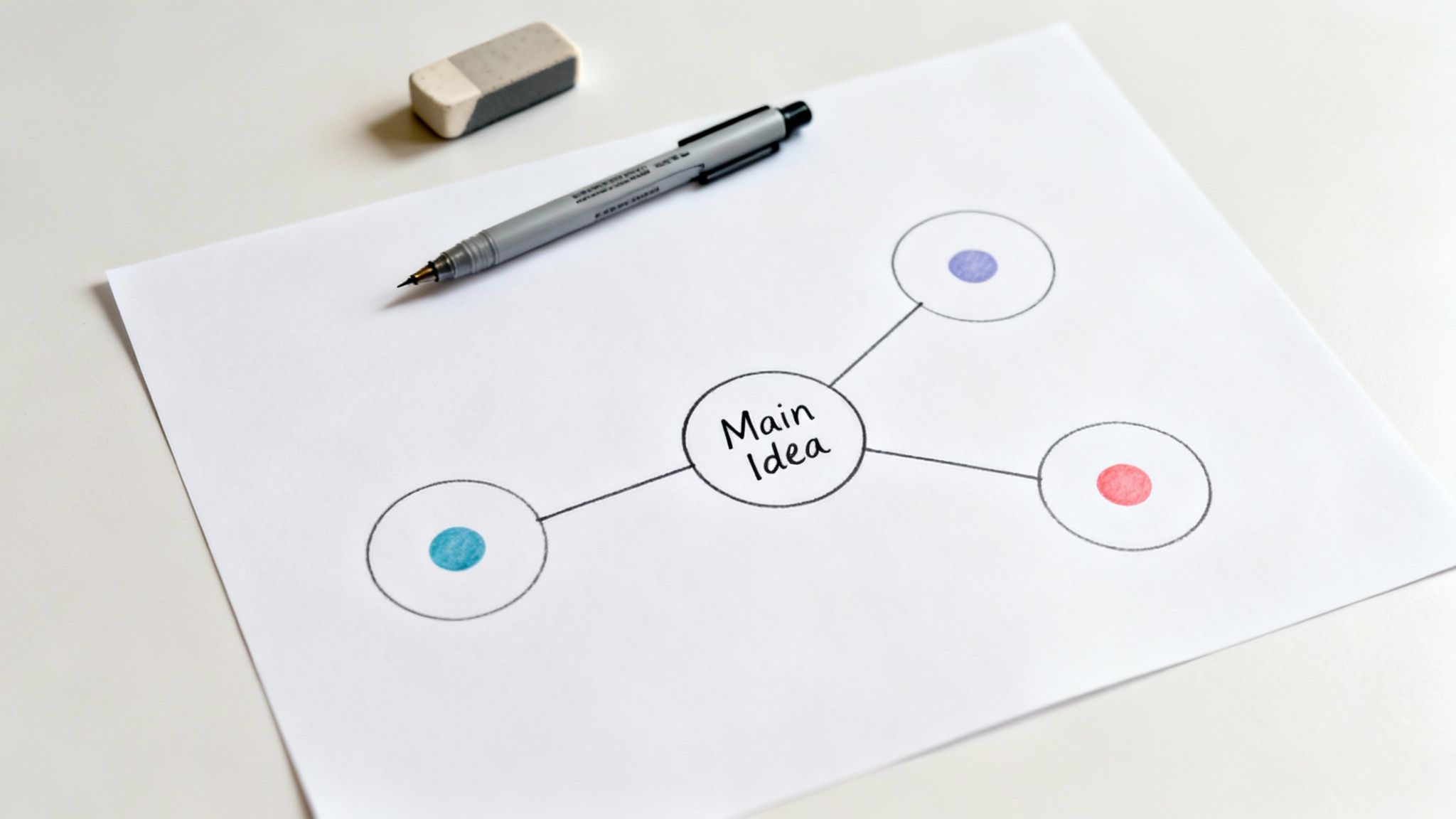
This method is a lifeline when you're dealing with dense, interconnected information. Software developers use it to map out system architecture from technical documentation, making sense of how different components interact. Marketers visualize the customer journey from research reports, and researchers create concept maps to synthesize findings from dozens of academic papers. It turns an overwhelming wall of text into a clear, navigable visual story.
Ready to turn your reading into art? Here’s how to get started without getting tangled up.
Pro-Tip: Digital tools can make this process dynamic and collaborative. Zemith's Whiteboard is perfect for creating and sharing visual organizers. You can easily drag and drop concepts, connect ideas, and refine your map as your understanding evolves. For more ways to organize your thoughts visually, check out these powerful mind mapping techniques.
Metacognitive monitoring is essentially thinking about your own thinking while you read. It's the inner voice that stops you mid-paragraph and asks, "Wait, do I actually get this?" Instead of passively absorbing words, you’re actively checking your comprehension, identifying when it fails, and deciding what to do about it. This is one of the most powerful critical reading strategies because it turns you into a self-sufficient, adaptable learner.
This strategy is crucial for anyone tackling dense or unfamiliar material. A developer reading new API documentation will pause to recognize when a concept isn't clicking and research it further. A researcher uses it to notice when an author's argument conflicts with their existing knowledge, prompting a deeper investigation. It’s all about creating a feedback loop between the text and your brain, ensuring you're not just reading, but truly understanding.
Building this self-awareness takes practice, but these steps make it much more manageable.
Pro-Tip: Make self-assessment an integrated part of your workflow with AI. Use Zemith’s Smart Notepad to create a dedicated 'Confusion Log' you can easily reference. After reading, use the Quiz Generator to create a pop quiz from the text, giving you instant, unbiased feedback on what you truly understood versus what you just skimmed over.
We've just unpacked a treasure chest of ten powerful critical reading strategies, from the foundational Active Reading and Annotation to the analytical power of Comparative Reading and the self-awareness of Metacognitive Monitoring. It’s a lot to take in, but here's the secret: you don't need to become a master of all ten overnight. You just need to start.
The journey from passive reader to active, critical thinker isn't about memorizing acronyms or forcing yourself through a rigid process. It's about building an adaptable toolkit. Think of these strategies as different lenses. You wouldn't use a microscope to look at the stars, and you wouldn't use a telescope to examine a cell. Similarly, you'll choose your critical reading strategy based on your goal.
The real magic happens when you start combining these techniques and tailoring them to your specific needs. Here’s a quick recap of how these strategies fit different scenarios:
For Deep Learning & Retention: Pair the SQ3R Method with Reciprocal Teaching. Create your initial questions (Q in SQ3R), and then deepen them with the four questioning roles of Reciprocal Teaching (questioning, clarifying, summarizing, predicting) as you read. This combo is unbeatable for academic study or mastering a complex new subject.
For Rapid Research & Analysis: Start with Skimming and Scanning to triage a large volume of articles. Once you’ve identified the most relevant documents, switch to Comparative Reading to synthesize insights, identify patterns, and spot contradictions across sources. This is a game-changer for researchers and market analysts.
For Technical Documentation & Dense Manuals: The Chunking and Segmentation Method is your best friend here. Break down those intimidating walls of text into manageable sections. Then, use Visual Organizers like flowcharts or diagrams to map out processes and relationships, turning abstract instructions into a concrete visual guide. Software developers and engineers, this one's for you.
For Creative & Persuasive Content: When analyzing a marketing campaign, a novel, or a political speech, Inferential Reading is key. Dig beneath the surface to understand the author's intent, tone, and unstated assumptions. Combine this with Contextual Reading to understand the cultural, historical, or social forces that shaped the text. This gives you a 360-degree view of the message.
The most important takeaway is this: critical reading is a skill, and like any skill, it improves with consistent practice. It's a mental muscle. You wouldn't expect to go to the gym once and be a bodybuilder. Likewise, applying one of these strategies just once won't instantly make you a super-reader.
So, start small. Pick one strategy that resonates with you and apply it to the next article, report, or chapter you read. Maybe it’s just grabbing a highlighter and actively annotating. Or perhaps it’s taking five minutes to "Survey" a document before diving in. Celebrate that small win. The goal is to build momentum until these practices become second nature.
Ultimately, mastering these critical reading strategies is about more than just getting through your reading list faster. It's about reclaiming your focus in a world saturated with information. It’s about transforming from a passive consumer of content into an active, discerning creator of knowledge. You gain the power to question assumptions, connect disparate ideas, and build a truly deep understanding of any topic you choose. That's not just a study skill; it's a life skill.
Ready to put these strategies on steroids? While you focus on the deep thinking, let Zemith handle the heavy lifting of summarizing dense documents, generating flashcards for review, and organizing your insights. Supercharge your critical reading workflow by trying Zemith today and see how smart automation can unlock your full intellectual potential.







Trusted by teams at






The top models, plus image, video and voice tools, in one plan.
Without Zemith
ChatGPT PlusUS$20.00Claude ProUS$20.00Google AI ProUS$19.99SuperGrokUS$30.00Perplexity ProUS$20.00 MidjourneyUS$10.00
 ElevenLabsUS$6.00Le Chat ProUS$14.99
 RunwayUS$15.00Kling StandardUS$8.80
 Gamma PlusUS$12.00
 Otter ProUS$16.99
 QuillBot PremiumUS$19.95
 Photoroom ProUS$12.99
 Quizlet PlusUS$7.99
Total if paying separatelyUS$234.70/mo
"I love the way multiple tools they integrated in one platform. Going in the right direction."
— simplyzubair
"The quality of data and sheer speed of responses is outstanding. I use this app every day."
— barefootmedicine
"The credit system is fair, models are perfect, and the discord is very responsive. Quite awesome."
— MarianZ
"Just works. Simple to use and great for working with documents. Money well spent."
— yerch82
"The organization of features is better than all the other sites — even better than ChatGPT."
— sumore
"It lives up to the all-in-one claim. All the necessary functions with a well-designed, easy UI."
— AlphaLeaf
"The team clearly puts their heart and soul into this platform. Really solid extra functionality."
— SlothMachine
"Updates made almost daily, feedback is incredibly fast. Just look at the changelogs — consistency."
— reu0691
Hand off the research, writing, design and follow-ups. Zemith picks the tools it needs and brings back finished work.
Search the web, run deep research, read files, create images and run code with GPT, Claude, Gemini, Grok and more.
Zemith keeps working in the cloud and pings you when it's done.
Notion, Linear, Canva, Airtable and more. It asks before it creates or changes anything.
Docs, slides, sheets and PDFs, ready to send.
Chain models and tools on a visual canvas, from one prompt to a finished promo video.
Briefings, reports and reminders run on a schedule and are ready when you need them.
Real-time voice that can see your camera or screen.
The best image and video models, in one studio.
Turn PDFs, links and YouTube videos into podcasts, quizzes, flashcards and mind maps.














 Podcast
 Quiz
Quiz Flashcards
 Mind map
 Infographic