


Every top model, with tools built in.
Search the web, run deep research, read files, create images and run code with GPT, Claude, Gemini, Grok and more.
Explore ai tools for code generation that boost productivity with AI-powered coding. See our top 12 picks for 2025 and find the best fit for your workflow.
Remember the good ol' days? When debugging meant staring at a screen until your eyes blurred and writing unit tests felt like a special kind of punishment? Yeah, me neither. Thankfully, we're living in the future, and a whole army of AI tools for code generation has arrived to save us from terminal boredom and the endless grind of repetitive tasks. It's like having a senior dev who never gets tired, never asks for a raise, and doesn't judge you for googling how to exit Vim. Again.
But with new tools popping up faster than node_modules folders, which ones are actually worth your time? Are they just glorified autocompletes, or can they genuinely speed up your workflow, squash bugs, and even help you learn a new framework? It's a valid question, and the answer depends entirely on what you're building. For a deeper dive into the transformative potential of AI in the broader software development landscape, consider exploring the future of AI in software development.
This guide cuts through the hype to give you the real scoop on 12 of the best AI coding assistants out there, from standalone helpers to fully integrated platforms like Zemith. We're not just listing features; we're diving into what it's really like to use them.
You'll find:
Our goal is to help you find the perfect AI sidekick for your specific projects. So, what are the best AI code generation tools for Python, JavaScript, and beyond? Let's get coding... or, you know, let's get the AI to do it for us while we grab another coffee.
Zemith positions itself not just as another AI chatbot, but as a comprehensive, unified workspace designed to consolidate your entire AI-driven workflow. Instead of juggling a dozen different subscriptions for coding, writing, research, and image creation, Zemith brings it all under one roof. It provides direct access to a powerhouse lineup of top-tier models like Gemini-2.5 Pro and Claude 4 Sonnet, wrapped in an interface built for serious productivity. This makes it an exceptional choice among ai tools for code generation for developers who do more than just code (which, let's be honest, is all of us).
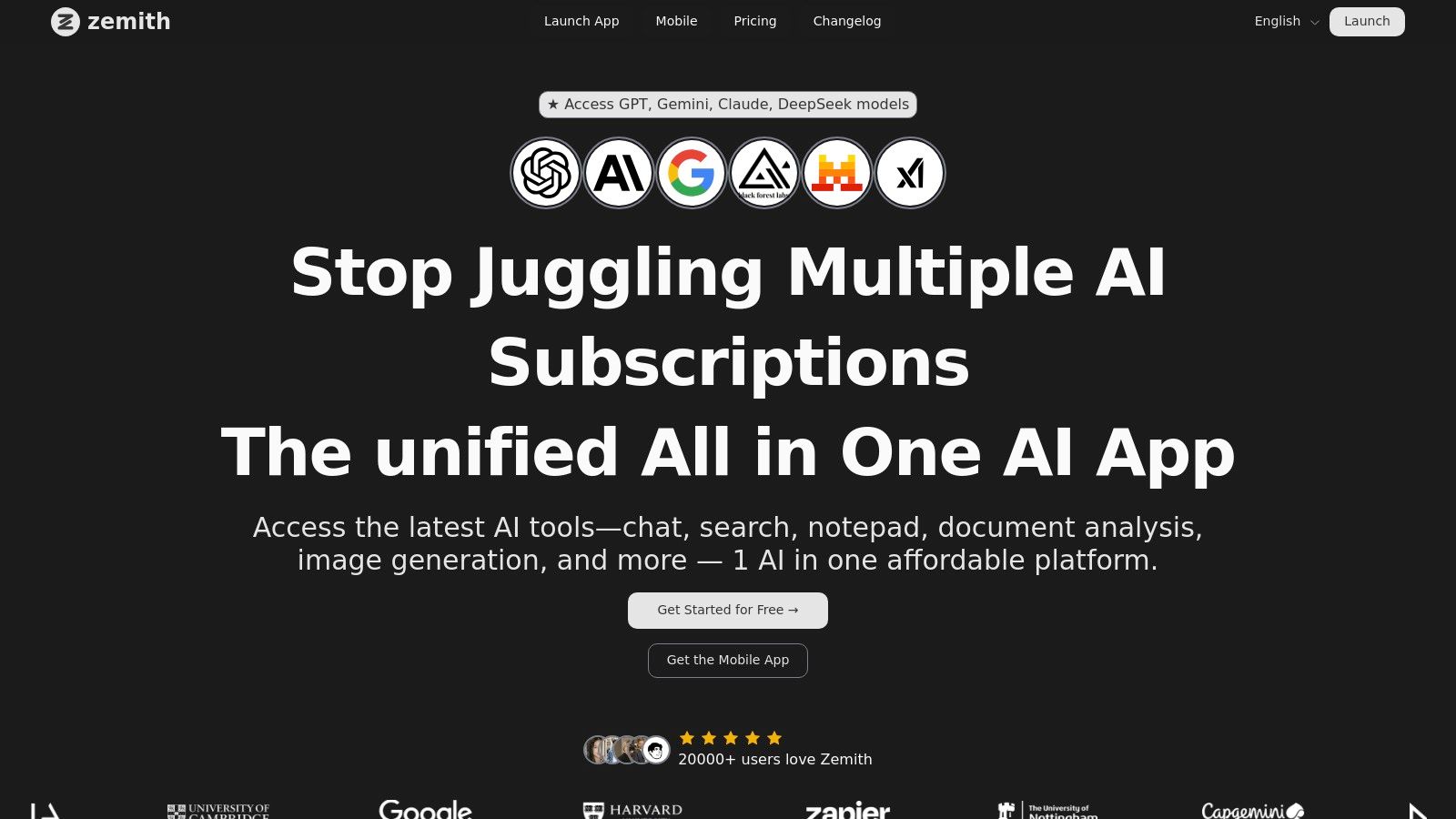
What truly sets Zemith apart is its seamless integration of tools. The AI coding assistant isn't an isolated feature; it's part of a connected ecosystem. You can research a new framework using its web-connected search, summarize the documentation with its chat-with-documents feature, and then immediately pivot to the coding assistant to start building, all without leaving the platform. This integrated approach is a massive time-saver and a killer of context-switching.
The core strength of Zemith is context. It’s designed to keep your research, documents, and code in one place, allowing the AI to pull from a much richer, more relevant knowledge base to assist you.
Zemith operates on a freemium model with a credits-based system for paid usage. You get a free tier to start, and then pay for what you use, which can be more economical than managing multiple flat-rate subscriptions.
Website: https://www.zemith.com
As the OG of AI pair programmers, GitHub Copilot has become almost synonymous with AI-assisted development. It’s so deeply integrated into the developer workflow, especially within VS Code and the broader GitHub ecosystem, that using it feels like second nature. It’s not just about autocompleting a line of code; it's about generating entire functions, explaining complex snippets, and even helping you debug, all without leaving your editor. This seamlessness is its killer feature, making it a go-to for anyone looking to boost their productivity without a steep learning curve.
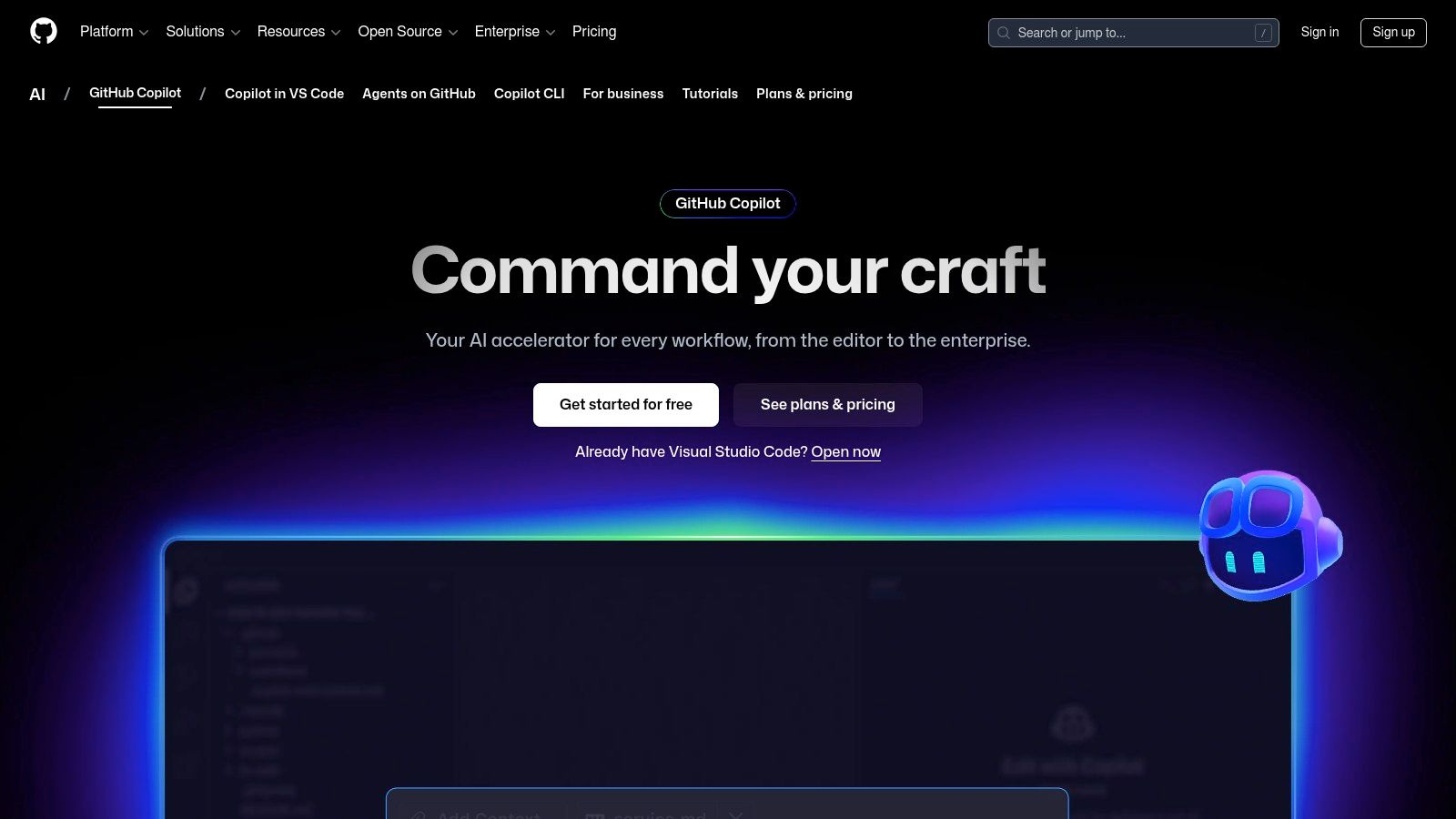
What truly sets Copilot apart is its evolution into a multi-faceted assistant. Beyond simple code completion, it offers Copilot Chat for conversational coding and debugging, a CLI integration to help you master terminal commands, and an agent mode that can tackle more complex, multi-step tasks. It's one of the most well-rounded ai tools for code generation available, backed by the robust infrastructure of Microsoft and GitHub. For more details on its features and how it stacks up against others, you can learn more about some of the best AI coding assistants available.
/fix and /test slash commands for automated debugging and testing, and get terminal command suggestions via the GitHub Copilot CLI.Pricing: Starts at $10/month for individuals, with a Business tier at $19/user/month. Generous discounts are available for verified students, teachers, and maintainers of popular open-source projects.
While not a dedicated IDE plugin out of the box, ChatGPT has become the de facto swiss-army knife for developers facing tricky problems. Its strength lies in its powerful general reasoning, making it exceptional for tasks that go beyond simple autocompletion. You can throw complex architectural questions, obscure error messages, or requests for refactoring legacy code at it, and it will provide detailed, context-aware responses. It’s the tool you turn to when you need to brainstorm, debug a logical flaw, or learn a new concept from scratch.
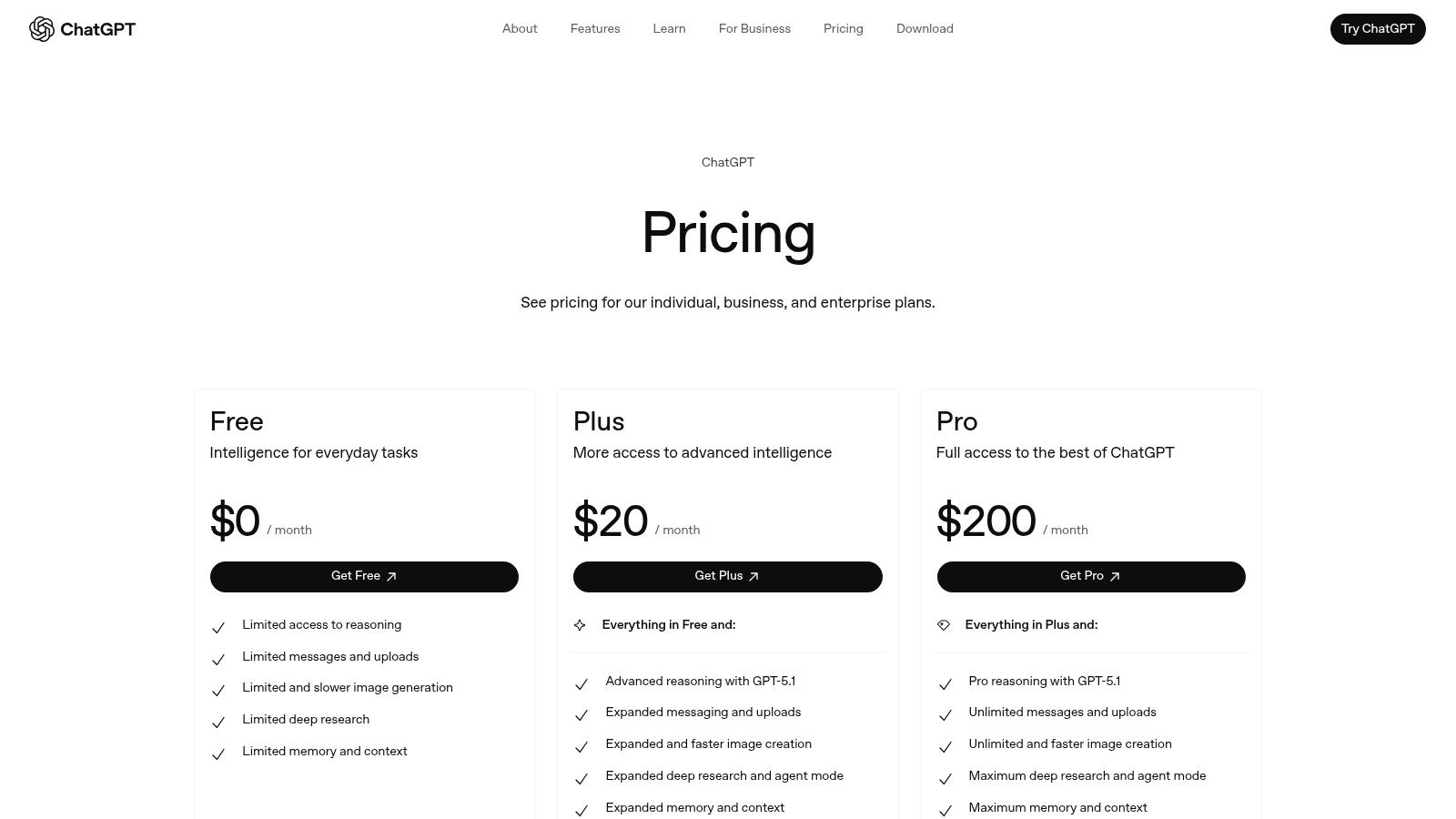
What makes ChatGPT a powerhouse among ai tools for code generation is its versatility and accessibility. With features like file uploads, you can provide entire codebases for context, and its conversational interface allows for iterative problem-solving that feels like talking to a senior developer. The platform scales from a free tier for casual use to robust Enterprise plans with enhanced security and admin controls, making it a viable option for both solo developers and large organizations. For a deeper dive into troubleshooting, you can explore strategies on how to debug code effectively with AI assistance.
Pricing: Offers a free tier with basic model access. Paid plans start with Plus at $20/month for individuals, with custom pricing for Team and Enterprise tiers.
For developers deeply embedded in the AWS ecosystem, Amazon Q Developer feels less like a tool and more like a native extension of the cloud itself. It’s designed to be the go-to AI assistant for building on AWS, providing contextual help directly within the AWS Console, IDEs, and the command line. Unlike general-purpose assistants, Q has deep knowledge of AWS services like S3, Lambda, and EC2, which means it can provide highly relevant code suggestions, debug IAM policies, and optimize resource configurations with an expert’s touch. It’s a powerful ally for navigating the vast and often complex world of AWS services.
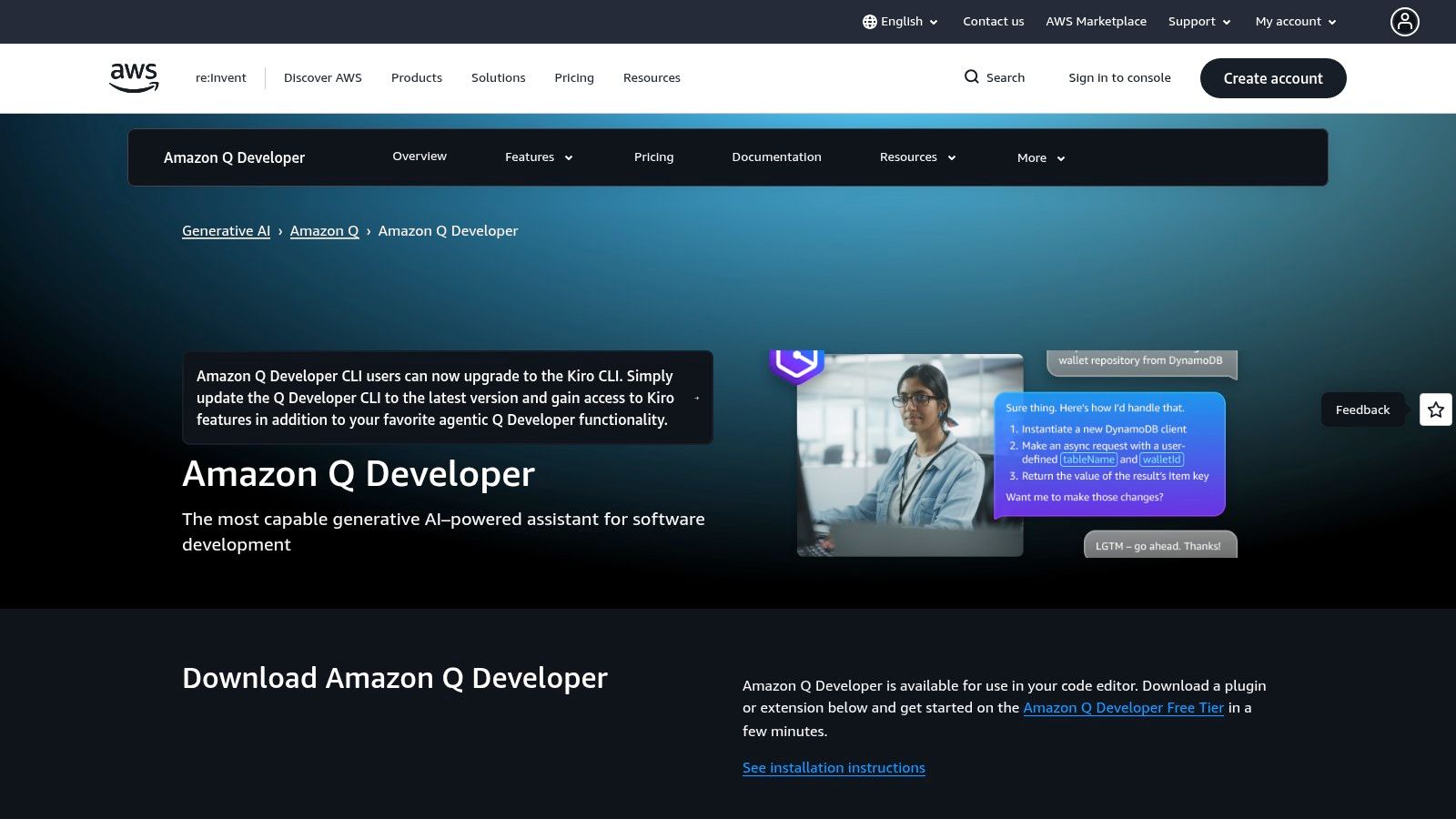
What makes Amazon Q stand out is its strong focus on enterprise-grade features and software development lifecycle (SDLC) integration. It offers powerful, agentic transformations for major projects like upgrading Java or .NET applications, backed by specific line-of-code allowances. For businesses, this means predictable costs and powerful modernization capabilities. With admin dashboards, SSO integration, and IP indemnity on its Pro tier, it's one of the few ai tools for code generation built with enterprise governance and security as a primary concern, not an afterthought.
Pricing: A free tier is available with basic functionality. The Pro tier costs $25/user/month and includes advanced features like code transformations and enterprise administration.
For teams deeply embedded in the Google Cloud ecosystem, Gemini Code Assist feels less like a third-party tool and more like a native extension of their workflow. It brings Google's powerful Gemini models directly into your IDE (like VS Code, JetBrains, and Cloud Workstations) to provide intelligent code completions, chat-based assistance, and powerful refactoring capabilities. It’s designed from the ground up to understand your entire Google Cloud environment, making it a powerhouse for cloud-native development.
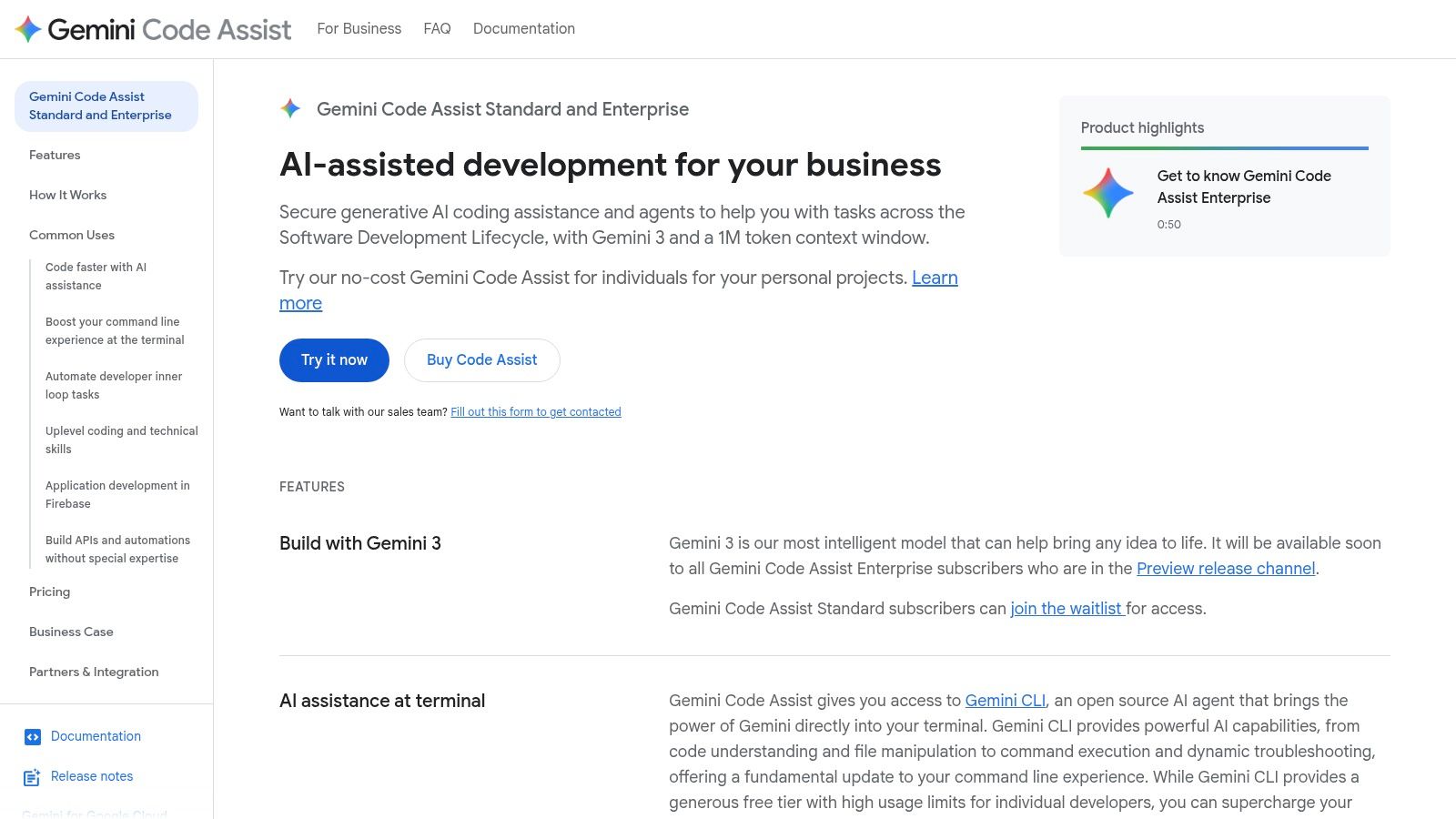
What makes Gemini Code Assist a standout among ai tools for code generation is its enterprise-grade focus and deep integration with services like Cloud Assist. The Enterprise tier allows it to be customized with your company's internal codebases and documentation, providing context-aware suggestions that are actually relevant to your private projects. This focus on security, privacy, and tailored knowledge makes it an obvious choice for organizations that need more than just a generic code assistant and are already leveraging Google Cloud for their infrastructure.
Pricing: Billed at $19/user/month (with an annual commitment), based on active users. It offers a single, comprehensive plan with enterprise controls.
While many AI tools are plugins for your existing editor, Cursor flips the script entirely. It's an AI-first code editor, built from the ground up to integrate AI deeply into every aspect of development. As a hard fork of VS Code, it feels immediately familiar to millions of developers, but its superpower lies in features designed for complex, agent-driven workflows. Cursor isn't just about autocompleting a line; it’s about giving an AI agent access to your entire codebase to understand context, refactor across multiple files, and tackle bigger problems.
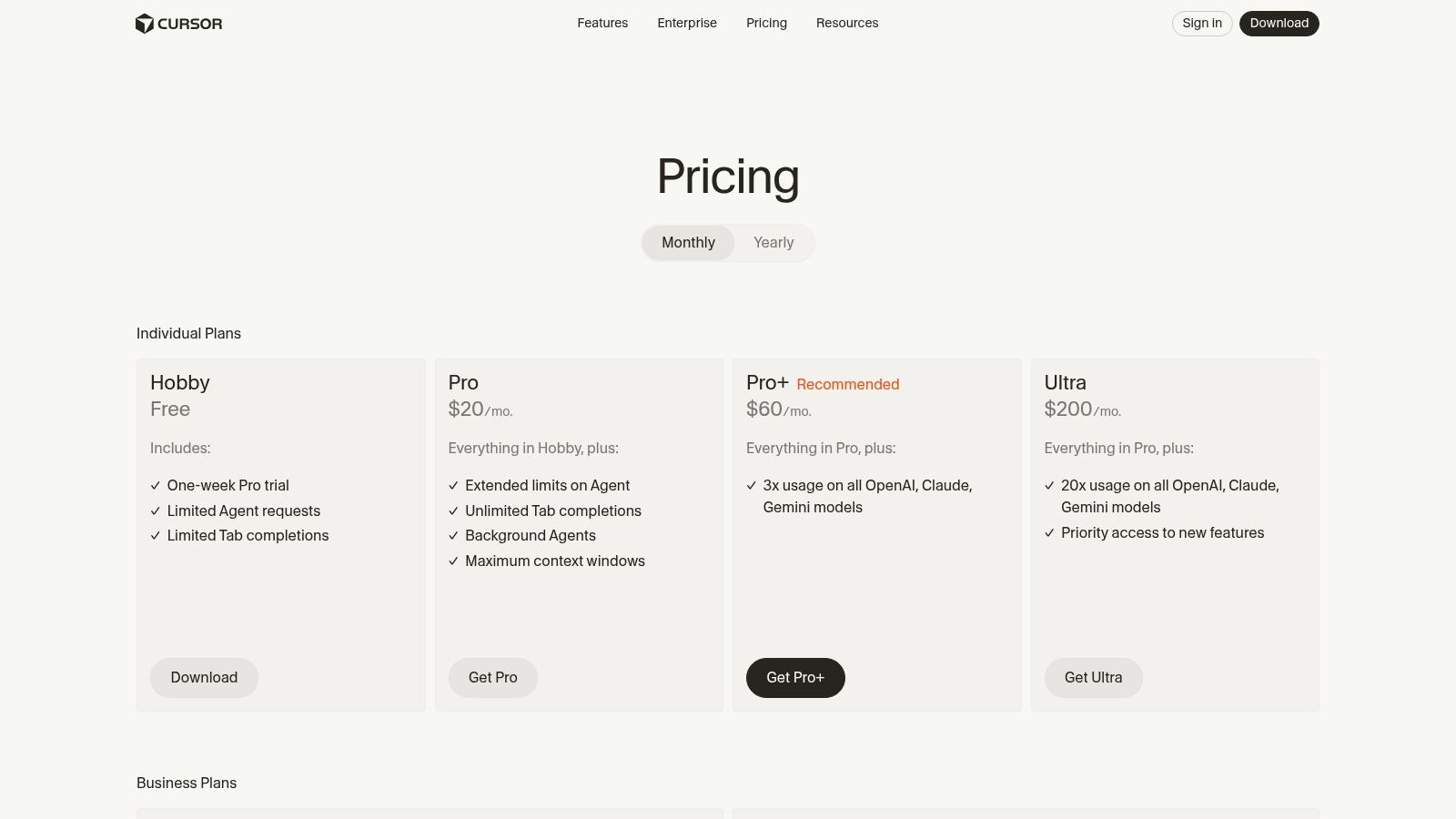
What makes Cursor one of the most powerful ai tools for code generation is its focus on large-context tasks and user choice. It allows you to select different models (like GPT-4o or Claude 3 Opus) and transparently budget your usage, so you're not flying blind with costs. Features like its "Bugbot" can automatically review and fix pull requests, showcasing a future where AI handles routine maintenance. It’s an editor for those who want to push the boundaries of what AI-assisted coding can do, moving from a simple pair programmer to a full-fledged development partner.
Pricing: Offers a free Basic tier with limited features. The Pro plan is $20/user/month for unlimited "slow" GPT-4 requests and a generous quota of faster requests. The Business tier at $40/user/month adds more features and control. Learn more at cursor.com/pricing.
For developers who live and breathe inside the JetBrains ecosystem (think IntelliJ, PyCharm, or WebStorm), the AI Assistant feels like a native extension of their own brain. Instead of a plugin that feels bolted on, this assistant is deeply woven into the IDE's core functionality. It leverages the IDE’s powerful code intelligence to provide contextually-aware suggestions, refactoring, and explanations that often feel a step ahead of more generalized tools. It understands your project structure, dependencies, and even your coding style, making its assistance incredibly precise.

What makes the JetBrains AI Assistant stand out is its integrated, multi-faceted approach. It’s not just about autocompleting a line; it’s a full suite that includes an interactive chat, smart refactoring that can span multiple files, and even helpers for writing documentation and commit messages. This tight integration makes it one of the most powerful ai tools for code generation for those already invested in JetBrains products. To see how it measures up against other integrated solutions, you can find a deeper dive into the world of the AI powered coding assistant and what it offers.
Pricing: A supplementary subscription is required on top of your IDE license. It starts at $10/month for individuals, with an annual option available. Enterprise plans are also offered for teams.
Replit has carved out a unique niche by offering a complete, browser-based development environment supercharged with AI. It’s the ultimate "code, build, and deploy from anywhere" solution, eliminating the need for any local setup. You can fire up a full-stack project on a Chromebook just as easily as on a high-end desktop. Replit AI, including its ambitious Replit Agent, is woven directly into this ecosystem, designed to not just complete your code but to act as an autonomous partner that can build, debug, and even deploy entire applications based on your prompts.
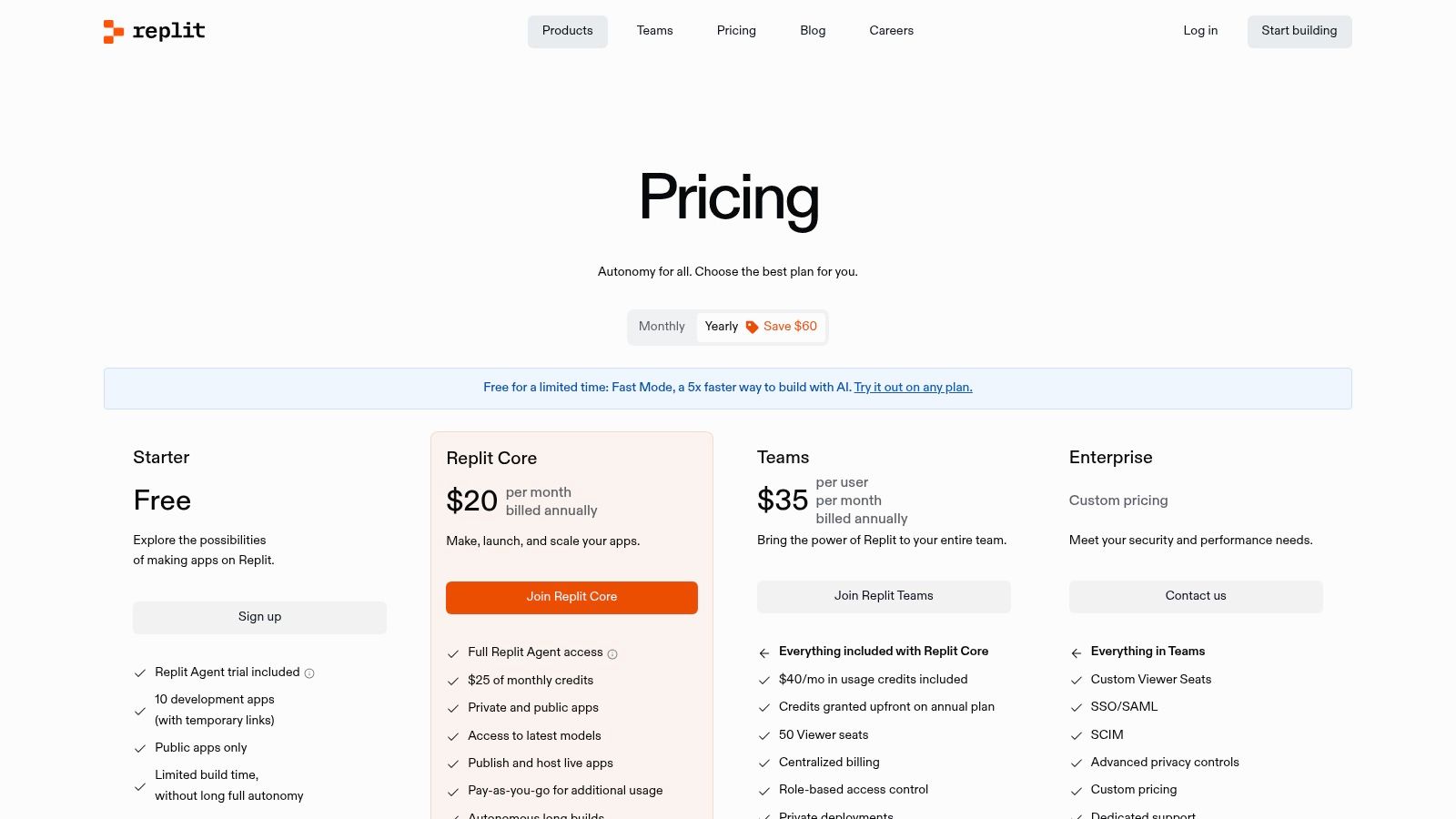
What makes Replit AI stand out is its all-in-one nature. The AI isn't just a feature; it's a core part of an integrated platform that includes hosting, databases, and real-time collaboration. This tight integration allows the Replit Agent to understand your entire project context, from the frontend code to the deployed environment, making it one of the most powerful ai tools for code generation for rapid prototyping and launching new ideas. The concept is so powerful it’s even inspiring tools that can turn a simple screenshot into a fully functional web app.
Pricing: Starts with a free plan. The Replit Core plan at $20/month includes a generous amount of "effort" credits for AI usage. Agent usage beyond the included credits is billed based on consumption, which can be complex for extensive workflows.
Tabnine carves out a unique space for itself by prioritizing privacy and enterprise-level control, making it a compelling choice for teams where data security is non-negotiable. While many tools operate in the cloud, Tabnine offers flexible deployment options, including on-premises and in your own VPC, ensuring your codebase never leaves your secure environment. This focus on privacy doesn't mean it skimps on features; it still delivers powerful code completions and an integrated chat assistant directly in your IDE.
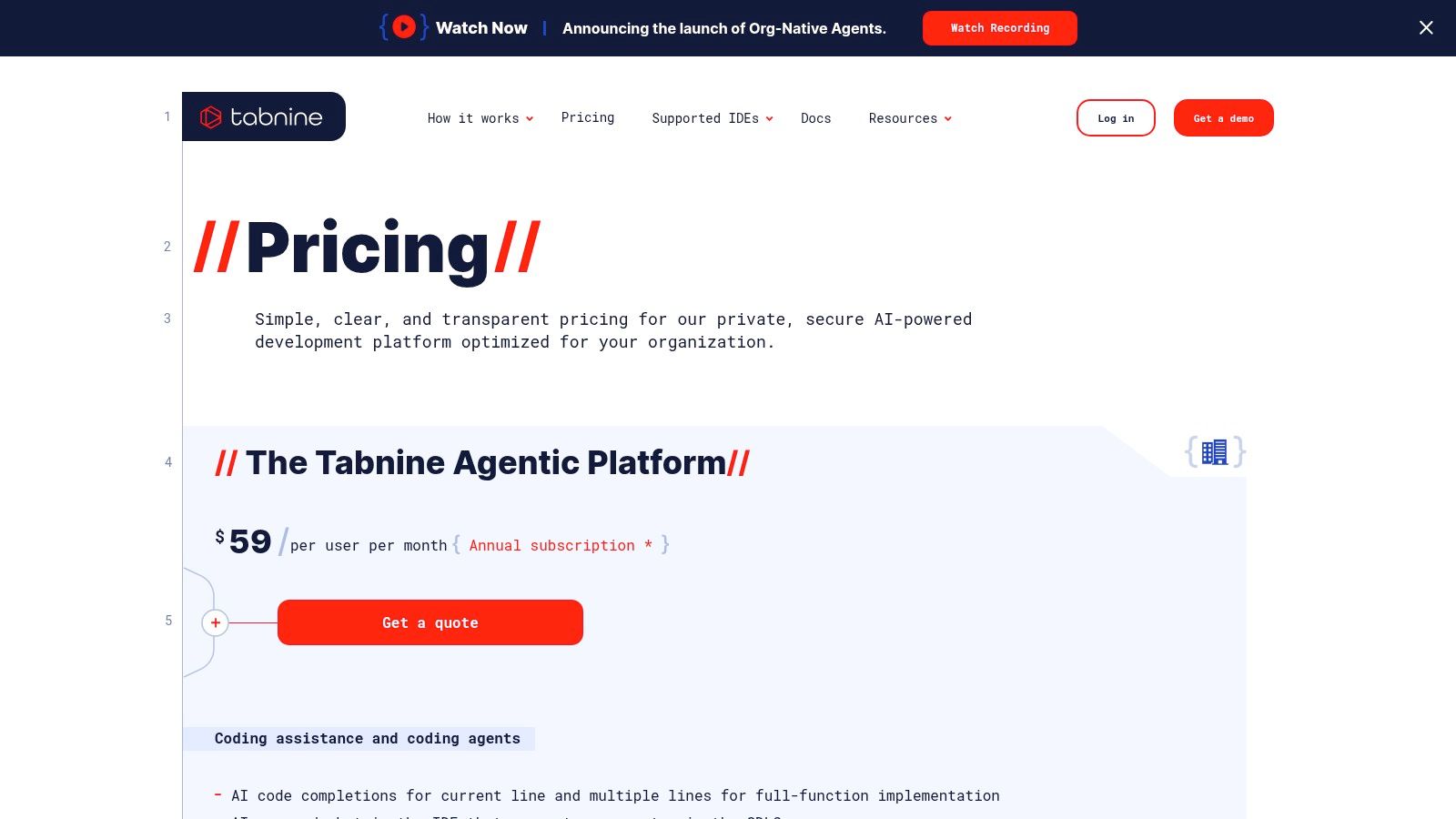
What makes Tabnine stand out for organizations is its deep customization and governance. It allows teams to connect the AI to their internal code repositories (including Perforce), Jira tickets, and Confluence docs, creating a highly contextual assistant that understands your team’s unique patterns and projects. This makes it one of the most powerful ai tools for code generation for businesses that need both intelligent assistance and strict control over their intellectual property. It's built for scale, offering analytics and governance features that managers will love.
Pricing: Offers a free Basic plan with limited completions. The Pro plan starts at $12/user/month (billed annually), and the Enterprise tier with advanced security features is available via custom pricing.
In a world dominated by big-name AI assistants, Supermaven enters the chat with a laser focus on two things: speed and context. Designed to be a lightweight and incredibly fast alternative, it provides code completions that feel almost instantaneous, which is a huge deal when you're deep in the zone. It’s less about a full-suite conversational AI and more about being a pure, high-performance coding accelerator that never gets in your way. If you’ve ever felt bogged down by laggy suggestions from other tools, Supermaven’s responsiveness will be a breath of fresh air.
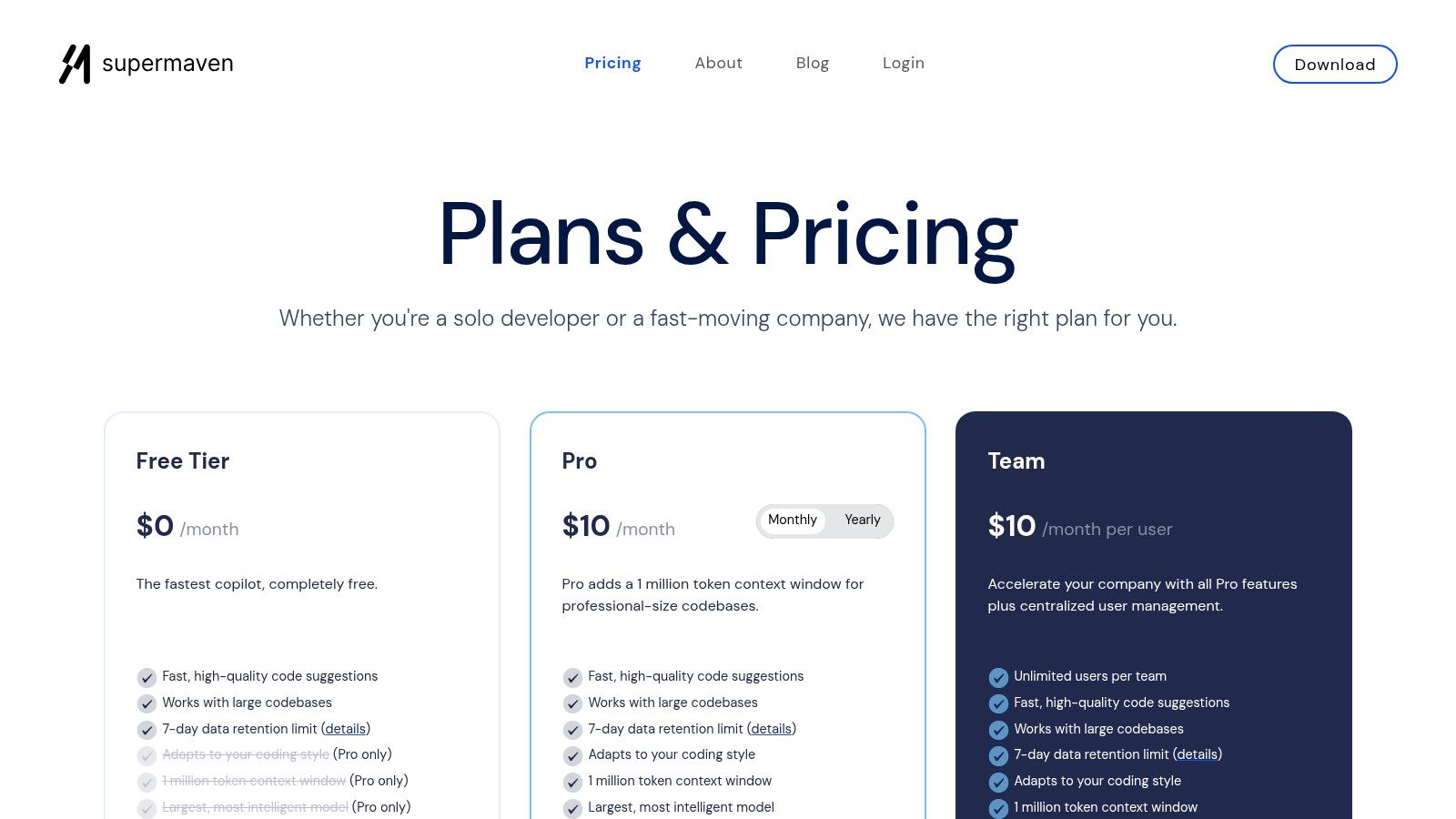
What really makes Supermaven stand out is its massive context window, especially on its Pro plan. With the ability to process up to 1 million tokens, it can understand the nuances of enormous codebases, leading to more relevant and accurate suggestions. This makes it one of the most compelling ai tools for code generation for developers working on complex, monolithic projects where context is king. It's a specialized tool that excels at its core competency: providing smart, context-aware code completions at lightning speed without the extra fluff.
Pricing: Offers a free tier for basic completions. The Pro plan is competitively priced at $10/month, which includes the 1M-token context window and access to larger, more powerful models. A 30-day Pro trial is available for new users.
If your team works with a sprawling, complex monorepo, Sourcegraph Cody is the AI assistant built for the challenge. While many tools operate on a file-by-file basis, Cody leverages Sourcegraph's powerful code search and intelligence platform to build a deep understanding of your entire codebase. This means it can answer questions, generate code, and fix bugs with context that spans millions of lines, making it incredibly powerful for large-scale enterprise development where understanding the big picture is everything.
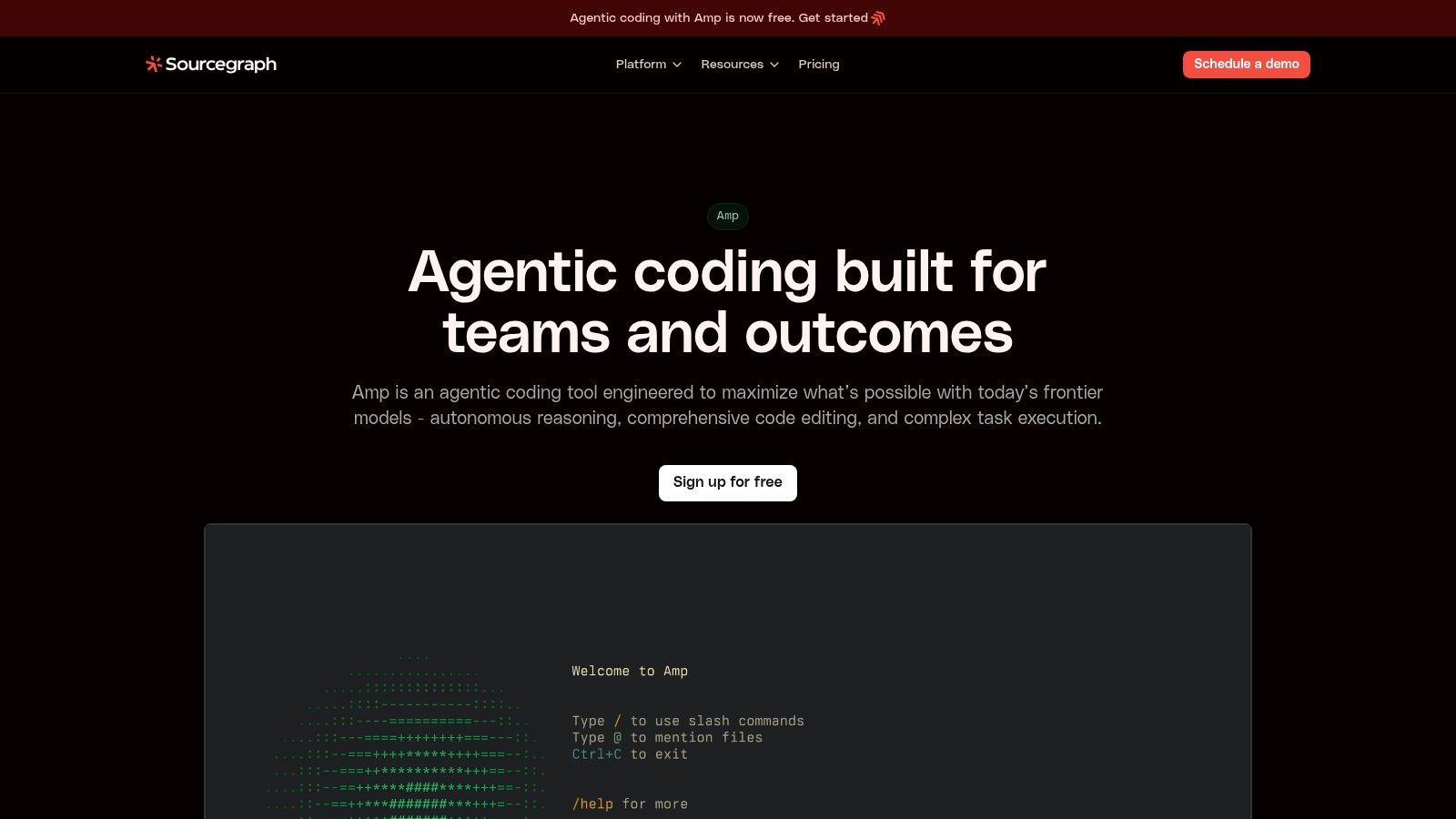
What makes Cody a standout choice for enterprises is its flexibility and control. It’s LLM-agnostic, allowing you to bring your own model or connect to services like Anthropic, OpenAI via Azure, or Amazon Bedrock, ensuring you can meet specific security and compliance needs. This focus on enterprise-grade features makes it one of the most adaptable ai tools for code generation for businesses with strict requirements. For more insights on how it fits into the broader ecosystem, you can explore some of the best AI tools available to developers.
Pricing: Cody is now an enterprise-only product, so individual plans are no longer offered to new users. Pricing and access require contacting the Sourcegraph sales team for a custom quote.
Pieces for Developers takes a unique, local-first approach to AI assistance, positioning itself as a "second brain" for your code snippets rather than a direct IDE autocompleter. It excels at saving, enriching, and reusing code you've already written or discovered, acting as a hyper-intelligent snippet manager. Its core strength lies in its ability to remember context across your entire workflow-from your browser to your IDE-and use that memory to generate, transform, and explain code with a high degree of relevance.
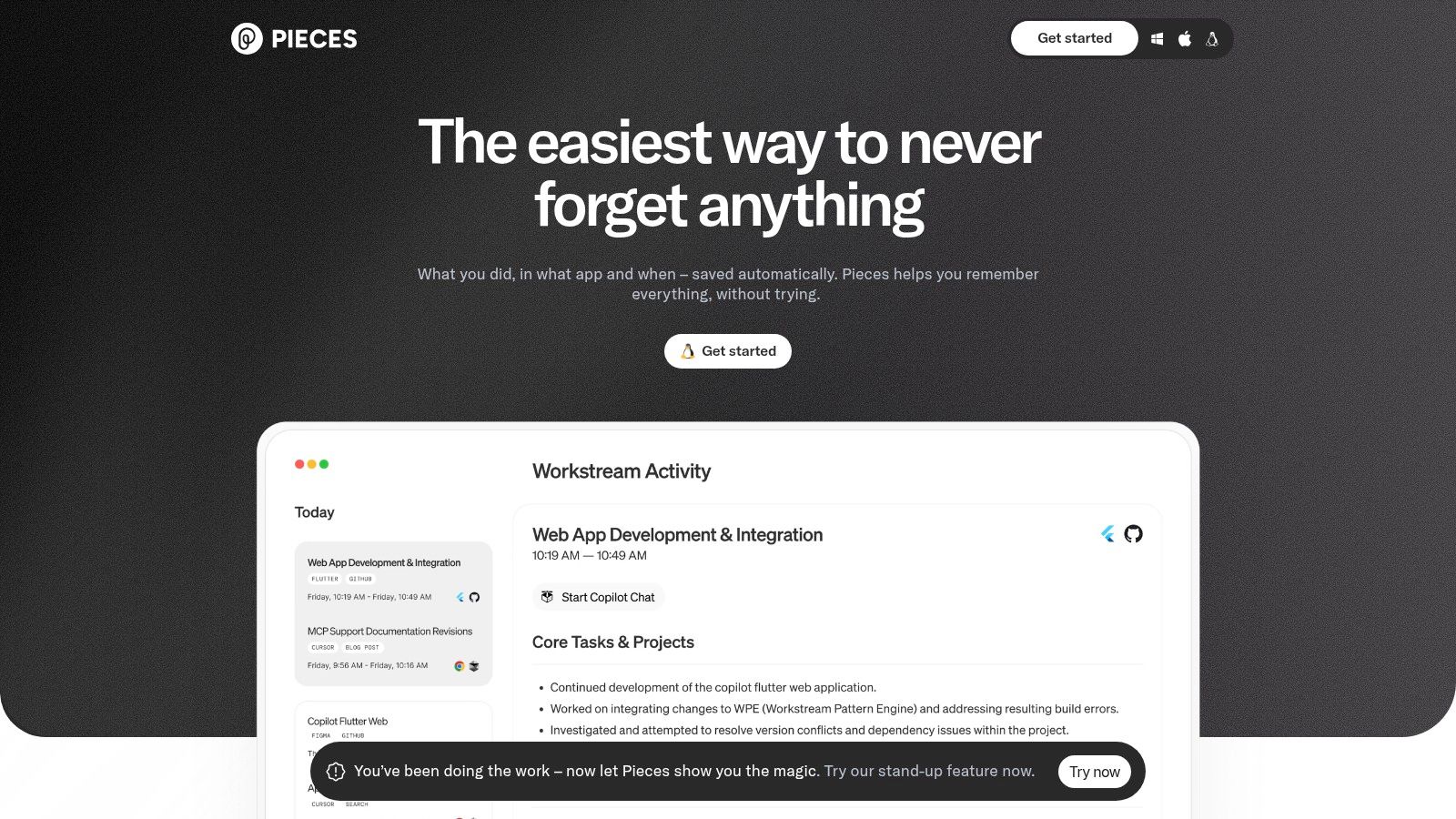
What makes Pieces a standout is its privacy-forward design. By running locally, it ensures your proprietary code and intellectual property remain on your machine, a critical feature for developers working on sensitive projects. This on-device foundation allows it to pair beautifully with other tools like GitHub Copilot, filling the gap where you need a persistent, searchable memory of your most useful code. As one of the more specialized ai tools for code generation, it's less about real-time completion and more about building a powerful, personal knowledge base you can query and leverage at any time.
Pricing: Offers a free tier with on-device capabilities. The Pro plan unlocks premium cloud-based LLMs and enhanced features for $9.99/month. Learn more at pieces.app.
Whew, that was a deep dive! We’ve journeyed through the wild, wonderful, and sometimes weird world of AI tools for code generation. From simple autocompletes that feel like magic to full-blown coding environments that seem to read your mind, one thing is crystal clear: the era of solo coding is officially over. Your new pair programmer is an AI, and it’s time to pick the right one for your team.
The sheer variety of options can feel overwhelming, like standing in the cereal aisle trying to decide between 50 different kinds of sugary flakes. But as we've seen, the "best" tool isn't a one-size-fits-all answer. It's deeply personal and depends entirely on your workflow, your tech stack, and even your budget.
Let's boil it down. Your choice hinges on your primary "job to be done."
Here's the catch that most articles on AI tools for code generation miss: development is rarely just about writing code. Your day is a chaotic mix of debugging, researching documentation, summarizing technical papers, generating placeholder images, writing commit messages, and maybe even drafting a quick project update.
This is where the real productivity drain happens. You have your IDE with Copilot, a browser tab with ChatGPT for research, another tool for analyzing a PDF, and maybe a separate AI image generator. Each tool has its own subscription, its own UI, and its own context. You're constantly copying and pasting, switching windows, and losing your train of thought. It’s like trying to cook a gourmet meal with your ingredients scattered across five different kitchens.
This fragmentation is the silent killer of deep work. That's precisely where an integrated platform changes the game. Instead of juggling a dozen specialized tools, you have a single, cohesive workspace. Imagine debugging a React component with a live preview, asking an AI to summarize a linked ArXiv paper on a new algorithm, and generating a logo for your project, all without leaving one app. That’s not a futuristic dream; it’s the workflow that platforms like Zemith are building today. The goal isn't just to generate code faster, but to make your entire creative and technical process more fluid and efficient. Happy (AI-assisted) coding!
Ready to stop the tab-switching madness and consolidate your AI toolkit? Zemith integrates powerful code generation, document analysis, research, and creative tools into a single, seamless workspace. Give the free tier a spin and discover how much more you can accomplish when your AI tools actually work together.







Trusted by teams at






The top models, plus image, video and voice tools, in one plan.
Without Zemith
ChatGPT PlusUS$20.00Claude ProUS$20.00Google AI ProUS$19.99SuperGrokUS$30.00Perplexity ProUS$20.00 MidjourneyUS$10.00
 ElevenLabsUS$6.00Le Chat ProUS$14.99
 RunwayUS$15.00Kling StandardUS$8.80
 Gamma PlusUS$12.00
 Otter ProUS$16.99
 QuillBot PremiumUS$19.95
 Photoroom ProUS$12.99
 Quizlet PlusUS$7.99
Total if paying separatelyUS$234.70/mo
"I love the way multiple tools they integrated in one platform. Going in the right direction."
— simplyzubair
"The quality of data and sheer speed of responses is outstanding. I use this app every day."
— barefootmedicine
"The credit system is fair, models are perfect, and the discord is very responsive. Quite awesome."
— MarianZ
"Just works. Simple to use and great for working with documents. Money well spent."
— yerch82
"The organization of features is better than all the other sites — even better than ChatGPT."
— sumore
"It lives up to the all-in-one claim. All the necessary functions with a well-designed, easy UI."
— AlphaLeaf
"The team clearly puts their heart and soul into this platform. Really solid extra functionality."
— SlothMachine
"Updates made almost daily, feedback is incredibly fast. Just look at the changelogs — consistency."
— reu0691
Hand off the research, writing, design and follow-ups. Zemith picks the tools it needs and brings back finished work.
Search the web, run deep research, read files, create images and run code with GPT, Claude, Gemini, Grok and more.
Zemith keeps working in the cloud and pings you when it's done.
Notion, Linear, Canva, Airtable and more. It asks before it creates or changes anything.
Docs, slides, sheets and PDFs, ready to send.
Chain models and tools on a visual canvas, from one prompt to a finished promo video.
Briefings, reports and reminders run on a schedule and are ready when you need them.
Real-time voice that can see your camera or screen.
The best image and video models, in one studio.
Turn PDFs, links and YouTube videos into podcasts, quizzes, flashcards and mind maps.














 Podcast
 Quiz
Quiz Flashcards
 Mind map
 Infographic