


Every top model, with tools built in.
Search the web, run deep research, read files, create images and run code with GPT, Claude, Gemini, Grok and more.
Tired of manual transcription? Learn how to convert YouTube to text with our guide to the best tools, pro tips, and content repurposing hacks.
If you’ve ever wanted to turn a YouTube video into text, you probably know you need some kind of transcription tool. It used to be a tedious, soul-crushing manual process, but now, platforms like Zemith have completely changed the game. You can literally just paste a YouTube link and get a full, editable transcript in moments. It’s automated, fast, and honestly, so simple it feels like cheating.
Let's be real—making a great video takes a massive amount of effort. After all that work, just publishing it and hoping for the best means you're leaving a ton of value on the table. When you convert that YouTube video into text, you’re not just getting a transcript; you're creating a powerful asset that can multiply your reach and save you countless hours. It's the ultimate content repurposing hack.
This goes way beyond just making your content more accessible (though that's a huge plus). It's a fundamental growth strategy. Search engines like Google can't actually watch your video, but they can easily crawl and index every single word of its text transcript. This simple step makes your video discoverable to a whole new audience searching for your expertise. It's like giving your video a megaphone in a library.
Before we dive into the how, let's quickly break down the why. It’s easy to overlook just how many doors a simple transcript can open for you.
As you can see, the benefits aren't just minor tweaks; they're strategic moves that can fundamentally change how your content performs.
Think of your transcript as the clay, ready to be molded into a dozen different forms. Once you have a text version of your video, you can spin it off into new content almost instantly.
This has become even more important with the explosion of short-form video. YouTube Shorts now pulls in over 70 billion daily views, so having a quick way to transcribe these clips is a must. Being able to efficiently repurpose these snappy videos for other platforms lets you connect with audiences who might not even be on YouTube. You can learn more about how these YouTube statistics are shaping modern content strategy.
The real game-changer is when you realize a single video transcript can fuel your entire content calendar. It’s about working smarter, not harder, to get the absolute most out of every video you create.
Forget the old, painful methods of transcribing videos. You don't need to download clunky software or pay a freelancer by the minute. The best way I've found to convert YouTube to text is with a purpose-built AI tool, and the whole process is refreshingly simple. Honestly, it's one of those things that makes you wonder why you ever did it any other way.
With a platform like Zemith, all you really need is the video's URL. The entire workflow is built for speed and efficiency. You find the video, grab the link, and paste it. That's it. The AI handles the heavy lifting, analyzing the audio and spitting out a clean, ready-to-use transcript in just a few minutes. I've personally used this to get a blog post draft from a 15-minute video before I even finished my morning coffee.
The best part is how intuitive it is. You don’t need to be a tech wizard; the interface basically holds your hand through the whole thing.
This screenshot shows you exactly what I mean by simple. There's no clutter, no confusing options.
It’s a clean, no-nonsense design. You paste the link, and the tool does the rest.
I get it—not every YouTube video has crystal-clear, studio-quality sound. We can't all be NPR hosts. The good news is that modern AI has gotten incredibly good at handling the nuances of real-world audio. It can decipher different accents, understand people who talk a mile a minute, and even filter out a bit of background noise.
While a professional setup will always give you the cleanest transcript, you'll be surprised at the accuracy from typical vlogger-style audio. From my experience with Zemith, the initial draft is often 95% or more accurate. This means your editing time is slashed dramatically; you're usually just tidying up brand names, niche jargon, or the spelling of a guest's name.
This process isn't just about saving time; it's about unlocking the strategic value hidden in your video content—from boosting SEO to creating accessible materials. For anyone looking for more deep-dives into this, the v30.ai blog for transcription guides has some excellent resources.
https://www.youtube.com/embed/aOraM5LNW-s
When you need to convert a YouTube video to text, you're standing at a fork in the road. The path you take really comes down to what you value most: speed, flawless accuracy, or your budget. There's no single "best" way for everyone.
Think of it like getting directions. You could try to navigate using landmarks yourself (DIY), hire a private guide who knows every back alley (human service), or just pop the destination into a GPS (AI). They all get you to the same place, but the journey, cost, and time commitment are completely different.
Let's break down your options so you can pick the right one for your project.
First up is the manual, do-it-yourself (DIY) approach. This is just you, a pair of headphones, and a whole lot of pausing and rewinding. To be frank, unless you're just transcribing a 30-second soundbite, this method gets old fast. It’s incredibly time-consuming and a one-way ticket to burnout.
Next, you have professional human transcription services. These are the experts, the people who deliver transcripts with near-perfect accuracy. They're the go-to for high-stakes content like legal depositions or medical dictation where every single word has to be spot-on. The trade-off, of course, is a higher price tag and a slower turnaround time.
Finally, there's the AI-powered route, which is where a tool like Zemith really comes into its own. It's lightning-fast, incredibly affordable, and delivers an accuracy level that's more than sufficient for 99% of typical content creation needs. You get a solid draft in minutes, make a few quick tweaks, and your text is ready to use. It’s the smart choice.
For most content creators, automated AI transcription hits that perfect sweet spot. It delivers an ideal balance of speed, cost-effectiveness, and high accuracy for tasks like creating blog posts from videos, generating show notes, or pulling quotes for social media.
To make the choice clearer, here’s a side-by-side look at how these methods stack up. Consider your project's specific needs to see which one makes the most sense for you.
Ultimately, the goal is to get a reliable transcript without derailing your workflow. For the vast majority of creators looking to repurpose their YouTube content, an AI tool like Zemith provides the efficiency you need to keep moving.
Making the right choice from the start is crucial, which is why we've put together a deeper look at the pros and cons of using AI for audio to text conversion in another guide. The transcription landscape is broad—you can even find specialized options like sermon transcription services for niche communities. But for most YouTubers, the sheer efficiency of AI is tough to beat.
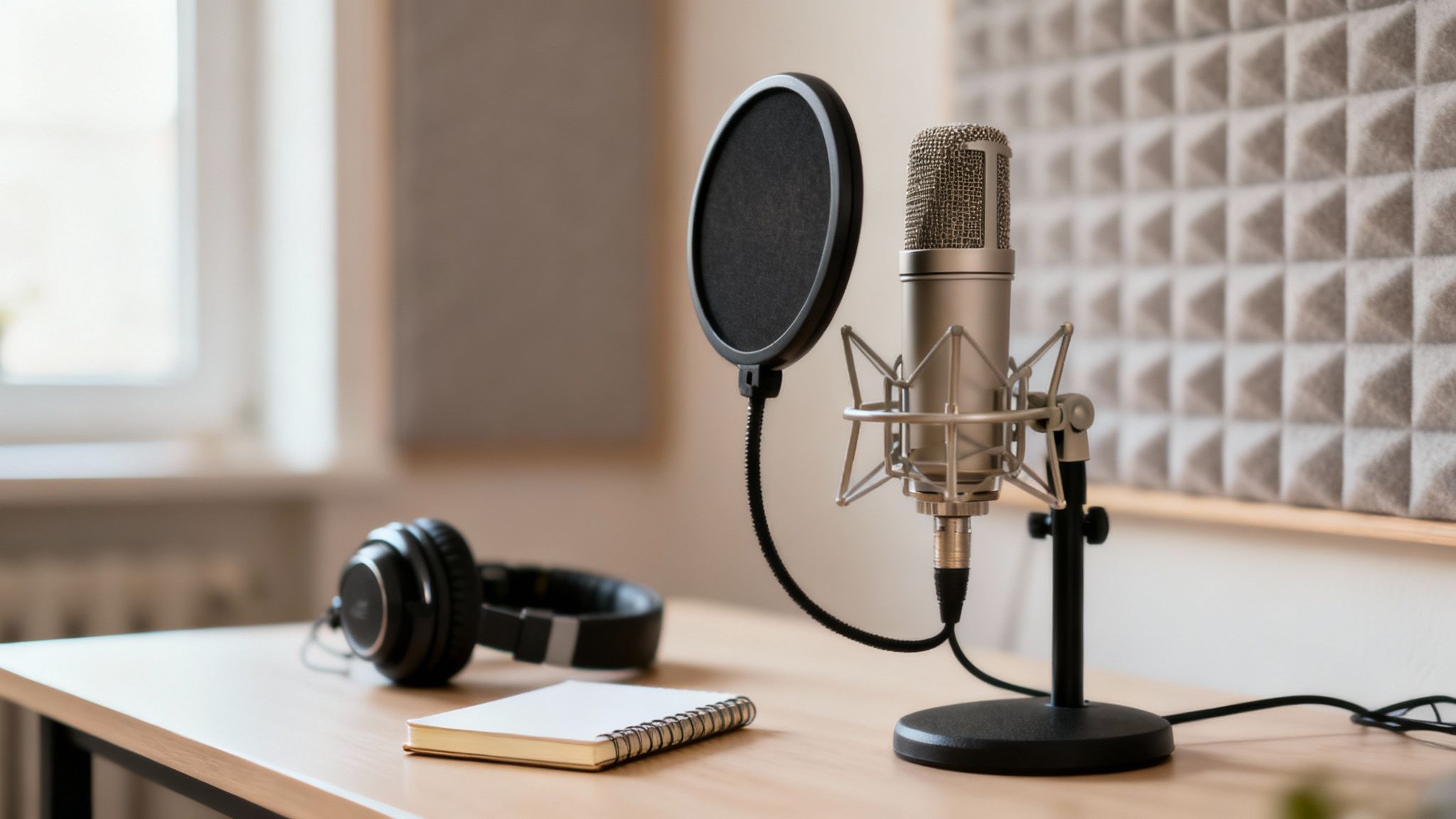
Here's a hard-earned lesson: to get a great transcript, you first need great audio. It’s the classic "garbage in, garbage out" principle. While powerful tools like Zemith can do some heavy lifting, they can't work magic on a fuzzy, echo-filled recording. A messy audio file will always produce a messy text output.
The good news? You don't need a professional recording studio to get this right. Just a few simple tweaks before you hit record can make a world of difference. Getting the basics handled upfront will save you hours of tedious editing when you convert your YouTube video to text.
Before you even think about filming, run through these quick checks. Trust me, these small steps pay off big time in your final transcript’s accuracy.
Find a Quiet Space: This might sound obvious, but background noise is the number one killer of clean audio. Close the windows, shut off the air conditioner, and let your dog know his cameo will have to wait. Every little hum, buzz, or bark can throw the AI off.
Get Closer to Your Mic: You don’t need to spend a fortune on a microphone, but you do need to use it correctly. Whether you're using a lapel mic or the one on your desk, keeping it close to the sound source—your mouth—is crucial. This simple adjustment minimizes room echo and ensures your voice is front and center.
Speak Clearly and Consistently: Take a breath and try to speak at a steady, natural pace. Mumbling, speaking too quickly, or trailing off at the end of sentences forces the AI to guess, and that’s where errors creep in. A clear, deliberate delivery is your best friend.
The accuracy of modern transcription AI is pretty incredible, but it's directly tied to how clean the source audio is. Under ideal conditions, you can see accuracy hit 99%. But toss in a noisy cafe or a reverberant room, and that figure can plummet by 30–40%. You can learn more about AI transcription accuracy benchmarks to see just how much it matters.
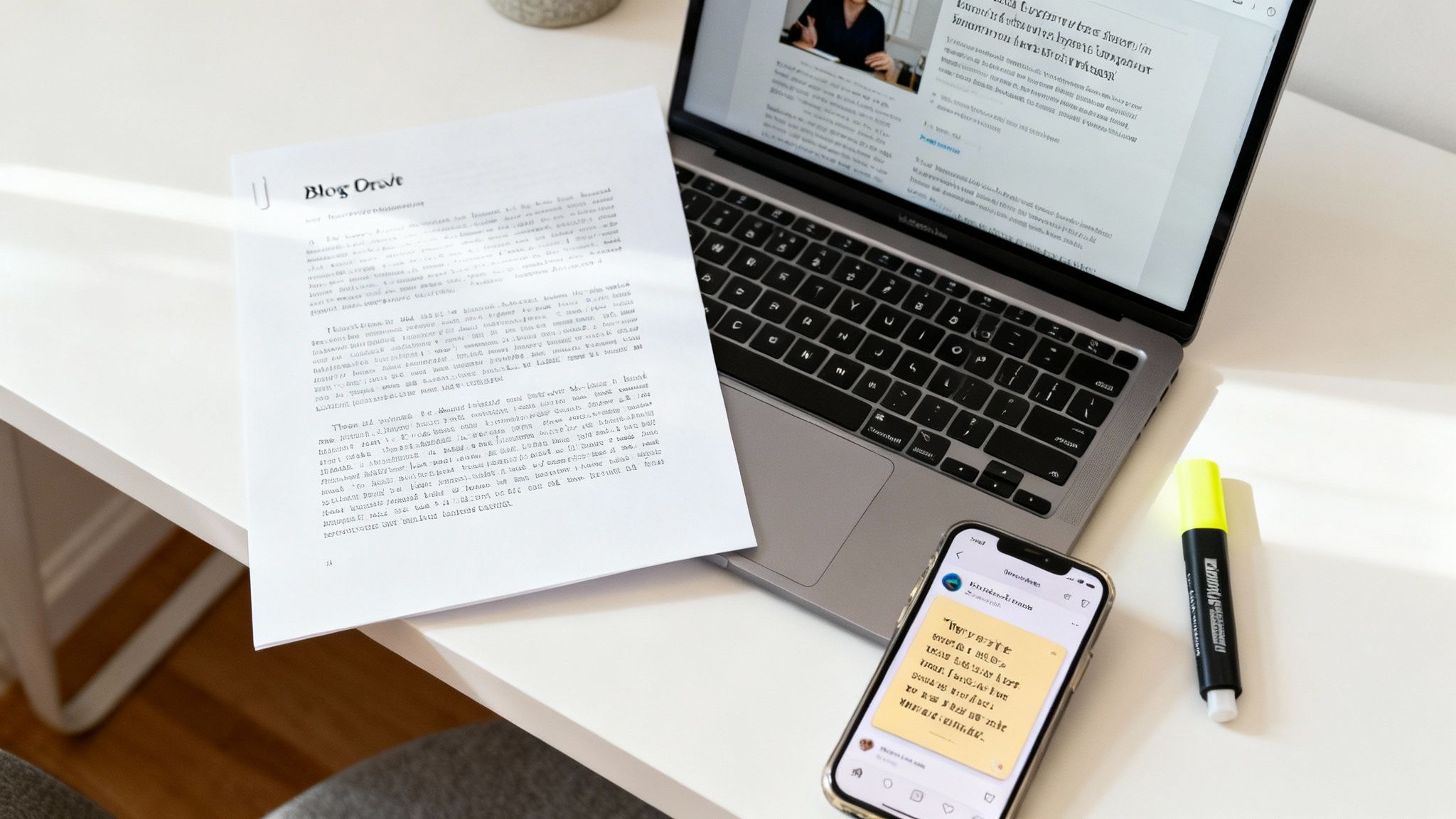
So, you’ve gone through the work to convert a YouTube video to text. Fantastic! But the job isn't done yet. In fact, the most exciting part is just beginning.
Don't let that text file just sit there gathering digital dust on your hard drive. What you're holding is a content goldmine, a single, powerful asset you can spin into a full week's worth of material, or even more. Letting it go to waste is like buying all the ingredients for a gourmet meal and then ordering takeout.
The real shift in thinking happens when you stop seeing it as just a transcript and start viewing it as the raw material for your entire content strategy. One single video can become the engine that powers your blog, social media channels, and email list all at once.
Instead of staring at a blank page trying to brainstorm new ideas, just pull directly from the words you've already spoken. It’s hands-down the most efficient way I've found to keep a content calendar full and an audience engaged.
Create SEO-Friendly Blog Posts: Your video transcript is the perfect skeleton for a comprehensive blog post. Clean up the text, organize it with clear headings, and drop in a few relevant images. Suddenly, you have a detailed article that search engines can find and rank, bringing fresh, organic traffic straight to your website.
Generate Quote Graphics for Social Media: Skim through your transcript and pull out the most impactful, memorable lines or key statistics. I like to drop these into a simple template on a tool like Canva to quickly generate a whole batch of shareable graphics perfect for Instagram, LinkedIn, or X (formerly Twitter).
Build an Email Newsletter: Extract the three most important takeaways from your video using the transcript as a guide. This gives your subscribers a quick, valuable win and entices them to click through to watch the full video or read the accompanying blog post.
The core idea is simple: work smarter, not harder. A single 10-minute video can easily become a 1,500-word article, five eye-catching quote graphics, and a compelling newsletter—all from that one initial transcription.
This repurposing mindset isn't just limited to written content, either. That polished transcript can also serve as a script for new audio formats. To explore this further, take a look at our guide on how to turn text into a podcast and unlock even more potential from your content.
You're not the first person to have questions about turning YouTube videos into text. Let's tackle some of the most common ones I hear from creators.
This is the big one. Modern AI, especially a tool like Zemith, can hit an impressive 99% accuracy rate. But there's a catch: that's under ideal conditions. Think crystal-clear audio with a single speaker who isn't talking a mile a minute.
For most of what we do—like drafting articles, creating show notes, or pulling quotes for social media—that level of accuracy is more than enough. It's a fantastic blend of speed and quality.
However, if you're dealing with something that needs to be legally airtight or medically precise, a human transcriptionist is still your best bet. For everyone else, AI gets you where you need to go, fast.
From a technical standpoint, yes. You can plug just about any public YouTube link into a transcription tool and it will work its magic.
But the real question is should you? This is where copyright and fair use come into play. If you're using the transcript for personal study, research, or to critique the video, you're generally in the clear under fair use.
The line gets blurry when you start republishing. If you plan to post large chunks of the transcript online, you absolutely need to get permission from the creator and give them proper credit. It's not just good practice—it protects you legally.
My two cents: Just because you can transcribe it doesn't mean you have the right to republish it. Always err on the side of caution and credit the original source.
The "best" format really comes down to what you're trying to accomplish with the text. Your end goal is everything. Zemith lets you choose, so you're never stuck.
I find it breaks down like this:
Any solid transcription service should give you the option to export in multiple formats, so you have the flexibility to handle whatever project comes your way.
Ready to stop staring at a blank page and start pulling value from your video library? Zemith can turn any YouTube video into clean, accurate text in a matter of minutes. See for yourself how easy content repurposing can be by exploring our AI tools at https://www.zemith.com.







Trusted by teams at






The top models, plus image, video and voice tools, in one plan.
Without Zemith
ChatGPT PlusUS$20.00Claude ProUS$20.00Google AI ProUS$19.99SuperGrokUS$30.00Perplexity ProUS$20.00 MidjourneyUS$10.00
 ElevenLabsUS$6.00Le Chat ProUS$14.99
 RunwayUS$15.00Kling StandardUS$8.80
 Gamma PlusUS$12.00
 Otter ProUS$16.99
 QuillBot PremiumUS$19.95
 Photoroom ProUS$12.99
 Quizlet PlusUS$7.99
Total if paying separatelyUS$234.70/mo
"I love the way multiple tools they integrated in one platform. Going in the right direction."
— simplyzubair
"The quality of data and sheer speed of responses is outstanding. I use this app every day."
— barefootmedicine
"The credit system is fair, models are perfect, and the discord is very responsive. Quite awesome."
— MarianZ
"Just works. Simple to use and great for working with documents. Money well spent."
— yerch82
"The organization of features is better than all the other sites — even better than ChatGPT."
— sumore
"It lives up to the all-in-one claim. All the necessary functions with a well-designed, easy UI."
— AlphaLeaf
"The team clearly puts their heart and soul into this platform. Really solid extra functionality."
— SlothMachine
"Updates made almost daily, feedback is incredibly fast. Just look at the changelogs — consistency."
— reu0691
Hand off the research, writing, design and follow-ups. Zemith picks the tools it needs and brings back finished work.
Search the web, run deep research, read files, create images and run code with GPT, Claude, Gemini, Grok and more.
Zemith keeps working in the cloud and pings you when it's done.
Notion, Linear, Canva, Airtable and more. It asks before it creates or changes anything.
Docs, slides, sheets and PDFs, ready to send.
Chain models and tools on a visual canvas, from one prompt to a finished promo video.
Briefings, reports and reminders run on a schedule and are ready when you need them.
Real-time voice that can see your camera or screen.
The best image and video models, in one studio.
Turn PDFs, links and YouTube videos into podcasts, quizzes, flashcards and mind maps.














 Podcast
 Quiz
Quiz Flashcards
 Mind map
 Infographic