


Every top model, with tools built in.
Search the web, run deep research, read files, create images and run code with GPT, Claude, Gemini, Grok and more.
Tired of juggling a million apps? We found the 12 best apps for college students to boost productivity, save money, and ace your classes. Dive in!
Let’s be real, your phone is already glued to your hand. Between doom-scrolling TikTok and avoiding that ten-page paper, it can feel like a productivity black hole. But what if it didn't have to be? What if the same device you use to order late-night pizza could also help you crush your finals, organize your research, and even save you some serious cash?
Welcome to the ultimate, no-fluff guide to the best apps for college students that will save you time and money. We're skipping the apps you download once and forget. This is a curated list of powerful tools, platforms, and even AI sidekicks that will genuinely make your student life easier, more organized, and more affordable. We're talking about transforming your entire digital workflow, not just adding another icon to your home screen.
This isn't just about downloading more stuff. It's about finding the right stuff. We'll show you how to discover powerhouse app bundles, unlock exclusive student discounts, and streamline everything from note-taking to project management. We’ll even look at how a single, integrated platform like Zemith can replace a handful of other subscriptions, saving you both money and mental clutter. For those of you already planning your next move, having a dialed-in digital toolkit is crucial. Beyond just finding the best apps, students preparing for further education can find invaluable guidance for their applications, such as powerful example personal statements for college, grad school, and scholarships.
Our goal is to help you build a smarter, more efficient system to handle the chaos of college. Each entry includes direct links, what it's best for, and an honest look at its pros and cons. Ready to turn your phone from a distraction machine into a straight-A-making machine? Let’s dive in.
Zemith is the undisputed powerhouse on our list of the best apps for college students, and for good reason. It’s not just another AI tool; it’s an all-in-one workspace designed to replace the dozen or so subscriptions you’d otherwise need for research, writing, coding, and creative projects. Instead of juggling tabs for different AI models and productivity apps, Zemith integrates everything into one cohesive, streamlined interface.
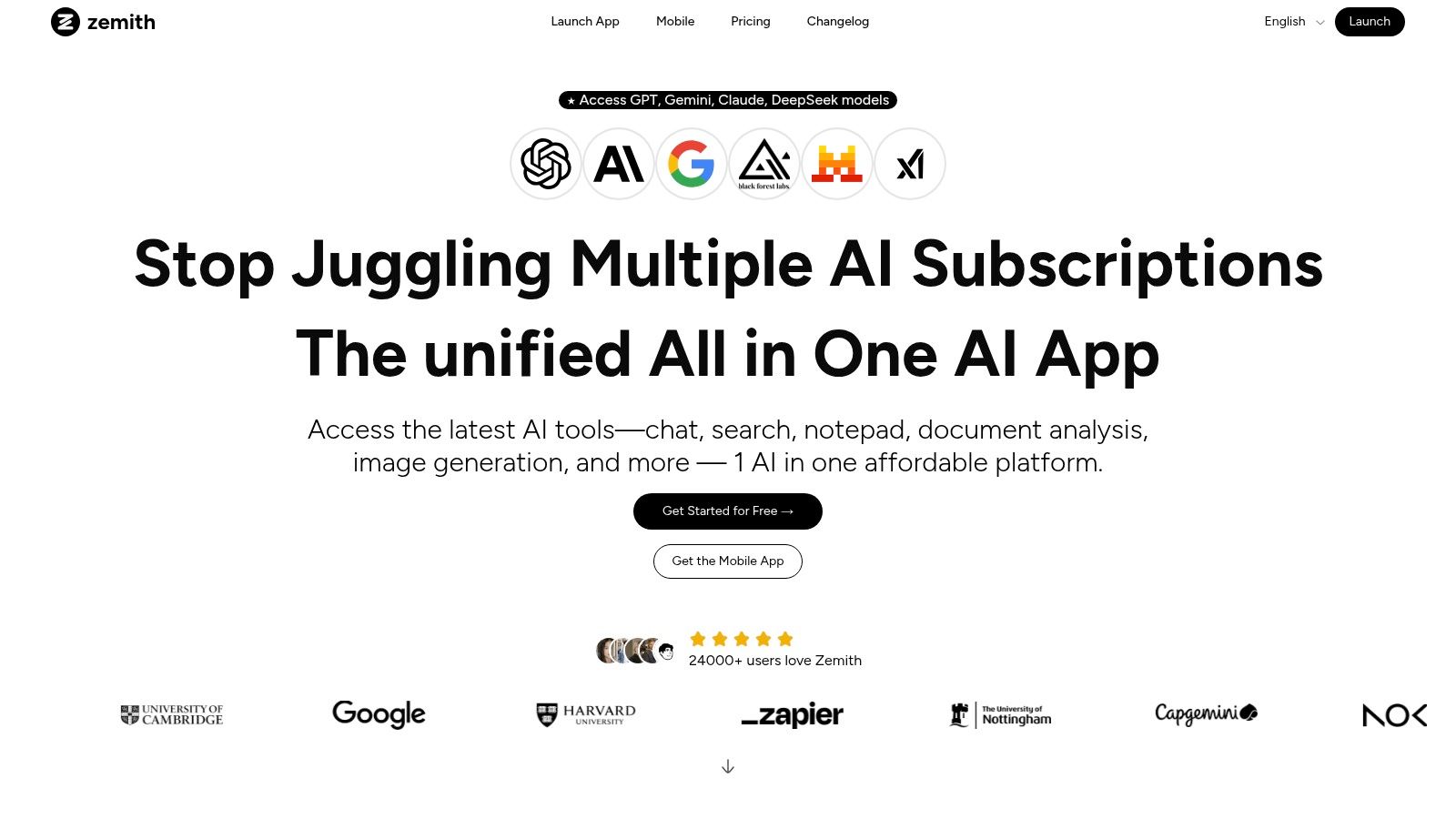
Think of it as your academic Swiss Army knife. Need to analyze a dense 100-page PDF for your sociology paper? The Document Assistant can summarize it, create a quiz to test your comprehension, or even convert it into a podcast episode you can listen to on your way to class. That alone is a game-changer for study efficiency. Seriously, imagine turning your required reading into an audio file. That's some next-level procrastination-busting right there.
What truly sets Zemith apart is its consolidation of top-tier AI models (like GPT variants, Claude 4, and Gemini-2.5 Pro) and task-specific tools. This multi-model access lets you pick the best AI for any job without leaving the platform. The integrated Coding Assistant with live previews is a lifesaver for computer science majors, while the Creative Tools can generate images for presentations or help you brainstorm visually. The Deep Research feature with real-time web access and fact-checking ensures your sources are always current and reliable.
Zemith's biggest win for students is its ability to turn passive study materials into active learning experiences. The document-to-quiz and document-to-podcast features transform how you engage with course content, making studying less of a chore and more interactive. It's a killer way to find out what you don't know before the exam does.
Key Features for Students:
Zemith offers a free starter plan that lets you test its core features, making it accessible to any student budget. For more intensive use, it operates on a credit-based system, allowing you to scale your usage as needed for big projects like finals or a thesis. You can check out the full details at Zemith.com/pricing.
For any student looking to boost their productivity and streamline their entire academic workflow, Zemith isn't just a great option; it's a foundational tool that will fundamentally change how you study, write, and create. It's the one app that helps all your other work get done faster and better.
Instead of trying to find the perfect app by sifting through a million search results, why not go straight to a curated list from the people who built your phone? Apple's own "Best Apps for Students" collection is a fantastic, if often overlooked, starting point for anyone in the iOS ecosystem. It’s less of a single app and more of a hand-picked storefront dedicated to student productivity.
This curated list cuts down the discovery time dramatically, showcasing vetted apps for note-taking, planning, and focus that are guaranteed to work seamlessly with your iPhone or iPad. The big win here is the deep OS integration; these apps often make great use of widgets, the Share Sheet, and Focus modes, making them feel like a natural extension of your device.
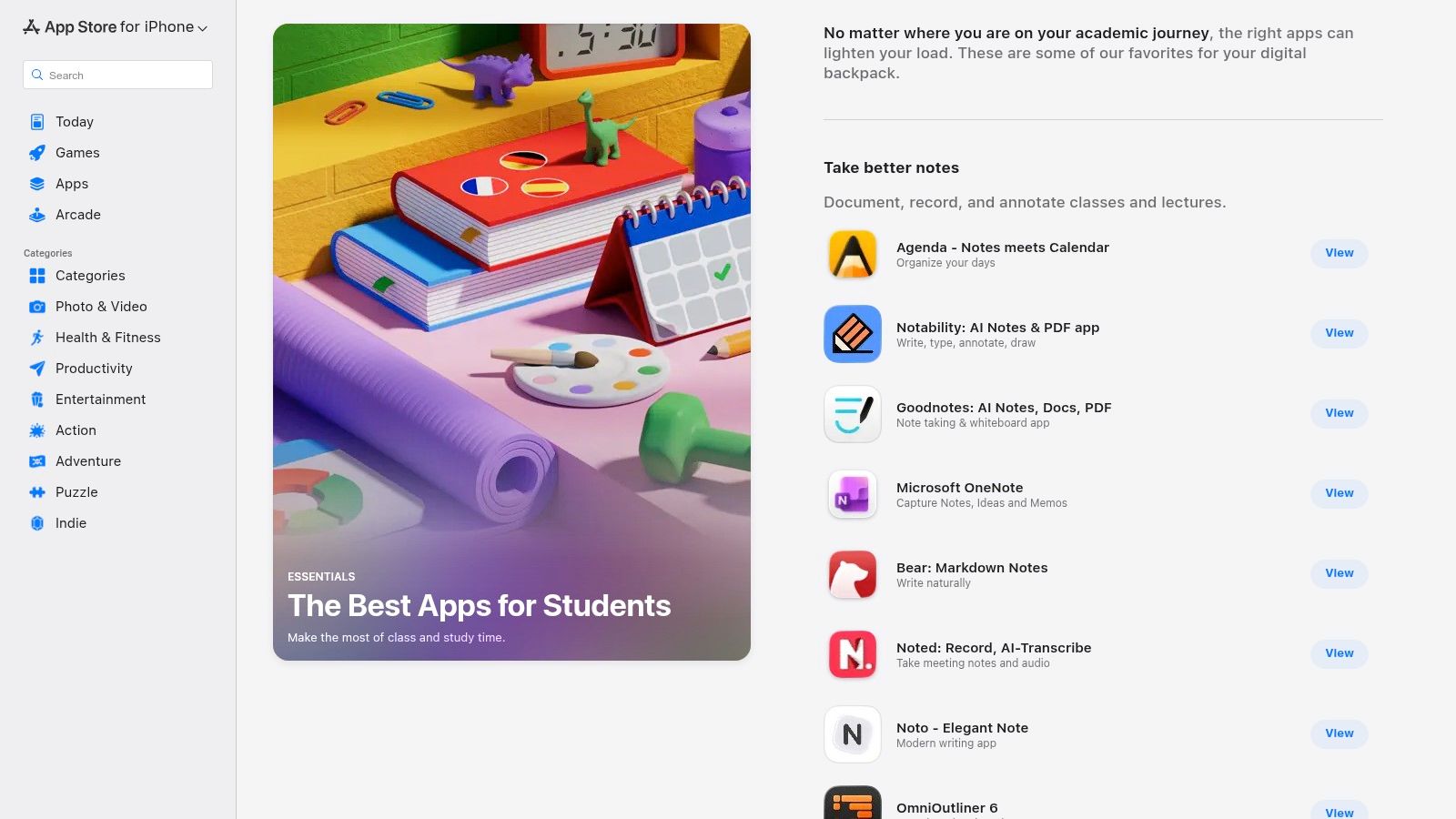
This collection shines by highlighting apps that excel in the Apple environment. While many are freemium, managing subscriptions is a breeze since it's all centralized through your Apple ID. For those new to digital workflows, this list provides a trusted launchpad, though you'll still need to evaluate which combination of tools fits your specific study habits. While this collection focuses on general productivity, students looking for more specialized tools might want to explore the best AI tools for students to handle tasks like research and data analysis.
Website: Apple's "The Best Apps for Students"
For Android users, Google Play Pass is the equivalent of an all-you-can-eat buffet for premium apps. Instead of buying top-tier productivity and study tools one by one, a single monthly subscription unlocks a massive library of over 1,000 apps and games, completely free of ads and in-app purchases. This is a game-changer for students on a budget who want access to powerful tools without the à la carte pricing.
This model is perfect for experimentation. You can try out different to-do list managers, advanced calculators, or focus timers without any financial commitment beyond the subscription. If an app doesn't fit your workflow, you just uninstall it and try another from the catalog. It's a fantastic way to discover some of the best apps for college students without breaking the bank on individual purchases.
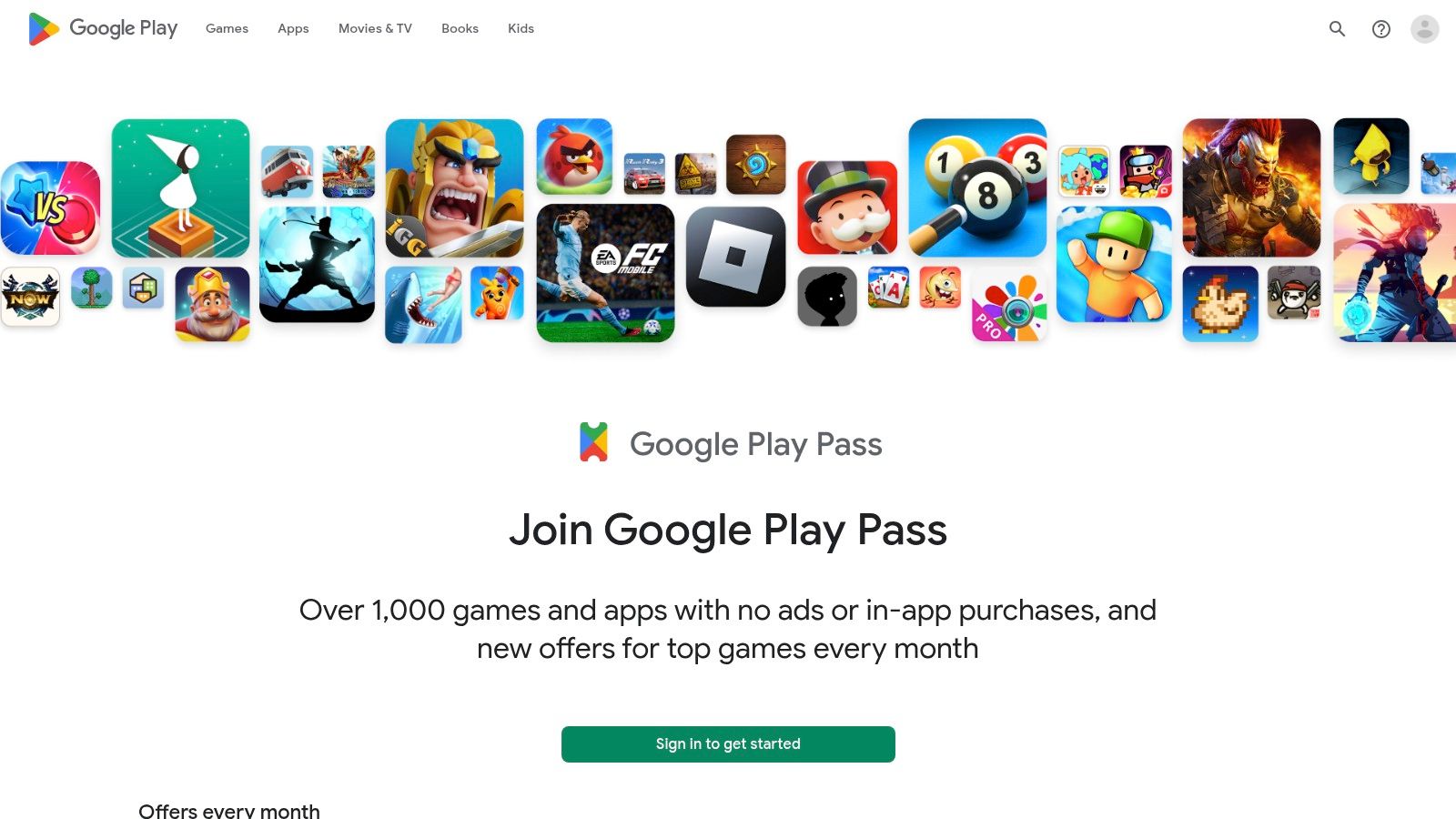
The value proposition here is simple: pay one low price for access to many. Managing the subscription is incredibly easy since it's tied directly to your Google account. The dedicated "Play Pass" tab in the Play Store makes discovering included apps straightforward. While the catalog is extensive, it doesn't include every top app, so you'll want to check if your must-haves are part of the deal. It’s an excellent way to supplement your app toolkit, especially when looking for some of the best note-taking apps that might be included in the offer.
Website: Google Play Pass
For students on Windows devices, the Microsoft Store's Education hub is the equivalent of finding a secret stash of freebies and discounts. Instead of hunting for individual deals, this hub aggregates everything Microsoft offers for students in one place, from discounted Surface devices to, most importantly, access to Microsoft 356. Many U.S. colleges provide free access, making this the first stop to claim your essentials.
This isn't just about getting Word and PowerPoint for free; it's about unlocking the entire ecosystem. Microsoft 365 Education plans often come with a massive 1 TB of OneDrive storage, which is a lifesaver for backing up lecture notes, projects, and large media files. The seamless integration with Windows means your files are always synced, and apps like OneNote become powerful, cross-device notebooks for every class. It’s one of the best ways to get campus-standard software without spending a dime.
Navigating the hub is straightforward, focusing on eligibility verification through your student email. The main value lies in activating the full suite of Microsoft 365, which remains the standard for document creation and collaboration in most academic and professional settings. While the offers are fantastic, they can be time-limited or change based on school partnerships, so it's wise to check your eligibility early. The platform makes it easy to get started with the tools you'll likely use for the next four years and beyond.
Website: Microsoft Store – Education hub
Why pay for dozens of separate app subscriptions when you can get a "Netflix for apps" instead? That's the core idea behind Setapp, a subscription service that bundles access to over 200 premium Mac and iOS applications under a single, affordable monthly fee. For college students, this is a financial game-changer, especially with their generous education discount program.
This service is a treasure trove for anyone in the Apple ecosystem who needs a diverse toolset. You get access to powerful apps for writing, research, mind-mapping, task management, and even system utilities without the headache of managing individual licenses and updates. It's an incredible way to discover and use some of the best apps for college students without breaking the bank, transforming your Mac into a productivity powerhouse.
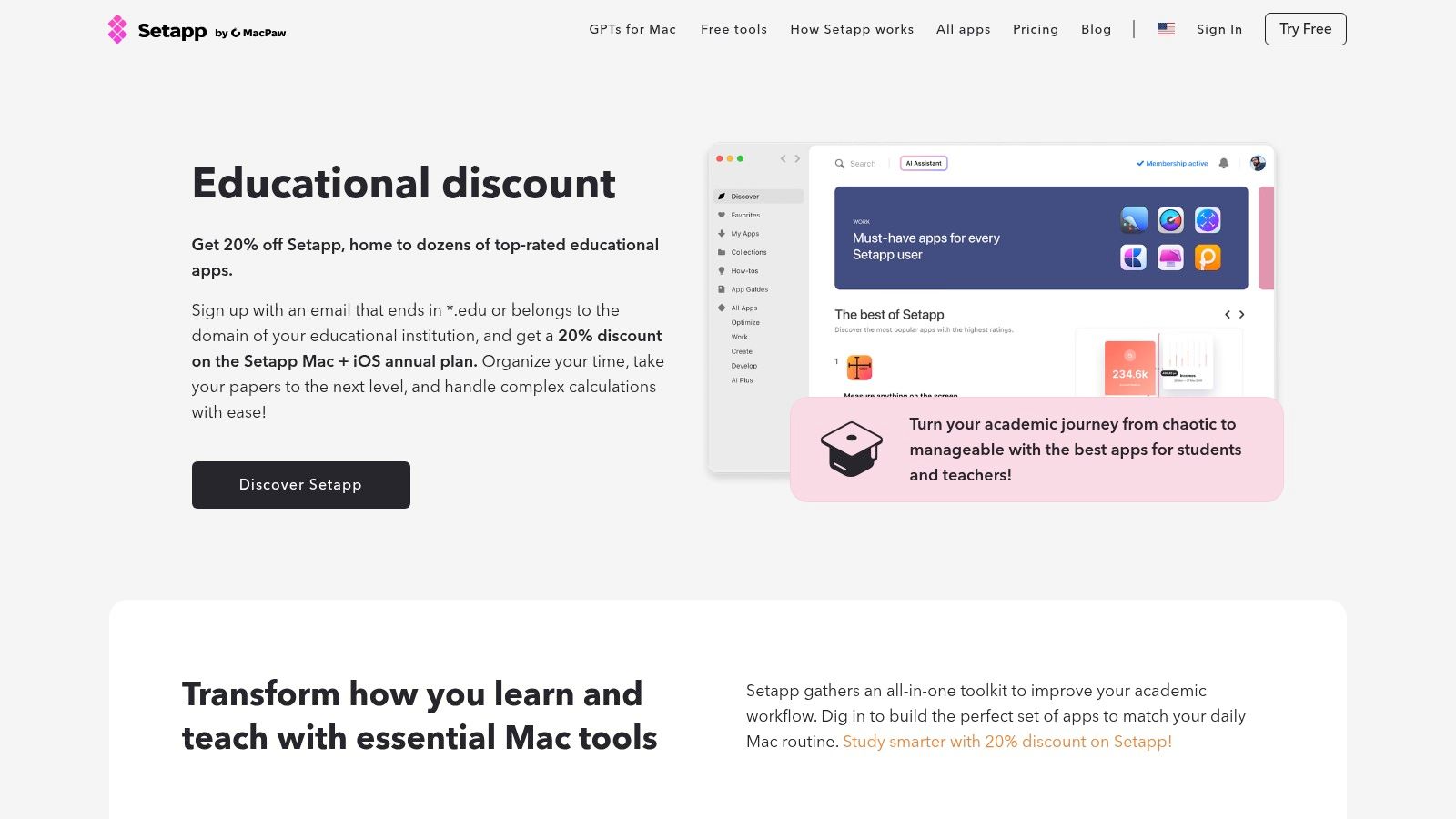
The user experience is seamless; you install the Setapp desktop client, and from there, you can browse and install any app from the catalog with a single click. All apps are fully featured and updated automatically. While the curated collection is fantastic, it's worth noting that a dedicated knowledge base like Zemith is still essential for organizing the actual research and insights you gather using these tools. Setapp provides the instruments, but you still need a central hub for your academic work.
Website: Setapp for Education
For students in computer science, engineering, or any tech-adjacent field, the GitHub Student Developer Pack isn't just a good deal; it's a treasure chest. Instead of being a single app, it’s a massive bundle of premium developer tools, services, and educational resources offered for free to verified students. Think of it as an all-access pass to the professional-grade software you'll eventually use in your career, but without the hefty price tag.
This pack completely changes the game by giving you free access to everything from domain names and cloud hosting to powerful IDEs and project management tools. It levels the playing field, allowing you to build sophisticated projects for your portfolio using the same tools as seasoned developers. Getting your hands on this pack early is one of the smartest moves a tech student can make.
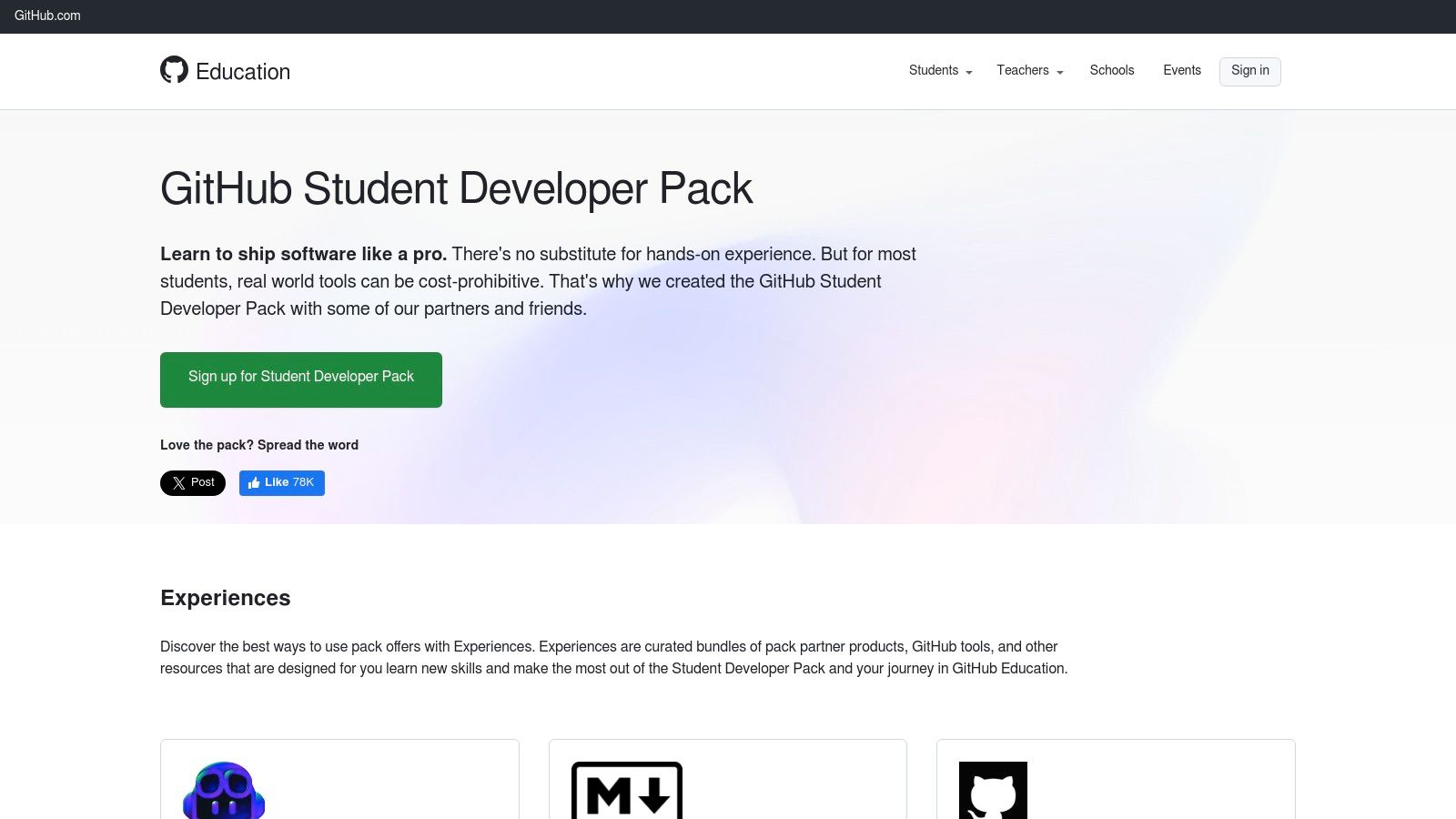
Accessing the pack is straightforward: you verify your student status through GitHub Education, and a centralized dashboard unlocks all the partner offers. Each offer has its own terms, but the value is immense. This is easily one of the best apps for college students venturing into tech, as it provides the foundational tools needed to bring ambitious projects to life. For anyone just starting their coding journey, pairing these tools with a solid learning plan is key, and you can explore tips on how to learn programming fast to make the most of what the pack offers.
Website: GitHub Student Developer Pack
Let's be real, college isn't cheap. Between tuition, books, and late-night pizza runs, every dollar counts. UNiDAYS is an essential app for college students that acts as your golden ticket to savings, offering a massive collection of exclusive discounts on everything from software and tech to clothing and food. Instead of hunting for promo codes, you verify your student status once and unlock hundreds of deals.
The platform is a must-have for scoring discounts on the very productivity tools and app subscriptions you need for class. Think cheaper access to premium features in the best apps for college students, making powerful software more accessible on a tight budget. It’s a simple, effective way to stretch your money without sacrificing the tools that help you succeed.
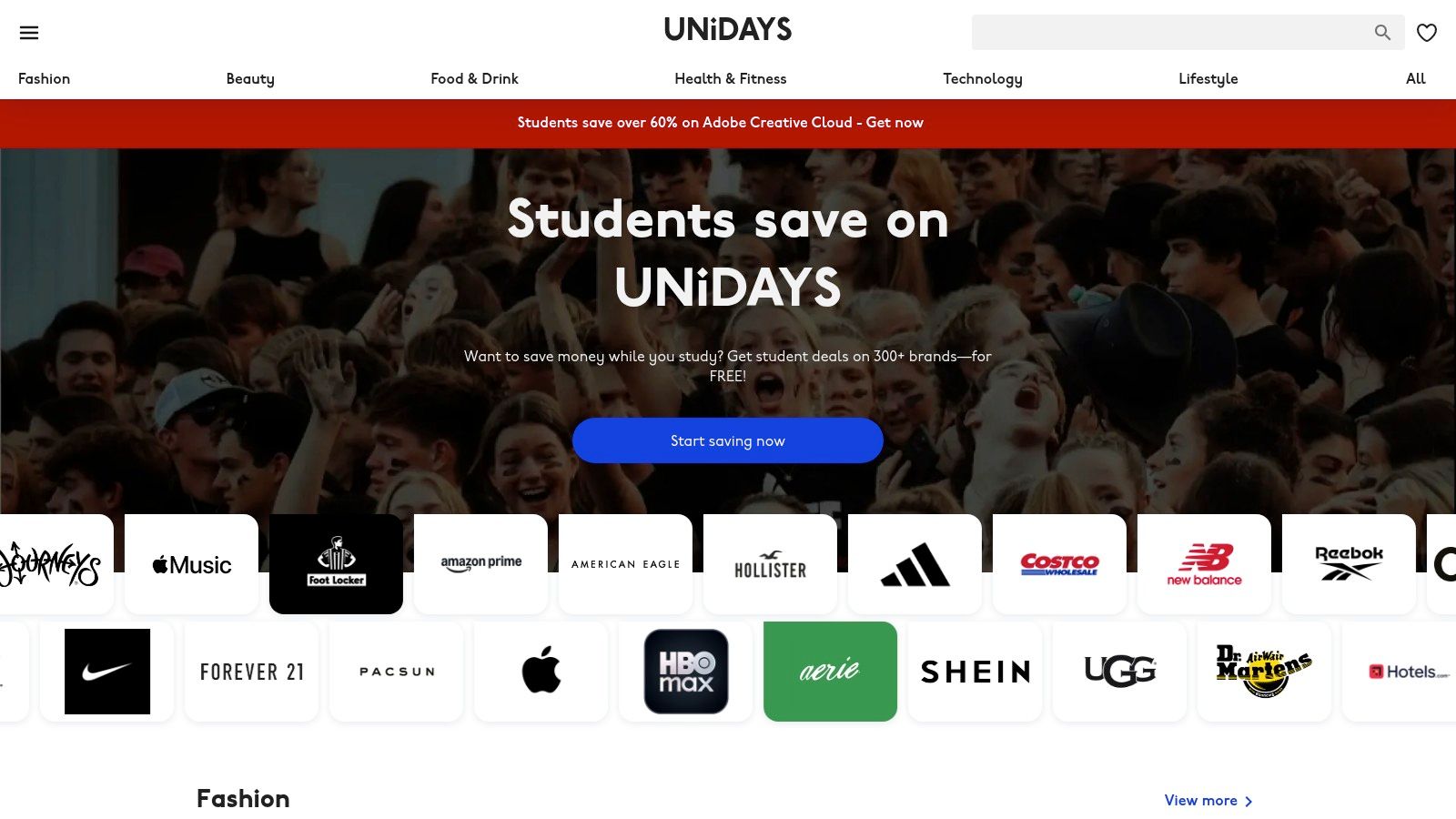
UNiDAYS shines with its simplicity; you verify with your student email, and you're in. The mobile app is straightforward, allowing you to flash a digital ID for in-store discounts or grab codes for online shopping. While platforms like UNiDAYS offer a broad range of deals, it's also worth seeking specific provider offers, such as an Activ8me student discount for internet service, which is crucial for staying connected. Saving money on your tools and services frees up your budget and your mind, allowing you to focus on how to study smarter, not harder.
Website: myunidays.com
College is expensive enough without paying full price for every app, laptop, or textbook. Student Beans is your secret weapon for making student life more affordable, acting as a one-stop-shop for discounts on everything from fashion to tech. By verifying your student status just once, you unlock hundreds of offers that can save you a serious amount of cash.
This isn't just about getting 10% off a new pair of sneakers; Student Beans has a massive catalog of tech and software deals that are directly relevant to your studies. You can find discounts on writing tools, VPNs, and even some of the productivity apps mentioned in this list. It consolidates the often-frustrating hunt for student discounts into one simple, searchable platform.
Student Beans excels with its clean, no-fuss interface and mobile app that doubles as a digital student ID for in-store purchases. The real value comes from its sheer breadth of partnerships and the frequent "boosted" discounts that offer even deeper savings for a limited time. While it's an essential money-saving tool, you do have to be proactive and check the app regularly to catch the best deals before they expire. It’s a must-have for any student looking to stretch their budget.
Website: Student Beans
Before you spend hundreds on essential software for your major, hold on. Many universities partner with OnTheHub to create custom webstores offering professional-grade software for free or at a massive discount. This isn't just about getting a few bucks off; we're talking about accessing expensive tools like Windows, SPSS for statistics, or VMware for virtual machines at prices you won't find anywhere else. It’s one of the best-kept secrets for savvy students looking to save serious cash.
This platform works by verifying your student status through your school’s portal, unlocking a catalog of academic licenses. The offerings are tailored to your institution, so what’s available can vary, but it’s always worth checking before buying retail. This is a must-visit resource for anyone in STEM, data science, or design fields who needs powerful, specialized software that typical student apps can't provide.
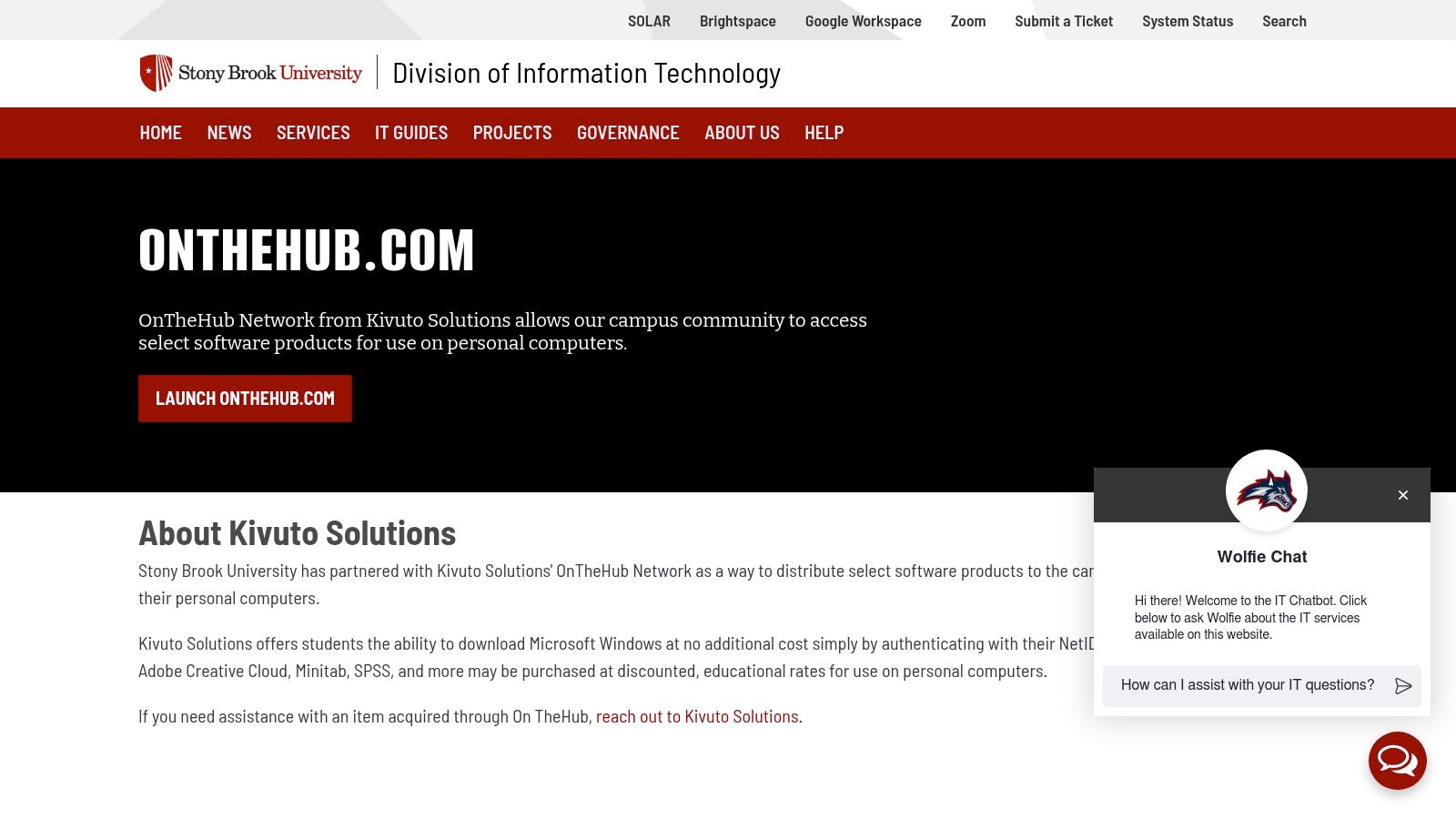
Navigating OnTheHub is straightforward: you find your school’s specific portal and log in with your student credentials. The main challenge is that the catalog and pricing are entirely dependent on your university’s licensing agreements. While some students might get the full Adobe Creative Cloud for a steal, others may only see a few niche engineering tools. It’s a bit of a lottery, but one that costs nothing to play and could save you a small fortune. For students needing powerful tools, this is an essential first stop, making it one of the best apps for college students by virtue of the value it provides.
Website: OnTheHub (Example Portal)
While not an app in the traditional sense, Amazon Prime Student is a membership that unlocks a treasure trove of value, including deals on some of the best apps for college students. It’s a classic "life hack" for a reason. You get all the core Prime benefits like fast, free shipping (perfect for last-minute textbook orders or dorm room gear) at a steep discount, often with a generous six-month free trial to start.
The real hidden gem for students, however, is the rotating digital perks and partner offers. Amazon frequently teams up with other services to provide exclusive discounts on study apps, wellness tools, and entertainment subscriptions. These deals can make premium versions of other apps on this list suddenly much more affordable. Plus, you get access to included benefits like Prime Reading and Prime Gaming, which are great for downtime.
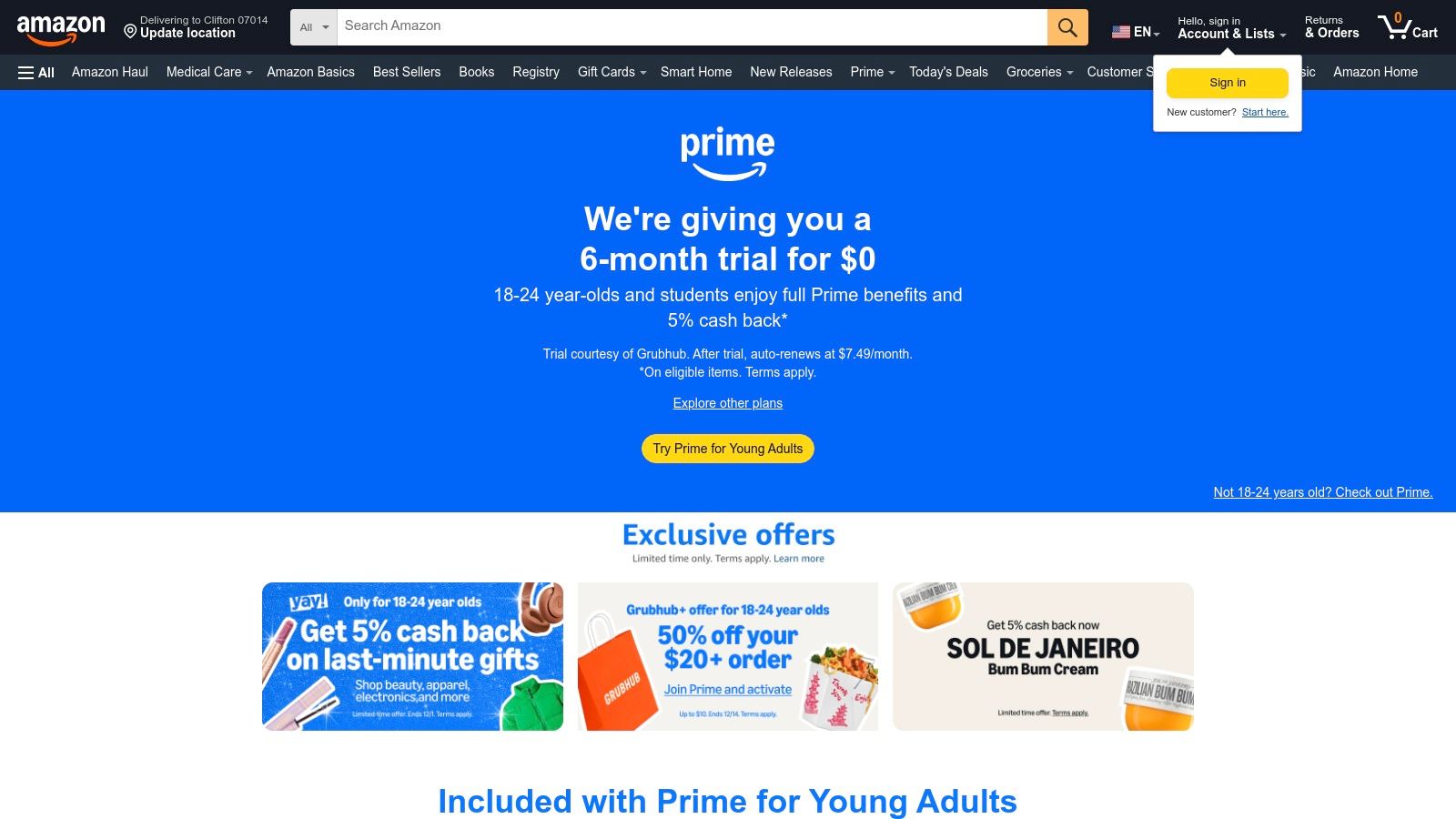
Prime Student is less about a single function and more about creating a powerful, cost-effective ecosystem for your entire college life. The value proposition is undeniable, bundling everyday essentials with digital bonuses that support both your academic and personal well-being. The key is to keep an eye on the partner offers, as they change periodically and can offer significant savings. While it streamlines your shopping and entertainment, managing multiple specialized apps for notes and research can still be a hassle. That's where an all-in-one platform like Zemith can be a game-changer, consolidating your study workflow into a single, cohesive space.
Website: Amazon Prime Student
For the millions of college students living on their laptops and in Google Chrome, the best apps for college students aren't always standalone programs. Sometimes, they’re powerful little browser extensions that supercharge your workflow. The Chrome Web Store’s "Education" category is a treasure trove of tools that can transform how you research, write, and study online.
Think of it as adding new superpowers directly to your browser. You can find everything from citation managers that pull sources from a webpage with one click, to text-to-speech readers that narrate articles, and focus tools that block distracting sites during study sessions. The beauty is in the integration; these tools work right where you do, eliminating the need to constantly switch between windows and apps.
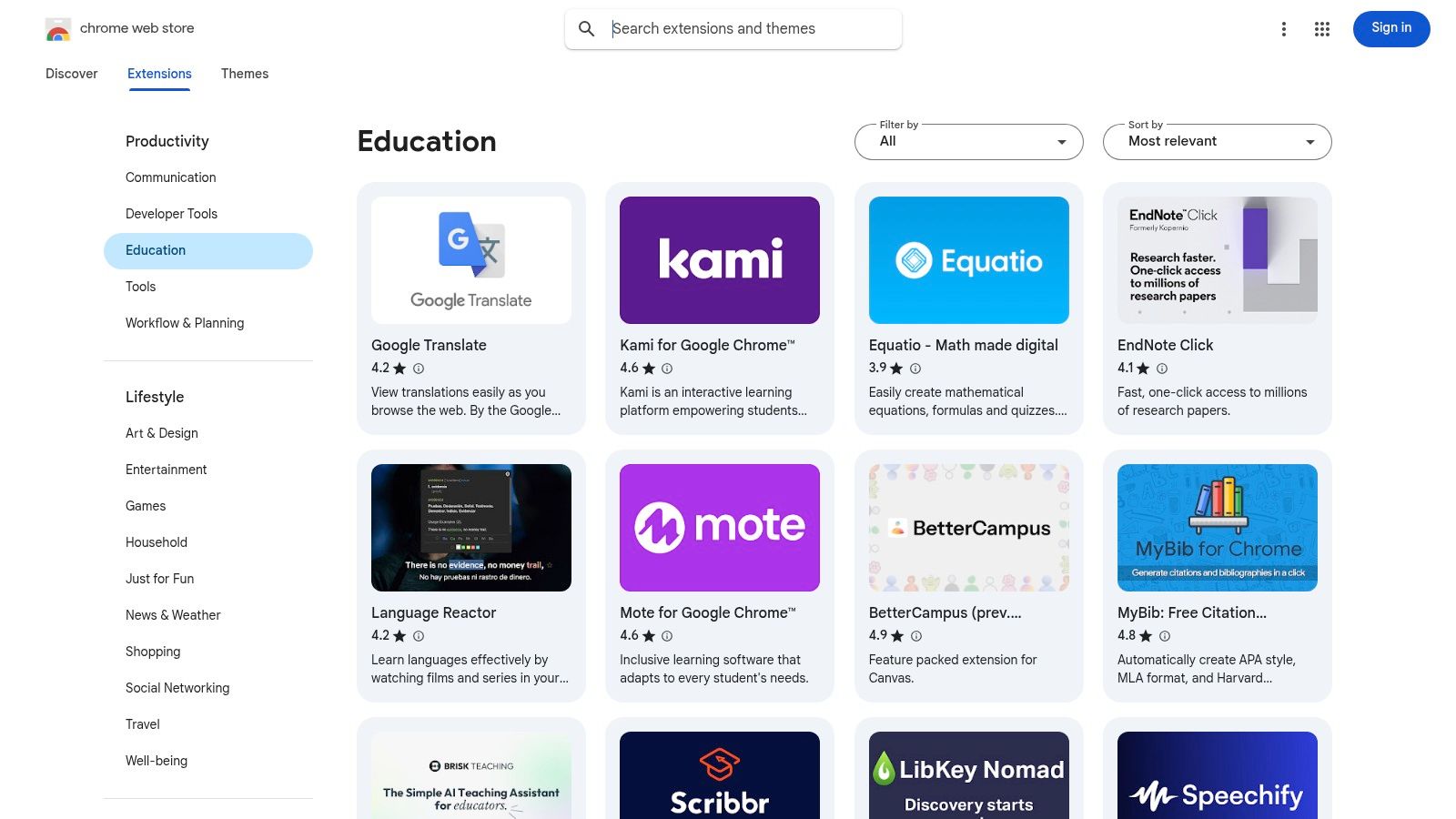
The Chrome Web Store makes discovering and installing these tools incredibly simple. Extensions sync with your Google account, so your favorite study aids are available on any computer you sign into. However, quality can be a mixed bag. A good tip is to stick with extensions that have a high user rating and an "Established publisher" badge for reliability. While many fantastic extensions are free, some of the most powerful ones will have premium features behind a paywall.
Website: Chrome Web Store - Education Extensions
Instead of endless scrolling and guesswork, sometimes what you really need is a well-researched cheat sheet. That's exactly what BestApp.com offers with its annual roundup of the best apps for college students. This resource acts as a buyer's guide, gathering top-tier apps for scheduling, writing, studying, and budgeting into one convenient place for quick comparisons.
What makes this list a lifesaver is its clear, student-focused presentation. Each app summary includes pricing, platform support, and direct download links, so you can quickly see if an app fits your budget and your device. It’s a fantastic way to discover new tools without committing hours to research, letting you spend more time actually studying.
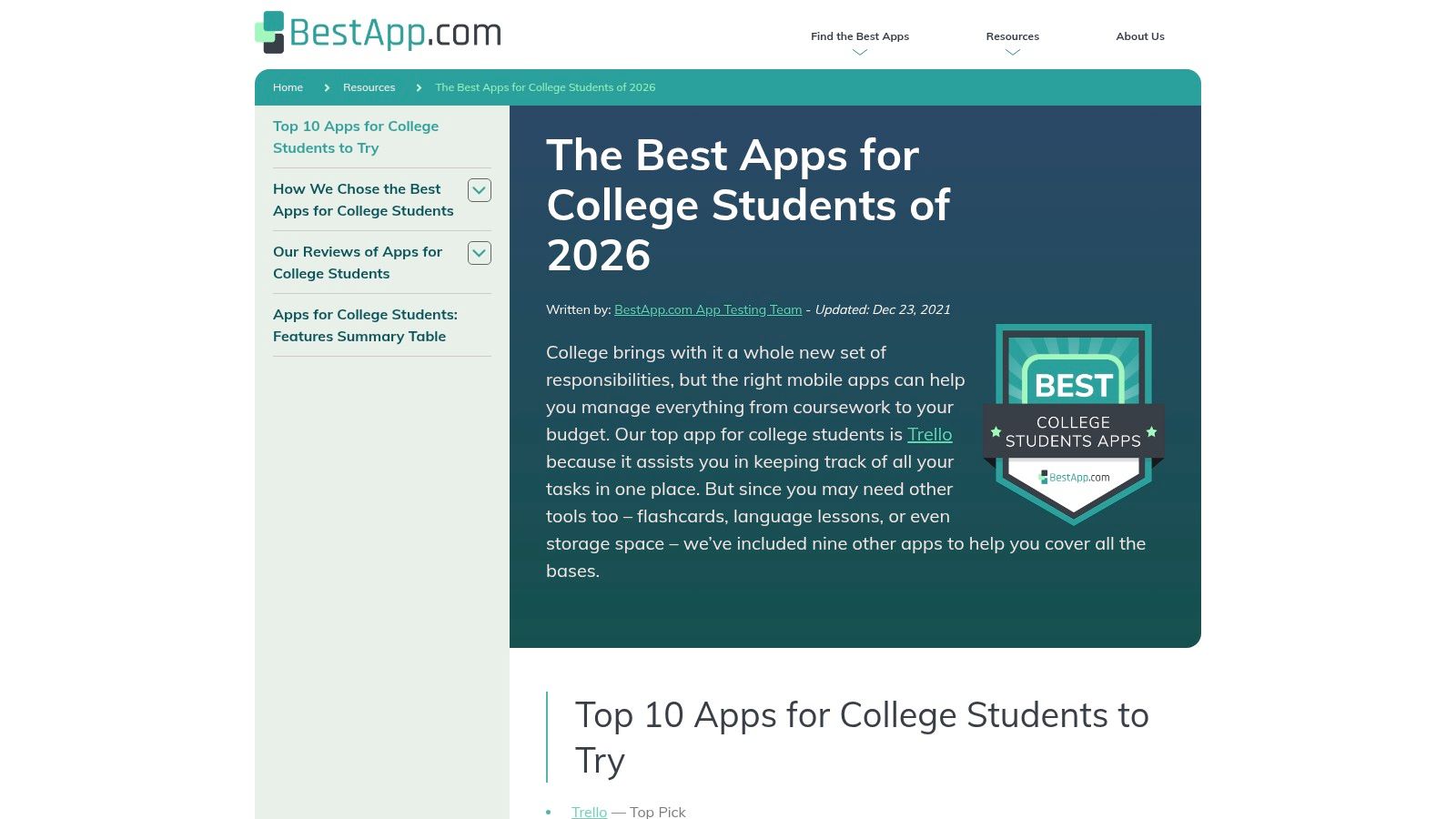
BestApp.com excels at providing a high-level overview that cuts straight to the point. The side-by-side summaries make it incredibly easy to weigh your options, especially with the clear notes on free versus paid tiers. While it’s a great starting point for finding popular apps, it’s not an exhaustive encyclopedia; you might miss out on some niche or newer tools. For a deeper dive into tools that integrate your entire workflow, you can explore the best student productivity apps designed for serious organization.
Website: BestApp.com's "Best Apps for College Students"
Whew, that was a lot. If your head is spinning with app stores, discount portals, and developer packs, take a deep breath. We've journeyed through the digital landscape, from the curated gardens of the Apple App Store to the treasure troves of GitHub's Student Developer Pack. The goal was never to send you on an endless downloading spree. In fact, it’s the exact opposite.
The real secret to finding the best apps for college students isn't about having the most apps. It's about building a lean, mean, productivity machine with the right apps. Your phone's home screen shouldn't look like a digital junk drawer. It should be a streamlined command center for your academic life.
Remember the core lesson here: be strategic. Every app you download should earn its place on your device. It needs to solve a specific problem better than anything else you have. The enemy of productivity is clutter, and nothing creates digital clutter faster than a folder full of single-use, "just in case" apps.
Instead of grabbing a separate app for notes, another for research, a third for outlining your essays, and a fourth for coding help, think about consolidation. How can you do more with less? This is where a powerful, all-in-one platform becomes your most valuable asset. A tool like Zemith, for example, is designed to be a central hub, capable of replacing half a dozen of those specialized apps you might otherwise download. It handles the heavy lifting for research, writing, and even coding assistance, all within a single, cohesive environment.
So, what are the next steps? Don't just close this tab and forget everything. Let’s make this actionable.
The ultimate goal is to build a digital ecosystem that works for you, not against you. Your toolkit should reduce friction, not create it. It should save you time, not give you more ways to procrastinate by organizing your organizers. By consolidating with a primary tool and supplementing it smartly, you’ll reclaim precious hours you can spend on studying, socializing, or finally figuring out the laundry machine in your dorm. Go build a toolkit that gets you to that post-midterm pizza night faster.
Ready to stop juggling a dozen different apps and start streamlining your entire academic workflow? Zemith combines AI-powered research, writing, and coding into one powerful platform designed for students. Try Zemith for free and build your ultimate, consolidated toolkit today.







Trusted by teams at






The top models, plus image, video and voice tools, in one plan.
Without Zemith
ChatGPT PlusUS$20.00Claude ProUS$20.00Google AI ProUS$19.99SuperGrokUS$30.00Perplexity ProUS$20.00 MidjourneyUS$10.00
 ElevenLabsUS$6.00Le Chat ProUS$14.99
 RunwayUS$15.00Kling StandardUS$8.80
 Gamma PlusUS$12.00
 Otter ProUS$16.99
 QuillBot PremiumUS$19.95
 Photoroom ProUS$12.99
 Quizlet PlusUS$7.99
Total if paying separatelyUS$234.70/mo
"I love the way multiple tools they integrated in one platform. Going in the right direction."
— simplyzubair
"The quality of data and sheer speed of responses is outstanding. I use this app every day."
— barefootmedicine
"The credit system is fair, models are perfect, and the discord is very responsive. Quite awesome."
— MarianZ
"Just works. Simple to use and great for working with documents. Money well spent."
— yerch82
"The organization of features is better than all the other sites — even better than ChatGPT."
— sumore
"It lives up to the all-in-one claim. All the necessary functions with a well-designed, easy UI."
— AlphaLeaf
"The team clearly puts their heart and soul into this platform. Really solid extra functionality."
— SlothMachine
"Updates made almost daily, feedback is incredibly fast. Just look at the changelogs — consistency."
— reu0691
Hand off the research, writing, design and follow-ups. Zemith picks the tools it needs and brings back finished work.
Search the web, run deep research, read files, create images and run code with GPT, Claude, Gemini, Grok and more.
Zemith keeps working in the cloud and pings you when it's done.
Notion, Linear, Canva, Airtable and more. It asks before it creates or changes anything.
Docs, slides, sheets and PDFs, ready to send.
Chain models and tools on a visual canvas, from one prompt to a finished promo video.
Briefings, reports and reminders run on a schedule and are ready when you need them.
Real-time voice that can see your camera or screen.
The best image and video models, in one studio.
Turn PDFs, links and YouTube videos into podcasts, quizzes, flashcards and mind maps.














 Podcast
 Quiz
Quiz Flashcards
 Mind map
 Infographic