


Every top model, with tools built in.
Search the web, run deep research, read files, create images and run code with GPT, Claude, Gemini, Grok and more.
Discover the best document collaboration software to streamline teamwork, speed edits, and boost productivity: compare features, security, and pricing.
Remember that time you spent an hour searching for the 'final_final_v3_REAL_final.docx'? We've all been there. The modern workplace is a chaotic whirlwind of documents, and trying to collaborate using email attachments is like trying to build a LEGO castle during an earthquake. It's messy, pieces get lost, and someone inevitably ends up crying. We're not pointing fingers, but... maybe it's you.
This constant back-and-forth drains energy and kills creativity. The solution isn't another status meeting; it's finding the best document collaboration software that fits your team's unique rhythm. The right platform can transform disorganized chaos into a streamlined, single source of truth where real work actually gets done. It’s about more than just cloud storage; it’s about creating a central hub for ideas to grow. What are the best document collaboration tools for agile teams in 2025? Let's find out.
This guide is your map out of the madness. We're diving deep into the 12 best document collaboration tools for 2024 and beyond, from the household names like Google Docs and Microsoft 365 to innovative platforms like Notion and the AI-powered newcomer, Zemith. We'll give you the real-world scoop, no marketing fluff, on what makes each tool tick, who it's truly for, and its hidden limitations.
We’ve included screenshots and direct links for every platform to make your evaluation easier. Think of this as your definitive playbook for choosing a tool that won't just store your files but will fundamentally change how your team works together. And once you've got your document hub sorted, you can further streamline your communication by integrating the best Slack apps to boost productivity, creating a truly connected digital workspace.
Ready to reclaim your sanity and stop version control nightmares? Let’s get started.
Google Workspace is the undisputed champion of browser-based collaboration, making it a go-to for teams that need to get up and running fast. It’s the platform most of us have used since school, and that familiarity is its superpower. Instead of a steep learning curve, your team can jump right into Docs, Sheets, and Slides, co-editing documents in real-time without a hitch. Seeing your teammate’s cursor fly across the page as they add feedback is still a bit of digital magic. It's like having a helpful ghost in the machine, but less spooky.
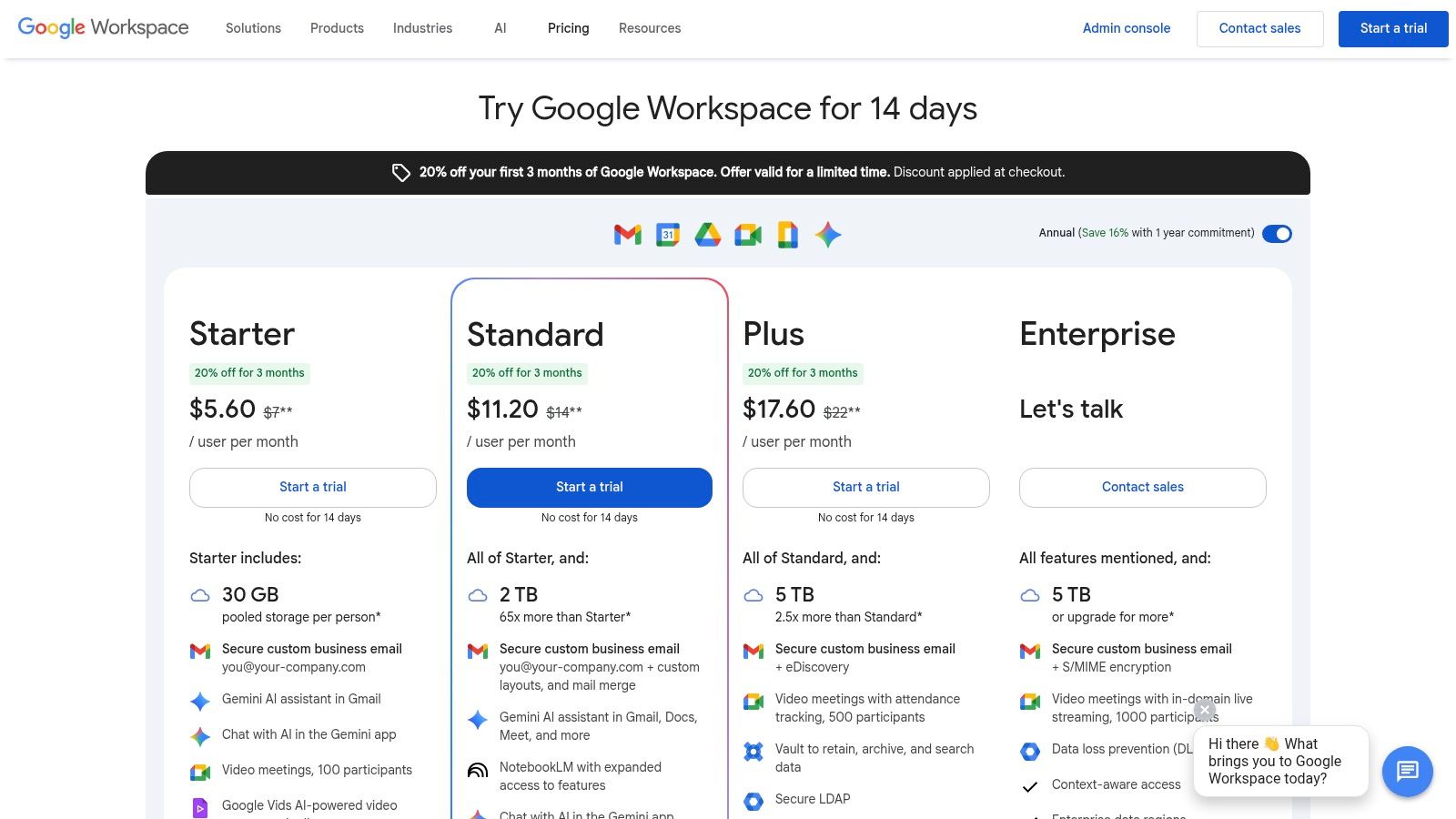
What makes Google Workspace one of the best document collaboration software options is its seamless ecosystem. Everything is connected. You can start a Google Meet call directly from a comment in a Doc, schedule it in Calendar, and share the file from Drive. The integration of Gemini AI adds another layer, helping you draft emails, summarize meeting notes, or generate ideas, turning it into a more intelligent assistant. It's an excellent foundation for any team building out their digital workspace.
Pros & Cons:
Pricing: Starts with a free personal plan. Business Standard is a popular choice at $12/user/month, offering 2 TB of pooled storage per user.
Best For: Teams of any size looking for a reliable, zero-friction, and instantly accessible collaboration platform.
For organizations deeply rooted in the classic Office ecosystem, Microsoft 365 is the natural evolution and a powerhouse of document collaboration. It bridges the gap between powerful desktop applications and cloud-based flexibility. While Google is built for the browser first, Microsoft brings its decades of desktop dominance to the cloud, offering unparalleled feature depth in Word, Excel, and PowerPoint, whether you're online or offline. This makes it a titan for industries where complex formatting, data analysis, and regulatory compliance are non-negotiable.
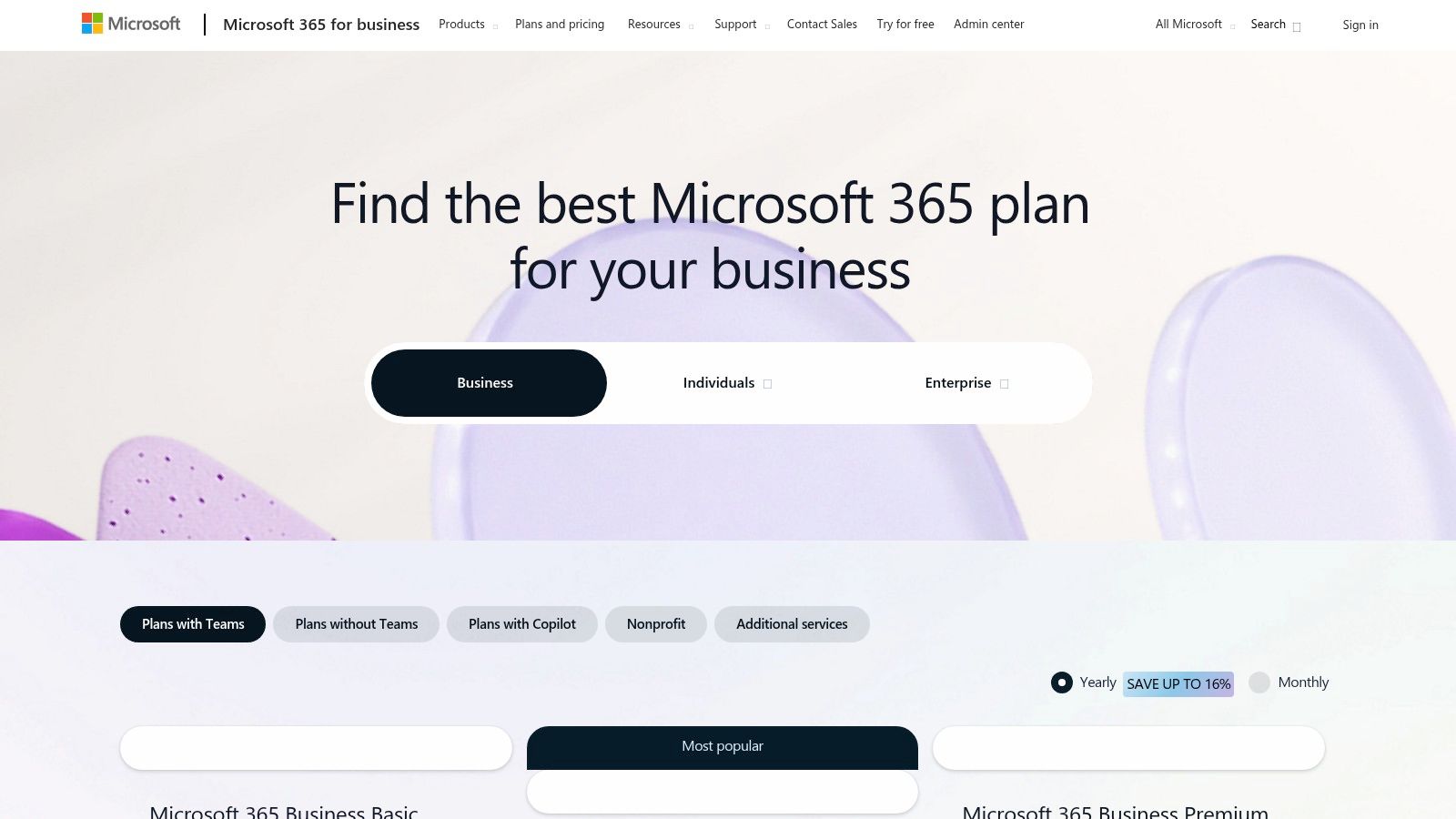
What makes Microsoft 365 one of the best document collaboration software choices is its enterprise-grade backbone. Beyond simple co-authoring, it provides a robust framework through SharePoint and Teams for creating entire knowledge hubs and structured workflows. The recent integration of Copilot AI supercharges this, helping draft complex proposals or analyze spreadsheet data with simple prompts. For businesses needing more than just a document editor, its focus on governance and security makes it a fortress for sensitive information. By leveraging its tools, companies can create a sophisticated document workflow automation system that handles everything from creation to archiving.
Pros & Cons:
Pricing: Microsoft 365 Business Basic starts at $6/user/month (with web and mobile apps only). Business Standard is a popular choice at $12.50/user/month, including the full desktop apps.
Best For: Established businesses, enterprises, and teams that rely heavily on the Office file formats and require robust security and admin controls.
Notion is the ultimate "build-your-own-workspace" tool, blending documents, wikis, and databases into a single, flexible canvas. It breaks free from the traditional document format, allowing teams to create interconnected pages that serve as anything from project briefs to company-wide knowledge bases. Instead of just writing, you’re building with blocks, which can be text, images, to-do lists, or even entire databases, making it an incredibly powerful platform for organizing complex information. It's like digital LEGOs, but you're less likely to step on one in the middle of the night.
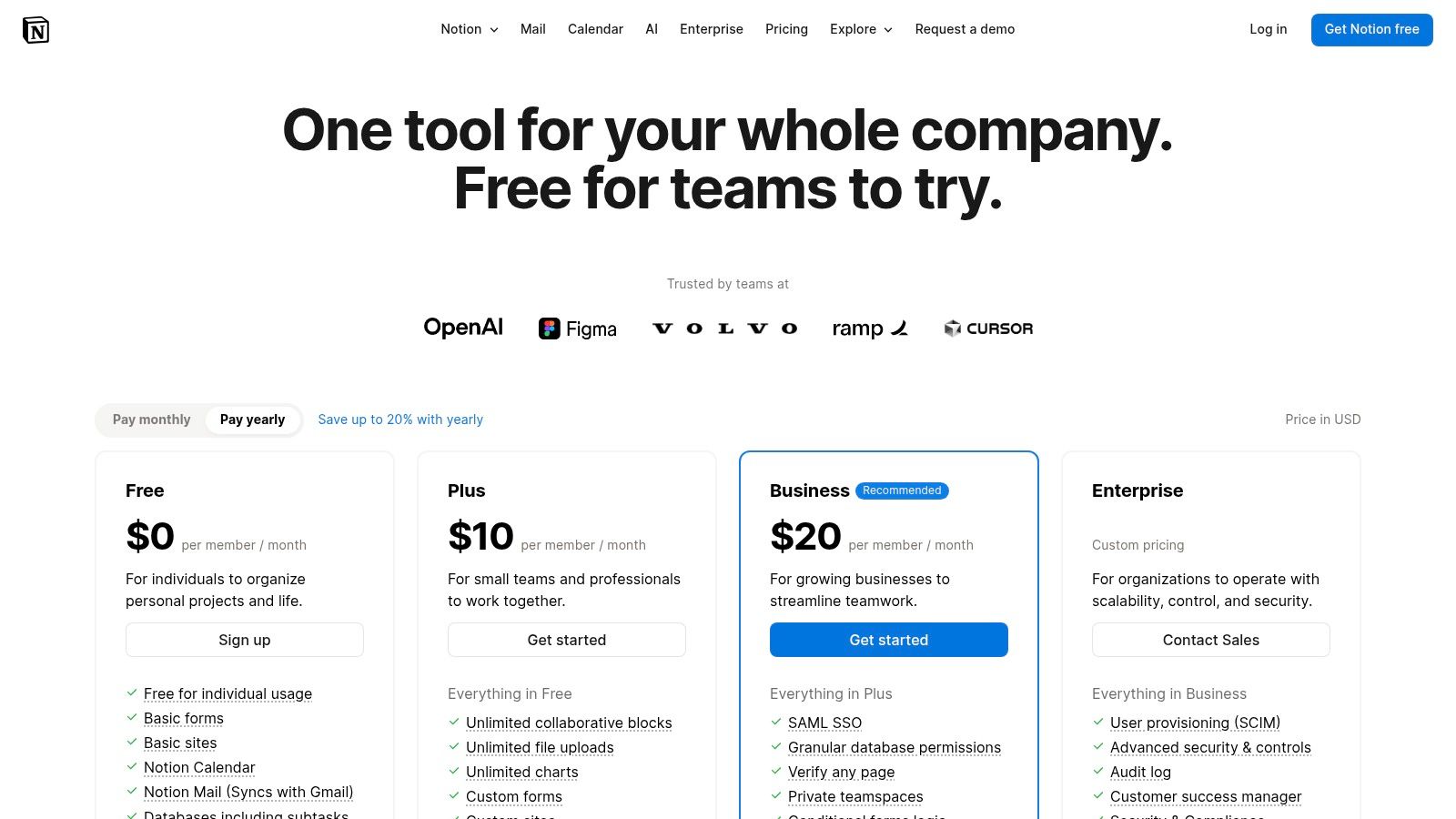
What makes Notion one of the best document collaboration software choices is its adaptability for centralizing team knowledge. You can manage everything from simple meeting notes to intricate project roadmaps in one place. With the addition of Notion AI, users can now summarize lengthy documents, brainstorm ideas, or even translate text directly within their pages. For teams tired of juggling separate apps for docs and project management, Notion offers a compelling, unified alternative. If you're building out a central source of truth, check out our guide on choosing the right knowledge base management system.
Pros & Cons:
Pricing: Starts with a generous free plan for individuals. The Plus plan for teams is $8/user/month (billed annually).
Best For: Teams that need a single source of truth for documents, wikis, and light project tracking, and who value flexibility over rigid structure.
If Google Docs is a blank canvas, Atlassian Confluence is a structured library. Designed as a team wiki and knowledge base, it excels at creating organized, interconnected documentation. Instead of loose files floating in a drive, Confluence uses a "space" and "page tree" structure, making it perfect for building out anything from project plans and meeting notes to a full-blown company intranet. It’s less about freestyle co-editing and more about building a single source of truth that even a new hire could navigate without breaking a sweat.
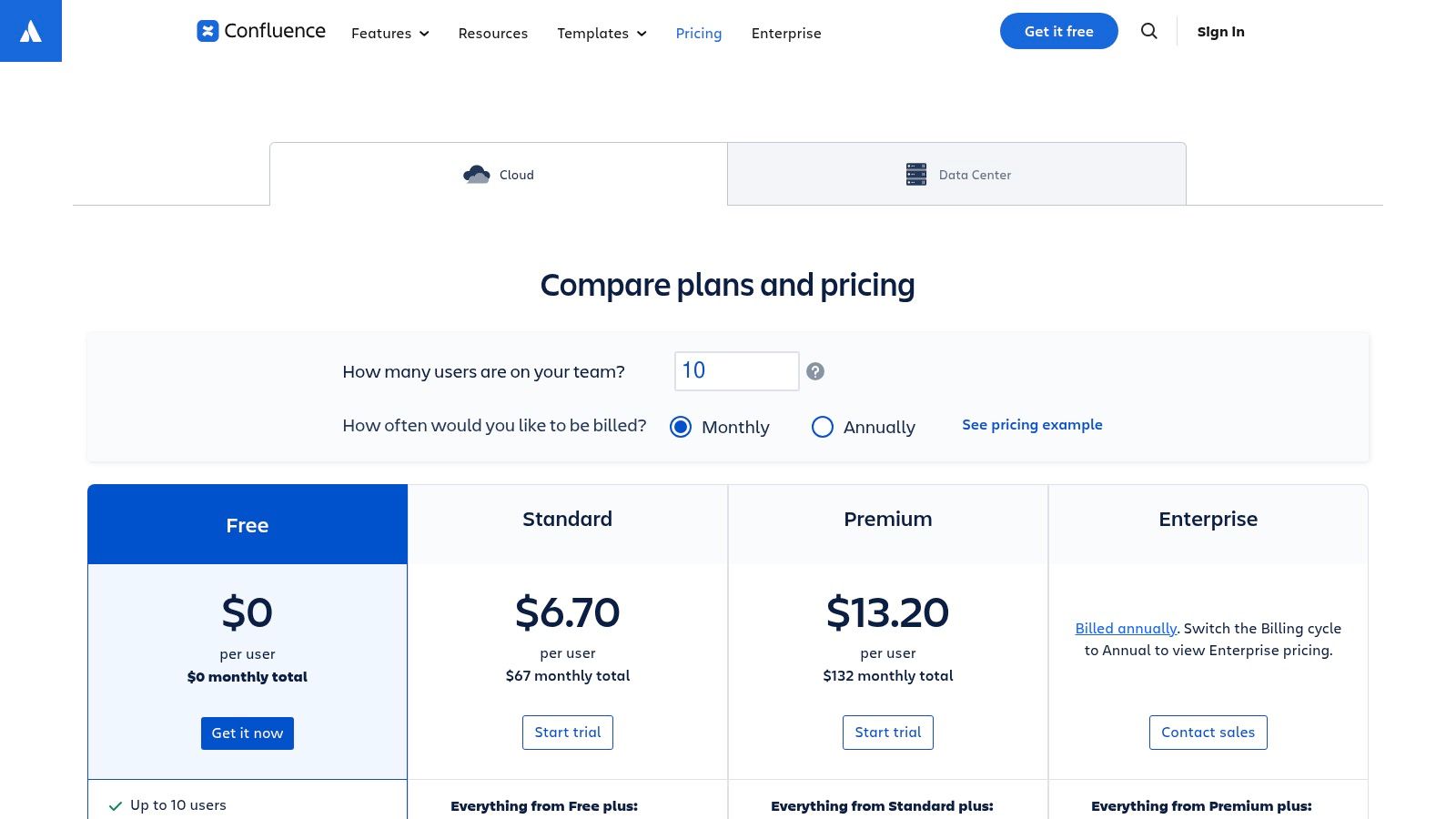
Where Confluence truly shines is its native integration with the Atlassian ecosystem, especially Jira. Linking project requirements in a Confluence page directly to Jira tickets creates a seamless workflow for development teams, turning documentation into an actionable part of the project lifecycle. This makes it one of the best document collaboration software options for technical teams who need their docs to live and breathe alongside their work. For those looking to master this approach, check out some best practices for documentation.
Pros & Cons:
Pricing: A robust free plan is available for up to 10 users. The Standard plan starts at $6.05/user/month for more features and storage.
Best For: Engineering, IT, and product teams that are already invested in the Atlassian ecosystem and need a powerful knowledge management hub.
Dropbox has been the king of cloud storage for years, and it's much more than just a digital filing cabinet. Its strength lies in a file-first approach to collaboration. For teams that live and breathe PDFs, design files, and other heavy assets, Dropbox offers a familiar folder structure combined with powerful, modern co-editing features through its integrated Paper documents. It’s the perfect middle ground for when your collaboration needs to revolve around files, not just text documents.
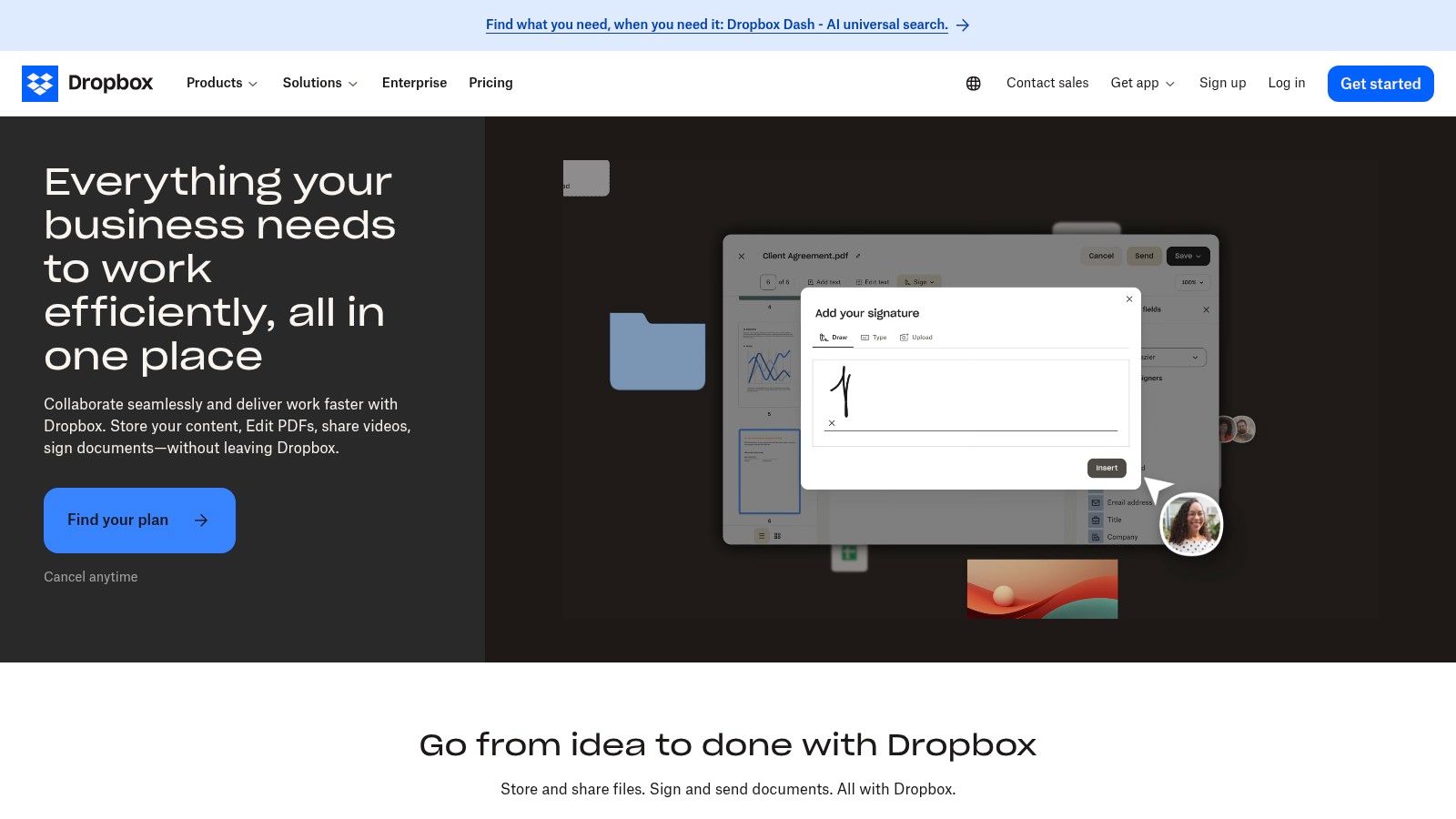
What makes Dropbox a unique contender for the best document collaboration software is its seamless blend of storage and creation. You can share a 100 GB video file with a client using a secure link, and in the same shared folder, have a lightweight Paper doc to brainstorm project notes with your team. Adding e-signature workflows and PDF editing directly into the platform turns it into a powerful hub for the entire document lifecycle, from creation to final sign-off. Mastering these tools is a key part of effective document management best practices.
Pros & Cons:
Pricing: Starts with a free 2 GB plan. Business plans with more features start at $15/user/month (billed annually).
Best For: Creative agencies, legal teams, and businesses that work with large, non-text files and need strong storage and sharing capabilities alongside lightweight collaboration.
Box positions itself as the enterprise-grade content cloud, moving beyond simple file sharing into a realm of serious security, governance, and workflow automation. If you're in a regulated industry like finance or healthcare where terms like "data loss prevention," "retention policies," and "compliance" are part of your daily vocabulary, Box is built for you. It serves as a secure central hub for all your content, whether it’s a sensitive contract, a design file, or a simple marketing doc.
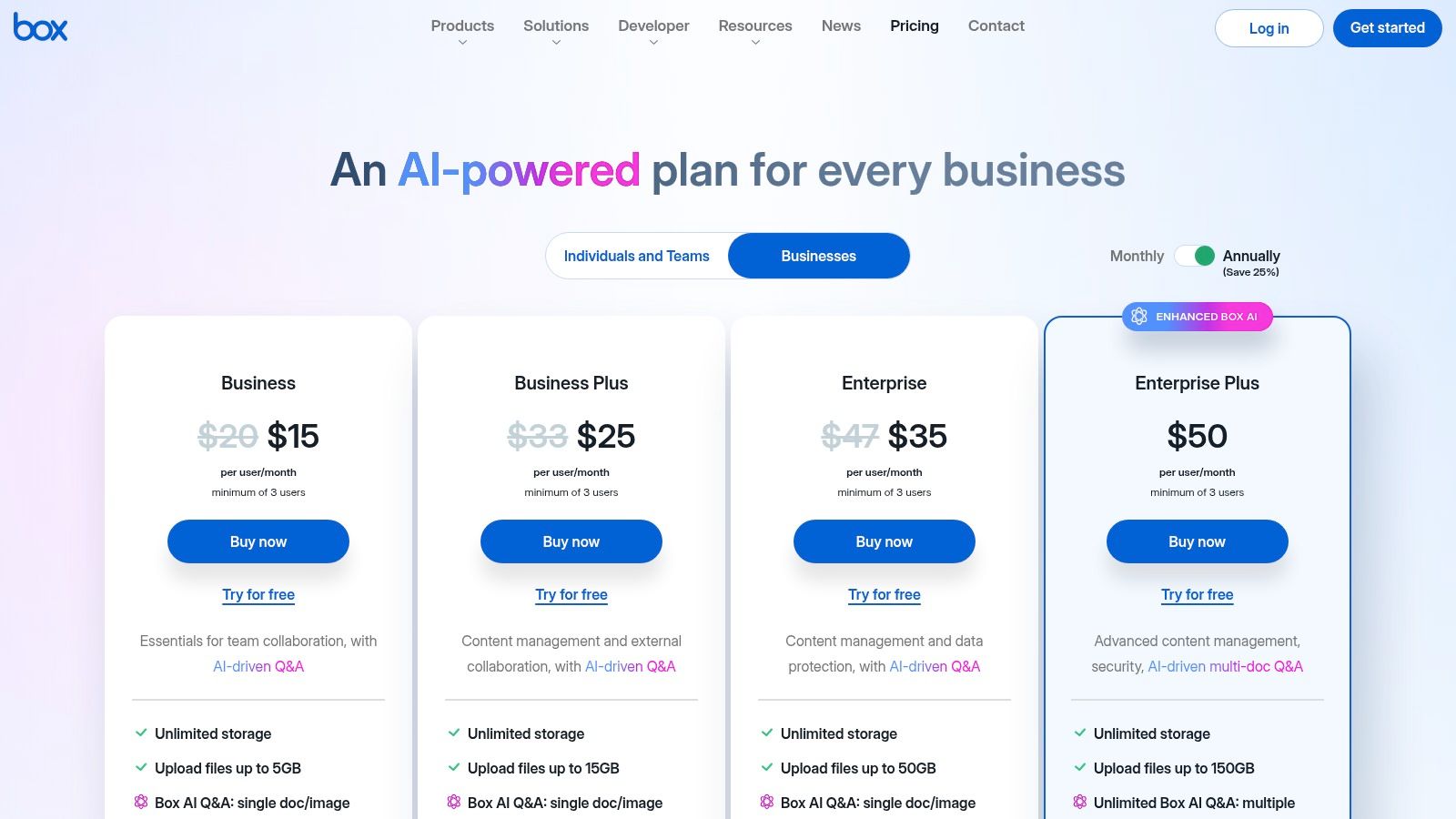
While it offers its own native tools like Box Notes for basic collaboration, its real power comes from its deep integrations. Box plays nice with everyone, acting as the secure layer on top of Microsoft 365 and Google Workspace. This makes it one of the best document collaboration software options for organizations that need to lock down their content while still using familiar editing tools. With advanced features like Box Sign for e-signatures and Box AI for intelligent content summaries, it's a platform designed for process-driven, security-conscious teams.
Pros & Cons:
Pricing: Business plans start at $15/user/month (with a three-user minimum), offering unlimited storage and standard integrations.
Best For: Regulated industries and large enterprises needing a secure, compliant, and centralized content hub to manage documents across their entire tech stack.
Zoho WorkDrive carves out its niche by focusing on team-level organization from the ground up. Instead of personal folders you share, WorkDrive is built around "Team Folders," making it a natural fit for businesses that prioritize structured, permissions-based access. It bundles Zoho’s competent Office Suite (Writer, Sheet, Show) with a powerful cloud drive, offering a compelling alternative for small to medium-sized businesses already invested in or considering the Zoho ecosystem. It’s less about personal storage and more about creating a shared, secure home for your team's work.
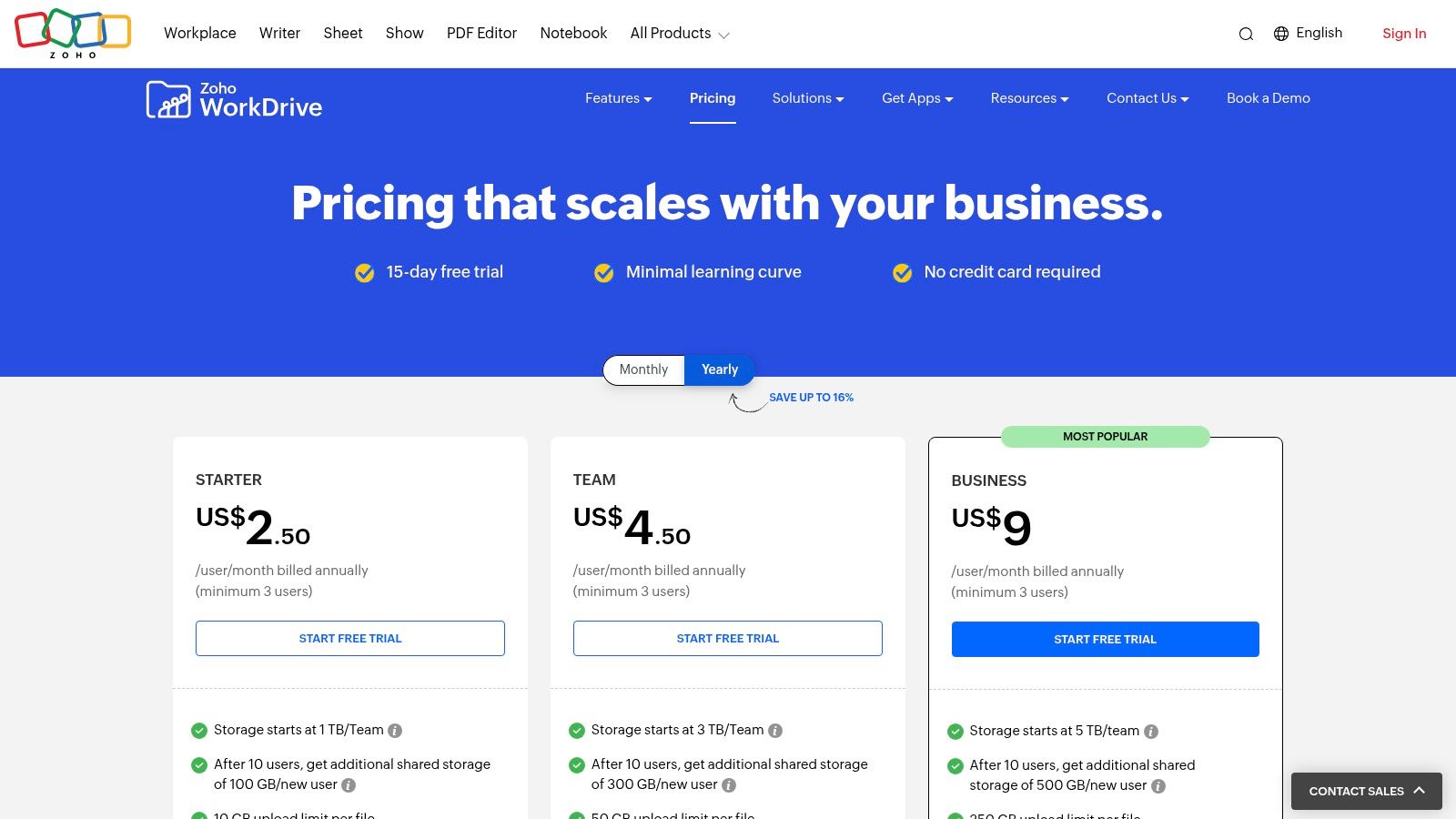
What makes Zoho WorkDrive a contender for the best document collaboration software is its balance of administrative control and user-friendly tools. Admins can set granular permissions at the sub-folder level, ensuring sensitive information stays protected while creative docs are open for collaboration. The real-time editors feel familiar, and the platform’s ability to preview over 200 file formats without downloading them is a massive time-saver. For teams needing a central hub that’s more than just a dumping ground for files, WorkDrive provides the structure and tools to keep everything organized.
Pros & Cons:
Pricing: Starts at $2.50/user/month for the Starter plan, with a 3-user minimum. The Team plan at $4.50/user/month is a popular choice for more storage and features.
Best For: Small to medium-sized businesses, especially those already using other Zoho products, who need a secure, team-centric drive with built-in office tools.
Salesforce Quip is the collaboration tool built for teams that live and breathe inside the Salesforce ecosystem. It brings documents, spreadsheets, and chat directly into your CRM workflow, transforming static records into dynamic, actionable hubs. Imagine creating and co-editing an account plan or a deal room brief right inside a Salesforce opportunity, without ever needing to switch tabs. That’s Quip’s superpower: embedding collaboration where the work actually happens.
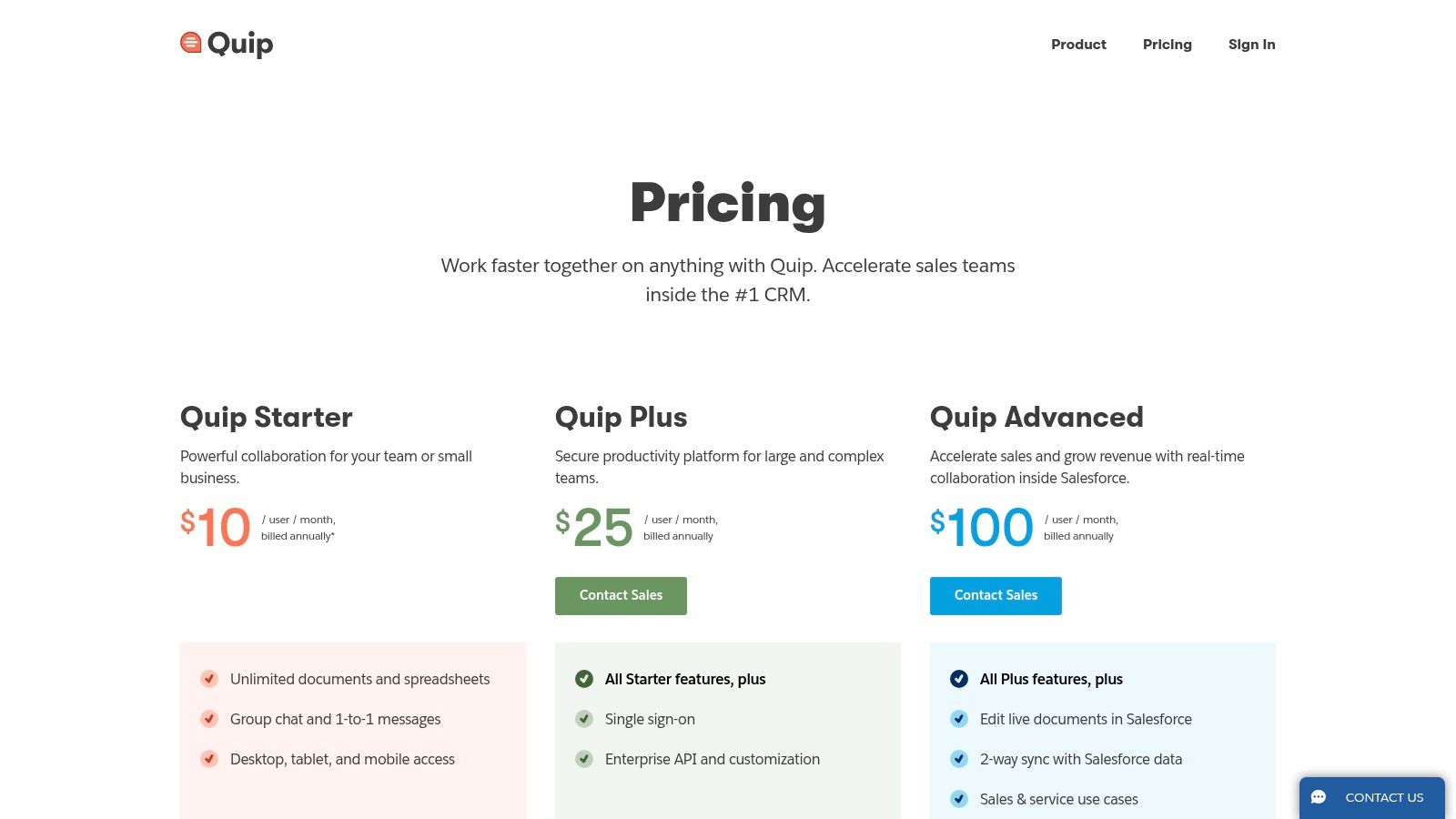
What makes Quip a contender for the best document collaboration software is its laser focus on sales and service teams. It’s not trying to be a general-purpose word processor; it’s a productivity engine designed to streamline communication and keep everyone aligned on customer-facing activities. With two-way data sync, updates made in a Quip doc can reflect back into Salesforce records, ensuring a single source of truth and saving everyone from the dreaded admin work nobody signed up for.
Pros & Cons:
Pricing: Quip Starter is $10/user/month. The Quip for Salesforce plan, which unlocks the deep CRM integration, starts at $25/user/month.
Best For: Sales, service, and marketing teams already using Salesforce who want to bring collaborative documents directly into their CRM workflows.
ClickUp Docs takes a different approach by embedding its collaborative documents directly inside a full-blown "work OS." If your team is tired of hunting for project briefs in one app and tracking related tasks in another, ClickUp brings it all under one roof. Your documentation doesn't just sit there; it lives alongside tasks, sprints, goals, and even whiteboards, creating a single source of truth for every project.
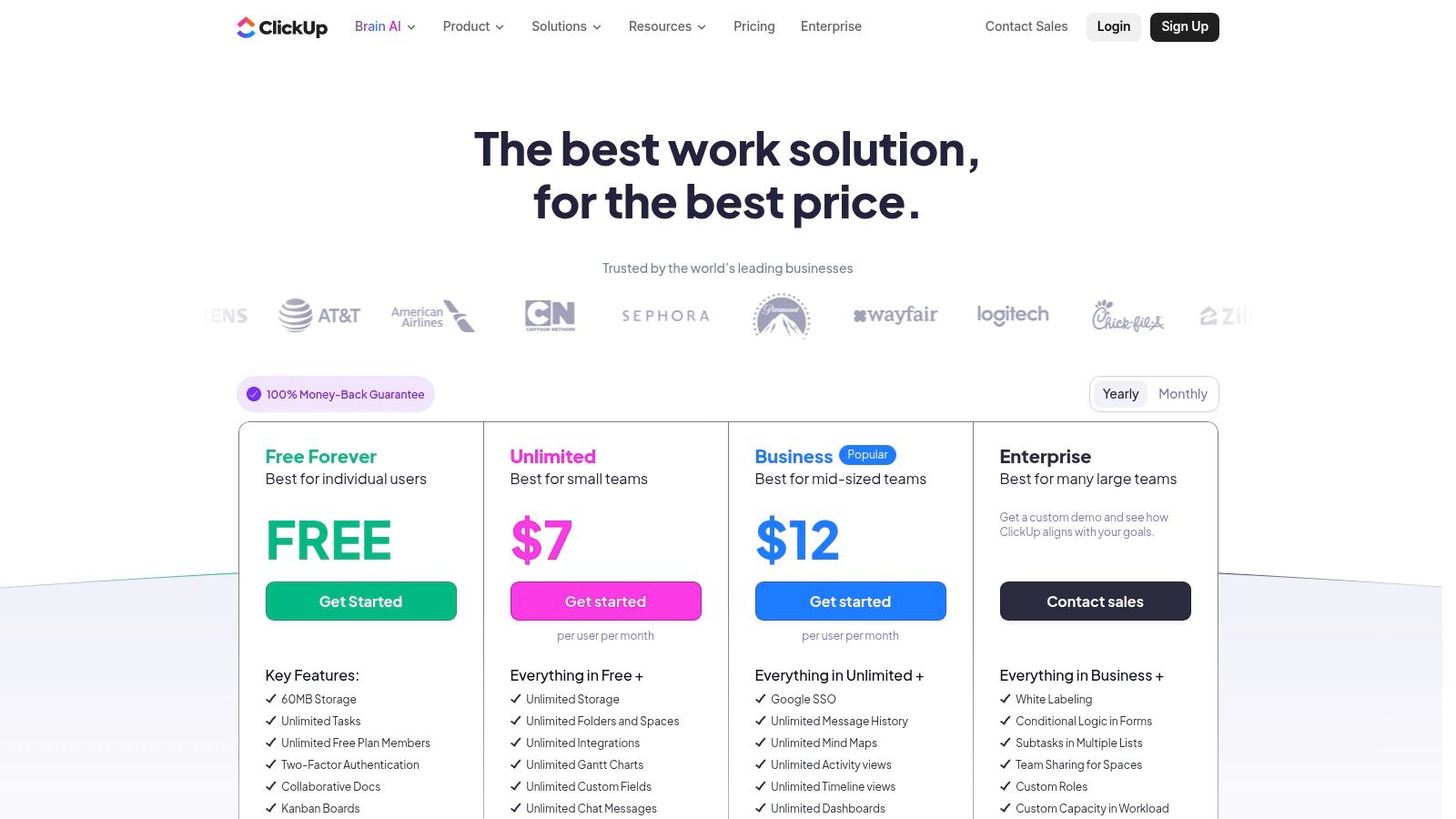
What makes ClickUp Docs a unique contender for the best document collaboration software is its deep integration with project management. You can highlight any text in a document and instantly turn it into a task, assign it to a teammate, and set a due date without ever leaving the page. This seamless workflow is perfect for action-oriented teams that need their documentation to drive progress, not just record it. Plus, its universal search can scan across all your work, including connected apps, saving you from the dreaded "where did I see that?" panic.
Pros & Cons:
Pricing: Starts with a Free Forever plan. The Business plan is a popular choice at $12/user/month, unlocking more advanced features and automations.
Best For: Teams that want their documentation tightly integrated with their project management and overall workflow.
Coda breaks the mold of what a document can be, blending docs, spreadsheets, and apps into a single, powerful surface. It’s for teams who feel constrained by traditional documents and want to build their own custom solutions, from project trackers to team wikis, without writing any code. Think of it as a set of digital Lego blocks; you can build almost anything you can imagine, turning a static page into an interactive tool.
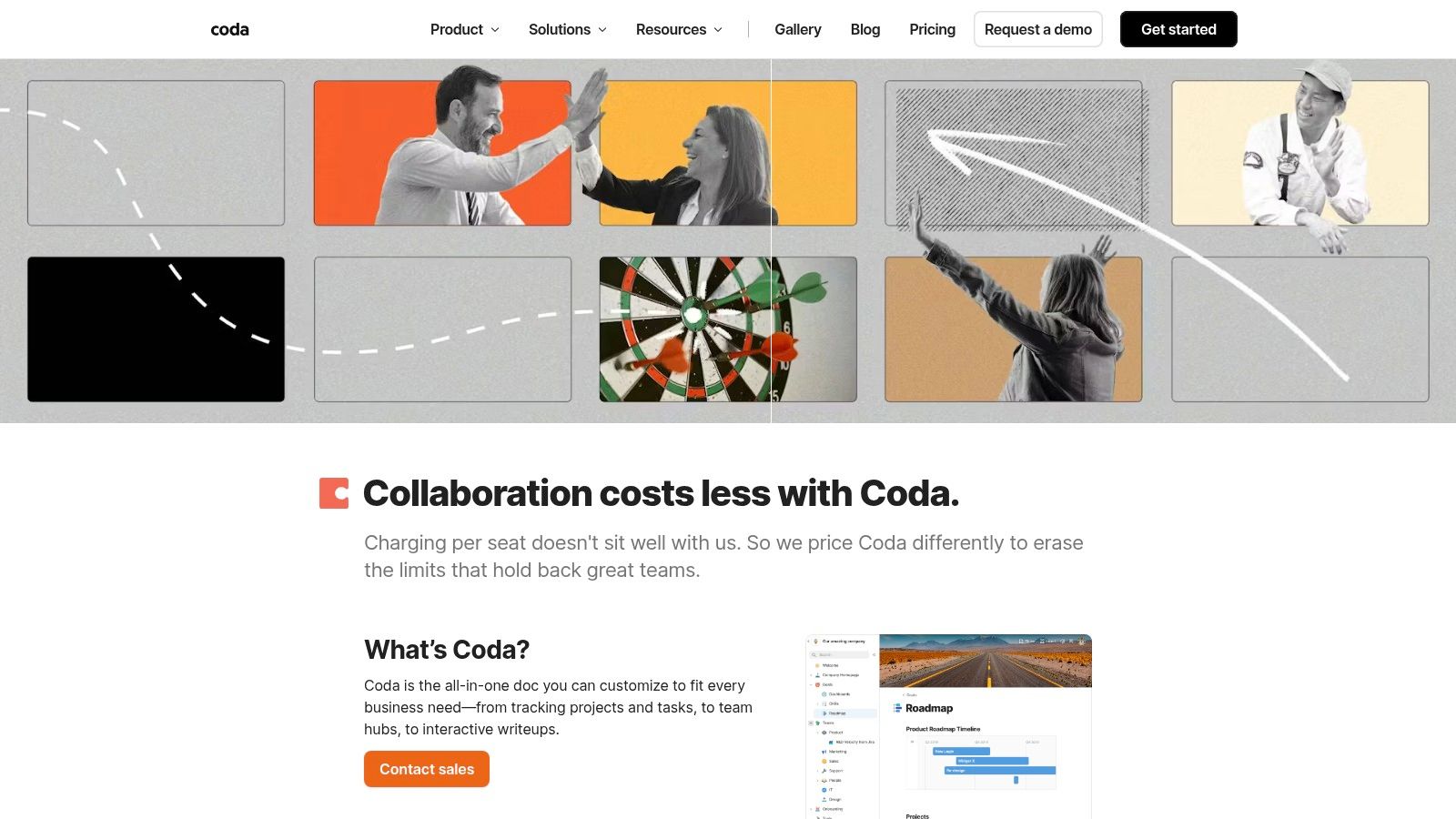
What truly makes Coda one of the best document collaboration software options is its unique "Maker" billing model. Instead of paying for every single user, you only pay for the people building and designing the docs. Editors and viewers are free, which can make it incredibly cost-effective for teams with wide-ranging collaboration needs, like sharing a project dashboard with an entire company or client base. It’s a game-changer for scaling collaboration without scaling costs.
Pros & Cons:
Pricing: Starts with a limited free plan. The Pro plan is $10/month/Maker, and the Team plan is $30/month/Maker.
Best For: Teams that want to build custom, interactive documents and lightweight internal tools without the overhead of paying for every user.
ONLYOFFICE carves out a unique space for teams that demand absolute control over their data. Where most platforms are cloud-first, ONLYOFFICE offers a powerful self-hosted option, letting you deploy its entire suite of editors on your own servers. This makes it an ideal choice for organizations in finance, healthcare, or government that have strict data privacy and compliance requirements. It’s built for teams that love the Microsoft Office experience but need it in a more flexible, secure, and private package.
What truly sets ONLYOFFICE apart is its commitment to Microsoft format compatibility. It handles .docx, .xlsx, and .pptx files with near-perfect fidelity, eliminating the frustrating formatting hiccups that can happen when moving between ecosystems. Whether you choose their cloud-based DocSpace or the on-premise Docs Enterprise, you get a robust platform that prioritizes security without sacrificing the core collaborative features teams need to be productive.
Pros & Cons:
Pricing: Offers a free cloud plan. The Business plan starts at $15/user/month. On-premise enterprise licenses are priced based on simultaneous connections, starting from $1,600 for a lifetime license for 50 connections.
Best For: Organizations with strict data security/compliance needs or those wanting full control via on-premise deployment.
Instead of a single tool, G2's category page for Cloud Content Collaboration is your ultimate cheat sheet for comparing the entire market. Think of it as a meta-tool for finding the right tool. When you're overwhelmed by options and marketing jargon, G2 provides a structured, data-driven way to see how different platforms stack up based on thousands of real user reviews. It cuts through the noise, letting you filter vendors by company size, specific features, and user satisfaction ratings.
What makes G2 one of the best document collaboration software research hubs is its ability to speed up your vendor discovery process tenfold. You can quickly see who the "Leaders" and "High Performers" are, read detailed peer reviews about their real-world pros and cons, and compare feature sets side-by-side in their signature grid. It’s an invaluable first step before you commit to demos, helping you build a smart shortlist of platforms that genuinely fit your team’s workflow and needs.
Pros & Cons:
Pricing: Free to browse and compare software.
Best For: Teams and decision-makers in the research phase trying to navigate the market and create a data-backed shortlist of tools to trial.
Visit G2 (Cloud Content Collaboration category)
Whew, that was a marathon. If your brain feels like a browser with too many tabs open after that deep dive into the world of document collaboration, you’re not alone. We’ve dissected everything from the Goliaths like Google Workspace and Microsoft 365 to the specialized powerhouses like Notion, Coda, and Confluence. It’s clear that the quest for the single best document collaboration software is a bit of a myth.
The reality is, the perfect tool doesn't exist in a vacuum. It exists in the context of your team, your projects, and your specific brand of creative chaos. What works for a globally distributed enterprise with strict security protocols (hello, Box and Microsoft 365) will feel clunky and restrictive for a nimble startup that thrives on agile, interconnected docs (looking at you, ClickUp and Notion).
The right platform is the one that seamlessly integrates into your daily grind, reduces friction, and genuinely makes your work life easier. It's the one that makes you forget you're even using a "tool" because it just works.
Let's distill this mountain of information into a few core principles to guide your final decision. Don't just get dazzled by a long feature list; think critically about what you actually need.
Ecosystem is Everything: Are you already paying for and living inside Google or Microsoft’s universe? Leaning into their native collaboration suites is often the path of least resistance and the most cost-effective solution. The deep integration between Docs, Sheets, and Gmail, or Word, OneDrive, and Teams, is a powerful force.
Structure vs. Flexibility: Do you need the rigid, structured documentation of a wiki like Confluence, where everything has its place? Or does your team thrive on the "digital LEGOs" approach of Notion or Coda, where you can build custom workflows, databases, and documents all in one canvas?
Beyond the Document: The future of collaboration isn't just about co-editing a text file. It's about what you can do with the information inside that file. This is where AI-powered tools are changing the game. Platforms like Zemith are pioneering this shift, transforming static research papers and reports into dynamic knowledge engines that help you analyze data, uncover insights, and generate new ideas directly from your content. If your work involves deep research or complex knowledge management, this is a critical factor to consider. What is the best cloud-based document collaboration software for research teams? The answer probably involves an AI-powered component.
Feeling empowered? Good. Now it's time to take action. Don't just pick one from this list and pray it works. Follow these steps to make an informed choice.
Audit Your Current Pain Points: Get your team together and ask the hard questions. Where do documents get lost? What's the most annoying part of your review process? Are you constantly copy-pasting information between different apps? Your biggest frustrations are a roadmap to the features you need most.
Run a "Bake-Off": Don't commit without a test drive. Choose your top two or three contenders and sign up for their free trials. Create a small, low-stakes project and have a pilot group of teammates use each platform to complete it. Get their raw, honest feedback. Was it intuitive? Did it speed things up or slow them down?
Consider the Full Stack: A document tool rarely lives on an island. Think about how it will connect to your project management software, your chat app, and your cloud storage. As you evaluate, you can explore potential integrations for your workflow to see how a new tool might fit into your existing digital ecosystem. This foresight can save you a world of hurt down the line.
Ultimately, choosing the right document collaboration software is an investment in your team's sanity and productivity. The goal is to find the platform that gets out of your way and lets your team’s brilliance shine through. So, take these insights, start a few trials, and get ready to finally find your team's perfect fit. Happy collaborating!
Ready to stop just storing documents and start activating them? If your team deals with research, analysis, or any form of knowledge-intensive work, Zemith is built for you. Move beyond simple real-time editing and unlock an AI-powered workspace that helps you analyze, synthesize, and generate insights directly from your content. See how the future of document collaboration works at Zemith.







Trusted by teams at






The top models, plus image, video and voice tools, in one plan.
Without Zemith
ChatGPT PlusUS$20.00Claude ProUS$20.00Google AI ProUS$19.99SuperGrokUS$30.00Perplexity ProUS$20.00 MidjourneyUS$10.00
 ElevenLabsUS$6.00Le Chat ProUS$14.99
 RunwayUS$15.00Kling StandardUS$8.80
 Gamma PlusUS$12.00
 Otter ProUS$16.99
 QuillBot PremiumUS$19.95
 Photoroom ProUS$12.99
 Quizlet PlusUS$7.99
Total if paying separatelyUS$234.70/mo
"I love the way multiple tools they integrated in one platform. Going in the right direction."
— simplyzubair
"The quality of data and sheer speed of responses is outstanding. I use this app every day."
— barefootmedicine
"The credit system is fair, models are perfect, and the discord is very responsive. Quite awesome."
— MarianZ
"Just works. Simple to use and great for working with documents. Money well spent."
— yerch82
"The organization of features is better than all the other sites — even better than ChatGPT."
— sumore
"It lives up to the all-in-one claim. All the necessary functions with a well-designed, easy UI."
— AlphaLeaf
"The team clearly puts their heart and soul into this platform. Really solid extra functionality."
— SlothMachine
"Updates made almost daily, feedback is incredibly fast. Just look at the changelogs — consistency."
— reu0691
Hand off the research, writing, design and follow-ups. Zemith picks the tools it needs and brings back finished work.
Search the web, run deep research, read files, create images and run code with GPT, Claude, Gemini, Grok and more.
Zemith keeps working in the cloud and pings you when it's done.
Notion, Linear, Canva, Airtable and more. It asks before it creates or changes anything.
Docs, slides, sheets and PDFs, ready to send.
Chain models and tools on a visual canvas, from one prompt to a finished promo video.
Briefings, reports and reminders run on a schedule and are ready when you need them.
Real-time voice that can see your camera or screen.
The best image and video models, in one studio.
Turn PDFs, links and YouTube videos into podcasts, quizzes, flashcards and mind maps.














 Podcast
 Quiz
Quiz Flashcards
 Mind map
 Infographic