


Every top model, with tools built in.
Search the web, run deep research, read files, create images and run code with GPT, Claude, Gemini, Grok and more.
Compare 10 react code generator ai tools for React apps, design-to-code workflows, prototypes, pros, cons, and practical integration tips.
A developer needs a polished React dashboard before lunch. The designer wants the Figma layout reproduced faithfully, the product manager wants a clickable prototype, and someone has already asked whether the whole thing can be “production-ready by five.” That last request is how codebases acquire mysterious folders named final-final-v2.
The best React code generator AI depends on the job. Prompt-to-UI tools, design-to-code platforms, visual builders, full app prototypers, and repository-aware assistants all start from different inputs and produce different kinds of code. The important comparison isn't just which tool generates the prettiest first screen. It's what it outputs, how quickly you can iterate, where the code goes next, and what breaks when real state, accessibility, security, and framework constraints enter the room.
This list compares ten tools by their practical role. Output quality, iteration speed, integration path, limitations, and best-fit workflow all matter. Zemith sits slightly outside the usual category because it can complement several of these workflows with multi-model coding assistance, live React previews, debugging, research, explanations, and persistent project context.
Zemith is the most useful option here when React generation is only one part of the work. Its Coding Assistant can turn natural-language requirements into React snippets and complete components, show live previews, explain implementation choices, and help debug the result. That makes it less of a single-purpose code vending machine and more of a workspace for moving from idea to tested draft.
The strongest workflow is iterative. Ask for a component, inspect the preview, report the compile or behavior problem, and ask for a narrower revision. You can also compare approaches across models instead of accepting the first answer that happens to render. That matters because Stack Overflow's 2025 Developer Survey found that 84% of respondents were already using or planning to use AI development tools, while 51% of professional developers used them daily. Adoption is mainstream, but trust isn't automatic.
Zemith also connects coding with research and project context. You can keep requirements, screenshots, technical notes, and generated code together in a project, then ask the assistant to explain how state, props, data flow, and dependencies fit together. Its broader workspace includes document analysis, deep research, creative tools, workflow automation, and collaboration, so the same environment can support product discovery before implementation.
Practical rule: Treat Zemith's preview as a fast feedback loop, not a certificate of production readiness.
A multi-model workspace gives you flexibility, but it also means you need a repeatable review process. Generated React still needs TypeScript checks, linting, tests, accessibility review, responsive testing, and dependency inspection. If you want a practical workflow around the feature, Zemith's guide to an AI platform for developers is a useful place to start.
Best for: developers and teams who want coding assistance alongside research, explanations, live previews, and organized project context.
Less suitable for: teams looking only for a Figma export button or a repository-native pull request.
v0 by Vercel is excellent at prompt-to-interface work. Describe a pricing page, admin panel, onboarding flow, or analytics card, and it produces React and Next.js-oriented UI with TypeScript, Tailwind, and modern component patterns. It gets you to a credible visual starting point very quickly, especially when the desired output is a page rather than a complete business system.
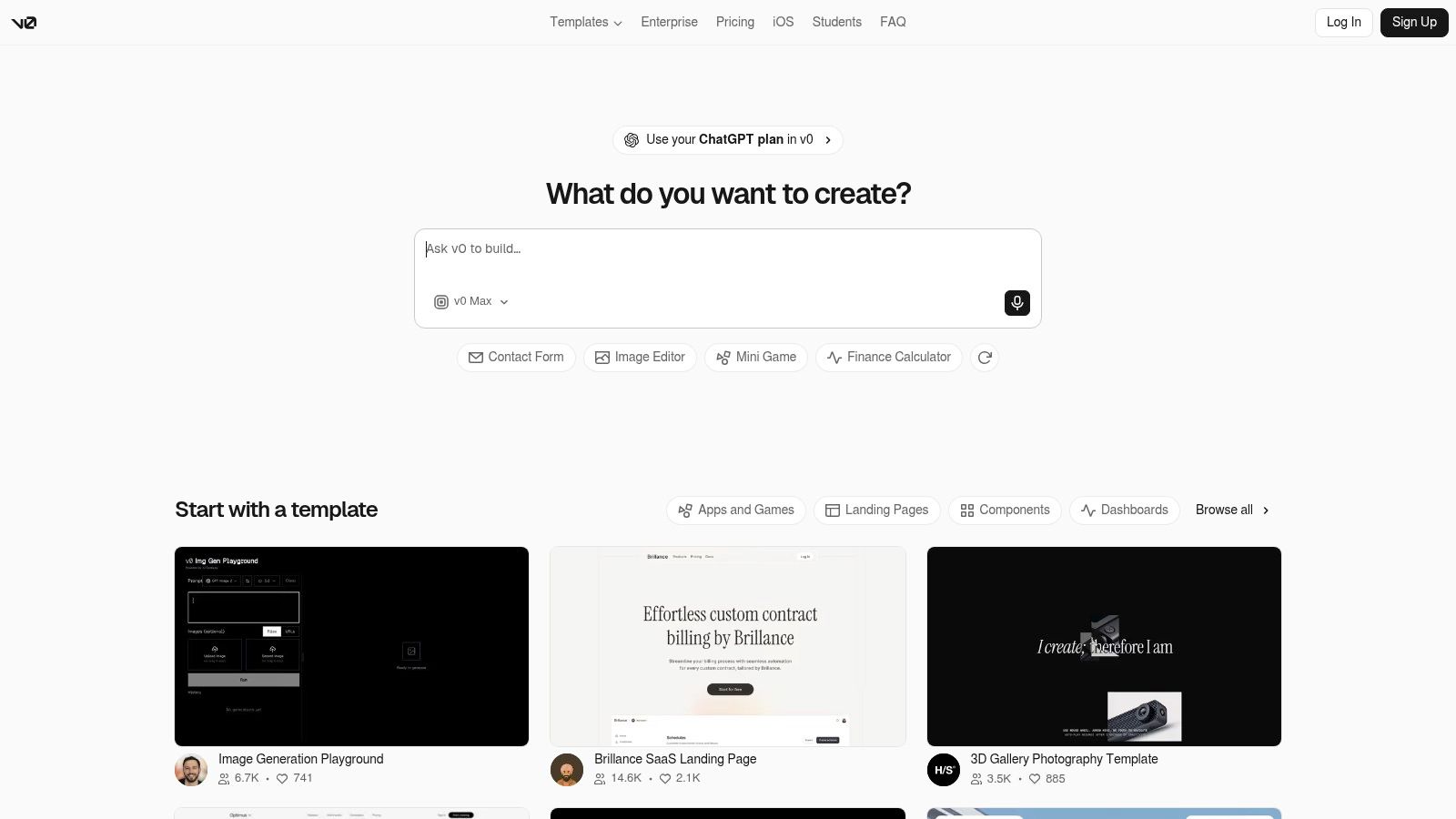
The defaults are practical for teams already using the Vercel ecosystem. Tailwind, shadcn/ui-style components, and Next.js conventions reduce the distance between a generated mockup and a project someone can continue in an editor. Iterative prompting is also pleasant. You can ask for a denser table, a darker theme, better mobile spacing, or a different navigation pattern without rebuilding the screen manually.
That makes v0 a strong choice for rapid UI exploration. It can help a designer and developer agree on a direction before anyone spends hours polishing component boundaries. Its connection to Vercel deployment and the Vercel AI SDK also gives teams a clear path when the generated interface needs to become a hosted prototype.
A polished screen isn't the same thing as a complete application. Authentication boundaries, data fetching, error states, complex forms, permissions, and domain-specific state usually need deliberate engineering. Usage-based billing also means teams should watch how often they regenerate variations.
Use v0 when the question is, “What should this React interface look like?” Use a repository-aware assistant when the question becomes, “How does this feature fit our existing architecture?” Zemith's guide to React live preview workflows is useful when you want to keep visual iteration and code explanation in the same loop.
Best for: fast prompt-to-React and Next.js UI exploration.
Less suitable for: complex application logic without substantial follow-up work.
Locofy.ai starts with a different asset, the design file. It converts Figma and Penpot designs into React or Next.js code, with support for Tailwind, custom components, component mapping, and developer workflow integrations. If the designer has already spent time defining spacing, typography, variants, and responsive layouts, Locofy can preserve more of that intent than a blank prompt usually can.
Raw design-to-code exports often create a refactoring marathon. Locofy's component mapping helps point generated sections toward the components a team already owns. That can reduce duplicate buttons, cards, and navigation patterns, provided the mapping is configured carefully.
Its URL import and CLI also make it more interesting for teams that want a repeatable design-to-code pipeline rather than a one-off export. The MCP server adds another route for agent workflows, although teams still need to decide which generated changes should enter the repository and under what review rules.
Locofy can reproduce the visible structure of a design, but complex interactions still need manual implementation. A Figma prototype may imply conditional fields, optimistic updates, keyboard behavior, permissions, loading states, and API failures without spelling them out. The generator can't reliably infer every product decision hiding behind a polished frame.
A good handoff includes acceptance criteria beside the design. Ask for stable list keys, semantic HTML, keyboard navigation, responsive behavior, and explicit loading and error states. For teams comparing screenshot-based workflows, Zemith's screenshot-to-code guide provides a useful companion approach.
Best for: Figma or Penpot to React pipelines with a defined design system.
Less suitable for: highly dynamic applications where the design file doesn't describe behavior.
Anima is another strong design-to-code option, but it offers a broader set of ways to work. Teams can use its Figma plugin, web playground, API, VS Code support, and MCP server. It can generate React in TSX or JSX, apply Tailwind classes, and also work from a URL or prompt when the starting point isn't a structured design file.
Anima reduces the handoff gap because the designer can stay close to the source file while the developer receives a working code draft. Its website-cloning workflow is handy for exploring an existing layout or creating an internal reference implementation. The combination of plugin, web, API, and editor workflows also makes it easier to fit into different team habits.
The best results come when the design system is explicit. Reusable components, sensible naming, and consistent constraints give the generator something solid to work from. Without that structure, the output may look faithful while still producing too many one-off wrappers and styles.
Generated UI rarely captures advanced state and data patterns cleanly on its first pass. Forms, tables, authentication flows, server data, and business rules will need refactoring. Heavy usage can also make higher tiers expensive, so teams should validate the workflow with representative screens before committing to a broad rollout.
Zemith's overview of image-to-HTML workflows pairs well with Anima when the input is a screenshot, visual reference, or early design concept rather than a fully annotated Figma file.
Best for: design teams that need flexible Figma, URL, prompt, and API-to-code workflows.
Less suitable for: developers expecting generated state management to match an existing architecture automatically.
TeleportHQ is a visual editor first, with AI assistance and code export built into the workflow. It supports Figma import and can export to React, Next.js, Vue, and Angular. That makes it a sensible choice for teams that want to edit a page visually, make quick changes with an in-editor assistant, and still receive code rather than locking the result inside a hosted builder.
TeleportHQ works well for marketing pages, landing pages, early product screens, and simple content-driven experiences. A non-developer can adjust layout and copy while a developer retains a route toward exported React code. Its visible pricing structure and accessible entry point also make it easier to test with a small team before introducing it into a larger process.
The visual editor is the main attraction, not autonomous application engineering. You can assemble a convincing page quickly, but complex data flows, permission systems, custom API behavior, and highly interactive components will still need code-level attention.
Export options and limits can differ by plan, particularly when comparing static output with interactive behavior. Check the contents of the generated project before promising a stakeholder that the page is ready to merge. A visual canvas can hide implementation details such as repeated styles, awkward nesting, missing semantics, or brittle responsive rules.
For a broader visual-to-code workflow, Zemith's guide to generating HTML code is helpful when you want to turn a visual draft into a React-friendly starting point.
Best for: visual editing with a route to React and other framework exports.
Less suitable for: production applications with substantial domain logic.
Builder.io takes design-to-code closer to the repository. Visual Copilot can convert Figma designs into React and other framework outputs, while its Codegen CLI, Mitosis compiler, VS Code extension, and Git integrations support teams that want generated components to enter an existing development workflow.
Many generators stop at “download this zip.” Builder.io is more appealing when the desired destination is a real repository with established components, review practices, and multiple framework targets. Mitosis can help teams share component intent across frameworks, which is useful for organizations supporting more than one frontend stack.
The plugin-to-CLI-to-repository flow also creates a clearer ownership model. Developers can inspect the diff, adjust the generated output, and decide whether a component belongs in the shared system or should remain local to one page.
A multi-framework compiler doesn't eliminate framework-specific decisions. Dynamic applications, complicated data requirements, and carefully tuned performance still require refactoring. The agent credit model can also add usage costs alongside seat pricing, so teams should measure how often generation saves engineering time.
Builder.io is strongest when design consistency and repository delivery are equally important. It isn't the best answer for a developer who only wants to chat with an assistant about one broken Hook. Zemith can complement that workflow by comparing model suggestions, explaining generated changes, and previewing smaller React components before they enter the larger codegen pipeline.
Best for: design-to-repository workflows and teams supporting multiple frontend frameworks.
Less suitable for: quick, disposable UI experiments where setup is more work than the screen.
Plasmic is a visual builder and CMS designed to work with React codebases rather than replace them. Teams can use its loader or eject generated components into a repository, then connect those components to application code. That ownership model is the reason developers often consider it when vendor lock-in is a serious concern.
Plasmic is less about asking a chatbot to invent an entire application and more about giving content and design teams a controlled visual editing surface. Developers can register existing components, expose the right properties, and keep the resulting UI connected to established React patterns. The open-source core and extensive documentation also make the system easier to inspect than a completely opaque hosted solution.
That approach is valuable for teams that want marketers or designers to change layouts without asking engineers to rebuild every content section. The generated code remains part of a broader system, rather than becoming an abandoned export in a downloads folder.
Plasmic's strength is also its limitation. Teams need to understand component registration, data connections, ownership, and the boundary between visual editing and application logic. Non-developers may find advanced patterns less approachable than a simple prompt box.
Use Plasmic when maintainability and integration matter more than instant generation. Use a prompt-first tool when you need a rough idea in front of a stakeholder immediately. Zemith can sit alongside either approach for research, code explanation, debugging, and live component previews.
Best for: teams that want visual editing while retaining React code ownership.
Less suitable for: users seeking a pure prompt-to-app experience with minimal configuration.
StackBlitz Bolt.new removes the local setup barrier. Give it a prompt and it scaffolds a working React project in the browser, runs the development environment through WebContainers, and lets you edit, share, and export the result. For a team that needs a clickable proof of concept before lunch, that immediacy is hard to beat.
Bolt.new is at its best when the team needs to see an idea behave. You can ask for a dashboard, add a filter, revise the navigation, and share the running project without asking everyone to install dependencies first. The browser-based environment also makes collaboration and onboarding easier.
It can generate more than isolated components, which is why it feels closer to a full app prototyping tool than a conventional React snippet generator. Community templates and an open-source repository give developers useful starting points for customization.
Authentication, payments, server-side rendering, secrets, deployment configuration, and durable data models usually need careful migration or manual implementation. A running preview can create the illusion that the difficult work is finished. It isn't. The browser has made the unfinished work look cheerful.
Use Bolt.new to validate an idea, demonstrate a flow, or create a disposable prototype. Once the direction is approved, move the code into a deliberate repository workflow and inspect every dependency and data boundary. Current usage limits and promotions can change, so confirm the product's terms before standardizing it across a team.
Best for: prompt-to-running React prototypes and collaborative proofs of concept.
Less suitable for: applications that need production infrastructure from the first generated draft.
Lovable focuses on generating complete React and TypeScript projects from prompts, with Tailwind-based interfaces and paths toward GitHub synchronization or Next.js export. It's a good fit when the request is larger than “make me a card” but smaller than “replace our entire engineering organization.”
Lovable makes greenfield product exploration feel approachable. You can describe a SaaS dashboard, internal tool, or customer workflow, then iterate through the interface and project structure conversationally. GitHub synchronization gives developers a route to inspect the files locally, add their own tooling, and continue outside the browser.
The migration and community tooling around Next.js is useful for teams that start with a client-heavy React project but later need a more structured application framework. That path isn't completely automatic, but it gives the generated project somewhere sensible to go.
Generated applications often lean toward React client apps. Next.js features, server boundaries, authentication, caching, and deployment concerns may require migration or manual work. Export and download limits also depend on the plan and credit model, so confirm the tier before building an important deadline around it.
Treat Lovable as a fast greenfield accelerator. Give it a small vertical slice first, inspect the file structure, and test one real data flow before asking it to expand the application. Zemith can support the review by explaining unfamiliar code, comparing alternative implementations, and keeping product research near the generated project context.
Best for: quickly creating and iterating on a greenfield React application.
Less suitable for: teams that already have a mature architecture and need every change to respect existing conventions.
Figma Make keeps the generation workflow inside the Figma canvas. For teams that already live in Figma, that removes a frustrating handoff step. Designers can work from the visual source, generate React component drafts, and give engineers something more concrete than a screenshot and a message saying, “It should feel like this.”
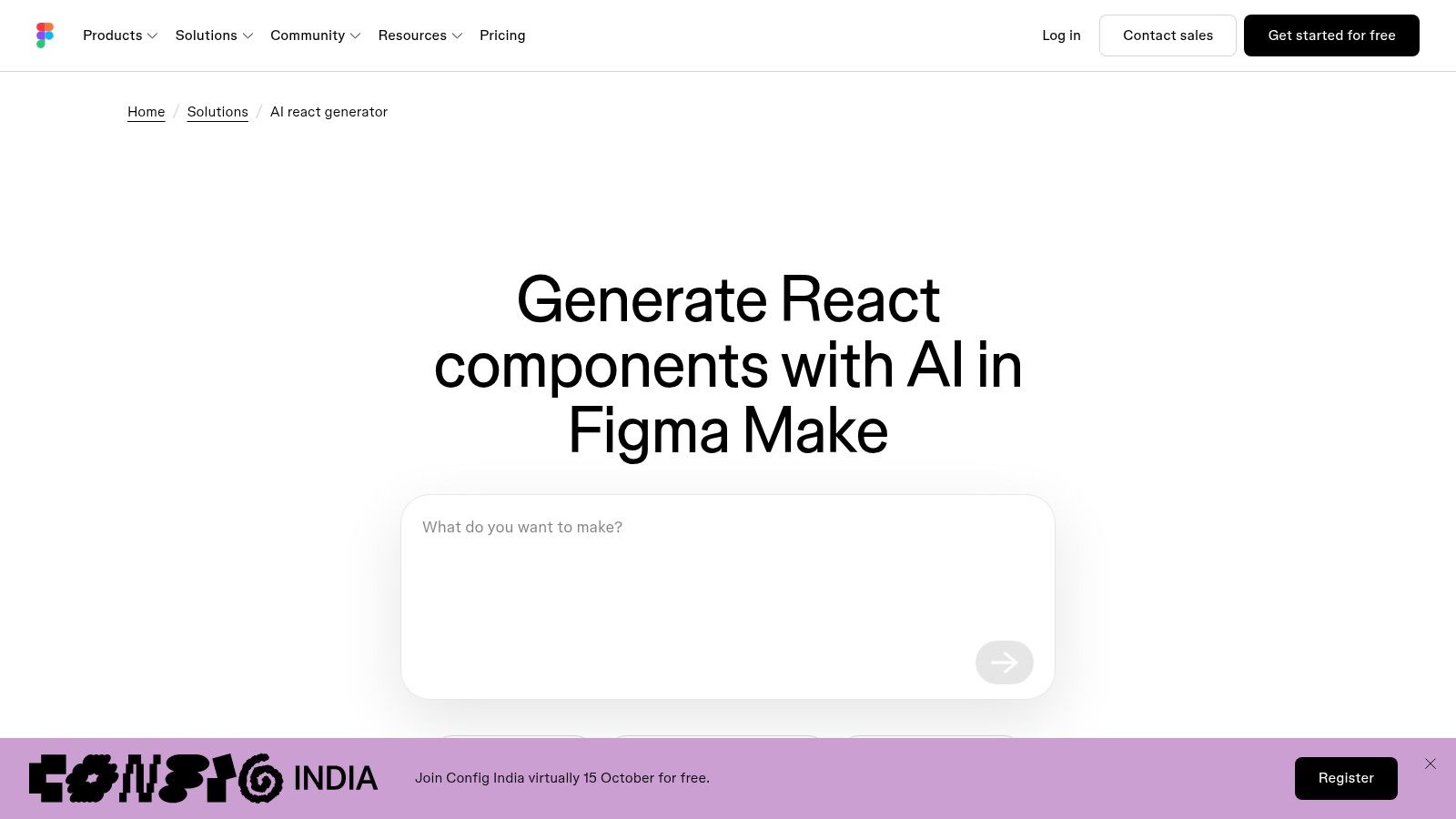
Figma Make is a sensible choice for component stubs, interaction experiments, and early design-to-code exploration. Its connection to Figma's canvas and Dev Mode workflows gives designers and engineers a shared place to discuss the output. That can reduce translation errors before the code reaches an IDE.
It also suits teams that don't want to introduce another design tool just to test AI-generated React. The less context a designer has to move between applications, the less likely important spacing, variant, or content decisions are to disappear during handoff.
Figma-native generation is still better suited to early-stage component work than complex application scaffolding. Engineers will need to refine state, data fetching, security, accessibility, testing, and framework-specific architecture. AI availability and credits are tied to Figma plans and workspace allowances, so check current access before planning a large rollout.
Use Figma Make when the design file is the source of truth. Use Zemith after handoff when the team needs multi-model comparison, debugging, live React previews, research, or a persistent place to explain why the generated component should be changed.
Best for: Figma-native design-to-code handoff.
Less suitable for: complete production applications with complex behavior and infrastructure.
There isn't one winner because these tools solve different bottlenecks. If a developer needs to explore several interface directions quickly, v0 is the obvious first stop. It produces polished React and Next.js-oriented UI with little ceremony, making it useful before the team has settled on a visual direction.
Choose Locofy or Anima when the source of truth is Figma, Penpot, a URL, or an established design system. Locofy is especially useful when component mapping and CLI integration matter. Anima makes sense when the team wants a broader mix of plugin, playground, API, editor, and agent workflows. Both can reduce handoff friction, but neither removes the need to implement behavior that the design file never specified.
For repository integration and code ownership, look at Builder.io and Plasmic. Builder.io has a more explicit design-to-repository pipeline and multi-framework ambitions. Plasmic is attractive when teams want visual editing inside a React system while retaining control over components and exported code.
For working prototypes, Bolt.new and Lovable are the practical choices. Bolt.new is particularly effective when the team wants a running browser-based project immediately. Lovable is a strong greenfield option when GitHub synchronization and a route toward Next.js matter. Both can get a convincing prototype moving quickly, but production infrastructure still needs engineering attention.
TeleportHQ is the better fit for visual editing with code export, while Figma Make is the natural choice for teams that want to stay inside Figma during the earliest design-to-code stage. Zemith is useful when the workflow crosses categories. It can help generate and preview a component, compare model responses, inspect a screenshot, research an unfamiliar API, explain an implementation, and keep the surrounding requirements in one project context.
Every tool deserves the same validation loop:
The most productive mindset is simple. Generated React is a first draft with unusually good typing speed and occasionally alarming confidence. Use the tool that matches your starting point, keep ownership of the code, and let Zemith support the surrounding engineering loop with multi-model assistance, debugging, explanations, research, live previews, and organized project context. A component isn't finished because it renders. It's finished when the team understands it, tests it, secures it, and can change it without summoning the original prompt from an ancient chat tab.
Zemith gives developers React code generation, live component previews, debugging, explanations, research, and multi-model assistance in one workspace, so you can move from visual idea to maintainable implementation without constant tool switching. Try the Zemith Coding Assistant for your next React component and use the preview and project context to refine the code before it reaches production.







Trusted by teams at






The top models, plus image, video and voice tools, in one plan.
Without Zemith
ChatGPT PlusUS$20.00Claude ProUS$20.00Google AI ProUS$19.99SuperGrokUS$30.00Perplexity ProUS$20.00 MidjourneyUS$10.00
 ElevenLabsUS$6.00Le Chat ProUS$14.99
 RunwayUS$15.00Kling StandardUS$8.80
 Gamma PlusUS$12.00
 Otter ProUS$16.99
 QuillBot PremiumUS$19.95
 Photoroom ProUS$12.99
 Quizlet PlusUS$7.99
Total if paying separatelyUS$234.70/mo
"I love the way multiple tools they integrated in one platform. Going in the right direction."
— simplyzubair
"The quality of data and sheer speed of responses is outstanding. I use this app every day."
— barefootmedicine
"The credit system is fair, models are perfect, and the discord is very responsive. Quite awesome."
— MarianZ
"Just works. Simple to use and great for working with documents. Money well spent."
— yerch82
"The organization of features is better than all the other sites — even better than ChatGPT."
— sumore
"It lives up to the all-in-one claim. All the necessary functions with a well-designed, easy UI."
— AlphaLeaf
"The team clearly puts their heart and soul into this platform. Really solid extra functionality."
— SlothMachine
"Updates made almost daily, feedback is incredibly fast. Just look at the changelogs — consistency."
— reu0691
Hand off the research, writing, design and follow-ups. Zemith picks the tools it needs and brings back finished work.
Search the web, run deep research, read files, create images and run code with GPT, Claude, Gemini, Grok and more.
Zemith keeps working in the cloud and pings you when it's done.
Notion, Linear, Canva, Airtable and more. It asks before it creates or changes anything.
Docs, slides, sheets and PDFs, ready to send.
Chain models and tools on a visual canvas, from one prompt to a finished promo video.
Briefings, reports and reminders run on a schedule and are ready when you need them.
Real-time voice that can see your camera or screen.
The best image and video models, in one studio.
Turn PDFs, links and YouTube videos into podcasts, quizzes, flashcards and mind maps.














 Podcast
 Quiz
Quiz Flashcards
 Mind map
 Infographic