


Every top model, with tools built in.
Search the web, run deep research, read files, create images and run code with GPT, Claude, Gemini, Grok and more.
Learn what an AI prompt writer does, the parts of a strong prompt, and how to test and refine prompts so they give reliable results every time.
You've got a half-finished prompt in the chat box, the model just returned something that sounds smart, and you're one paste away from sending it to a client. That's the trap. One glossy answer feels like proof the wording works. It doesn't. An AI prompt writer treats that draft as a candidate, then runs a small check set before anyone relies on it. If the same question wobbles tomorrow, or falls apart on a messy input, the wording wasn't ready. I would rather ship a shorter prompt that passes five real cases than a polished one that only looked good once.
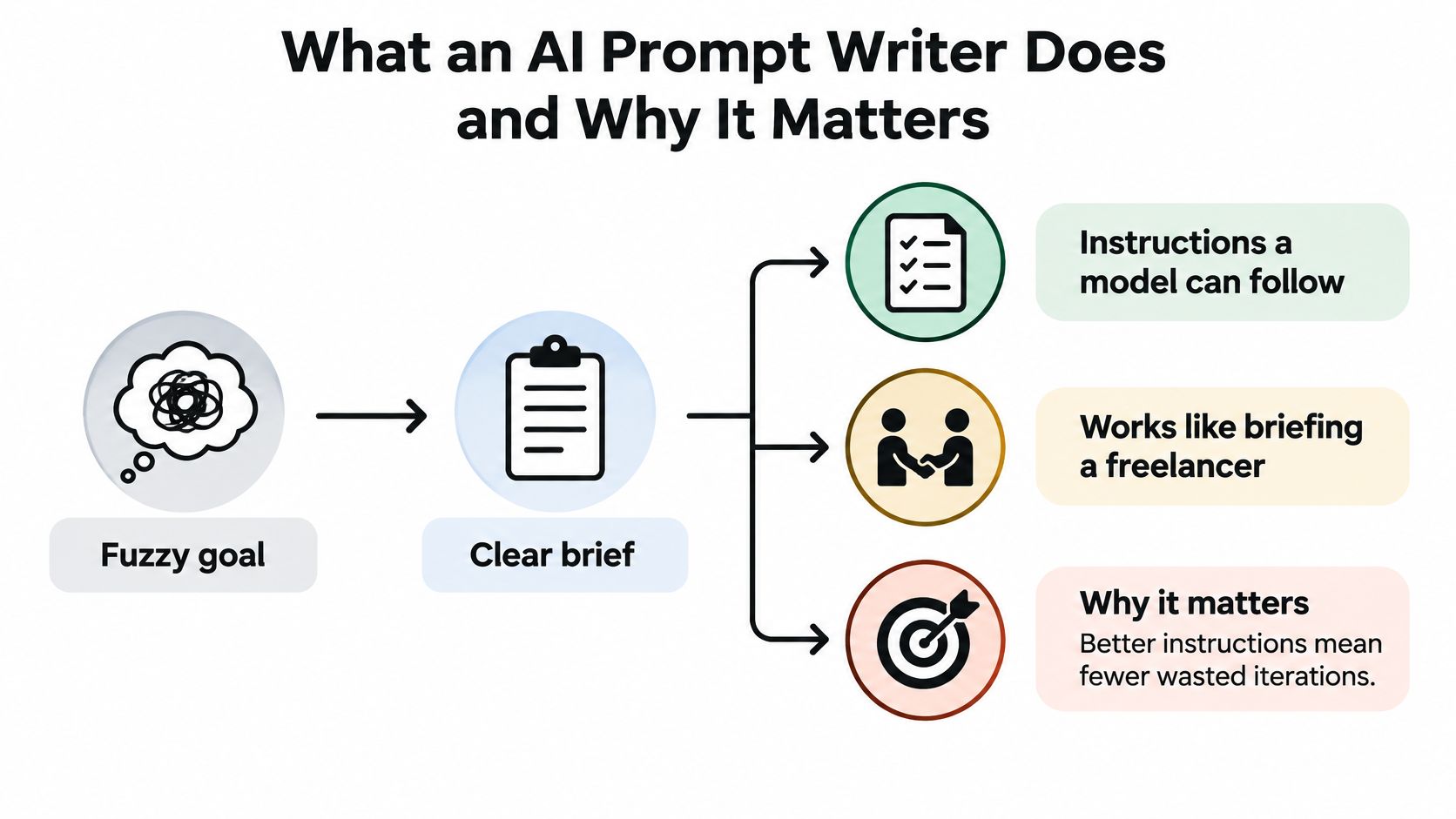
Say you're briefing a freelancer who has never met your client. You wouldn't write "make it good" and hope. You'd name the job, the reader, the length, and what "done" looks like. That's the daily work of an AI prompt writer: turning a fuzzy goal into instructions a model can follow.
The job is more than clever wording. You draft the instruction, test it on real inputs, and tune it for one task, one audience, and one output shape. A blog outline, a call summary, and a code review each need a different brief. Swap them and the model guesses, which is how you get a cheerful essay when you asked for three action items.
The title itself is still rare. A 2025 analysis of 20,662 unique LinkedIn job postings found only 72 prompt-engineer positions, less than 0.5% of that sample, next to 8,272 data-engineer postings. In the requirements attached to those prompt roles, AI knowledge showed up in 22.8%, communication in 21.9%, prompt design in 18.7%, and creative problem-solving in 15.8%. The skill sits inside marketing, research, coding, teaching, and content work, not a separate badge on your door.
Practical rule: If the output is unpredictable, the brief is unfinished, whatever your job title says.
A reliable prompt is usually five blocks. You don't need a novel. You need each block to do one job, which is why a table beats a paragraph when you're building the next one.
Role sets the perspective, not a costume party. "Act as a B2B copy editor" beats "you are a world-class genius," because the second one invites fluff. Task is one verb. If you want a summary and a tweet and a slide, that's three prompts, or a chain. Cramming them into one request is how the middle task gets ignored.
Context is the source the model is allowed to use. Paste the notes, the spec, or the policy. Don't assume it remembers last Tuesday's thread. Constraints draw the fence: length, tone, banned claims, and what to do when a fact is missing. Output format is the shape you can paste, grade, or drop into a doc.
Put role and task first, so the model knows the job before it sees a wall of notes. Then context. Then constraints and format. Short jobs can skip blocks. A one-line rewrite often needs only the task and the format. Asking for a persona on "fix this comma" is extra luggage.
Self-check before you send: could a stranger hired this morning do the work from only this prompt? If they'd have to guess the audience or the source, you're missing context or constraints. Keep the table in a notes file. Future you, tired and late, will thank present you.
A template is a saved prompt with blanks like [product], [audience], and [word count]. You fill the blanks, you don't rewrite the skeleton. One template can cover a whole batch: ten product blurbs, five client recaps, a week's social posts. The joke writes itself. If every job starts from a blank box, you're volunteering for extra work.
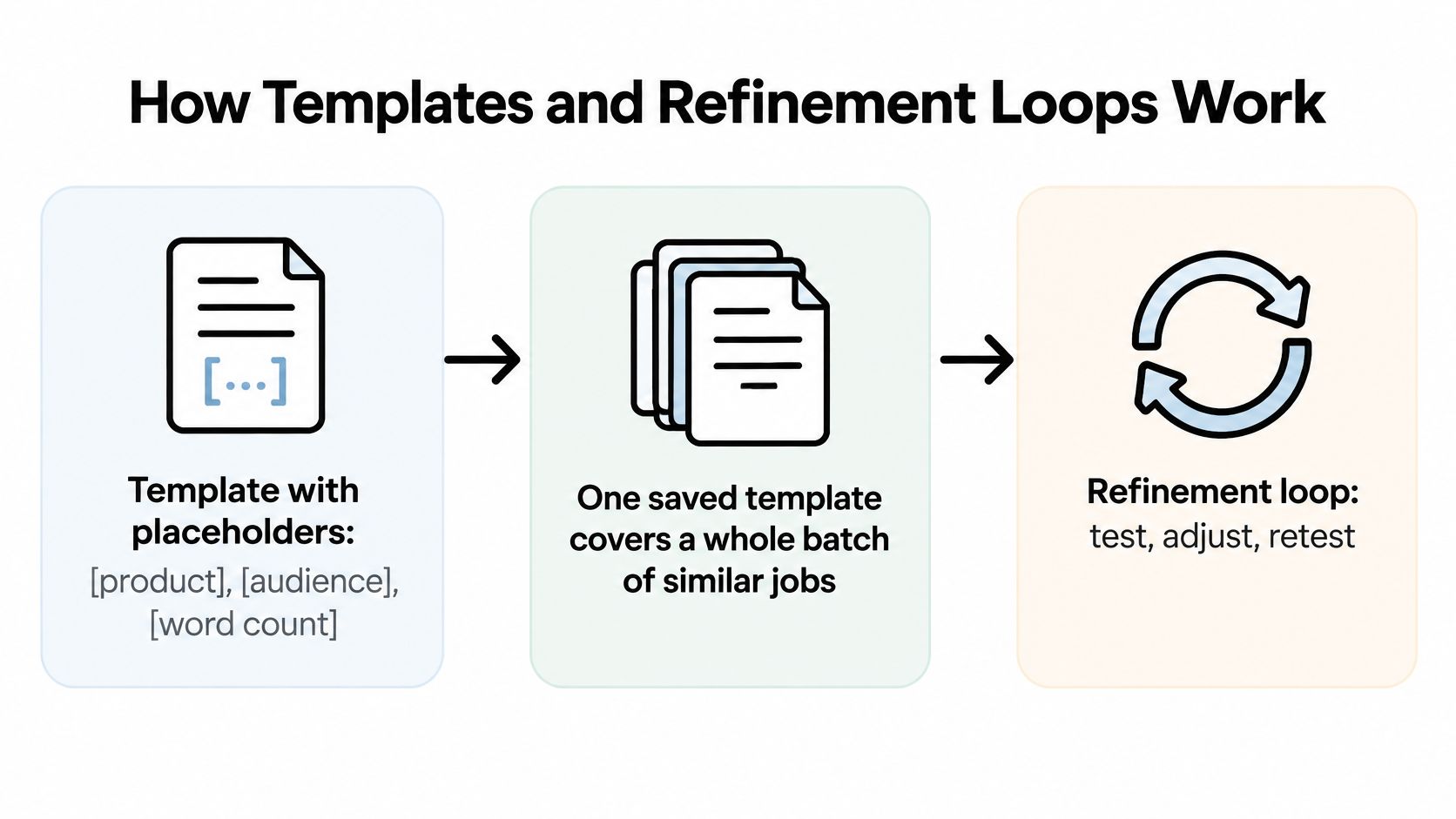
Keep the instruction at the top and the source material in its own pen. The OpenAI prompting guide says to place the instruction first and separate context with delimiters such as triple quotation marks, XML tags, or clear headings. Blending "write the article" into the middle of your notes is how the model starts editing your instructions instead of using them. It's the leftover container with no label. You will regret opening it.
Ask for "a 900-word comparison article," drop the notes between """ markers, and require a table plus a short conclusion. The markers make the prompt easy to audit. You can see the command, the source, and the shape without scrolling through a soup of paragraphs.
Plan on editing. A 2024 enterprise study of 1,712 users found a mean per-session prompt-edit rate of 0.86, so roughly 86% of successive inference requests involved an edit. Your first draft is a starting ticket, not a trophy. Three rounds on tomorrow's real job is enough to learn whether the template holds.
One impressive output proves almost nothing. The same prompt can wobble across inputs, models, and days, and a single pretty answer hides that. Treat prompt design as an optimization problem, not a hunt for magic wording.
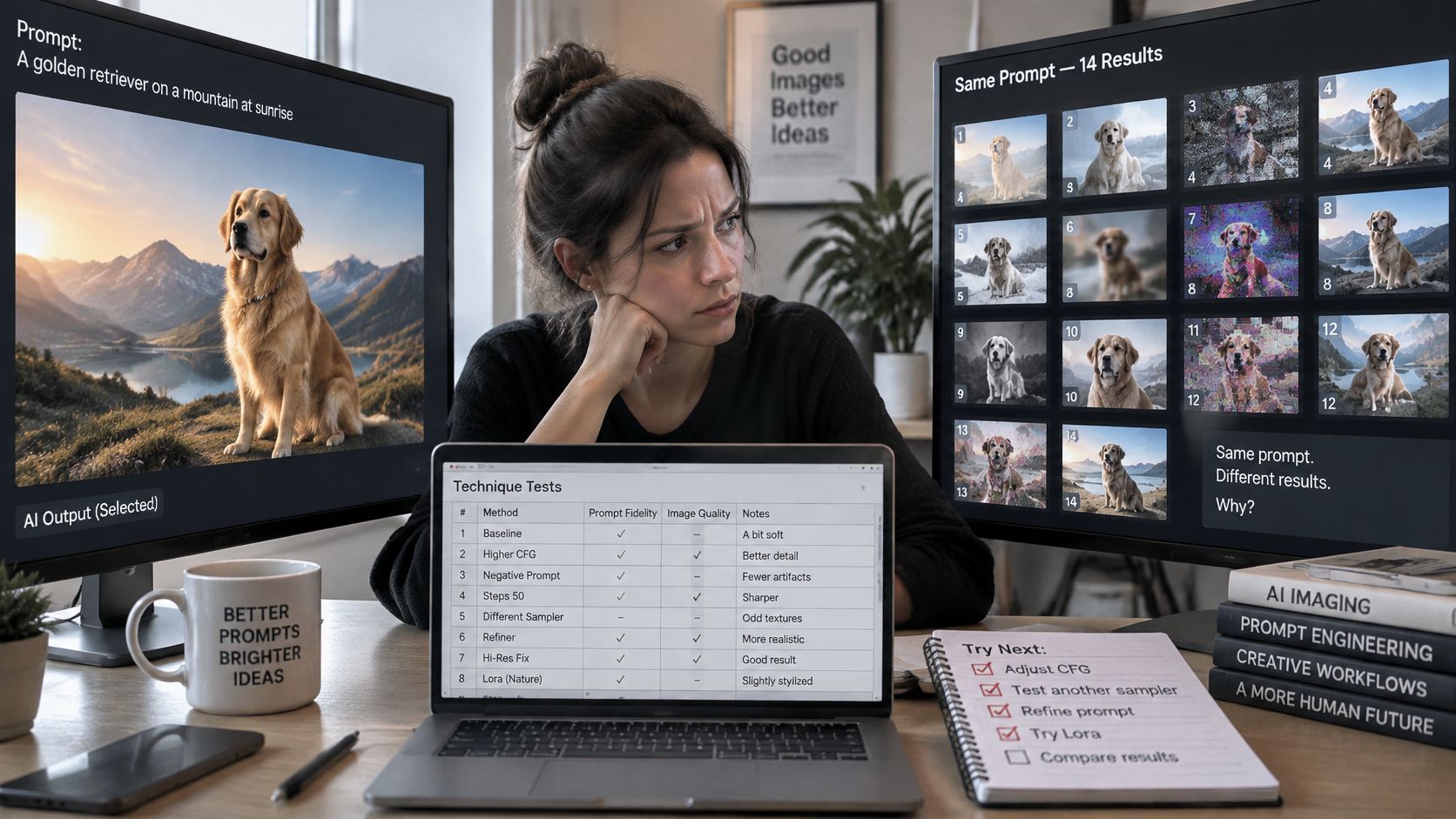
A systematic software-engineering benchmark evaluated 14 prompting techniques across 10 tasks, four language models, and more than 2,000 prompts, while tracking token budgets and latency. No technique won everywhere. Picking examples by semantic similarity, using k-nearest-neighbor methods, performed strongly across tasks. Role prompting was often the cheaper option. Random "here are three examples" dumps add tokens without helping the task. If you're unsure which model even deserves the test, start with a clear way to choose an LLM for the job, then lock that choice while you compare prompts.
The set is reusable. Every time a prompt fails in real use, add that input. The golden-retriever montage on your second monitor can wait.
Plenty of tools will write a prompt for you in seconds. That's a useful start, the same way a first outline is useful. A polished prompt is not a reliable one. It can read beautifully and still disagree with itself on the second run, on another model, or when the input changes.
A 2024 medical study found the same large language models gave materially different answers to the same question, with consistency from nearly none to almost perfect depending on the model and prompt. A confident draft proves nothing on its own. Task matters too. A 2025 software study reported validity averages of 90.76% to 96.33%, with zero-shot and few-shot prompting especially strong in that setting. A technique that wins once may flop on your work. Teams picking tools for tight budgets, including people picking AI tools that fit nonprofits, hit the same trap if they judge a generator by how smooth the prompt sounds.
Use generated prompts as candidates. If you want a writing workflow around them, this guide to using AI for writing pairs well with the check below.
In a 2025 questionnaire of 243 valid responses, 83.7% agreed or strongly agreed that clearer, more specific prompts produce better AI results. Specific means specific about the right things. "Be detailed" is not a habit. Naming the reader, the missing-data rule, and the pass condition is.
Vague praise like "make it better" gives the model nothing to aim at. Stacking five personas on one task splits attention, and you get a committee memo. Copying a prompt that worked on one model onto another without a retest is how last month's winner becomes this week's bug. Even a niche walkthrough, like this prompting guide for first-time tattoo seekers, only transfers if you retest it on your model and your inputs.
Before you hit send, check four things: reader named, missing-data rule set, output shape fixed, and one real example in the context. If a claim has to survive a skeptical reader, pair the prompt with a fact-checking pass instead of trusting fluent sentences.
The weak blog line has no reader, no length, and no shape, so the model invents a generic essay with a soft intro and no table. The stronger line names office managers, 1,200 words, H2s, a comparison table, and a checklist. You can see a miss in ten seconds.
The product line "make this sound good" is a wish. Forty words, busy parents, and a ban on hype adjectives give you something you can count. The study line is the strictest of the three, and it should be. "Summarize this paper" often buries the finding and invents a tidy conclusion. A word cap, a student audience, three findings, and a flag for unsupported claims make the failure obvious.
A prompt is a brief, not a wish.
Longer prompts cost more tokens and can add noise. Tie each added detail to a failure you've already seen, not to a feeling that more words look serious. If you want more pairs to steal from, a set of tested prompt examples is a better starting shelf than a blank page. Grab one weak prompt from your last week of work and rebuild it with role, task, context, constraints, and format. If a block doesn't earn its place, cut it.
Pick one habit for this week, not a new system.
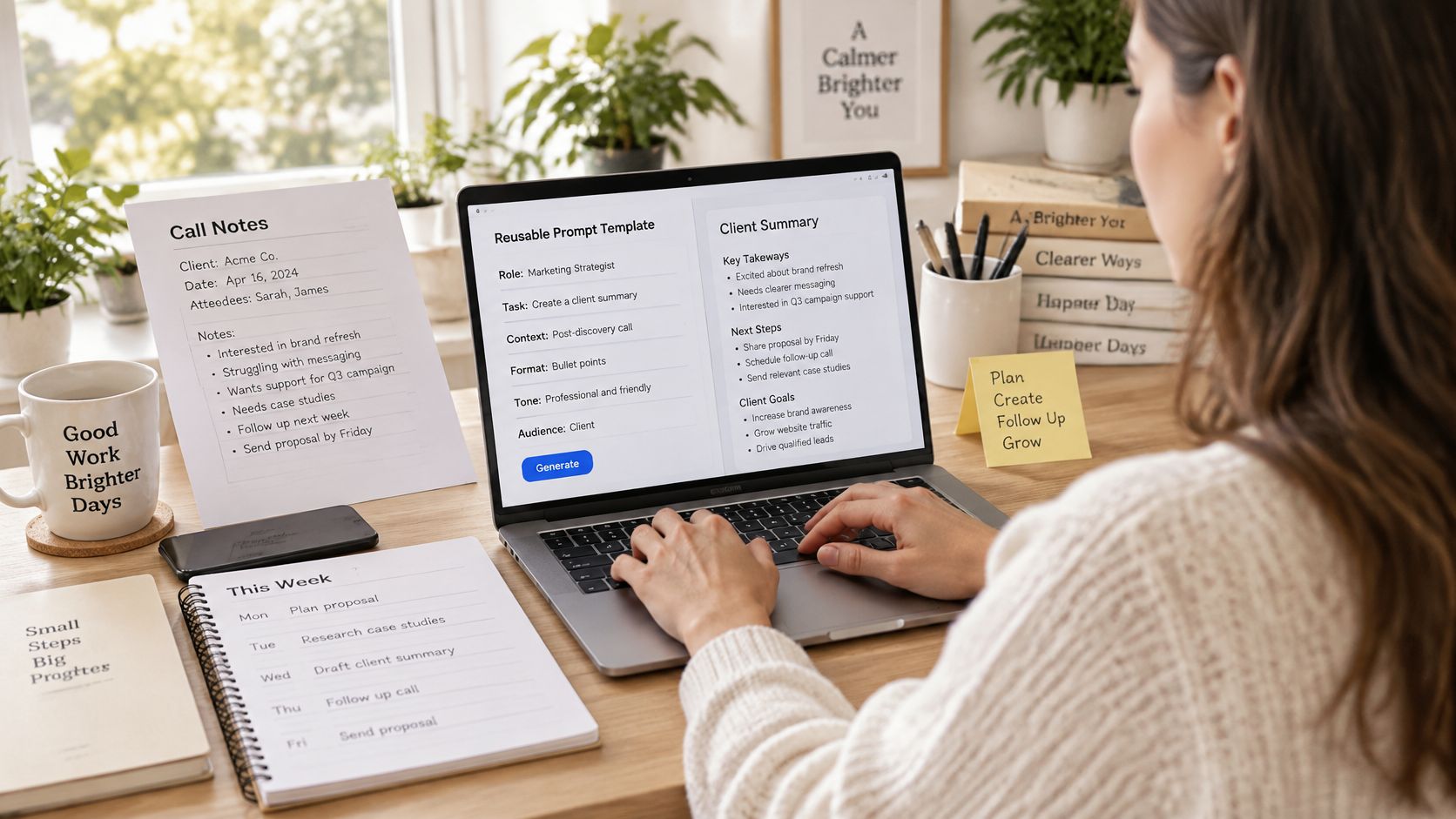
The same pattern shows up outside chat. People comparing Bidwell on bid writing software are really asking whether a repeatable brief beats rewriting every proposal from scratch. It does, once the template has survived real inputs. Park the winners in an AI prompt library so next week starts from the version that passed, not from memory.
We built Zemith so that comparison doesn't mean three browser tabs. You can run the same prompt on Claude, GPT, and Gemini from one workspace, keep files, chats, and instructions together in Projects so every answer starts with that context, and chain prompts, models, and image tools in the workflow builder. Choose one recurring task today, write the first version, and run the loop before lunch.
Zemith puts Claude, GPT, and Gemini in one workspace built for research and writing, so you can test a prompt, keep the source notes beside it, and reuse the version that passed. If you're tired of judging prompts by a single pretty answer, open Zemith and run tomorrow's recurring task through a real check set.
Ask the same question to different models without opening another subscription, then run the result in the sandbox. Claude 5.5 Opus and GPT 6.1 Sol are on Professional ($29.99/month); Plus covers the rest.
Free $0 (chat with the free models) · Plus $15.99/month · Professional $29.99/month. Prices in USD.
Pay less than one AI subscription and get GPT, Claude, Gemini and more, plus 50+ AI tools.


Trusted by teams at






The top models, plus image, video and voice tools, in one plan.
Without Zemith
ChatGPT PlusUS$20.00Claude ProUS$20.00Google AI ProUS$19.99SuperGrokUS$30.00Perplexity ProUS$20.00 MidjourneyUS$10.00
 ElevenLabsUS$6.00Le Chat ProUS$14.99
 RunwayUS$15.00Kling StandardUS$8.80
 Gamma PlusUS$12.00
 Otter ProUS$16.99
 QuillBot PremiumUS$19.95
 Photoroom ProUS$12.99
 Quizlet PlusUS$7.99
Total if paying separatelyUS$234.70/mo
"I love the way multiple tools they integrated in one platform. Going in the right direction."
— simplyzubair
"The quality of data and sheer speed of responses is outstanding. I use this app every day."
— barefootmedicine
"The credit system is fair, models are perfect, and the discord is very responsive. Quite awesome."
— MarianZ
"Just works. Simple to use and great for working with documents. Money well spent."
— yerch82
"The organization of features is better than all the other sites — even better than ChatGPT."
— sumore
"It lives up to the all-in-one claim. All the necessary functions with a well-designed, easy UI."
— AlphaLeaf
"The team clearly puts their heart and soul into this platform. Really solid extra functionality."
— SlothMachine
"Updates made almost daily, feedback is incredibly fast. Just look at the changelogs — consistency."
— reu0691
Hand off the research, writing, design and follow-ups. Zemith picks the tools it needs and brings back finished work.
Search the web, run deep research, read files, create images and run code with GPT, Claude, Gemini, Grok and more.
Zemith keeps working in the cloud and pings you when it's done.
Notion, Linear, Canva, Airtable and more. It asks before it creates or changes anything.
Docs, slides, sheets and PDFs, ready to send.
Chain models and tools on a visual canvas, from one prompt to a finished promo video.
Briefings, reports and reminders run on a schedule and are ready when you need them.
Real-time voice that can see your camera or screen.
The best image and video models, in one studio.
Turn PDFs, links and YouTube videos into podcasts, quizzes, flashcards and mind maps.











 Podcast
 Quiz
 Flashcards
 Mind map
 Infographic